


 Скачать презентацию USER TRAINING FOR INSYST 8 16 UPGRADE- Alcohol
55fd48bcd810fe271214ec5c9e79d397.ppt
- Количество слайдов: 94
 USER TRAINING FOR INSYST 8. 16 UPGRADE- Alcohol and Drug 0
 USER TRAINING FOR INSYST 8. 16 UPGRADE When Ø 1 The In. Syst system will be upgraded in October 2009.
 USER TRAINING FOR INSYST 8. 16 UPGRADE What Ø Ø Ø 2 Entry screens Fields Response edits
 USER TRAINING FOR INSYST 8. 16 UPGRADE Why Ø Ø Ø 3 State mandated changes. This is your opportunity to learn about these enhancements. Effective and accurate business processes support the collection of client data that impacts revenue.
 COMING OCTOBER 2009 8. 16 In. Syst Upgrade Ø Ø Ø 4 In. Syst Screen Changes Duplicate Service Edit Client Identification Number (CIN) Edit
 Training Topics Review of Business Process Ø Ø Ø Ø 5 Provider Website Help Desk Support National Provider Identifier (NPI) Duplicate Clients California Outcomes Measurements System Tx (Cal. OMS) In. Syst Reports Denied Correction Report (DCR)
 8. 16 In. Syst Upgrade Changes ØService Entry Screens for Single and Weekly ØCal. OMS Screen Changes ØMedicaid Eligibility – CIN Requirement 6
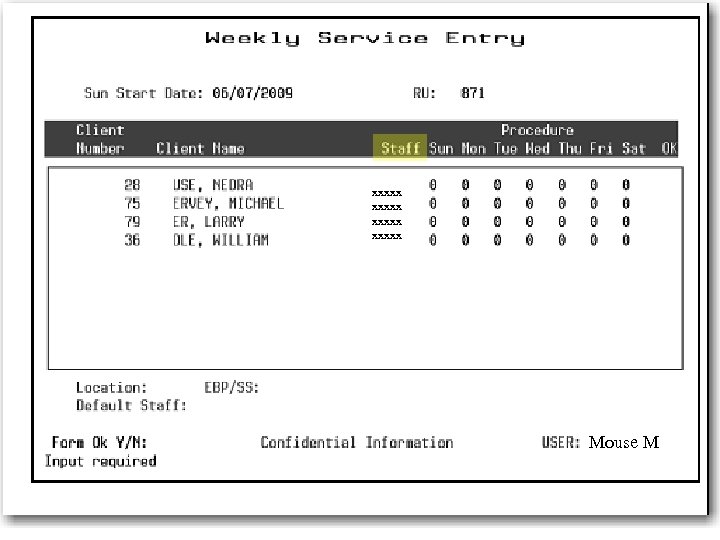
 8. 16 Service Entry Screen Changes l 7 The Weekly service entry screen has been modified to require entry of a staff number. Providers will need to determine who is the primary responsible staff or the staff person providing the service and enter their staff number into In. Syst.
 xxxxx Mouse M 8
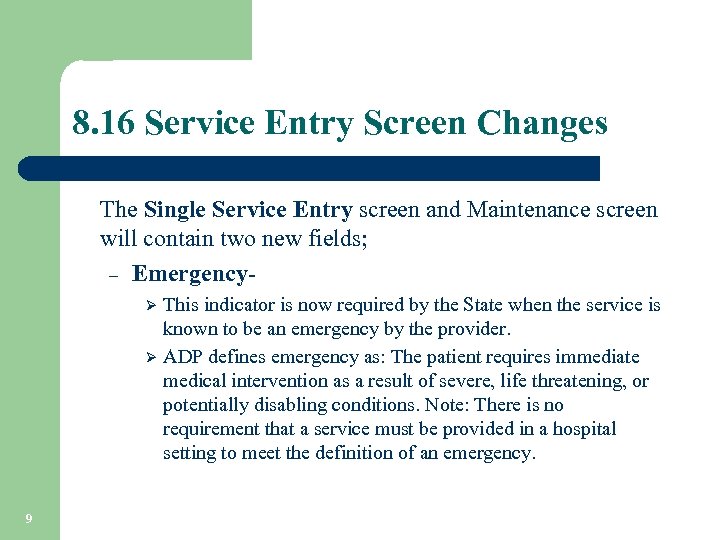 8. 16 Service Entry Screen Changes The Single Service Entry screen and Maintenance screen will contain two new fields; – Emergency. This indicator is now required by the State when the service is known to be an emergency by the provider. Ø ADP defines emergency as: The patient requires immediate medical intervention as a result of severe, life threatening, or potentially disabling conditions. Note: There is no requirement that a service must be provided in a hospital setting to meet the definition of an emergency. Ø 9
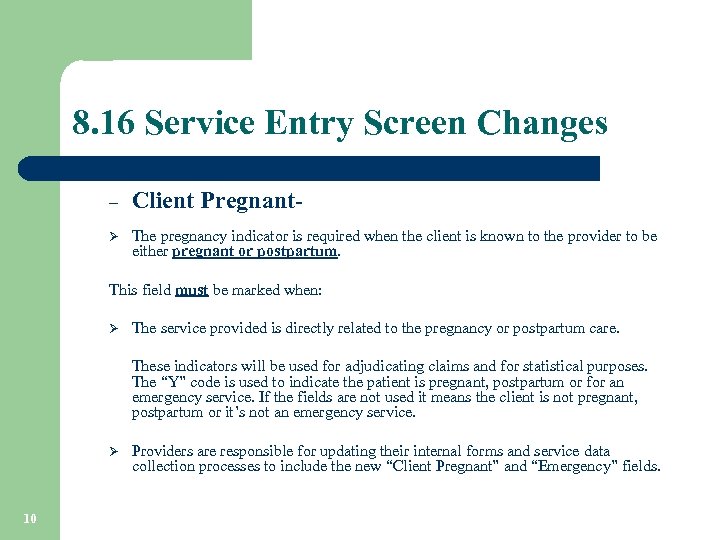 8. 16 Service Entry Screen Changes – Client Pregnant- Ø The pregnancy indicator is required when the client is known to the provider to be either pregnant or postpartum. This field must be marked when: Ø The service provided is directly related to the pregnancy or postpartum care. These indicators will be used for adjudicating claims and for statistical purposes. The “Y” code is used to indicate the patient is pregnant, postpartum or for an emergency service. If the fields are not used it means the client is not pregnant, postpartum or it’s not an emergency service. Ø 10 Providers are responsible for updating their internal forms and service data collection processes to include the new “Client Pregnant” and “Emergency” fields.
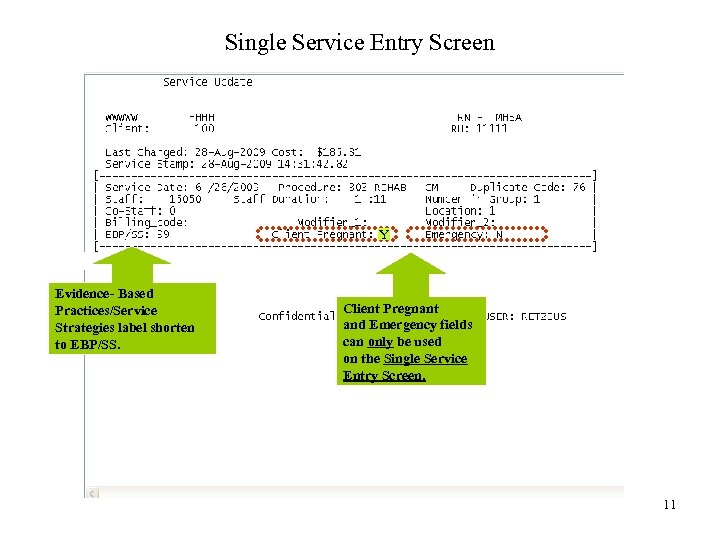 Single Service Entry Screen Y Evidence- Based Practices/Service Strategies label shorten to EBP/SS. Client Pregnant and Emergency fields can only be used on the Single Service Entry Screen. 11
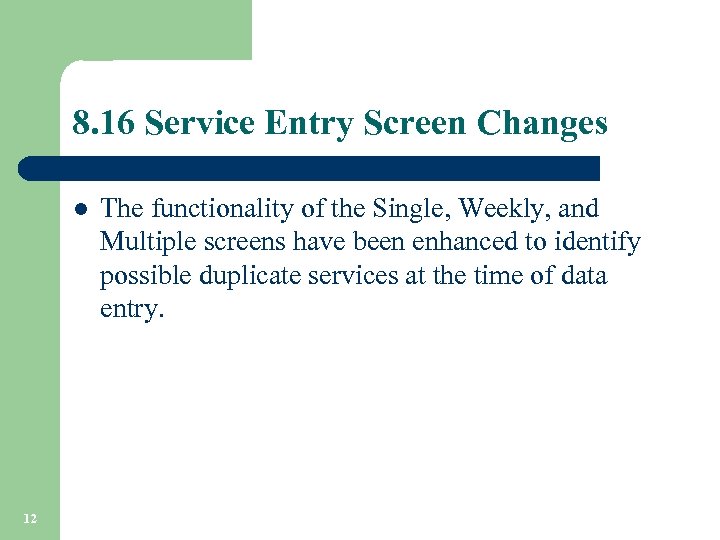 8. 16 Service Entry Screen Changes l 12 The functionality of the Single, Weekly, and Multiple screens have been enhanced to identify possible duplicate services at the time of data entry.
 8. 16 Service Entry Screen Changes l l 13 When entering services in In. Syst, an enhanced edit feature will identify possible duplicate services within the same Reporting Unit. The edit feature may determine a possible duplicate service when claimed to ADP. The service entry screen will now propose an override code and display the 3 allowable override codes: – 59 Distinct Procedural Service – 76 Repeat Procedure by the Same Person – 77 Repeat Procedure by a Different Person
 8. 16 Service Entry Screen Changes l Data entry staff may need to consult with the clinician to determine whether the procedure is: – – – A duplicate entry A separate and distinct service A repeated procedure by the same or different staff l l 14 Once the determination is made, data entry staff will select the appropriate override code and proceed with the service entry. The selected override code will be placed on the Medi-Cal claim and displayed on the Service Maintenance screen.
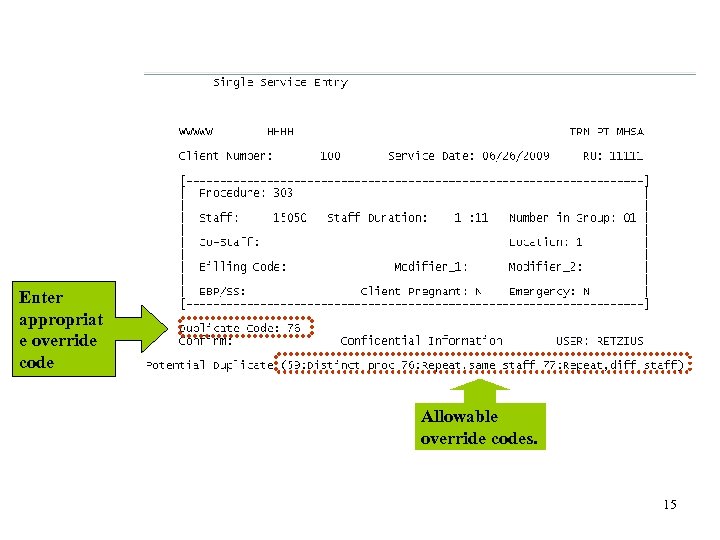 Enter appropriat e override code Allowable override codes. 15
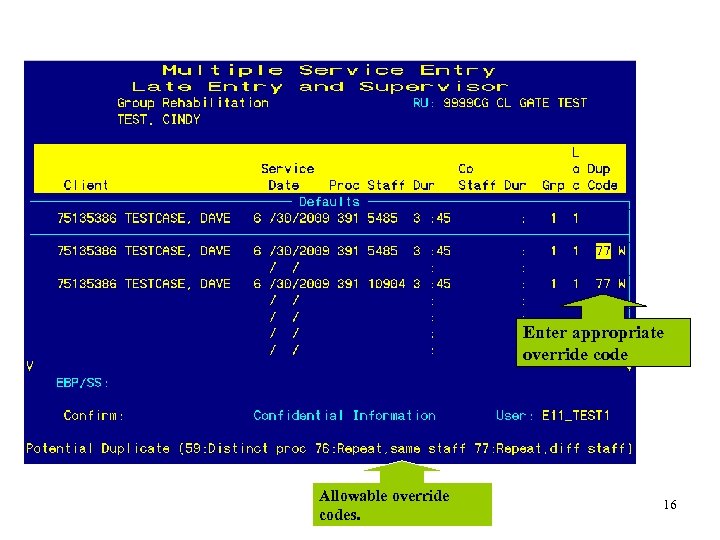 Enter appropriate override code Allowable override codes. 16
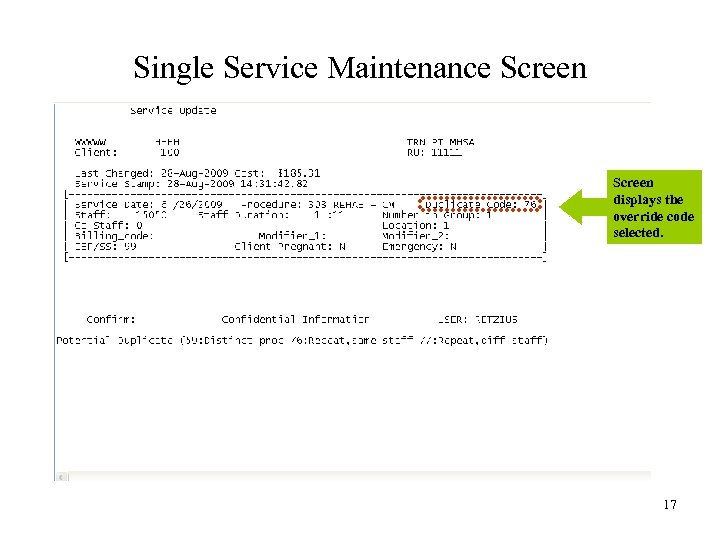 Single Service Maintenance Screen displays the override code selected. 17
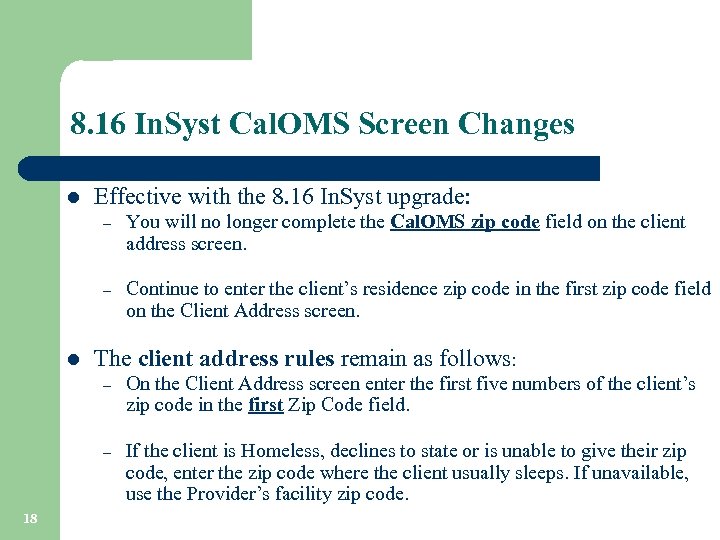 8. 16 In. Syst Cal. OMS Screen Changes l Effective with the 8. 16 In. Syst upgrade: – – l You will no longer complete the Cal. OMS zip code field on the client address screen. Continue to enter the client’s residence zip code in the first zip code field on the Client Address screen. The client address rules remain as follows: – – 18 On the Client Address screen enter the first five numbers of the client’s zip code in the first Zip Code field. If the client is Homeless, declines to state or is unable to give their zip code, enter the zip code where the client usually sleeps. If unavailable, use the Provider’s facility zip code.
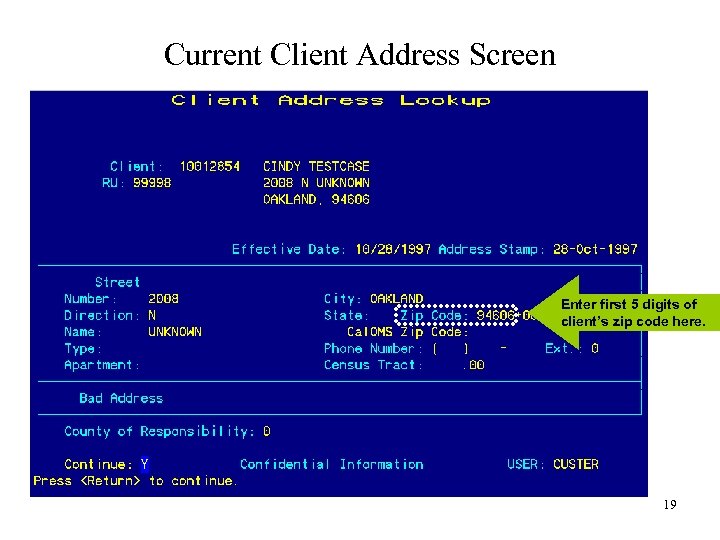 Current Client Address Screen Enter first 5 digits of client’s zip code here. 19
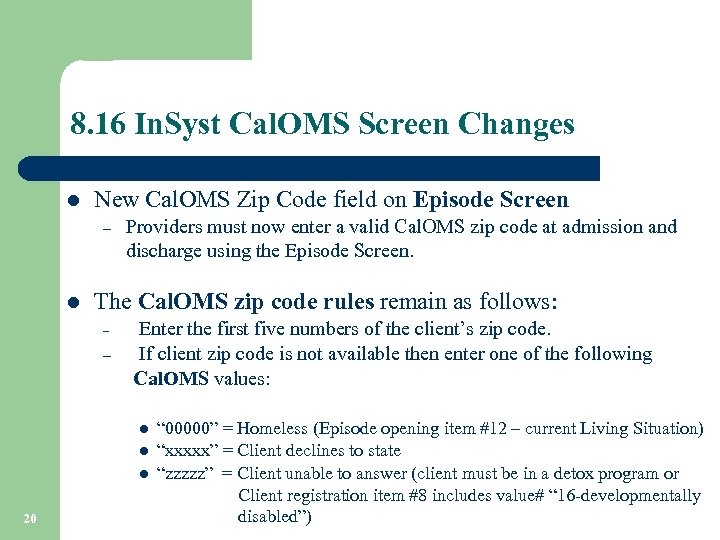 8. 16 In. Syst Cal. OMS Screen Changes l New Cal. OMS Zip Code field on Episode Screen – l Providers must now enter a valid Cal. OMS zip code at admission and discharge using the Episode Screen. The Cal. OMS zip code rules remain as follows: Enter the first five numbers of the client’s zip code. – If client zip code is not available then enter one of the following Cal. OMS values: – l l l 20 “ 00000” = Homeless (Episode opening item #12 – current Living Situation) “xxxxx” = Client declines to state “zzzzz” = Client unable to answer (client must be in a detox program or Client registration item #8 includes value# “ 16 -developmentally disabled”)
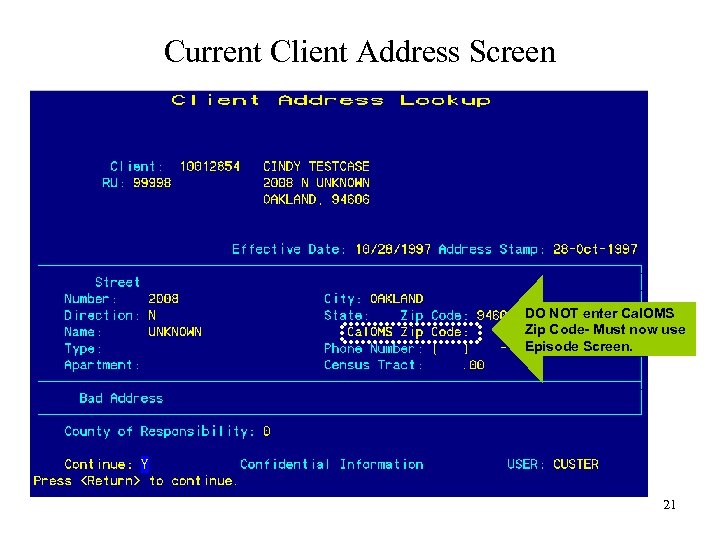 Current Client Address Screen DO NOT enter Cal. OMS Zip Code- Must now use Episode Screen. 21
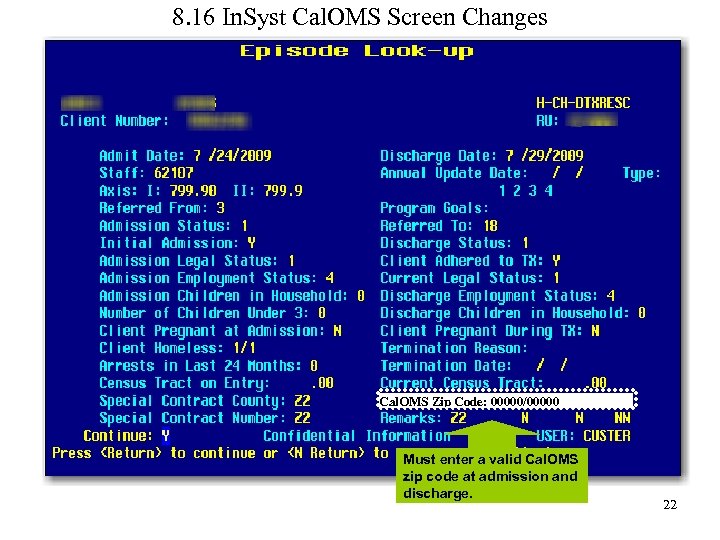 8. 16 In. Syst Cal. OMS Screen Changes Cal. OMS Zip Code: 00000/00000 Must enter a valid Cal. OMS zip code at admission and discharge. 22
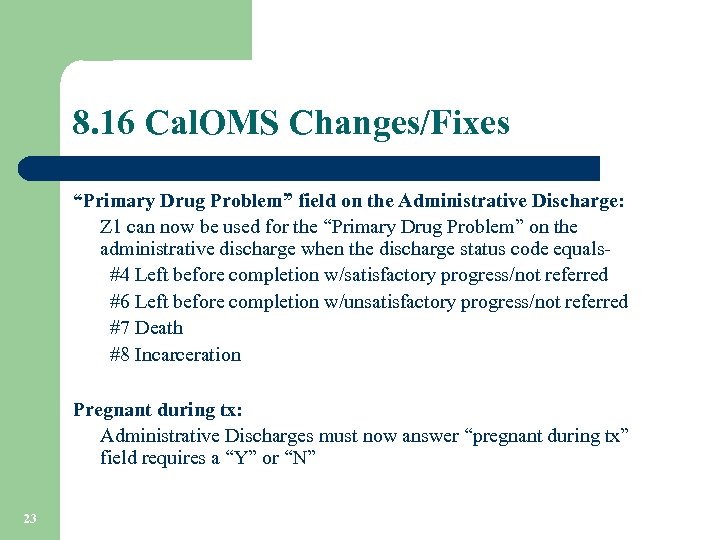 8. 16 Cal. OMS Changes/Fixes “Primary Drug Problem” field on the Administrative Discharge: Z 1 can now be used for the “Primary Drug Problem” on the administrative discharge when the discharge status code equals #4 Left before completion w/satisfactory progress/not referred #6 Left before completion w/unsatisfactory progress/not referred #7 Death #8 Incarceration Pregnant during tx: Administrative Discharges must now answer “pregnant during tx” field requires a “Y” or “N” 23
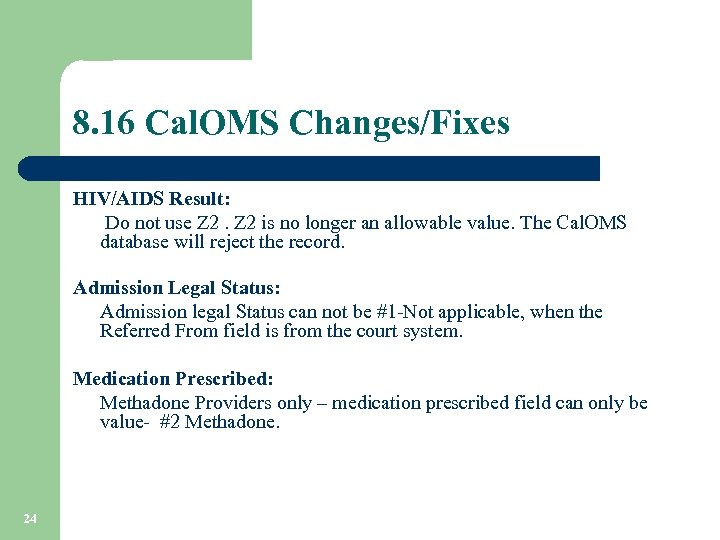 8. 16 Cal. OMS Changes/Fixes HIV/AIDS Result: Do not use Z 2 is no longer an allowable value. The Cal. OMS database will reject the record. Admission Legal Status: Admission legal Status can not be #1 -Not applicable, when the Referred From field is from the court system. Medication Prescribed: Methadone Providers only – medication prescribed field can only be value- #2 Methadone. 24
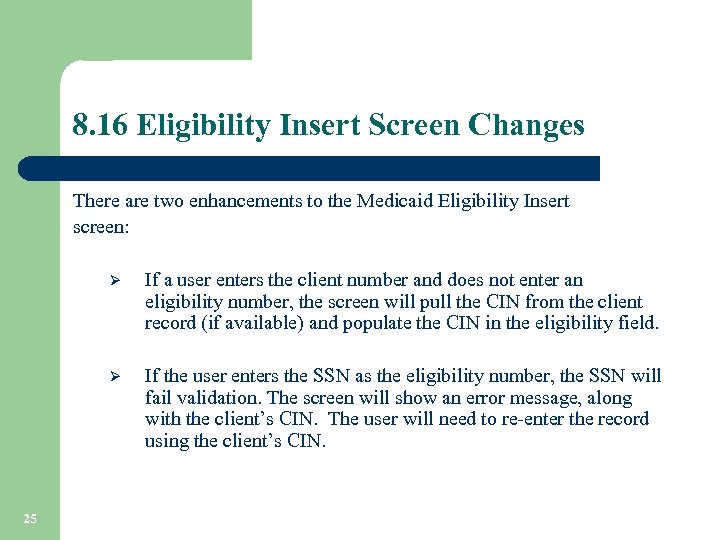 8. 16 Eligibility Insert Screen Changes There are two enhancements to the Medicaid Eligibility Insert screen: Ø Ø 25 If a user enters the client number and does not enter an eligibility number, the screen will pull the CIN from the client record (if available) and populate the CIN in the eligibility field. If the user enters the SSN as the eligibility number, the SSN will fail validation. The screen will show an error message, along with the client’s CIN. The user will need to re-enter the record using the client’s CIN.
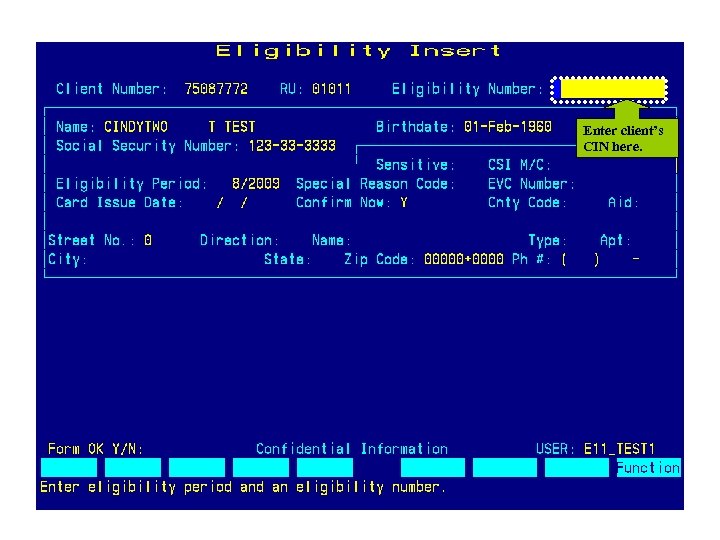 Enter client’s CIN here. 26
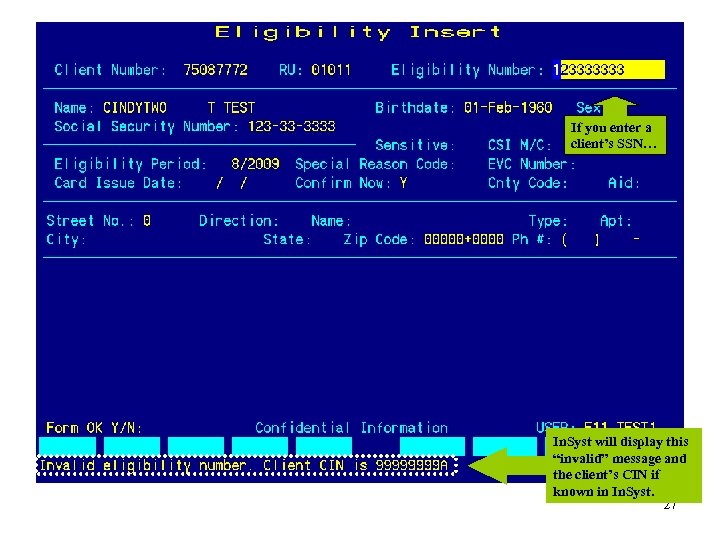 If you enter a client’s SSN… In. Syst will display this “invalid” message and the client’s CIN if known in In. Syst. 27
 Got Questions? 28
 Review of Business Process ØProvider website and support ØNPI ØDuplicate Client Records ØCal. OMS ØMedi-Cal Eligibility Overview ØIn. Syst Reports ØTest Claim ØDCR 29
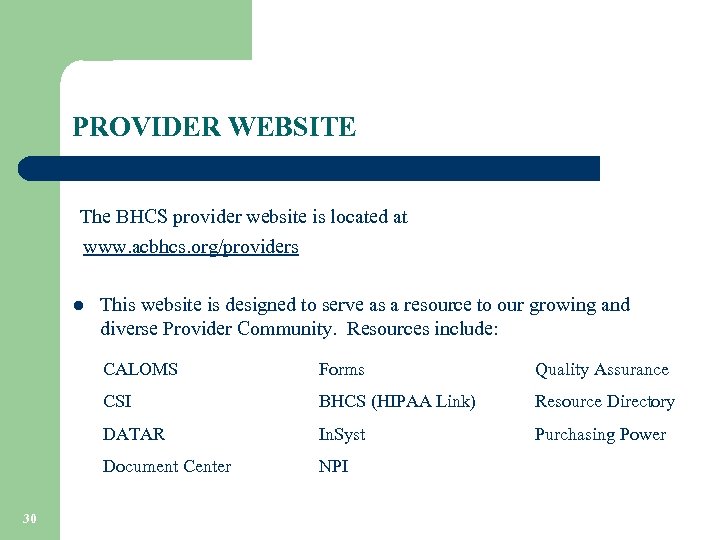 PROVIDER WEBSITE The BHCS provider website is located at www. acbhcs. org/providers l This website is designed to serve as a resource to our growing and diverse Provider Community. Resources include: CALOMS Quality Assurance CSI BHCS (HIPAA Link) Resource Directory DATAR In. Syst Purchasing Power Document Center 30 Forms NPI
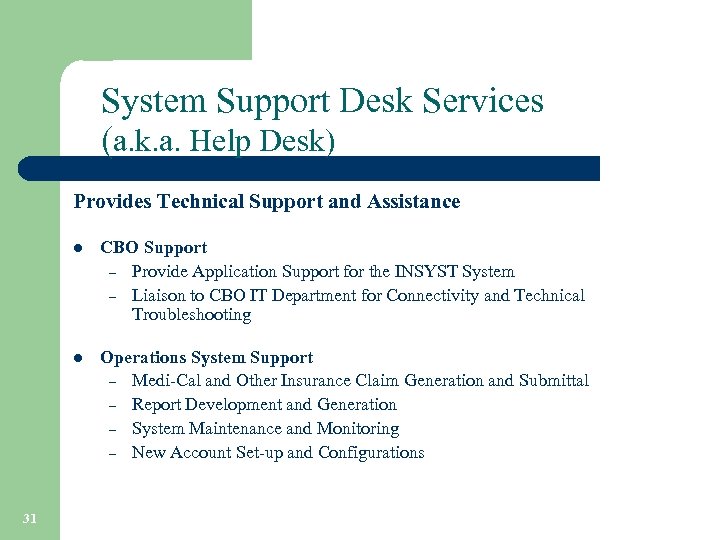 System Support Desk Services (a. k. a. Help Desk) Provides Technical Support and Assistance l l 31 CBO Support – Provide Application Support for the INSYST System – Liaison to CBO IT Department for Connectivity and Technical Troubleshooting Operations System Support – Medi-Cal and Other Insurance Claim Generation and Submittal – Report Development and Generation – System Maintenance and Monitoring – New Account Set-up and Configurations
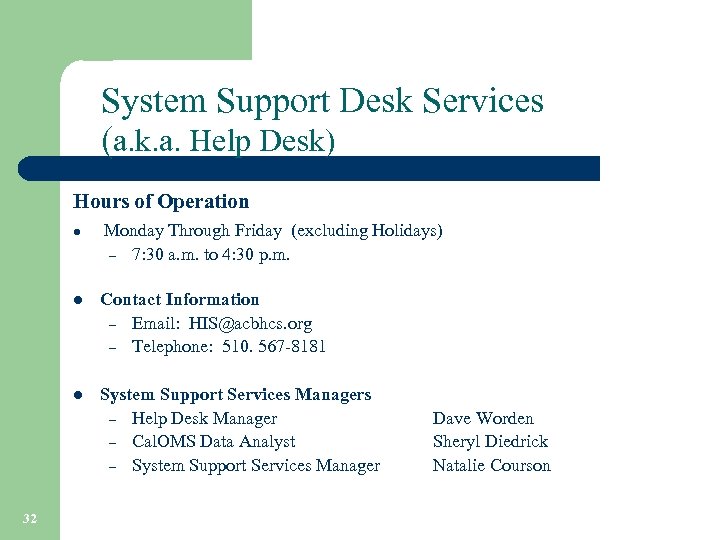 System Support Desk Services (a. k. a. Help Desk) Hours of Operation l Monday Through Friday (excluding Holidays) – 7: 30 a. m. to 4: 30 p. m. l l 32 Contact Information – Email: HIS@acbhcs. org – Telephone: 510. 567 -8181 System Support Services Managers – Help Desk Manager – Cal. OMS Data Analyst – System Support Services Manager Dave Worden Sheryl Diedrick Natalie Courson
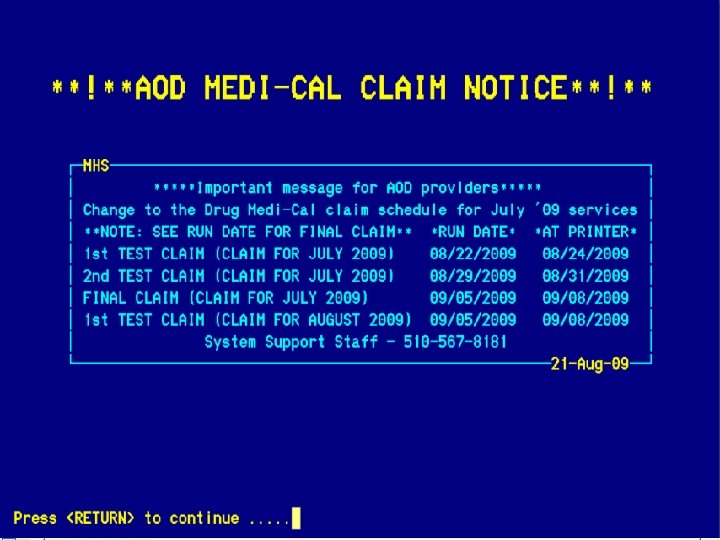
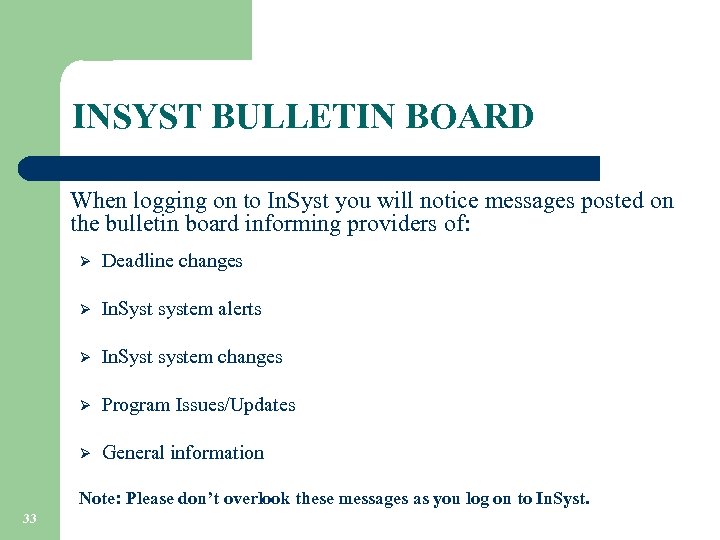 INSYST BULLETIN BOARD When logging on to In. Syst you will notice messages posted on the bulletin board informing providers of: Ø Deadline changes Ø In. Syst system alerts Ø In. Syst system changes Ø Program Issues/Updates Ø General information Note: Please don’t overlook these messages as you log on to In. Syst. 33
 34
34
 NATIONAL PROVIDER IDENTIFIER – NPI https: //nppes. cms. hhs. gov/NPPES/Welcome. do 35
 NPI TYPES Which one am I? Type 1 36 Type 2
 NPI TYPES Type 1 = An individual who renders health care services. (Service providers applying for an In. Syst staff number must provide their NPI. ) Ø Ø 37 The National Provider Identifier (NPI) is meant to be a lasting identifier, and is expected to remain unchanged even if a health care provider changes his or her name, address, provider taxonomy, or other information that was furnished as part of the original NPI application process. There may be situations where a new NPI is necessary because the current NPI was used for fraudulent purposes. NOTE: Any NPI changes that are not reported to BHCS may result in a loss of revenue.
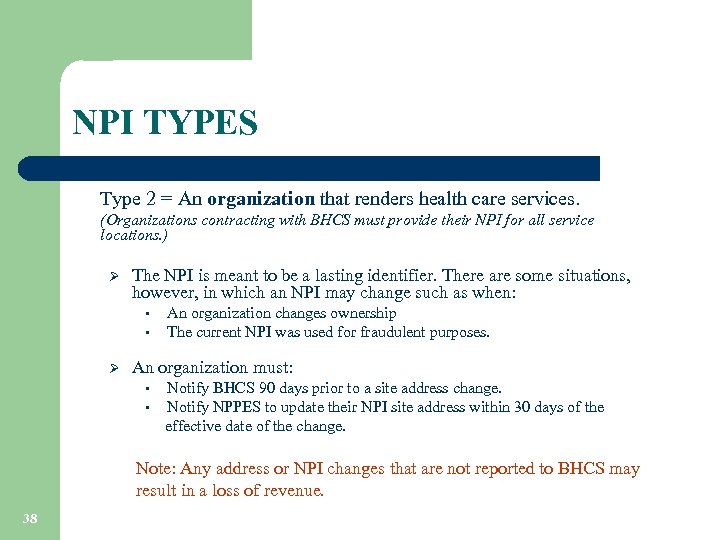 NPI TYPES Type 2 = An organization that renders health care services. (Organizations contracting with BHCS must provide their NPI for all service locations. ) Ø The NPI is meant to be a lasting identifier. There are some situations, however, in which an NPI may change such as when: • • Ø An organization changes ownership The current NPI was used for fraudulent purposes. An organization must: Notify BHCS 90 days prior to a site address change. • Notify NPPES to update their NPI site address within 30 days of the effective date of the change. • Note: Any address or NPI changes that are not reported to BHCS may result in a loss of revenue. 38
 AVOIDING DUPLICATE CLIENT RECORDS 39
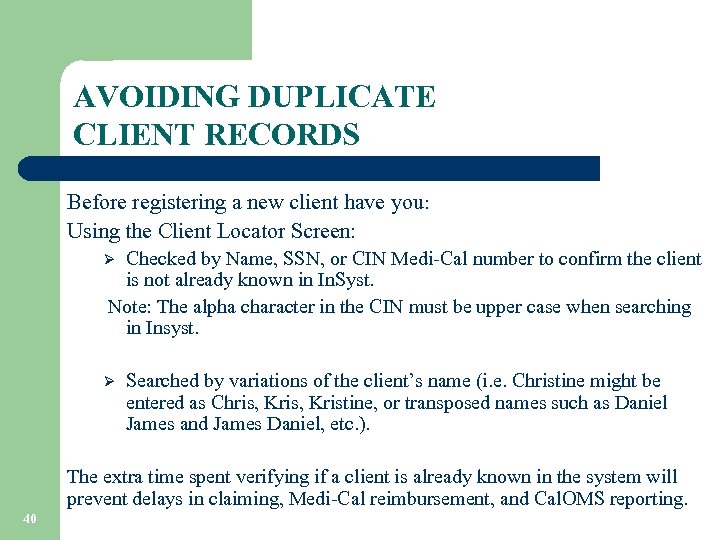 AVOIDING DUPLICATE CLIENT RECORDS Before registering a new client have you: Using the Client Locator Screen: Checked by Name, SSN, or CIN Medi-Cal number to confirm the client is not already known in In. Syst. Note: The alpha character in the CIN must be upper case when searching in Insyst. Ø Ø Searched by variations of the client’s name (i. e. Christine might be entered as Chris, Kristine, or transposed names such as Daniel James and James Daniel, etc. ). The extra time spent verifying if a client is already known in the system will prevent delays in claiming, Medi-Cal reimbursement, and Cal. OMS reporting. 40
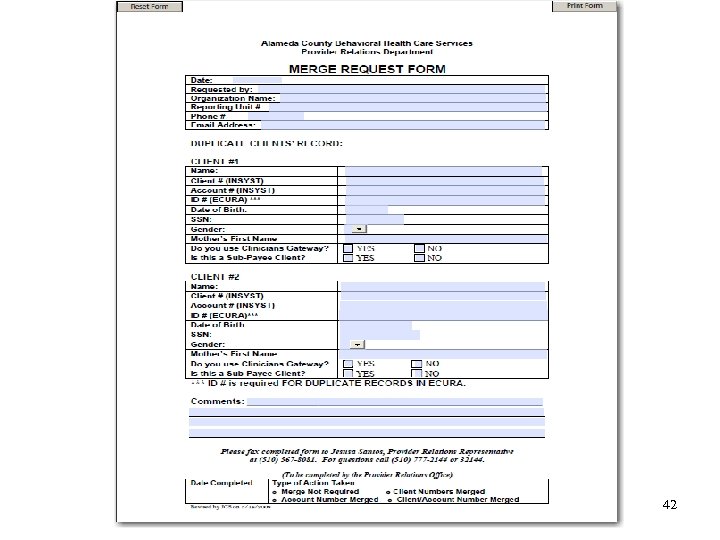
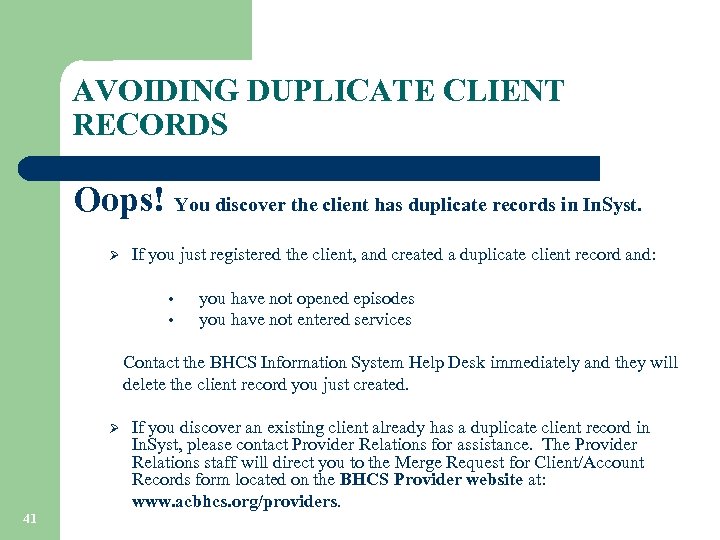 AVOIDING DUPLICATE CLIENT RECORDS Oops! You discover the client has duplicate records in In. Syst. Ø If you just registered the client, and created a duplicate client record and: • • you have not opened episodes you have not entered services Contact the BHCS Information System Help Desk immediately and they will delete the client record you just created. Ø 41 If you discover an existing client already has a duplicate client record in In. Syst, please contact Provider Relations for assistance. The Provider Relations staff will direct you to the Merge Request for Client/Account Records form located on the BHCS Provider website at: www. acbhcs. org/providers.
 42
42
 California Outcomes Measurement System Treatment (Cal. OMS) ØCal. OMS Data Collection ØCal. OMS Tools ØCommon Errors 43
 Cal. OMS Data Collection What is Cal. OMS? l 44 Cal. OMS data plays a critical role in contributing to the improvement of substance abuse treatment programs. The Cal. OMS Tx System provides performance measurement information for the Federal reporting requirements known as the National Outcome Measures (NOMS).
 Cal. OMS Data Collection How is Cal. OMS data collected? Cal. OMS data is collected from the In. Syst system using the following In. Syst screens: § Episodes Opening/Closing Screen § Client Registration Screen When is Cal. OMS data reported to ADP? § Submitted Monthly (approximately-10 th day of each month) Prior to monthly Cal. OMS submission: § § 45 Multiple Cal. OMS “test” processing occurs. Cal. OMS transactions error report will be sent to your In. Syst print queue. Corrections must be made prior to submission to ADP. Use the Cal. OMS Error and Correction Guide to assist with correcting field values found on the BHCS Provider website.
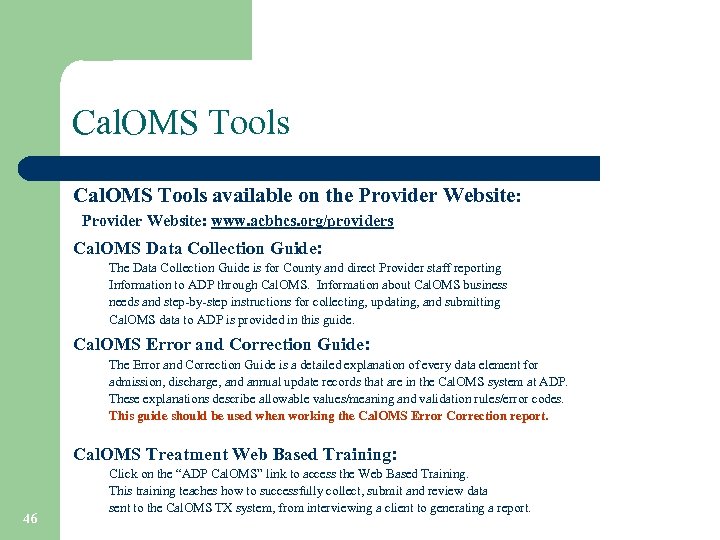 Cal. OMS Tools available on the Provider Website: www. acbhcs. org/providers Cal. OMS Data Collection Guide: The Data Collection Guide is for County and direct Provider staff reporting Information to ADP through Cal. OMS. Information about Cal. OMS business needs and step-by-step instructions for collecting, updating, and submitting Cal. OMS data to ADP is provided in this guide. Cal. OMS Error and Correction Guide: The Error and Correction Guide is a detailed explanation of every data element for admission, discharge, and annual update records that are in the Cal. OMS system at ADP. These explanations describe allowable values/meaning and validation rules/error codes. This guide should be used when working the Cal. OMS Error Correction report. Cal. OMS Treatment Web Based Training: 46 Click on the “ADP Cal. OMS” link to access the Web Based Training. This training teaches how to successfully collect, submit and review data sent to the Cal. OMS TX system, from interviewing a client to generating a report.
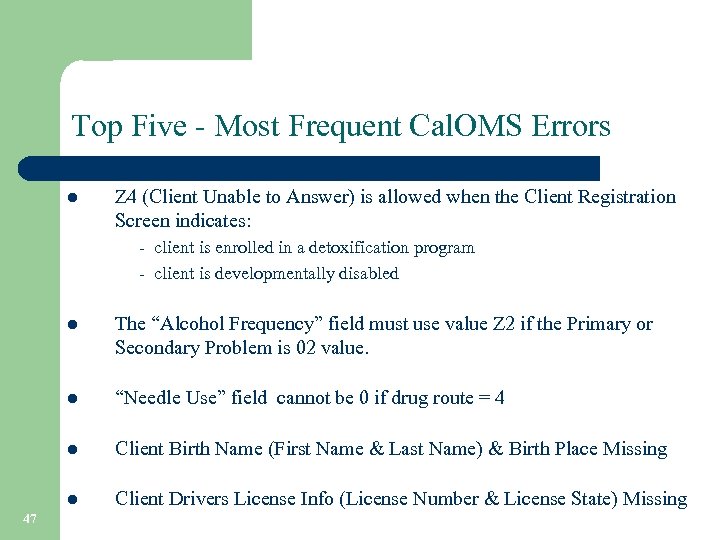 Top Five - Most Frequent Cal. OMS Errors l Z 4 (Client Unable to Answer) is allowed when the Client Registration Screen indicates: - client is enrolled in a detoxification program - client is developmentally disabled l l “Needle Use” field cannot be 0 if drug route = 4 l Client Birth Name (First Name & Last Name) & Birth Place Missing l 47 The “Alcohol Frequency” field must use value Z 2 if the Primary or Secondary Problem is 02 value. Client Drivers License Info (License Number & License State) Missing
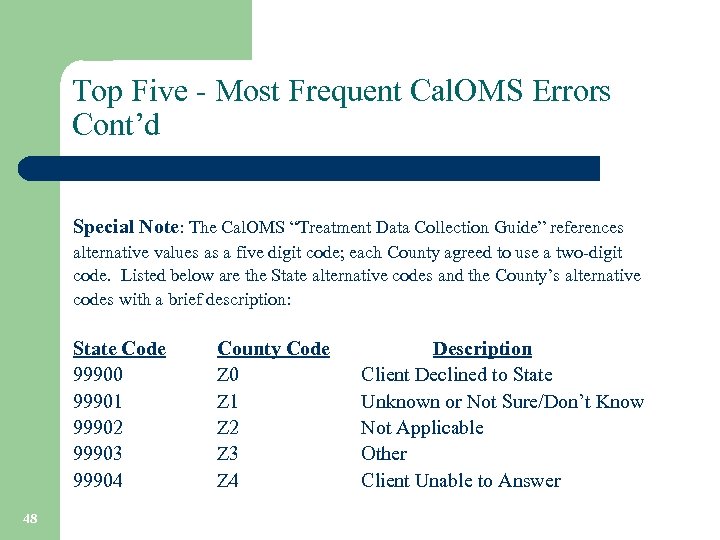 Top Five - Most Frequent Cal. OMS Errors Cont’d Special Note: The Cal. OMS “Treatment Data Collection Guide” references alternative values as a five digit code; each County agreed to use a two-digit code. Listed below are the State alternative codes and the County’s alternative codes with a brief description: State Code 99900 99901 99902 99903 99904 48 County Code Z 0 Z 1 Z 2 Z 3 Z 4 Description Client Declined to State Unknown or Not Sure/Don’t Know Not Applicable Other Client Unable to Answer
 Medi-Cal Eligibility Overview ØVerifying Eligibility Requirements ØIn. Syst Automated Match 49
 Medi-Cal Eligibility Medi-Cal providers must verify a client’s Medi-Cal eligibility each month via the AEVS or Medi-Cal web site method. l l 50 Providers may use a client’s SSN to verify Medi-Cal eligibility. When using the SSN to verify eligibility, the client’s CIN information will be returned in the text of the eligibility response. The CIN number must be truncated at the alpha character for entry into In. Syst for Medi-Cal claiming. BHCS strongly recommends that the provider retain proof of the Medi. Cal verification for each client for each month. Proof of eligibility verification may be required during a Medi-Cal audit. Lack of documentation will result in loss revenue for the provider.
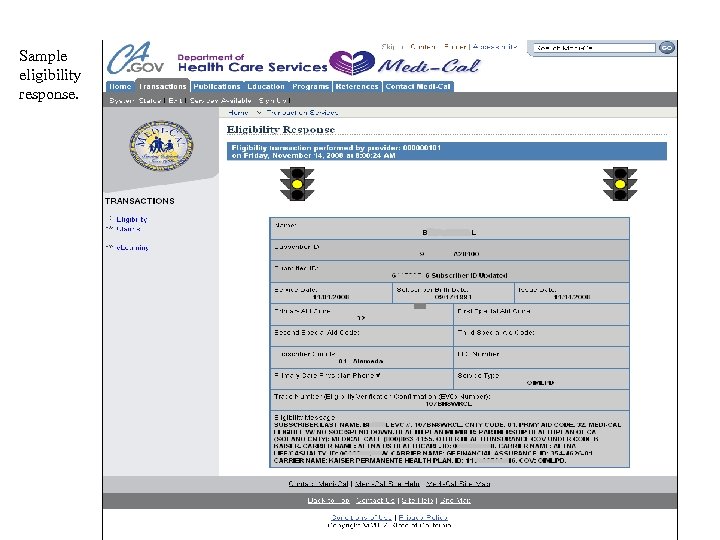 Sample eligibility response. 51
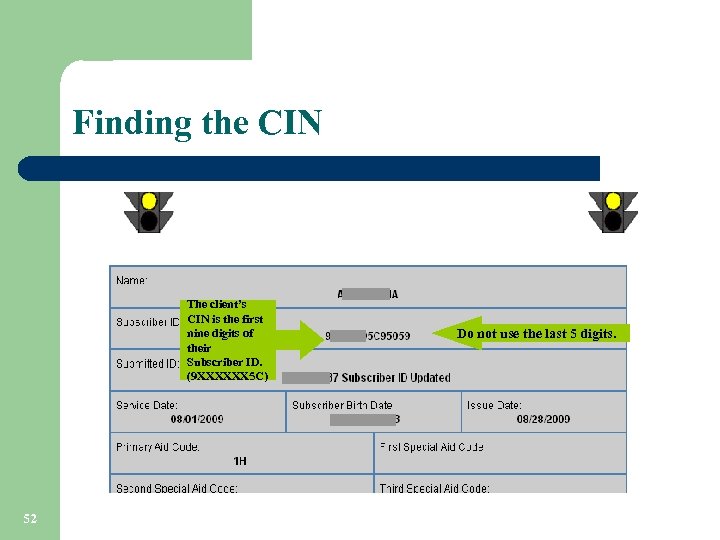 Finding the CIN The client’s CIN is the first nine digits of their Subscriber ID. (9 XXXXXX 5 C) 52 Do not use the last 5 digits.
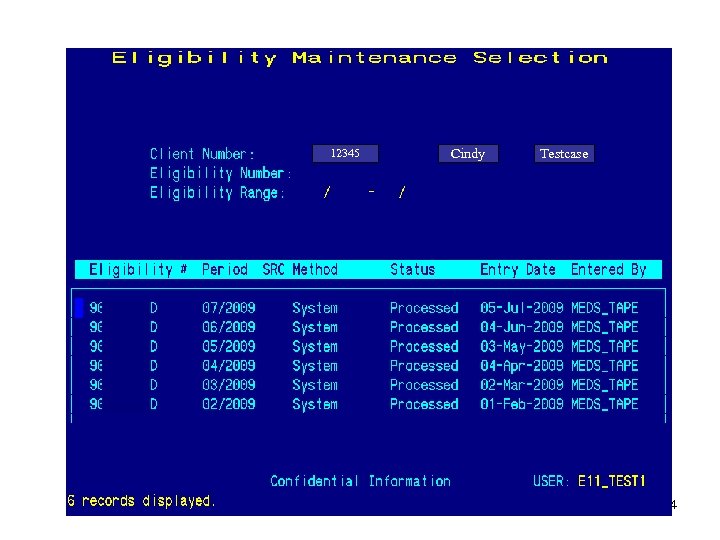
 Medi-Cal Eligibility In. Syst Automated Match l l 53 There’s a process in In. Syst that verifies monthly eligibility against the State’s Medi-Cal eligibility file (MEDS_TAPE) for Alameda County Medi-Cal clients. This process will insert a Medi-Cal eligibility record using the CIN when it finds an exact match of client name, date of birth and Social Security number. It is essential for these three data elements to match identically between In. Syst and the Medi-Cal Response screen. MEDS_TAPE will appear in the “Entered By” field on the Eligibility Maintenance screen.
 12345 Cindy Testcase 54
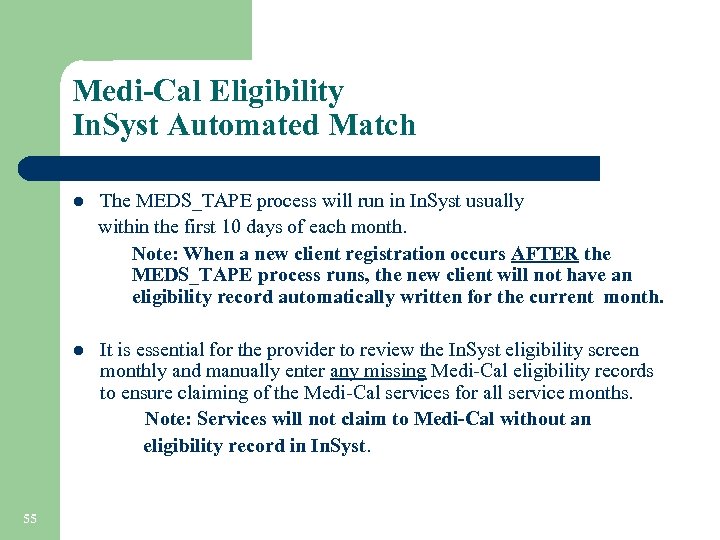 Medi-Cal Eligibility In. Syst Automated Match The MEDS_TAPE process will run in In. Syst usually within the first 10 days of each month. Note: When a new client registration occurs AFTER the MEDS_TAPE process runs, the new client will not have an eligibility record automatically written for the current month. l It is essential for the provider to review the In. Syst eligibility screen monthly and manually enter any missing Medi-Cal eligibility records to ensure claiming of the Medi-Cal services for all service months. Note: Services will not claim to Medi-Cal without an eligibility record in In. Syst. l 55
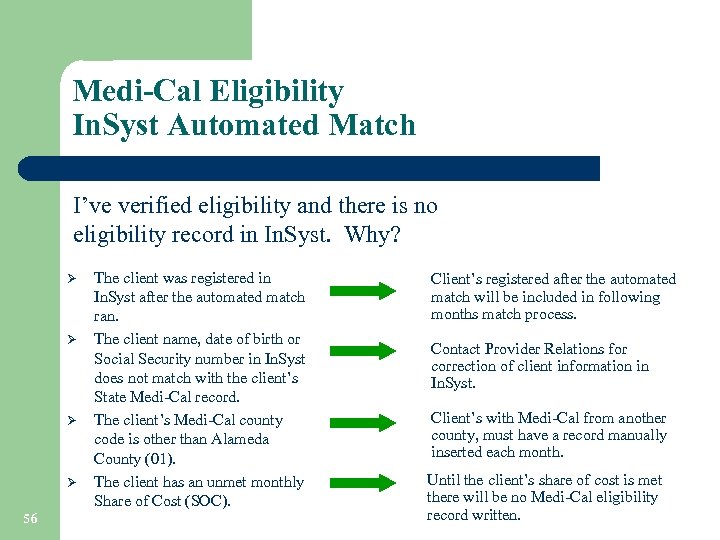 Medi-Cal Eligibility In. Syst Automated Match I’ve verified eligibility and there is no eligibility record in In. Syst. Why? Ø Ø 56 The client was registered in In. Syst after the automated match ran. The client name, date of birth or Social Security number in In. Syst does not match with the client’s State Medi-Cal record. The client’s Medi-Cal county code is other than Alameda County (01). The client has an unmet monthly Share of Cost (SOC). Client’s registered after the automated match will be included in following months match process. Contact Provider Relations for correction of client information in In. Syst. Client’s with Medi-Cal from another county, must have a record manually inserted each month. Until the client’s share of cost is met there will be no Medi-Cal eligibility record written.
 In. Syst Reports ØPSP 119 ØPSP 131 57 ØDAS 700 ØDAS 707
 In. Syst Reports 58
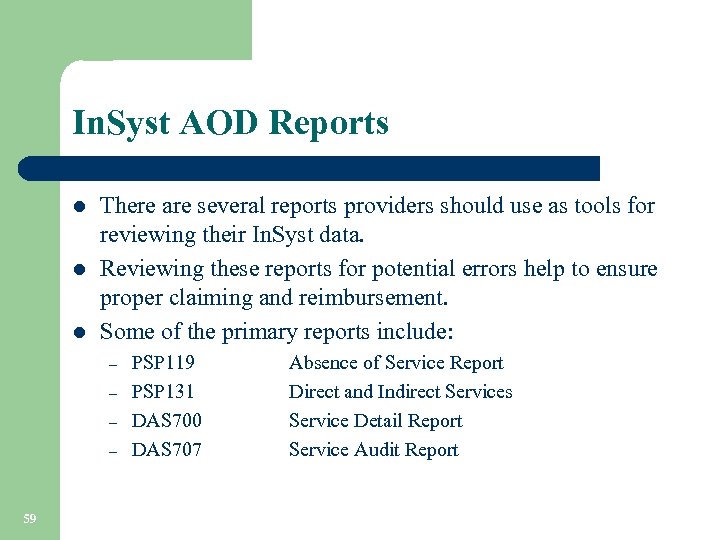 In. Syst AOD Reports l l l There are several reports providers should use as tools for reviewing their In. Syst data. Reviewing these reports for potential errors help to ensure proper claiming and reimbursement. Some of the primary reports include: – – 59 PSP 119 PSP 131 DAS 700 DAS 707 Absence of Service Report Direct and Indirect Services Service Detail Report Service Audit Report
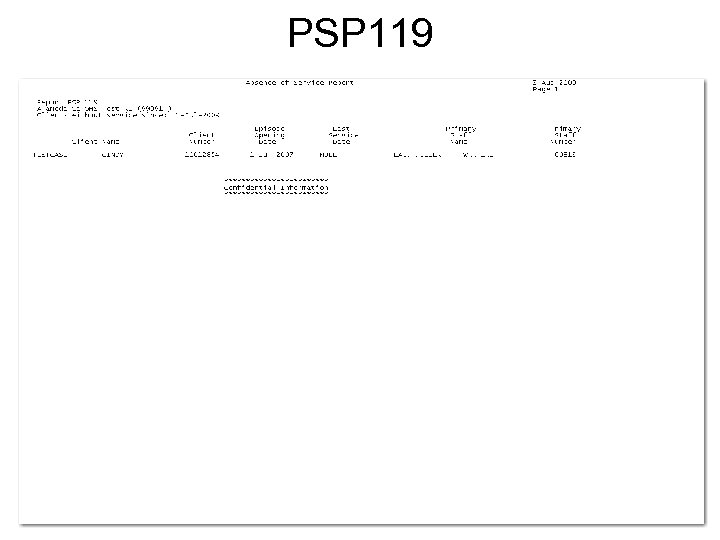
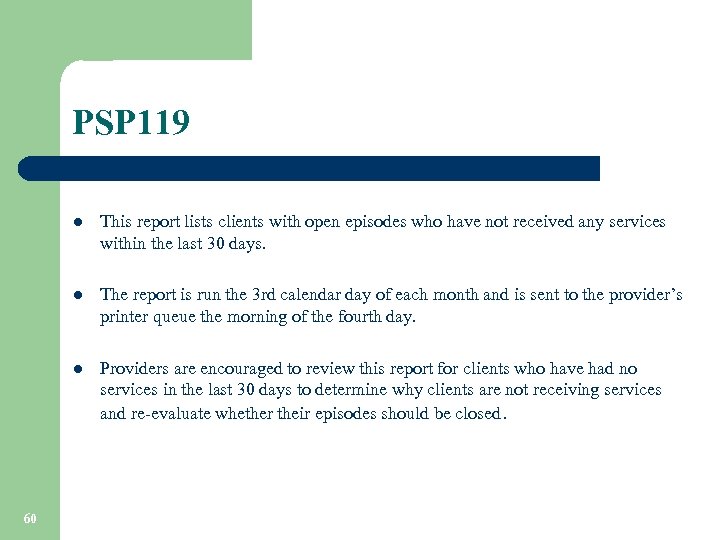 PSP 119 l l The report is run the 3 rd calendar day of each month and is sent to the provider’s printer queue the morning of the fourth day. l 60 This report lists clients with open episodes who have not received any services within the last 30 days. Providers are encouraged to review this report for clients who have had no services in the last 30 days to determine why clients are not receiving services and re-evaluate whether their episodes should be closed.
 PSP 119 61
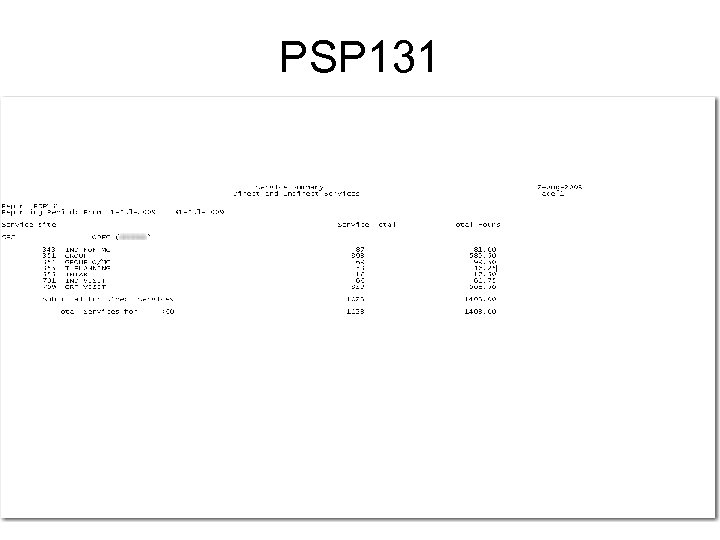
 PSP 131 xxxx l This report shows the total services by type for a specified reporting unit during a specified time period. l l 62 Providers use the reports menu to request this report and are prompted to enter a single reporting unit number and time period. Providers should review this report for accuracy and attach it with their monthly invoice submitted to BHCS. Invoices can not be processed without the report attached.
 PSP 131 63
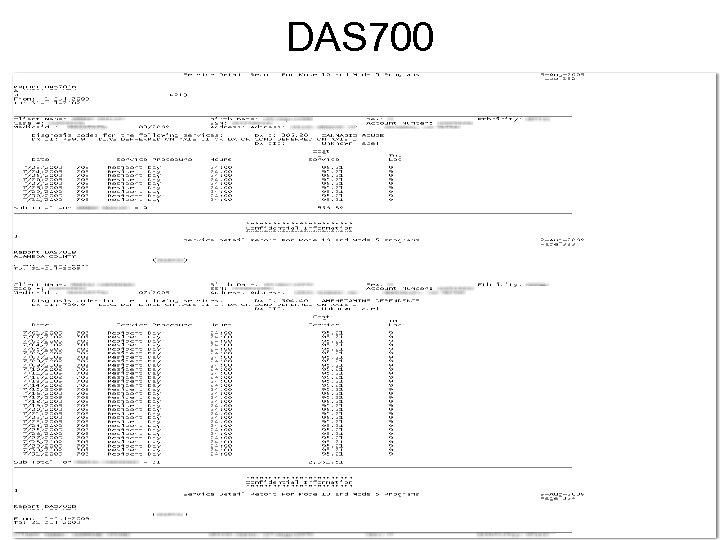
 DAS 700 l l BHCS IS Dept. runs this report twice monthly. The Output for each Reporting Unit is sent to the provider’s printer queue. l 64 This report shows the services that each clinician provided during the specified time period. Providers should review the report for accuracy, and make needed corrections. (i. e. , update or enter new services if necessary)
 DAS 700 65
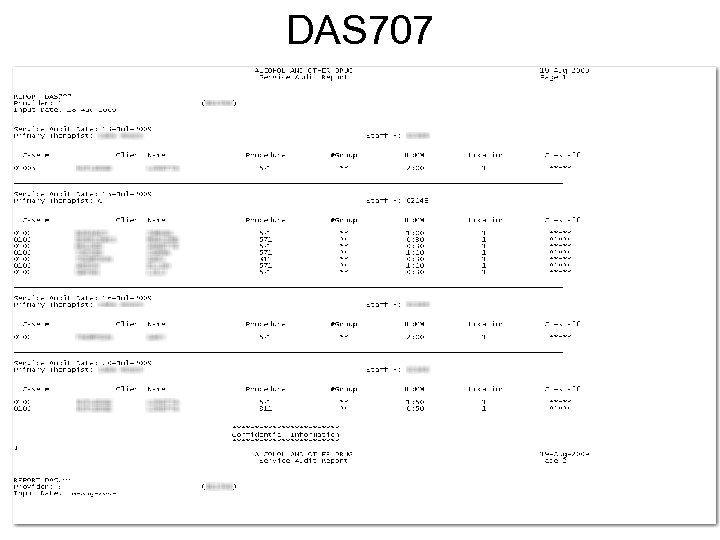
 DAS 707 l l The report is generated and queued to your printer automatically the day after services are input. l 66 This report shows all services entered into In. Syst for each clinician for the day of the report run. Providers should review the report for accuracy. If there is incorrect information, episode and service updating may be required.
 DAS 707 67
 Medi-Cal Test Claim 68
 8. 16 MEDI-CAL TEST CLAIM REVIEW l l This process allows providers the opportunity to verify the accuracy and completeness of the Medi-Cal services they expect to see on the Medi-Cal claim and make corrections as necessary. l 69 Drug Medi-Cal providers who enter services directly into In. Syst receive two “Test” Medi-Cal claims for review. Providers will receive the two “Test” Medi-Cal claims prior to submission of the “Real” Medi-Cal claim to ADP. The Medi-Cal claims are run according to the claim schedule located on the BHCS Provider website.
 REVIEW PROCESS • • 70 Upon receipt of the “Test” Medi-Cal claim, the provider should match the clients and units of service for Medi-Cal reimbursement to their internal service logs. Any discrepancies should be reviewed and researched. The Providers must make any necessary corrections in In. Syst prior to the scheduled “Real” Medi-Cal claim run date. . Corrections not made in In. Syst by the given deadline date will not be reflected in the “Real” Medi-Cal claim.
 REVIEW PROCESS l 71 Example #1: Mary Jones Medi-Cal was verified for the month of 7/09. She received five Medi-Cal reimbursable services in the month of 7/09 according to the internal service log. However, six units of service are appearing on the “Test” Medi-Cal claim.
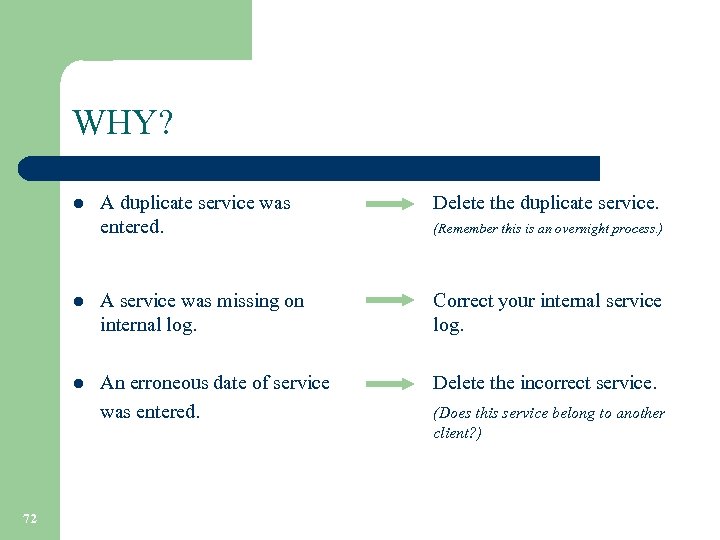 WHY? l l l 72 A duplicate service was entered. A service was missing on internal log. An erroneous date of service was entered. Delete the duplicate service. (Remember this is an overnight process. ) Correct your internal service log. Delete the incorrect service. (Does this service belong to another client? )
 How could this have been identified prior to the Medi-Cal “Test” claim? l 73 Working the PSP 131 Report daily l Working the DAS 707 Report prior to the “Test” Medi-Cal claim
 REVIEW PROCESS l 74 Example #2: Mary Jones received five Medi-Cal reimbursable services in the month of 7/09 according to the internal service log. No services are appearing on the “Test” Medi-Cal claim.
 WHY? l 75 Missing Medi-Cal eligibility record. Do you have a confirmation of Medi-Cal eligibility for the month of service? Check the In. Syst Medicaid Eligibility Maintenance screen for an eligibility record for the month of service. If missing, the user must insert an eligibility record using the client’s CIN.
 WHY? continued l l 76 Services were not entered in In. Syst. Services were entered in late. What is late? Enter services in In. Syst prior to the “Real” Medi. Cal claim. (Note: You may need late service entry authorization. ) Services entered after the 3 rd work day following the month service are late entries and may not be reflected on the “Test” Medi-Cal claim.
 REVIEW PROCESS l l 77 The “Test” claims are your last opportunity to make corrections before the “Real” claim is submitted to the State for reimbursement. Any errors found after the “Real” claim is submitted to ADP needs to be reported to your Finance Fiscal contact person. Services submitted to ADP for reimbursement may be denied. Providers will be notified of denied services via the Denied Correction Report issued by the Finance Fiscal Services Dept.
 Denied Correction Report ØDCR Process ØDCR Worksheet Facts 78
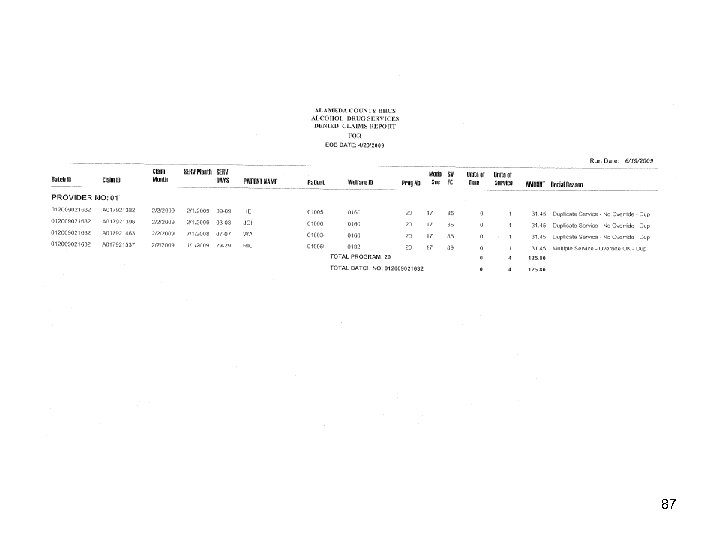
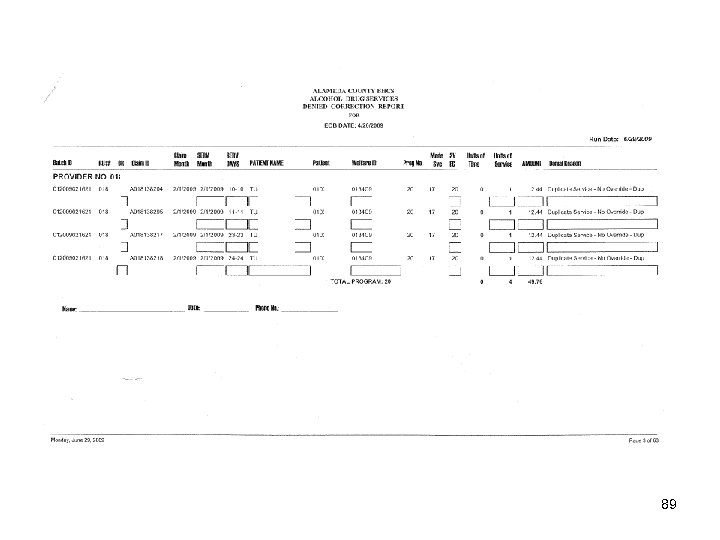
 Denied Correction Report (DCR) l l Submitted Medi-Cal claims are either approved or denied based on ADP claim edit requirements. Denied claims are returned to the County on a Denied Claims Report. This report is reviewed by BHCS Fiscal Services and used to create the Denied Correction Report (DCR). Denials are identified as either: – – l l 79 Edit Denials Duplicate Denials The DCR process is the mechanism the County/provider uses to correct claims that ADP has denied, and allows them to be resubmitted for payment. BHCS Finance distributes the DCR to providers for review and correction. All DCR’s are sent out with a return deadline. The provider’s responsibility is to research the errors and make corrections or indicate that the claim should be denied. It is imperative that providers return the completed DCR within the specified deadline to allow compliance with ADP resubmission timeliness guidelines. Failure to do so may result in loss of revenue.
 Most Common Denial Reasons Claims may be denied for the following reasons: Ø Conflicts with the eligibility file l l 80 Spelling of Name Date of Birth CIN Sex
 Denied Claim Reasons (Continued) Ø – 81 Ineligible in MO/YR Indicates the client was not eligible for Medi-Cal services during the billed month and year of service. You may receive this message if the client has a Share of Cost (SOC) obligation that has not been met.
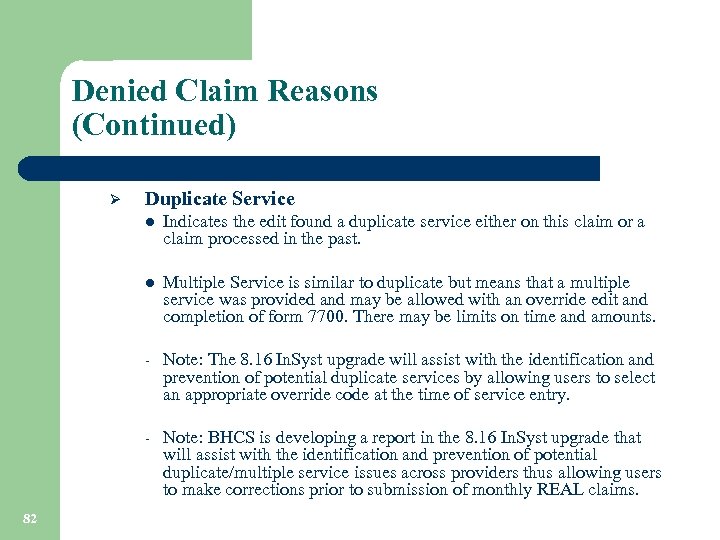 Denied Claim Reasons (Continued) Ø Duplicate Service l l Multiple Service is similar to duplicate but means that a multiple service was provided and may be allowed with an override edit and completion of form 7700. There may be limits on time and amounts. - Note: The 8. 16 In. Syst upgrade will assist with the identification and prevention of potential duplicate services by allowing users to select an appropriate override code at the time of service entry. - 82 Indicates the edit found a duplicate service either on this claim or a claim processed in the past. Note: BHCS is developing a report in the 8. 16 In. Syst upgrade that will assist with the identification and prevention of potential duplicate/multiple service issues across providers thus allowing users to make corrections prior to submission of monthly REAL claims.
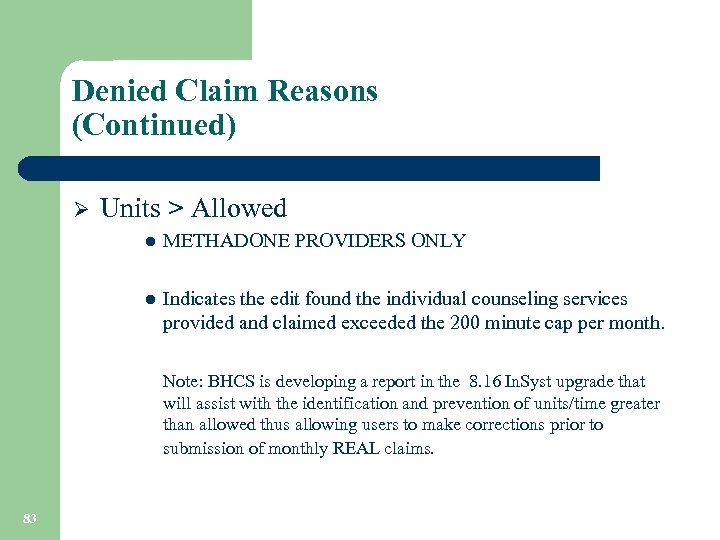 Denied Claim Reasons (Continued) Ø Units > Allowed l METHADONE PROVIDERS ONLY l Indicates the edit found the individual counseling services provided and claimed exceeded the 200 minute cap per month. Note: BHCS is developing a report in the 8. 16 In. Syst upgrade that will assist with the identification and prevention of units/time greater than allowed thus allowing users to make corrections prior to submission of monthly REAL claims. 83
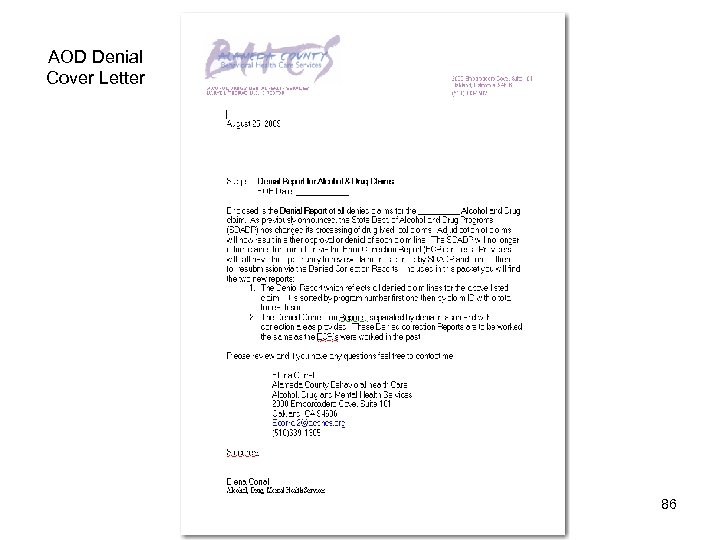
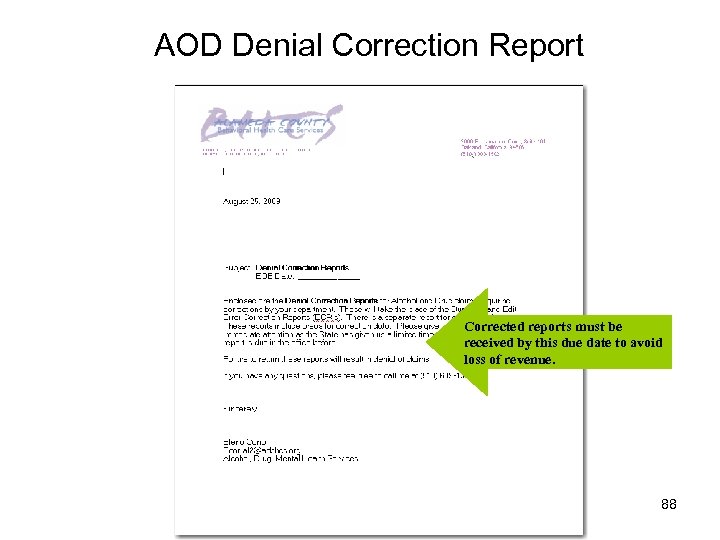
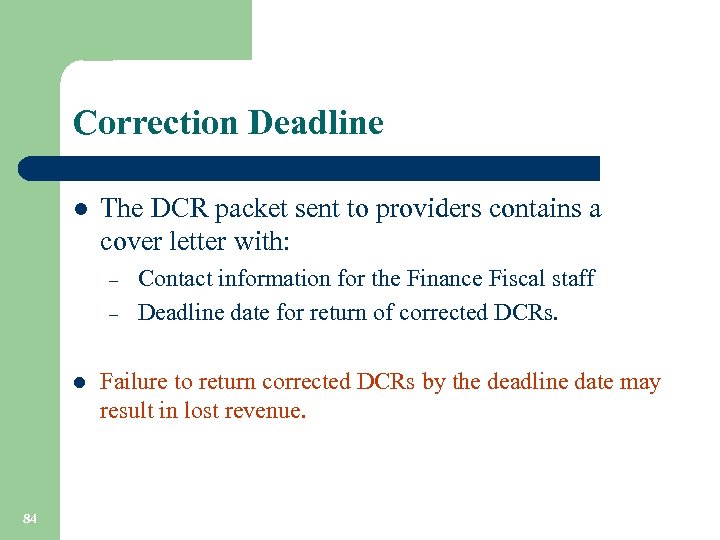 Correction Deadline l The DCR packet sent to providers contains a cover letter with: – – l 84 Contact information for the Finance Fiscal staff Deadline date for return of corrected DCRs. Failure to return corrected DCRs by the deadline date may result in lost revenue.
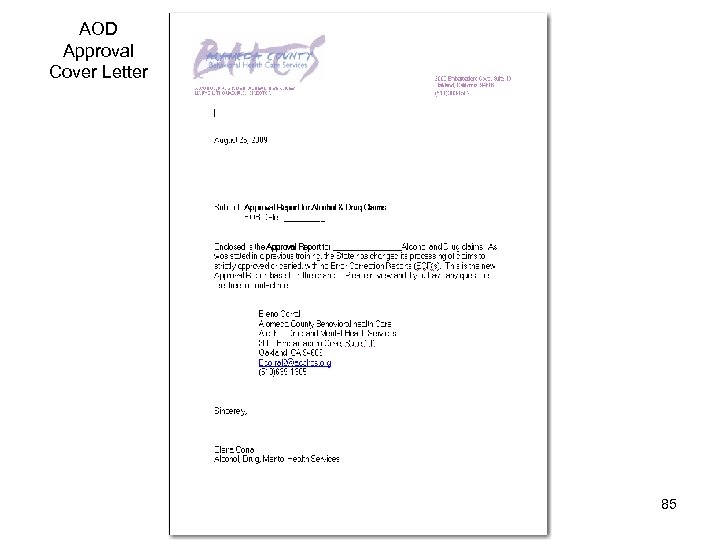 AOD Approval Cover Letter 85
 AOD Denial Cover Letter 86
 87
87
 AOD Denial Correction Report Corrected reports must be received by this due date to avoid loss of revenue. 88
 89
89
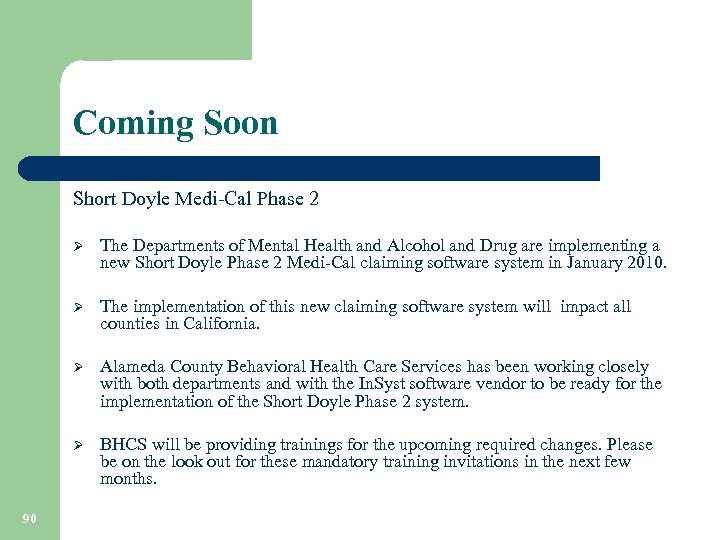 Coming Soon Short Doyle Medi-Cal Phase 2 Ø Ø The implementation of this new claiming software system will impact all counties in California. Ø Alameda County Behavioral Health Care Services has been working closely with both departments and with the In. Syst software vendor to be ready for the implementation of the Short Doyle Phase 2 system. Ø 90 The Departments of Mental Health and Alcohol and Drug are implementing a new Short Doyle Phase 2 Medi-Cal claiming software system in January 2010. BHCS will be providing trainings for the upcoming required changes. Please be on the look out for these mandatory training invitations in the next few months.
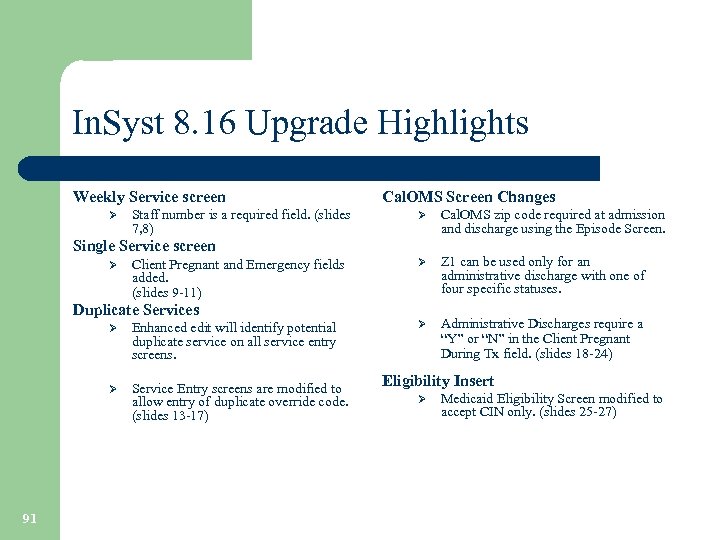 In. Syst 8. 16 Upgrade Highlights Weekly Service screen Ø Staff number is a required field. (slides 7, 8) Cal. OMS Screen Changes Ø Cal. OMS zip code required at admission and discharge using the Episode Screen. Ø Z 1 can be used only for an administrative discharge with one of four specific statuses. Ø Administrative Discharges require a “Y” or “N” in the Client Pregnant During Tx field. (slides 18 -24) Single Service screen Ø Client Pregnant and Emergency fields added. (slides 9 -11) Duplicate Services Ø Ø 91 Enhanced edit will identify potential duplicate service on all service entry screens. Service Entry screens are modified to allow entry of duplicate override code. (slides 13 -17) Eligibility Insert Ø Medicaid Eligibility Screen modified to accept CIN only. (slides 25 -27)
 CONTACT INFORMATION Help Desk (510) 567 -8181 In. Syst reports In. Syst Data Entry/Staff # Assistance Medi-Cal Eligibility and Verification Training Rashon Seldon (800) 878 -1313 In. Syst Data Entry Training Barry Hall (510) 567 -8174 Fiscal Services – DCR/ECR/DCS Elena Corral Provider Relations Fiscal Contracts In. Syst Data Collection Training Contracts Liaison Lisa Moore (800) 878 -1313 Merge Request Jesusa Santos 92 (510) 639 -1305 (510) 777 -2144 (510) 567 -8296 Cal. OMS Sheryl Diedrick (510) 383 -1741
 Thank you for your time and attention! 93 Time for Questions?