


 Скачать презентацию User-Centered Design and Development Instructor Franz J Kurfess
f7fc88f65ccbc0f76f450f53ed14f26b.ppt
- Количество слайдов: 41
 User-Centered Design and Development Instructor: Franz J. Kurfess Computer Science Dept. Cal Poly San Luis Obispo FJK 2005
 Copyright Notice • These slides are a revised version of the originals provided with the book “Interaction Design” by Jennifer Preece, Yvonne Rogers, and Helen Sharp, Wiley, 2002. • I added some material, made some minor modifications, and created a custom show to select a subset. – Slides added or modified by me are marked with my initials (FJK), unless I forgot it … FJK 2005
 484 -W 09 Quarter • The slides I use in class are in the Custom Show “ 484 -W 09”. It is a subset of the whole collection in this file. • Week 9 contains slides from Chapter 15 of the textbook. FJK 2005
 Chapter 15 Design and Evaluation in the Real World FJK 2005
 Chapter Overview • Case Studies – Nokia Communicator – Philips Communicator for Children – TRIS interactive voice response system – Extreme Programming for contextsensitive ads FJK 2005
 Motivation • practical examples are often a good source of information • communication is an interesting domain since it can use different methods and technologies FJK 2005
 Objectives • learn from practical projects how design and evaluation are brought together in the development of interactive products • compare different combinations of design and evaluation methods, and how they are used in practice • identify examples of design trade-offs and decisions for real-world products FJK 2005
 Design and evaluation in the real world: communicators and advisory systems
 The aims • Show design and evaluation are brought together in the development of interactive products. • Show different combinations of design and evaluation methods are used in practice. • Describe the various design trade-offs and decisions that have to be made in the real world.
 Key issues: From requirements to design • design cycle to use • combination of methods to use – for designing and evaluating a product • confidentiality – product being developed is confidential – no users available to test it • user participation – how many users should be involved in tests – expectations from users • evaluation findings
 Activity: Convergence of Handheld Devices • there is a significant overlap in usage, technology, and interaction methods for mobile devices • sketch a usability evaluation for a device that integrates – music player – voice recorder – PDA – cell phone – camera
 Activity: Convergence Characteristics • for the different functionalities mentioned, identify – usage • main tasks, scenarios, constraints – interaction methods or paradigms • communication, selection, commands, … – technologies • required for most important activities
 Activity: Convergence Evaluation • develop an outline for a usability evaluation of such a convergence device – design and development method – coordination with evaluation – physical aspects – functionality testing – consistency – user testing
 Case Studies • designing mobile communicators – two examples for very different audiences: • Nokia’s mobile communicator • Philips communicator for children • redesign of an interactive voice response system – IRS Telephone Response Information System (TRIS)
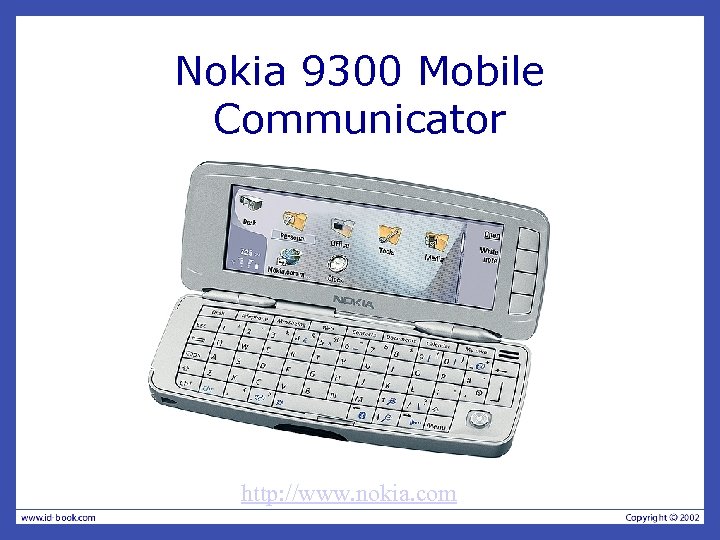 Nokia 9300 Mobile Communicator http: //www. nokia. com
 Mobile Communicator • design cycle – iterative user-centered approach • methods – ethnographic research scenarios – task models • confidentiality – first product in the market is key – evaluation must be very limited – no real users
 Mobile Communicator Constraints • physical aspects – screen size – number of buttons versus functionality • consistency issues – internal consistency • within mobile software – external consistency • with desktop software • user testing – none before release – summative testing and questionnaires after
 Nokia 9300 Review • a review of the device by The Register web site is at http: //www. theregister. com/2005/ 03/04/nokia_9300_review/page 2. h tml – some serious limitations • no T 9 text input when used as a phone • no pen input
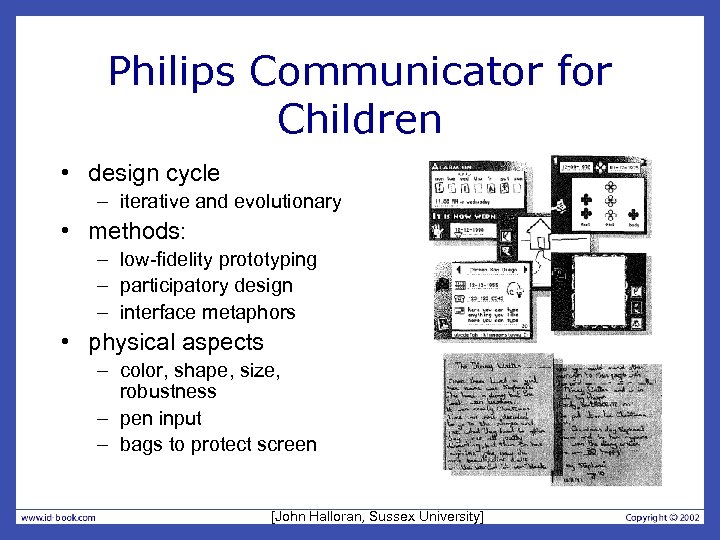 Philips Communicator for Children • design cycle – iterative and evolutionary • methods: – low-fidelity prototyping – participatory design – interface metaphors • physical aspects – color, shape, size, robustness – pen input – bags to protect screen [John Halloran, Sussex University]
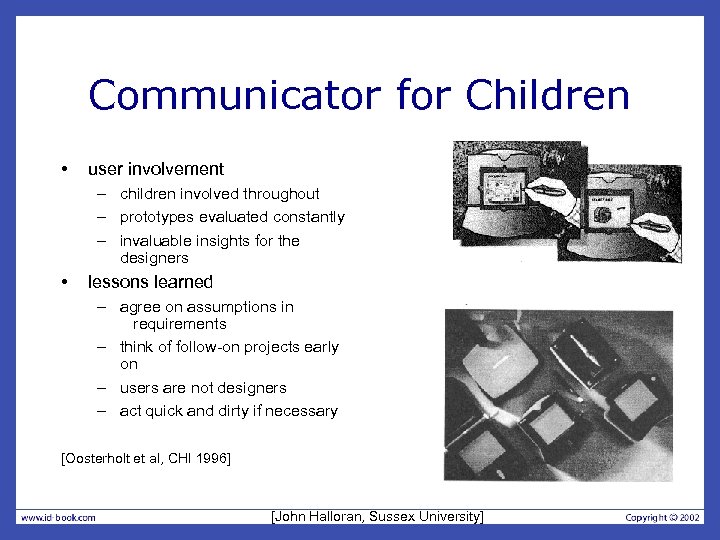 Communicator for Children • user involvement – children involved throughout – prototypes evaluated constantly – invaluable insights for the designers • lessons learned – agree on assumptions in requirements – think of follow-on projects early on – users are not designers – act quick and dirty if necessary [Oosterholt et al, CHI 1996] [John Halloran, Sussex University]
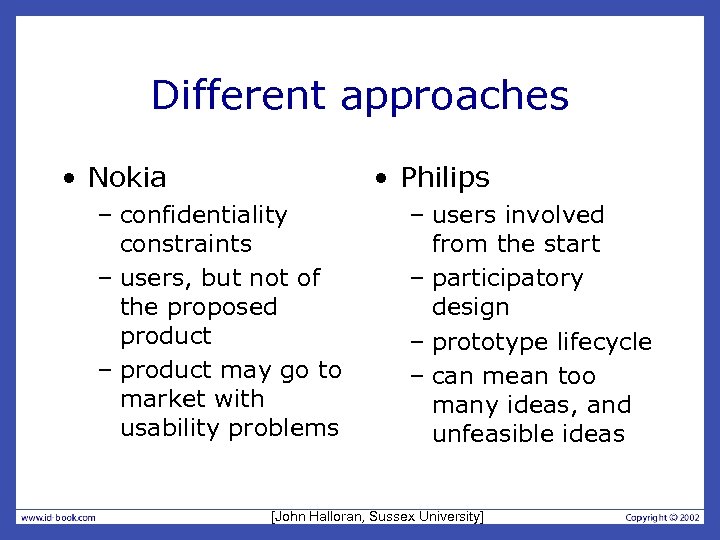 Different approaches • Nokia • Philips – confidentiality constraints – users, but not of the proposed product – product may go to market with usability problems – users involved from the start – participatory design – prototype lifecycle – can mean too many ideas, and unfeasible ideas [John Halloran, Sussex University]
 Activity: Voice Mail Hell • identify problems with automated phone systems – user interface constraints • interaction methods available – cognitive aspects • limitations of human users – user population – design issues – implementation issues – testing and validation
 Activity: Interactive Voice Response System Design • Select a domain where such a system seems appropriate • develop a script for the first two levels • evaluate the script by using the Wizard of Oz technique
 Case Study: Interactive Voice Response System • IRS Telephone Response Information System (TRIS) – information about tax issues – simple automated transactions – of 50 million calls, only 14% were handled by TRIS
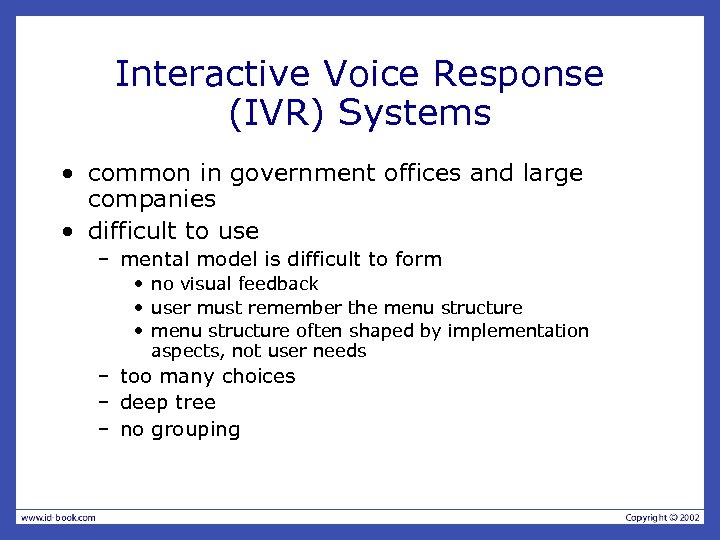 Interactive Voice Response (IVR) Systems • common in government offices and large companies • difficult to use – mental model is difficult to form • no visual feedback • user must remember the menu structure • menu structure often shaped by implementation aspects, not user needs – too many choices – deep tree – no grouping
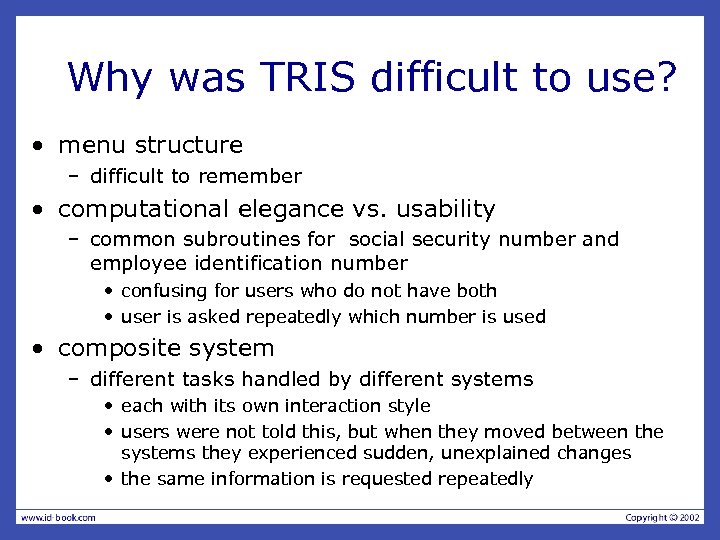 Why was TRIS difficult to use? • menu structure – difficult to remember • computational elegance vs. usability – common subroutines for social security number and employee identification number • confusing for users who do not have both • user is asked repeatedly which number is used • composite system – different tasks handled by different systems • each with its own interaction style • users were not told this, but when they moved between the systems they experienced sudden, unexplained changes • the same information is requested repeatedly
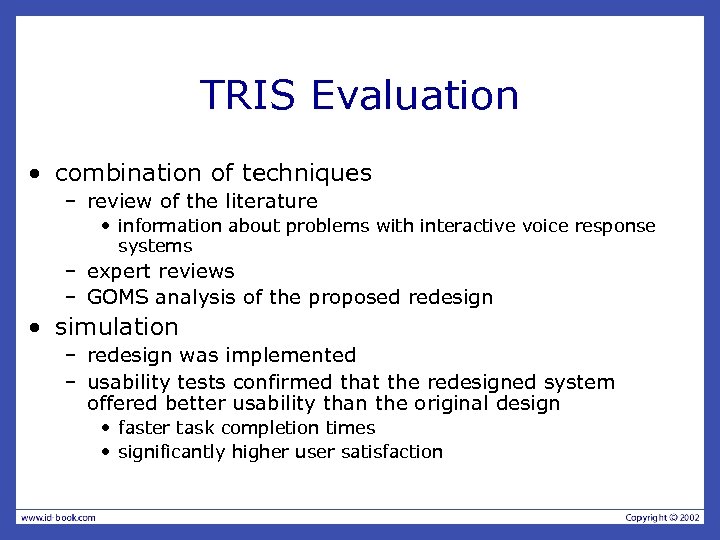 TRIS Evaluation • combination of techniques – review of the literature • information about problems with interactive voice response systems – expert reviews – GOMS analysis of the proposed redesign • simulation – redesign was implemented – usability tests confirmed that the redesigned system offered better usability than the original design • faster task completion times • significantly higher user satisfaction
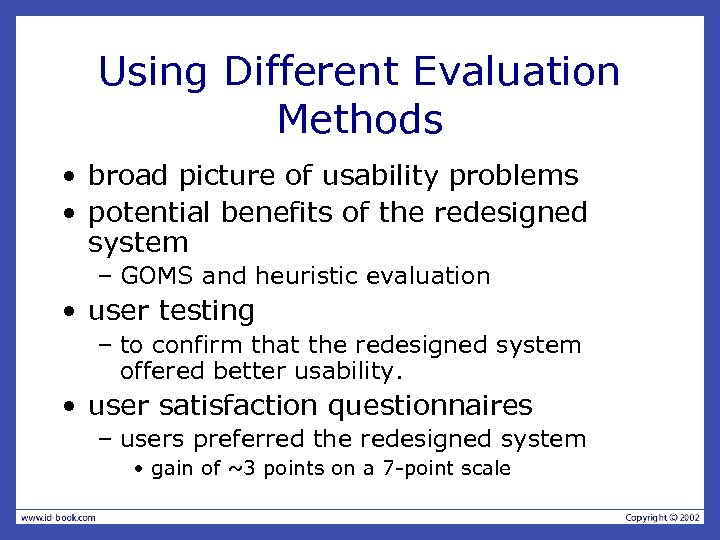 Using Different Evaluation Methods • broad picture of usability problems • potential benefits of the redesigned system – GOMS and heuristic evaluation • user testing – to confirm that the redesigned system offered better usability. • user satisfaction questionnaires – users preferred the redesigned system • gain of ~3 points on a 7 -point scale
 XP and Context-Sensitive Ads • visual design of a context-sensitive advert for the Web • participant observation study – conducted by a company that produces such adverts • e. Xtreme Programming (XP)as an 'agile' development method – 2 -3 weeks between iterations – code-centric, people-oriented approach http: //id-book. com/casestudy_xp. htm
 Active. Ad • analyses the content of a webpage and identifies some key terms • translated into parameters that define the advert to be shown • Active. Ads are 'clickable' – can link through to any webpage specified by the client • information in the feed is updated periodically – advert will change accordingly • default graphic ('panic’) will be displayed if Active. Ad is not available
 XP and User-Centered Design • short, tight iterations of building and releasing software • requirements are gathered in terms of 'stories’ – produced by the customer or client – developers estimate how long they think it will take to satisfy them • customer is on site – part of the development team
 Betabet Case Study • (re-)design of an Active. Ad for one of Connextra's existing clients, Betabet – advert displays the betting odds for the outcomes of sporting events • soccer games, horse racing, … – specific events to be displayed are determined by the contents of the rest of the user's webpage – the advert is designed to sit on a host website and link directly to Betabet's site
 Betabet Story • client statement "We want an improved design for Betabet” • clarification – show the winnings for a £ 10 bet • based on the odds displayed – size to be increased to 120 x 120 (pixels) – more of the advert should be clickable
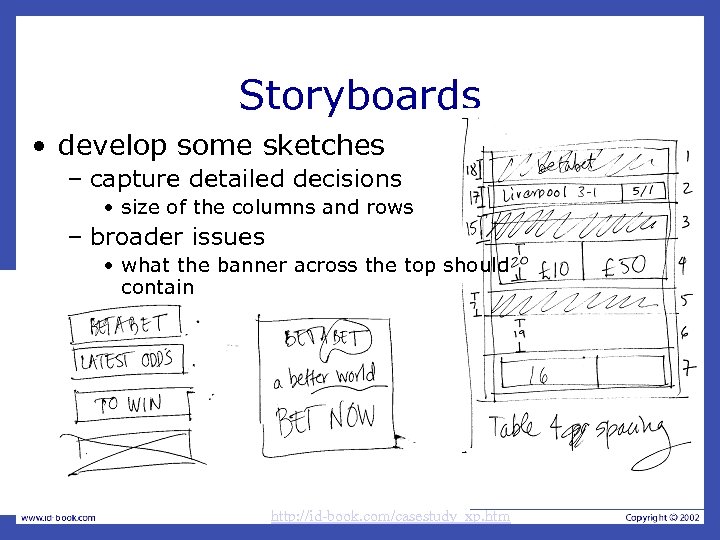 Storyboards • develop some sketches – capture detailed decisions • size of the columns and rows – broader issues • what the banner across the top should contain http: //id-book. com/casestudy_xp. htm
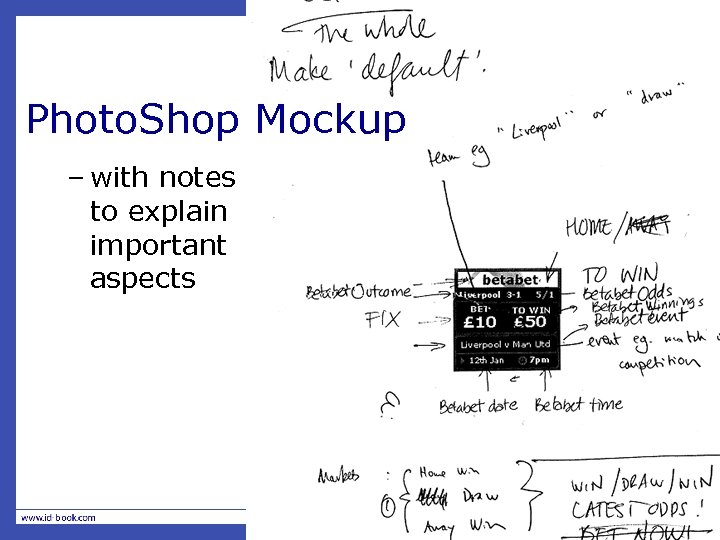 Photo. Shop Mockup – with notes to explain important aspects
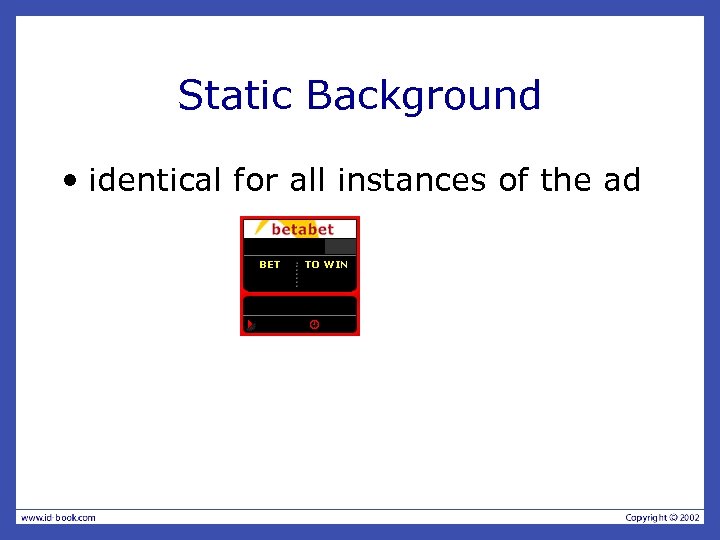 Static Background • identical for all instances of the ad
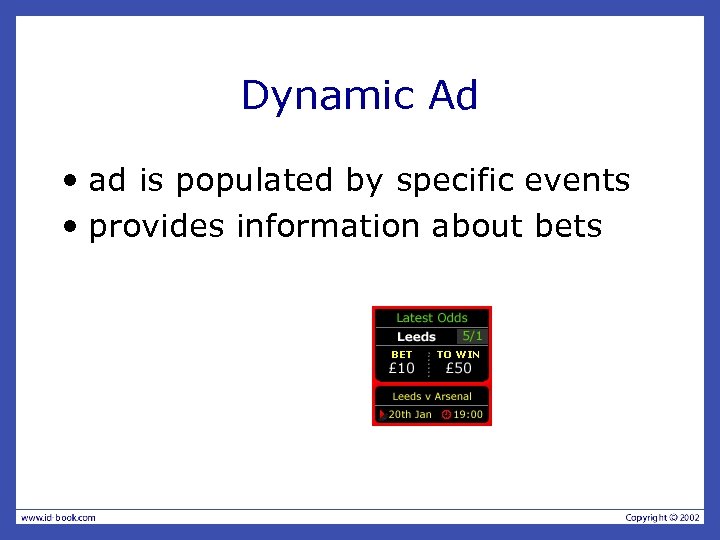 Dynamic Ad • ad is populated by specific events • provides information about bets
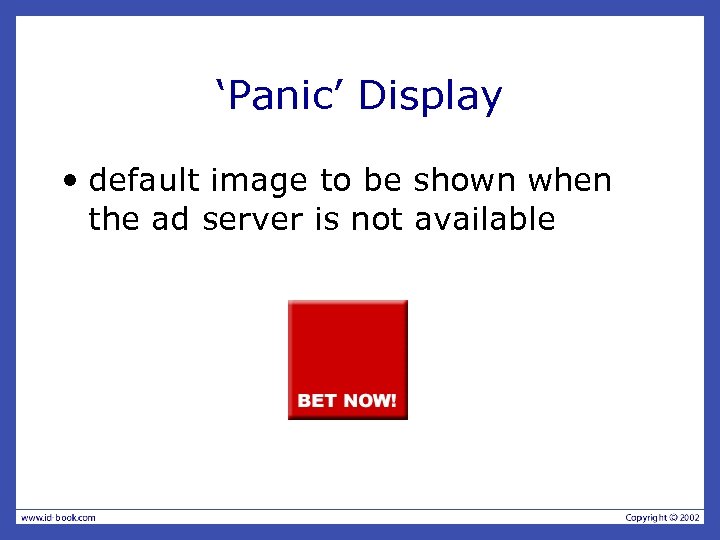 ‘Panic’ Display • default image to be shown when the ad server is not available
 Testing • against a real Web page – dummy version of a client page • different platforms – desktop, laptop, hand-held, mobile – operating systems: Win, Mac, Linux – browsers: IE, Firefox, Opera, Safari … • in context – test server with live data feed, but not publicly available – live roll-out
 Design Issues • ‘panic’ fallback option • page layout – size, alignment, fonts • content fit – values must fit into the space available • • clickable elements platform constraints frequent client feedback ongoing effectiveness evaluation – statistics on click-throughs to the client site
 Key Points • design involves trade-offs • upgrading a product – design space for making changes is limited • rapid prototyping and evaluation cycles – allow designers to examine alternatives • simulations for evaluating systems used by large numbers of people • piecing together evidence from a variety of sources can be valuable