 Скачать презентацию Usability Principles John Stasko John Kelleher Defining
9f79e719a00b7b534e5804f2bfb4ceb7.ppt
- Количество слайдов: 28



Usability Principles John Stasko John Kelleher
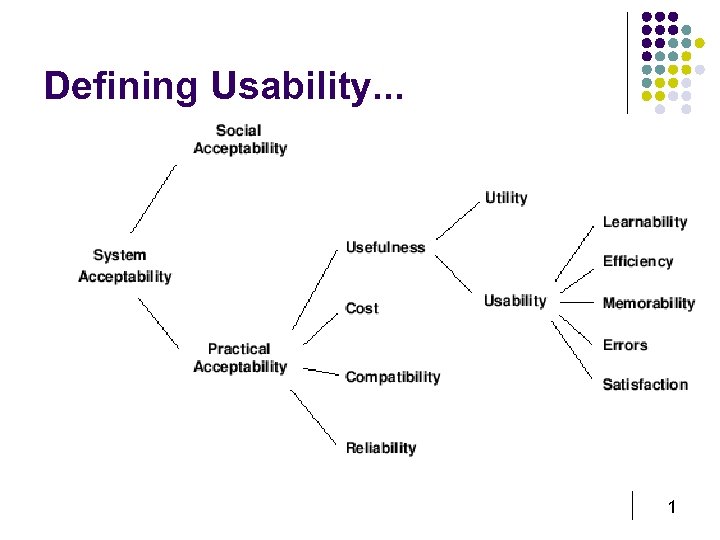
Defining Usability. . . 1
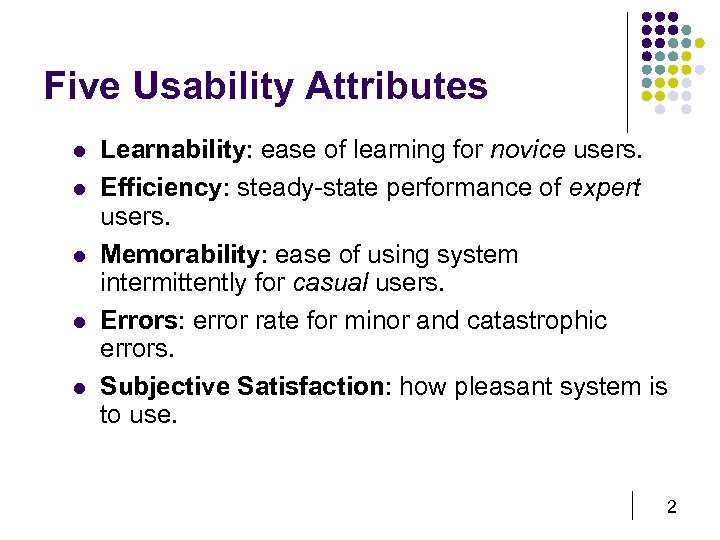
Five Usability Attributes l l l Learnability: ease of learning for novice users. Efficiency: steady-state performance of expert users. Memorability: ease of using system intermittently for casual users. Errors: error rate for minor and catastrophic errors. Subjective Satisfaction: how pleasant system is to use. 2
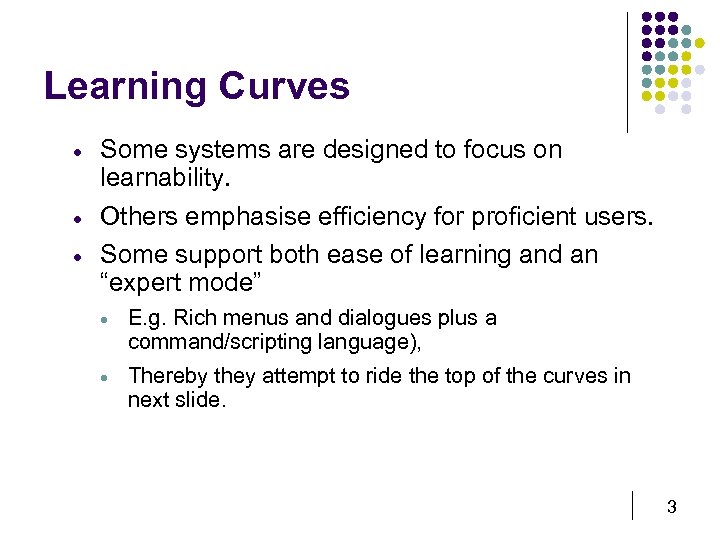
Learning Curves · · · Some systems are designed to focus on learnability. Others emphasise efficiency for proficient users. Some support both ease of learning and an “expert mode” · E. g. Rich menus and dialogues plus a command/scripting language), · Thereby they attempt to ride the top of the curves in next slide. 3
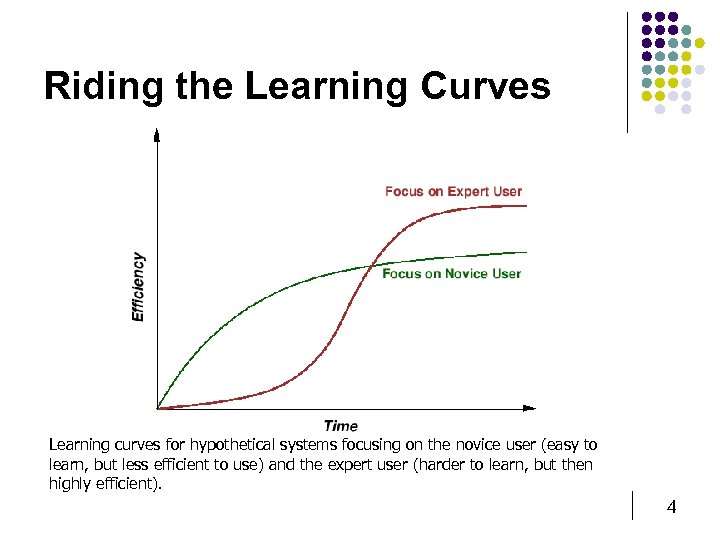
Riding the Learning Curves Learning curves for hypothetical systems focusing on the novice user (easy to learn, but less efficient to use) and the expert user (harder to learn, but then highly efficient). 4
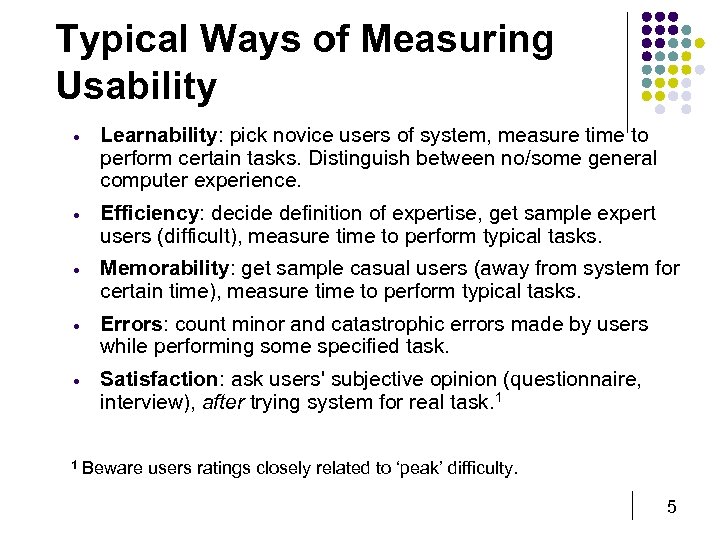
Typical Ways of Measuring Usability · Learnability: pick novice users of system, measure time to perform certain tasks. Distinguish between no/some general computer experience. · Efficiency: decide definition of expertise, get sample expert users (difficult), measure time to perform typical tasks. · Memorability: get sample casual users (away from system for certain time), measure time to perform typical tasks. · Errors: count minor and catastrophic errors made by users while performing some specified task. · Satisfaction: ask users' subjective opinion (questionnaire, interview), after trying system for real task. 1 1 Beware users ratings closely related to ‘peak’ difficulty. 5
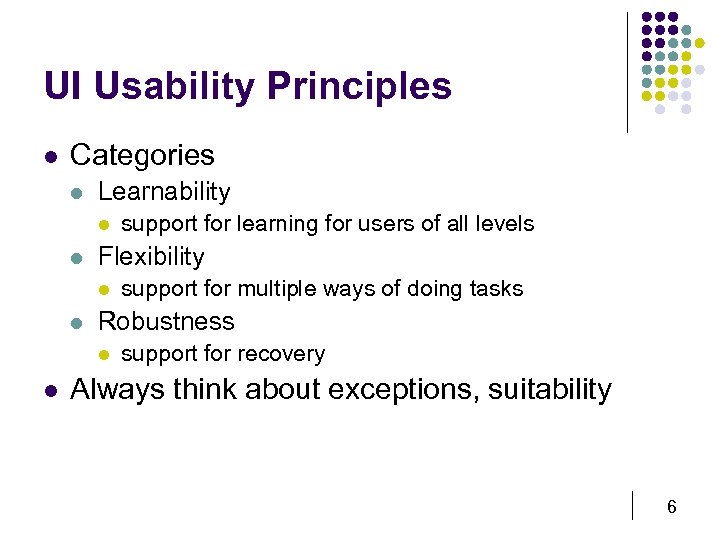
UI Usability Principles l Categories l Learnability l l Flexibility l l support for multiple ways of doing tasks Robustness l l support for learning for users of all levels support for recovery Always think about exceptions, suitability 6
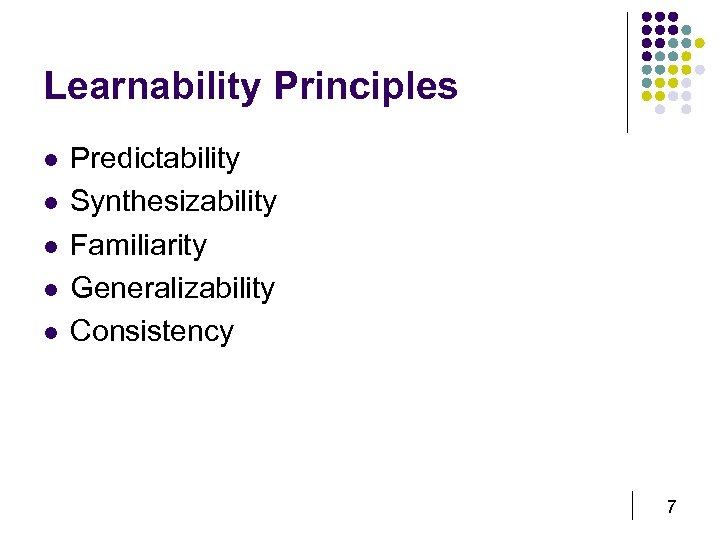
Learnability Principles l l l Predictability Synthesizability Familiarity Generalizability Consistency 7
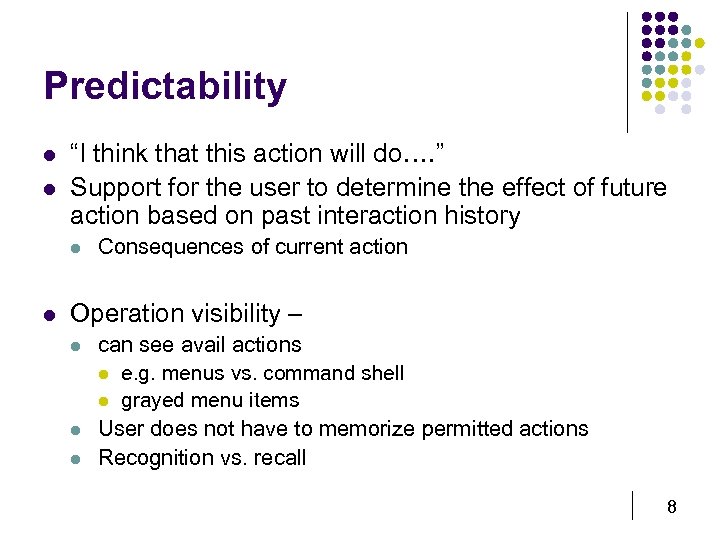
Predictability l l “I think that this action will do…. ” Support for the user to determine the effect of future action based on past interaction history l l Consequences of current action Operation visibility – l l l can see avail actions l e. g. menus vs. command shell l grayed menu items User does not have to memorize permitted actions Recognition vs. recall 8
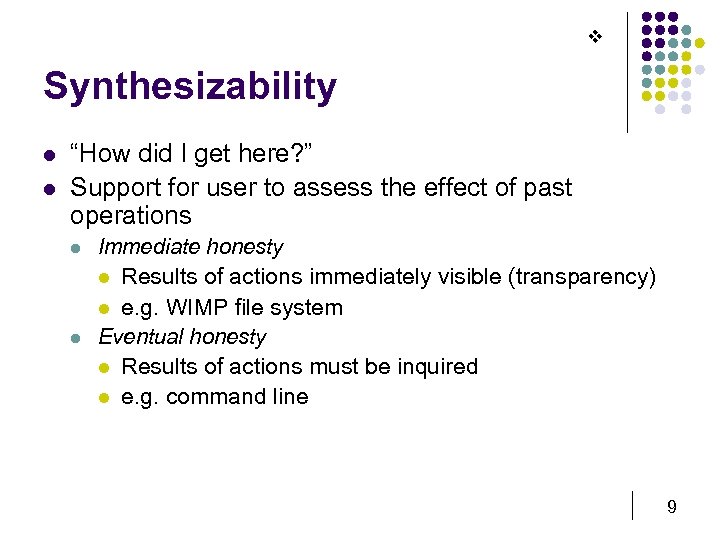
v Synthesizability l l “How did I get here? ” Support for user to assess the effect of past operations l l Immediate honesty l Results of actions immediately visible (transparency) l e. g. WIMP file system Eventual honesty l Results of actions must be inquired l e. g. command line 9
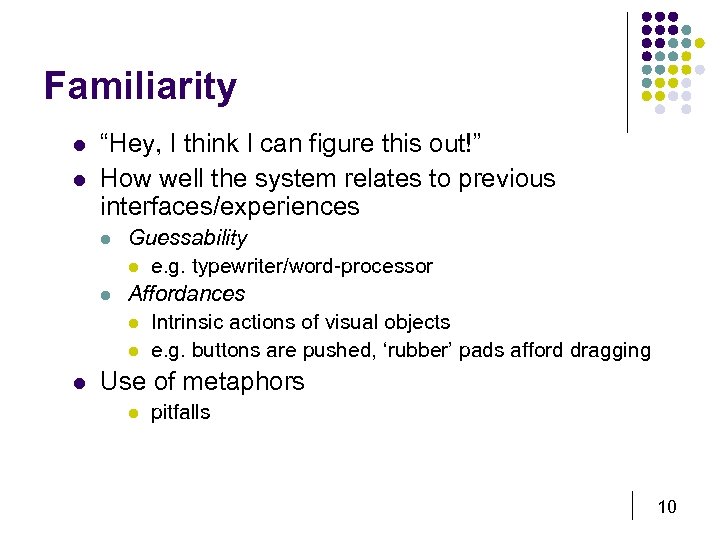
Familiarity l l “Hey, I think I can figure this out!” How well the system relates to previous interfaces/experiences l l l Guessability l e. g. typewriter/word-processor Affordances l Intrinsic actions of visual objects l e. g. buttons are pushed, ‘rubber’ pads afford dragging Use of metaphors l pitfalls 10
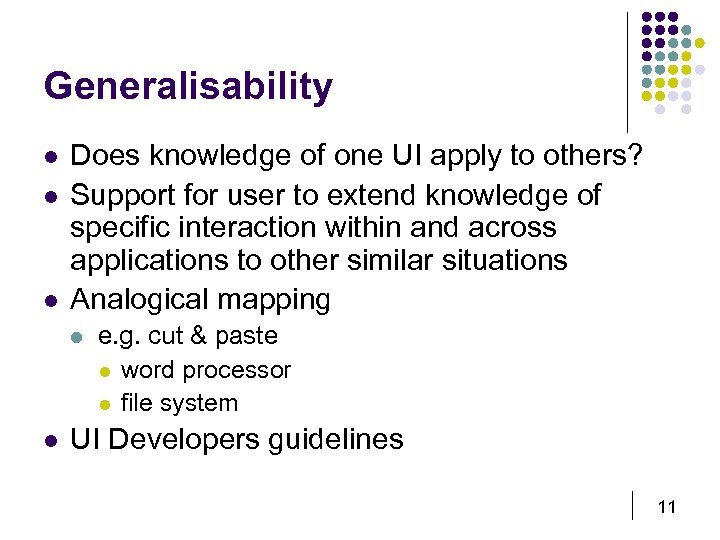
Generalisability l l l Does knowledge of one UI apply to others? Support for user to extend knowledge of specific interaction within and across applications to other similar situations Analogical mapping l l e. g. cut & paste l word processor l file system UI Developers guidelines 11
Consistency “Just when I get comfortable with a system, it changes!” l Likeness in input-output behaviour arising from similar situations or similar task objectives l Changes in interfaces are disruptive l Need a good reason to change l Otherwise, be consistent l Similar ways of doing tasks l interacting l output l screen layout Is this always desirable for all systems, all users? l 12
Flexibility Principles l “How broad is the interface? ” l l l Dialog Initiative Multithreading Task migratability Substitutivity Customizability 13
Dialog Initiative l l “Who interrupts who? ” System pre-emptive l l system does all prompts, user responds l sometimes necessary l E. g. “Are you sure you want to do that? ” User pre-emptive l l user initiates actions l more flexible E. g. Buttons, Ctrl-Alt-Del 14
Multithreading l l l “How do I do two things at the same time? ” Support for multiple tasks Two types l Concurrent l input to multiple tasks simultaneously l Interleaved l many tasks, but input to one at a time l E. g. windowing system 15
Task Migratability l l “You do that and I’ll do this. ” Division of labour between core and user l l E. g. co-operative spell-checking Ability of user to take control of automated system tasks l E. g. auto-pilot 16
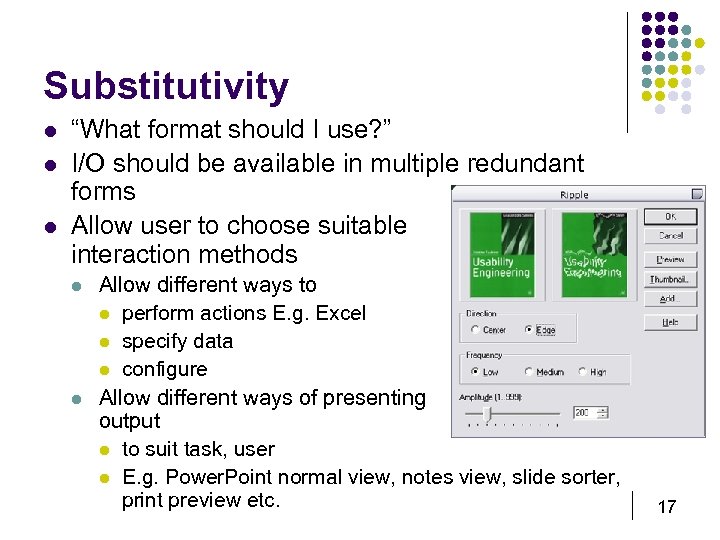
Substitutivity l l l “What format should I use? ” I/O should be available in multiple redundant forms Allow user to choose suitable interaction methods l l Allow different ways to l perform actions E. g. Excel l specify data l configure Allow different ways of presenting output l to suit task, user l E. g. Power. Point normal view, notes view, slide sorter, print preview etc. 17
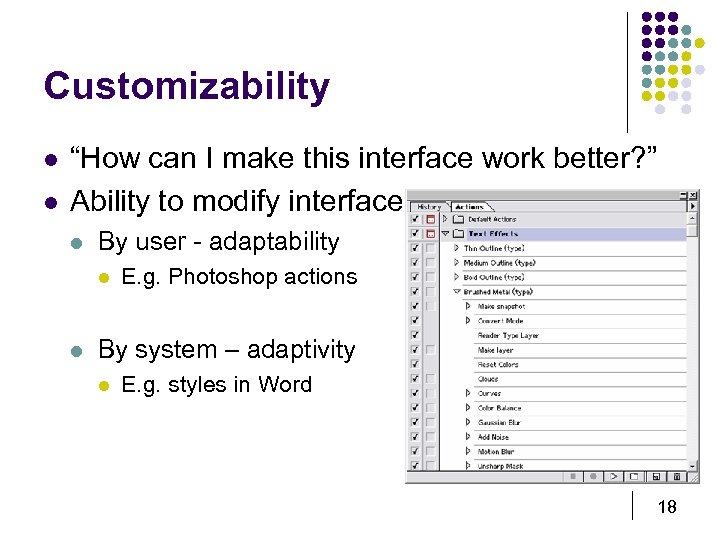
Customizability l l “How can I make this interface work better? ” Ability to modify interface l By user - adaptability l l E. g. Photoshop actions By system – adaptivity l E. g. styles in Word 18
Robustness Principles l “How well supported is the interface? ” l l Observability Recoverability Responsiveness Task Conformance 19
Observability l l “What is going on? ” Can user determine internal state of system from observable state? l l l Browsability l explore current state Reachability l navigate observable states Persistence l how long does observable state persist? l E. g. Outlook ‘bell’ and system task pane icon 20
Recoverability l l “Oops!” Ability to continue to a goal after recognizing error l l l Forward Recoverability l ability to fix when we can’t undo? Backward Recoverability l undo previous error(s) Commensurate effort l Difficult to correct, then difficult to do in the first place 21
22
Responsiveness l l l “What is the system doing now? ” Communication latency Response time l l time for system to respond in some way to user action(s) Stability principle l response time invariance 23
Task Conformance l l “This doesn’t do what I need it to do” Task coverage/completeness l l l can system do all tasks of interest? Is it comprehensive? Task adequacy l l How well does it support user’s tasks? Does system match real-world tasks? 24
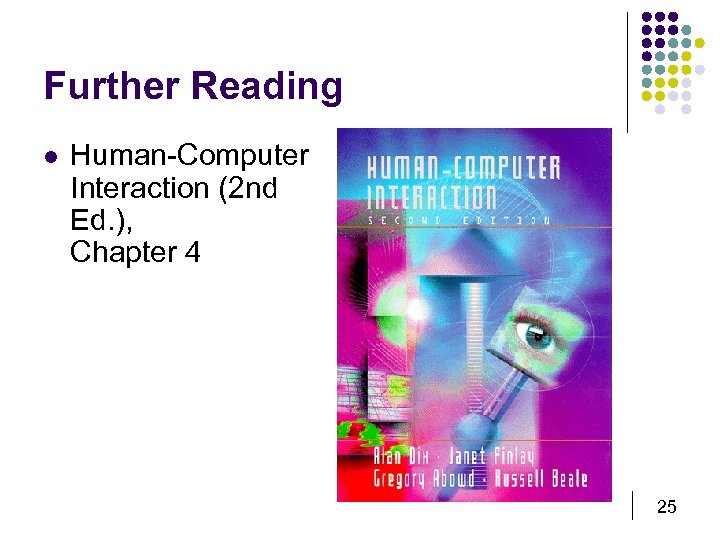
Further Reading l Human-Computer Interaction (2 nd Ed. ), Chapter 4 25
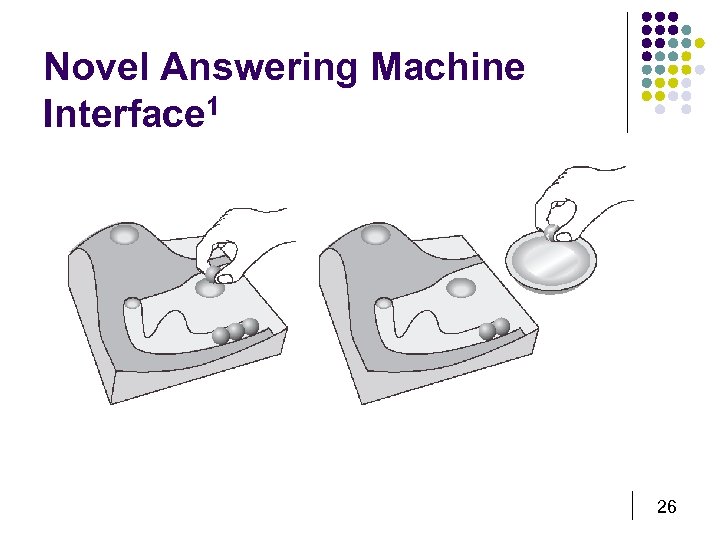
Novel Answering Machine Interface 1 26
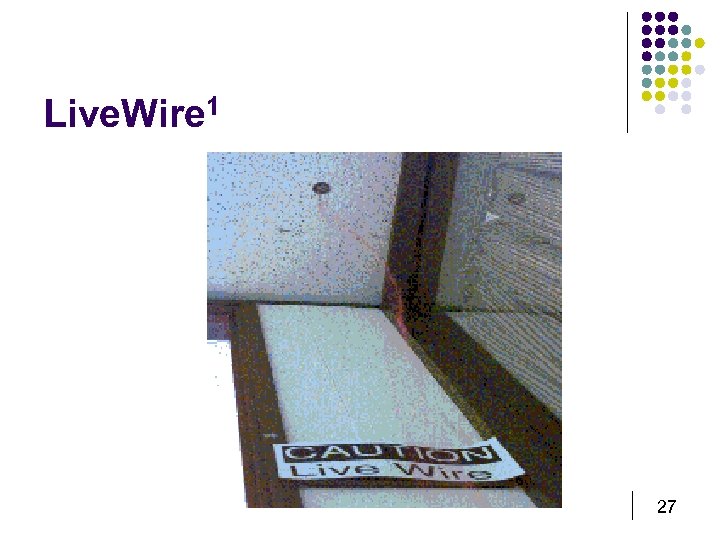
Live. Wire 1 27
Скачать презентацию Usability Principles John Stasko John Kelleher Defining
9f79e719a00b7b534e5804f2bfb4ceb7.ppt