


 Скачать презентацию Unlocking Legal Citation Learning Legal Citation with The
a25b6c662498236aa99623aee5c41ec8.ppt
- Количество слайдов: 45
 Unlocking Legal Citation Learning Legal Citation with The Bluebook & Interactive Citation Workstation © 2001 -08 Tracy L. Mc. Gaugh
 A Basic Case Citation ¨ Smith v. Jones, 983 S. W. 2 d 385 (Tex. 1998). ¨ WHO? Smith & Jones ¨ WHERE? Volume 983 of Southwestern Reporter, Second Series – on page 385 ¨ WHEN? In 1998 by the Texas Supreme Court.
 Drafting a Citation from Scratch Looks simple enough! But here’s what you get: William H. Smith, Plaintiff-Appellee, v. Emma K. Jones and Peter Griffith, Defendants. Appellants. 983 S. W. 2 d 385, 247 Educ. Rptr. 960 Texas Supreme Court Argued: October 29, 1997 Decided: January 20, 1998
 Roadmap ¨ The Bluebook ¨ ICW
 Goals of Citation ¨ Give attribution for another’s ideas in your work. – In a common law system, demonstrating that the idea is not original strengthens your argument and analysis. – Even novel arguments must be grounded in precedent. ¨ Give your reader a map to that source. ¨ Give a great deal of important information as briefly as possible.
 What’s so special about legal citation? ¨ In law, citations don’t just tell your reader where you found the ideas. ¨ They give the reader valuable information about… – How strong your argument really is (court & date) and – How the cited material relates to your argument (signals). ¨ Citations give lots of valuable information in shorthand. This means you don’t have to explain it in longhand.
 Enter The Bluebook. . . ¨ The shorthand method we use for this information is found in The Bluebook: A Uniform System of Citation (18 th ed. 2005). ¨ What about the ALWD Citation Manual?
 Citations Manuals are Reference Books ¨ Might have noticed that The Bluebook is fairly thick with lots of rules. ¨ Good news: – We won’t use all of it. – Even the parts we do use won’t need to be memorized. ¨ Good lawyers don’t know everything; they know where everything is.
 Our Goals for Citation ¨ To learn enough about citation to have a feel for how one is put together. ¨ To learn enough about the structure of The Bluebook so you can find what you need when you need it.
 Parts of The Bluebook ¨ Introduction ¨ The Bluepages ¨ Rules ¨ Tables ¨ Index
 Introduction ¨ Gives a general introduction to legal citation ¨ Explains the structure of The Bluebook. ¨ For best results, read this before you attempt the first citation exercise.
 The Bluepages ¨ The rules in The Bluebook were originally intended to apply primarily to scholarly works. ¨ For practical works, the rules are condensed and modified slightly in The Bluepages. – This condensing produces a kind of “mini Bluebook. ” – The changes are primarily of form rather than substance. • For example, typeface, such as italics and large/small caps. ¨ Sometimes, the examples accompanying the rules in the main body don’t match the typeface of the rules for The Bluepages. The reason is that the examples in the main body conform to the scholarly rather than practical work rules.
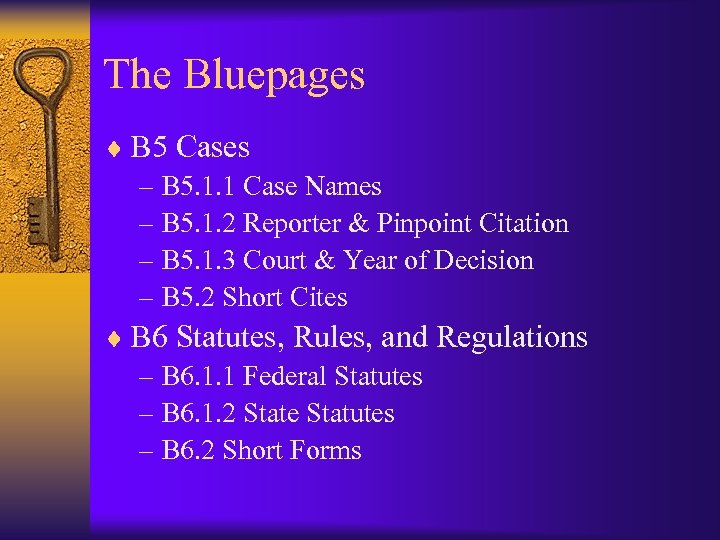 The Bluepages ¨ B 5 Cases – B 5. 1. 1 Case Names – B 5. 1. 2 Reporter & Pinpoint Citation – B 5. 1. 3 Court & Year of Decision – B 5. 2 Short Cites ¨ B 6 Statutes, Rules, and Regulations – B 6. 1. 1 Federal Statutes – B 6. 1. 2 State Statutes – B 6. 2 Short Forms
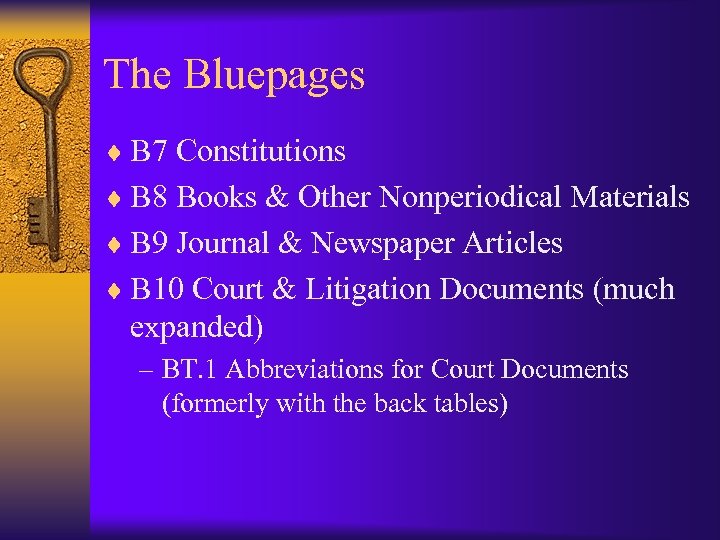 The Bluepages ¨ B 7 Constitutions ¨ B 8 Books & Other Nonperiodical Materials ¨ B 9 Journal & Newspaper Articles ¨ B 10 Court & Litigation Documents (much expanded) – BT. 1 Abbreviations for Court Documents (formerly with the back tables)
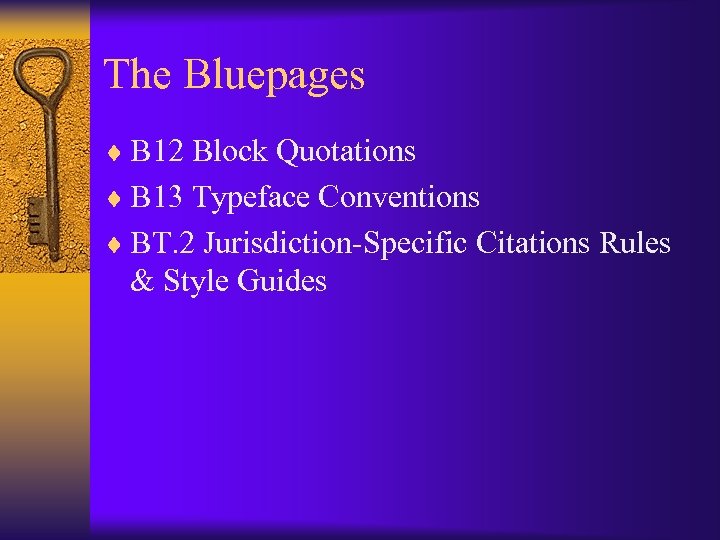 The Bluepages ¨ B 12 Block Quotations ¨ B 13 Typeface Conventions ¨ BT. 2 Jurisdiction-Specific Citations Rules & Style Guides
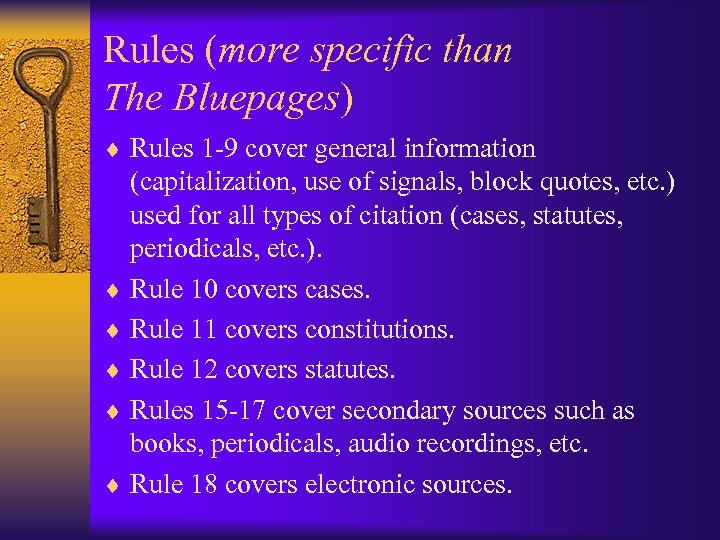 Rules (more specific than The Bluepages) ¨ Rules 1 -9 cover general information (capitalization, use of signals, block quotes, etc. ) used for all types of citation (cases, statutes, periodicals, etc. ). ¨ Rule 10 covers cases. ¨ Rule 11 covers constitutions. ¨ Rule 12 covers statutes. ¨ Rules 15 -17 cover secondary sources such as books, periodicals, audio recordings, etc. ¨ Rule 18 covers electronic sources.
 Tables ¨ Tables give helpful information about specific areas. ¨ Table 1 gives information about each jurisdiction in the United States. – – Court structure for each jurisdiction. Names of courts in that jurisdiction. Reporters in which those courts’ opinions are published. Statutory compilations for that jurisdiction. ¨ Table 6 gives the abbreviations that you will use to shorten case names.
 Index ¨ What is an index? ¨ Bluebook index works like any other index. ¨ Color-coded – Black: Information found in text. – Blue: Information found in example. ¨ When in doubt, check it out!
 Not Exactly Rocket Science ¨ The rules aren’t complicated. . . ¨. . . but there a lot of them! ¨ All you need is a method that lets you break the rules down and learn them a few at a time. ¨ Interactive Citation Workbook/Workstation. – self-directed study – frees up class time for more complex info – frees up professor’s commenting focus for more complex info
 Let’s take a look. . . ¨ Interactive Citation Workstation ¨ icw. lexisnexis. com
 Using the ICW: A Step-by-Step Tutorial © 2002 -08 Tracy L. Mc. Gaugh
 Instructions ¨ Each slide that follows contains instructions at the top. ¨ The screen displayed on each slide is what you should see after carrying out the instruction at the top of the page.
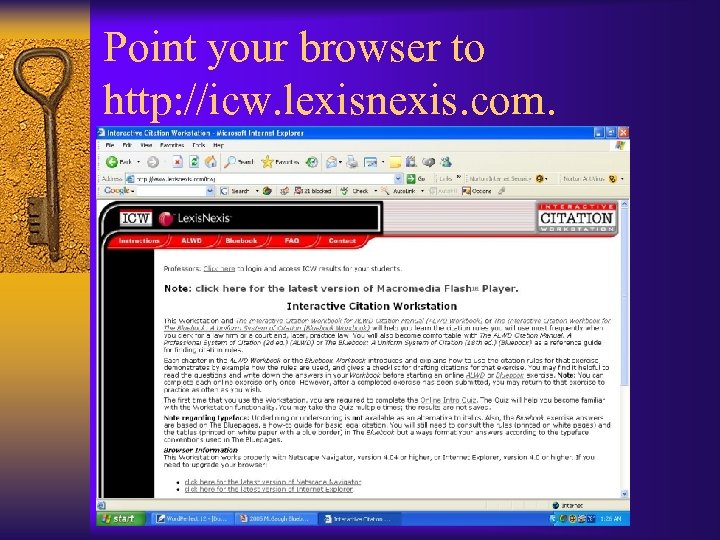 Point your browser to http: //icw. lexisnexis. com.
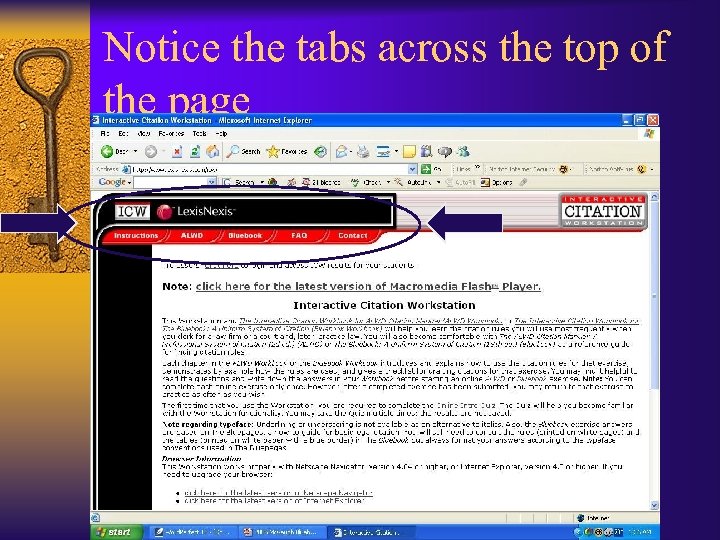 Notice the tabs across the top of the page
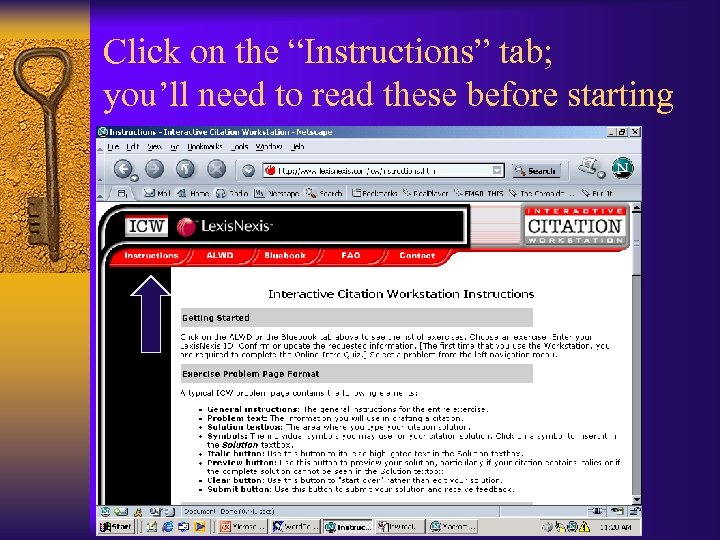 Click on the “Instructions” tab; you’ll need to read these before starting
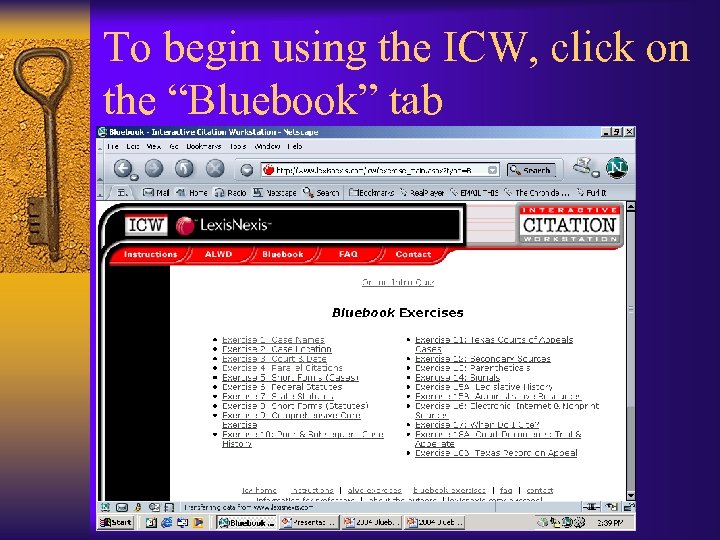 To begin using the ICW, click on the “Bluebook” tab
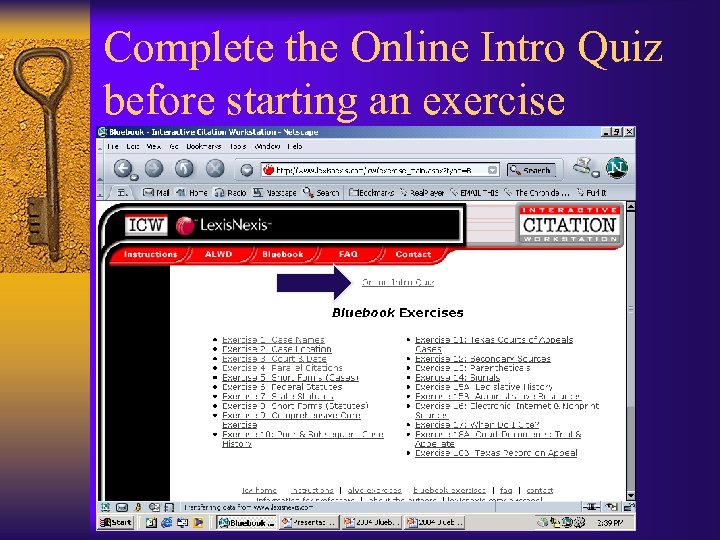 Complete the Online Intro Quiz before starting an exercise
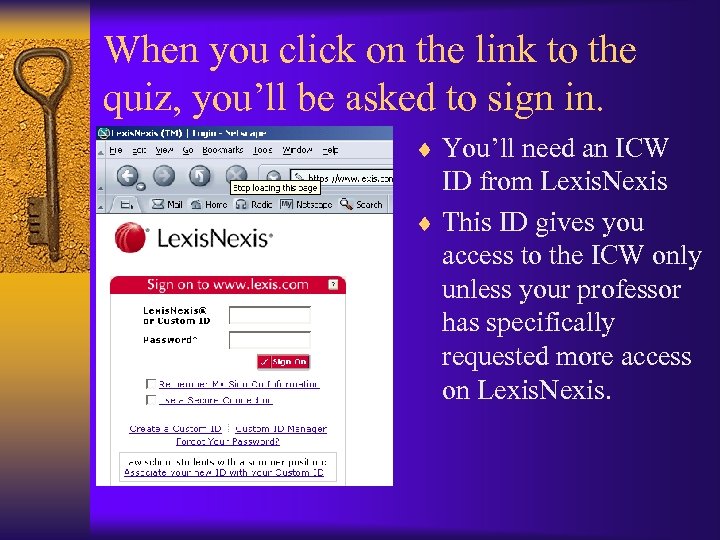 When you click on the link to the quiz, you’ll be asked to sign in. ¨ You’ll need an ICW ID from Lexis. Nexis ¨ This ID gives you access to the ICW only unless your professor has specifically requested more access on Lexis. Nexis.
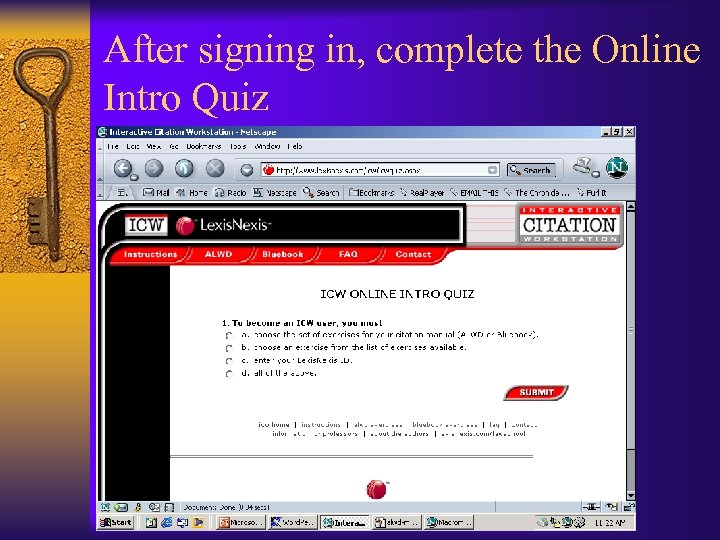 After signing in, complete the Online Intro Quiz
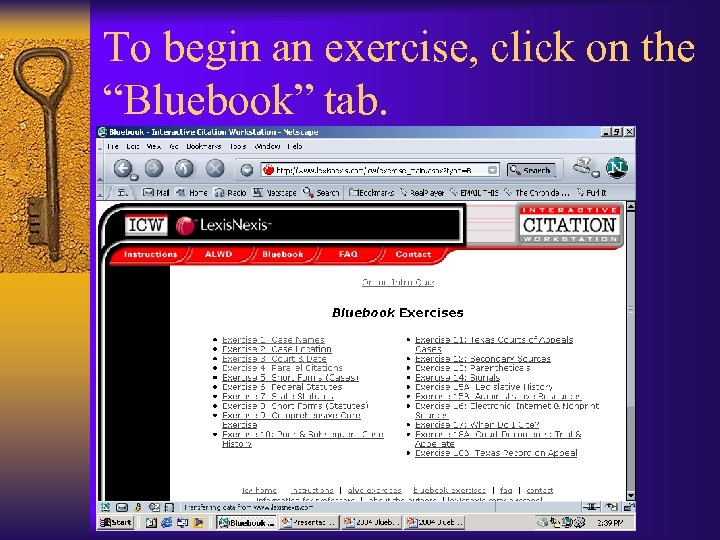 To begin an exercise, click on the “Bluebook” tab.
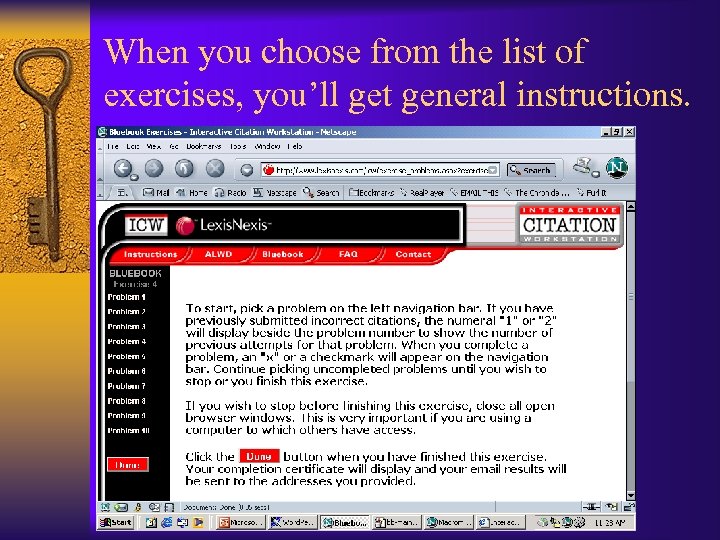 When you choose from the list of exercises, you’ll get general instructions.
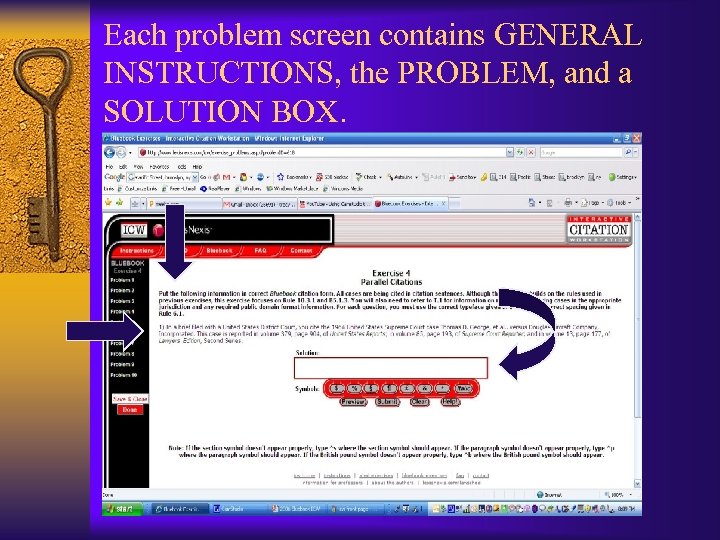 Each problem screen contains GENERAL INSTRUCTIONS, the PROBLEM, and a SOLUTION BOX.
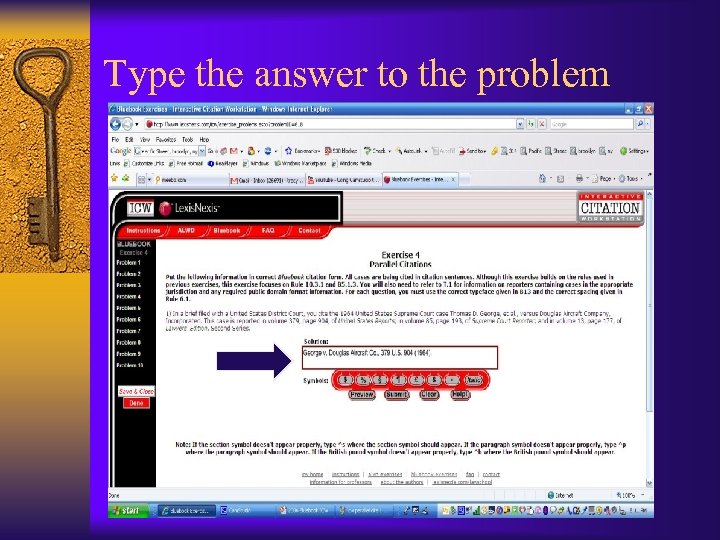 Type the answer to the problem
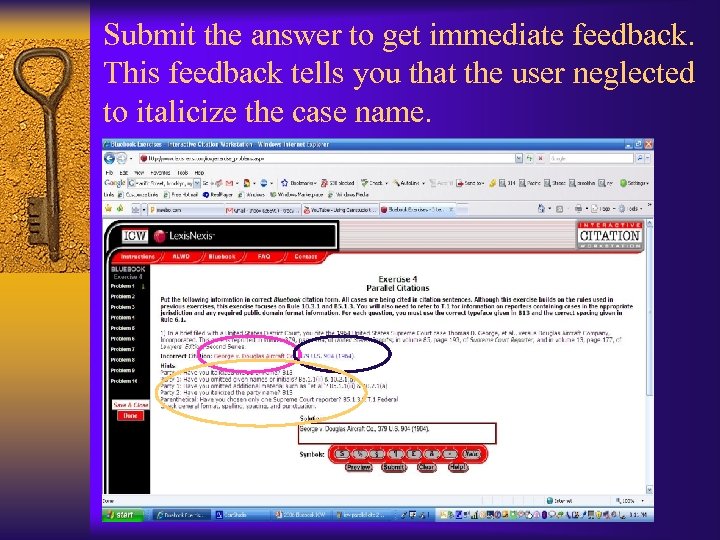 Submit the answer to get immediate feedback. This feedback tells you that the user neglected to italicize the case name.
 Feedback ¨ Correct portions in blue. ¨ Incorrect portions in red. ¨ Hints to correct the incorrect portions. ¨ Use the hints as a checklist to correct the citation – the hints will address everything that could be wrong with that part of the citation, not necessarily exactly what is wrong. ¨ Using the hints is faster and less frustrating than aimlessly changing the citation and resubmitting.
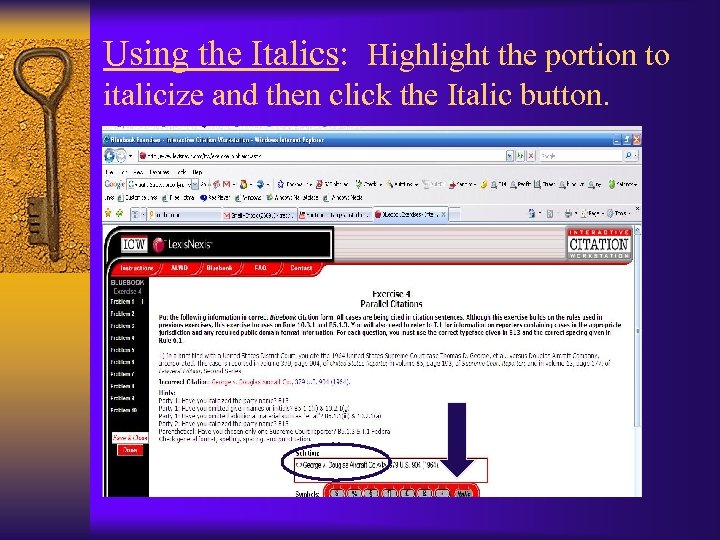 Using the Italics: Highlight the portion to italicize and then click the Italic button.
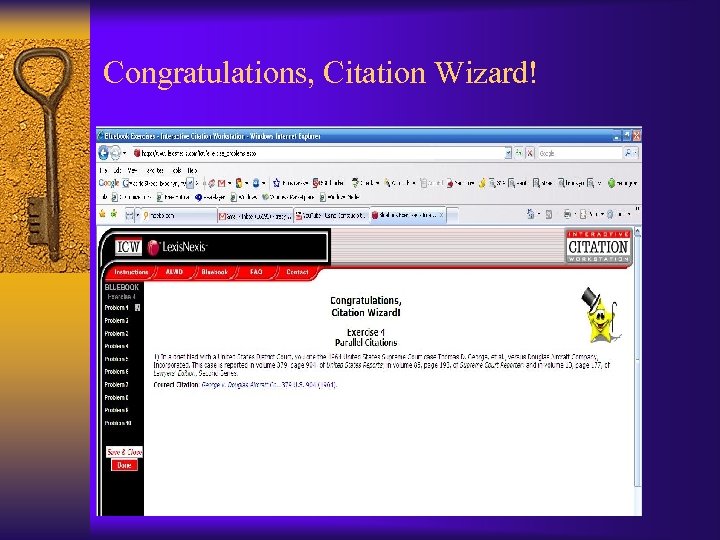 Congratulations, Citation Wizard!
 Other Features ¨ You can include symbols by clicking on the symbol needed below the solution box. You will need to reposition your cursor in the solution box. ¨ You can preview your answer before submitting it by clicking the preview button – especially helpful for long answers in later exercises.
 What happens if it’s not right? ¨ The ICW gives you three opportunities to draft the citation correctly. ¨ After the third try, the ICW records your final answer and lets you move on to another citation.
 What if my wrong answer looks identical to the ICW’s wrong answer? ¨ Use your cursor and arrow key to go through the citation and verify that you haven’t inserted additional spaces (multiple spaces display as a single space in HTML). ¨ Verify that punctuation is only included within the italics if an ICW rule allows it. ¨ These are the most common explanations. For others, consult the ICW’s FAQ section.
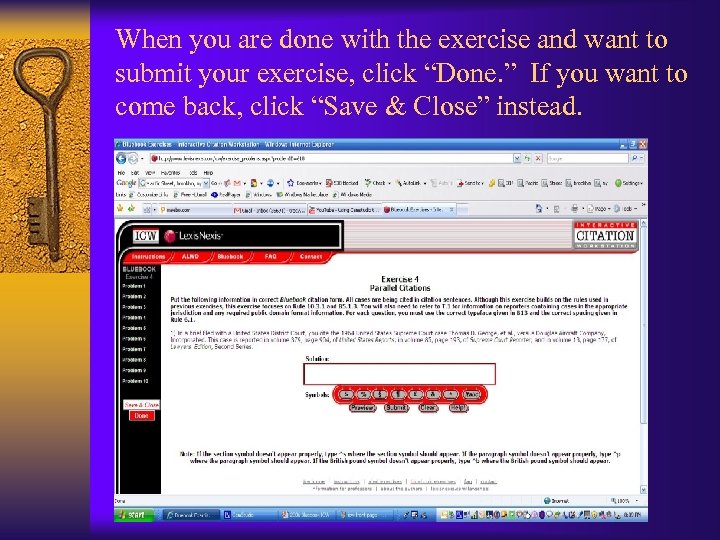 When you are done with the exercise and want to submit your exercise, click “Done. ” If you want to come back, click “Save & Close” instead.
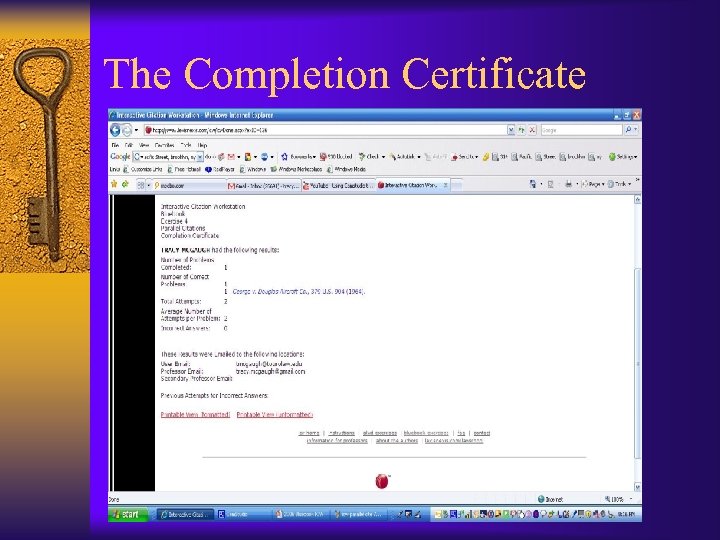 The Completion Certificate
 The Completion Certificate ¨ Will be automatically available to your professor online through the ICW site. ¨ May also be printed using the “Printable View” link. ¨ Will contain a list of your final correct answers, a list of your final incorrect answers, and a list of all attempts on each problem. ¨ Will contain statistics on your performance (no. correct, avg. no. of tries per problem, etc. ).
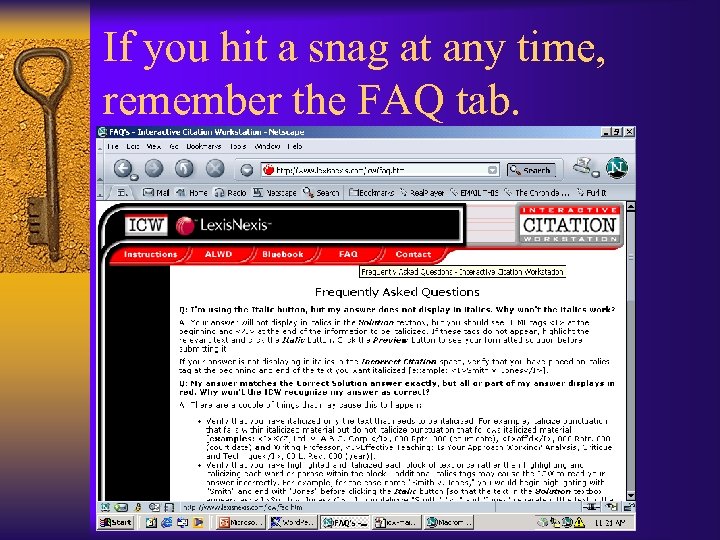 If you hit a snag at any time, remember the FAQ tab.
 What Happens Next? ¨ Enter only your TA’s email to receive the completion certificate. ¨ Satisfactory completion of all ICWs assigned is required to pass Intro. I. ¨ Should your score not achieve that level, your TA will reset the exercise for you to complete again. ¨ If you need additional help with ICW, contact your TA first, then your professor. ¨ Citation is all about the details. One space or comma off will make your answer incorrect. Proofread carefully.