


 Скачать презентацию UNIX Sockets COS 461 Precept 1 Clients
3890ae124a0d84474182b87af0f19933.ppt
- Количество слайдов: 23
 UNIX Sockets COS 461 Precept 1
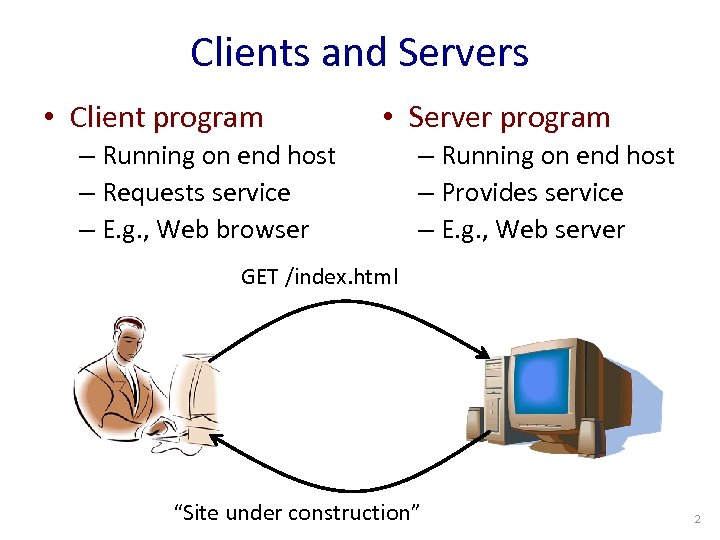 Clients and Servers • Client program • Server program – Running on end host – Requests service – E. g. , Web browser – Running on end host – Provides service – E. g. , Web server GET /index. html “Site under construction” 2
 Clients Are Not Necessarily Human • Example: Web crawler (or spider) – Automated client program – Tries to discover & download many Web pages – Forms the basis of search engines like Google • Spider client – Start with a base list of popular Web sites – Download the Web pages – Parse the HTML files to extract hypertext links – Download these Web pages, too – And repeat, and repeat… 3
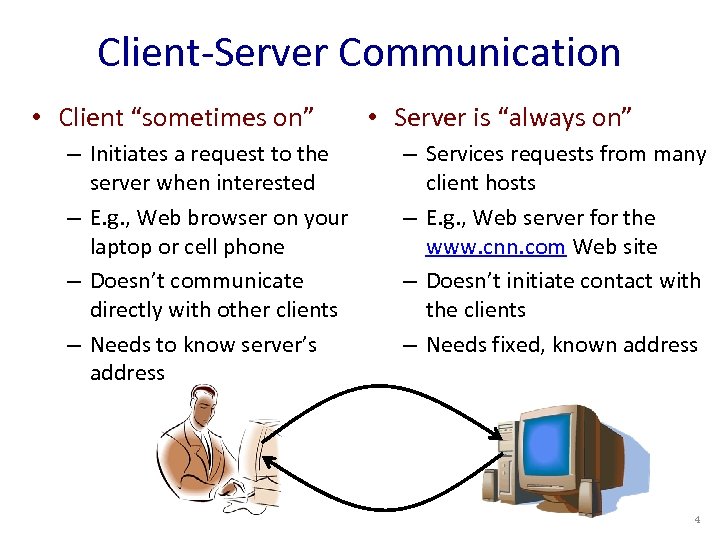 Client-Server Communication • Client “sometimes on” – Initiates a request to the server when interested – E. g. , Web browser on your laptop or cell phone – Doesn’t communicate directly with other clients – Needs to know server’s address • Server is “always on” – Services requests from many client hosts – E. g. , Web server for the www. cnn. com Web site – Doesn’t initiate contact with the clients – Needs fixed, known address 4
 Client and Server Processes • Program vs. process – Program: collection of code – Process: a running program on a host • Communication between processes – Same end host: inter-process communication • Governed by the operating system on the end host – Different end hosts: exchanging messages • Governed by the network protocols • Client and server processes – Client process: process that initiates communication – Server process: process that waits to be contacted 5
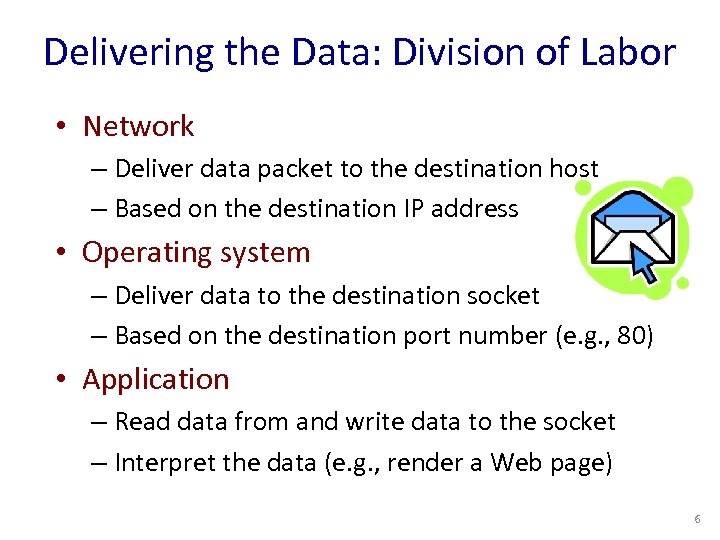 Delivering the Data: Division of Labor • Network – Deliver data packet to the destination host – Based on the destination IP address • Operating system – Deliver data to the destination socket – Based on the destination port number (e. g. , 80) • Application – Read data from and write data to the socket – Interpret the data (e. g. , render a Web page) 6
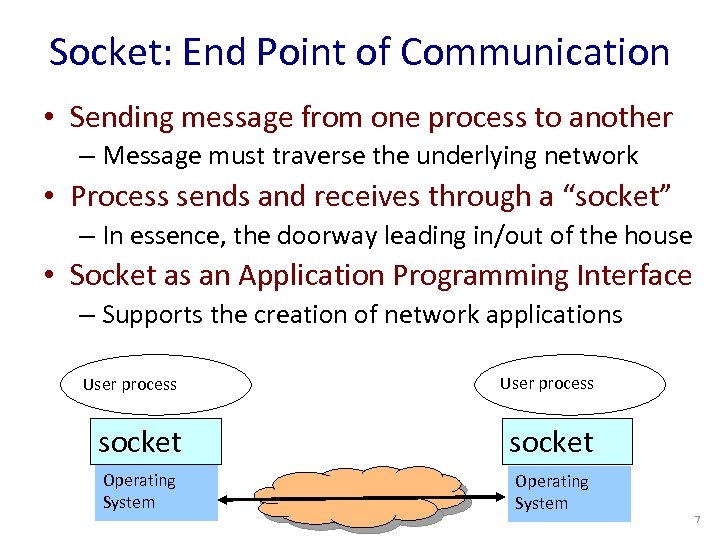 Socket: End Point of Communication • Sending message from one process to another – Message must traverse the underlying network • Process sends and receives through a “socket” – In essence, the doorway leading in/out of the house • Socket as an Application Programming Interface – Supports the creation of network applications User process socket Operating System 7
 Identifying the Receiving Process • Sending process must identify the receiver – The receiving end host machine – The specific socket in a process on that machine • Receiving host – Destination address that uniquely identifies the host – An IP address is a 32 -bit quantity • Receiving socket – Host may be running many different processes – Destination port that uniquely identifies the socket – A port number is a 16 -bit quantity 8
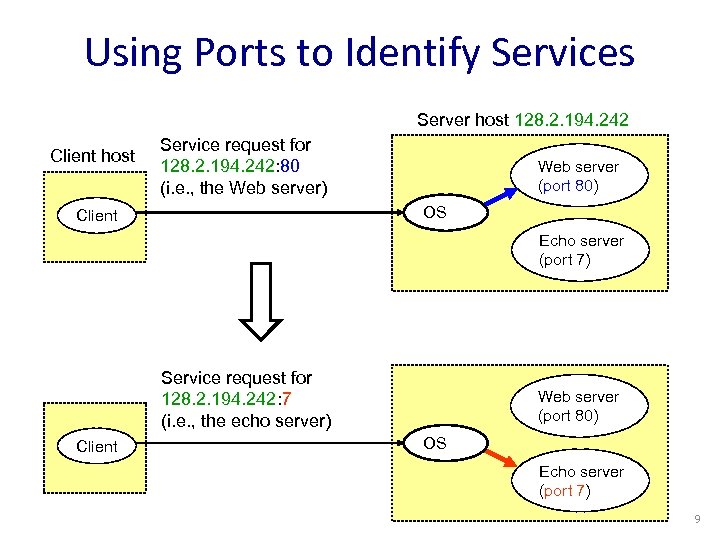 Using Ports to Identify Services Server host 128. 2. 194. 242 Client host Service request for 128. 2. 194. 242: 80 (i. e. , the Web server) Web server (port 80) OS Client Echo server (port 7) Service request for 128. 2. 194. 242: 7 (i. e. , the echo server) Client Web server (port 80) OS Echo server (port 7) 9
 Knowing What Port Number To Use • Popular applications have well-known ports – E. g. , port 80 for Web and port 25 for e-mail – See http: //www. iana. org/assignments/port-numbers • Well-known vs. ephemeral ports – Server has a well-known port (e. g. , port 80) • Between 0 and 1023 (requires root to use) – Client picks an unused ephemeral (i. e. , temporary) port • Between 1024 and 65535 • Uniquely identifying traffic between the hosts – Two IP addresses and two port numbers – Underlying transport protocol (e. g. , TCP or UDP) – This is the “ 5 -tuple” I discussed last lecture 10
 UNIX Socket API • Socket interface – Originally provided in Berkeley UNIX – Later adopted by all popular operating systems – Simplifies porting applications to different OSes • In UNIX, everything is like a file – All input is like reading a file – All output is like writing a file – File is represented by an integer file descriptor • API implemented as system calls – E. g. , connect, read, write, close, … 11
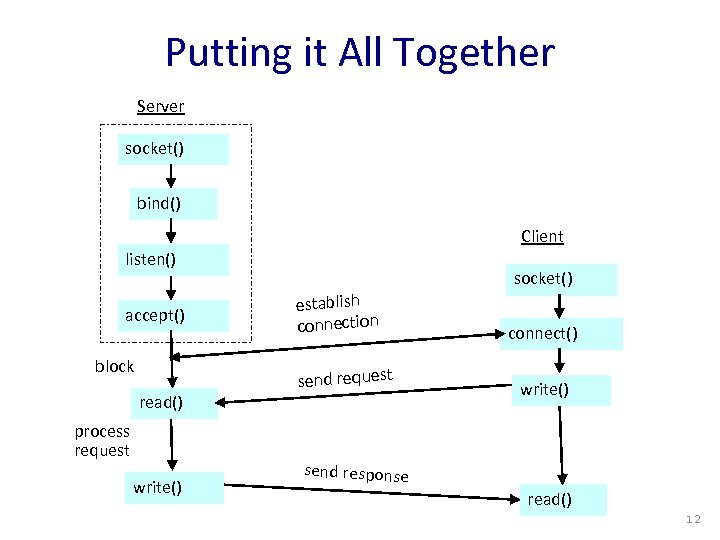 Putting it All Together Server socket() bind() Client listen() accept() block read() process request write() establish connection send request socket() connect() write() send response read() 12
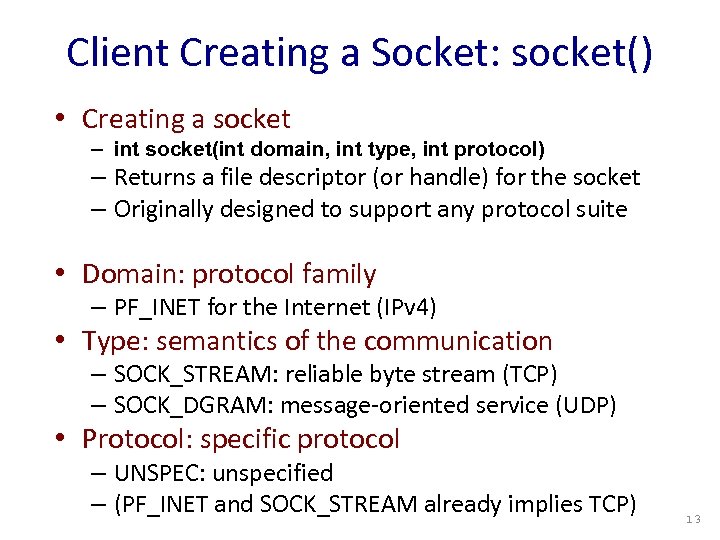 Client Creating a Socket: socket() • Creating a socket – int socket(int domain, int type, int protocol) – Returns a file descriptor (or handle) for the socket – Originally designed to support any protocol suite • Domain: protocol family – PF_INET for the Internet (IPv 4) • Type: semantics of the communication – SOCK_STREAM: reliable byte stream (TCP) – SOCK_DGRAM: message-oriented service (UDP) • Protocol: specific protocol – UNSPEC: unspecified – (PF_INET and SOCK_STREAM already implies TCP) 13
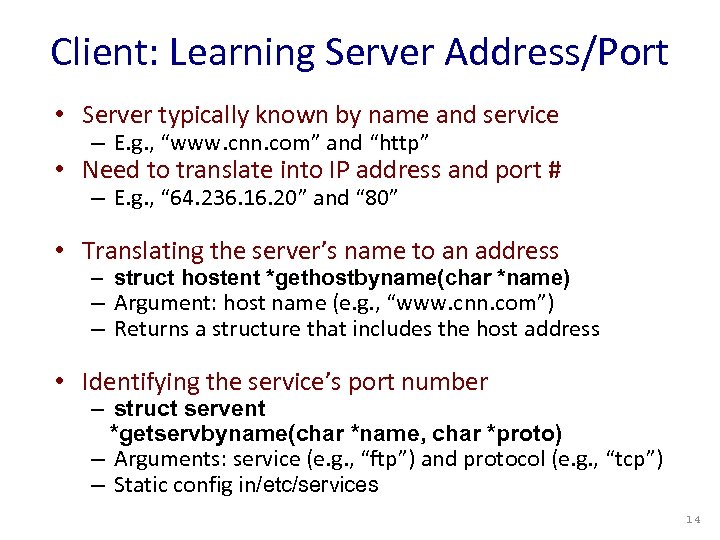 Client: Learning Server Address/Port • Server typically known by name and service – E. g. , “www. cnn. com” and “http” • Need to translate into IP address and port # – E. g. , “ 64. 236. 16. 20” and “ 80” • Translating the server’s name to an address – struct hostent *gethostbyname(char *name) – Argument: host name (e. g. , “www. cnn. com”) – Returns a structure that includes the host address • Identifying the service’s port number – struct servent *getservbyname(char *name, char *proto) – Arguments: service (e. g. , “ftp”) and protocol (e. g. , “tcp”) – Static config in/etc/services 14
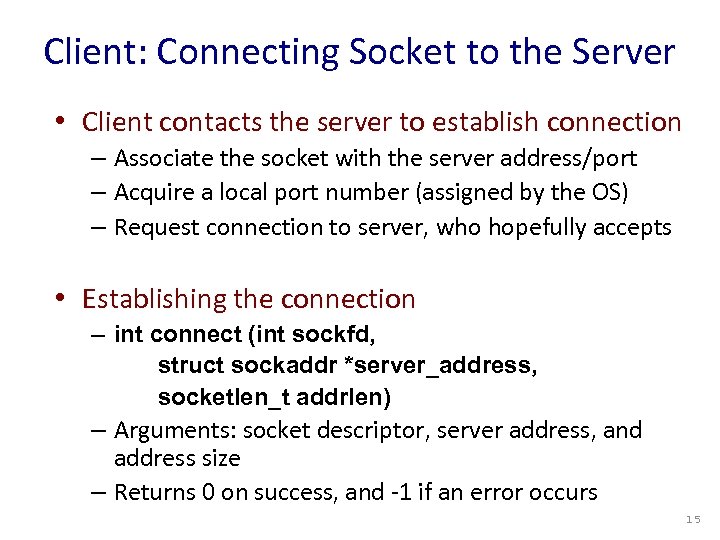 Client: Connecting Socket to the Server • Client contacts the server to establish connection – Associate the socket with the server address/port – Acquire a local port number (assigned by the OS) – Request connection to server, who hopefully accepts • Establishing the connection – int connect (int sockfd, struct sockaddr *server_address, socketlen_t addrlen) – Arguments: socket descriptor, server address, and address size – Returns 0 on success, and -1 if an error occurs 15
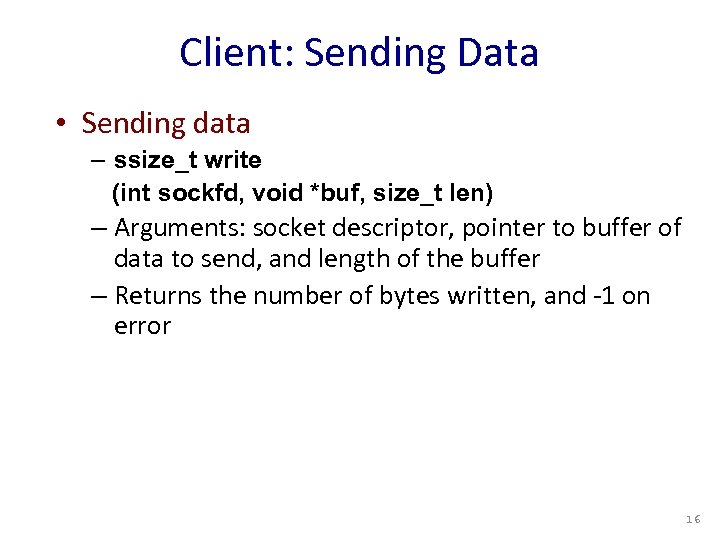 Client: Sending Data • Sending data – ssize_t write (int sockfd, void *buf, size_t len) – Arguments: socket descriptor, pointer to buffer of data to send, and length of the buffer – Returns the number of bytes written, and -1 on error 16
 Client: Receiving Data • Receiving data – ssize_t read (int sockfd, void *buf, size_t len) – Arguments: socket descriptor, pointer to buffer to place the data, size of the buffer – Returns the number of characters read (where 0 implies “end of file”), and -1 on error – Why do you need len? – What happens if buf’s size < len? • Closing the socket – int close(int sockfd) 17
 Server: Server Preparing its Socket • Server creates a socket and binds address/port – Server creates a socket, just like the client does – Server associates the socket with the port number (and hopefully no other process is already using it!) – Choose port “ 0” and let kernel assign ephemeral port • Create a socket – int socket (int domain, int type, int protocol) • Bind socket to the local address and port number – int bind (int sockfd, struct sockaddr *my_addr, socklen_t addrlen) – Arguments: sockfd, server address, address length – Returns 0 on success, and -1 if an error occurs 18
 Server: Allowing Clients to Wait • Many client requests may arrive – Server cannot handle them all at the same time – Server could reject the requests, or let them wait • Define how many connections can be pending – int listen(int sockfd, int backlog) – Arguments: socket descriptor and acceptable backlog – Returns a 0 on success, and -1 on error • What if too many clients arrive? – Some requests don’t get through – The Internet makes no promises… – And the client can always try again 19
 Server: Accepting Client Connection • Now all the server can do is wait… – Waits for connection request to arrive – Blocking until the request arrives – And then accepting the new request • Accept a new connection from a client – int accept(int sockfd, struct sockaddr *addr, socketlen_t *addrlen) – Arguments: sockfd, structure that will provide client address and port, and length of the structure – Returns descriptor of socket for this new connection 20
 Server: One Request at a Time? • Serializing requests is inefficient – Server can process just one request at a time – All other clients must wait until previous one is done – What makes this inefficient? • May need to time share the server machine – Alternate between servicing different requests • Do a little work on one request, then switch when you are waiting for some other resource (e. g. , reading file from disk) • “Nonblocking I/O” – Or, use a different process/thread for each request • Allow OS to share the CPU(s) across processes – Or, some hybrid of these two approaches 21
 Client and Server: Cleaning House • Once the connection is open – Both sides and read and write – Two unidirectional streams of data – In practice, client writes first, and server reads – … then server writes, and client reads, and so on • Closing down the connection – Either side can close the connection – … using the close() system call • What about the data still “in flight” – Data in flight still reaches the other end – So, server can close() before client finishes reading 22
 Wanna See Real Clients and Servers? • Apache Web server – Open source server first released in 1995 – Name derives from “a patchy server” ; -) – Software available online at http: //www. apache. org • Mozilla Web browser – http: //www. mozilla. org/developer/ • Sendmail – http: //www. sendmail. org/ • BIND Domain Name System – Client resolver and DNS server – http: //www. isc. org/index. pl? /sw/bind/ • … 23