 Скачать презентацию UNIX Processes Introduction ³Processes î î How
7e781e459a02d26f8dc37c0fe5907d90.ppt
- Количество слайдов: 31




UNIX Processes

Introduction ³Processes î î How to list them How to terminate them Process priorities Scheduling jobs ³Signals
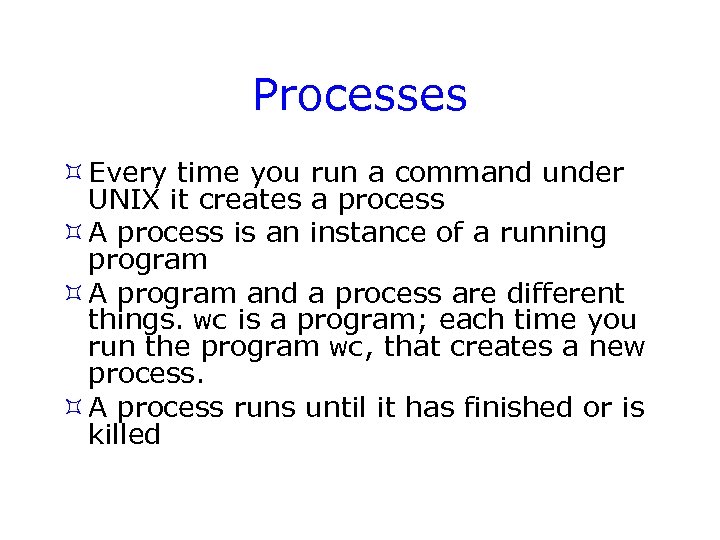
Processes ³ Every time you run a command under UNIX it creates a process ³ A process is an instance of a running program ³ A program and a process are different things. wc is a program; each time you run the program wc, that creates a new process. ³ A process runs until it has finished or is killed

Processes (2) ³ Every process has a number assigned to it called a process–ID or PID. ³ All the processes running on a UNIX machine are scheduled a certain amount of time on the CPU. The more that are running, the longer it will take for any one to finish
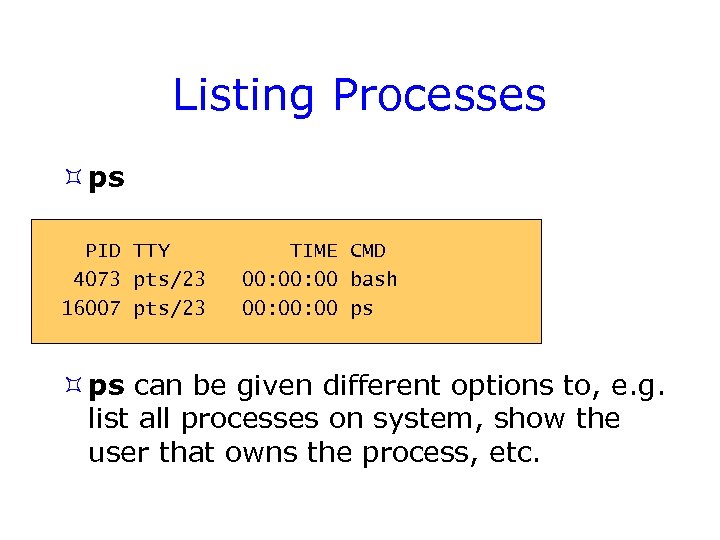
Listing Processes ³ ps PID TTY 4073 pts/23 16007 pts/23 TIME CMD 00: 00 bash 00: 00 ps ³ ps can be given different options to, e. g. list all processes on system, show the user that owns the process, etc.

Child and Parent Processes ³Any process can create another process ³That process is then a parent process of the newly created child process ³Use the pstree command to view relationships between parent and child processes (the process tree)
![pstree [zlizmj@unnc-cslinux ~]$ pstree -p zuczpd gconfd-2(10782) kdeinit(10733)-+-artsd(10752) |-emacs(10779)---aspell(27099) |-kdeinit(10738) |-kdeinit(10771)---bash(10783)---emacs(23700)-+aspell(32542) | `emacsserver(23754) |-kdeinit(10773)](https://present5.com/presentation/7e781e459a02d26f8dc37c0fe5907d90/image-7.jpg "pstree [zlizmj@unnc-cslinux ~]$ pstree -p zuczpd gconfd-2(10782) kdeinit(10733)-+-artsd(10752) |-emacs(10779)---aspell(27099) |-kdeinit(10738) |-kdeinit(10771)---bash(10783)---emacs(23700)-+aspell(32542) | `emacsserver(23754) |-kdeinit(10773)")
pstree [zlizmj@unnc-cslinux ~]$ pstree -p zuczpd gconfd-2(10782) kdeinit(10733)-+-artsd(10752) |-emacs(10779)---aspell(27099) |-kdeinit(10738) |-kdeinit(10771)---bash(10783)---emacs(23700)-+aspell(32542) | `emacsserver(23754) |-kdeinit(10773) |-kdeinit(10774)---bash(10802) |-pam-panel-icon(10768)---pam_timestamp_c(10770) `-xload(10778)

Child and Parent Processes (2) ³A parent process forks to create a child process ³This allows multiprocessing: Running Job 1 Child Process $ ls $ Prompt $ ls & $ $ pwd & $ Parent Process $ pwd Child Process Running Job 2

Child and Parent Processes (3) ³ Children run separately and simultaneously with each other and with their parents (although the parent might choose to wait for its child to finish) ³ Children inherit from their parents î When a process spawns to make a child process, the child is initially an exact copy of the parent, except for some differences (see next)

Differences between Child and Parent Processes ³ They have different Process IDs (PIDs) ³ The have different PPIDs (parent PIDs) ³ Accounting information is reset for the child ³ For details of all the differences look up the manual page on the system call fork ³ All other things are initially the same, but each process has its own copy (they can modify their own copy)

Being “nice” to other people! ³ If you are running a program on a shared machine and you know it will take some time - “nice” it ³ nice will run a program at a lower priority so that it doesn’t clog up the CPU ³ Priorities range from 19 to -20 ³ -20 is the highest priority, but you are not allowed to set priorities below 0 unless you are root $ nice –n 20 find. -name unix. ps –print

Job Control: top ³ A program which shows you information about the top CPU processes ³ Updates this information at regular intervals ³ Type q to quit ³ Type k to kill a process (to kill means to send a signal) ³ Type u (return) followed by a username (return) to just see the processes belonging to that user

Killing Processes ³ Use top ³ Alternatively, use kill î kill <signal number> <PID> ³ E. g. kill -15 25718 î “-15” is the signal number – here, it means “stop the process cleanly” (i. e. close any files it is using) ø More about signals later… î “-9” means “kill the process whatever” ø Useful if all else fails! ³ killall <signal number> <process name> will send the signal to every process with that name.

Process States ³Processes can have one of a number of states: î 0 - running on a processor î S - sleeping (waiting for an event to complete) î R - runnable (process is on run queue) î Z – zombie

Running a Process in the Background ³Some commands may take a while to complete ³Some may run until the user Exits (e. g. emacs) ³You may want to use your command line in the meantime: î & puts a process in the background (detaches it from the terminal) î E. g. emacs &
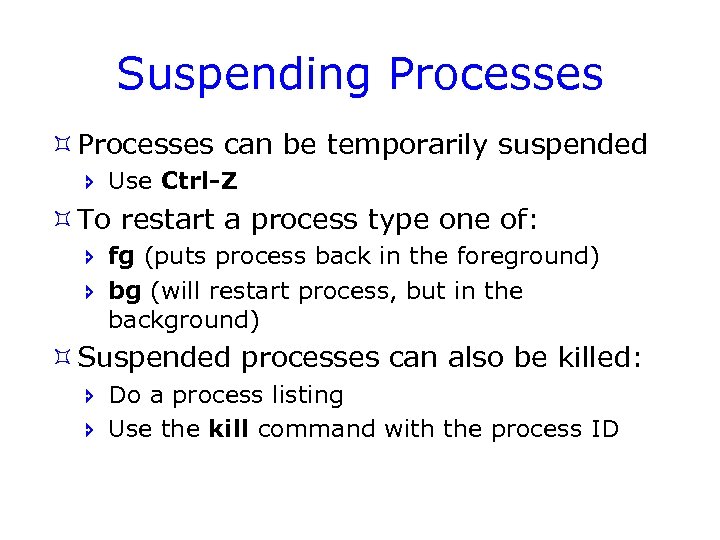
Suspending Processes ³ Processes can be temporarily suspended î Use Ctrl-Z ³ To restart a process type one of: î fg (puts process back in the foreground) î bg (will restart process, but in the background) ³ Suspended processes can also be killed: î Do a process listing î Use the kill command with the process ID

Job Control ³ The jobs command produces a numbered list of background and suspended processes ³ You can use these job numbers to access your jobs: [zlizmj@unnc-cslinux ~]$ [1] - Running [2] + Suspended more [zlizmj@unnc-cslinux ~]$ [1] - Running [3] Terminated jobs xclock -d temp. txt kill %2 jobs xclock -d more temp. txt ³ Note that the job number is not the process ID!

Job Control (2) ³jobs allows you to: î Bring a job to the foreground øfg %<job number> î Run a job in the background øbg %<job number> î Suspend a job østop %<job number> î Terminate a job økill %<job number>

Control Key Sequences for Processes ³Some control sequences affect processes: î Ctrl-C - kill a process î Ctrl-D - exit a shell (send EOF) î Nothing to do with process-control: øCtrl-S - suspend or pause the display of output øCtrl-Q - resume or continue output from Ctrl-S

Daemons ³ UNIX daemons are processes which lie dormant until they are needed for a particular service (services in windowsspeak) ³ Commonly, their names end with a ‘d’ ³ Examples are: î Printer daemons (lpd) î Web server daemons (httpd) î Scheduling daemons (atd, crond)

Scheduling Processes - cron ³Processes can be scheduled to run at a periodic intervals: î Use the cron daemon î With this, users can schedule processes to run periodically, or at specified times î Create a text file called crontab. cron which contains lines with a date/time and command line

Scheduling Processes - cron (2) î Cron jobs are allowed or denied by system administrators using the cron. allow and cron. deny files in either /var/spool/cron or /etc/crond. d î You have to register your crontab using the command crontab. cron in order for the cron daemon to activate your crontab

Scheduling Processes - cron (3) ³Each line in crontab. cron has five fields: î î î Minute - (0 -59) Hour - (0 -23) Day of the month - (1 -31) Month of the year - (1 -12) Day of the week - (0 -6) (Sunday is 0) Command line - the command to be executed

Using cron ³Edit your crontab. cron file to contain what you want it to do: 0, 30 * * * 1 -5 date >> datelog î This cron job will record the date it was run every 30 minutes from Monday to Friday, in the file datelog ³Register your crontab: $ crontab. cron

Scheduling Processes - at ³You can schedule something to happen once using at ³at TIME will execute at given TIME the commands given in STDIN. ³It’s often more comfortable to use at TIME < filename at TIME –f filename

Scheduling Processes - at (2) $ at now + 1 min $ at> who | logged $ at> ls my. Dir | listing. txt $ at> <EOT> job 1171280502. a at Mon Feb 12 11: 42 2007 $ at 3 am < commands job 8 at 2007 -03 -21 03: 00

Scheduling Processes - batch ³ The batch command can be used to queue up jobs: $ batch at> ls my. Dir > listing. txt at> <EOT> $ ³ These jobs will be run as soon as the system has the resources to do so

UNIX Signals ³ Signals are a UNIX mechanism for controlling processes ³ A signal is a message to a process that requires immediate attention ³ Signals are generated by exceptions, e. g. : î î Attempts to use illegal instructions The user pressing an interrupt key Window resize events A child process calling exit or terminating abnormally

Signal Numbers ³ Each signal has a default action associated with it ³ Most signals can be caught from within a program. A programmer can then: î Ignore signal î Perform the default action î Execute a program specified function ³ The default action can be î Terminate the process. î Ignore the signal. î top Stop the process.

Signal Numbers Signal Name Number Default Action Meaning SIGHUP 1 Term Hangup (sent to a process when a modem or network connection is lost, terminal is closed, etc) SIGINT 2 Term Interrupt (generated by Ctrl-C) SIGTRAP 5 Core Trace trap SIGKILL 9 Term Kill SIGBUS 10 Core Bus error (invalid memory reference) SIGSEGV 11 Core Segmentation violation SIGTERM 15 Term Software termination signal (default kill signal) For a complete reference see the section 7 of the manual on signal $ man 7 signal

Summary ³UNIX processes î î How to list them How to prioritise them How to schedule them Parent and Child processes ³Signals î What are they for? î Types of signal
Скачать презентацию UNIX Processes Introduction ³Processes î î How
7e781e459a02d26f8dc37c0fe5907d90.ppt