


 Скачать презентацию UFORE The Shell What is a shell
0ee0a1f28cb6dc40f1b135e45245f50f.ppt
- Количество слайдов: 52
 UFORE The Shell
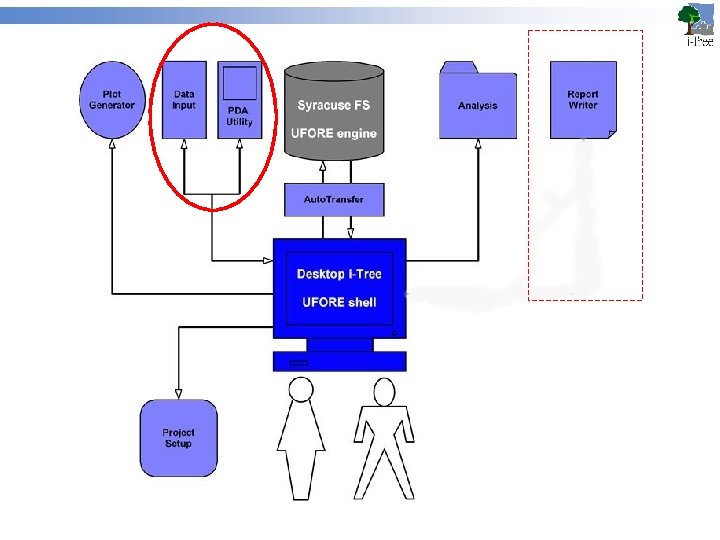
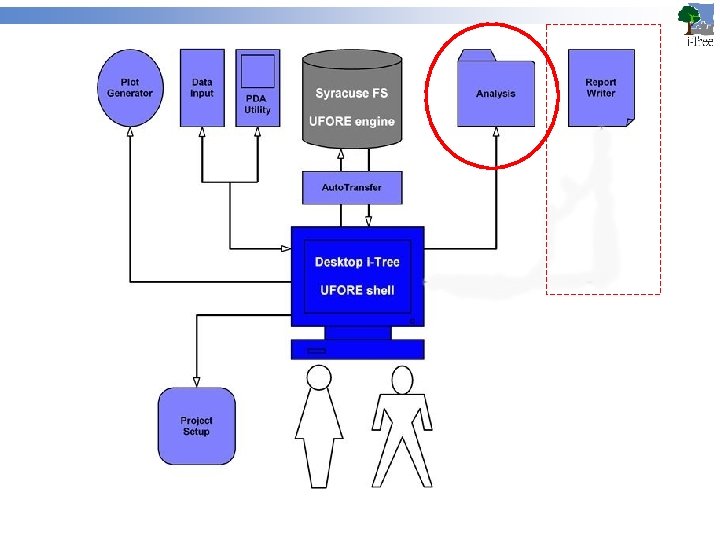
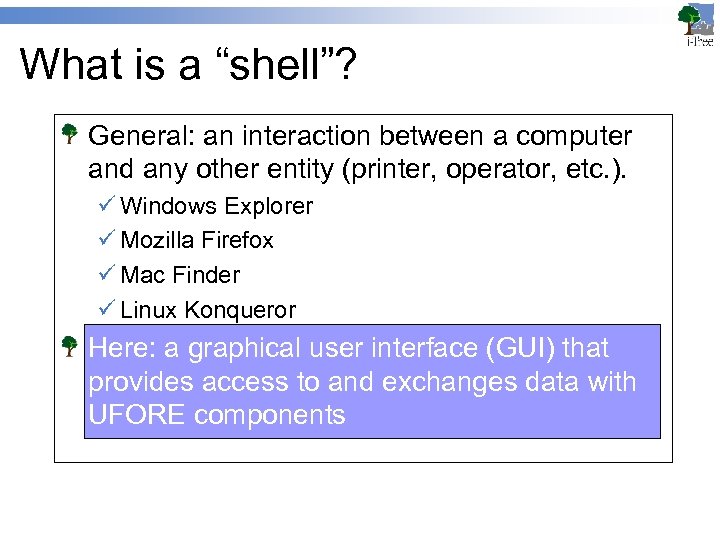 What is a “shell”? General: an interaction between a computer and any other entity (printer, operator, etc. ). ü Windows Explorer ü Mozilla Firefox ü Mac Finder ü Linux Konqueror Here: a graphical user interface (GUI) that provides access to and exchanges data with UFORE components
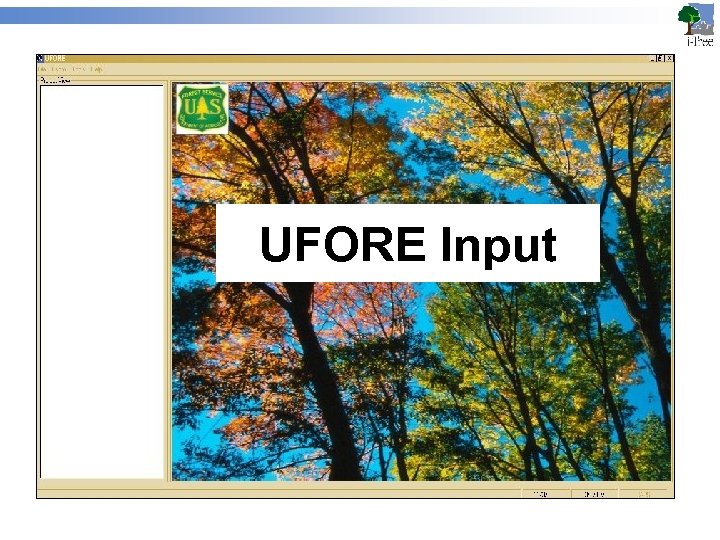 UFORE Input
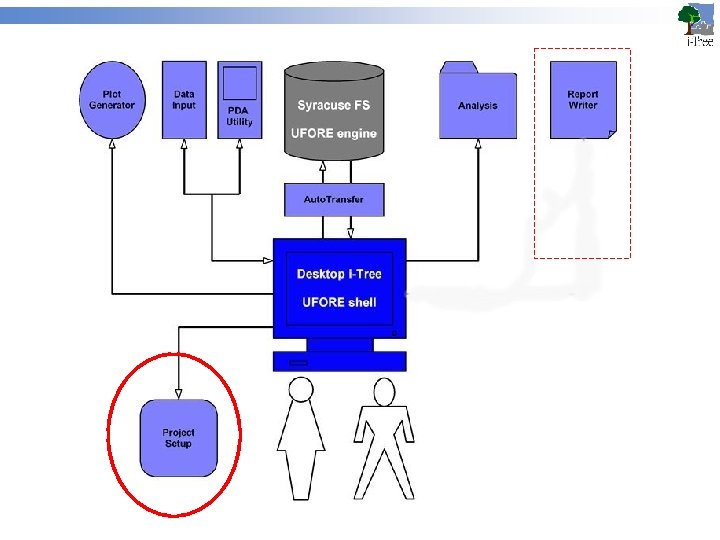
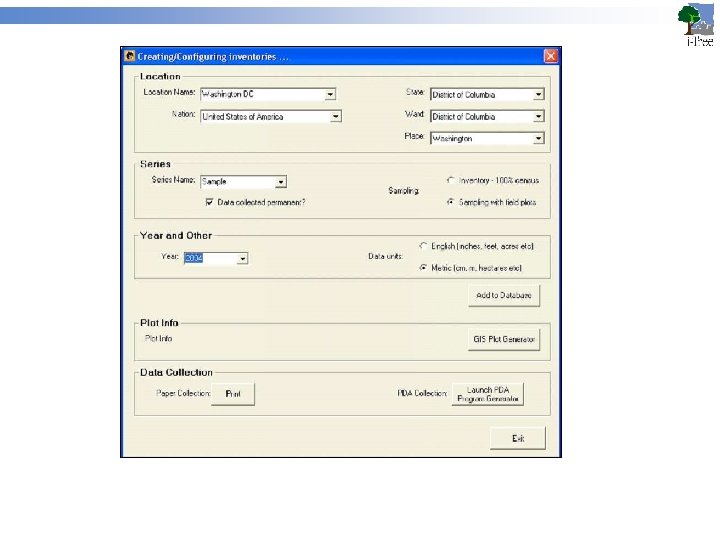
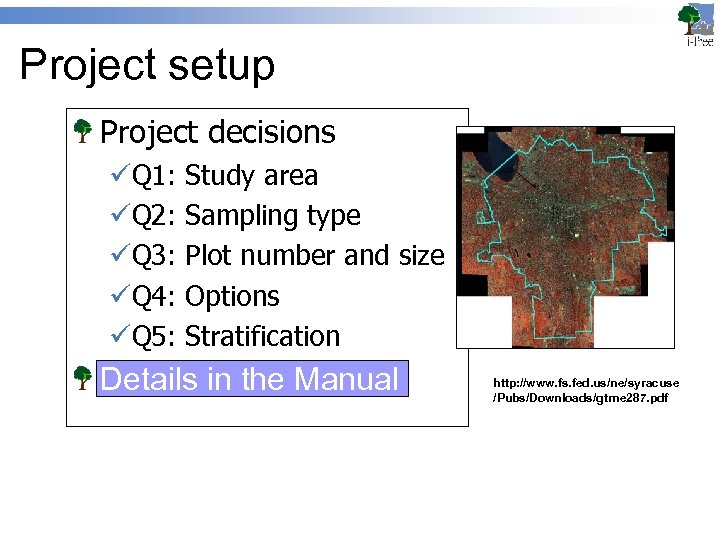 Project setup Project decisions üQ 1: üQ 2: üQ 3: üQ 4: üQ 5: Study area Sampling type Plot number and size Options Stratification Details in the Manual http: //www. fs. fed. us/ne/syracuse /Pubs/Downloads/gtrne 287. pdf
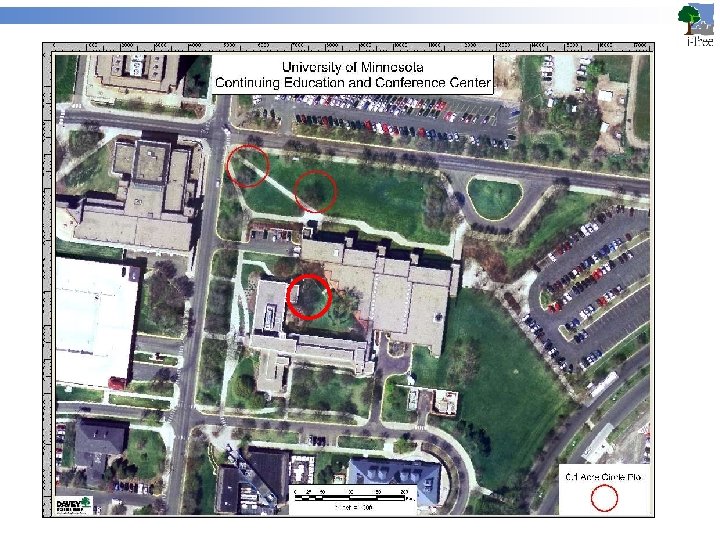
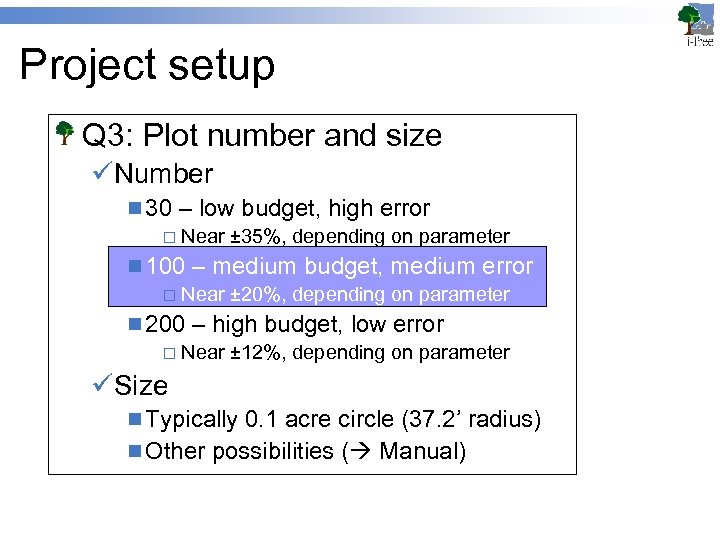 Project setup Q 3: Plot number and size üNumber n 30 – low budget, high error ¨ Near ± 35%, depending on parameter n 100 – medium budget, medium error ¨ Near ± 20%, depending on parameter n 200 – high budget, low error ¨ Near ± 12%, depending on parameter üSize n Typically 0. 1 acre circle (37. 2’ radius) n Other possibilities ( Manual)
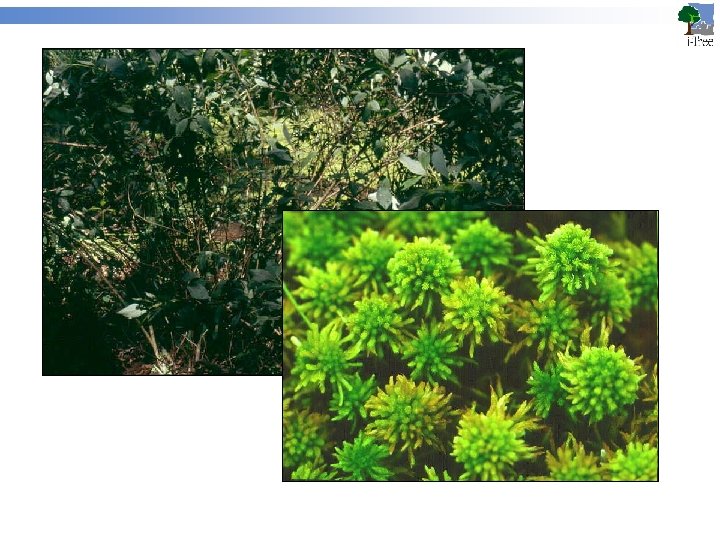
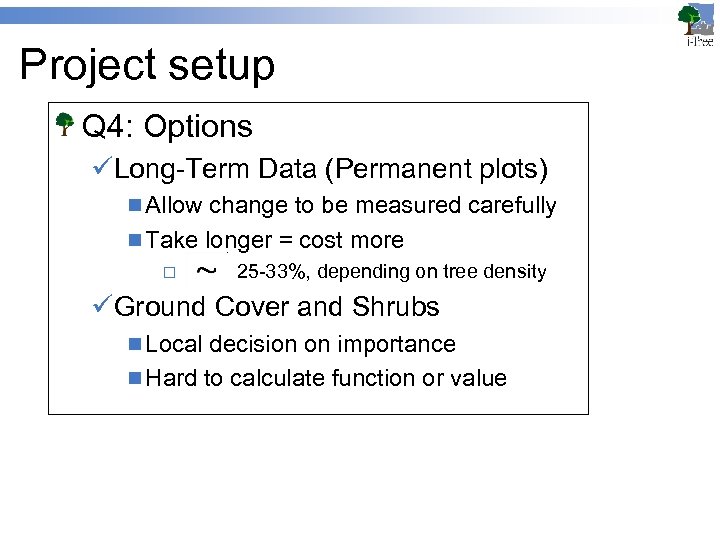 Project setup Q 4: Options üLong-Term Data (Permanent plots) n Allow change to be measured carefully n Take longer = cost more ¨ 25 -33%, depending on tree density üGround Cover and Shrubs n Local decision on importance n Hard to calculate function or value
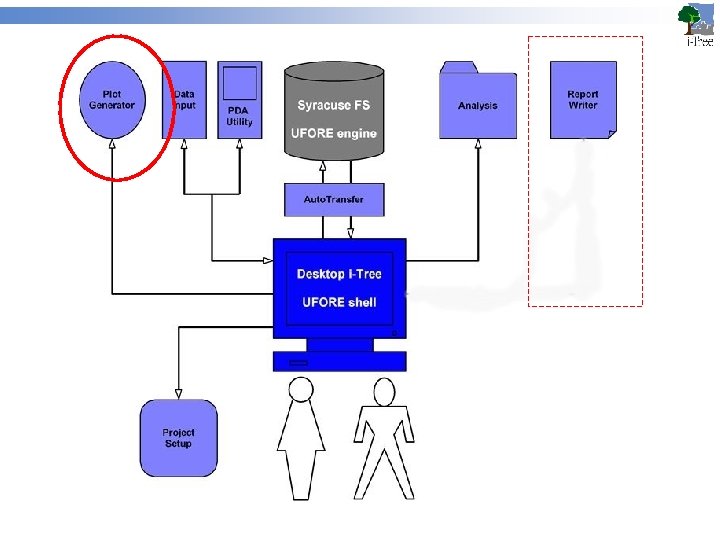
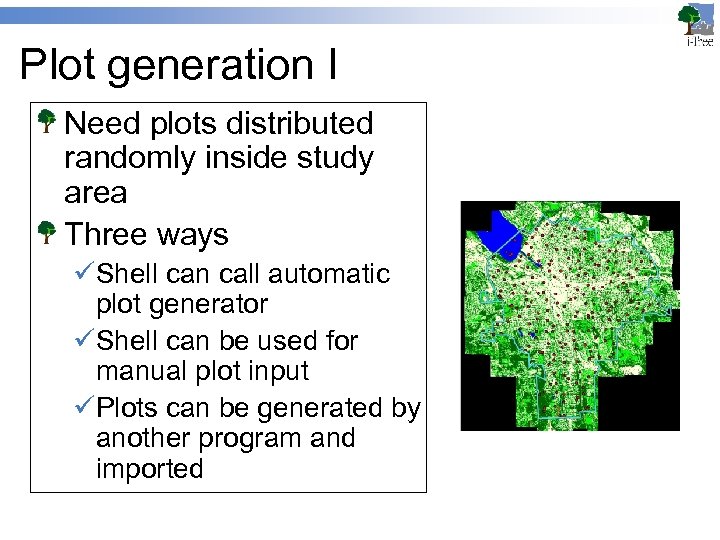 Plot generation I Need plots distributed randomly inside study area Three ways üShell can call automatic plot generator üShell can be used for manual plot input üPlots can be generated by another program and imported
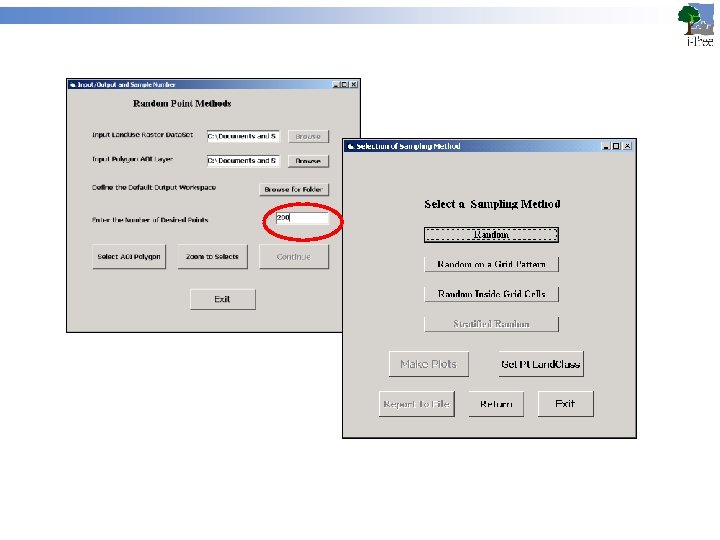
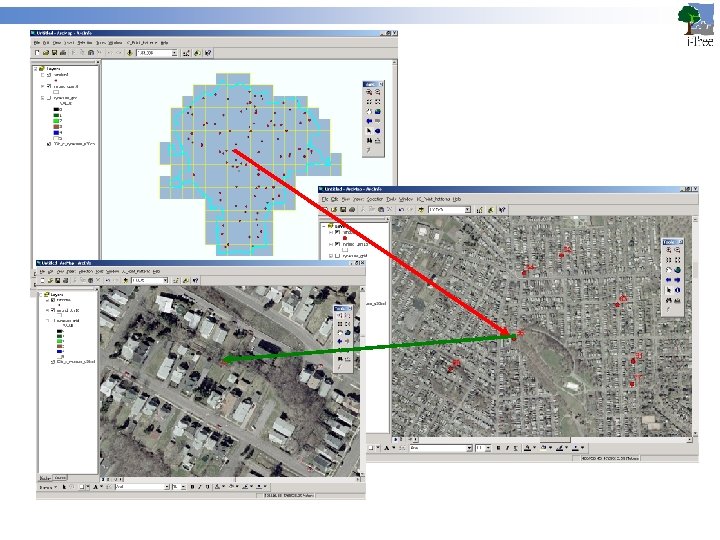
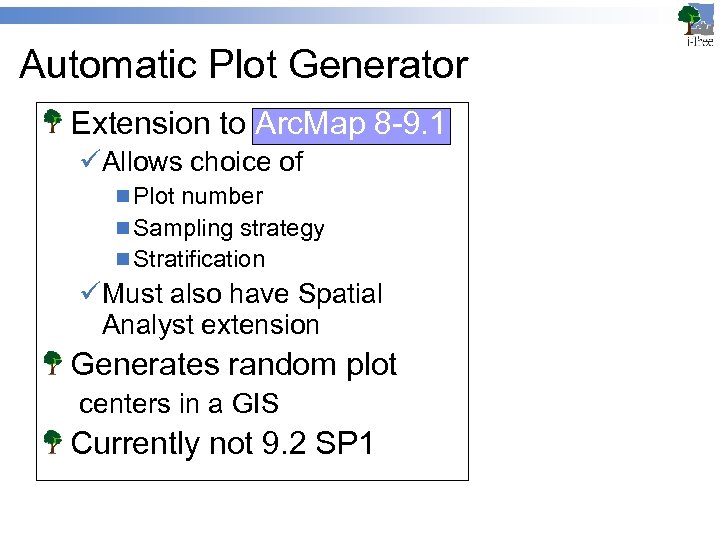 Automatic Plot Generator Extension to Arc. Map 8 -9. 1 üAllows choice of n Plot number n Sampling strategy n Stratification üMust also have Spatial Analyst extension Generates random plot centers in a GIS Currently not 9. 2 SP 1
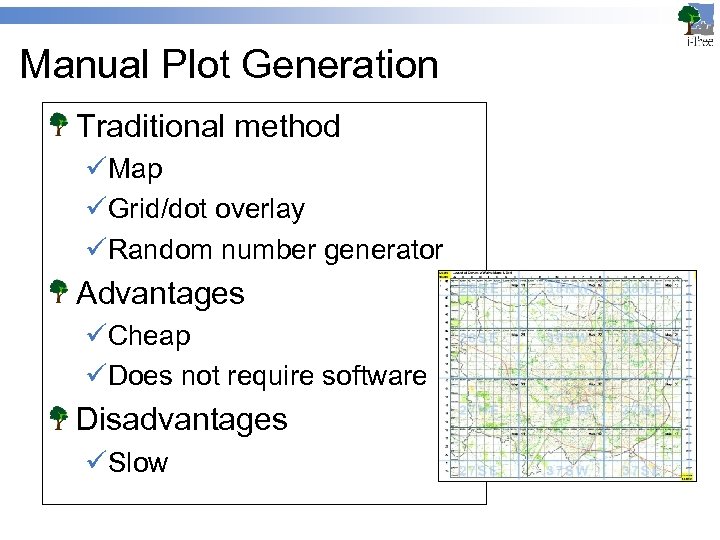 Manual Plot Generation Traditional method üMap üGrid/dot overlay üRandom number generator Advantages üCheap üDoes not require software Disadvantages üSlow
 External Plot Generation Various ways üAnother GIS (e. g. , Arc. View 3. x)1 1 legacy program available (unsupported) üRandomized GPS coordinates w/in domain ( Excel, e. g. ) üMunicipal software packages Plots and coordinates can be üImported into the Shell üUsed on the PDA
 Plot generation: output Plot maps üNeeded n Master map of study area for planning n Individual ground maps for crew ¨ Scaled ¨ North oriented üView wide enough to locate reference points, narrow enough to see detail
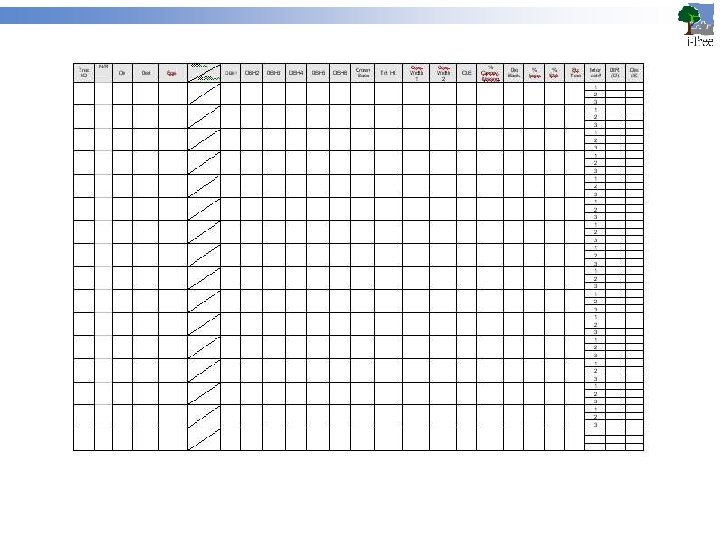
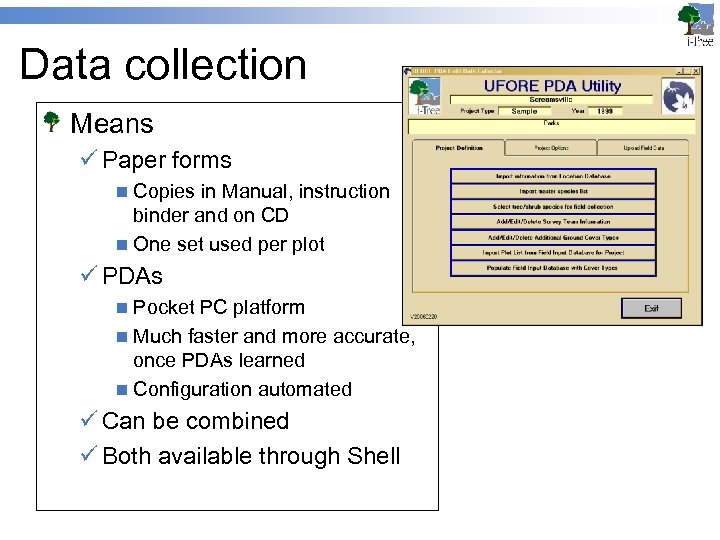 Data collection Means ü Paper forms n Copies in Manual, instruction binder and on CD n One set used per plot ü PDAs n Pocket PC platform n Much faster and more accurate, once PDAs learned n Configuration automated ü Can be combined ü Both available through Shell
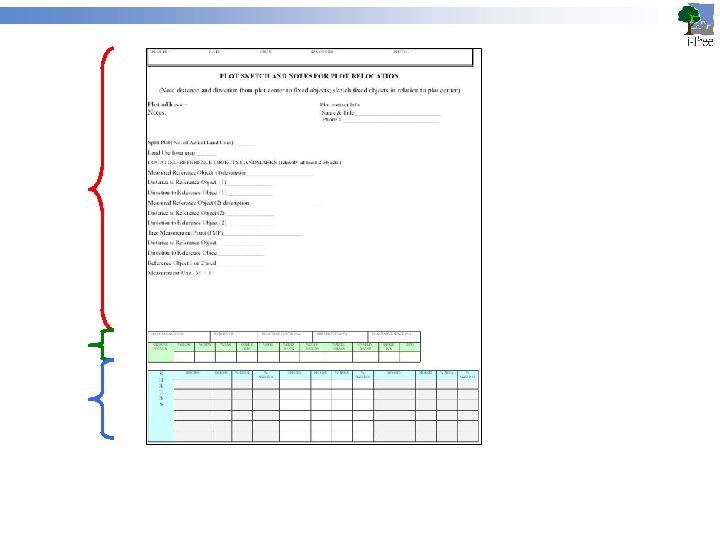
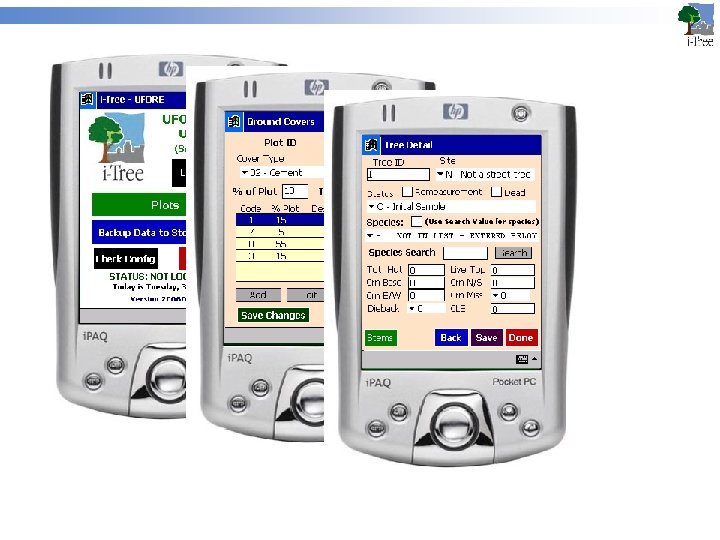
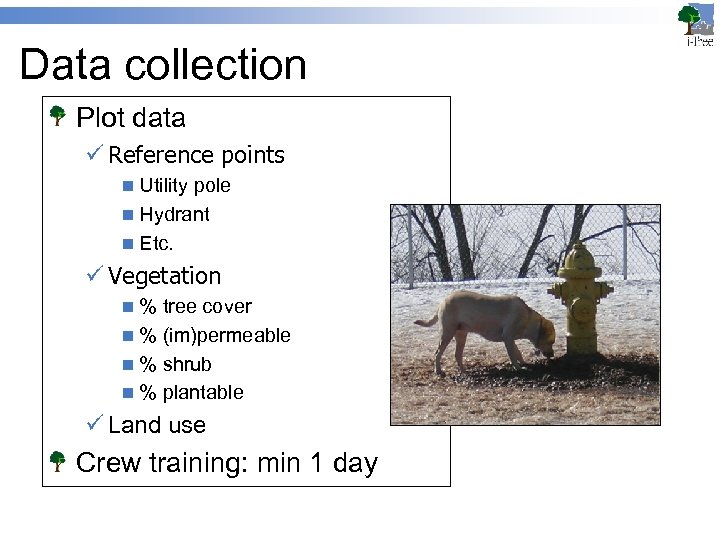 Data collection Plot data ü Reference points n Utility pole n Hydrant n Etc. ü Vegetation n % tree cover n % (im)permeable n % shrub n % plantable ü Land use Crew training: min 1 day
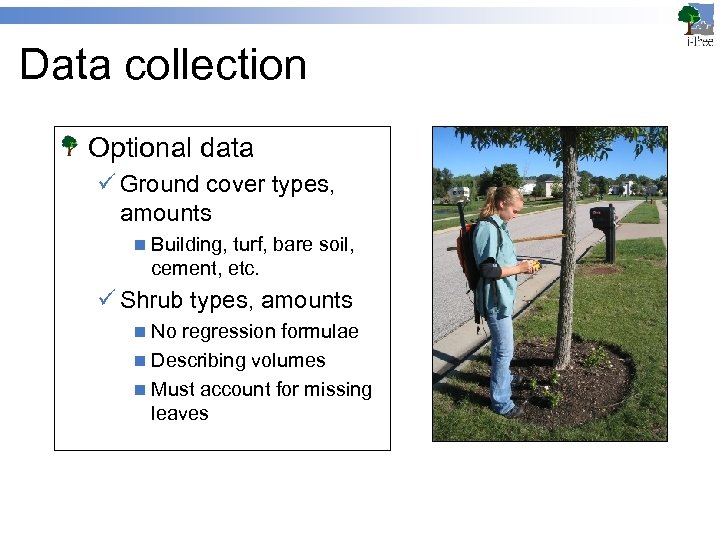 Data collection Optional data ü Ground cover types, amounts n Building, turf, bare soil, cement, etc. ü Shrub types, amounts n No regression formulae n Describing volumes n Must account for missing leaves
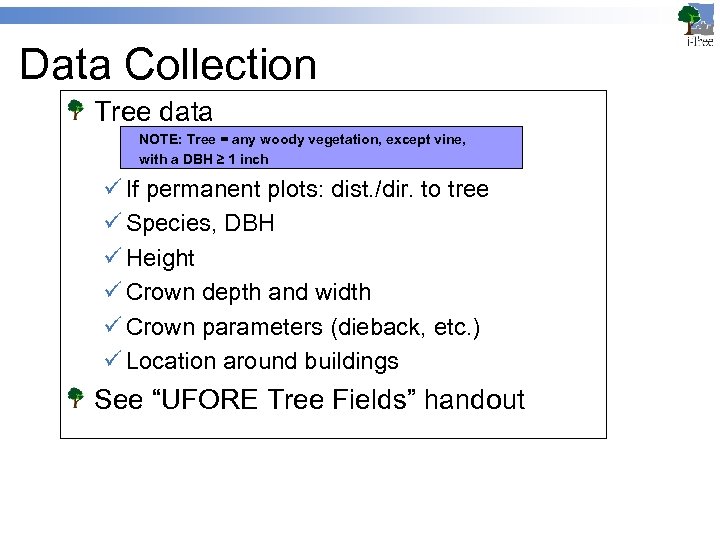 Data Collection Tree data NOTE: Tree = any woody vegetation, except vine, with a DBH ≥ 1 inch ü If permanent plots: dist. /dir. to tree ü Species, DBH ü Height ü Crown depth and width ü Crown parameters (dieback, etc. ) ü Location around buildings See “UFORE Tree Fields” handout
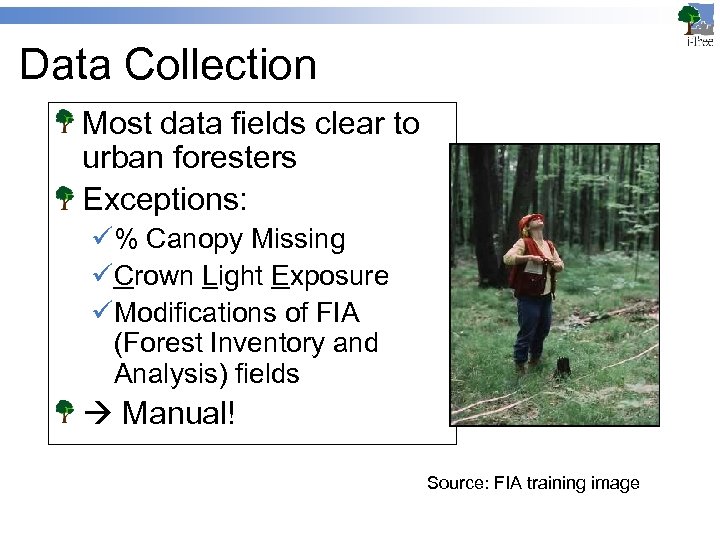 Data Collection Most data fields clear to urban foresters Exceptions: ü% Canopy Missing üCrown Light Exposure üModifications of FIA (Forest Inventory and Analysis) fields Manual! Source: FIA training image
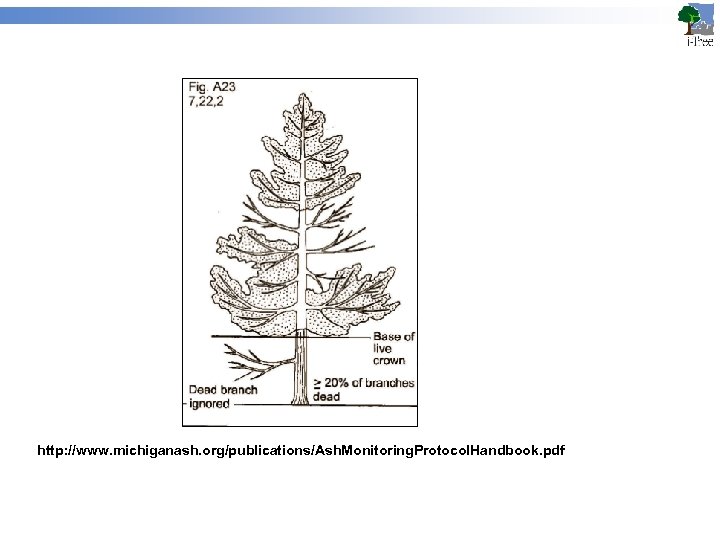 http: //www. michiganash. org/publications/Ash. Monitoring. Protocol. Handbook. pdf
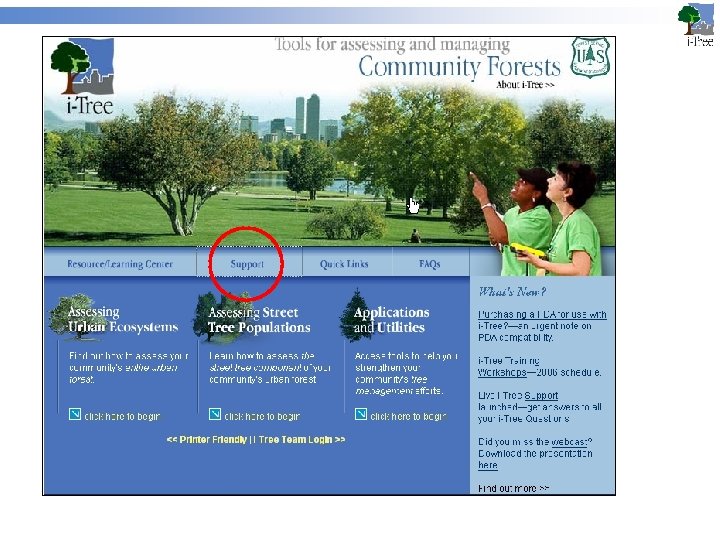
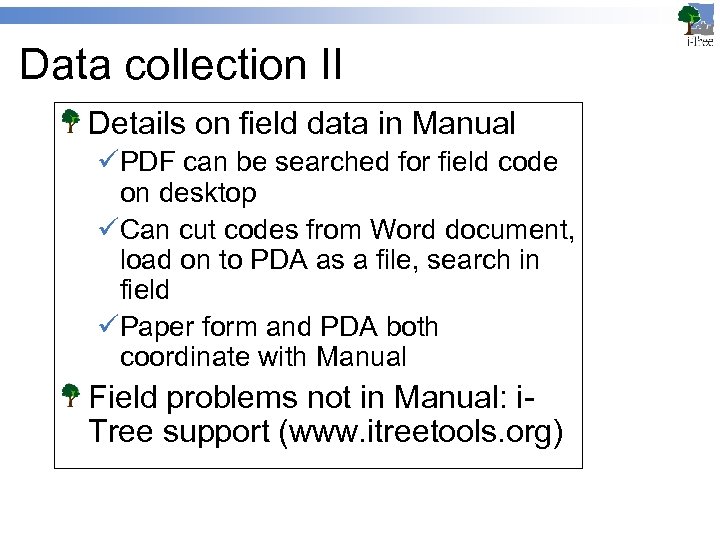 Data collection II Details on field data in Manual üPDF can be searched for field code on desktop üCan cut codes from Word document, load on to PDA as a file, search in field üPaper form and PDA both coordinate with Manual Field problems not in Manual: i. Tree support (www. itreetools. org)
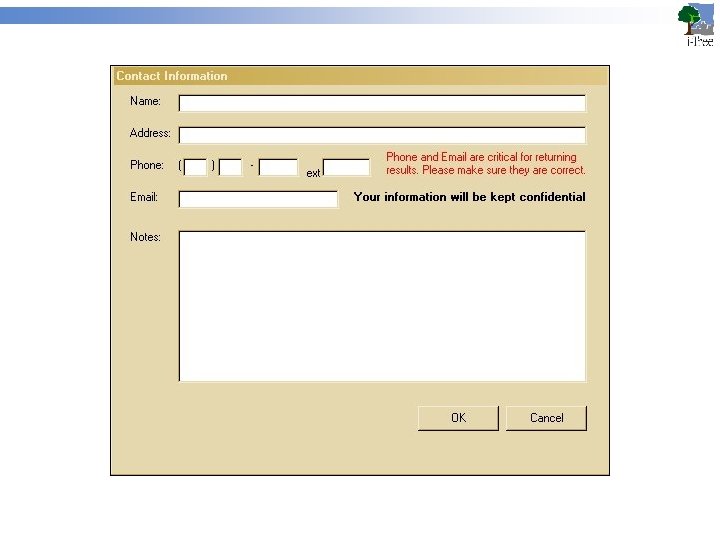
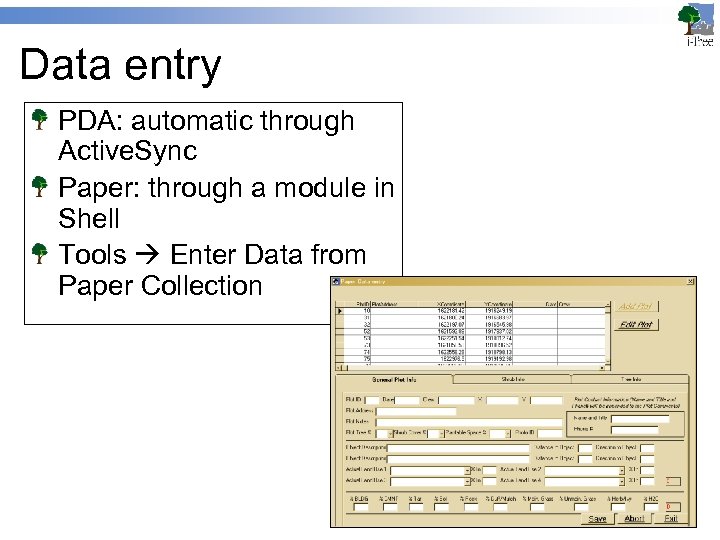 Data entry PDA: automatic through Active. Sync Paper: through a module in Shell Tools Enter Data from Paper Collection
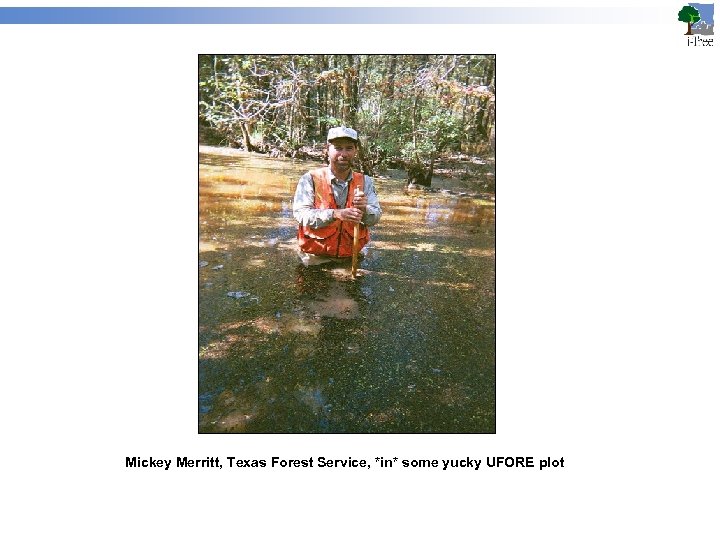 Mickey Merritt, Texas Forest Service, *in* some yucky UFORE plot
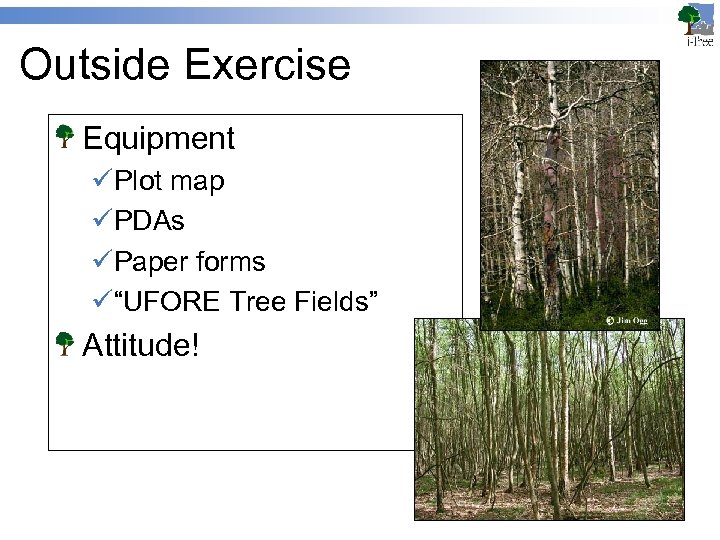 Outside Exercise Equipment üPlot map üPDAs üPaper forms ü“UFORE Tree Fields” Attitude!
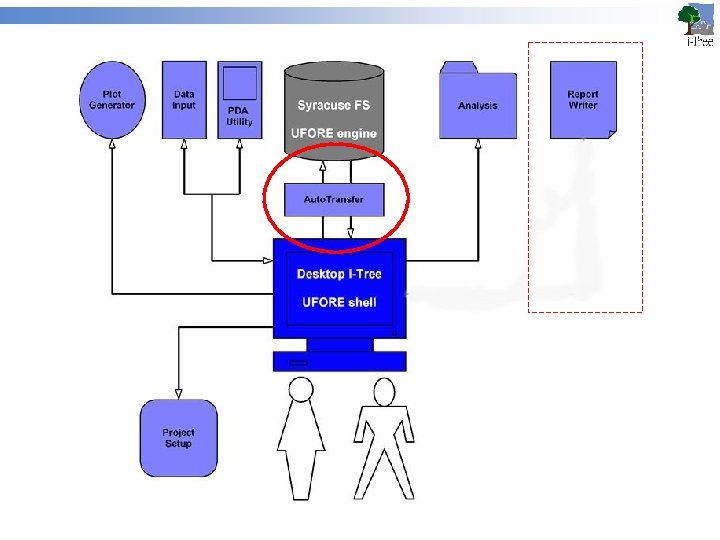
 Auto. Transfer I Data entry üPaper form data n Enter into Shell with Data Entry module üPDA data n Upload through hot sync to local machine üBoth end up in i-Tree Grand Database In future: data processing will be done on local machine Now: sent to Syracuse FS unit
 Auto. Transfer II Field data up ü Sent through the shell n Shell launches embedded FTP client n Shell automatically uploads field data UFORE engine in FS Syracuse calculates Results down ü Notification from Syracuse FS to client ü Retrieved through Shell n Downloaded automatically n Imported into Shell
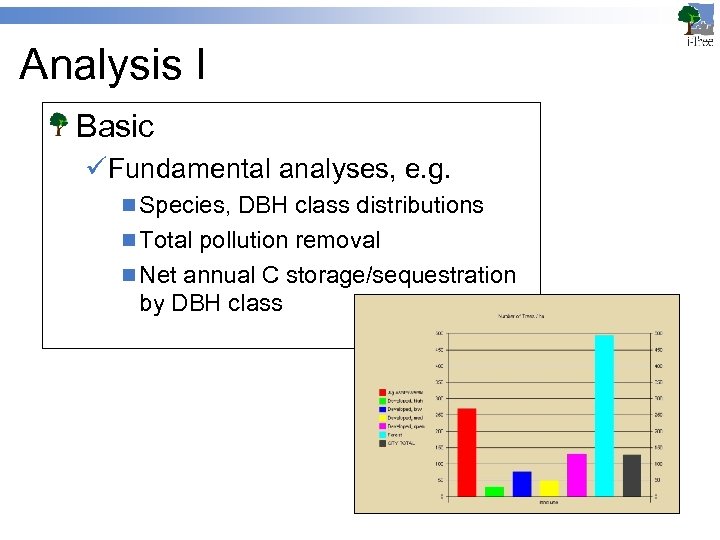 Analysis I Basic üFundamental analyses, e. g. n Species, DBH class distributions n Total pollution removal n Net annual C storage/sequestration by DBH class
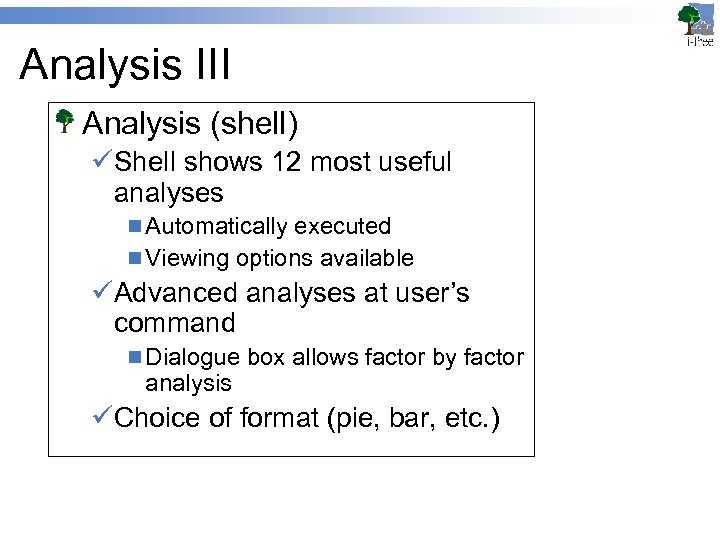 Analysis III Analysis (shell) üShell shows 12 most useful analyses n Automatically executed n Viewing options available üAdvanced analyses at user’s command n Dialogue box allows factor by factor analysis üChoice of format (pie, bar, etc. )
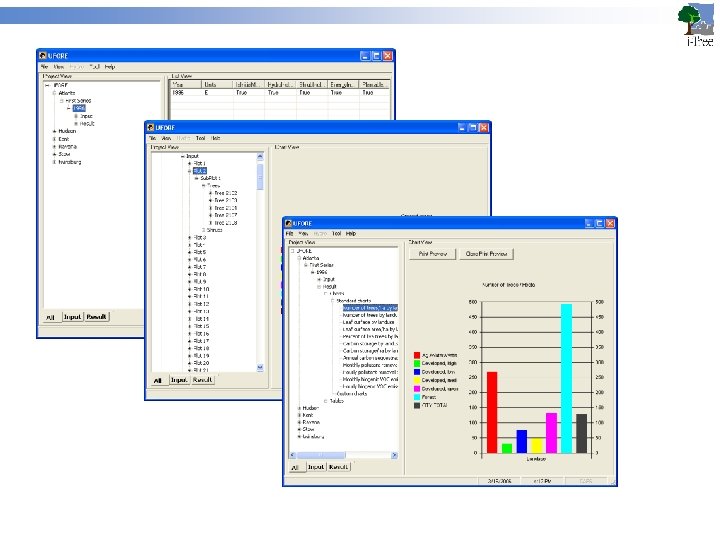
 Analysis II Advanced üUFORE code capable of complex analyses üE. g. n Carbon sequestration by DBH class by Land Use n Pollution removal by condition by DBH class üPrimarily for researchers
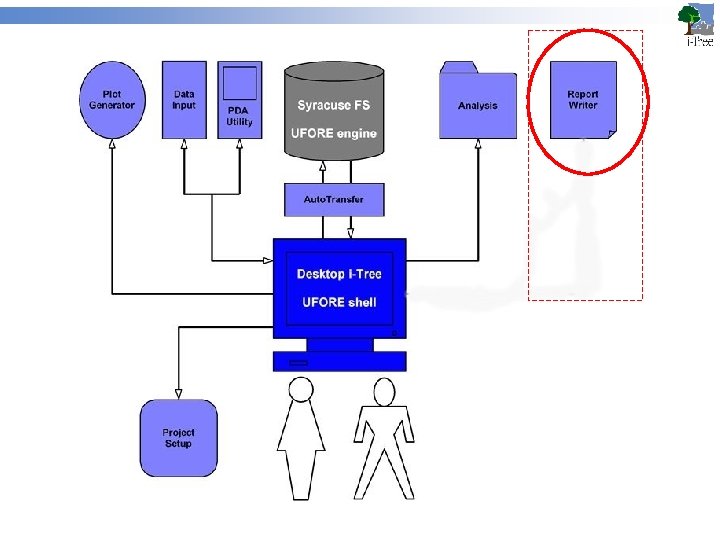
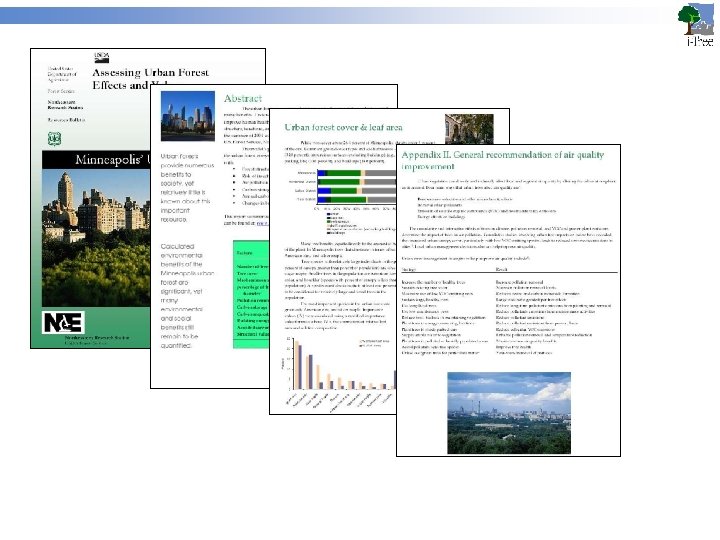
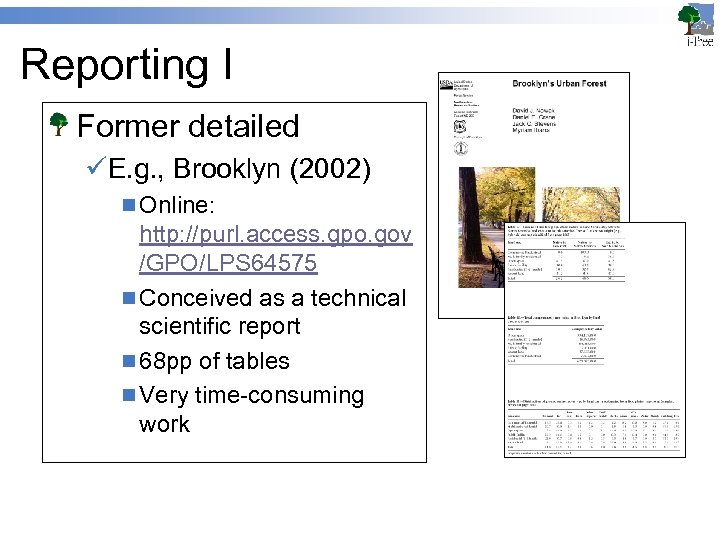 Reporting I Former detailed üE. g. , Brooklyn (2002) n Online: http: //purl. access. gpo. gov /GPO/LPS 64575 n Conceived as a technical scientific report n 68 pp of tables n Very time-consuming work
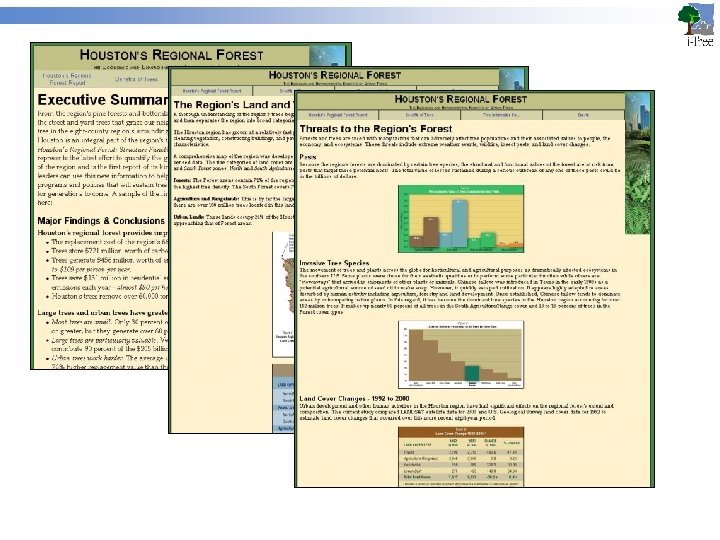
 Reporting II Current enhanced üTexas FS report n Pete Smith et al n Good design n Good web sense ¨ http: //www. houstonregionalforest. org/Report/
 Reporting III Report Writer üWill be built into shell ü Simple style Embedded codes pull data from DB of results In development
 UFORE at work I Large number of analyses already conducted ü Atlanta, GA; Baltimore, MD; Beijing, China; Boston, MA; Brooklyn, NY; Calgary, Alberta; Freehold, NJ; Fuenlabrada, Spain; Greenville-Spartanburg, SC; Houston, TX; Hefei, China; Jersey City, NJ; Kent, OH; Minneapolis, MN; Moorestown, NJ; Morgantown, WV; New York, NY; Ningbo, China; Philadelphia, PA; Porto Alegre, Brazil (parks); San Francisco, CA; San Juan, PR, Santiago, Chile; Syracuse, NY; Toronto, Canada; Washington, DC; Wilmington, DE; Woodbridge, NJ. ü Many others currently in progress
 UFORE at work II Being used to üEstablish function and value of lands and forest under development pressure üSupply foundation for municipal management of its ecosystem, not just its *own* trees üSuggest optimal management strategies üEmpower advocacy
 UFORE at work III Future is up to you Wherever urban ecosystems are in question, UFORE can be of service üDevelopment debates üLong-term maintenance objectives üRestoration goals Great potential to help with some of the most important questions before us today
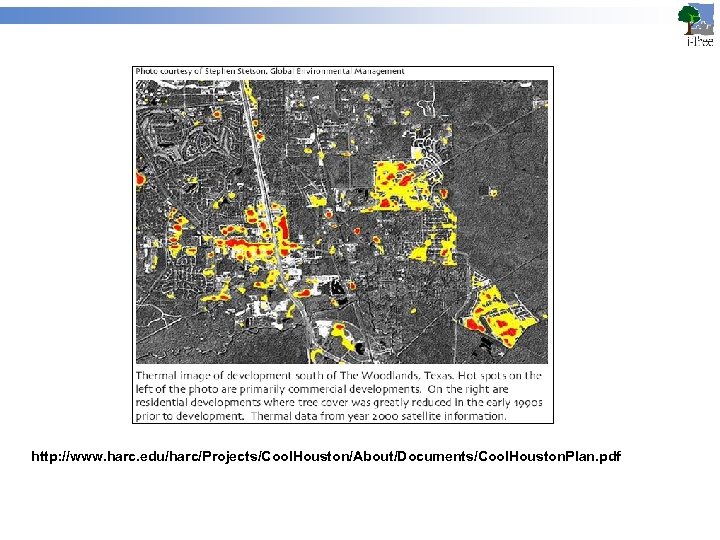 http: //www. harc. edu/harc/Projects/Cool. Houston/About/Documents/Cool. Houston. Plan. pdf