


 Скачать презентацию turn your ideas into reality Christy Carpino President
fb18228d83245c826a5b90143c4ad74c.ppt
- Количество слайдов: 55
 turn your ideas into reality Christy Carpino President, Multi-Option Systems, Inc.
 infotec 2004 Web Site Usability for Business Developers Or The Do’s and Don’ts of Web Design and Planning
 Agenda n n n What is “usability”? Planning and managing usability The Ten Top Web Mistakes The Good, The Bad, & The Ugly Tips and Tricks Questions
 Some Initial Observations n n Web is still in its infancy Web will become much more than PC browsers and database servers Augmentation rather than replacement will be the rule Technology fundamentals and business fundamentals drive innovations
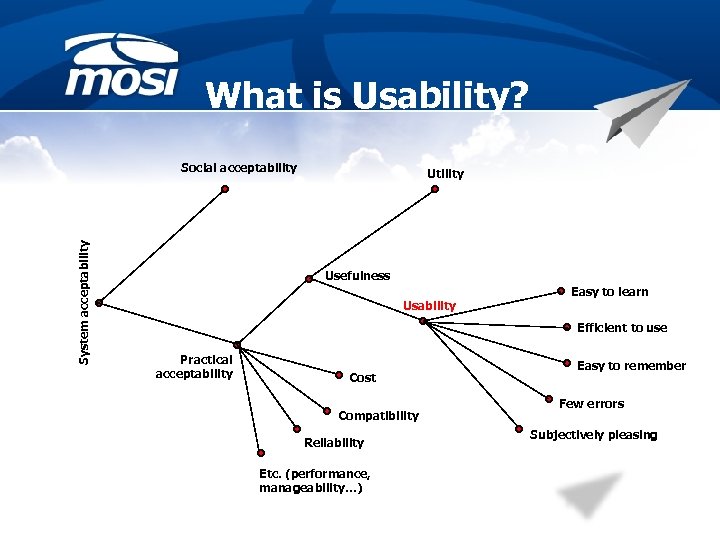 What is Usability? System acceptability Social acceptability Utility Usefulness Usability Easy to learn Efficient to use Practical acceptability Cost Compatibility Reliability Etc. (performance, manageability…) Easy to remember Few errors Subjectively pleasing
 Usability Dimensions n n n Learnability – useful on first site visit Efficiency – enhance user productivity Memorability – easy to remember Errors – eliminate user errors Satisfying – users “like” it Fitness – to user profile and task load
 What Usability is Not n n Usability is not a “beauty contest” Satisfying – users “like” it n n n Not annoying or distracting At best, pleasing Conforms to principles of good graphical design (layout) Layout is one aspect of usability Don’t be misled by “artistic” focus while developing sites
 Usability Issues for Web n n “Bug-free” interactions Finding what the user is looking for n n n Clear feedback on user interactions n n n Navigation Search Response time differences Web application session management Usernames and passwords
 Finding What I Need n Who are users; what do they know n n n What they are trying to “do” n n Web expertise, locale Offline props (e. g. , catalogs, etc. ) Browsing or “window-shopping” Searching for specific information Buying a particular product Reflect how users organize information in the site’s organization n Promote organization to user
 Clear Feedback n Response time issues n n n Build for slow speed connections Scripting and “special” tools can subvert the hourglass cues Confirm, confirm Handle jumping into the middle of a site gracefully Use “standard” cues Avoid confusion
 Usernames and Passwords n Need memorable, guaranteed unique names n n n Use email address as user name Passwords represent a unique security issue n n n Do not rely on cookies Marry policy and community sensibly B 2 B and B 2 C sites will probably differ Or avoid requirement to use names and passwords
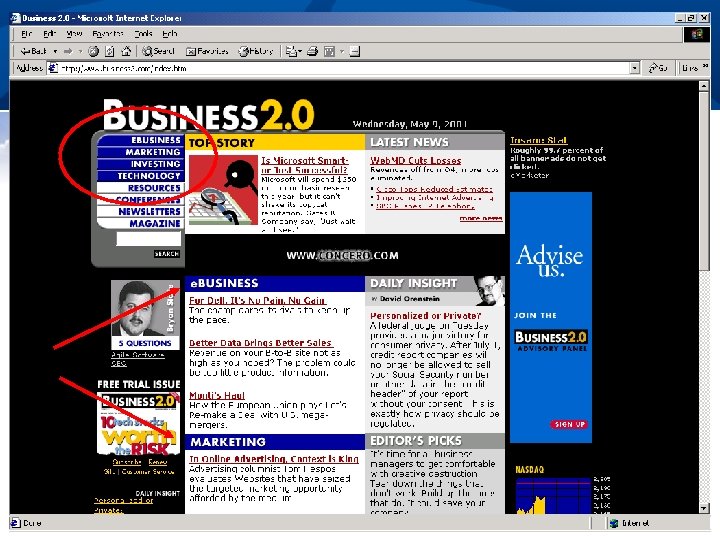
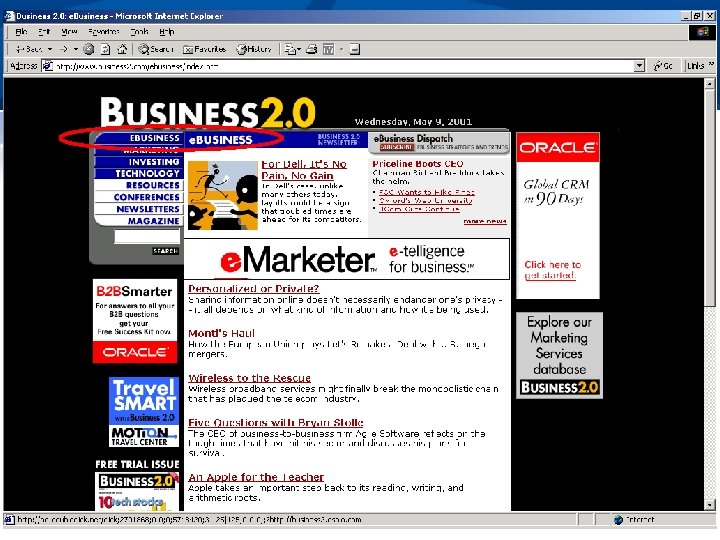
 Personalization and Privacy n n n Personalization is extension of usability principles Personalization is not a substitute for usability Requires knowledge of user Take time to understand basic privacy issues involved Amazon’s approach to personalization is a good example
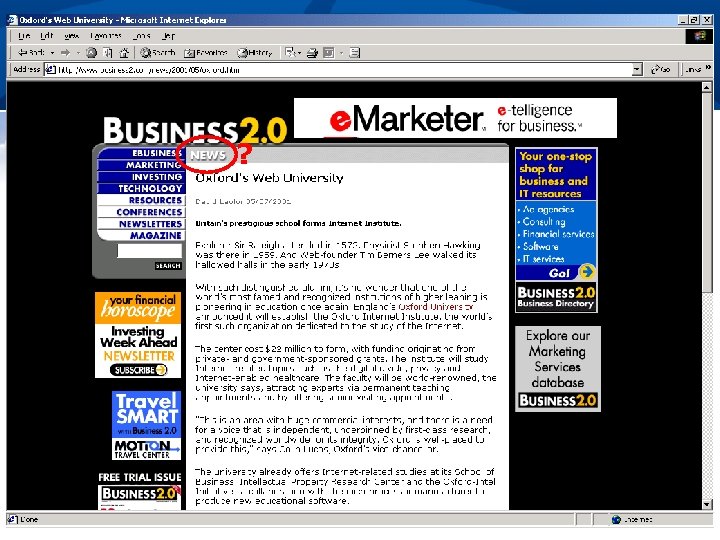 ?
?
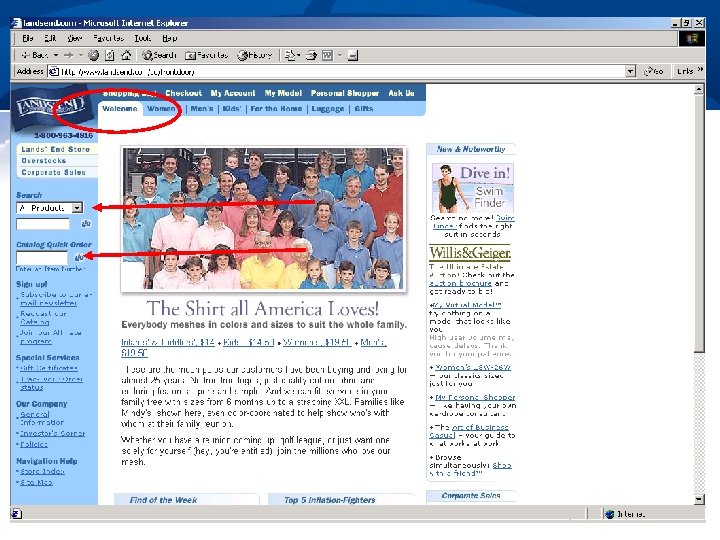
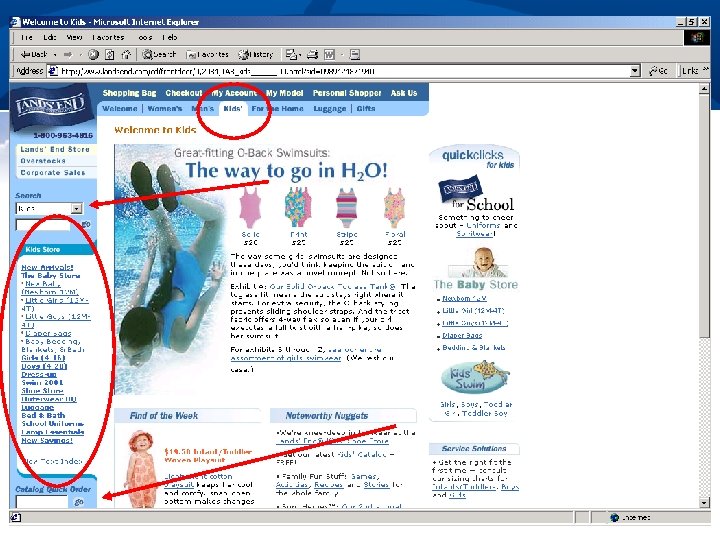
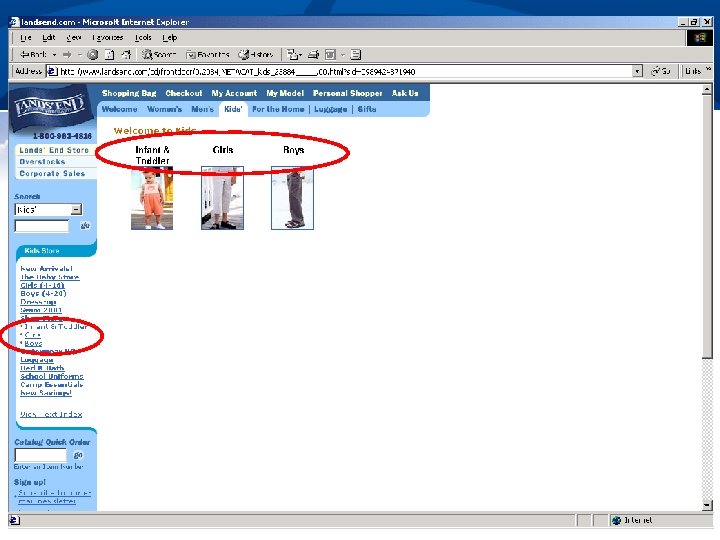
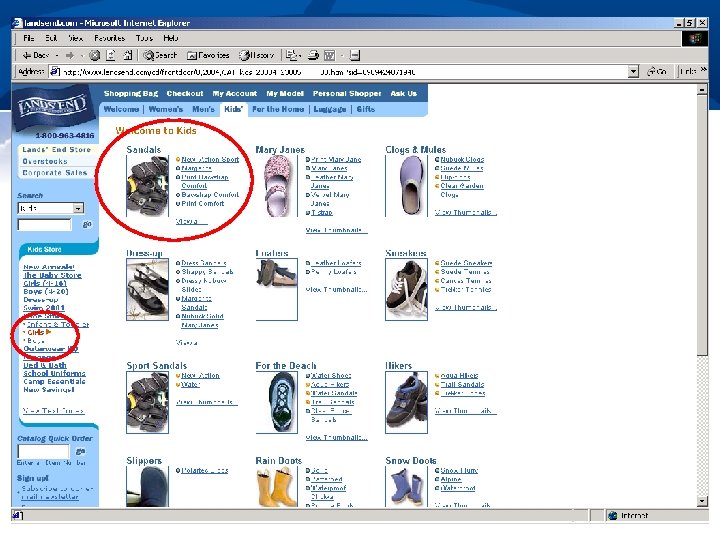
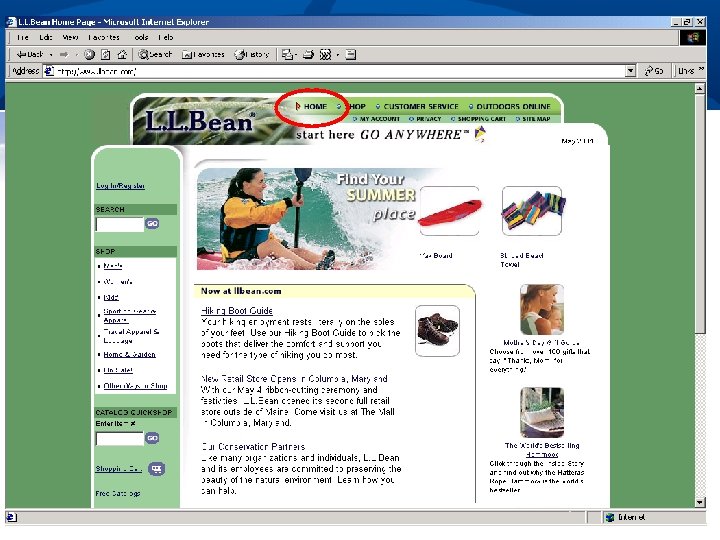
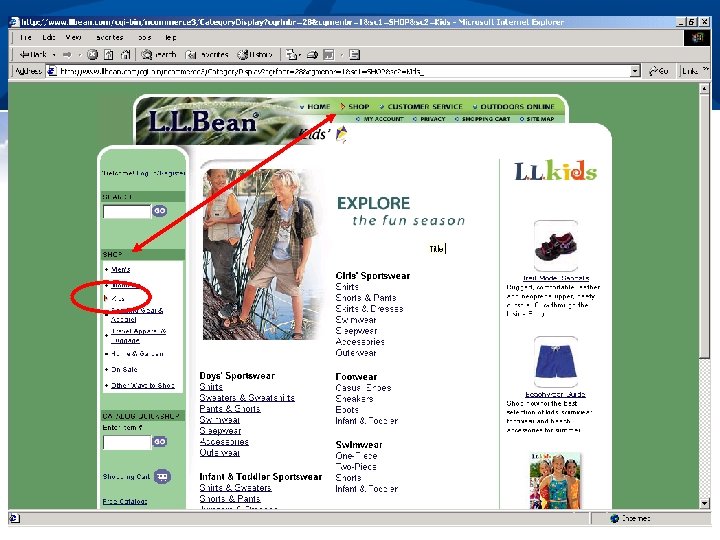
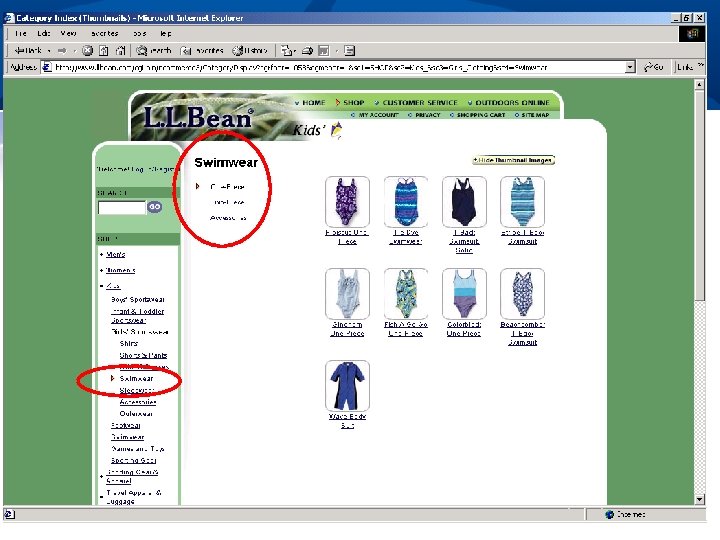
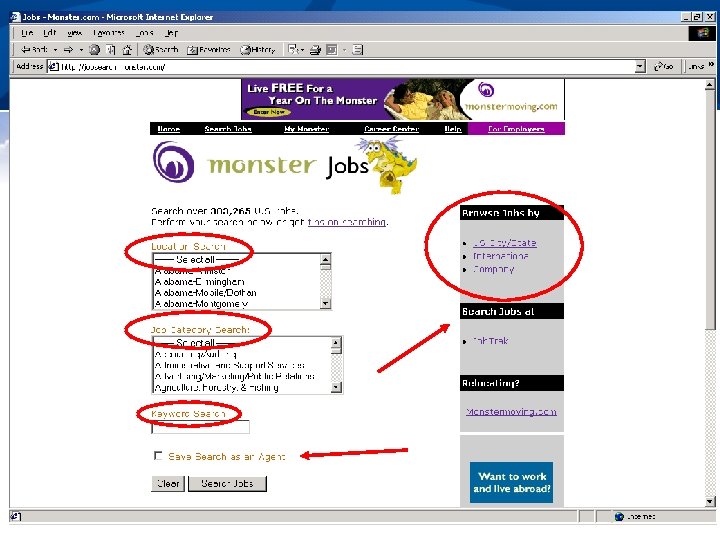
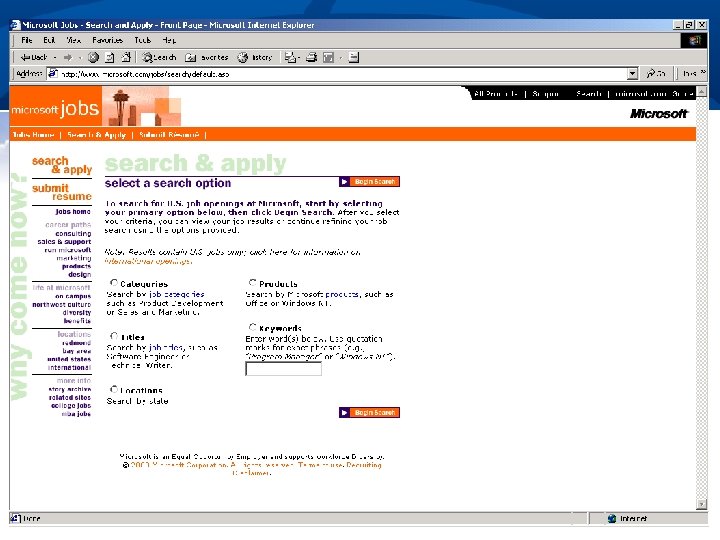
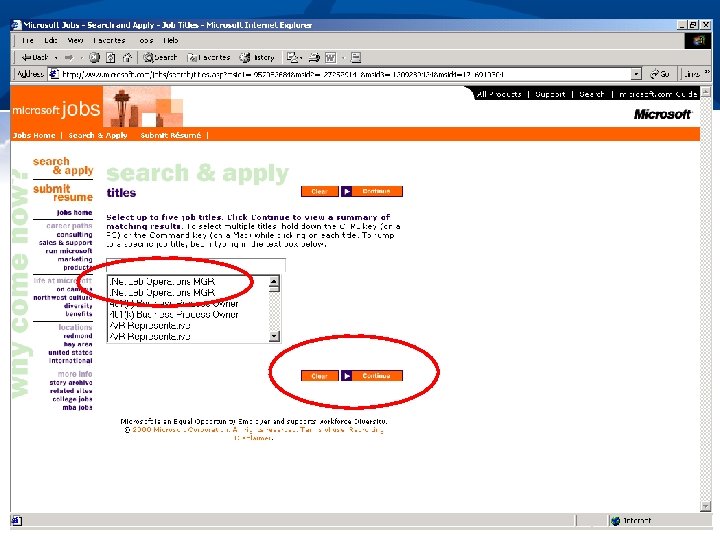
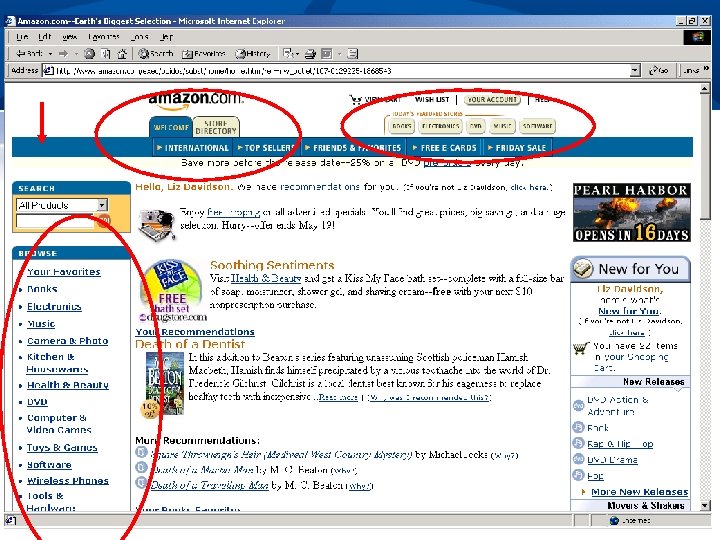
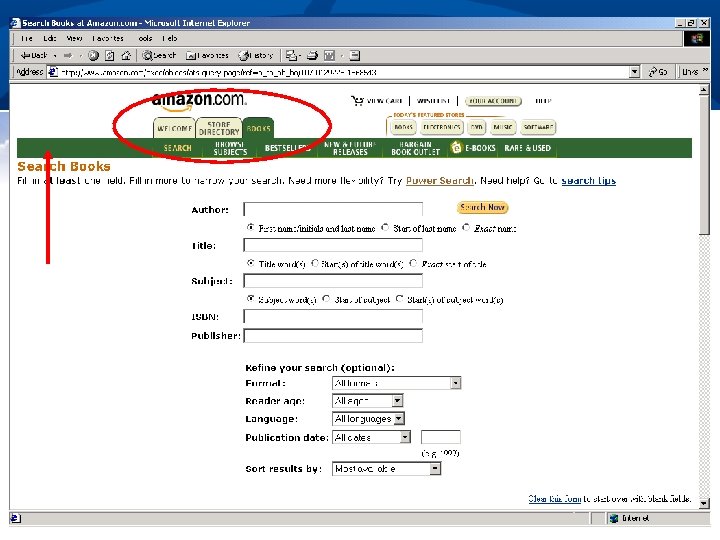
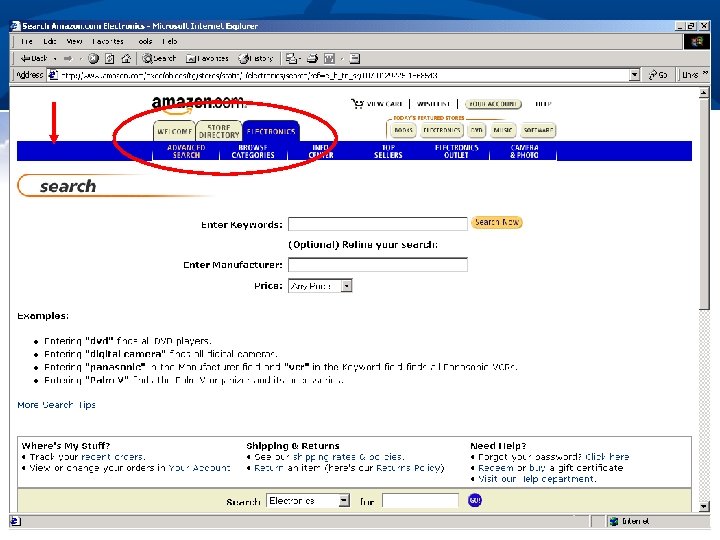
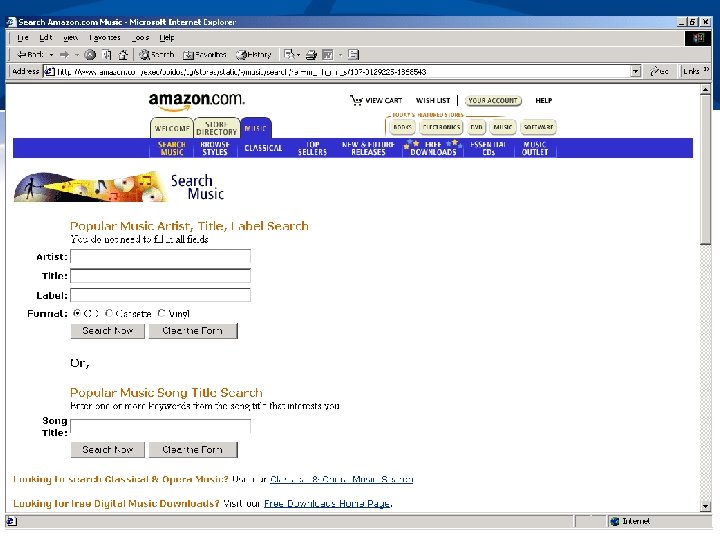
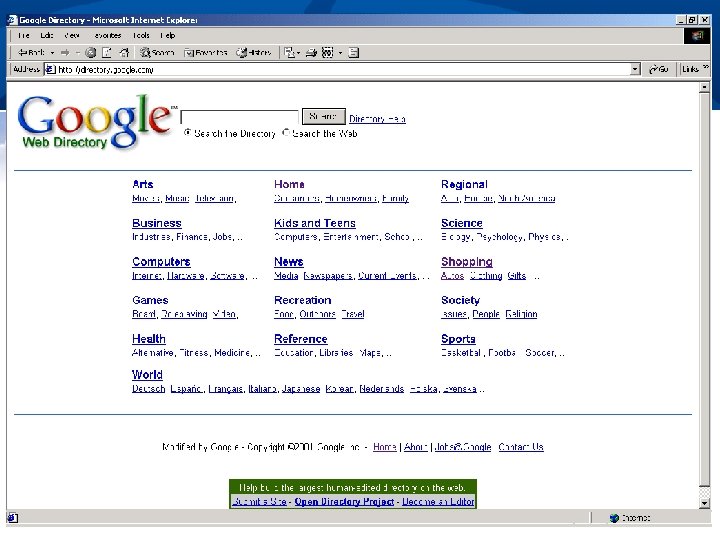
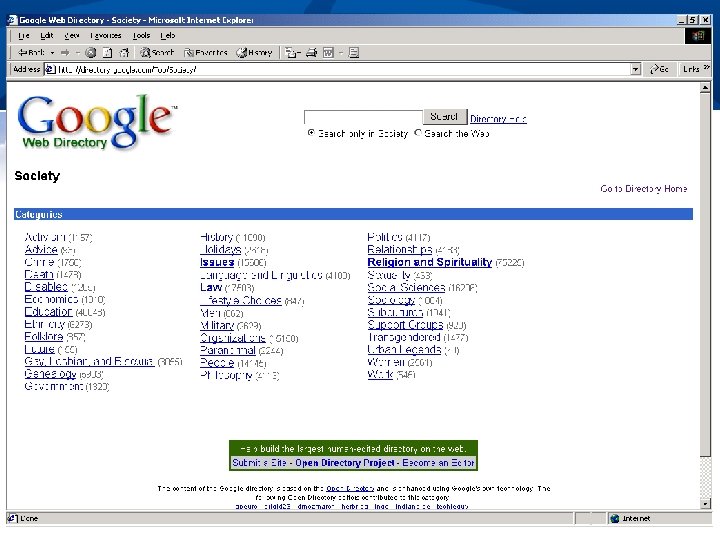
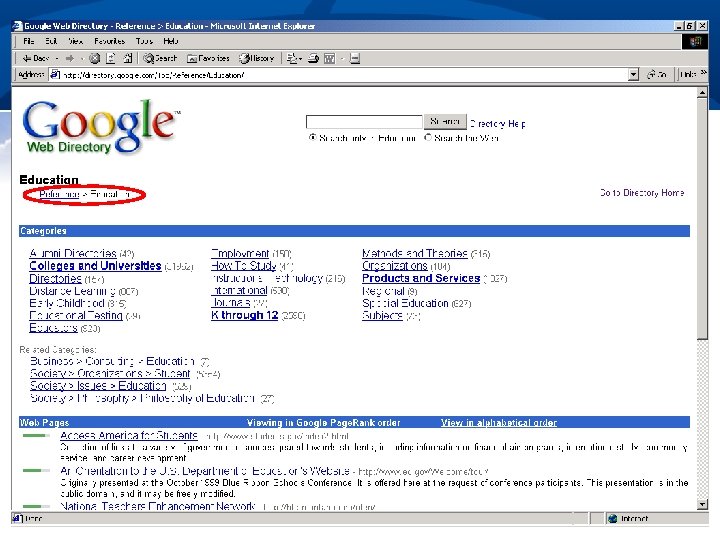
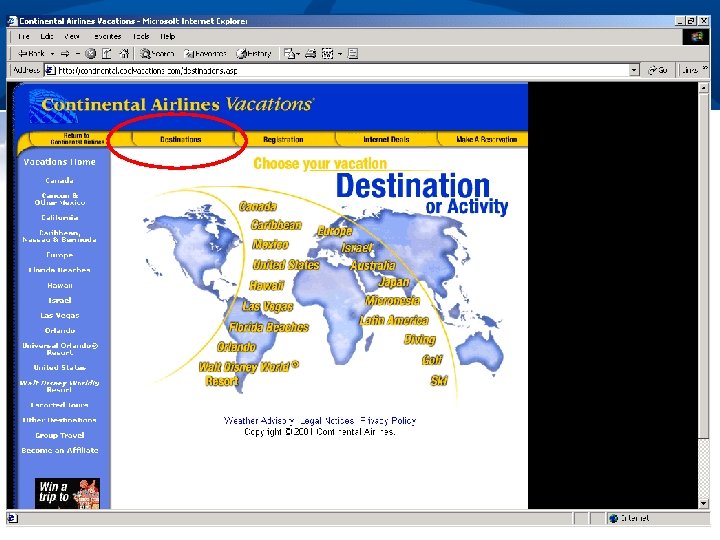
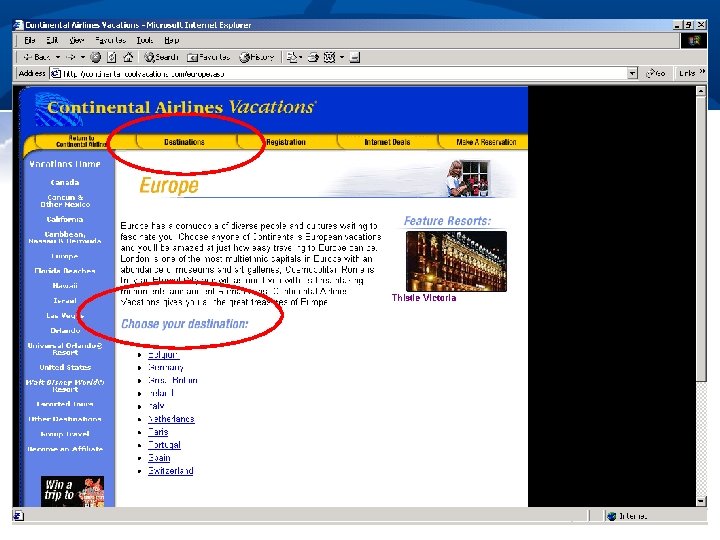
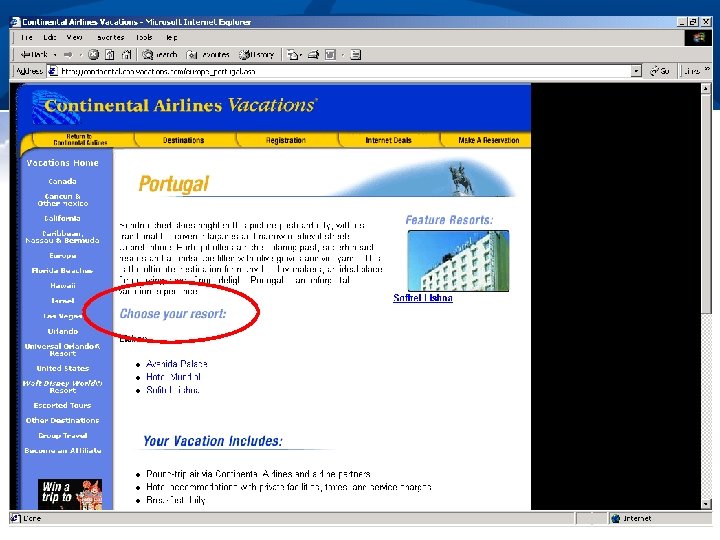
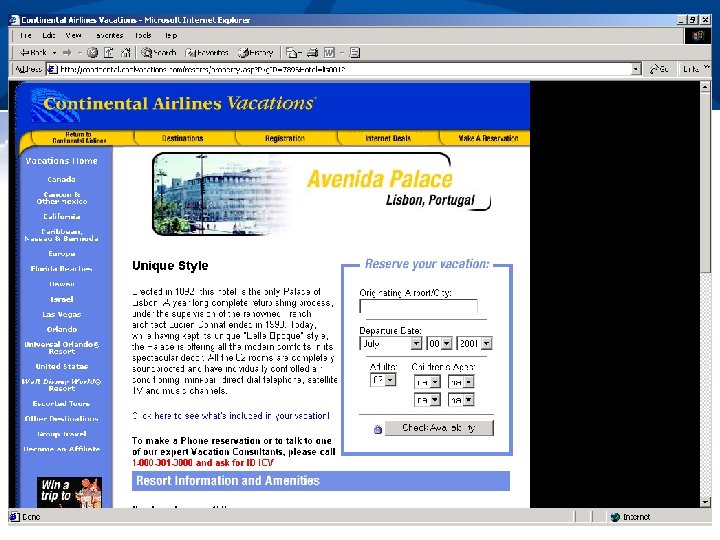
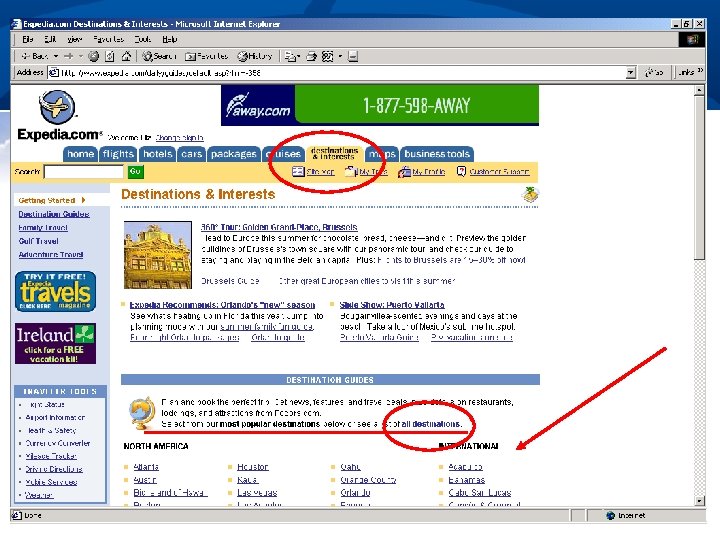
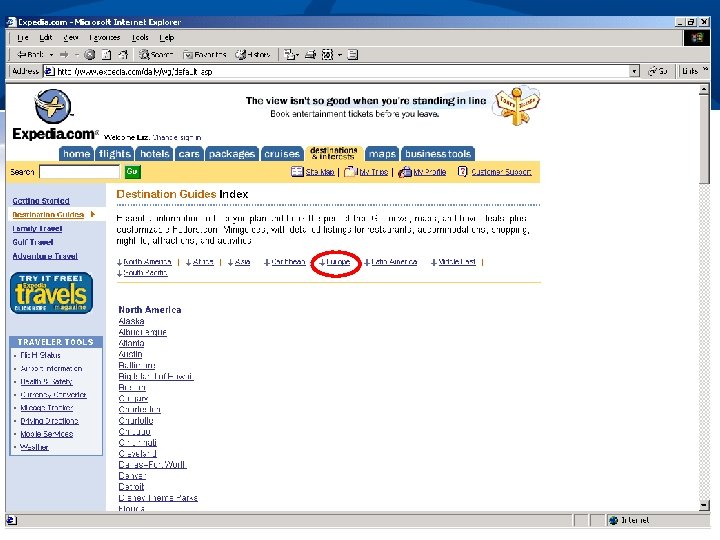
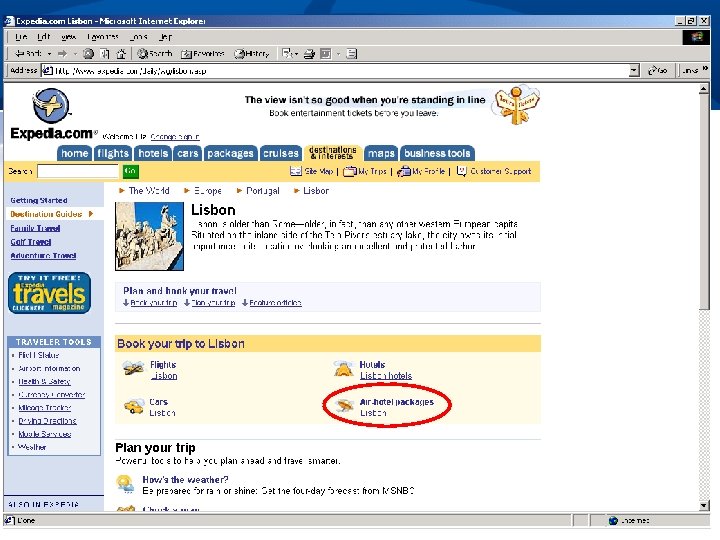
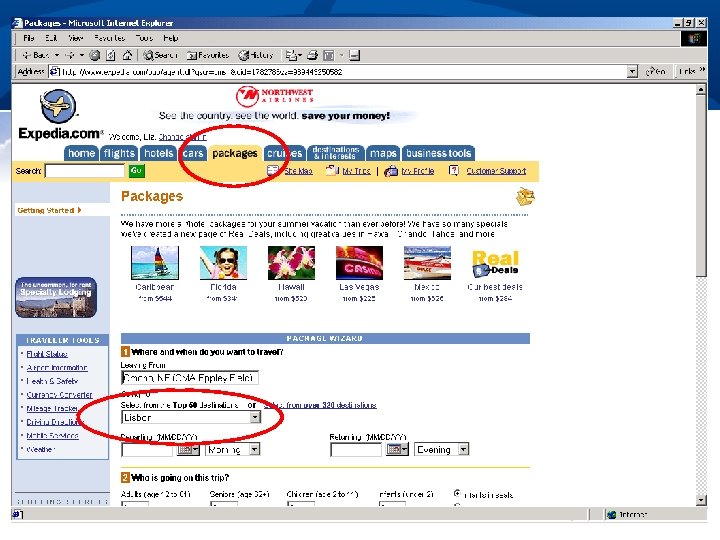
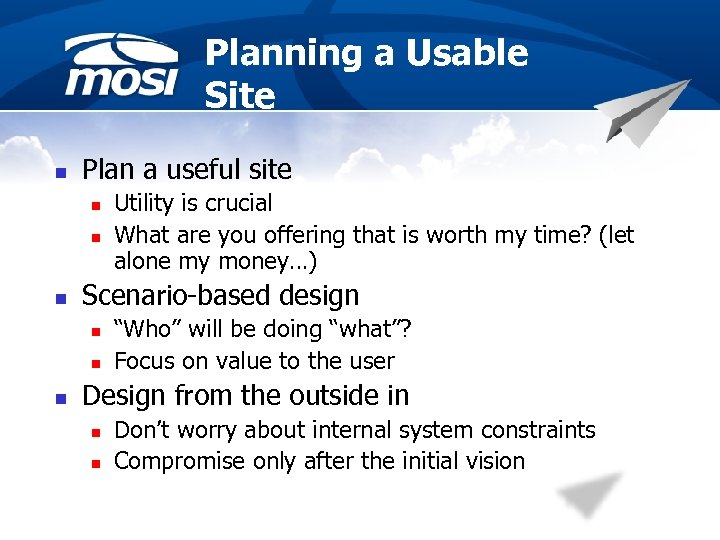 Planning a Usable Site n Plan a useful site n n n Scenario-based design n Utility is crucial What are you offering that is worth my time? (let alone my money…) “Who” will be doing “what”? Focus on value to the user Design from the outside in n n Don’t worry about internal system constraints Compromise only after the initial vision
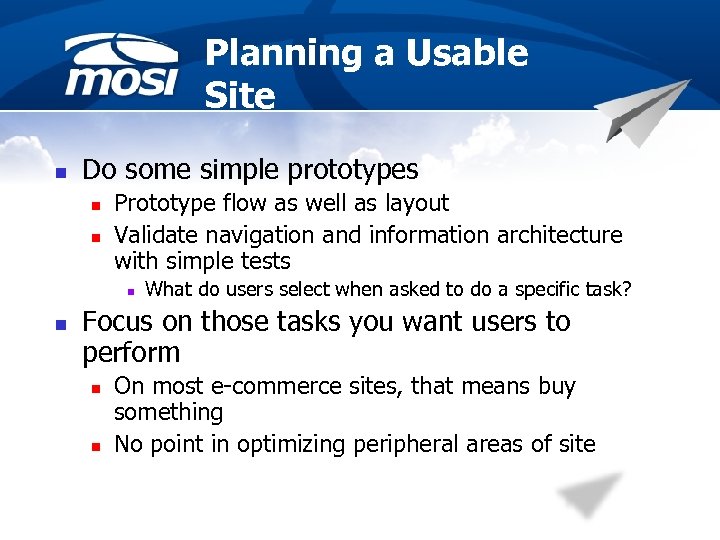 Planning a Usable Site n Do some simple prototypes n n Prototype flow as well as layout Validate navigation and information architecture with simple tests n n What do users select when asked to do a specific task? Focus on those tasks you want users to perform n n On most e-commerce sites, that means buy something No point in optimizing peripheral areas of site
 Planning a Usable Site n n n Test and test again Many books/literature available on usability testing Don’t fall into the “touchy-feely” trap n n n Aesthetic preference is unarguable Do users accomplish tasks? Make errors? Meet objectives? Is the experience frustrating or not?
 Managing a Usable Site n Essential to have a feedback loop n How do users perform? n n n Can they do what they want? Do they do what you want? Best feedback is combination of voluntary and involuntary n n Ask for feedback and make it easy to provide Track user behavior
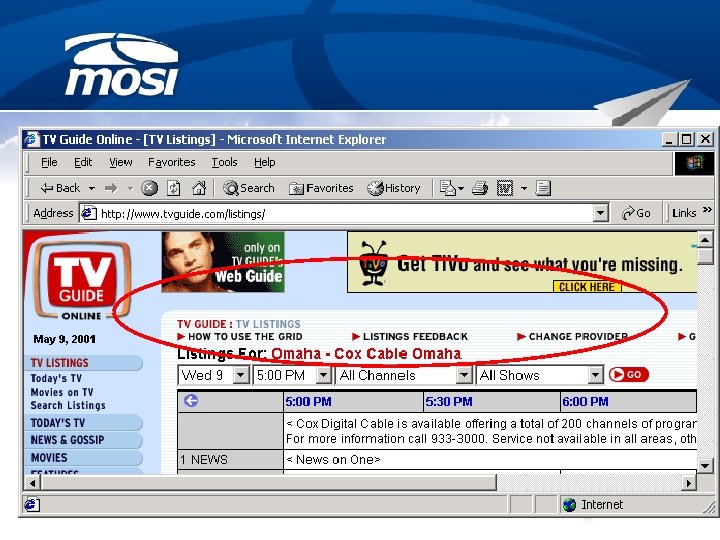
 Managing a Usable Site n Every change has the potential to introduce usability problems n n Simply by changing the interface causes a problem User is always right (at least has a point) n n TV Guide search Users also always have their own way of doing things…
 Top Ten Web Design Mistakes (2003) n n n Unclear Statement of Purpose New URLs for Archived Content Undated Content Small Thumbnail Images of Big, Detailed Photos Overly detailed ALT Text
 Top Ten Web Design Mistakes (continued) n n n No “What-If” Support Long Lists that Cannot Be Winnowed by Attributes Products Sorted Only By Brand Overly Restrictive Form Entry Pages That Link to Themselves
 Five Criteria for Evaluating Web Sites n n n Accuracy Authority Objectivity Currency Coverage
 Web Sites That Work n n n Rule Rule One: Bigger is Better Two: Color Your World Three: Faster beats Fancier Four: Small bytes go down easier Five: Have a purpose
 Graphic Design Tutorials n n Yale C/AIM Web Style Guide: Graphic Design 100 http: //info. med. yale. edu/caim/man ual/pages/page_design. html Creating Graphics for the Web. designer http: //www. widearea. c o. uk/designer/index. html
 Graphic Design Tutorials n n Web Home Improvement by Patrick Mc. Elhaney http: //www. htmltips. com/r esources. html Web Page Design for Designers by Joe Gillespiehttp: //www. wpdfd. com/wpdh ome. htm
 Graphic Design Tutorial n n Dimitry's Design Lab on Webreference. com http: //www. webreference. com/dlab/ Graphic's Den http: //www. actden. com/grap_den/index. htm
 Summary n Web requires good usability n n n Principles of usability have not changed Focus on users n n No leverage with users What do they want? How do they “work”? Approach perfection by inches Learn, refine, test and repeat
 References n n Black, R. (1997) Web sites that work. Retrieved April 18, 2004, from http: //www. fastcompany. com/online/10/rogerblack/h tml Chisholm, W. , Vanderheiden, G. and Jacobs, I eds. 1999. Web content accessibility guidelines 1. 0. http: //www. w 3 c. org/tr/wai-webcontent/waipageauth. html (17 January 2001). Nielsen, Jakob. (2003) Top ten web design mistakes of 2003. Retrieved April 18, 2004, from http: //www. useit. com/20031222. htm Nielsen, Jakob. (1993) Usability engineering. San Francisco: Morgan Kaufmann.