 Скачать презентацию Treasurer Fiscal Year End Meeting Presented by ACCESS
b46155edc28d786d527d5327380596dd.ppt
- Количество слайдов: 44



Treasurer Fiscal Year End Meeting Presented by ACCESS June 11, 2012
USAS CLOSING
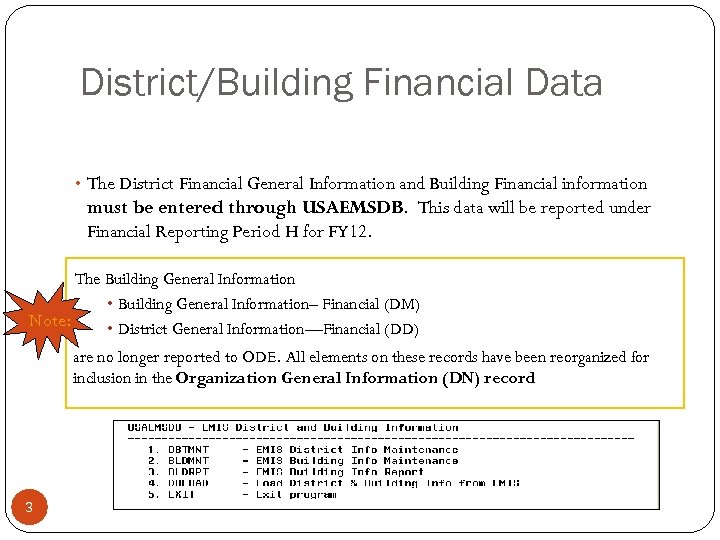
District/Building Financial Data • The District Financial General Information and Building Financial information must be entered through USAEMSDB. This data will be reported under Financial Reporting Period H for FY 12. The Building General Information • Building General Information– Financial (DM) Note: • District General Information—Financial (DD) are no longer reported to ODE. All elements on these records have been reorganized for inclusion in the Organization General Information (DN) record 3
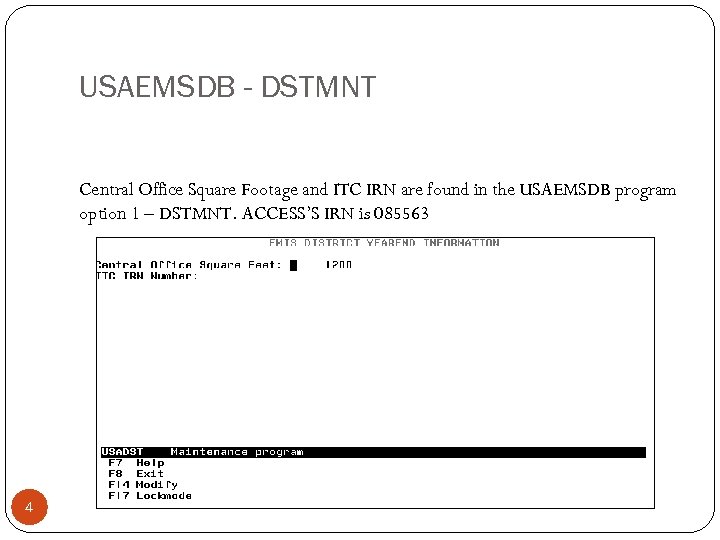
USAEMSDB - DSTMNT Central Office Square Footage and ITC IRN are found in the USAEMSDB program option 1 – DSTMNT. ACCESS’S IRN is 085563 4
VALACT should be run to check for any invalid accounts that may need to be fixed prior to closing. ACTCHG or FNDCHG can be used to correct invalid accounts Warnings on required SUBJ or IL should be reviewed and the account corrected if appropriate Warnings associated with accounts for an invalid account with zero amounts can be ignored These accounts can be deleted once considered delete able by DELACT 5
EMIS Fund Categories VALACT Lists errors for invalid fund categories Lists warnings for funds that should have an EMIS category but don’t EMISFCAT report Lists all funds and associated fund category Enter * if no appropriate code exists 6
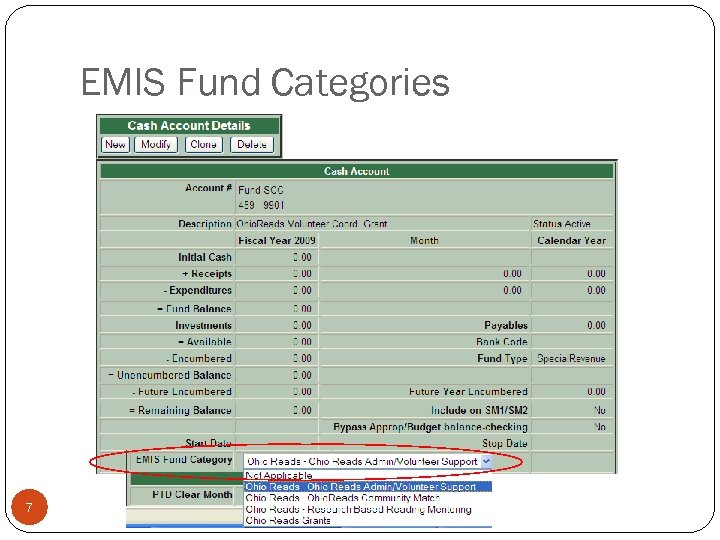
EMIS Fund Categories 7
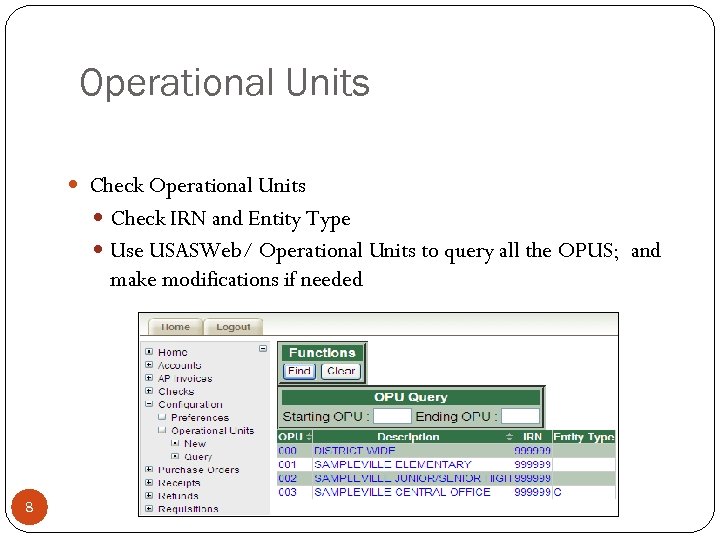
Operational Units Check IRN and Entity Type Use USASWeb/ Operational Units to query all the OPUS; and make modifications if needed 8
Accounts Payable Tracking Pay close attention to received date to track items received this fiscal year but not paid for until after July 1 in the next fiscal year PAYABL report usually run the month of August 9
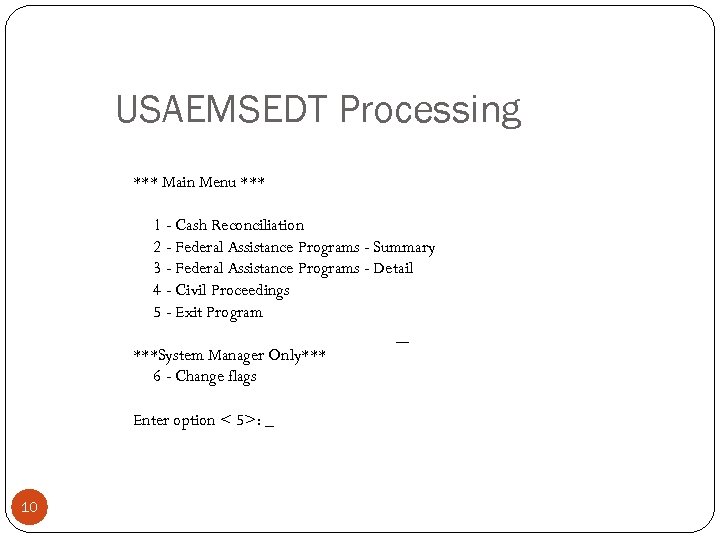
USAEMSEDT Processing *** Main Menu *** 1 - Cash Reconciliation 2 - Federal Assistance Programs - Summary 3 - Federal Assistance Programs - Detail 4 - Civil Proceedings 5 - Exit Program ***System Manager Only*** 6 - Change flags Enter option < 5>: _ 10
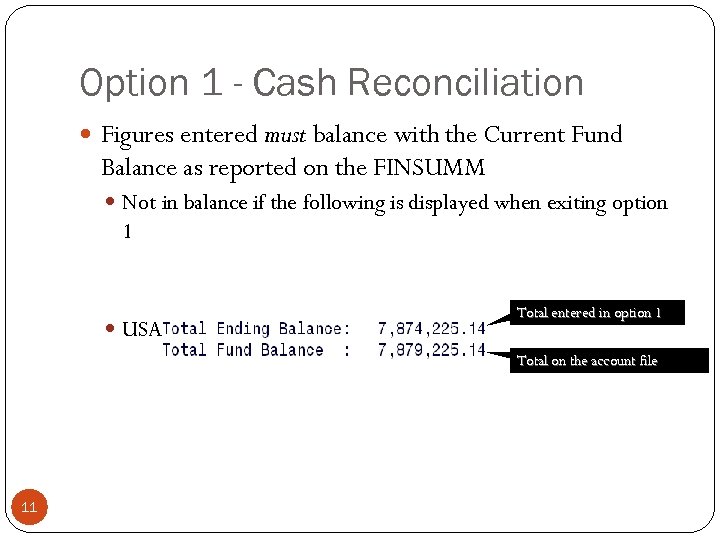
Option 1 - Cash Reconciliation Figures entered must balance with the Current Fund Balance as reported on the FINSUMM Not in balance if the following is displayed when exiting option 1 USAEMS will generate error if not in balance Total entered in option 1 Total on the account file 11
Option 3 – Detail Federal Assistance Programs FEDDET. TXT Contains an initialization option Deletes prior year information for 5 xx funds Creates new records based on current year figures found on the account file for 5 xx funds CFDA # for each record created will need to be entered Records for any funds other than 5 xx will also need to be manually entered or updated 12
Fiscal Year-end Closing Complete USAEMSEDT options Each option must at least be entered and exited even if there is nothing to enter Each data entry option has the ability to generate a report Can be very useful to generate the report to see what has been carried over from the prior year for each option 13
USAEMS Extracts data from the USAEMSEDT and USAEMSDB programs and stores it in a flat-file layout that can be loaded into EMIS-R Will check that all necessary funds are coded with a valid EMIS Fund Category Checks that Cash Reconciliation balances Output data will be stored on a USAEMS_EMISR. SEQ file Currently waiting to hear back from ODE regarding possible changes for ITC fiscal reporting… 14
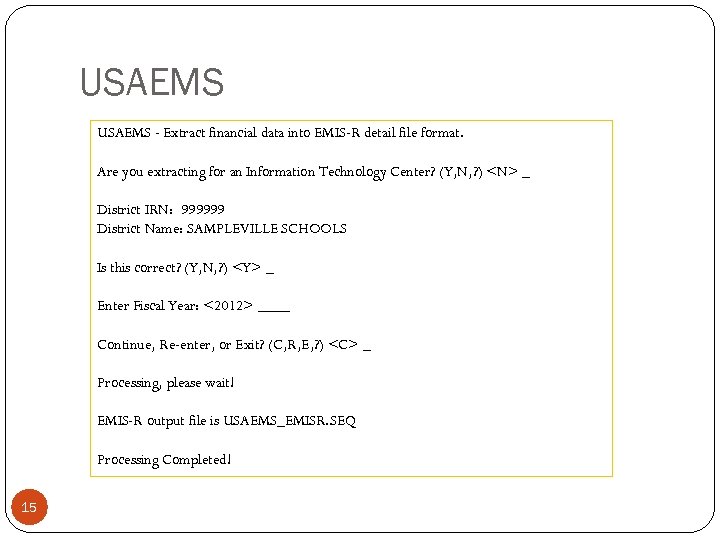
USAEMS - Extract financial data into EMIS-R detail file format. Are you extracting for an Information Technology Center? (Y, N, ? ) <N> _ District IRN: 999999 District Name: SAMPLEVILLE SCHOOLS Is this correct? (Y, N, ? ) <Y> _ Enter Fiscal Year: <2012> ____ Continue, Re-enter, or Exit? (C, R, E, ? ) <C> _ Processing, please wait! EMIS-R output file is USAEMS_EMISR. SEQ Processing Completed! 15
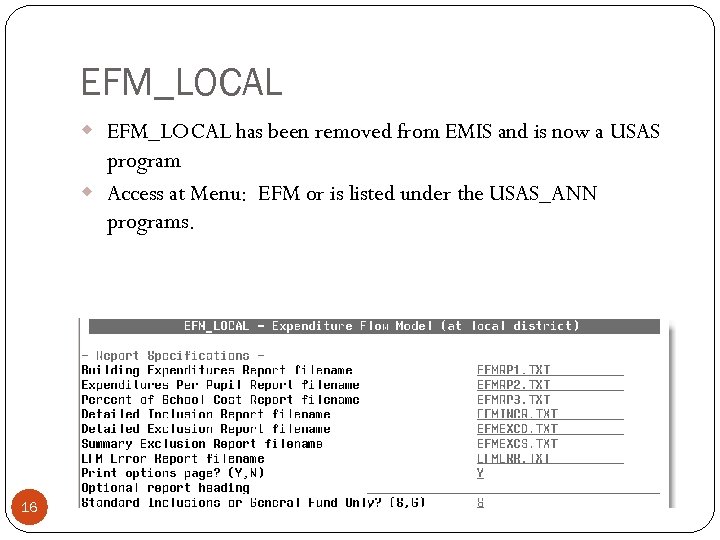
EFM_LOCAL w EFM_LOCAL has been removed from EMIS and is now a USAS program w Access at Menu: EFM or is listed under the USAS_ANN programs. 16
EFM Data EFM Reports will come back from ODE in July Building Expenditure Report Expenditure Per Pupil Report Error Report Percentage of School Cost Report Verify that reports are accurate 17
Fiscal Year-end Reminders: Fiscalcd must be run- Choose to run now Run GAAP closing checklist Run USAS_FY to create your backup Create a ticket and wait for response from ACCESS. Run BACKUP before ADJUST 18
GAAP Checklist has not changed. Please see checklist on ACCESS Web Page
Inventory (EIS) Fiscal Year-End Closing 20
Capital Assets Compile your capital assets information EIS DISTRICTS Follow the “EIS Closing Procedures” handout through at least step 3 – running EISEMS and uploading the data into EMIS-R NON-EIS DISTRICTS Enter your capital asset information into EMIS-FFE https: //ssdt. esu. k 12. oh. us/emisffe/ffe. User/login Must be to ODE before 12 H period closes 21 21
Financial Data Reporting Data Sources: Some of the data for financial reporting will be pulled directly from district’s live USAS data, while other portions will be pulled from EMIS-R “flat files” (i. e USAEMS_EMISR. SEQ). Live USAS data includes: q Cash, Expenditure, Revenue Accounts q q 22 Account data will be pulled either from the current year data or from account history data depending on the timing of when the EMIS-R data collection is run. Operational Units
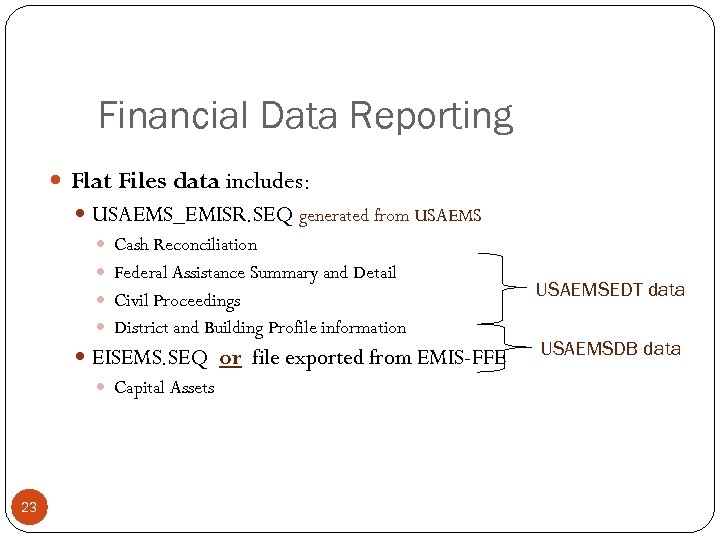
Financial Data Reporting Flat Files data includes: USAEMS_EMISR. SEQ generated from USAEMS Cash Reconciliation Federal Assistance Summary and Detail Civil Proceedings District and Building Profile information EISEMS. SEQ or file exported from EMIS-FFE Capital Assets 23 USAEMSEDT data USAEMSDB data
EIS Fiscal Year End Closing Finish all current year processing. Items received on or prior to June 30 th should be added to EIS for FY 2012. Any items received after June 30 th can continue to be added to the EIS pending file for FY 2013. Please see detailed checklist on ACCESS web page. Districts with a life limit specified for capitalization criteria may want to run an EIS 304 Brief Asset listing to verify items meeting the dollar capitalization criteria also have a valid Life Limit. Run EIS_EMS and upload your EISEMS. SEQ file to EMIS-R Run EIS_FY to create your archive. Create a ticket and WAIT for response from ACCESS 24
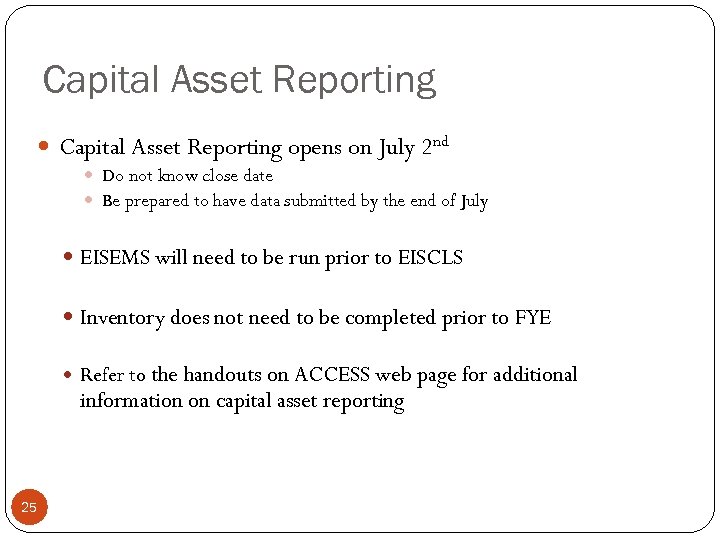
Capital Asset Reporting opens on July 2 nd Do not know close date Be prepared to have data submitted by the end of July EISEMS will need to be run prior to EISCLS Inventory does not need to be completed prior to FYE Refer to the handouts on ACCESS web page for additional information on capital asset reporting 25
USPS CLOSING
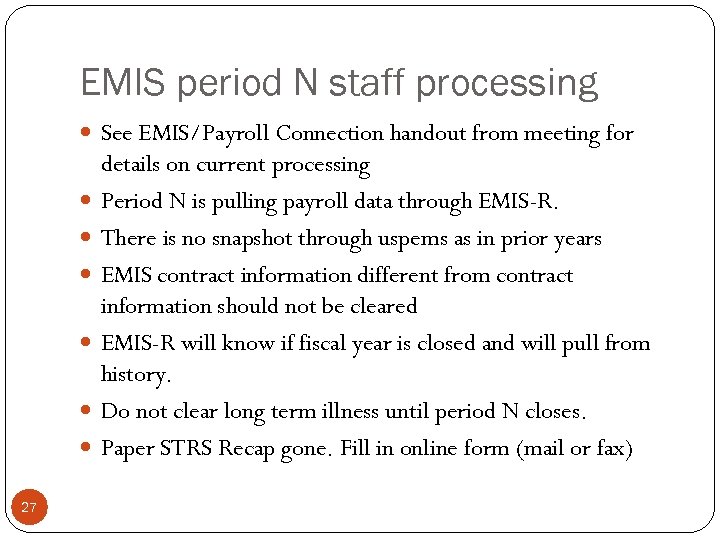
EMIS period N staff processing See EMIS/Payroll Connection handout from meeting for 27 details on current processing Period N is pulling payroll data through EMIS-R. There is no snapshot through uspems as in prior years EMIS contract information different from contract information should not be cleared EMIS-R will know if fiscal year is closed and will pull from history. Do not clear long term illness until period N closes. Paper STRS Recap gone. Fill in online form (mail or fax)
Software Releases All significant updates are discussed elsewhere in presentation
Period H EMIS REPORTING
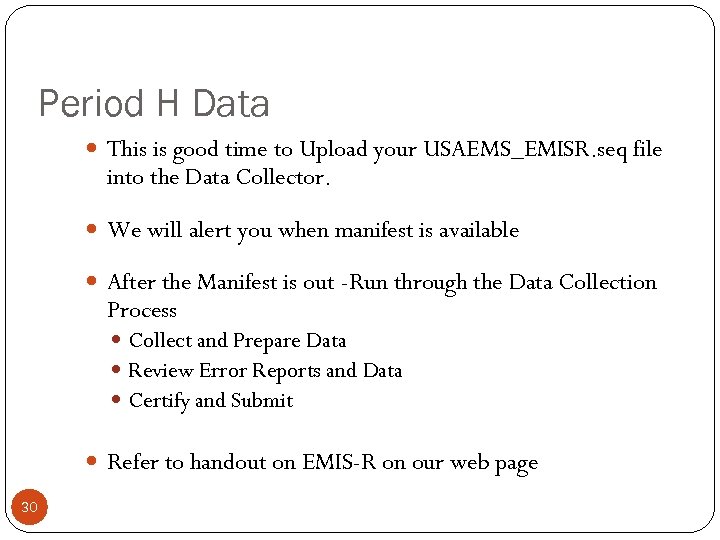
Period H Data This is good time to Upload your USAEMS_EMISR. seq file into the Data Collector. We will alert you when manifest is available After the Manifest is out -Run through the Data Collection Process Collect and Prepare Data Review Error Reports and Data Certify and Submit Refer to handout on EMIS-R on our web page 30
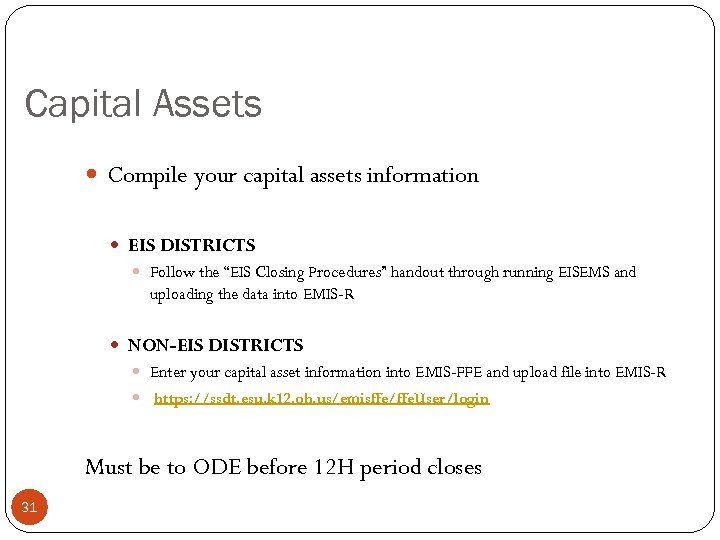
Capital Assets Compile your capital assets information EIS DISTRICTS Follow the “EIS Closing Procedures” handout through running EISEMS and uploading the data into EMIS-R NON-EIS DISTRICTS Enter your capital asset information into EMIS-FFE and upload file into EMIS-R https: //ssdt. esu. k 12. oh. us/emisffe/ffe. User/login Must be to ODE before 12 H period closes 31
WEBGAAP PROCESSING
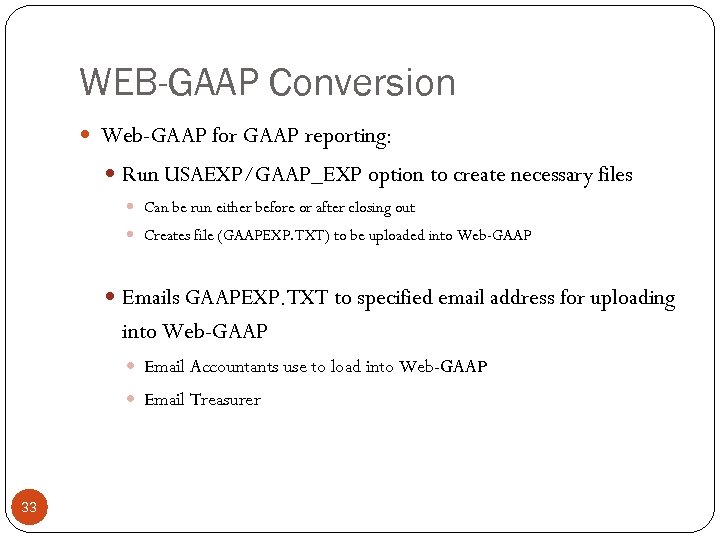
WEB-GAAP Conversion Web-GAAP for GAAP reporting: Run USAEXP/GAAP_EXP option to create necessary files Can be run either before or after closing out Creates file (GAAPEXP. TXT) to be uploaded into Web-GAAP Emails GAAPEXP. TXT to specified email address for uploading into Web-GAAP Email Accountants use to load into Web-GAAP Email Treasurer 33
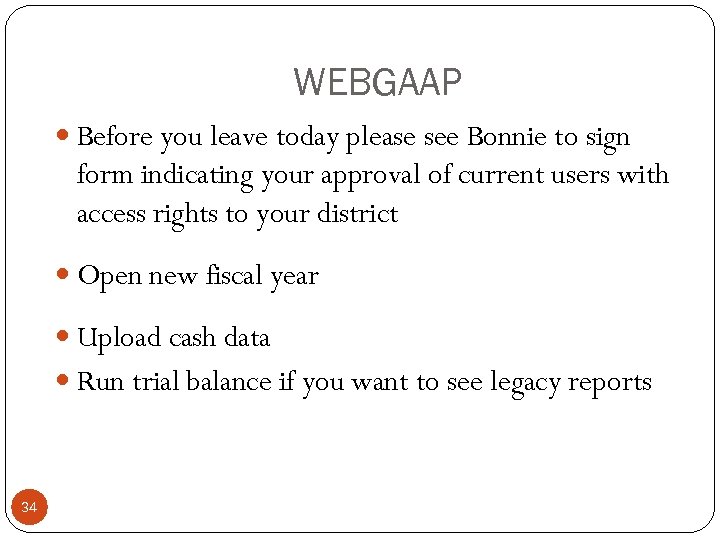
WEBGAAP Before you leave today please see Bonnie to sign form indicating your approval of current users with access rights to your district Open new fiscal year Upload cash data Run trial balance if you want to see legacy reports 34
Work Sessions in MCESC Computer Lab Wednesdays from 9 – 12 June 27 July 11 July 18 July 25
PURGING HISTORICAL DATA
August, 2012 Will purge historical data Some work might be necessary to review and clean up old accounts ACCESS will have resources available to assist with transaction level research 37
Other Applications
Other Applications Employee Kiosk 11 Entities live on software, some in production, some testing Employee profile, leave requests, and IPDP Form. Share 3 entities live on software Automated requisitions and leave requests On. Base 1 entity live on software Electronic records management, scanning 39
Future Applications
Future Applications USAS-R and USPS-R – Front End Continued re-write of State Software Replacing all green screens with web-based versions Back End – Complete change in database structure From VMS (Legacy) to SQL (Modern) From single application for all districts to one set of applications per district New reporting and data extract tools Timeline still TBD 41
Bob Howard
Bob Howard – Excel Training Bob will be back this Summer! Focus on “District Problems” How to use Excel to solve specific issues and challenges in district $50 person per day More information coming 43
Thank You!!
Скачать презентацию Treasurer Fiscal Year End Meeting Presented by ACCESS
b46155edc28d786d527d5327380596dd.ppt