


 Скачать презентацию Trans Forge why and how 2005
07e09e3804710206236183405f971630.ppt
- Количество слайдов: 24
 Trans. Forge – why and how © 2005 Computer Associates International, Inc. (CA). All trademarks, trade names, services marks and logos referenced herein belong to their respective companies.
 Abstract Used properly, Trans. Forge makes it significantly easier to migrate to a client server environment. While it is significantly more difficult to go to the web, web access can still be enabled by use of technologies like Citrix. This session will provide a review of the merits of Transforge, and also what challenges will be faced and what can be done to achieve the highest quality code possible. 2 © 2005 Computer Associates International, Inc. (CA). All trademarks, trade names, services marks and logos referenced herein belong to their respective companies.
 Biography Simon Lovell Currently at the Environmental Protection Authority 4 years Open. ROAD 4. 1 experience Worked on two Trans. Forge conversion projects 9 Years experience with Ingres 3 © 2005 Computer Associates International, Inc. (CA). All trademarks, trade names, services marks and logos referenced herein belong to their respective companies.
 Agenda Why Transforge – Transforge versus A to W Two approaches to Trans. Forge What Transforge does and doesn’t do Using the conversion engine Using a post processor What must be done manually 4 © 2005 Computer Associates International, Inc. (CA). All trademarks, trade names, services marks and logos referenced herein belong to their respective companies.
 Why use Trans. Forge Part 1 of 2 What are the alternatives – Do nothing • Risks the application being replaced – Upfront • Clunky • Also not cheap – Rewrite • Very expense and risky – A to W • Low budget and low return 5 © 2005 Computer Associates International, Inc. (CA). All trademarks, trade names, services marks and logos referenced herein belong to their respective companies.
 A word about A to W was mostly look, not much feel. Said to have worked straight out of the box Enforced the old tabbing sequence Must have used fixed sized fonts or it would have looked terrible Further development looking forward could have taken advantage of GUI features Ideal conversion would work like this on frames which are seldom used, but not for the 20% which are 80% of the use 6 © 2005 Computer Associates International, Inc. (CA). All trademarks, trade names, services marks and logos referenced herein belong to their respective companies.
 Why Transforge Part 2 of 2 For software companies – More likely to sell the product – Less likely to lose customers – Development is likely to be cheaper – Happier clients and developers For others – Life extension – Happier and more productive users and developers 7 © 2005 Computer Associates International, Inc. (CA). All trademarks, trade names, services marks and logos referenced herein belong to their respective companies.
 Two approaches to Trans. Forge Do as little as possible Do as much as possible – Use GUI features • • • Option fields (drop downs) Toggle fields (check boxes) Radio fields List view fields Not much difference in risk or effort Big difference in result 8 © 2005 Computer Associates International, Inc. (CA). All trademarks, trade names, services marks and logos referenced herein belong to their respective companies.
 What does Trans. Forge do (1 of 3) Global Variables and Global Constants – Converted one for one Database Procedures – Converted one for one 3 GL Procedures – Has a wrapper class created – Also converted one for one 9 © 2005 Computer Associates International, Inc. (CA). All trademarks, trade names, services marks and logos referenced herein belong to their respective companies.
 What does Trans. Forge do (2 of 3) 4 GL Procedures – Converted into user classes – All local procedures become methods – Main procedure to start method – Entry point invoke method created – Inherit from a supplied class 10 © 2005 Computer Associates International, Inc. (CA). All trademarks, trade names, services marks and logos referenced herein belong to their respective companies.
 What does Trans. Forge do (3 of 3) Frames are similar to 4 GL Procedures – A frame and a user class is created – Extra user class per table field – Class has a method for every activation, local procedure and another for the Initialize block’s code 11 © 2005 Computer Associates International, Inc. (CA). All trademarks, trade names, services marks and logos referenced herein belong to their respective companies.
 What Transforge doesn’t do Enforce the tabbing sequence Use a fixed size font Cater for sub menus Provide for server side reporting Find the correct data type for 3 GL Procedures’ parameters Forms validation is lost Activate=1 versus Activate=0 information is lost Qualification clause not handled 12 © 2005 Computer Associates International, Inc. (CA). All trademarks, trade names, services marks and logos referenced herein belong to their respective companies.
 Using the Trans. Forge engine (1 of 2) The Object Request Broker (ORB) – Allows different code to run at different sites – Recommend you turn this off Discovery report – Map as many speed keys as possible – Commonly used activations like close or save should go to the top toolbar and the menu, less common ones should go to a bottom button bar and the menu 13 © 2005 Computer Associates International, Inc. (CA). All trademarks, trade names, services marks and logos referenced herein belong to their respective companies.
 Using the Trans. Forge engine (2 of 2) Background colour for changeable fields should be CC_SYS_WINDOW Enable option to capture activate values Should have an indication for mandatory Ensure all forms are part of application 14 © 2005 Computer Associates International, Inc. (CA). All trademarks, trade names, services marks and logos referenced herein belong to their respective companies.
 Using a post processor (1 of 5) Use the undocumented get_appl procedure Update the style sheet – Use Frame. Source’s undocumented fielddefaults attribute – Should store all presentation standards Update exit and childexit events to setvalue and childsetvalue respectively 15 © 2005 Computer Associates International, Inc. (CA). All trademarks, trade names, services marks and logos referenced herein belong to their respective companies.
 Using a post processor (2 of 5) Set all entry fields’ Is. Mandatory to false Name free trim associated with entry fields Add calendar for changeable date fields Make all varchar entry fields wider Remove tab sequence numbers Add a print screen menu item 16 © 2005 Computer Associates International, Inc. (CA). All trademarks, trade names, services marks and logos referenced herein belong to their respective companies.
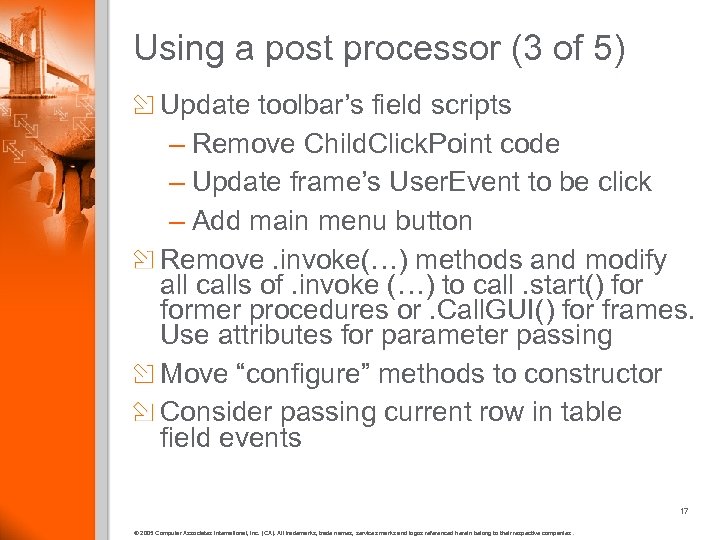 Using a post processor (3 of 5) Update toolbar’s field scripts – Remove Child. Click. Point code – Update frame’s User. Event to be click – Add main menu button Remove. invoke(…) methods and modify all calls of. invoke (…) to call. start() former procedures or. Call. GUI() for frames. Use attributes for parameter passing Move “configure” methods to constructor Consider passing current row in table field events 17 © 2005 Computer Associates International, Inc. (CA). All trademarks, trade names, services marks and logos referenced herein belong to their respective companies.
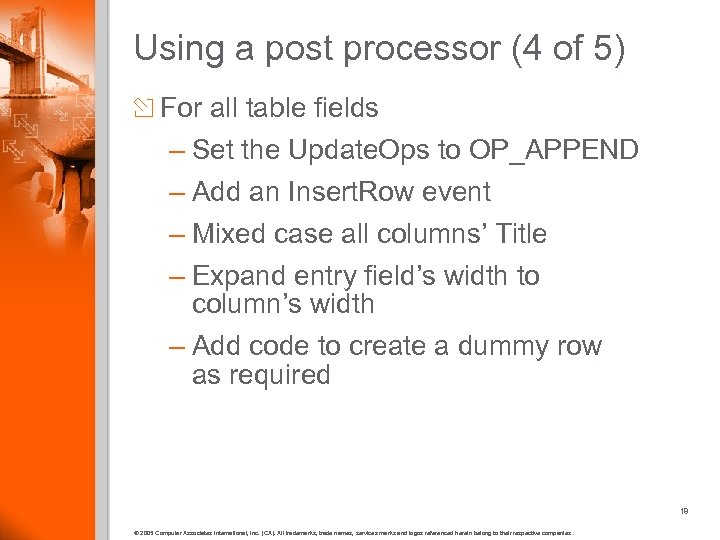 Using a post processor (4 of 5) For all table fields – Set the Update. Ops to OP_APPEND – Add an Insert. Row event – Mixed case all columns’ Title – Expand entry field’s width to column’s width – Add code to create a dummy row as required 18 © 2005 Computer Associates International, Inc. (CA). All trademarks, trade names, services marks and logos referenced herein belong to their respective companies.
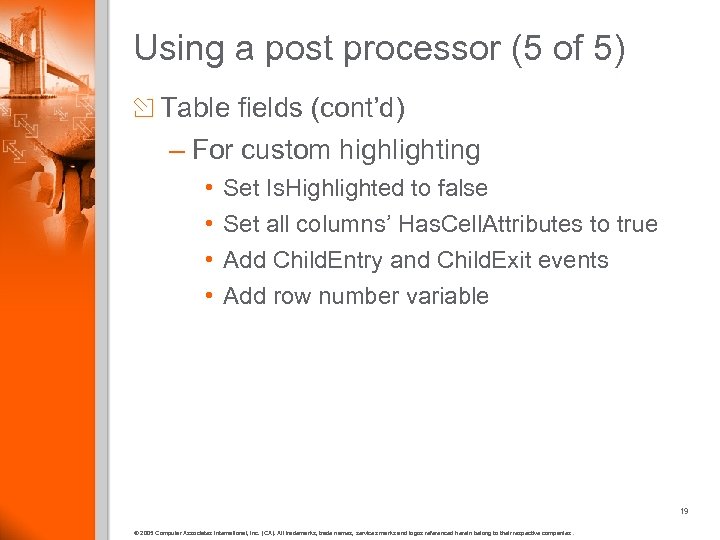 Using a post processor (5 of 5) Table fields (cont’d) – For custom highlighting • • Set Is. Highlighted to false Set all columns’ Has. Cell. Attributes to true Add Child. Entry and Child. Exit events Add row number variable 19 © 2005 Computer Associates International, Inc. (CA). All trademarks, trade names, services marks and logos referenced herein belong to their respective companies.
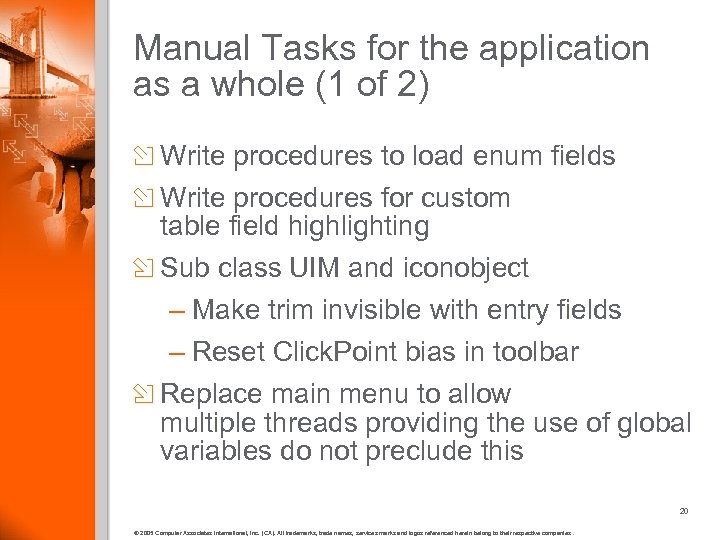 Manual Tasks for the application as a whole (1 of 2) Write procedures to load enum fields Write procedures for custom table field highlighting Sub class UIM and iconobject – Make trim invisible with entry fields – Reset Click. Point bias in toolbar Replace main menu to allow multiple threads providing the use of global variables do not preclude this 20 © 2005 Computer Associates International, Inc. (CA). All trademarks, trade names, services marks and logos referenced herein belong to their respective companies.
 Manual Tasks for the application as a whole (2 of 2) Update businessobject’s callframe statement Disallow blocked frames taking focus – Use ghost frame Include print screen dll from www. naiua. org 21 © 2005 Computer Associates International, Inc. (CA). All trademarks, trade names, services marks and logos referenced herein belong to their respective companies.
 Manual Tasks for each frame Replace entry fields with GUI controls Replace any forms validation Group fields with stack and matrix fields Move mandatory validation into the save Remove code which checks movement direction Set focusbehavior for menu and toolbar Test! 6 Frames per day is fast 22 © 2005 Computer Associates International, Inc. (CA). All trademarks, trade names, services marks and logos referenced herein belong to their respective companies.
 Summary Use a post processor Still doesn’t make it easy Download presentation and review notes for code snippets If you’re still using ABF now, what are you going to do differently to not be using it in 5 years time, or out of a job? 23 © 2005 Computer Associates International, Inc. (CA). All trademarks, trade names, services marks and logos referenced herein belong to their respective companies.
 Questions & Answers © 2005 Computer Associates International, Inc. (CA). All trademarks, trade names, services marks and logos referenced herein belong to their respective companies.