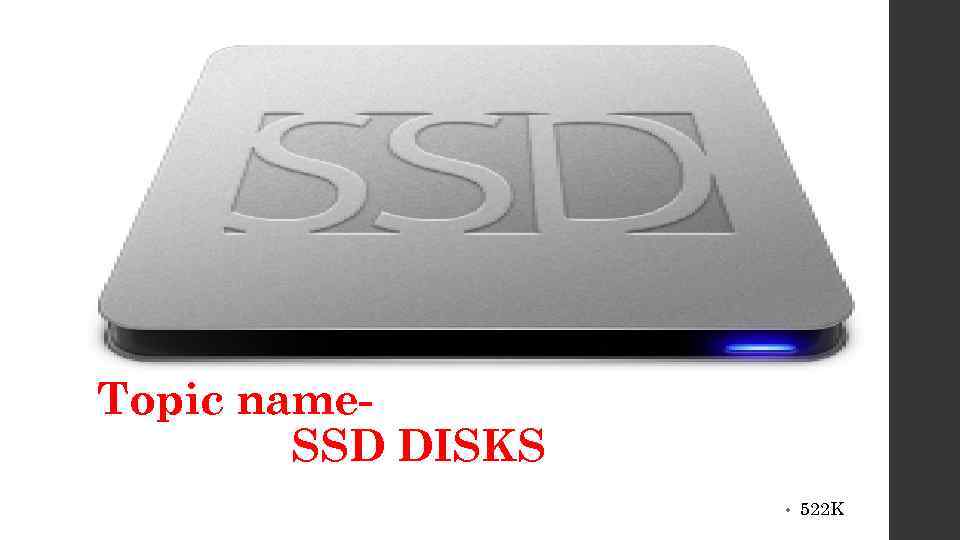
 Topic name. SSD DISKS • 522 K
 We have chosen this topic, because hard & SSD DISKS are used everywhere in all computers and noutbooks. .
 Today more and more scientists are interested in SSD DISCS, because many problems are not solved yet. This new generation of hard drives
 What is a SSD Disc ? • History • What is SSD disk • Advantages • Disadvantages • SSD vs. HDD: What's the Difference?
 History • SSDs had origins in the 1950 s with two similar technologies: magnetic core memory and charged capacitor read-only storage These auxiliary memory units (as contemporaries called them) emerged during the era of vacuumtube computers, though their use ceased with the introduction of cheaper drum storage units. Later, in the 1970 s and 1980 s, SSDs were implemented in semiconductor memory for early supercomputers of IBM, but they were seldom used because of their prohibitively high price. In the late 1970 s, General Instruments produced an electrically alterable ROM (Read Only Memory) which operated somewhat like the later flash memory. Unfortunately, a ten-year life was not achievable and many companies abandoned the technology. The earliest solid-state drives generally were designed for consumer devices. The debut of the Apple i. Pod in 2005 marked the first notable flash-based device to broadly penetrate the consumer market.
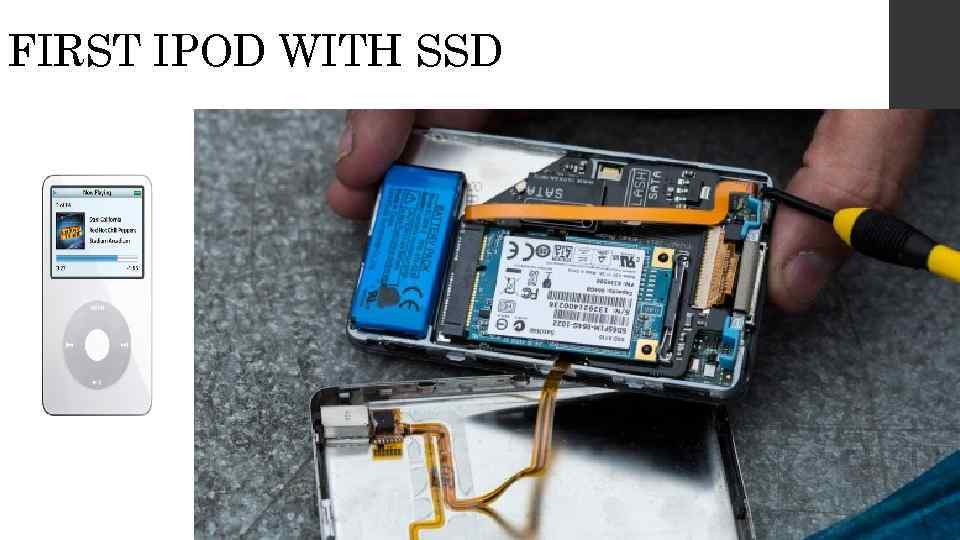 FIRST IPOD WITH SSD
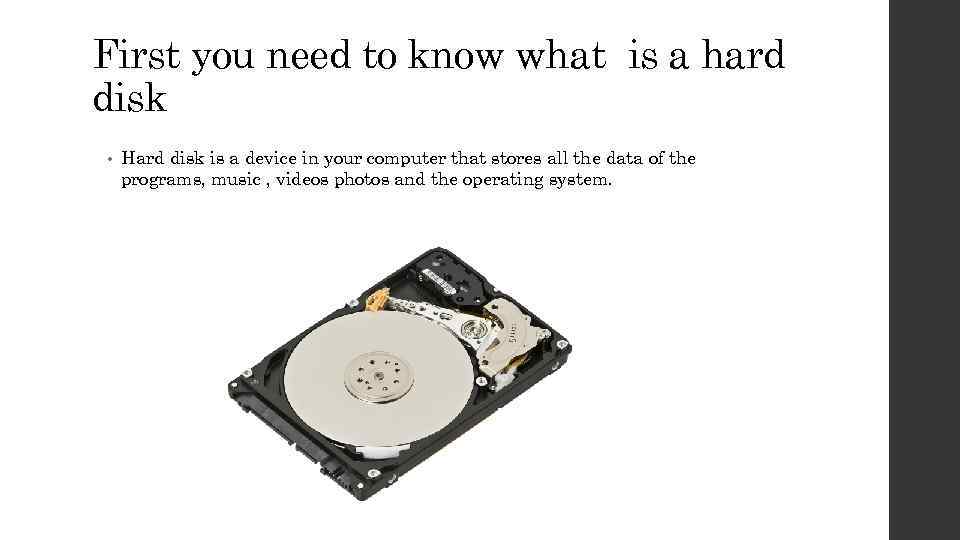 First you need to know what is a hard disk • Hard disk is a device in your computer that stores all the data of the programs, music , videos photos and the operating system.
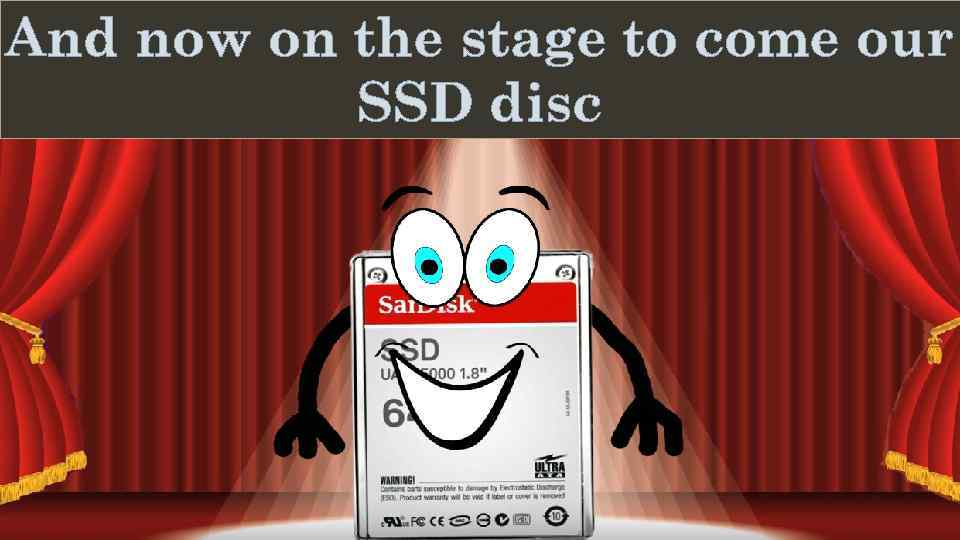 And now on the stage to come our SSD disc Поместите здесь ваш текст Деревня дураков
 What is the SSD disk? • Short for Solid-State Drive or Solid-State Disk • SSD is a drive that uses non-volatile memory as a means of storing and accessing data, much like computer RAM • SSD has no moving parts, which gives it advantages such as accessing stored information faster, noiseless operation, higher reliability, and lower power consumption. • This is also the same device for storing information based on non-rotating disks of memory chips as mentioned above such a big flash drive is nothing to rotate as in a hard disk. In the SSD disk, the fastest write speed is reading data.

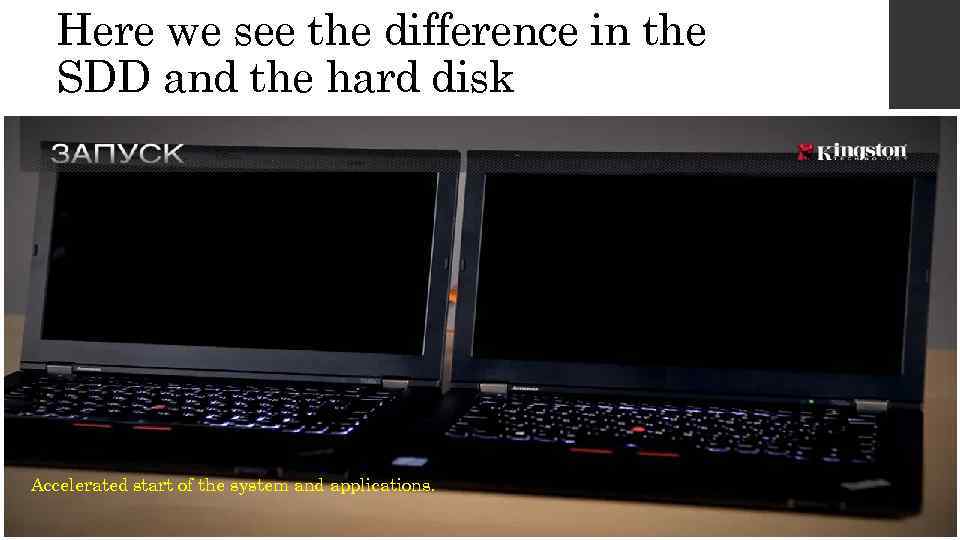 Here we see the difference in the SDD and the hard disk Accelerated start of the system and applications.
 Durability • : An SSD has no moving parts, so it is more likely to keep your data safe in the event you drop your laptop bag or your system is shaken about by an earthquake while it's operating. Most hard drives park their read/write heads when the system is off, but they are flying over the drive platter at a distance of a few nanometers when they are in operation. Besides, even parking brakes have limits. If you're rough on your equipment, an SSD is recommended.
 Absence of noise due to lack of moving parts Low power consumption
 Cons - the technology has not yet been fully worked out, many unsuccessful models. • High price In my opinion, this is one of the most important drawbacks of SSD disks. For example, an SSD drive with a capacity of some 64 GB will cost from 4 thousand rubles. For this money you can buy two HDDs with a volume of 1 TB. And surprisingly, the price of SSD drives grows in direct proportion to its capacity. To date, the price of SSD drives is not going to fall
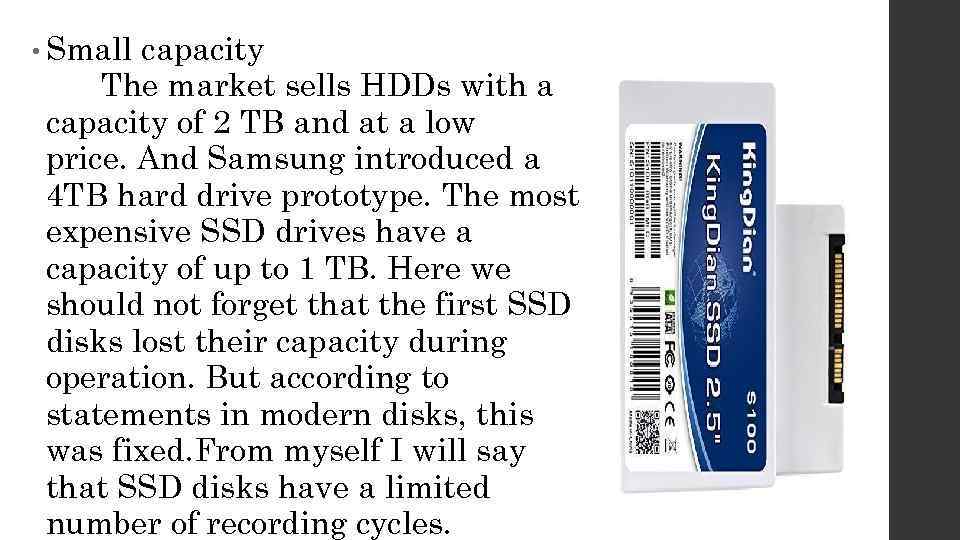 • Small capacity The market sells HDDs with a capacity of 2 TB and at a low price. And Samsung introduced a 4 TB hard drive prototype. The most expensive SSD drives have a capacity of up to 1 TB. Here we should not forget that the first SSD disks lost their capacity during operation. But according to statements in modern disks, this was fixed. From myself I will say that SSD disks have a limited number of recording cycles.