 Скачать презентацию TOP 50 BUSINESS EMAIL ETIQUETTE RULES Etiquette can
Top 50.pptx
- Количество слайдов: 12



TOP 50 BUSINESS EMAIL ETIQUETTE RULES Etiquette can help you build healthy business communications, eliminate email overload and boost your email productivity.
Make it easy to read and understand your message Use complete sentences, not random unfinished thoughts Do not use slang Make your message brief and to the point You can choose to quote questions before answering them Do not overuse quoting all original text
Use proper grammar, spelling and punctuation Use a proper sentence structure in your email messages. Do not type your message in ALL CAPITAL LETTERS Avoid using informal words like "coz", "ain't", "gotta", etc. This can make you sound uneducated
Be careful with styling and formatting Refrain from using fancy fonts and multiple font colors. Do not use patterned backgrounds. Use formatting like italics or bold fonts sparingly. Refrain from using too many embedded images.
Use a neutral tone of communication Avoid using multiple instances of an exclamation mark (!!!) or a question mark (? ? ? ). Avoid using emoticons in business emails. Don't use sarcasm or irony; they can be misinterpreted easily.
Be thoughtful and polite Start every email with a greeting. Never forget to include a closing phrase at the end of the message, e. g. Best regards, Sincerely, or Thank you. Don't hesitate to thank your recipient in case they were of help. Do not send business attachments after business hours.
Take advantage of signatures, email templates and auto-replies Use an email signature with your contact details. Use the auto-reply feature when on vacation. Use email templates or standard responses. If you have no time to reply to an important message right away, send a short notification email stating when you'll be able to attend to the request.
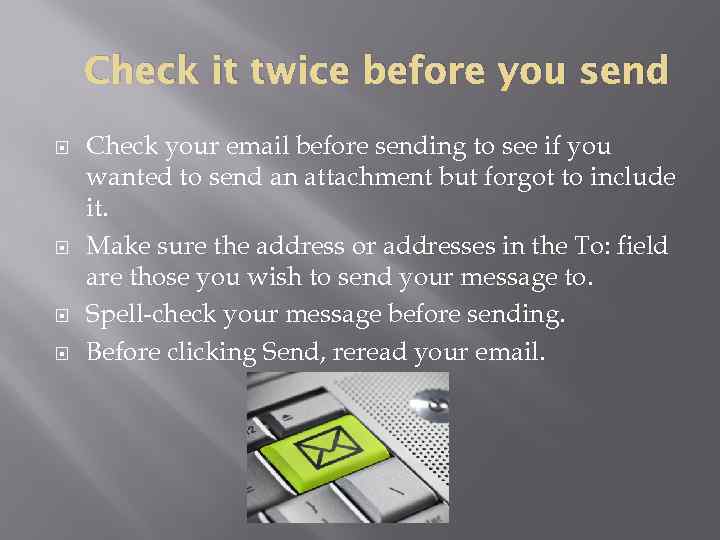
Check it twice before you send Check your email before sending to see if you wanted to send an attachment but forgot to include it. Make sure the address or addresses in the To: field are those you wish to send your message to. Spell-check your message before sending. Before clicking Send, reread your email.
Don't harm your recipient Don't overuse the CC: feature. Do not use the "Reply to All" option for no special reason. Configure your email client to use the "Reply" option by default, not "Reply to All". Make sure to provide an UNSUBSCRIBE option if you send an opt-in newsletter.

Abide by laws and regulations regarding email Follow your company's emailing rules and policies. Do not use your corporate email account for private communications. Before sending bulk mail to a list of foreign recipients, make sure to learn what you can and cannot send to the recipients in that specific country.
Manage your emails efficiently Use an email client to track all emails in one place. Respond to emails within 24 hours of a business day. Use the Email. Tray email client to have all good emails rescued from the Spam folder. Add an email address of each new valuable contact to your approved or white list. Use anti-viral software.
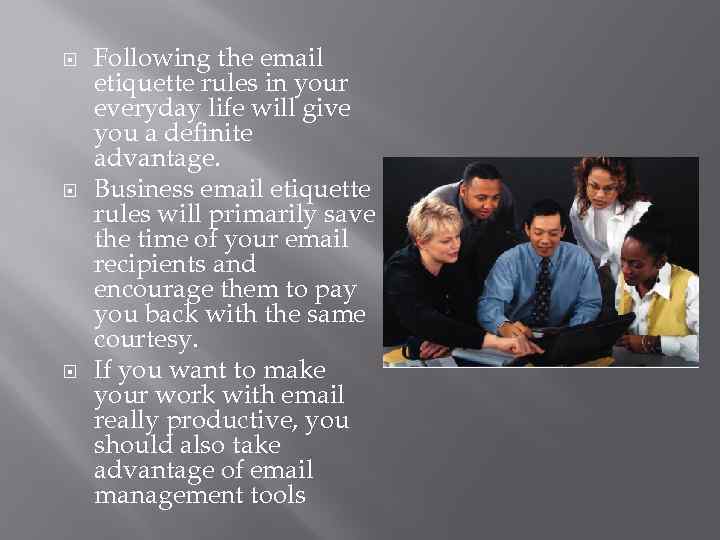
Following the email etiquette rules in your everyday life will give you a definite advantage. Business email etiquette rules will primarily save the time of your email recipients and encourage them to pay you back with the same courtesy. If you want to make your work with email really productive, you should also take advantage of email management tools
Скачать презентацию TOP 50 BUSINESS EMAIL ETIQUETTE RULES Etiquette can
Top 50.pptx