


 Скачать презентацию Тонкий CSS для Internet Explorer Павел Корнилов
e2f19a92332cd13967517aff45d1f413.ppt
- Количество слайдов: 25
 Тонкий CSS для Internet Explorer Павел Корнилов
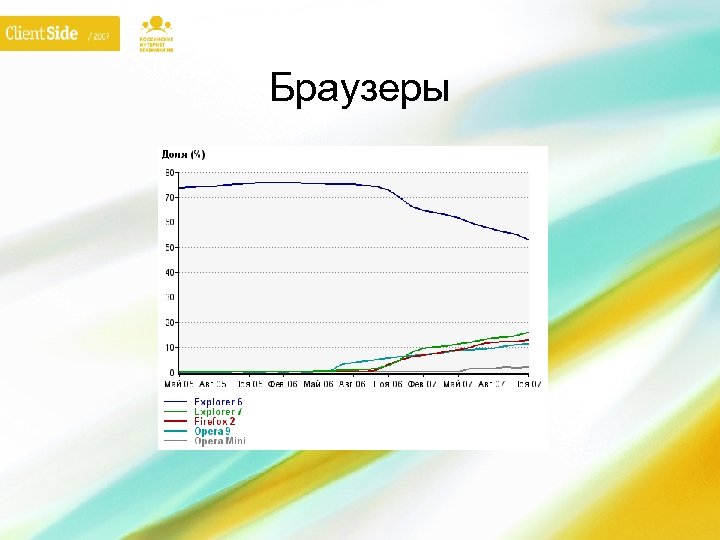 Браузеры
 Internet Explorer Ошибки
 HTML •
 • • PNG
 CSS • • : hover opacity inherit : first-child
 Решения • DHTML Behaviors • expression • Иногда верстать таблицами
 DHTML Behaviors Подключение: behavior: url(behavior. htc); Внутри: j. Script или VBScript
 Whatever: hover body { behavior: url(hover. htc) } Лечит: : hover : active
 IE PNG Fix img, div { behavior: url(iepngfix. htc) } Лечит альфа прозрачность у PNG: картинки фон
 Expression. mydiv { a: expression(alert(), b, c = 1); } Что это за конструкция?
 Особенность • Исполняется при каждом действии пользователя • После каждого блока ставится запятая • with(this), this - необязателен
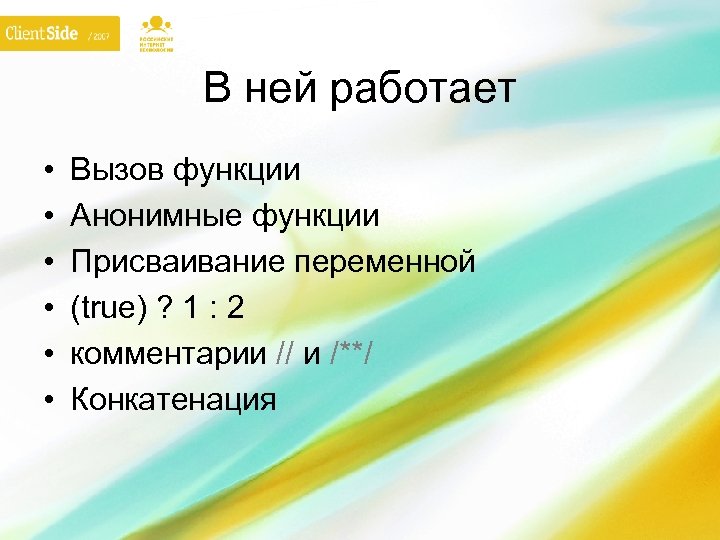 В ней работает • • • Вызов функции Анонимные функции Присваивание переменной (true) ? 1 : 2 комментарии // и /**/ Конкатенация
 Не работает • Точка с запятой • if … else • Иногда, пробелы
 function expression() { // колдовской код }
 Похоже?
 Style Три способа: • style • current. Style • runtime. Style
 Примеры Вспомните Java. Script
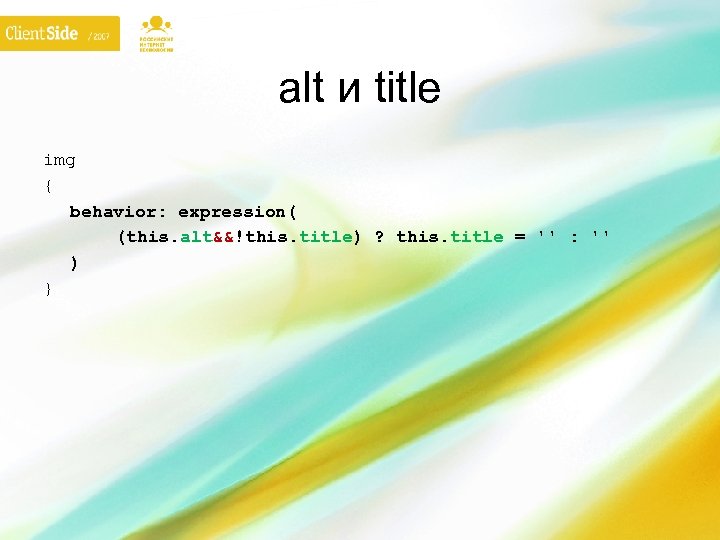 alt и title img { behavior: expression( (this. alt&&!this. title) ? this. title = '' : '' ) }
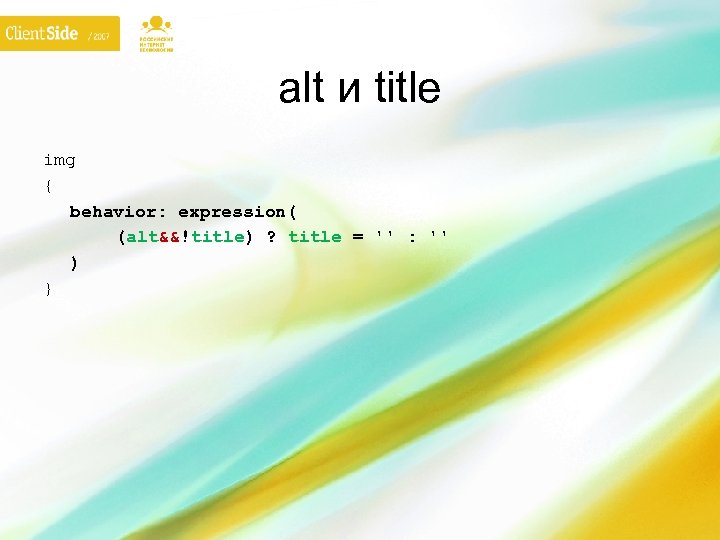 alt и title img { behavior: expression( (alt&&!title) ? title = '' : '' ) }
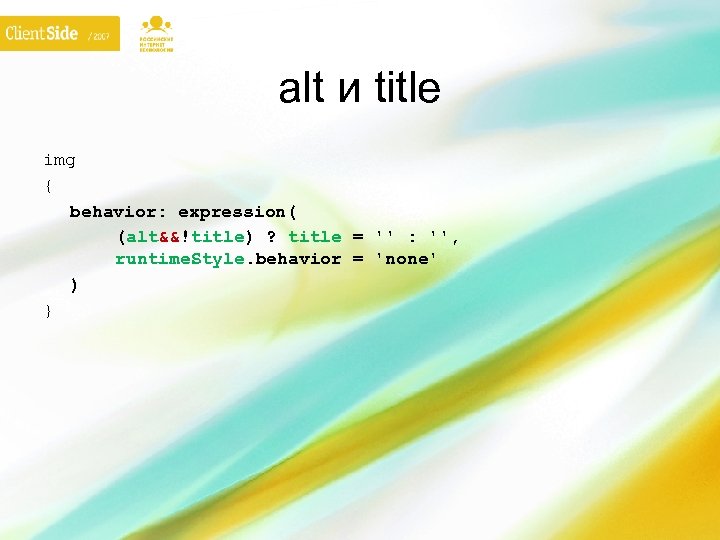 alt и title img { behavior: expression( (alt&&!title) ? title = '' : '', runtime. Style. behavior = 'none' ) }
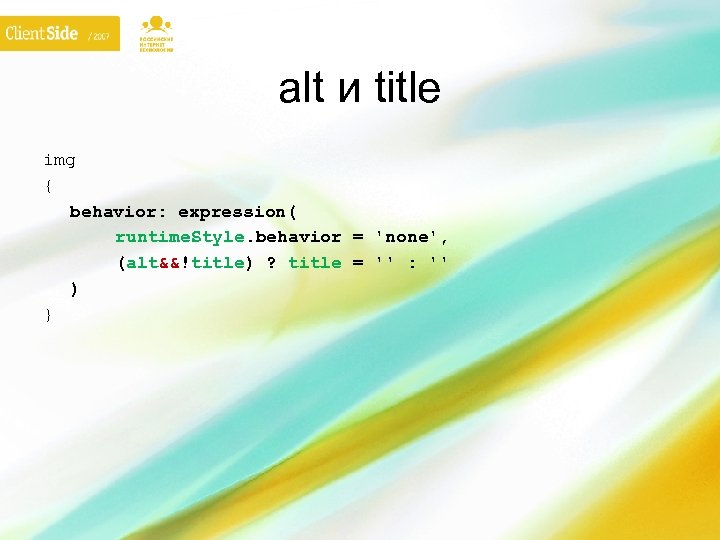 alt и title img { behavior: expression( runtime. Style. behavior = 'none', (alt&&!title) ? title = '' : '' ) }
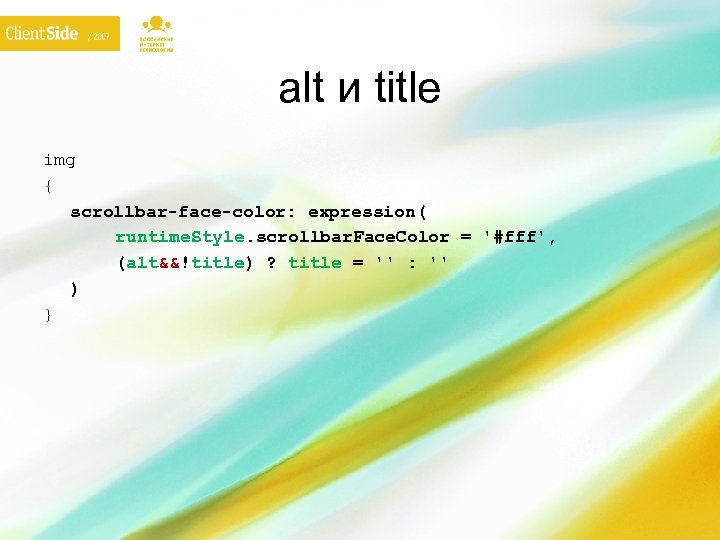 alt и title img { scrollbar-face-color: expression( runtime. Style. scrollbar. Face. Color = '#fff', (alt&&!title) ? title = '' : '' ) }
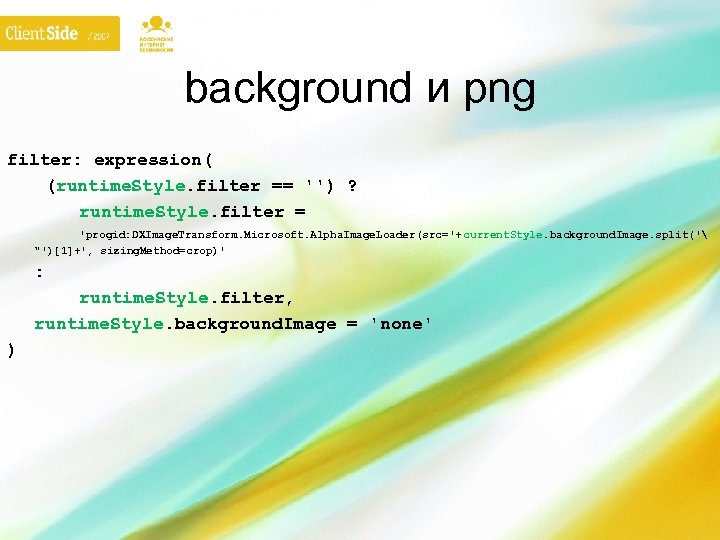 background и png filter: expression( (runtime. Style. filter == '') ? runtime. Style. filter = 'progid: DXImage. Transform. Microsoft. Alpha. Image. Loader(src='+ current. Style. background. Image. split(' "')[1]+', sizing. Method=crop)' : runtime. Style. filter, runtime. Style. background. Image = 'none' )
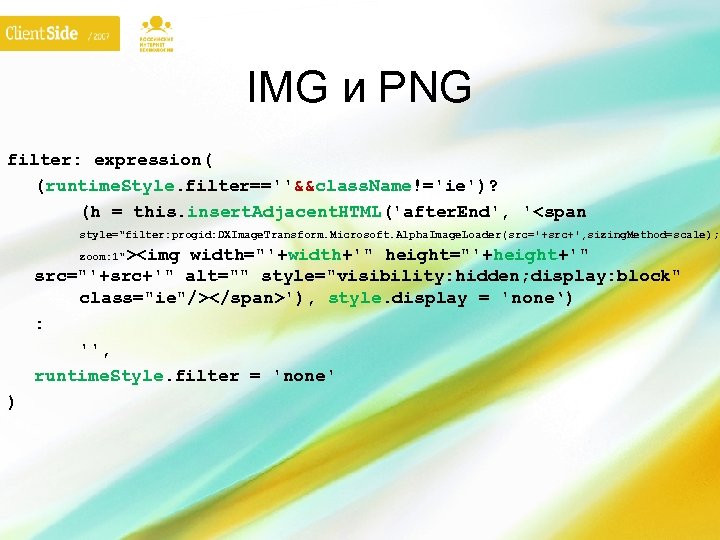 IMG и PNG filter: expression( (runtime. Style. filter==''&&class. Name!='ie')? (h = this. insert. Adjacent. HTML('after. End', ''), style. display = 'none‘) : '', runtime. Style. filter = 'none' zoom: 1" )
 Павел Корнилов http: //lusever. livejournal. com/