


 Скачать презентацию Tomorrow s Technology and You Chapter 6 Multimedia
c87c1d260498b7ecd9ff544b0a7862cc.ppt
- Количество слайдов: 15
 Tomorrow’s Technology and You Chapter 6 Multimedia © 2006 Prentice-Hall, Inc. Slide 1
 Chapter 6 Objectives üWhat can we learn from the inventor of the WWW? üWhat can we do to ensure effective presentation of your Research Project? üHow can hypermedia technology be useful in your Online Portfolio? üWhat are the pros and cons of Interactive Media, VR, tele-immersion and AR? © 2006 Prentice-Hall, Inc. Slide 2
 Learning from Tim Berners-Lee (pp 187 -188) ü How did his ideas transform the Internet of the 80’s to the WWW? ü ü ü ü Hypertext URL HTML HTTP Now works at W 3 C – what is that? so what? Why is he said to be “almost Gutenbergian”? How has he overcome ‘official’ objections to his ideas? © 2006 Prentice-Hall, Inc. Slide 3
 Chapter 6 Objectives üWhat can we learn from the inventor of the WWW? üWhat can we do to ensure effective presentation of your Research Project? üHow can hypermedia technology be useful in your Online Portfolio? üWhat are the pros and cons of Interactive Media, VR, tele-immersion and AR? © 2006 Prentice-Hall, Inc. Slide 4
 Bringing Presentations to Life (pp 199 -201) ü Tools such as Power. Point provide: ü ü ü ‘Bullet’ Charts Backgrounds and text formatting Images, animation, and sound Video clips Hyperlinks Use these effectively in your presentation for an A+! ü What errors were made in the slide on p 201? © 2006 Prentice-Hall, Inc. Slide 5
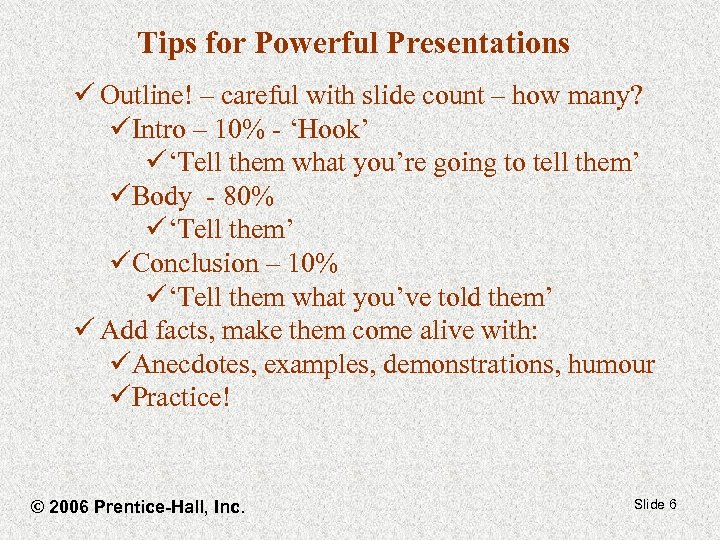 Tips for Powerful Presentations ü Outline! – careful with slide count – how many? üIntro – 10% - ‘Hook’ ü‘Tell them what you’re going to tell them’ üBody - 80% ü‘Tell them’ üConclusion – 10% ü‘Tell them what you’ve told them’ ü Add facts, make them come alive with: üAnecdotes, examples, demonstrations, humour üPractice! © 2006 Prentice-Hall, Inc. Slide 6
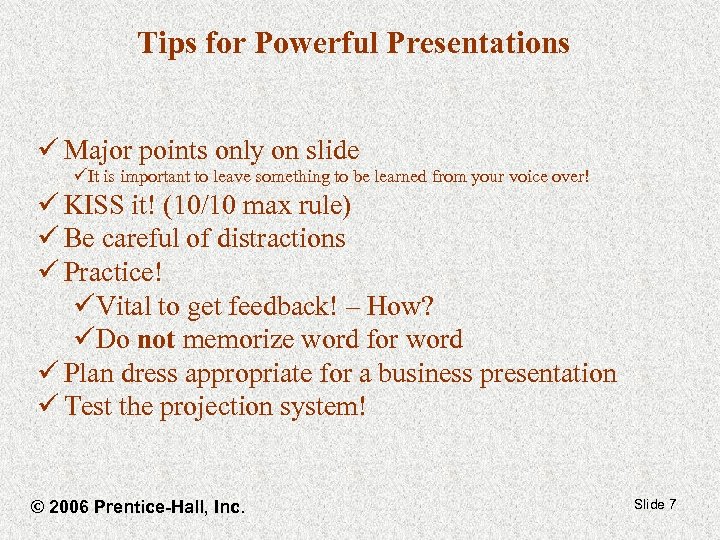 Tips for Powerful Presentations ü Major points only on slide üIt is important to leave something to be learned from your voice over! ü KISS it! (10/10 max rule) ü Be careful of distractions ü Practice! üVital to get feedback! – How? üDo not memorize word for word ü Plan dress appropriate for a business presentation ü Test the projection system! © 2006 Prentice-Hall, Inc. Slide 7
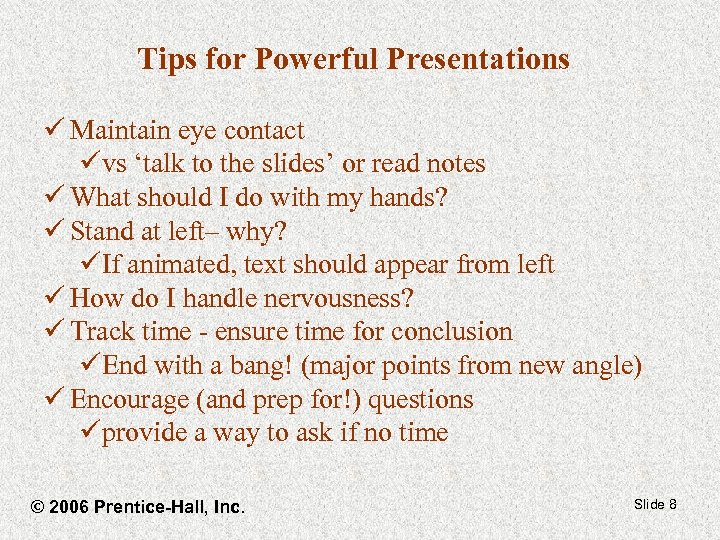 Tips for Powerful Presentations ü Maintain eye contact üvs ‘talk to the slides’ or read notes ü What should I do with my hands? ü Stand at left– why? üIf animated, text should appear from left ü How do I handle nervousness? ü Track time - ensure time for conclusion üEnd with a bang! (major points from new angle) ü Encourage (and prep for!) questions üprovide a way to ask if no time © 2006 Prentice-Hall, Inc. Slide 8
 In-Class Activity • Open Case 2 (see Weekly Planner), and follow the instructions to enroll in the Myitlab Access Training • Open the training and try a question or two • Call me over to assign marks when you are ready • More marks will be assigned if you complete the Access training before our next class. Slide 9
 Chapter 6 Objectives üWhat can we learn from the inventor of the WWW? üWhat can we do to ensure effective presentation of your Research Project? üHow can hypermedia technology be useful in your Online Portfolio? üWhat are the pros and cons of Interactive Media, VR, tele-immersion and AR? © 2006 Prentice-Hall, Inc. Slide 10
 Dynamic Media (pp 202 – 221) Useful for your Online Portfolio ü Hypertext/Hypermedia ü can link to text, images, sound, video etc. ü allows a jump to ‘objects’ anywhere on the Internet ü Why would you want to use this in your portfolio? ü Be careful! ü Make sure readers don’t find broken links… or get lost! ü remember your professional audience’s interests ü What will turn up if you are Google’d? ? ü Other tips? ü Test it on a friend © 2006 Prentice-Hall, Inc. Slide 11
 Dynamic Media Useful for your Online Portfolio ü You still need a paper resume üSome people find screen reading harder than paper üOn-line documents don’t encourage scribbled margin notes, highlighting, etc. ü So… üSend out resumes, with URL of online portfolio included üInclude ‘Printer friendly’ option on online portfolio © 2006 Prentice-Hall, Inc. Slide 12
 Chapter 6 Objectives üWhat can we learn from the inventor of the WWW? üWhat can we do to ensure effective presentation of your Research Project? üHow can hypermedia technology be useful in your Online Portfolio? üWhat are the pros and cons of Interactive Media, VR, tele-immersion and AR? © 2006 Prentice-Hall, Inc. Slide 13
 Visions of the Future (pp 222 – 225) ü What was Human communication like before 1900? ü What negative change came in the next century? ü Can Interactive multimedia technology help? ü Examples? ü Pros and cons? ü Emerging technologies - VR, tele-immersion and AR? ü examples? (can you tell us about an actual experience? ) ü uses (beyond fun - business, military, education etc. ) ü Pros and cons? üHow will authors make money in the digitized future? Slide 14
 Chapter 6 Objectives üWhat can we learn from the inventor of the WWW? üWhat can we do to ensure effective presentation of your Research Project? üHow can hypermedia technology be useful in your Online Portfolio? üWhat are the pros and cons of Interactive Media, VR, tele-immersion and AR? © 2006 Prentice-Hall, Inc. Slide 15