 Скачать презентацию Thin Client Pilot Project UTFAB ACNS
645eaa3ba0abef2cdc0c4f681395bb11.ppt
- Количество слайдов: 13



Thin Client Pilot Project UTFAB : ACNS / LTS Prepared by Jason Huitt February 2, 2010
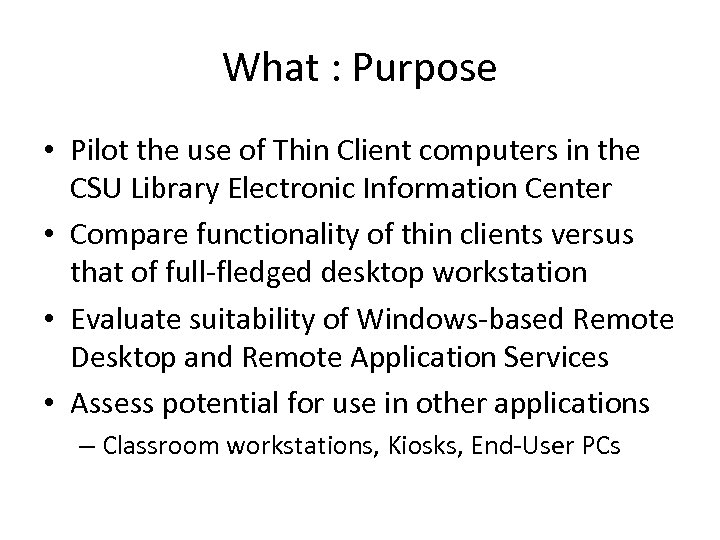
What : Purpose • Pilot the use of Thin Client computers in the CSU Library Electronic Information Center • Compare functionality of thin clients versus that of full-fledged desktop workstation • Evaluate suitability of Windows-based Remote Desktop and Remote Application Services • Assess potential for use in other applications – Classroom workstations, Kiosks, End-User PCs
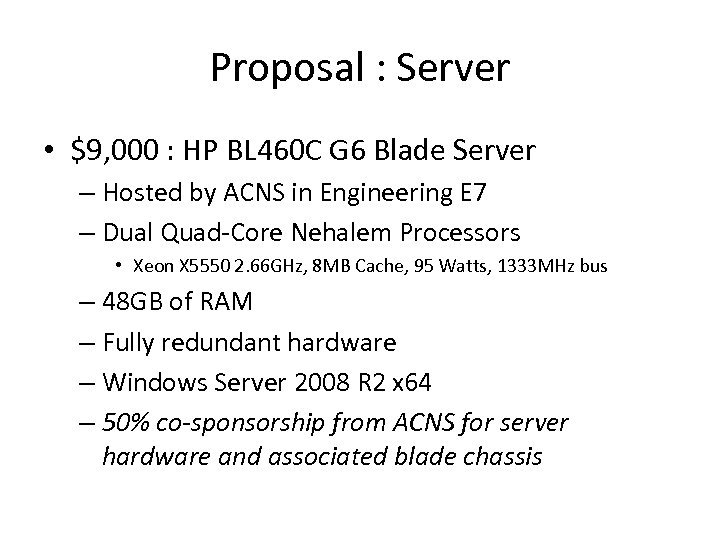
Proposal : Server • $9, 000 : HP BL 460 C G 6 Blade Server – Hosted by ACNS in Engineering E 7 – Dual Quad-Core Nehalem Processors • Xeon X 5550 2. 66 GHz, 8 MB Cache, 95 Watts, 1333 MHz bus – 48 GB of RAM – Fully redundant hardware – Windows Server 2008 R 2 x 64 – 50% co-sponsorship from ACNS for server hardware and associated blade chassis
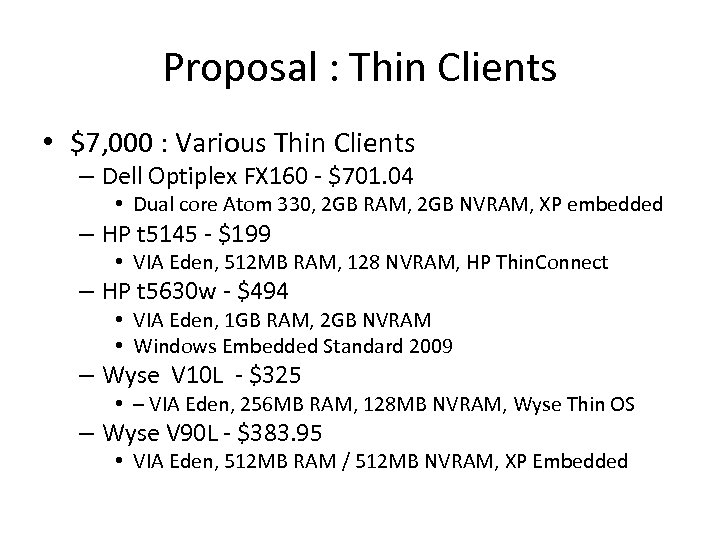
Proposal : Thin Clients • $7, 000 : Various Thin Clients – Dell Optiplex FX 160 - $701. 04 • Dual core Atom 330, 2 GB RAM, 2 GB NVRAM, XP embedded – HP t 5145 - $199 • VIA Eden, 512 MB RAM, 128 NVRAM, HP Thin. Connect – HP t 5630 w - $494 • VIA Eden, 1 GB RAM, 2 GB NVRAM • Windows Embedded Standard 2009 – Wyse V 10 L - $325 • – VIA Eden, 256 MB RAM, 128 MB NVRAM, Wyse Thin OS – Wyse V 90 L - $383. 95 • VIA Eden, 512 MB RAM / 512 MB NVRAM, XP Embedded
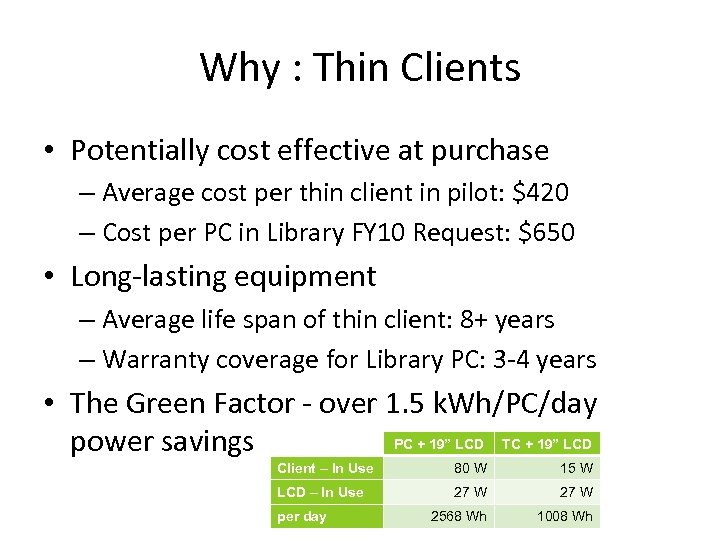
Why : Thin Clients • Potentially cost effective at purchase – Average cost per thin client in pilot: $420 – Cost per PC in Library FY 10 Request: $650 • Long-lasting equipment – Average life span of thin client: 8+ years – Warranty coverage for Library PC: 3 -4 years • The Green Factor - over 1. 5 k. Wh/PC/day PC + 19” LCD TC + 19” LCD power savings Client – In Use 80 W 15 W LCD – In Use 27 W 2568 Wh 1008 Wh per day
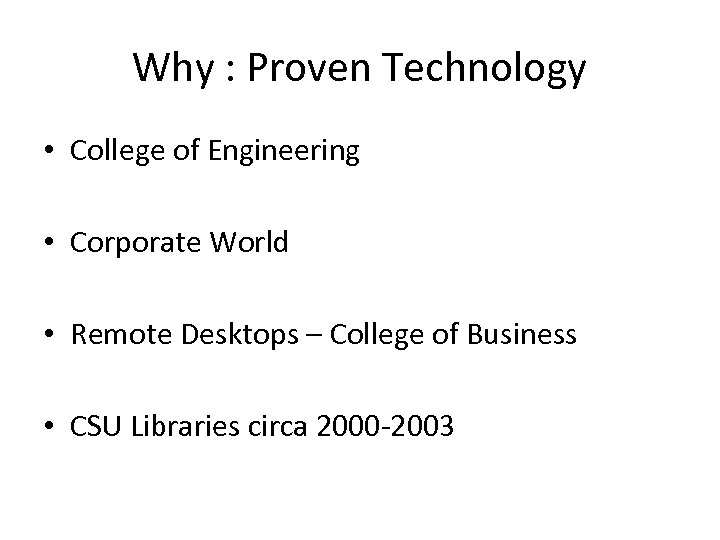
Why : Proven Technology • College of Engineering • Corporate World • Remote Desktops – College of Business • CSU Libraries circa 2000 -2003
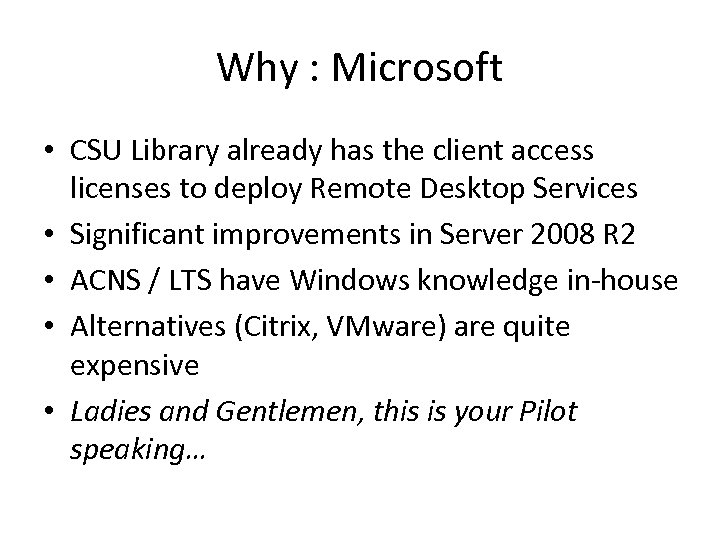
Why : Microsoft • CSU Library already has the client access licenses to deploy Remote Desktop Services • Significant improvements in Server 2008 R 2 • ACNS / LTS have Windows knowledge in-house • Alternatives (Citrix, VMware) are quite expensive • Ladies and Gentlemen, this is your Pilot speaking…
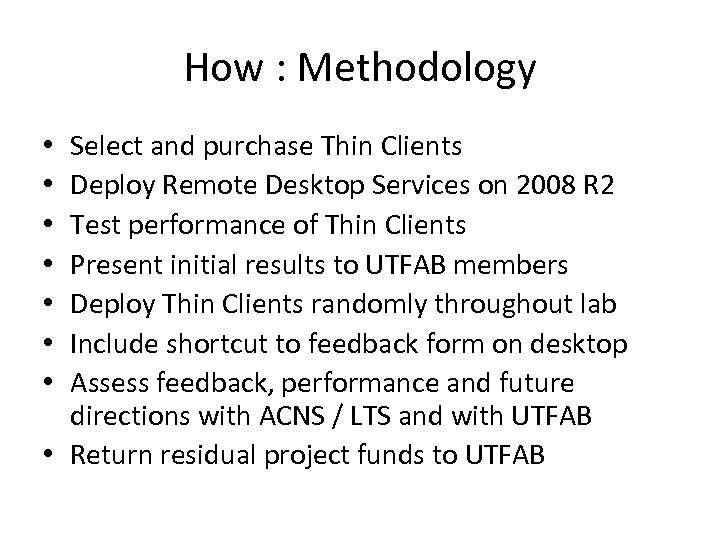
How : Methodology Select and purchase Thin Clients Deploy Remote Desktop Services on 2008 R 2 Test performance of Thin Clients Present initial results to UTFAB members Deploy Thin Clients randomly throughout lab Include shortcut to feedback form on desktop Assess feedback, performance and future directions with ACNS / LTS and with UTFAB • Return residual project funds to UTFAB • •
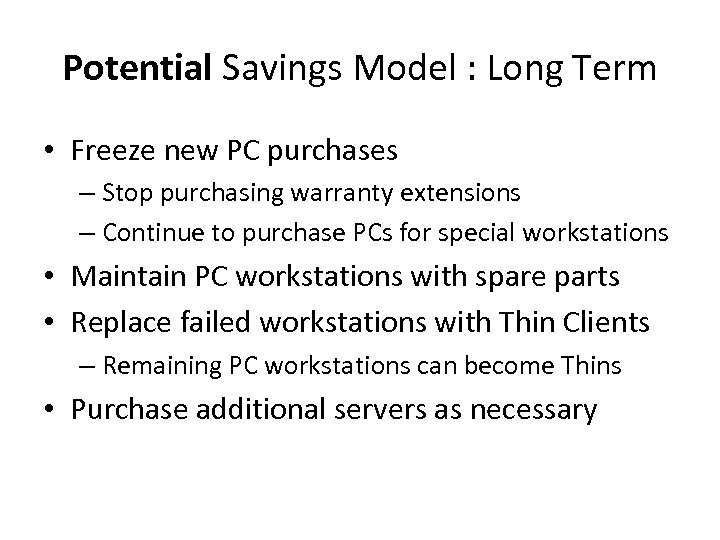
Potential Savings Model : Long Term • Freeze new PC purchases – Stop purchasing warranty extensions – Continue to purchase PCs for special workstations • Maintain PC workstations with spare parts • Replace failed workstations with Thin Clients – Remaining PC workstations can become Thins • Purchase additional servers as necessary
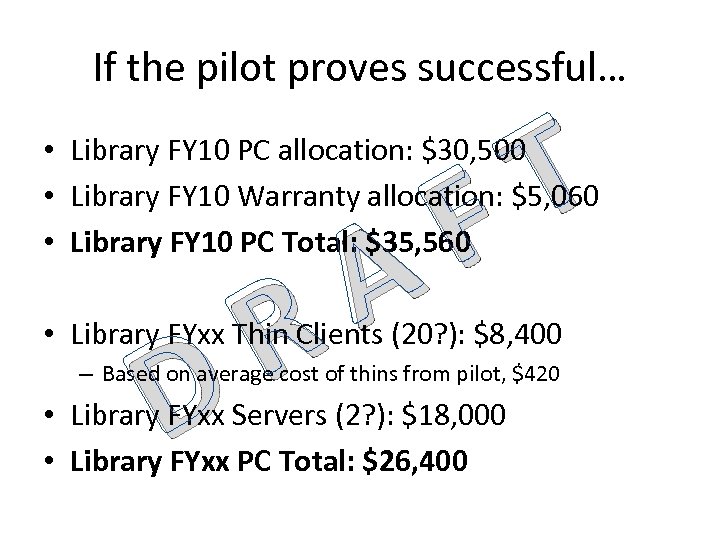
If the pilot proves successful… T F • Library FY 10 PC allocation: $30, 500 • Library FY 10 Warranty allocation: $5, 060 • Library FY 10 PC Total: $35, 560 D A R • Library FYxx Thin Clients (20? ): $8, 400 – Based on average cost of thins from pilot, $420 • Library FYxx Servers (2? ): $18, 000 • Library FYxx PC Total: $26, 400
Other Potential Applications • • Checkout Laptops? Remote Desktop sessions for students (future) PCs in the Classrooms Lab workstations across campus Kiosks Staff and Faculty PCs (maybe? ) Jason’s Workstation?
Questions to be Answered • • Will the “right” thin client be cheap enough? How many users can each RDS server handle? How to authentication scenarios look? Will the browsing experience on a thin client be rich enough to satisfy Web 2. 0? – What if the browser is on the thin itself? • Centralized file storage? Roaming Profiles? • “Will it float? ”
Questions (from you) to be Answered • Fire away! • Thanks for considering this project! • We look forward to working with you to evaluate this proof-of-concept.
Скачать презентацию Thin Client Pilot Project UTFAB ACNS
645eaa3ba0abef2cdc0c4f681395bb11.ppt