 Скачать презентацию The Web Archiving Service and the Web-at-Risk NDIIPP
3626862a9a3fe41c7ba2c7f309c71103.ppt
- Количество слайдов: 41



The Web Archiving Service and the Web-at-Risk NDIIPP Project Tracy Seneca California Digital Library National Digital Information Infrastructure Preservation Program Library of Congress California Digital Library New York University of North Texas
Overview 1. Web archiving: what & why 2. Web-at-Risk grant: scope & purpose 3. Web Archiving Service Sample Screens
Web archiving: what & why
“Web Archiving”: Assumptions • Using automated methods to gather web content • Building some kind of collection composed of more than one site • Intent on preserving captured content • Results are searchable – Public access may not be available
How is the material at risk? • Vulnerability of – Digital publications – Web publications – Government web publications – Local government web publications
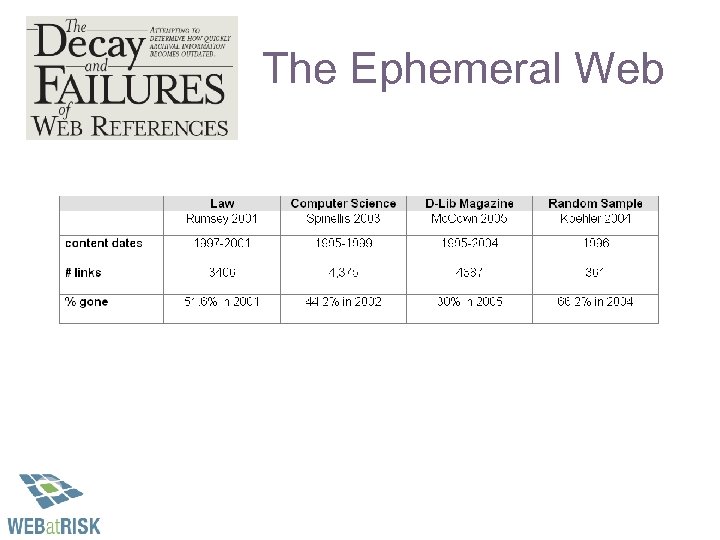
The Ephemeral Web
Issues Unique to Government and Political Web Documents • Publication & notification streams • Elections, political change • Security vs. freedom of information • Local agencies often don’t have the resources to archive their own publications
Web-at-Risk grant: scope & purpose
Grant Scope Jan 2005 – Jun 2009 • Build tools to allow librarians to capture, curate and preserve web-based government and political information. – Create topical and event-based archives – Capture individual sites and documents • Assess the impact of these tools on traditional collection development practices. • Explore web archiving service sustainability.
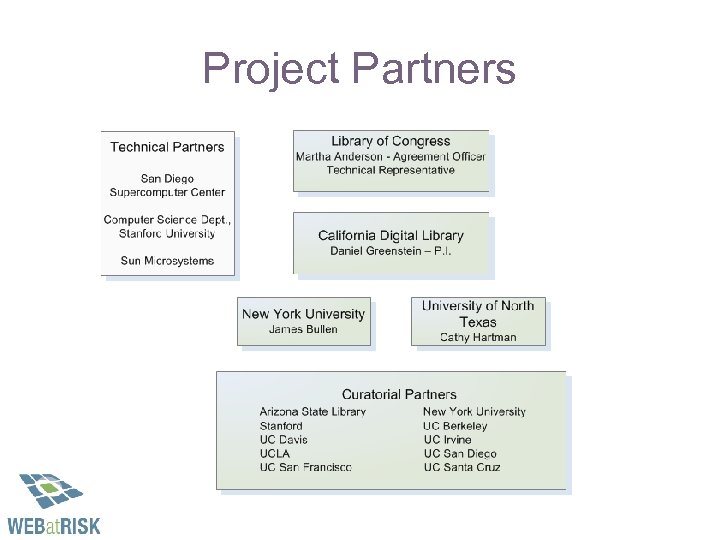
Project Partners
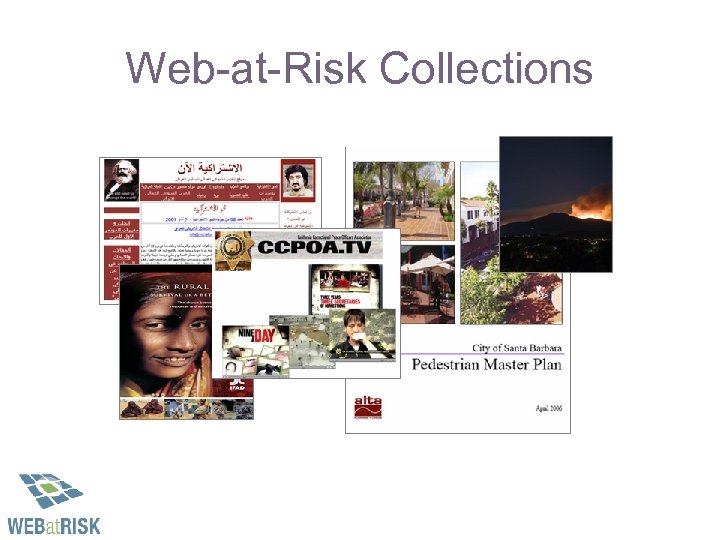
Web-at-Risk Collections
Beyond the Grant • Support web archiving for the University of California – Enable collaboration across campuses – Enable collaboration between librarians and researchers/faculty
Web Archiving Service (WAS) • Tangible outcome of grant work • Being developed and release over a series of pilot tests • Pilot test 5 underway until May 23 • 2008 -2009 develop rights management and public access features
WAS Production • Early summer 2008, Web Archiving Service goes into ‘limited’ production. – Available 24/7 to the curators who have taken part in the pilot tests so far • Expand user community within UC as CDL confirms that WAS infrastructure, user support and training is sufficient.
Web Archiving Service Workflow and Sample Screens
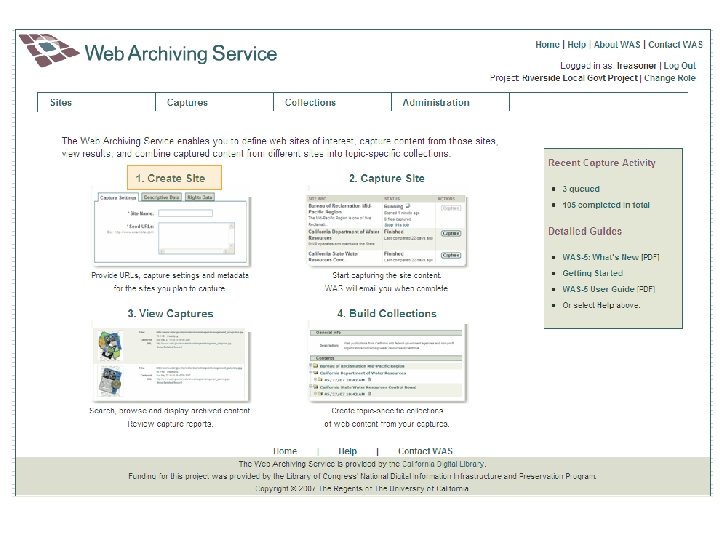
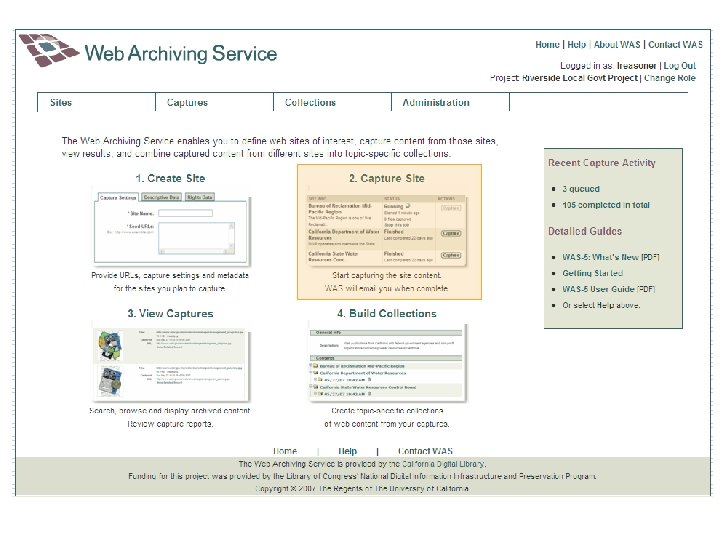
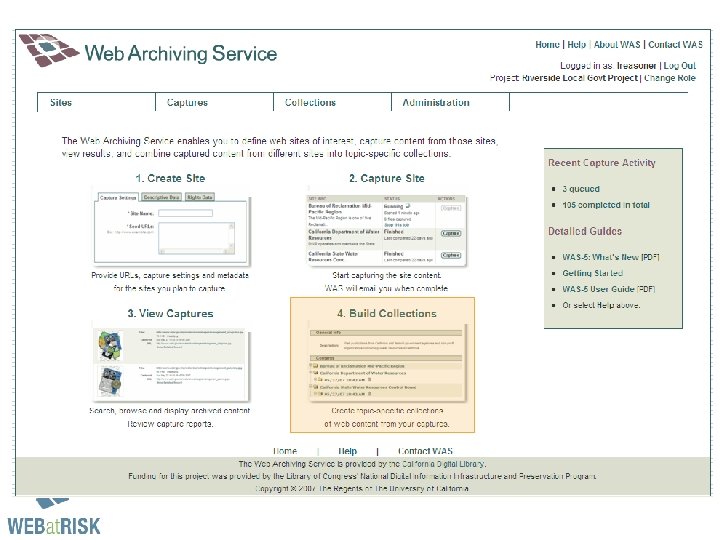
WAS workflow Project > Site > Capture > Collection • Set up a project (usually a topic or event) • Define the sites to capture • Run single or multiple captures of each site • Choose which results to add to a single, searchable collection
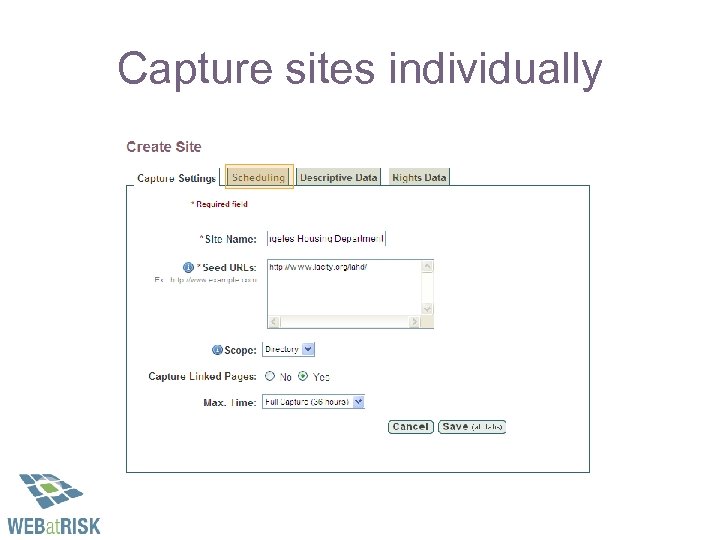
Capture sites individually
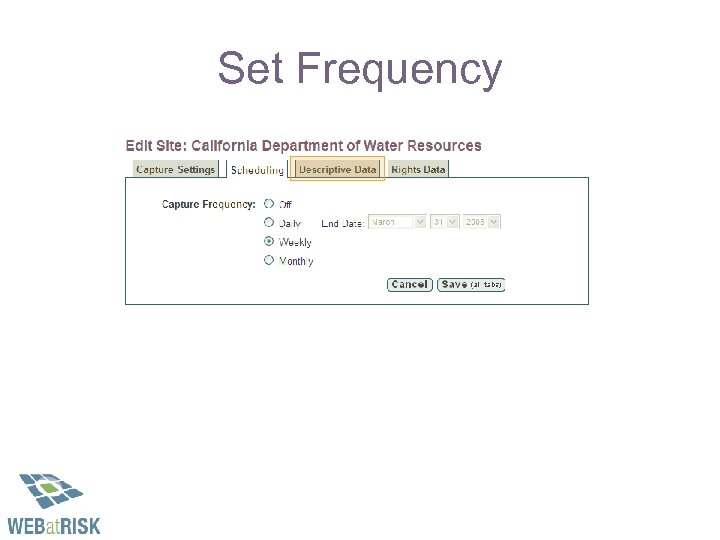
Set Frequency
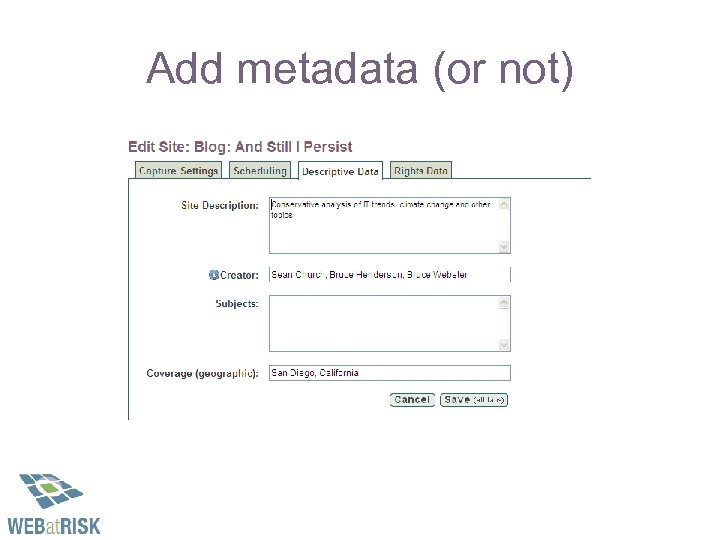
Add metadata (or not)
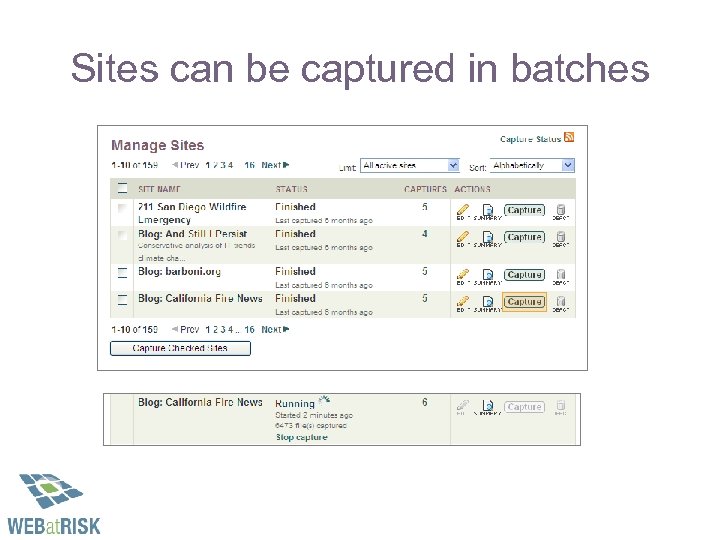
Sites can be captured in batches
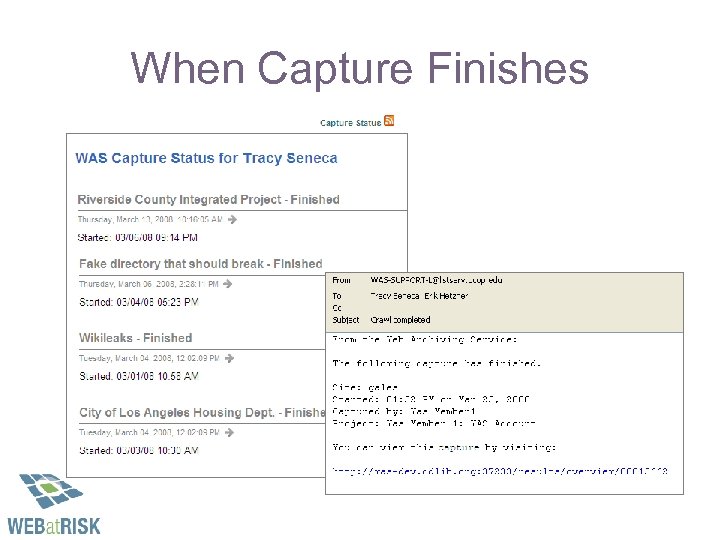
When Capture Finishes
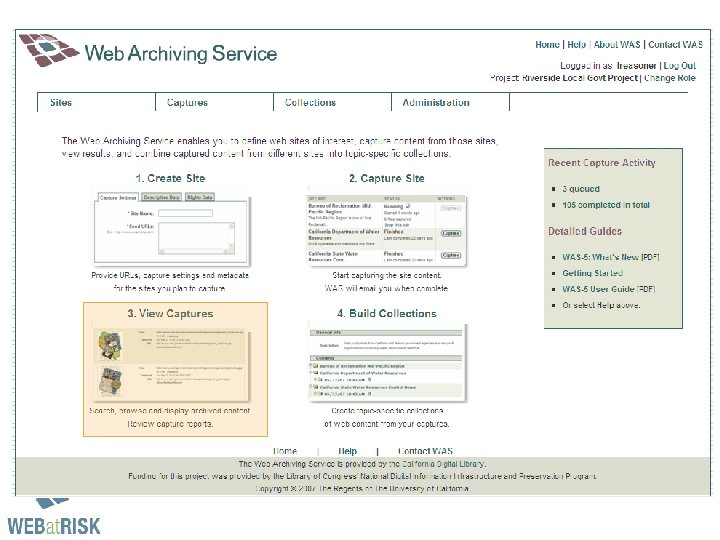
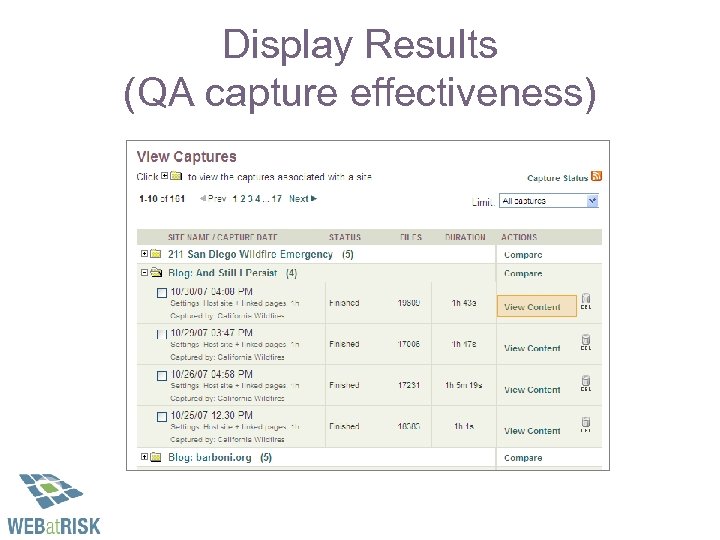
Display Results (QA capture effectiveness)
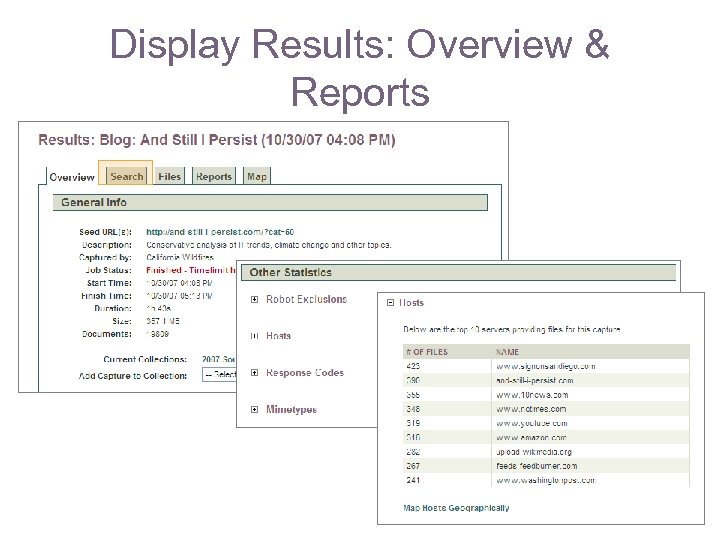
Display Results: Overview & Reports
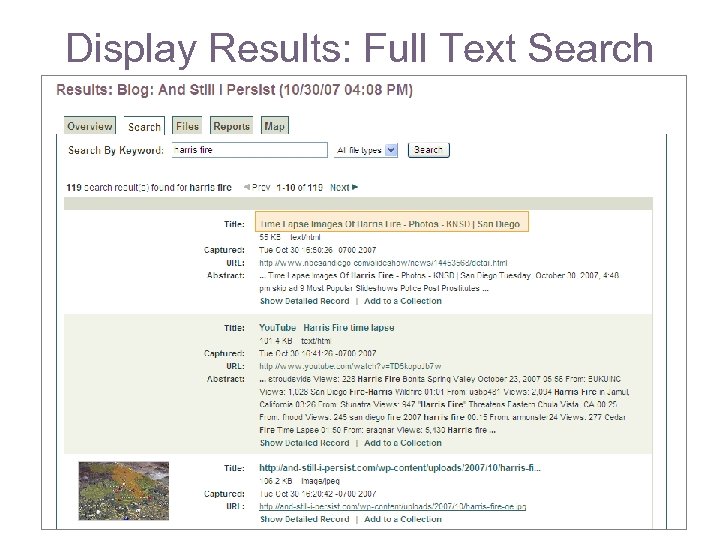
Display Results: Full Text Search
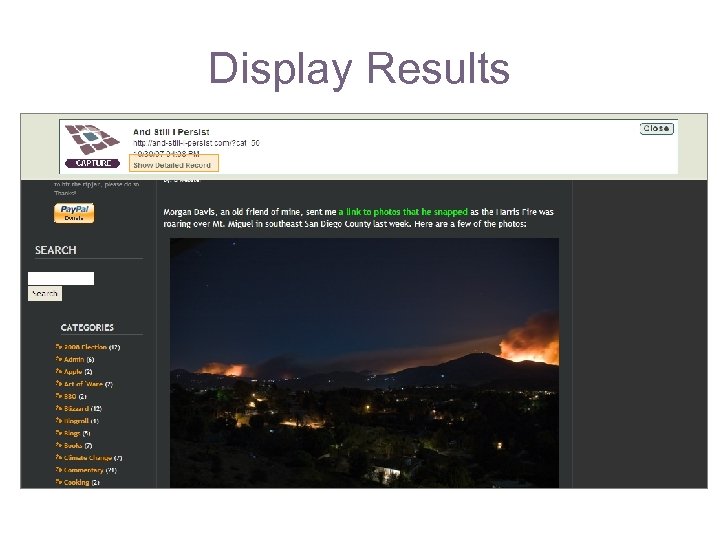
Display Results
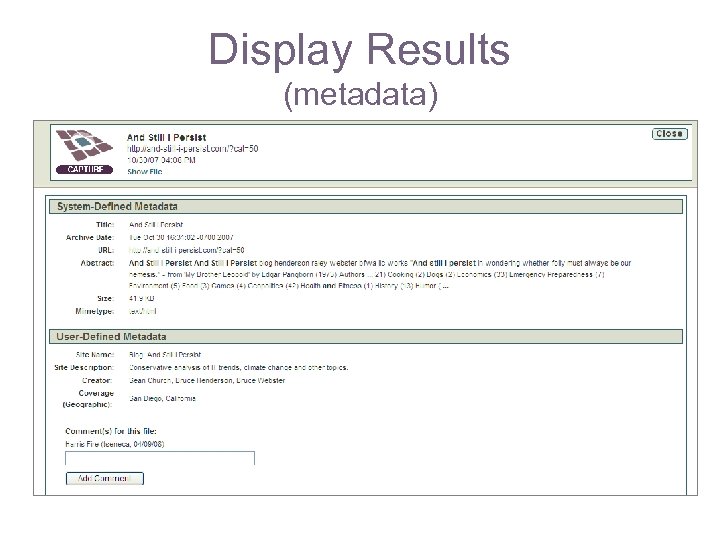
Display Results (metadata)
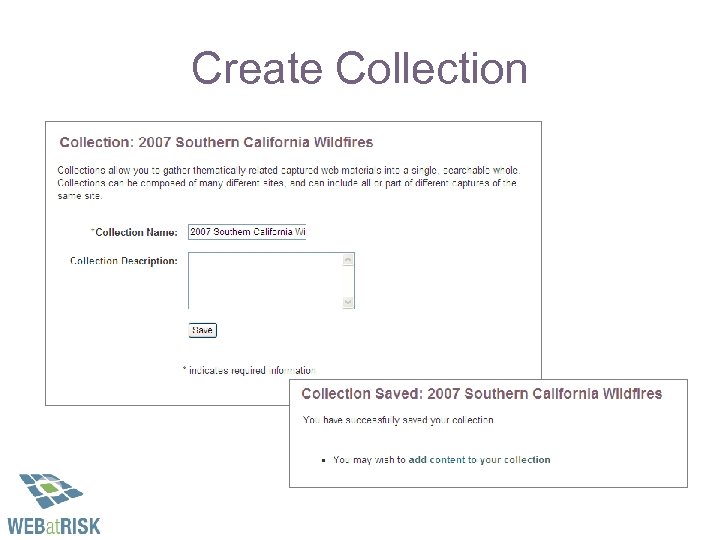
Create Collection
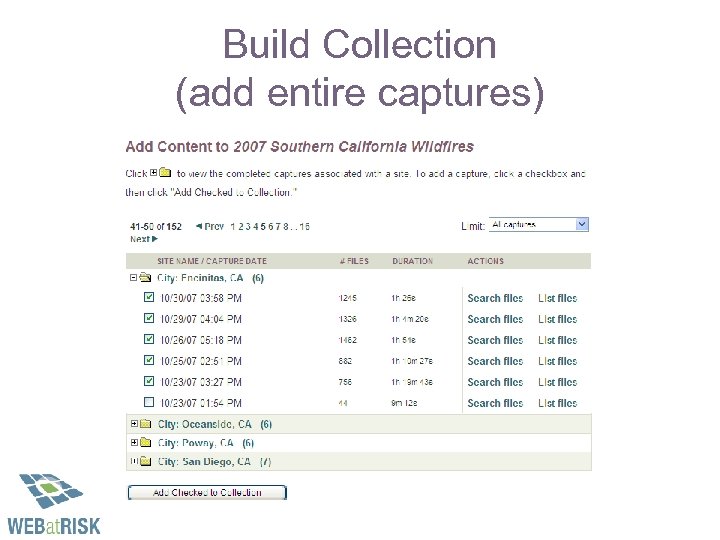
Build Collection (add entire captures)
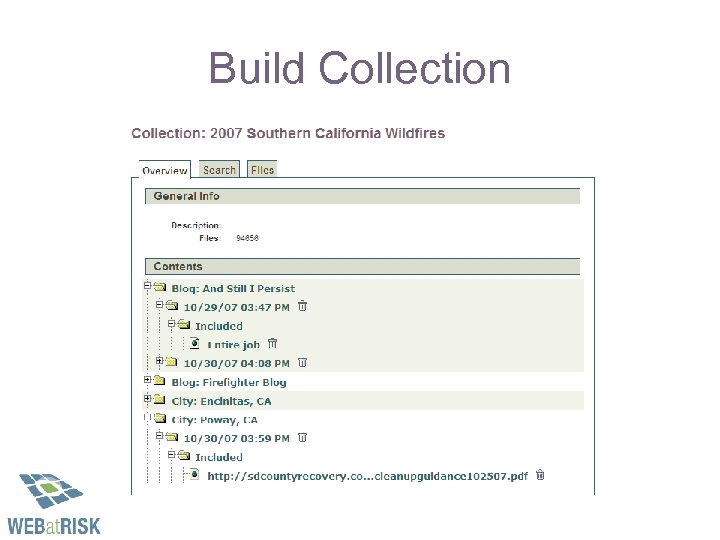
Build Collection
WAS features for analysis • It’s impossible to know what a web site ‘contains’ until after you capture it! • Tools for understanding where the data comes from and how it has changed.
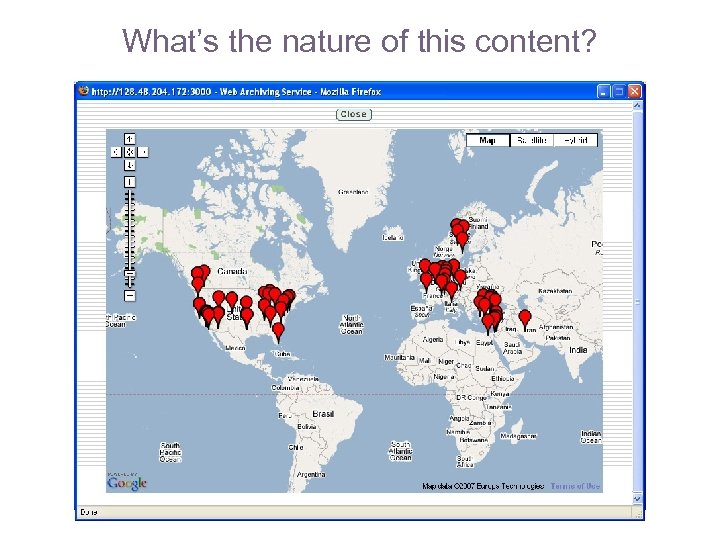
What’s the nature of this content?
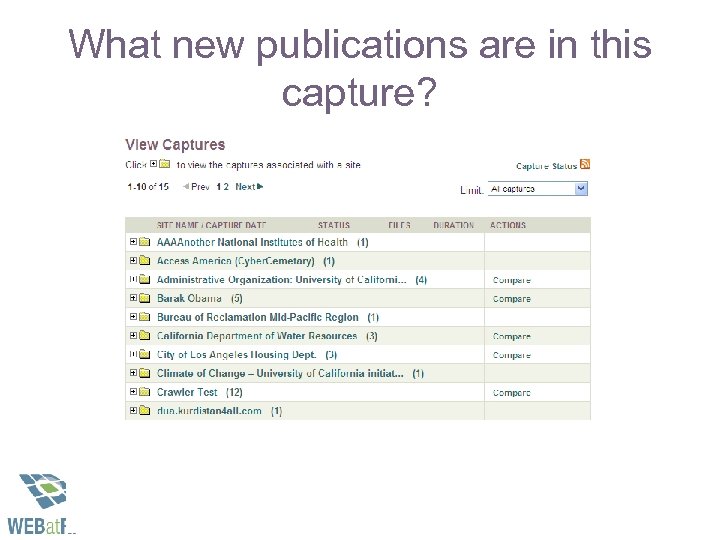
What new publications are in this capture?
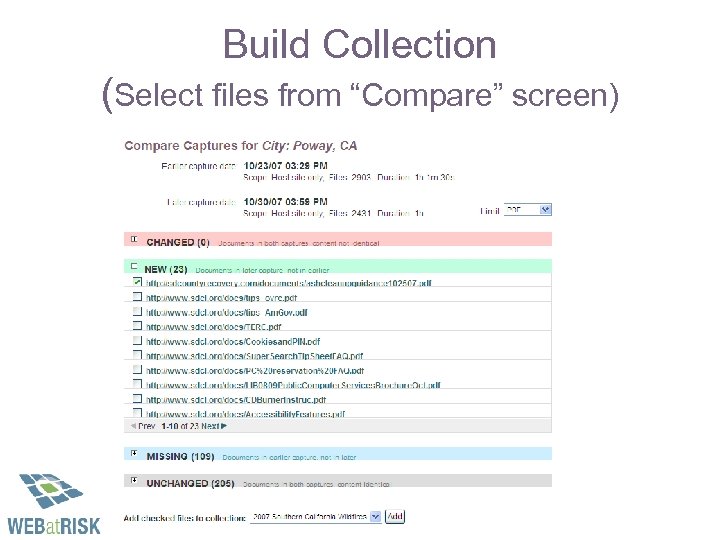
Build Collection (Select files from “Compare” screen)
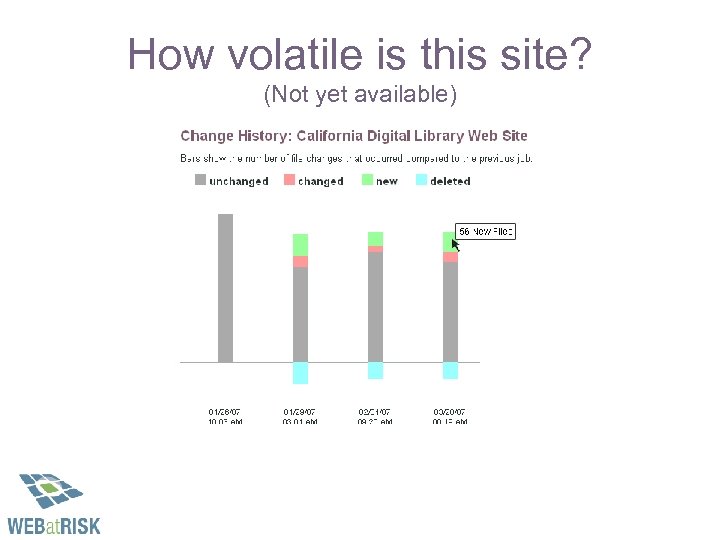
How volatile is this site? (Not yet available)
Potential • We can now capture the “chit chat” – the popular reaction to historic events, in ways never before possible. • How will researchers interact with captured content once it is in an archive? – Visualization – Text analysis • What is the potential, beyond simple search and display?
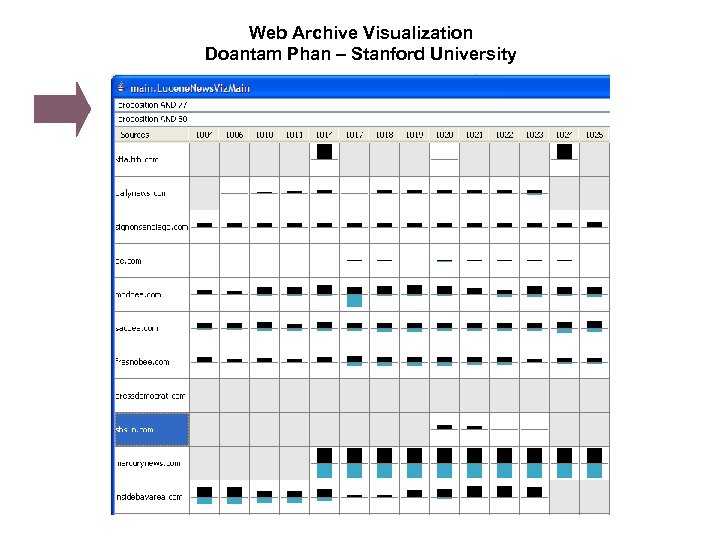
Web Archive Visualization Doantam Phan – Stanford University
Questions? Web-at-Risk Wiki http: //wiki. cdlib. org/Web. At. Risk You Tube Video: “Web-at-Risk Collections” tracy. seneca@ucop. edu
Скачать презентацию The Web Archiving Service and the Web-at-Risk NDIIPP
3626862a9a3fe41c7ba2c7f309c71103.ppt