 Скачать презентацию The Tabletop Exercise Planning Process From Conception to
6c1ce8f6a014ee2c46ab93e3c1db2b88.ppt
- Количество слайдов: 56



The Tabletop Exercise Planning Process: From Conception to Action
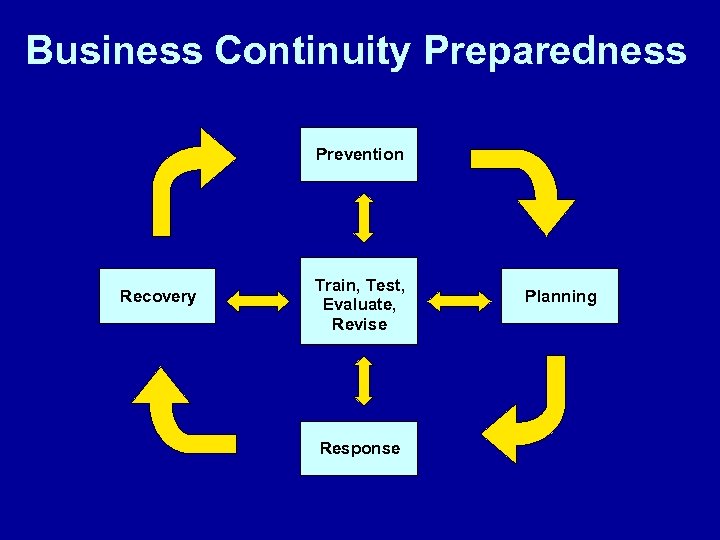
Business Continuity Preparedness Prevention Recovery Train, Test, Evaluate, Revise Response Planning
Key Steps in the Exercise Planning Process 1. Review the Business Continuity Plan/Pandemic Plans 2. Define a Goal for the Exercise 3. Form an Exercise Design Team 4. Develop Exercise Objectives
Key Steps in the Exercise Planning Process (cont. ) 5. 6. 7. 8. Develop the Scenario Identify Players Decide on a Format Develop Scripts and Data Injects 9. Address Facilitation Issues 10. Consider the After Action Report/ Improvement Plan
Step 1: Review the Business Continuity Plan/Pandemic Plans
Plan Review • Keep in mind that exercises have multiple utilities: – Test existing plans – Assess decision-making – Brainstorm/identify issues – Educate – Provide experience – Enhance communication – Build relationships – Identify gaps in planning
Plan Review • Consider the following: – When was the plan last exercised? • What were the recommendations? • What changes were made? • How successful was it? – Have other significant changes occurred that warrant an exercise? – What are the key areas that should be exercised at this point? (Review the CIDRAP 10 -point Framework. )
Step 2: Define a Goal for the Exercise
The Exercise Goal • Clarifies the overall reason for conducting the exercise. • Sets the stage for developing the exercise objectives. • May test a completed plan or may be exploratory. • May relate to one business unit or to multiple units. • An exercise may have more than one goal.
Review Workshop Notes: Exercise Goals
Step 3: Form a Design Team
Form a Design Team: What to Consider • Identify a Team Leader or Coordinator. • Identify potential team members: – Expertise – Representation from involved units/departments – Experience with exercises (if possible) • Keep the size of the Design Team manageable.
The Team Leader • Will be responsible for all phases of the exercise. • Should be able to: – Devote adequate time to the exercise design. – Understand the exercise process. – Be familiar with the business continuity plan.
Design Team: Role of Members • Provide input into objectives. • Agree upon the scenario and topics for modules. • Review content for accuracy and completeness. • Serve as technical resources. • Get “buy in” from the business units that will participate in the exercise.
Design Team: Role of Members (cont. ) • Provide input into the format and flow of the exercise. • Identify/recommend players. • Provide input into exercise facilitation issues. • Generally not players in the exercise.
Before the First Meeting of the Design Team • Develop a set of expectations for members. • Develop a list of issues for the first meeting. • Draft basic materials if possible. • Develop a work plan/timeline.

Review Workshop Notes: Initial Design Team Meeting
Step 4: Develop Exercise Objectives
Objectives: • Help to define the scenario. • Assure that players have a common understanding of what to accomplish. • Provide a way to organize the modules. • Provide a basis for the After Action Report/Improvement Plan.
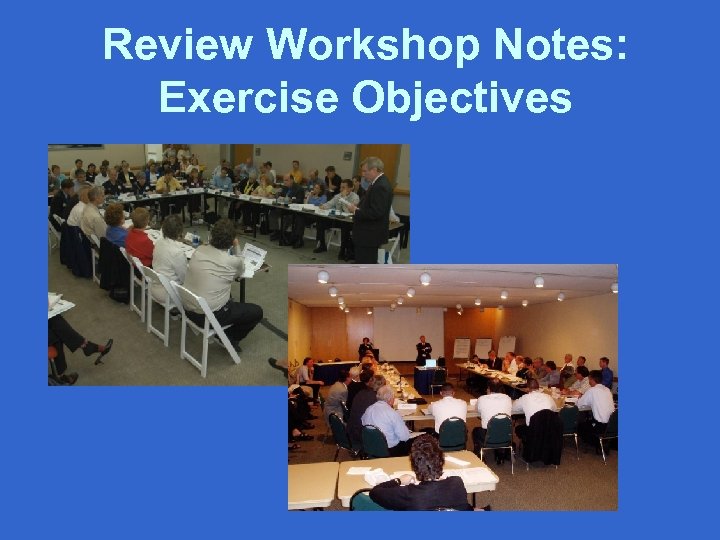
Review Workshop Notes: Exercise Objectives
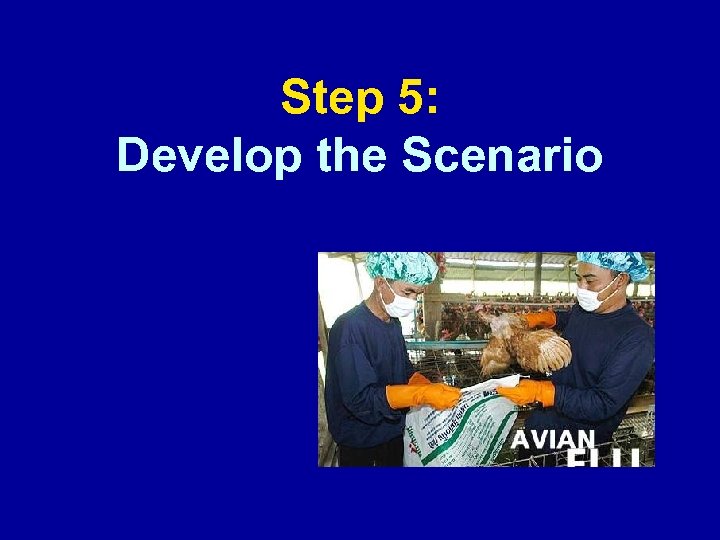
Step 5: Develop the Scenario
The Scenario: General Considerations • Use the exercise goal (or goals) and objectives in crafting the scenario. • Make the scenario plausible. • Be accurate and factual. • Make the scenario industry-specific. • Be sure the scenario involves all business areas that will be participating in the exercise.

Review Workshop Notes: Scenarios
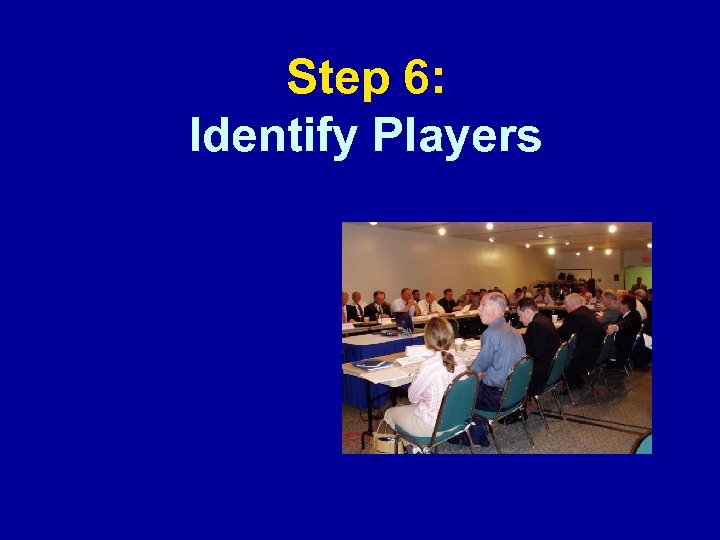
Step 6: Identify Players
Players • Cover appropriate units/departments/ teams. • Get the “right level” of people at the table: – Operational staff – Decision makers • Decide whether or not to brief the players ahead of time (if so, decide to what level).
Players (cont. ) • Decide whether or not to invite observers (if applicable). • To test redundancy or back-ups, consider “eliminating” some key players during the course of the exercise.
Potential Participants • Individuals: – Chief Executive Officer – Chief Operating Officers – Chief Financial Officer – Crisis Management Team Members – EOC (Emergency Operations Center) Coordinator
Potential Participants • Departments: – Business Continuity – Communications – Facilities Management – Finance – Human Resources – Information Technology – Legal – Risk Management
Potential Participants • Departments: – Operations – Public Relations – Safety – Sales and Marketing – Security – Technology – Training
Potential Participants • Others (as indicated): – Contractors – Supply chain partners – Vendors – Government contacts (local public health, local emergency management)
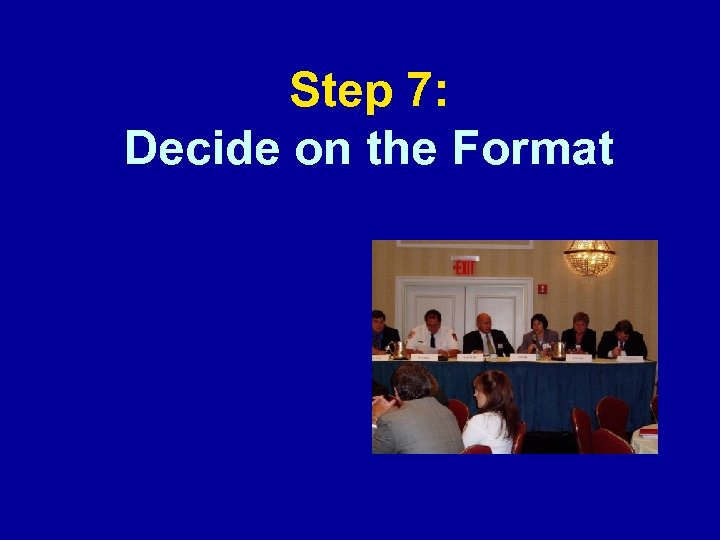
Step 7: Decide on the Format
Format: Issues to Consider • Physical lay out of the exercise • Organizational structure – Facilitator – Controllers – Simulators – Scribe/recorder – Evaluators • Agenda
Format: Lay Out • All players at one table (15 to 25 is optimal; 50 is the maximum). • Key players at one table with supporting players behind them. • Players at multiple tables (e. g. , by business unit or incident command structure).
Format: Lay Out (cont. ) • Players in different rooms (e. g. , simulate a crisis management center in one room with other players elsewhere). • Observers usually sit around the perimeter of the room and are clearly delineated from the players.
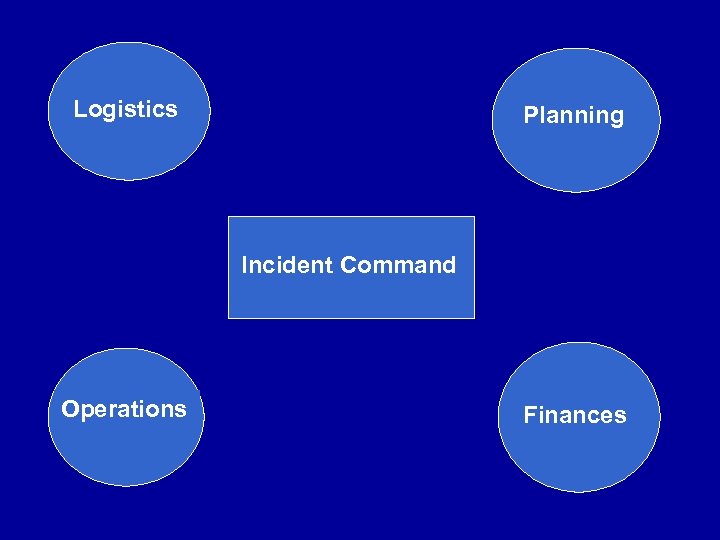
Logistics Planning Incident Command Operations Finances
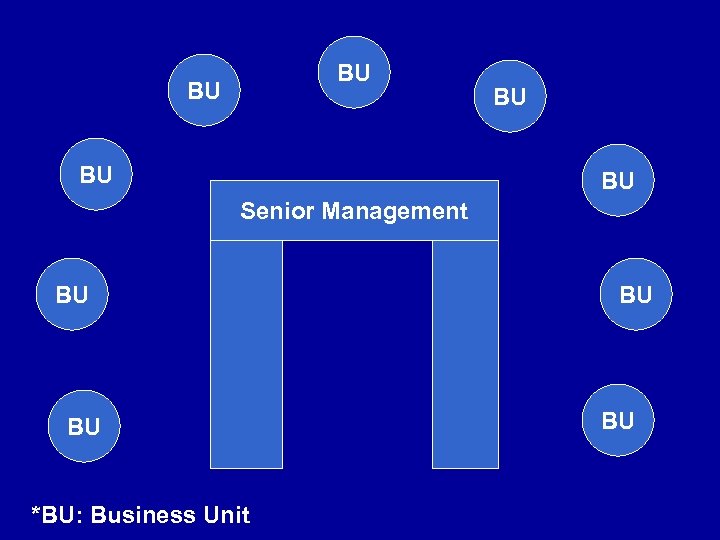
BU BU BU Senior Management BU BU *BU: Business Unit BU BU
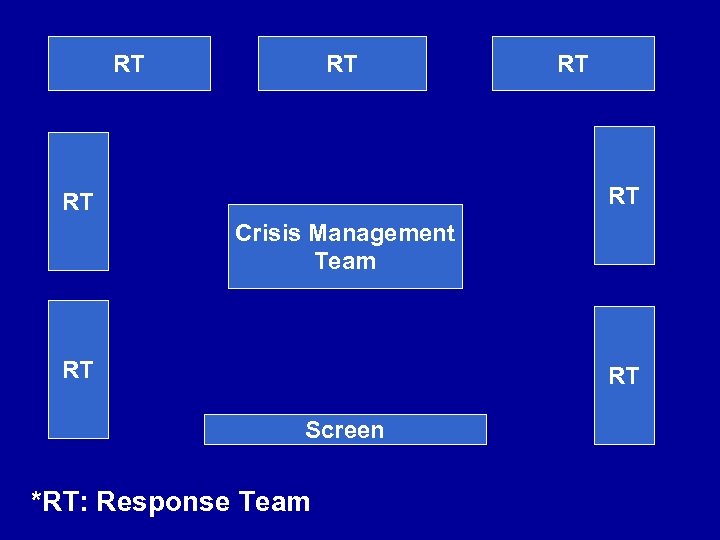
RT RT RT Crisis Management Team RT RT Screen *RT: Response Team
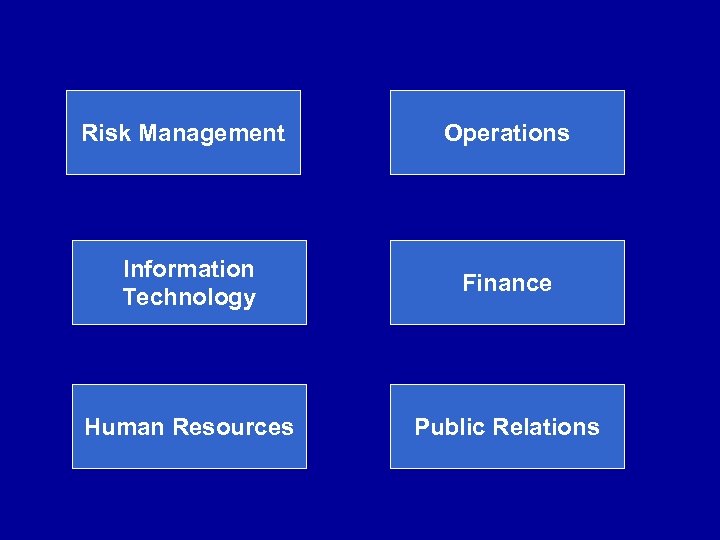
Risk Management Operations Information Technology Finance Human Resources Public Relations
Format: Organization • With one large table, use a large group discussion. • If multiple tables, consider using a combination of large/small group discussions. • Break out rooms may be useful for small group discussions (particularly for large events). • Consider using more than one track, based on functional response area.
Format: Organization (cont. ) • Facilitator – Presents the scenario. – Keeps the discussions on topic. – Makes sure that key issues are addressed. – Prioritizes issues. • Controllers – Assist facilitator. – Keep the exercise on track.
Format: Organization (cont. ) • Simulators – Represent other organizations who may interact with players. – Add events/injects to the scenario. – May be used as “patients” or “victims. ” • Scribe/recorder – Documents key ideas/action items.
Format: Organization (cont. ) • Evaluators – Observe the exercise. – May be members of the Design Team. – Record observations (may use an evaluation form).
Format: Organization (cont. ) • Use flip charts for certain discussions (large or small group): – To brainstorm ideas. – To identify assets, gaps in resources, training needs. – Identify action items. – As an effective way to track the discussion.
Format: Agenda • • Registration Opening remarks Background information Introduction to the exercise – Ground rules – Assumptions Modules with discussion time “Hot wash”/debrief Complete evaluations Adjourn
Step 8: Develop Modules and Data Injects
Modules • Modules “tell the story” of the scenario. • Each exercise usually has several modules. • Use “real-time” and use a virtual clock. • Create a “live” environment. • May want to use “roadblocks” or unplanned events in the modules.
Table of Modules • Each module can focus on: ─ An issue, set of objectives, or an event. ─ A time period. • Develop a table as an outline. – Provides a mechanism to plan out the exercise. – Takes into consideration the time to allot to each module. – Organizes key issues.
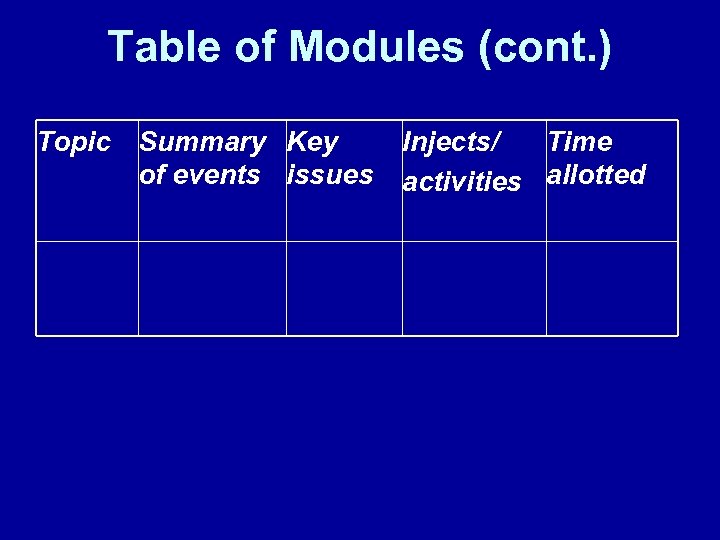
Table of Modules (cont. ) Topic Summary Key of events issues Injects/ Time activities allotted

Review Workshop Notes: Table of Modules
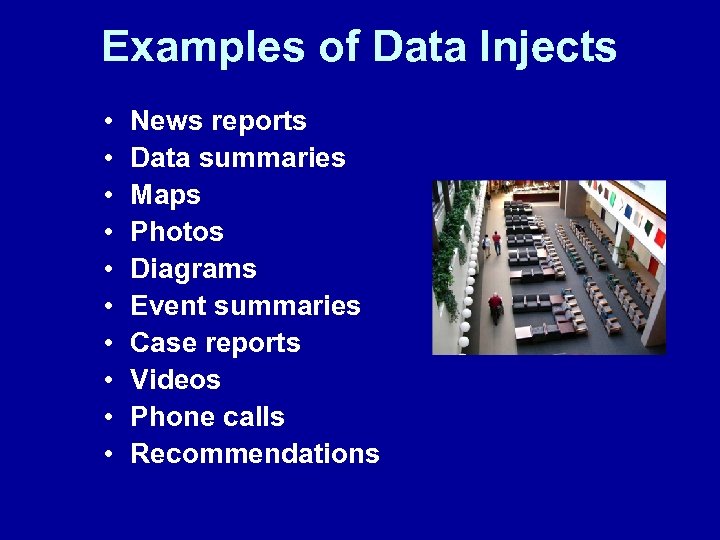
Examples of Data Injects • • • News reports Data summaries Maps Photos Diagrams Event summaries Case reports Videos Phone calls Recommendations
Data Injects Use injects to: • Provide critical information necessary for decision-making. • Provide actionable information. • Add color to the scripts. • “Fill out” the scenario. • Add a sense of realism to the story.
Step 9: Address Facilitation Issues
Step 10: Think Ahead to the After Action Report
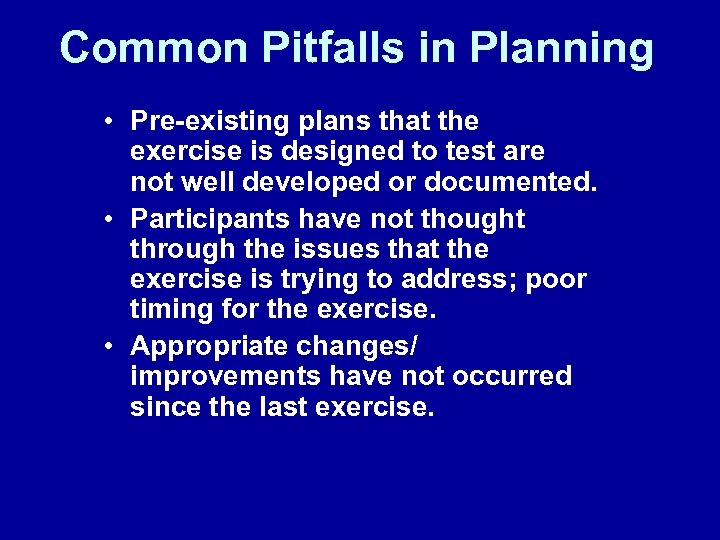
Common Pitfalls in Planning • Pre-existing plans that the exercise is designed to test are not well developed or documented. • Participants have not thought through the issues that the exercise is trying to address; poor timing for the exercise. • Appropriate changes/ improvements have not occurred since the last exercise.
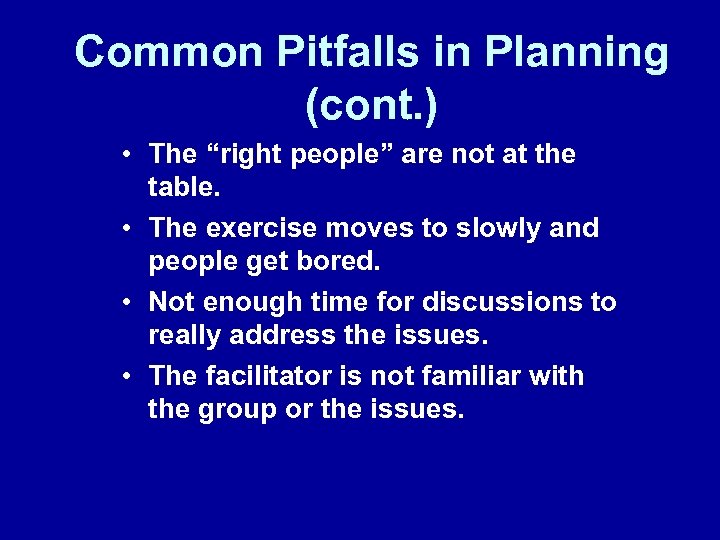
Common Pitfalls in Planning (cont. ) • The “right people” are not at the table. • The exercise moves to slowly and people get bored. • Not enough time for discussions to really address the issues. • The facilitator is not familiar with the group or the issues.
The Key to Success: Remember that “the devil is in the details!”
Скачать презентацию The Tabletop Exercise Planning Process From Conception to
6c1ce8f6a014ee2c46ab93e3c1db2b88.ppt