 Скачать презентацию The System Life Cycle Week 12 LBSC 690
ae46dd5c51fdc9cf95eb3ff51787a567.ppt
- Количество слайдов: 40



The System Life Cycle Week 12 LBSC 690 Information Technology
Muddiest Points • Search component model – Work a “shuttle launch” example – Term weighting; TF and DF • Combining evidence – Content, metadata, behavior – Anchor text • Why it doesn’t work better than it does! • Precision-Recall curves
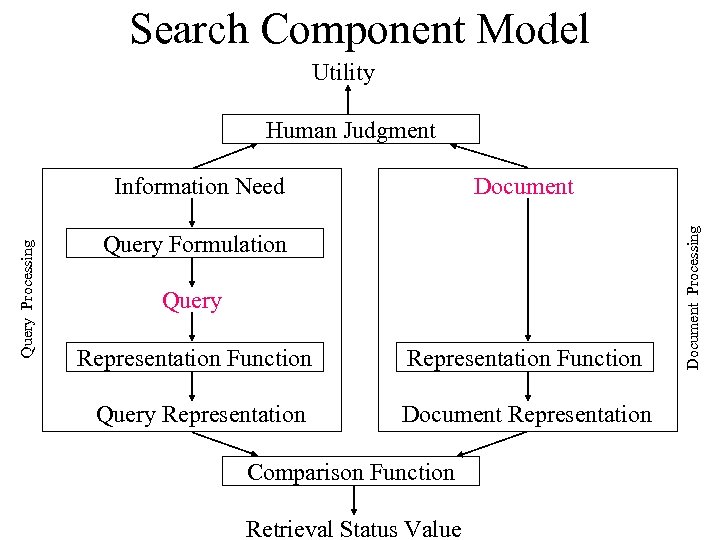
Search Component Model Utility Human Judgment Document Query Formulation Query Representation Function Query Representation Document Representation Comparison Function Retrieval Status Value Document Processing Query Processing Information Need
Agenda • Questions • Systems analysis • Building complex systems • Managing complex systems • Final exam review
Strategic Choices • Acquisition strategy – Off-the-shelf (“COTS”) – Custom-developed • Implementation strategy – “Best-of-breed” – Integrated system
Architecture Choices • Self-contained (e. g. , PDA) – Requires replication of software and data • Client-server (e. g. , Web) – Some functions done centrally, others locally • Peer-to-peer (e. g. , Skype) – All data and computation is distributed • “Cloud computing” – Centrally managed data and compute centers
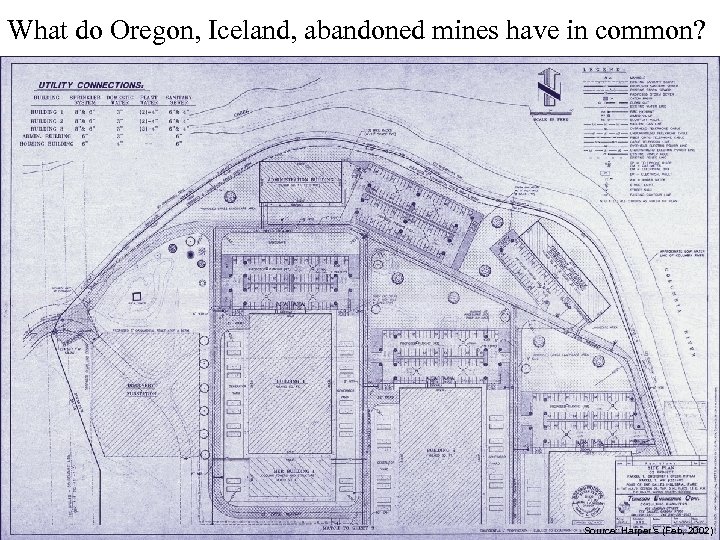
What do Oregon, Iceland, abandoned mines have in common? Source: Harper’s (Feb, 2002)
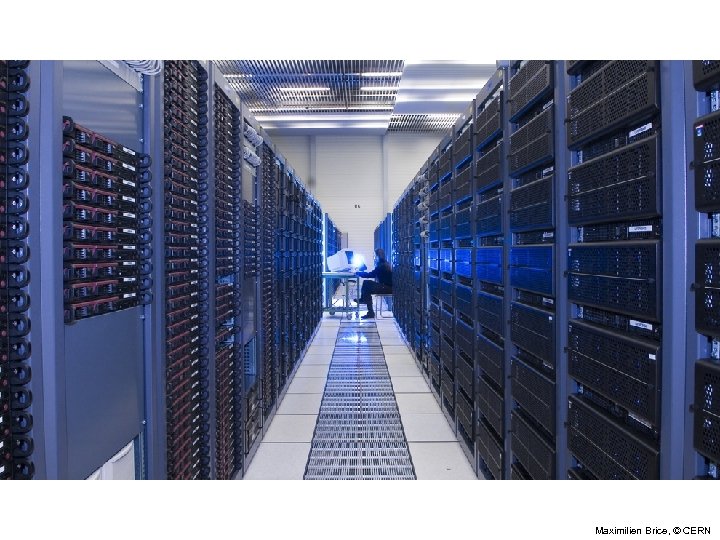
Maximilien Brice, © CERN
Cloud Computing: Rent vs. Buy • Centralization of computing resources – Space – Power – Cooling – Fiber • Issues: – Efficiency – Utilization – Redundancy – Management
Interaction Modality Choices • Interactive (“timesharing”) – Usually multiple processes on one machine – Possibly supporting different users • Batch processing (e. g. , recall notices) – Save it up and do it all at once
The System Life Cycle • Systems analysis – How do we know what kind of system to build? • User-centered design – How do we discern and satisfy user needs? • Implementation – How do we build it? • Management – How do we use it?
Types of Requirements • User-centered – Functionality • System-centered – Availability • Mean Time Between Failures (MTBF) • Mean Time To Repair (MTTR) – Capacity • Number of users for each application • Response time – Flexibility • Upgrade path
Systems Analysis • First steps: – Understand the task • Limitations of existing approaches – Understand the environment • Structure of the industry, feasibility study • Then identify the information flows – e. g. , Serials use impacts cancellation policy • Then design a solution – And test it against the real need
Analyze the Information Flows • Where does information originate? – Might come from multiple sources – Feedback loops may have no identifiable source • Which parts should be automated? – Some things are easier to do without computers • Which automated parts should be integrated? • What existing systems are involved? – What information do they contain? – Which systems should be retained? – What data will require “retrospective conversion”?
Analyzing Information Flows • Process Modeling – Structured analysis and design – Entity-relationship diagrams – Data-flow diagrams • Object Modeling – Object-oriented analysis and design – Unified Modeling Language (UML)
Some Library Activities • Acquisition • Cataloging • Reference – Online Public Access Catalog (OPAC) • • Circulation Weeding Reserve, recall, fines, interlibrary loan, … Budget, facilities schedules, payroll, . . .
Discussion Point: Integrated Library System • What functions should be integrated? • What are the key data flows? • Which of those should be automated?
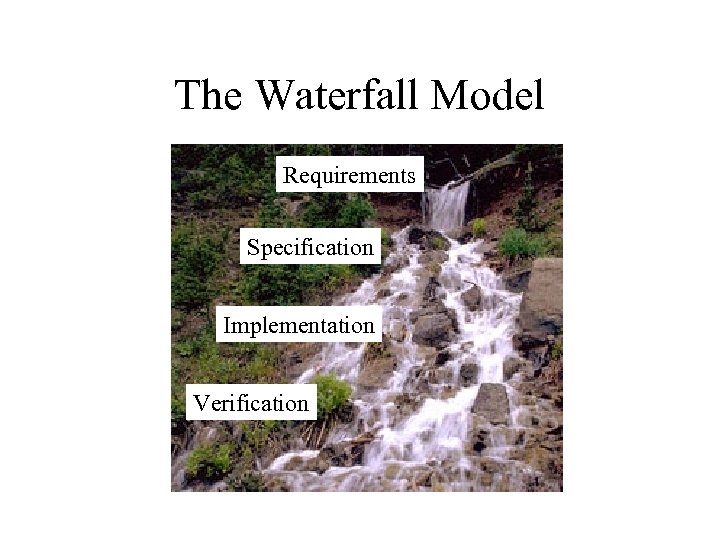
The Waterfall Model Requirements Specification Implementation Verification
The Waterfall Model • Requirements analysis – Specifies what the software is supposed to do • Specification – “Specification” defines the design of the software • Implementation • Verification – “Test Plan” defines how you will know that it did it • Maintenance
The Spiral Model • Build what you think you need – Perhaps using the waterfall model • Get a few users to help you debug it – First an “alpha” release, then a “beta” release • Release it as a product (version 1. 0) – Make small changes as needed (1. 1, 1. 2, …. ) • Save big changes for a major new release – Often based on a total redesign (2. 0, 3. 0, …)
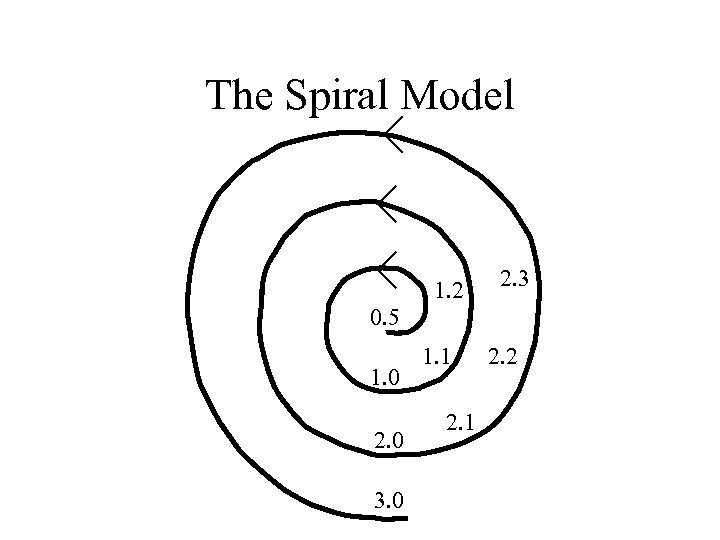
The Spiral Model 1. 2 2. 3 0. 5 1. 0 2. 0 3. 0 1. 1 2. 2
Some Unpleasant Realities • The waterfall model doesn’t work well – Requirements usually incomplete or incorrect • The spiral model is expensive – Redesign leads to recoding and retesting
“Rapid” Prototyping • Goal: explore requirements – Without building the complete product • Start with part of the functionality – That will (hopefully) yield significant insight • Build a prototype – Focus on core functionality, not in efficiency • Use the prototype to refine the requirements • Repeat the process, expanding functionality
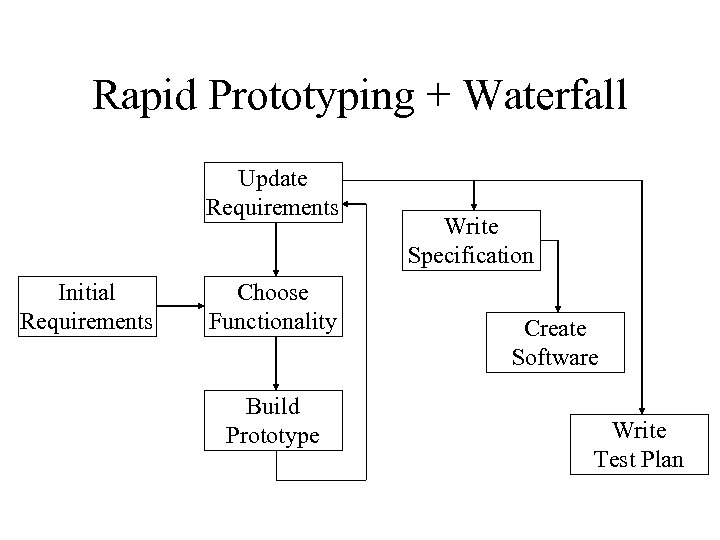
Rapid Prototyping + Waterfall Update Requirements Initial Requirements Choose Functionality Build Prototype Write Specification Create Software Write Test Plan
Management Issues • Policy – Privacy, access control, appropriate use, … • Training – System staff, organization staff, “end users” • Operations – Fault detection and response – Backup and disaster recovery – Audit – Cost control (system staff, periodic upgrades, …) • Planning – Capacity assessment, predictive reliability, …
Total Cost of Ownership • Planning • Installation – Facilities, hardware, software, integration, migration, disruption • Training – System staff, operations staff, end users • Operations – System staff, support contracts, outages, recovery, …
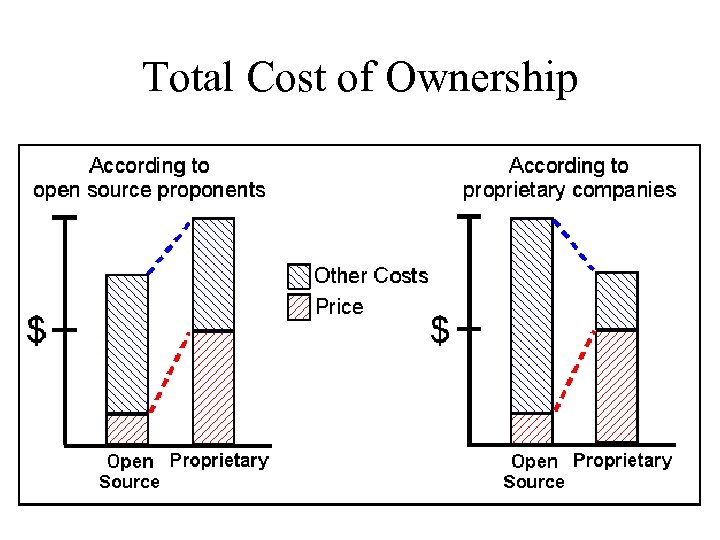
Total Cost of Ownership
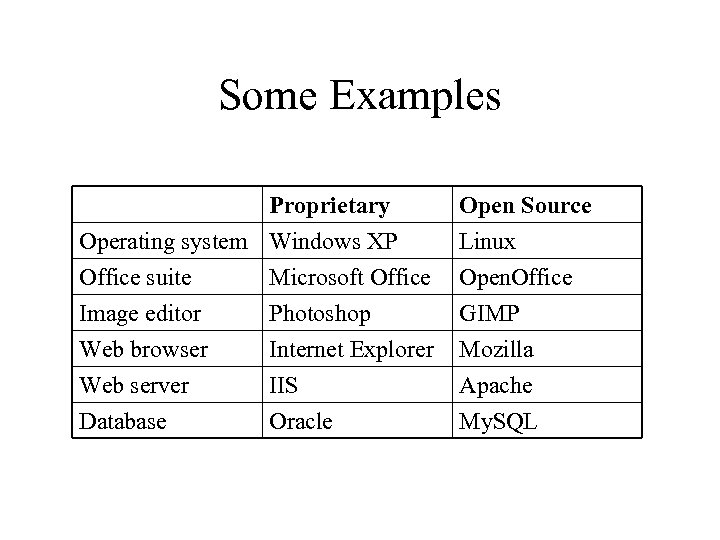
Some Examples Proprietary Operating system Windows XP Office suite Microsoft Office Image editor Photoshop Open Source Linux Open. Office GIMP Web browser Web server Database Mozilla Apache My. SQL Internet Explorer IIS Oracle
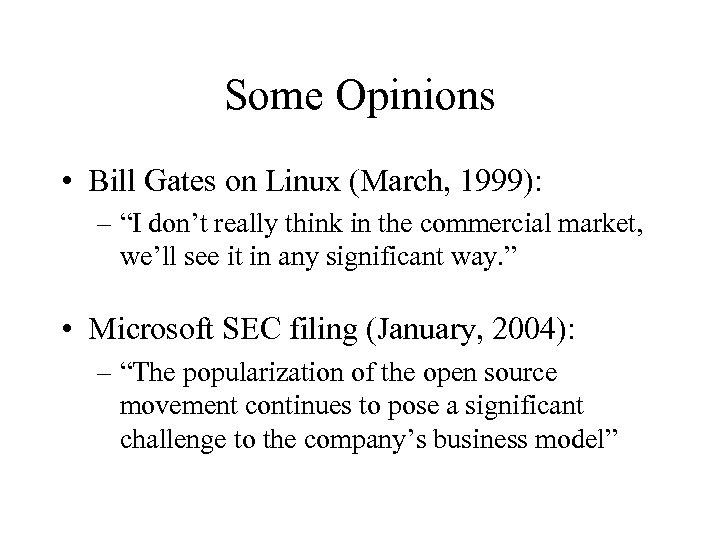
Some Opinions • Bill Gates on Linux (March, 1999): – “I don’t really think in the commercial market, we’ll see it in any significant way. ” • Microsoft SEC filing (January, 2004): – “The popularization of the open source movement continues to pose a significant challenge to the company’s business model”
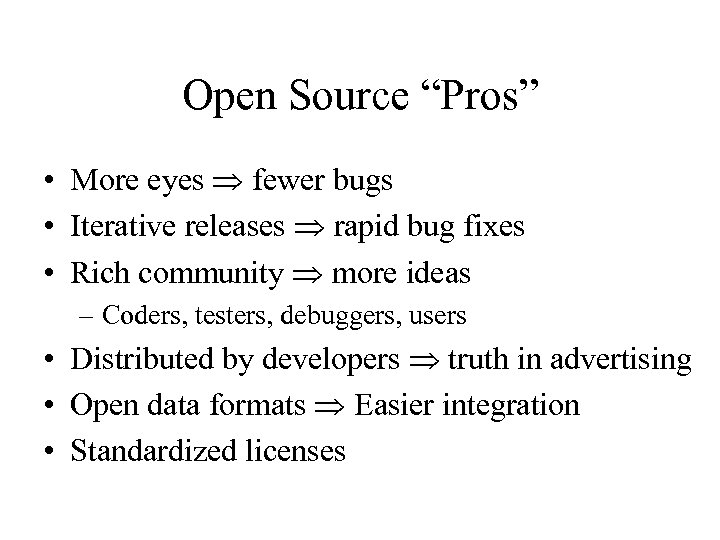
Open Source “Pros” • More eyes fewer bugs • Iterative releases rapid bug fixes • Rich community more ideas – Coders, testers, debuggers, users • Distributed by developers truth in advertising • Open data formats Easier integration • Standardized licenses
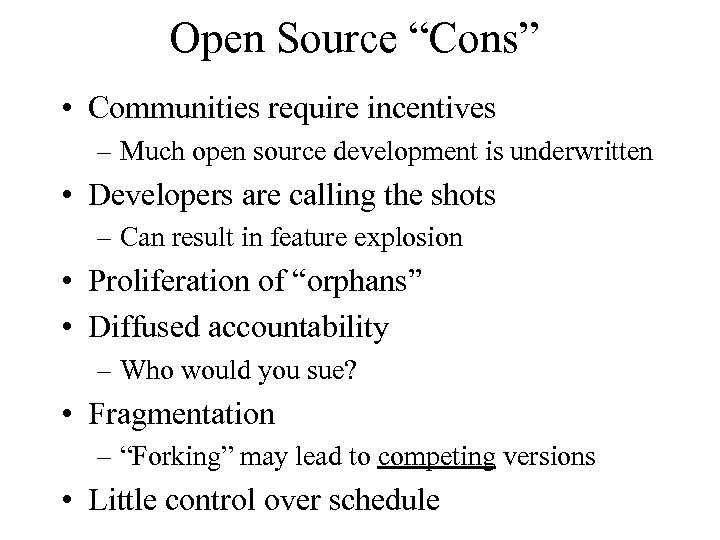
Open Source “Cons” • Communities require incentives – Much open source development is underwritten • Developers are calling the shots – Can result in feature explosion • Proliferation of “orphans” • Diffused accountability – Who would you sue? • Fragmentation – “Forking” may lead to competing versions • Little control over schedule
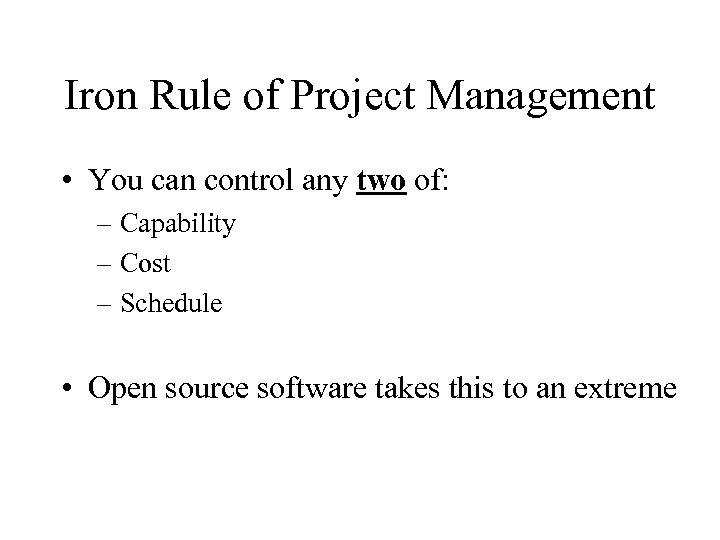
Iron Rule of Project Management • You can control any two of: – Capability – Cost – Schedule • Open source software takes this to an extreme
Open Source Business Models • Support Sellers Sell distribution, branding, and after-sale services. • Loss Leader Give away the software to make a market for proprietary software. • Widget Frosting If you’re in the hardware business, giving away software doesn’t hurt. • Accessorizing Sell accessories: books, compatible hardware, complete systems with pre-installed software
Hands On: What Goes Wrong? • Check out Risks Digest for a random date – http: //catless. ncl. ac. uk/Risks – Pick a random date near your birthday • Find a case of unexpected consequences • Try to articulate the root cause – Not the direct cause
Discussion Points: Managing Complex Systems • Critical system availability – Why can’t we live without these systems? • Understandability – Why can’t we predict what systems will do? • Nature of bugs – Why can’t we get rid of them? • Auditability – How can we learn to do better in the future?
Critical Infrastructure Protection • • • Telecommunications Banking and finance Energy Transportation Emergency services • • • Food and agriculture Water Public health Postal and shipping Defense industrial base Hazardous materials SCADA: Supervisory Control and Data Acquisition
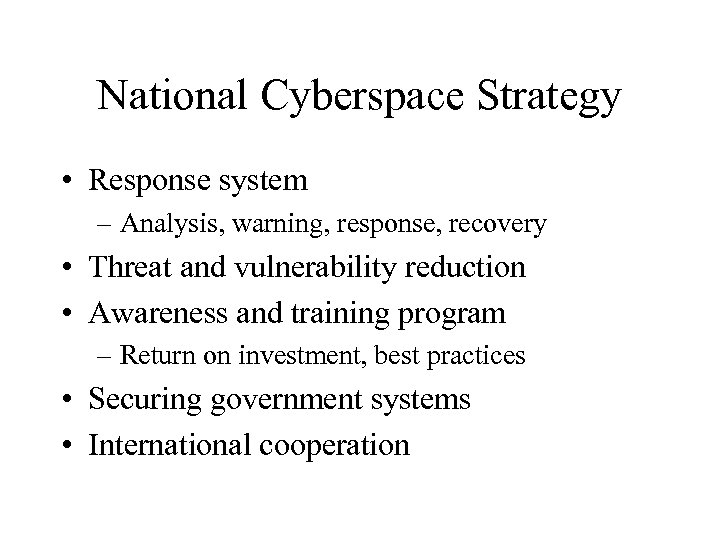
National Cyberspace Strategy • Response system – Analysis, warning, response, recovery • Threat and vulnerability reduction • Awareness and training program – Return on investment, best practices • Securing government systems • International cooperation
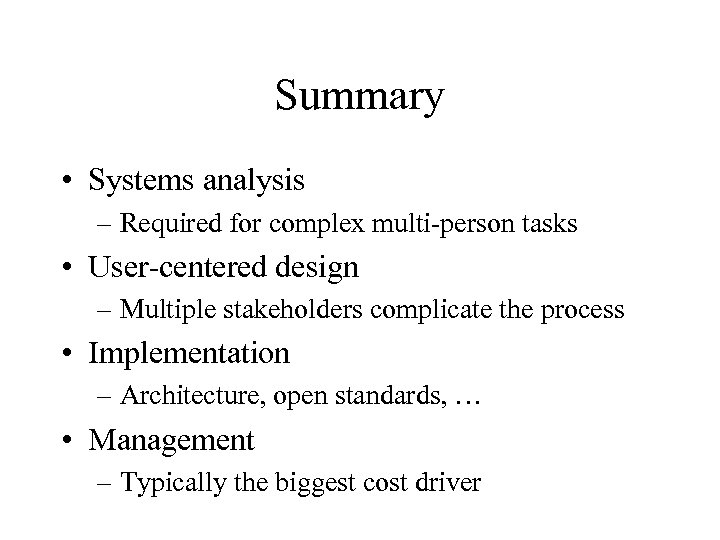
Summary • Systems analysis – Required for complex multi-person tasks • User-centered design – Multiple stakeholders complicate the process • Implementation – Architecture, open standards, … • Management – Typically the biggest cost driver
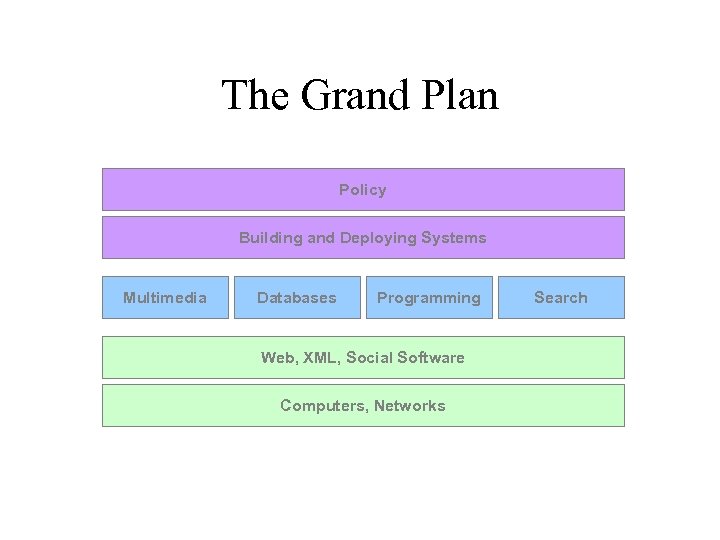
The Grand Plan Policy Building and Deploying Systems Multimedia Databases Programming Web, XML, Social Software Computers, Networks Search
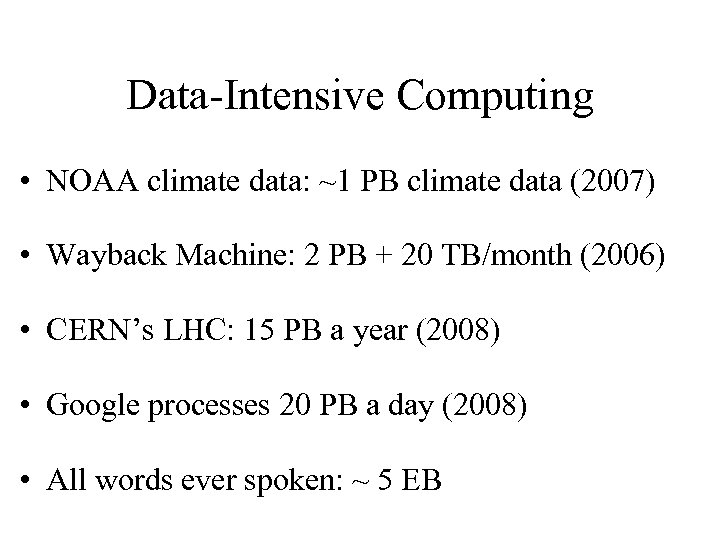
Data-Intensive Computing • NOAA climate data: ~1 PB climate data (2007) • Wayback Machine: 2 PB + 20 TB/month (2006) • CERN’s LHC: 15 PB a year (2008) • Google processes 20 PB a day (2008) • All words ever spoken: ~ 5 EB
Скачать презентацию The System Life Cycle Week 12 LBSC 690
ae46dd5c51fdc9cf95eb3ff51787a567.ppt