 Скачать презентацию The Semantic Web Vision Semantic Web Technologies
95a8094f1637ca6a30cbb2d15c18cc7b.ppt
- Количество слайдов: 139



The Semantic Web Vision
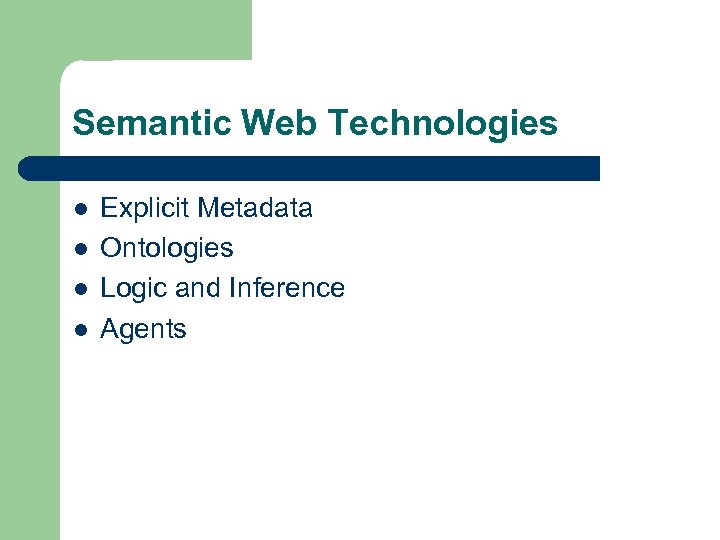
Semantic Web Technologies l l Explicit Metadata Ontologies Logic and Inference Agents
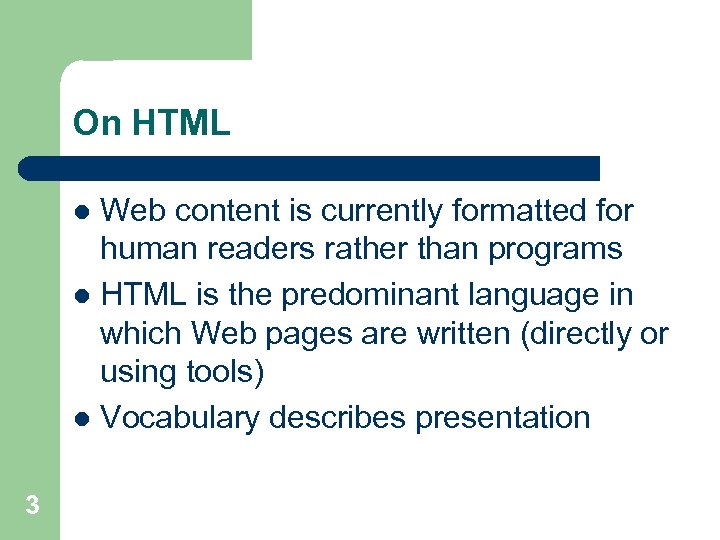
On HTML Web content is currently formatted for human readers rather than programs l HTML is the predominant language in which Web pages are written (directly or using tools) l Vocabulary describes presentation l 3
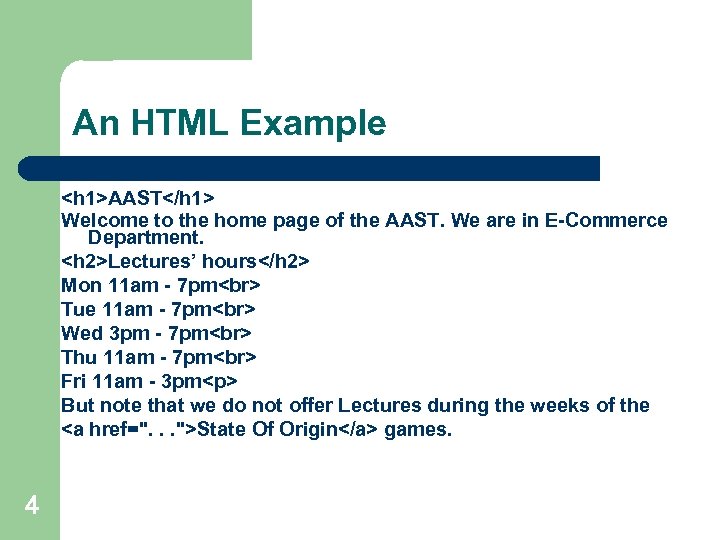
An HTML Example <h 1>AAST</h 1> Welcome to the home page of the AAST. We are in E-Commerce Department. <h 2>Lectures’ hours</h 2> Mon 11 am - 7 pm Tue 11 am - 7 pm Wed 3 pm - 7 pm Thu 11 am - 7 pm Fri 11 am - 3 pm<p> But note that we do not offer Lectures during the weeks of the <a href=". . . ">State Of Origin</a> games. 4
Problems with HTML l l Humans have no problem with this Machines (software agents) do: – – – 5 How distinguish Lectures from the Labs, How determine exact Lectures hours They would have to follow the link to the State Of Origin games to find when they take place.
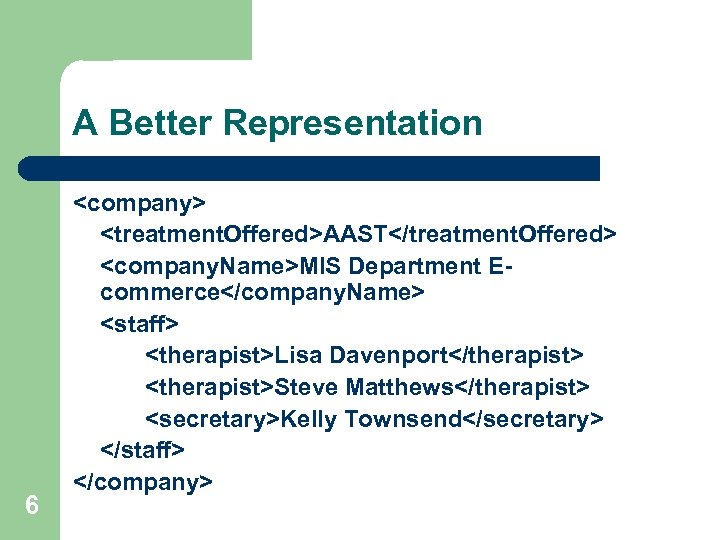
A Better Representation 6 <company> <treatment. Offered>AAST</treatment. Offered> <company. Name>MIS Department Ecommerce</company. Name> <staff> <therapist>Lisa Davenport</therapist> <therapist>Steve Matthews</therapist> <secretary>Kelly Townsend</secretary> </staff> </company>
Explicit Metadata l l This representation is far more easily processable by machines Metadata: data about data – l 7 Metadata capture part of the meaning of data Semantic Web does not rely on text-based manipulation, but rather on machineprocessable metadata
Ontologies The term ontology originates from philosophy l The study of the nature of existence Different meaning from computer science l An ontology is an explicit and formal specification of a conceptualization 8
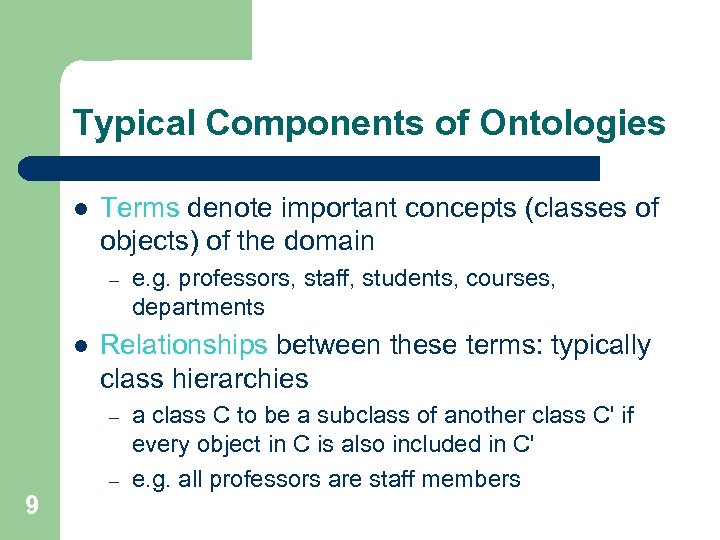
Typical Components of Ontologies l Terms denote important concepts (classes of objects) of the domain – l Relationships between these terms: typically class hierarchies – – 9 e. g. professors, staff, students, courses, departments a class C to be a subclass of another class C' if every object in C is also included in C' e. g. all professors are staff members
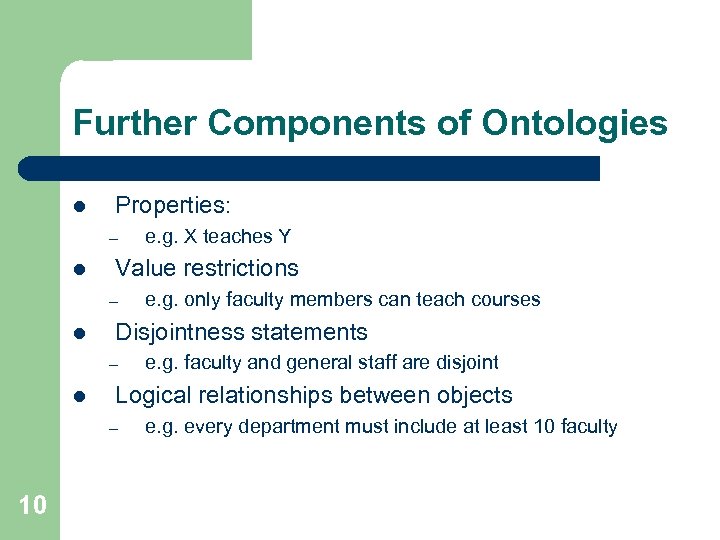
Further Components of Ontologies l Properties: – l Value restrictions – l e. g. faculty and general staff are disjoint Logical relationships between objects – 10 e. g. only faculty members can teach courses Disjointness statements – l e. g. X teaches Y e. g. every department must include at least 10 faculty
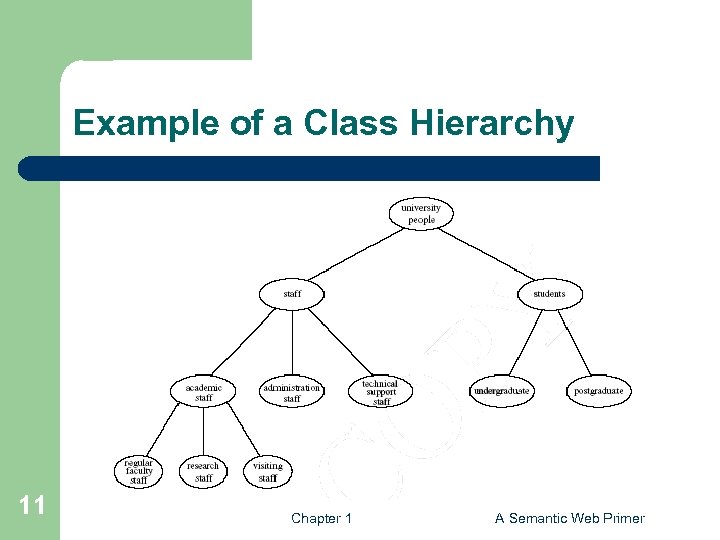
Example of a Class Hierarchy 11 Chapter 1 A Semantic Web Primer
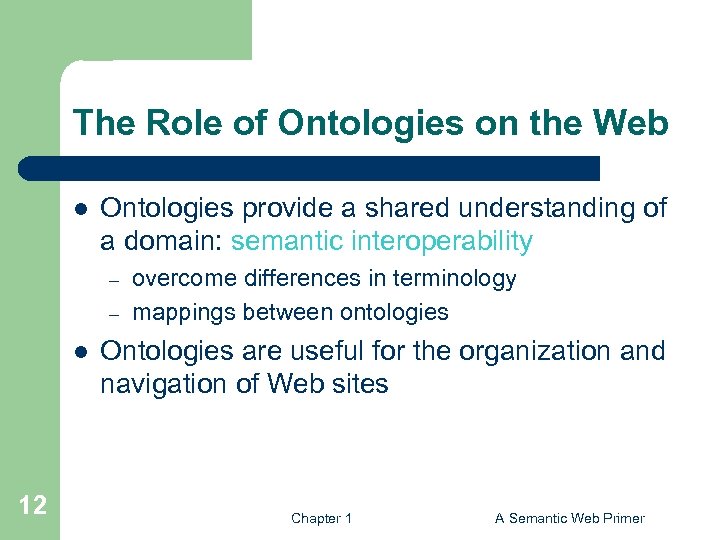
The Role of Ontologies on the Web l Ontologies provide a shared understanding of a domain: semantic interoperability – – l 12 overcome differences in terminology mappings between ontologies Ontologies are useful for the organization and navigation of Web sites Chapter 1 A Semantic Web Primer
The Role of Ontologies in Web Search l Ontologies are useful for improving the accuracy of Web searches – l Web searches can exploit generalization/ specialization information – – 13 search engines can look for pages that refer to a precise concept in an ontology If a query fails to find any relevant documents, the search engine may suggest to the user a more general query. If too many answers are retrieved, the search engine may suggest to the user some specializations. Chapter 1 A Semantic Web Primer
Web Ontology Languages RDF Schema l RDF is a data model for objects and relations between them l RDF Schema is a vocabulary description language l Describes properties and classes of RDF resources l Provides semantics for generalization hierarchies of properties and classes 14 Chapter 1 A Semantic Web Primer
Web Ontology Languages (2) OWL l A richer ontology language l relations between classes – l cardinality – l l 15 e. g. , disjointness e. g. “exactly one” richer typing of properties characteristics of properties (e. g. , symmetry) Chapter 1 A Semantic Web Primer
Logic and Inference l l l Logic is the discipline that studies the principles of reasoning Formal languages for expressing knowledge Well-understood formal semantics – l 16 Declarative knowledge: we describe what holds without caring about how it can be deduced Automated reasoners can deduce (infer) conclusions from the given knowledge Chapter 1 A Semantic Web Primer
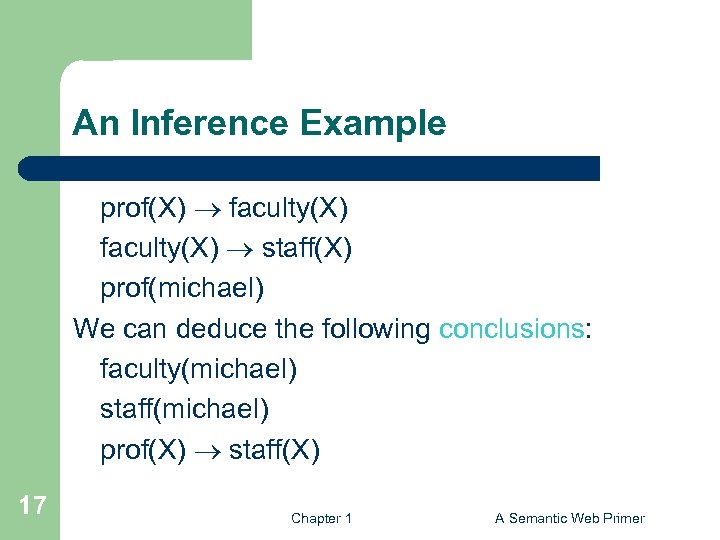
An Inference Example prof(X) faculty(X) staff(X) prof(michael) We can deduce the following conclusions: faculty(michael) staff(michael) prof(X) staff(X) 17 Chapter 1 A Semantic Web Primer
Logic versus Ontologies l The previous example involves knowledge typically found in ontologies – – l Logic is more general than ontologies – 18 Logic can be used to uncover ontological knowledge that is implicitly given It can also help uncover unexpected relationships and inconsistencies It can also be used by intelligent agents for making decisions and selecting courses of action Chapter 1 A Semantic Web Primer
Tradeoff between Expressive Power and Computational Complexity l The more expressive a logic is, the more computationally expensive it becomes to draw conclusions – l Our previous examples involved rules “If conditions, then conclusion, ” and only finitely many objects – 19 Drawing certain conclusions may become impossible if noncomputability barriers are encountered. This subset of logic is tractable and is supported by efficient reasoning tools Chapter 1 A Semantic Web Primer
Inference and Explanations l l l 20 Explanations: the series of inference steps can be retraced They increase users’ confidence in Semantic Web agents: “Oh yeah? ” button Activities between agents: create or validate proofs Chapter 1 A Semantic Web Primer
Typical Explanation Procedure l Facts will typically be traced to some Web addresses – l 21 The trust of the Web address will be verifiable by agents Rules may be a part of a shared commerce ontology or the policy of the online shop Chapter 1 A Semantic Web Primer
Software Agents l Software agents work autonomously and proactively – l A personal agent on the Semantic Web will: – – 22 They evolved out of object oriented and compontent-based programming receive some tasks and preferences from the person seek information from Web sources, communicate with other agents compare information about user requirements and preferences, make certain choices give answers to the user Chapter 1 A Semantic Web Primer
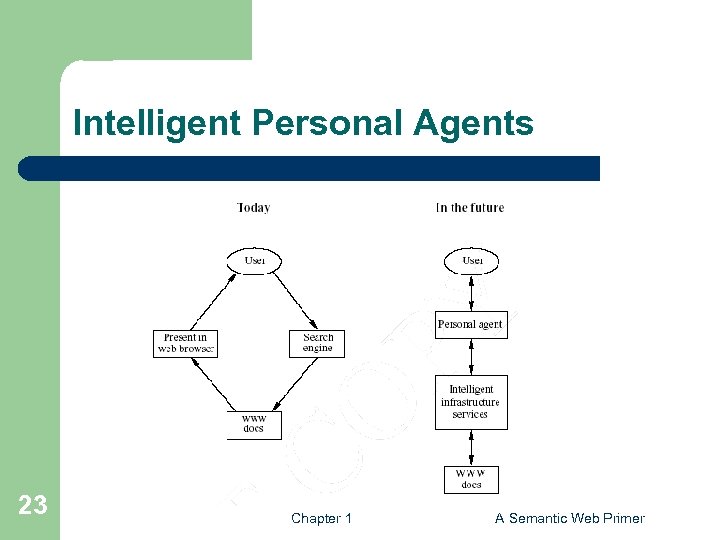
Intelligent Personal Agents 23 Chapter 1 A Semantic Web Primer
Semantic Web Agent Technologies l Metadata – l Ontologies – – l Web searches, interpret retrieved information Communicate with other agents Logic – 24 Identify and extract information from Web sources Process retrieved information, draw conclusions Chapter 1 A Semantic Web Primer
Semantic Web Agent Technologies (2) l Further technologies (orthogonal to the Semantic Web technologies) – – – 25 Agent communication languages Formal representation of beliefs, desires, and intentions of agents Creation and maintenance of user models. Chapter 1 A Semantic Web Primer
Lecture Outline 1. 2. 3. 4. 26 Today’s Web The Semantic Web Impact Semantic Web Technologies A Layered Approach Chapter 1 A Semantic Web Primer
A Layered Approach l The development of the Semantic Web proceeds in steps – Each step building a layer on top of another Principles: l Downward compatibility l Upward partial understanding 27 Chapter 1 A Semantic Web Primer
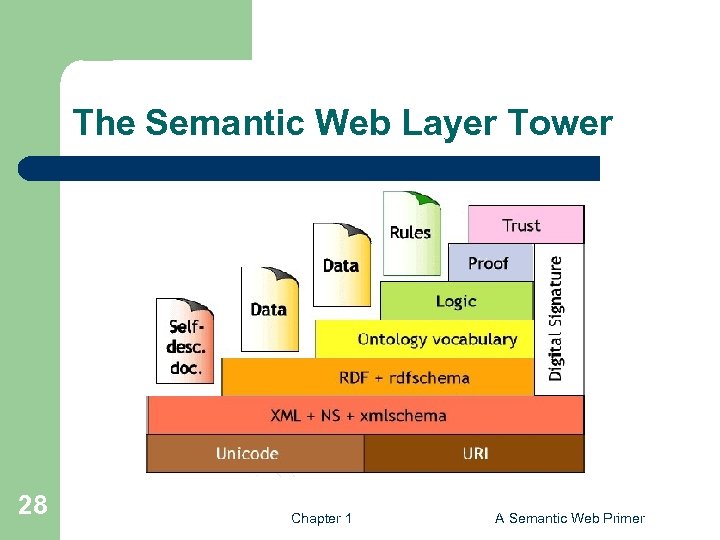
The Semantic Web Layer Tower 28 Chapter 1 A Semantic Web Primer
An Alternative Layer Stack l l − − l 29 Takes recent developments into account The main differences are: The ontology layer is instantiated with two alternatives: the current standard Web ontology language, OWL, and a rulebased language DLP is the intersection of OWL and Horn logic, and serves as a common foundation The Semantic Web Architecture is currently being debated and may be subject to refinements and modifications in the future. Chapter 1 A Semantic Web Primer
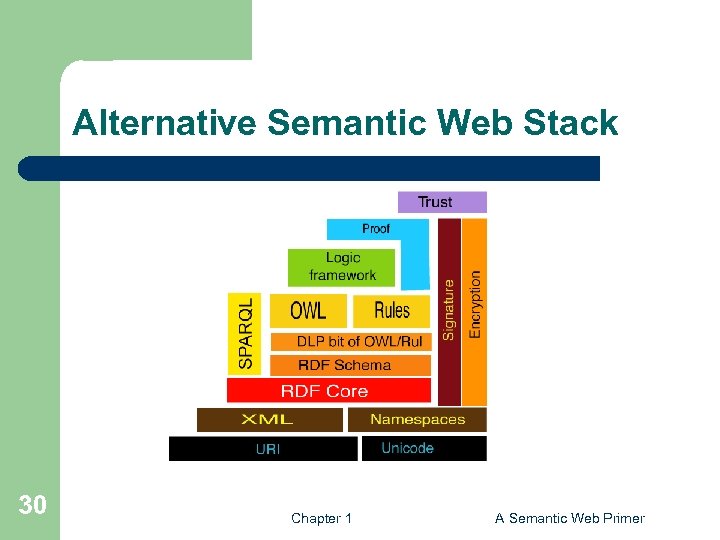
Alternative Semantic Web Stack 30 Chapter 1 A Semantic Web Primer
Semantic Web Layers l XML layer – l RDF layer – – l RDF basic data model for facts RDF Schema simple ontology language Ontology layer – – 31 Syntactic basis More expressive languages than RDF Schema Current Web standard: OWL Chapter 1 A Semantic Web Primer
Semantic Web Layers (2) l Logic layer – – l Proof layer – l Proof generation, exchange, validation Trust layer – – 32 enhance ontology languages further application-specific declarative knowledge Digital signatures recommendations, rating agencies …. Chapter 1 A Semantic Web Primer
Chapter 2 Structured Web Documents in XML Grigoris Antoniou Frank van Harmelen 33 Chapter 2 A Semantic Web Primer
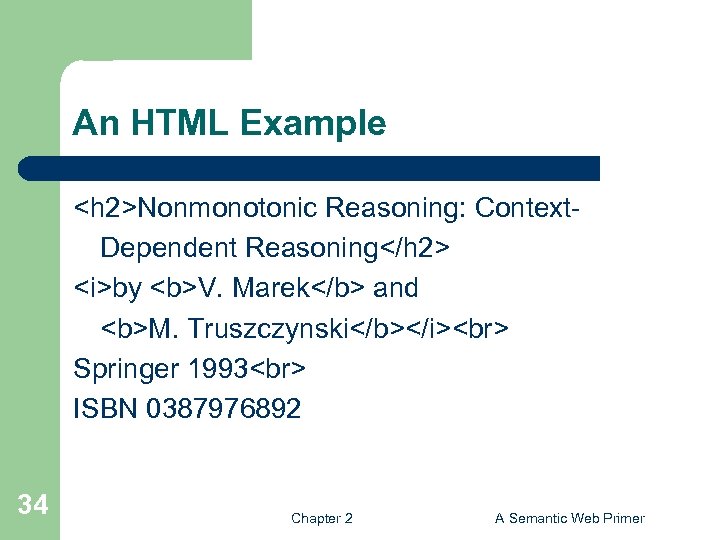
An HTML Example <h 2>Nonmonotonic Reasoning: Context. Dependent Reasoning</h 2> <i>by <b>V. Marek</b> and <b>M. Truszczynski</b></i> Springer 1993 ISBN 0387976892 34 Chapter 2 A Semantic Web Primer
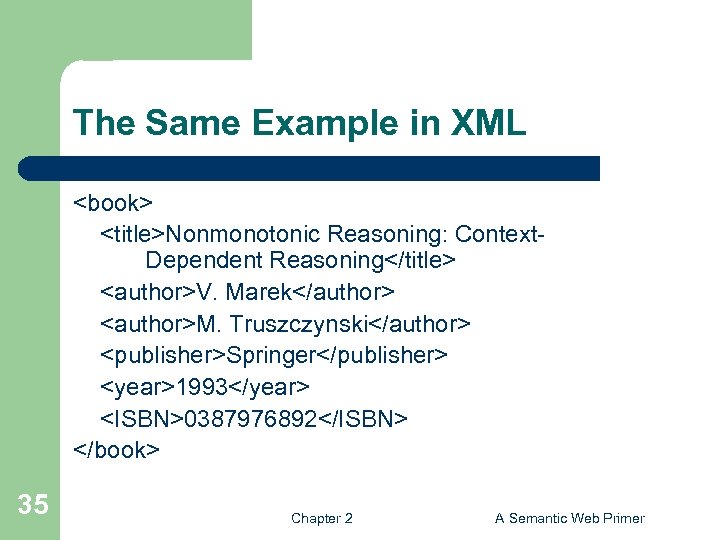
The Same Example in XML <book> <title>Nonmonotonic Reasoning: Context. Dependent Reasoning</title> <author>V. Marek</author> <author>M. Truszczynski</author> <publisher>Springer</publisher> <year>1993</year> <ISBN>0387976892</ISBN> </book> 35 Chapter 2 A Semantic Web Primer
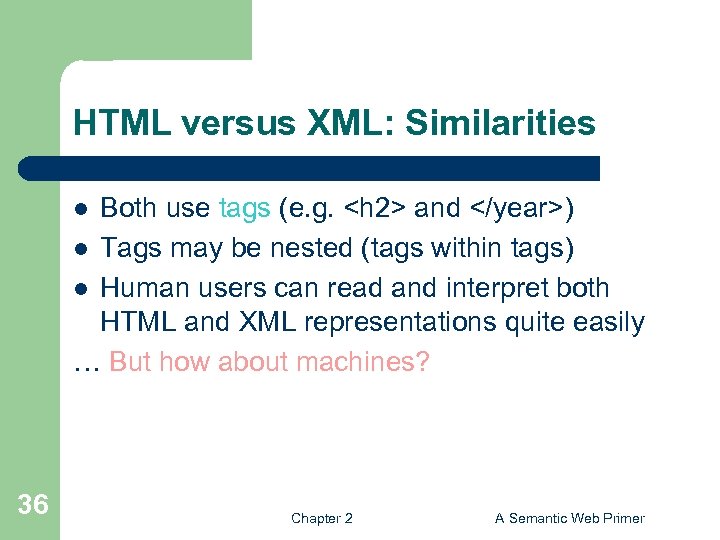
HTML versus XML: Similarities Both use tags (e. g. <h 2> and </year>) l Tags may be nested (tags within tags) l Human users can read and interpret both HTML and XML representations quite easily … But how about machines? l 36 Chapter 2 A Semantic Web Primer
Problems with Automated Interpretation of HTML Documents An intelligent agent trying to retrieve the names of the authors of the book l Authors’ names could appear immediately after the title l or immediately after the word by l Are there two authors? l Or just one, called “V. Marek and M. Truszczynski”? 37 Chapter 2 A Semantic Web Primer
HTML vs XML: Structural Information l l HTML documents do not contain structural information: pieces of the document and their relationships. XML more easily accessible to machines because – – – 38 Every piece of information is described. Relations are also defined through the nesting structure. E. g. , the <author> tags appear within the <book> tags, so they describe properties of the particular book. Chapter 2 A Semantic Web Primer
HTML vs XML: Structural Information (2) l A machine processing the XML document would be able to deduce that – – l XML allows the definition of constraints on values – 39 the author element refers to the enclosing book element rather than by proximity considerations E. g. a year must be a number of four digits Chapter 2 A Semantic Web Primer
HTML vs XML: Formatting l The HTML representation provides more than the XML representation: – l l Τhe main use of an HTML document is to display information: it must define formatting XML: separation of content from display – 40 The formatting of the document is also described same information can be displayed in different ways Chapter 2 A Semantic Web Primer
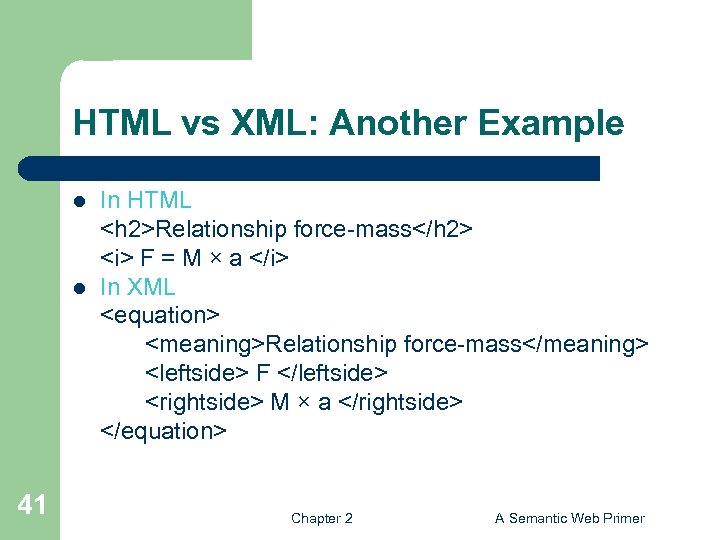
HTML vs XML: Another Example l l 41 In HTML <h 2>Relationship force-mass</h 2> <i> F = M × a </i> In XML <equation> <meaning>Relationship force-mass</meaning> <leftside> F </leftside> <rightside> M × a </rightside> </equation> Chapter 2 A Semantic Web Primer
HTML vs XML: Different Use of Tags l l l 42 In both HTML docs same tags In XML completely different HTML tags define display: color, lists … XML tags not fixed: user definable tags XML meta markup language: language for defining markup languages Chapter 2 A Semantic Web Primer
XML Vocabularies l l Web applications must agree on common vocabularies to communicate and collaborate Communities and business sectors are defining their specialized vocabularies – – 43 mathematics (Math. ML) bioinformatics (BSML) human resources (HRML) … Chapter 2 A Semantic Web Primer
Lecture Outline 1. 2. 3. Introduction Detailed Description of XML Structuring a) b) 4. 5. 6. 44 DTDs XML Schema Namespaces Accessing, querying XML documents: XPath Transformations: XSLT Chapter 2 A Semantic Web Primer
The XML Language An XML document consists of l a prolog l a number of elements l an optional epilog (not discussed) 45 Chapter 2 A Semantic Web Primer
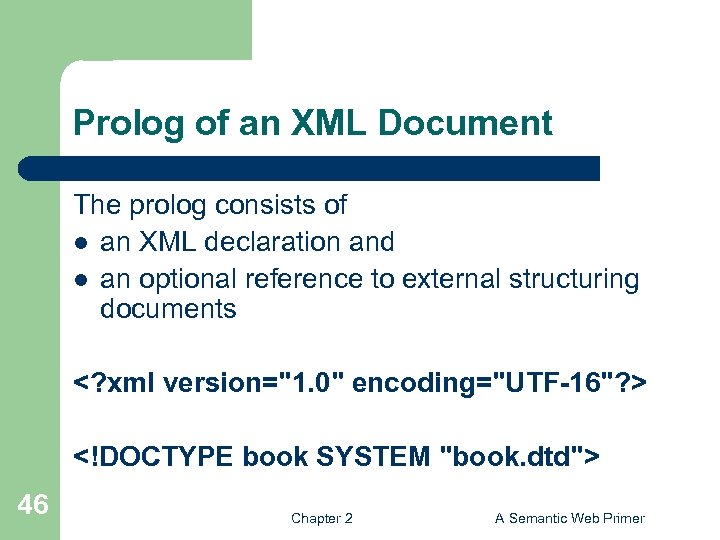
Prolog of an XML Document The prolog consists of l an XML declaration and l an optional reference to external structuring documents <? xml version="1. 0" encoding="UTF-16"? > <!DOCTYPE book SYSTEM "book. dtd"> 46 Chapter 2 A Semantic Web Primer
XML Elements l The “things” the XML document talks about – l E. g. books, authors, publishers An element consists of: – – – an opening tag the content a closing tag <lecturer>David Billington</lecturer> 47 Chapter 2 A Semantic Web Primer
XML Elements (2) l l l Tag names can be chosen almost freely. The first character must be a letter, an underscore, or a colon No name may begin with the string “xml” in any combination of cases – 48 E. g. “Xml”, “x. ML” Chapter 2 A Semantic Web Primer
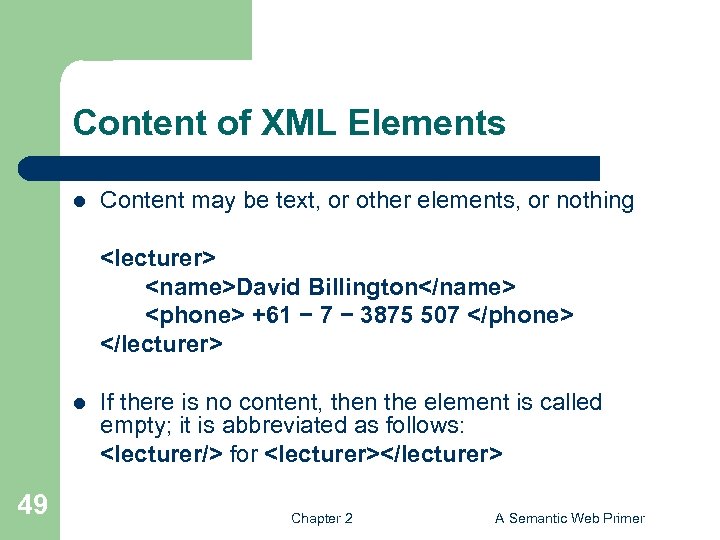
Content of XML Elements l Content may be text, or other elements, or nothing <lecturer> <name>David Billington</name> <phone> +61 − 7 − 3875 507 </phone> </lecturer> l 49 If there is no content, then the element is called empty; it is abbreviated as follows: <lecturer/> for <lecturer></lecturer> Chapter 2 A Semantic Web Primer
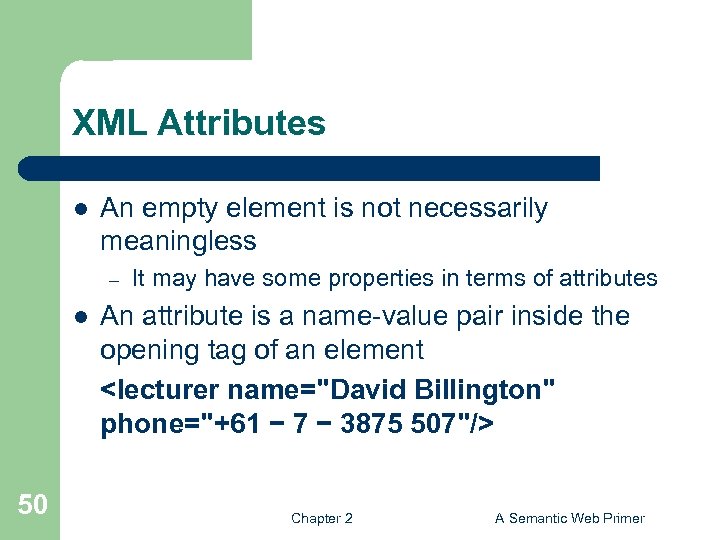
XML Attributes l An empty element is not necessarily meaningless – l 50 It may have some properties in terms of attributes An attribute is a name-value pair inside the opening tag of an element <lecturer name="David Billington" phone="+61 − 7 − 3875 507"/> Chapter 2 A Semantic Web Primer
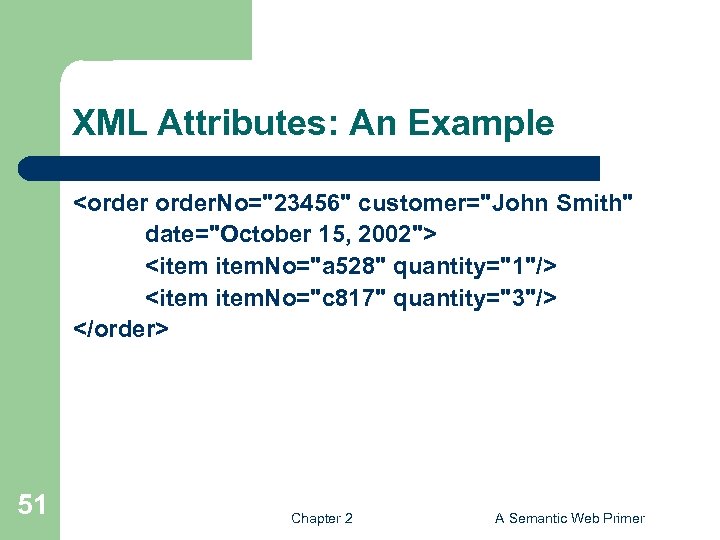
XML Attributes: An Example <order. No="23456" customer="John Smith" date="October 15, 2002"> <item. No="a 528" quantity="1"/> <item. No="c 817" quantity="3"/> </order> 51 Chapter 2 A Semantic Web Primer
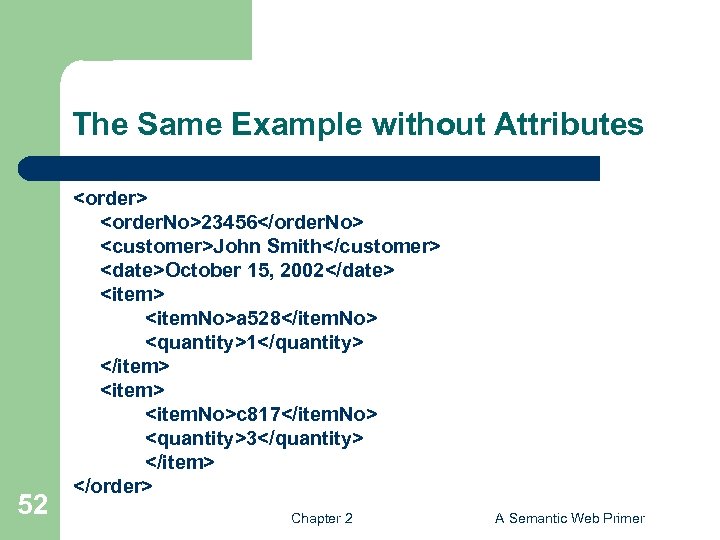
The Same Example without Attributes 52 <order> <order. No>23456</order. No> <customer>John Smith</customer> <date>October 15, 2002</date> <item. No>a 528</item. No> <quantity>1</quantity> </item> <item. No>c 817</item. No> <quantity>3</quantity> </item> </order> Chapter 2 A Semantic Web Primer
XML Elements vs Attributes l l l 53 Attributes can be replaced by elements When to use elements and when attributes is a matter of taste But attributes cannot be nested Chapter 2 A Semantic Web Primer
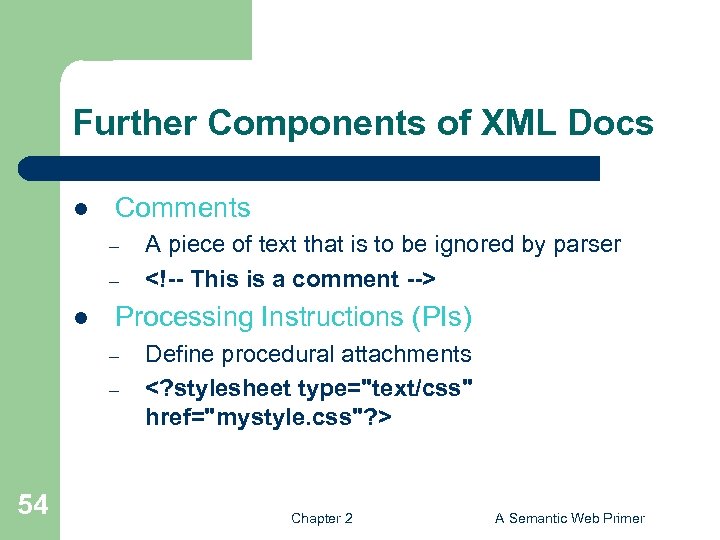
Further Components of XML Docs l Comments – – l Processing Instructions (PIs) – – 54 A piece of text that is to be ignored by parser <!-- This is a comment --> Define procedural attachments <? stylesheet type="text/css" href="mystyle. css"? > Chapter 2 A Semantic Web Primer
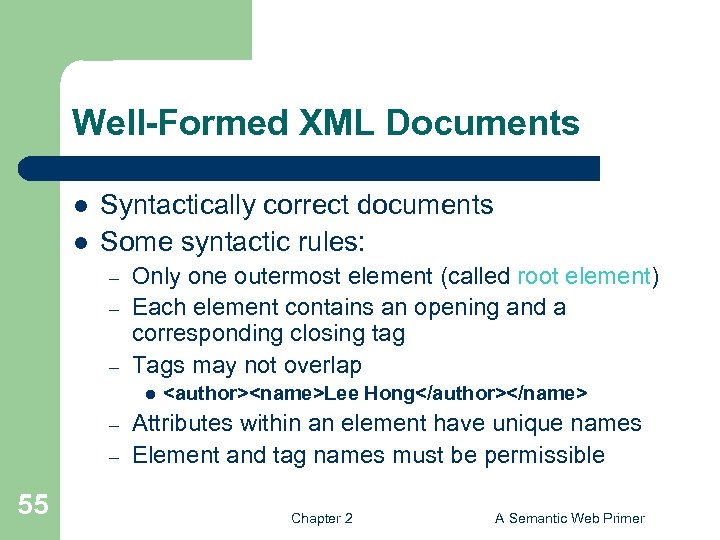
Well-Formed XML Documents l l Syntactically correct documents Some syntactic rules: – – – Only one outermost element (called root element) Each element contains an opening and a corresponding closing tag Tags may not overlap l – – 55 <author><name>Lee Hong</author></name> Attributes within an element have unique names Element and tag names must be permissible Chapter 2 A Semantic Web Primer
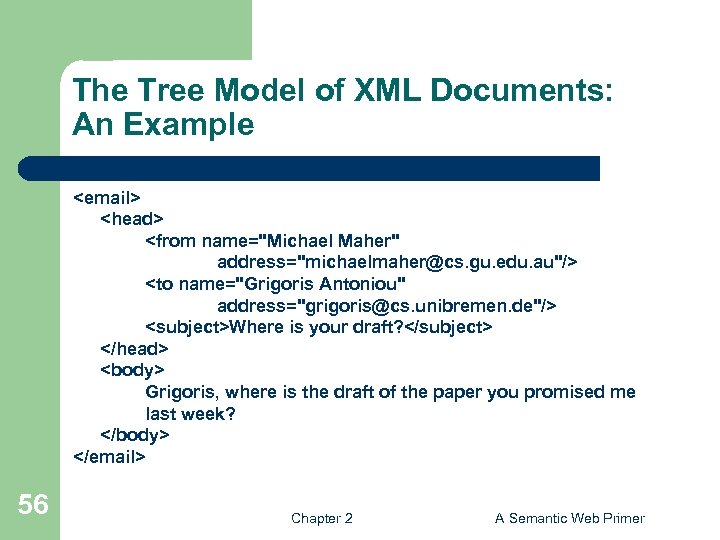
The Tree Model of XML Documents: An Example <email> <head> <from name="Michael Maher" address="michaelmaher@cs. gu. edu. au"/> <to name="Grigoris Antoniou" address="grigoris@cs. unibremen. de"/> <subject>Where is your draft? </subject> </head> <body> Grigoris, where is the draft of the paper you promised me last week? </body> </email> 56 Chapter 2 A Semantic Web Primer
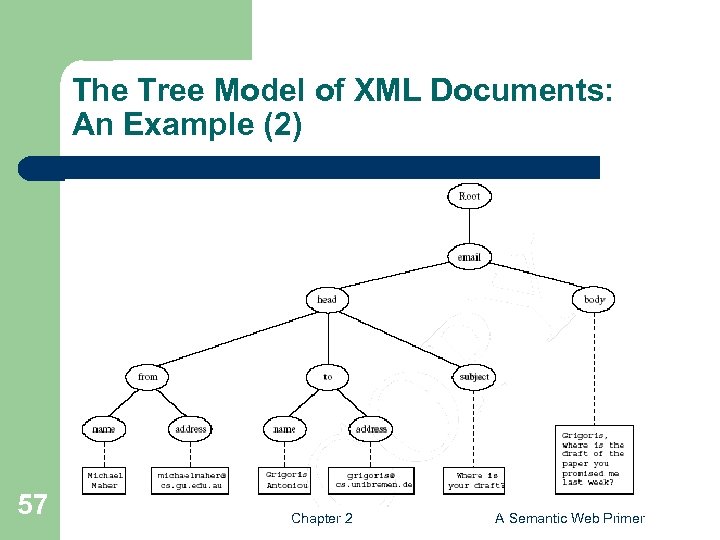
The Tree Model of XML Documents: An Example (2) 57 Chapter 2 A Semantic Web Primer
The Tree Model of XML Docs l The tree representation of an XML document is an ordered labeled tree: – – – 58 There is exactly one root There are no cycles Each non-root node has exactly one parent Each node has a label. The order of elements is important … but the order of attributes is not important Chapter 2 A Semantic Web Primer
Lecture Outline 1. 2. 3. Introduction Detailed Description of XML Structuring a) b) 4. 5. 6. 59 DTDs XML Schema Namespaces Accessing, querying XML documents: XPath Transformations: XSLT Chapter 2 A Semantic Web Primer
Structuring XML Documents l l Define all the element and attribute names that may be used Define the structure – – l 60 what values an attribute may take which elements may or must occur within other elements, etc. If such structuring information exists, the document can be validated Chapter 2 A Semantic Web Primer
Structuring XML Dcuments (2) l An XML document is valid if – – l There are two ways of defining the structure of XML documents: – – 61 it is well-formed respects the structuring information it uses DTDs (the older and more restricted way) XML Schema (offers extended possibilities) Chapter 2 A Semantic Web Primer
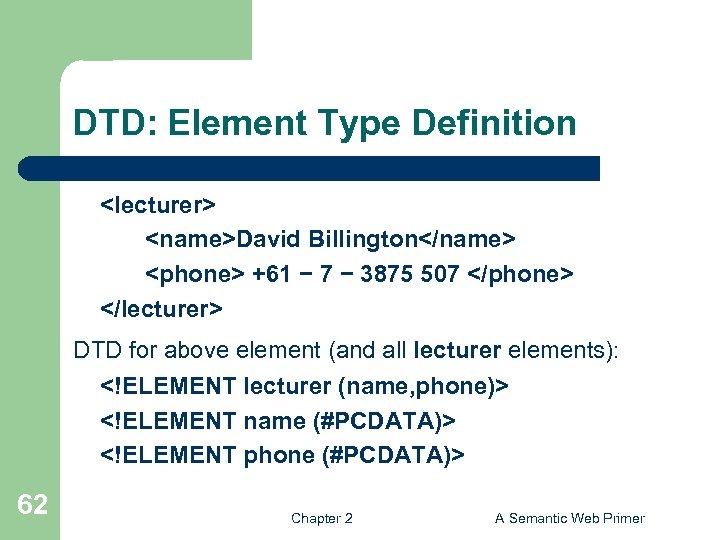
DTD: Element Type Definition <lecturer> <name>David Billington</name> <phone> +61 − 7 − 3875 507 </phone> </lecturer> DTD for above element (and all lecturer elements): <!ELEMENT lecturer (name, phone)> <!ELEMENT name (#PCDATA)> <!ELEMENT phone (#PCDATA)> 62 Chapter 2 A Semantic Web Primer
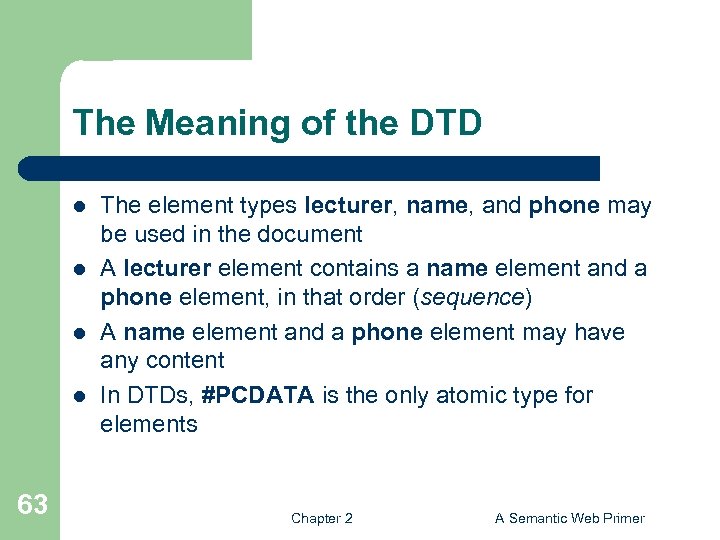
The Meaning of the DTD l l 63 The element types lecturer, name, and phone may be used in the document A lecturer element contains a name element and a phone element, in that order (sequence) A name element and a phone element may have any content In DTDs, #PCDATA is the only atomic type for elements Chapter 2 A Semantic Web Primer
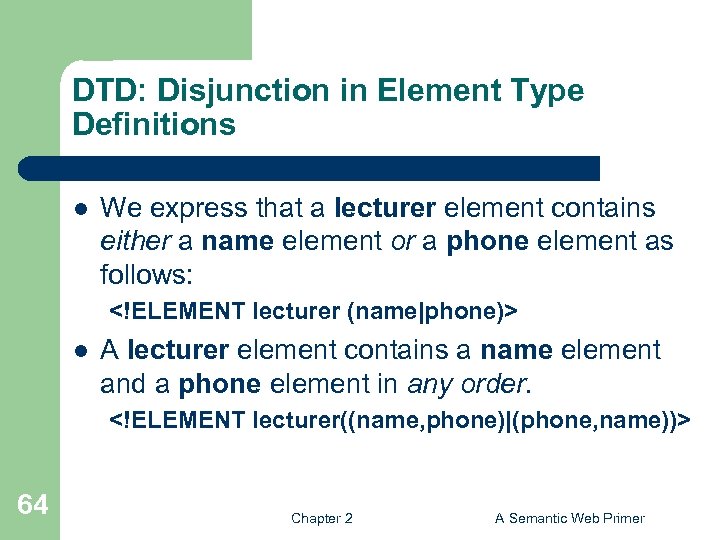
DTD: Disjunction in Element Type Definitions l We express that a lecturer element contains either a name element or a phone element as follows: <!ELEMENT lecturer (name|phone)> l A lecturer element contains a name element and a phone element in any order. <!ELEMENT lecturer((name, phone)|(phone, name))> 64 Chapter 2 A Semantic Web Primer
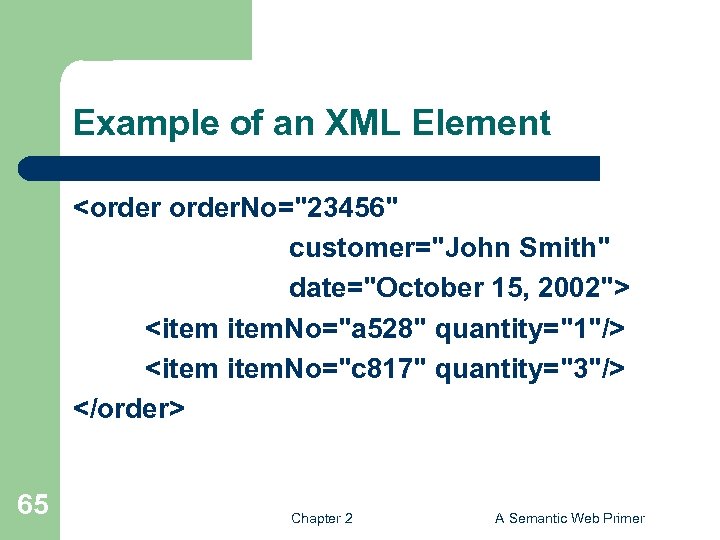
Example of an XML Element <order. No="23456" customer="John Smith" date="October 15, 2002"> <item. No="a 528" quantity="1"/> <item. No="c 817" quantity="3"/> </order> 65 Chapter 2 A Semantic Web Primer
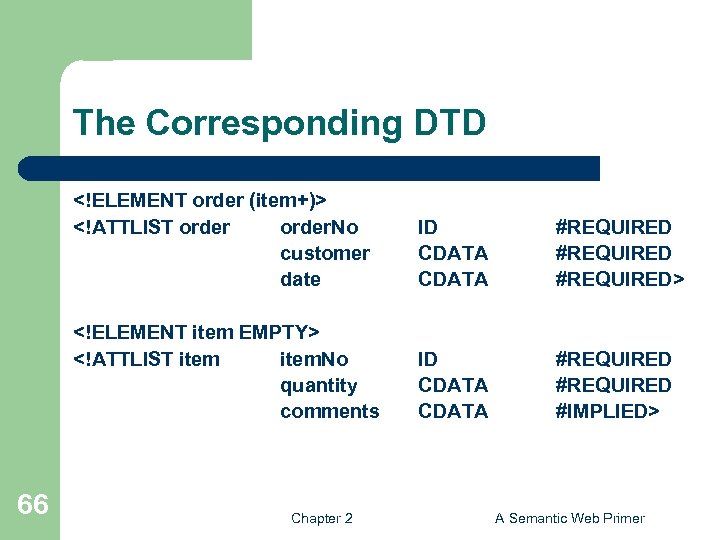
The Corresponding DTD <!ELEMENT order (item+)> <!ATTLIST order. No customer date #REQUIRED> <!ELEMENT item EMPTY> <!ATTLIST item. No quantity comments 66 ID CDATA #REQUIRED #IMPLIED> Chapter 2 A Semantic Web Primer
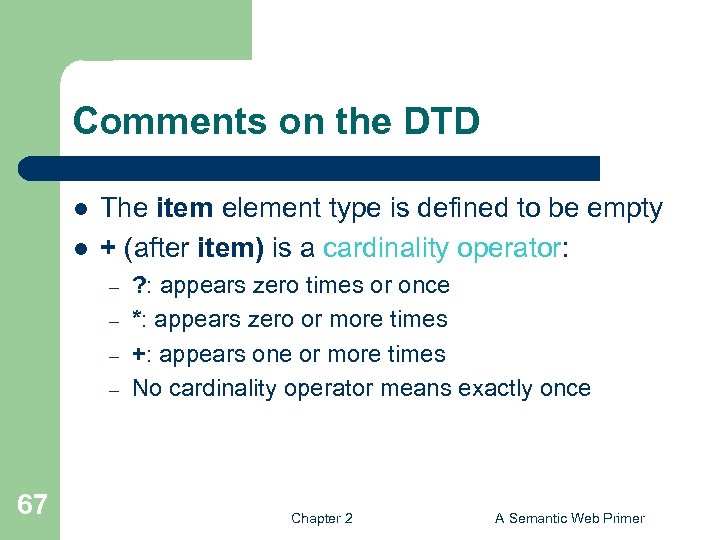
Comments on the DTD l l The item element type is defined to be empty + (after item) is a cardinality operator: – – 67 ? : appears zero times or once *: appears zero or more times +: appears one or more times No cardinality operator means exactly once Chapter 2 A Semantic Web Primer
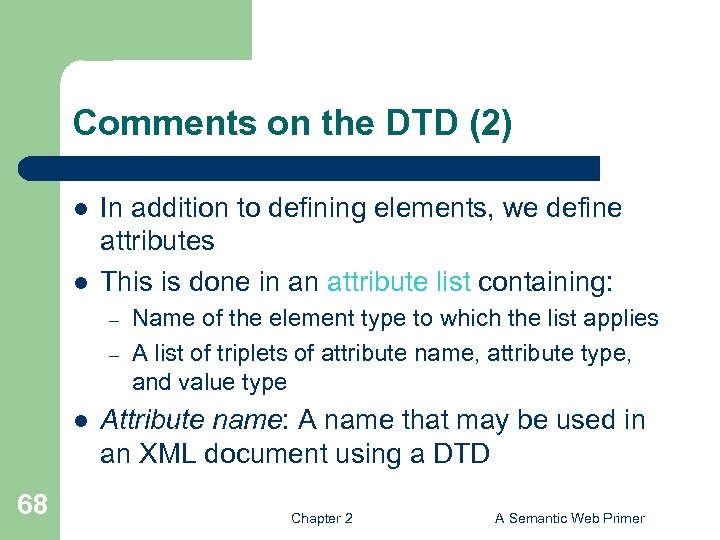
Comments on the DTD (2) l l In addition to defining elements, we define attributes This is done in an attribute list containing: – – l 68 Name of the element type to which the list applies A list of triplets of attribute name, attribute type, and value type Attribute name: A name that may be used in an XML document using a DTD Chapter 2 A Semantic Web Primer
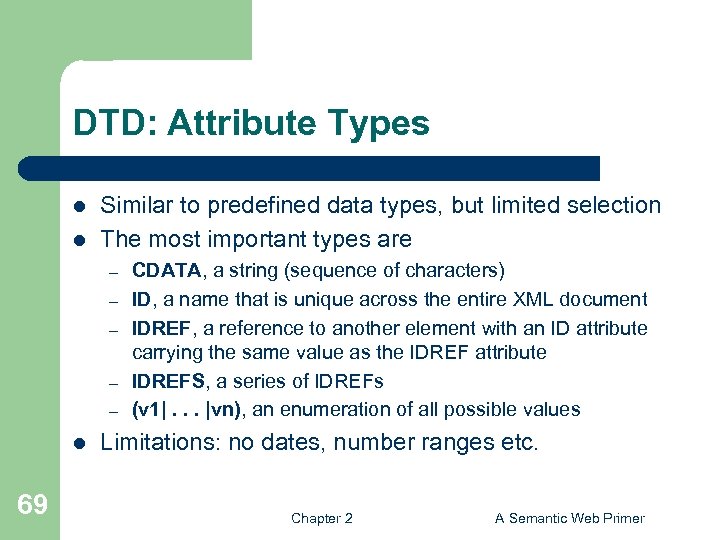
DTD: Attribute Types l l Similar to predefined data types, but limited selection The most important types are – – – l 69 CDATA, a string (sequence of characters) ID, a name that is unique across the entire XML document IDREF, a reference to another element with an ID attribute carrying the same value as the IDREF attribute IDREFS, a series of IDREFs (v 1|. . . |vn), an enumeration of all possible values Limitations: no dates, number ranges etc. Chapter 2 A Semantic Web Primer
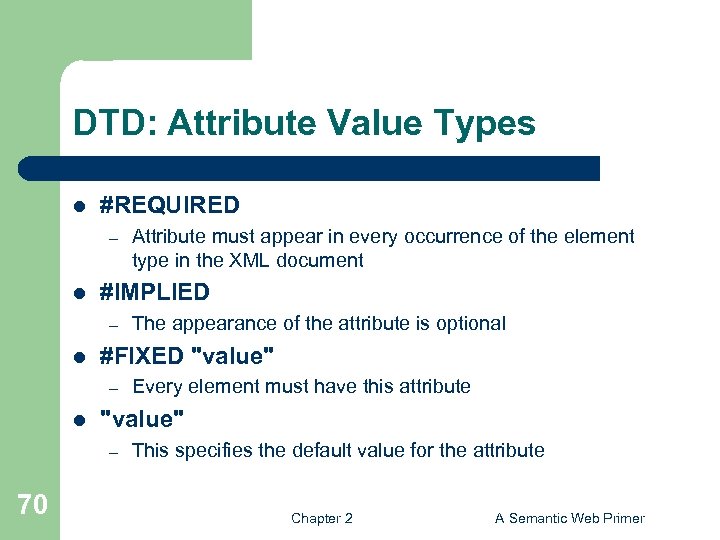
DTD: Attribute Value Types l #REQUIRED – l #IMPLIED – l Every element must have this attribute "value" – 70 The appearance of the attribute is optional #FIXED "value" – l Attribute must appear in every occurrence of the element type in the XML document This specifies the default value for the attribute Chapter 2 A Semantic Web Primer
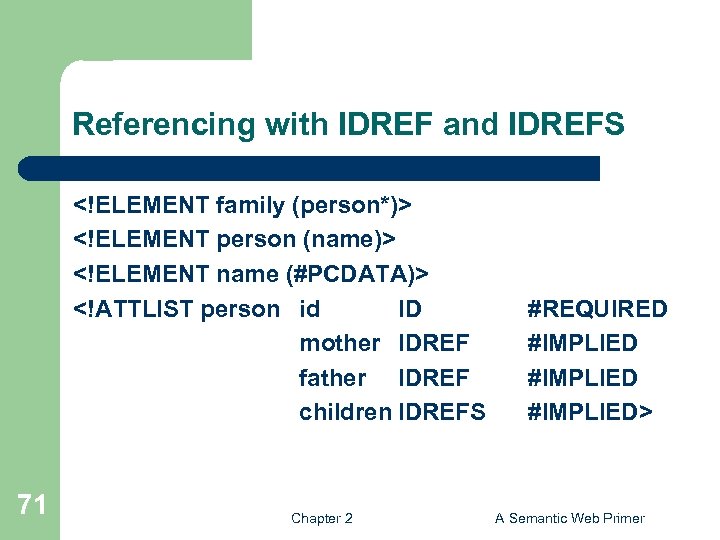
Referencing with IDREF and IDREFS <!ELEMENT family (person*)> <!ELEMENT person (name)> <!ELEMENT name (#PCDATA)> <!ATTLIST person id ID mother IDREF father IDREF children IDREFS 71 Chapter 2 #REQUIRED #IMPLIED> A Semantic Web Primer
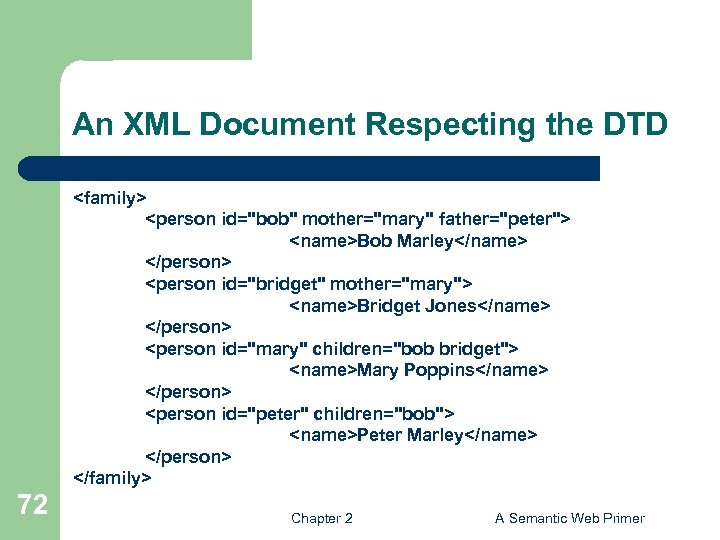
An XML Document Respecting the DTD <family> <person id="bob" mother="mary" father="peter"> <name>Bob Marley</name> </person> <person id="bridget" mother="mary"> <name>Bridget Jones</name> </person> <person id="mary" children="bob bridget"> <name>Mary Poppins</name> </person> <person id="peter" children="bob"> <name>Peter Marley</name> </person> </family> 72 Chapter 2 A Semantic Web Primer
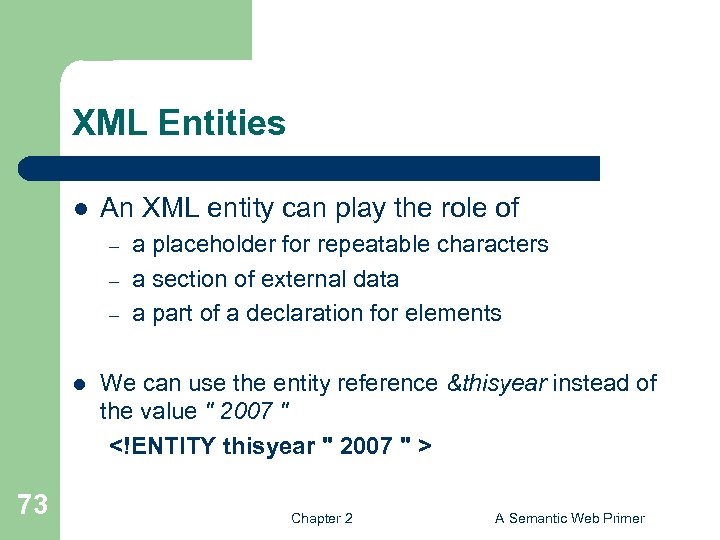
XML Entities l An XML entity can play the role of – – – l 73 a placeholder for repeatable characters a section of external data a part of a declaration for elements We can use the entity reference &thisyear instead of the value " 2007 " <!ENTITY thisyear " 2007 " > Chapter 2 A Semantic Web Primer
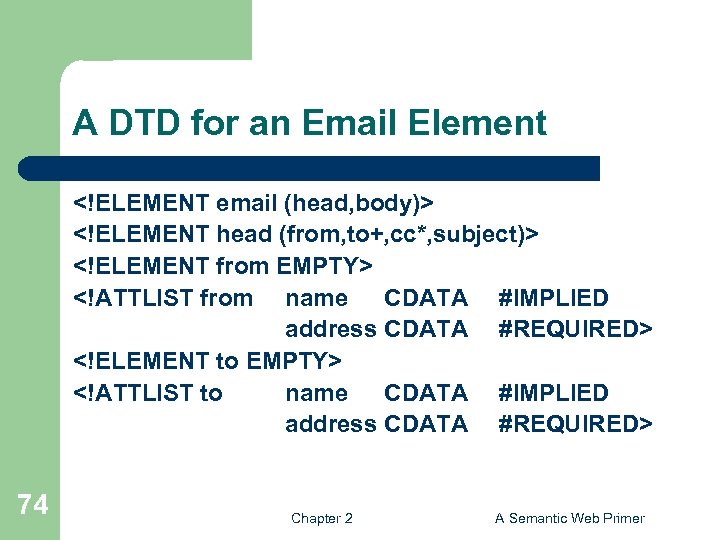
A DTD for an Email Element <!ELEMENT email (head, body)> <!ELEMENT head (from, to+, cc*, subject)> <!ELEMENT from EMPTY> <!ATTLIST from name CDATA #IMPLIED address CDATA #REQUIRED> <!ELEMENT to EMPTY> <!ATTLIST to name CDATA #IMPLIED address CDATA #REQUIRED> 74 Chapter 2 A Semantic Web Primer
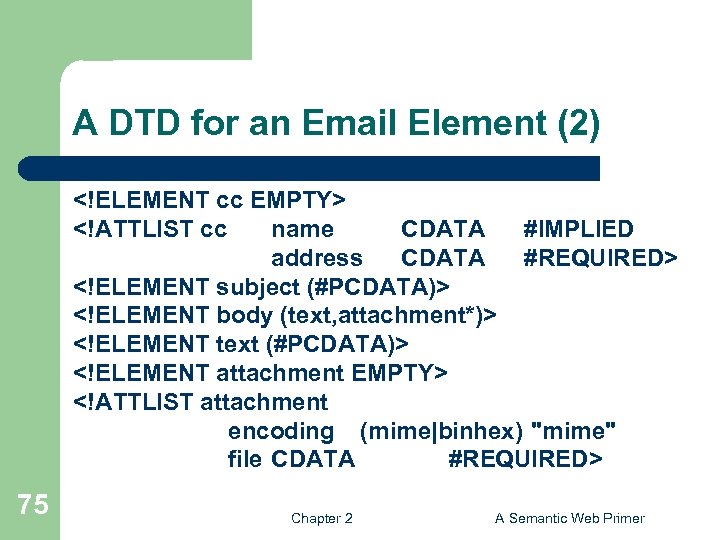
A DTD for an Email Element (2) <!ELEMENT cc EMPTY> <!ATTLIST cc name CDATA #IMPLIED address CDATA #REQUIRED> <!ELEMENT subject (#PCDATA)> <!ELEMENT body (text, attachment*)> <!ELEMENT text (#PCDATA)> <!ELEMENT attachment EMPTY> <!ATTLIST attachment encoding (mime|binhex) "mime" file CDATA #REQUIRED> 75 Chapter 2 A Semantic Web Primer
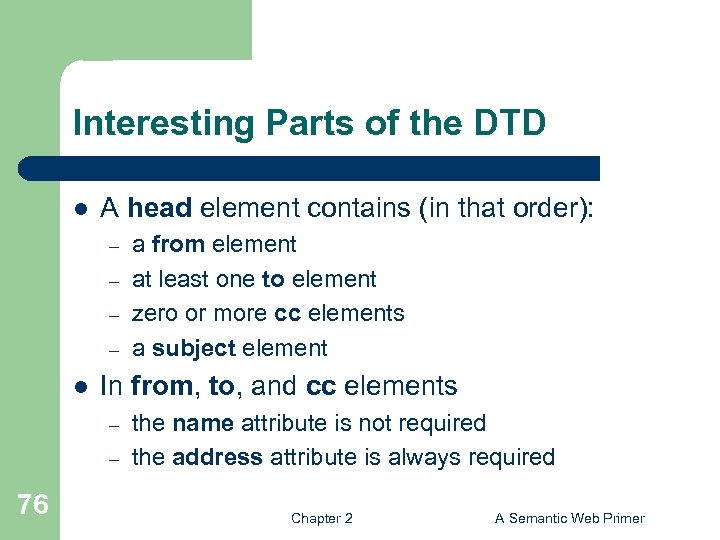
Interesting Parts of the DTD l A head element contains (in that order): – – l In from, to, and cc elements – – 76 a from element at least one to element zero or more cc elements a subject element the name attribute is not required the address attribute is always required Chapter 2 A Semantic Web Primer
Interesting Parts of the DTD (2) l A body element contains – – l The encoding attribute of an attachment element must have either the value “mime” or “binhex” – 77 a text element possibly followed by a number of attachment elements “mime” is the default value Chapter 2 A Semantic Web Primer
Remarks on DTDs l A DTD can be interpreted as an Extended Backus-Naur Form (EBNF) – – l Recursive definitions possible in DTDs – 78 <!ELEMENT email (head, body)> is equivalent to email : : = head body <!ELEMENT bintree ((bintree root bintree)|emptytree)> Chapter 2 A Semantic Web Primer
Lecture Outline 1. 2. 3. Introduction Detailed Description of XML Structuring a) b) 4. 5. 6. 79 DTDs XML Schema Namespaces Accessing, querying XML documents: XPath Transformations: XSLT Chapter 2 A Semantic Web Primer
XML Schema l l Significantly richer language for defining the structure of XML documents Tts syntax is based on XML itself – l Reuse and refinement of schemas – l 80 not necessary to write separate tools Expand or delete already existent schemas Sophisticated set of data types, compared to DTDs (which only supports strings) Chapter 2 A Semantic Web Primer
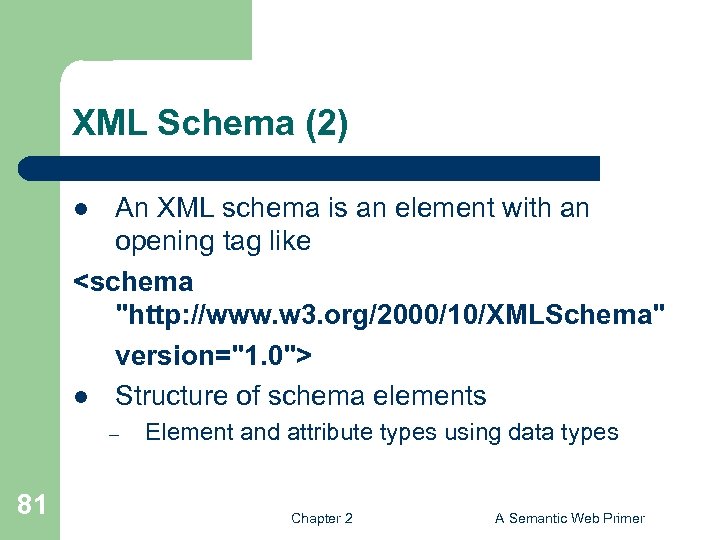
XML Schema (2) An XML schema is an element with an opening tag like <schema "http: //www. w 3. org/2000/10/XMLSchema" version="1. 0"> l Structure of schema elements l – 81 Element and attribute types using data types Chapter 2 A Semantic Web Primer
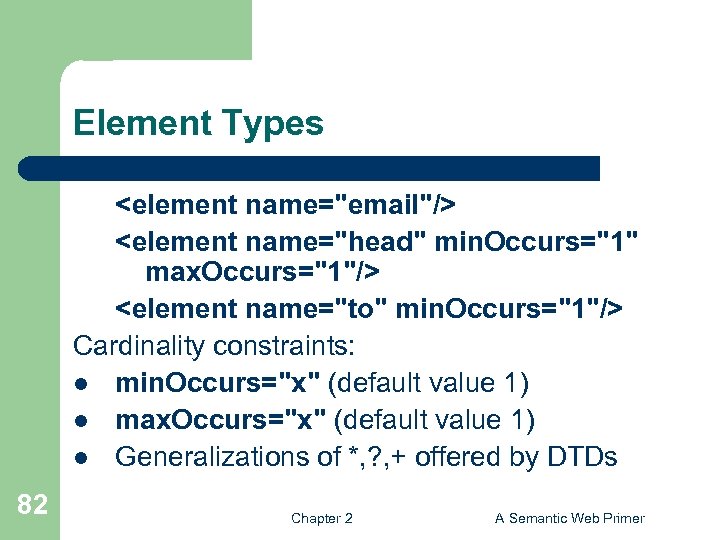
Element Types <element name="email"/> <element name="head" min. Occurs="1" max. Occurs="1"/> <element name="to" min. Occurs="1"/> Cardinality constraints: l min. Occurs="x" (default value 1) l max. Occurs="x" (default value 1) l Generalizations of *, ? , + offered by DTDs 82 Chapter 2 A Semantic Web Primer
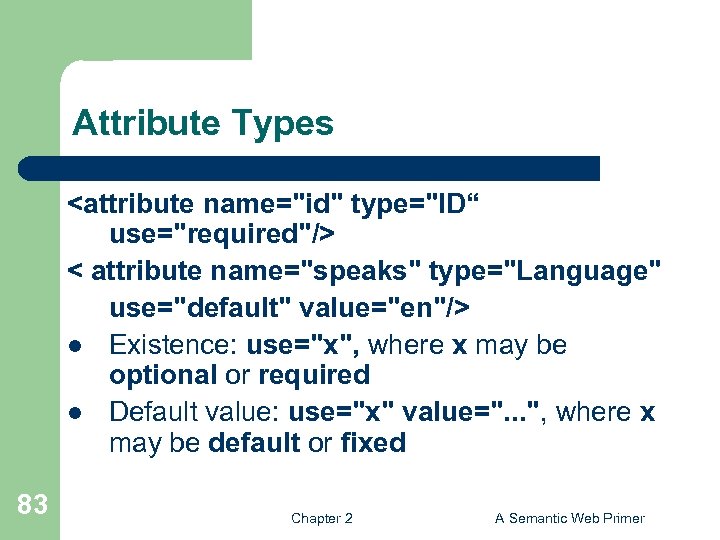
Attribute Types <attribute name="id" type="ID“ use="required"/> < attribute name="speaks" type="Language" use="default" value="en"/> l Existence: use="x", where x may be optional or required l Default value: use="x" value=". . . ", where x may be default or fixed 83 Chapter 2 A Semantic Web Primer
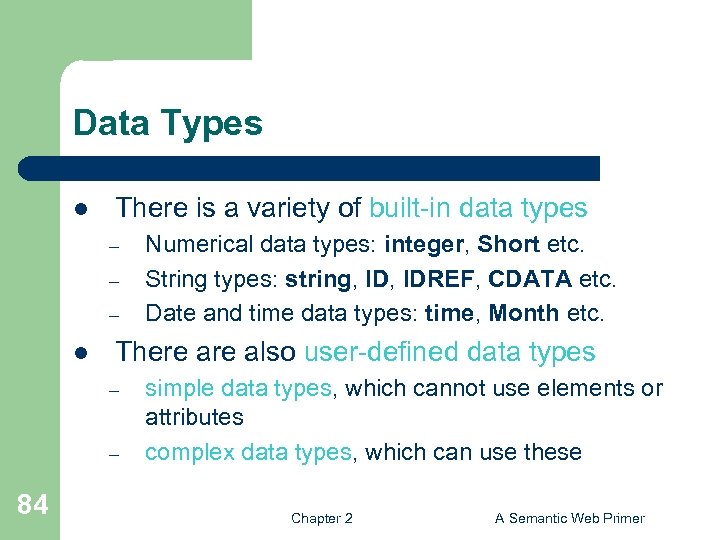
Data Types l There is a variety of built-in data types – – – l There also user-defined data types – – 84 Numerical data types: integer, Short etc. String types: string, IDREF, CDATA etc. Date and time data types: time, Month etc. simple data types, which cannot use elements or attributes complex data types, which can use these Chapter 2 A Semantic Web Primer
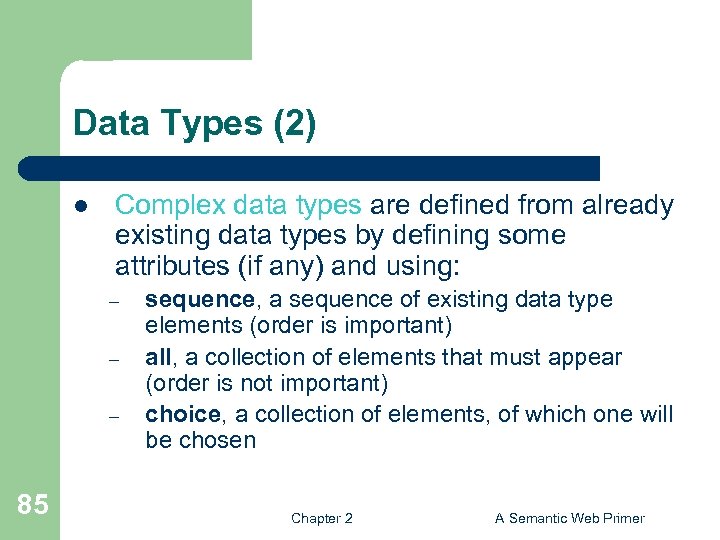
Data Types (2) l Complex data types are defined from already existing data types by defining some attributes (if any) and using: – – – 85 sequence, a sequence of existing data type elements (order is important) all, a collection of elements that must appear (order is not important) choice, a collection of elements, of which one will be chosen Chapter 2 A Semantic Web Primer
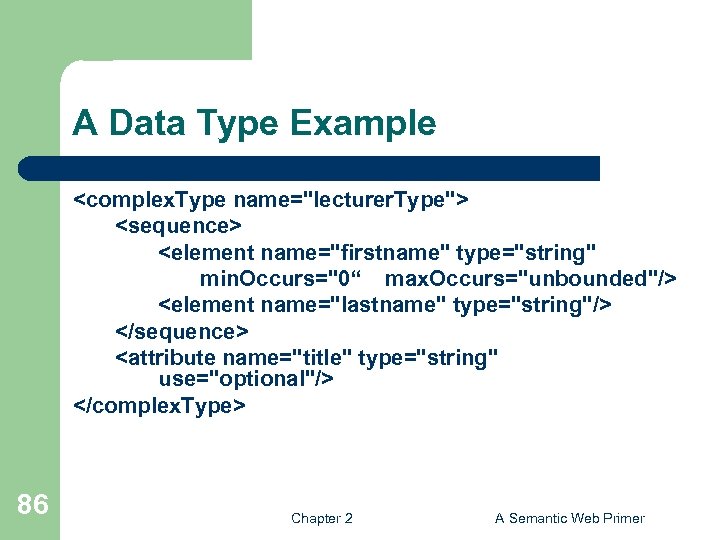
A Data Type Example <complex. Type name="lecturer. Type"> <sequence> <element name="firstname" type="string" min. Occurs="0“ max. Occurs="unbounded"/> <element name="lastname" type="string"/> </sequence> <attribute name="title" type="string" use="optional"/> </complex. Type> 86 Chapter 2 A Semantic Web Primer
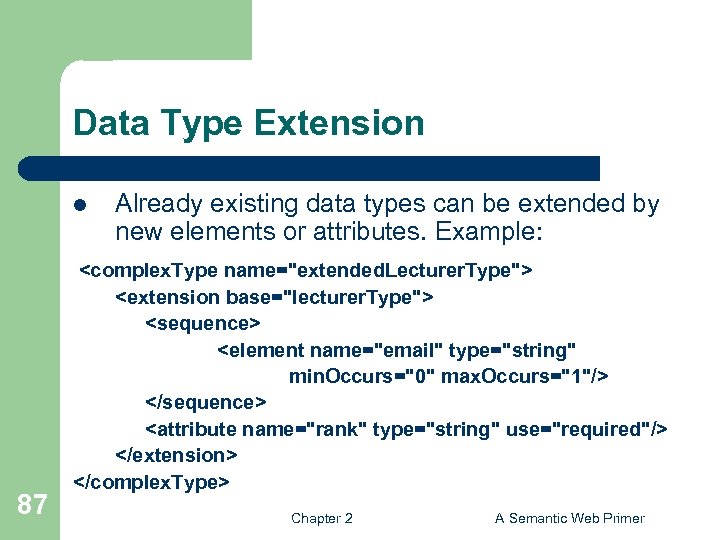
Data Type Extension l 87 Already existing data types can be extended by new elements or attributes. Example: <complex. Type name="extended. Lecturer. Type"> <extension base="lecturer. Type"> <sequence> <element name="email" type="string" min. Occurs="0" max. Occurs="1"/> </sequence> <attribute name="rank" type="string" use="required"/> </extension> </complex. Type> Chapter 2 A Semantic Web Primer
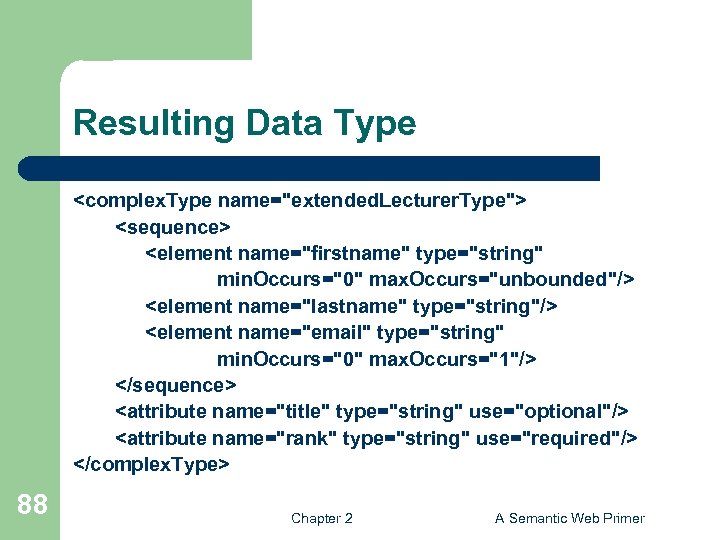
Resulting Data Type <complex. Type name="extended. Lecturer. Type"> <sequence> <element name="firstname" type="string" min. Occurs="0" max. Occurs="unbounded"/> <element name="lastname" type="string"/> <element name="email" type="string" min. Occurs="0" max. Occurs="1"/> </sequence> <attribute name="title" type="string" use="optional"/> <attribute name="rank" type="string" use="required"/> </complex. Type> 88 Chapter 2 A Semantic Web Primer
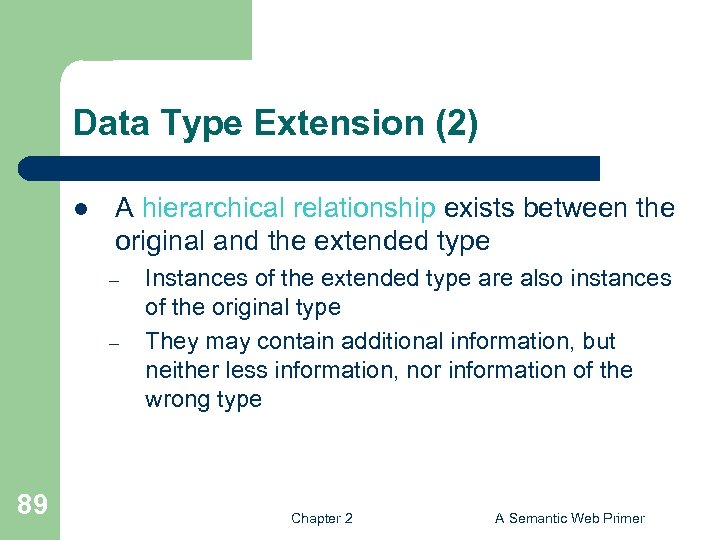
Data Type Extension (2) l A hierarchical relationship exists between the original and the extended type – – 89 Instances of the extended type are also instances of the original type They may contain additional information, but neither less information, nor information of the wrong type Chapter 2 A Semantic Web Primer
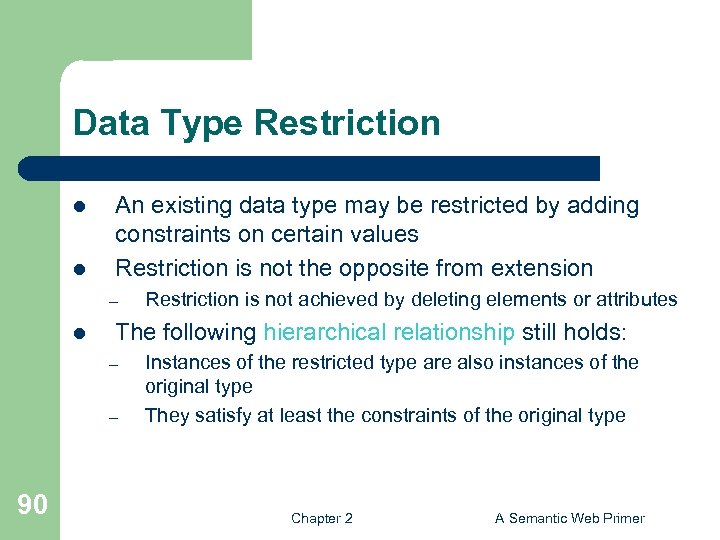
Data Type Restriction l l An existing data type may be restricted by adding constraints on certain values Restriction is not the opposite from extension – l The following hierarchical relationship still holds: – – 90 Restriction is not achieved by deleting elements or attributes Instances of the restricted type are also instances of the original type They satisfy at least the constraints of the original type Chapter 2 A Semantic Web Primer
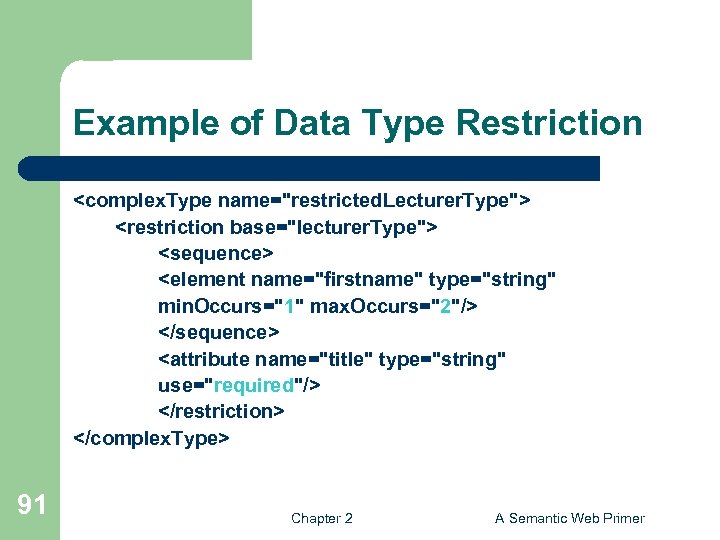
Example of Data Type Restriction <complex. Type name="restricted. Lecturer. Type"> <restriction base="lecturer. Type"> <sequence> <element name="firstname" type="string" min. Occurs="1" max. Occurs="2"/> </sequence> <attribute name="title" type="string" use="required"/> </restriction> </complex. Type> 91 Chapter 2 A Semantic Web Primer
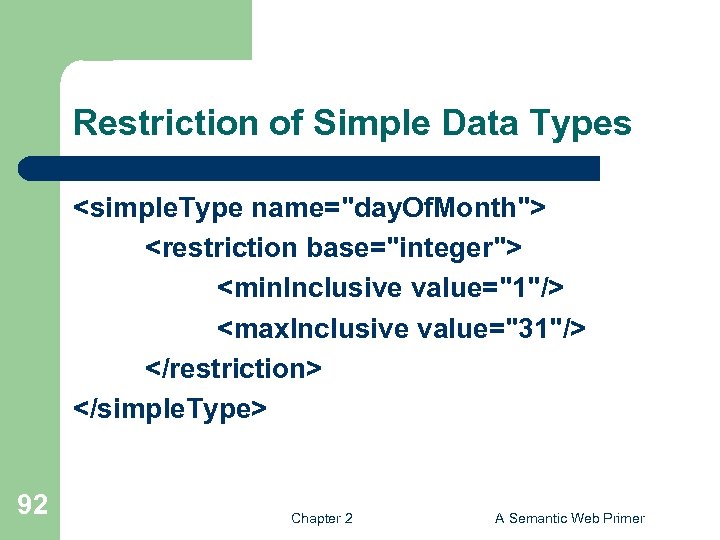
Restriction of Simple Data Types <simple. Type name="day. Of. Month"> <restriction base="integer"> <min. Inclusive value="1"/> <max. Inclusive value="31"/> </restriction> </simple. Type> 92 Chapter 2 A Semantic Web Primer
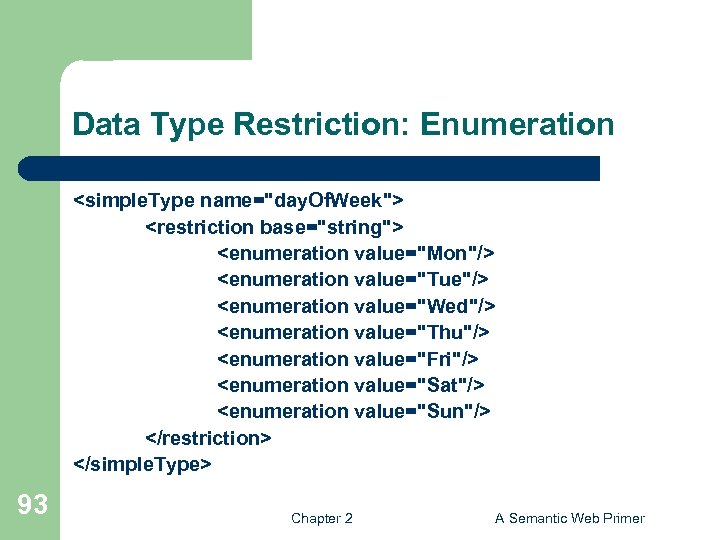
Data Type Restriction: Enumeration <simple. Type name="day. Of. Week"> <restriction base="string"> <enumeration value="Mon"/> <enumeration value="Tue"/> <enumeration value="Wed"/> <enumeration value="Thu"/> <enumeration value="Fri"/> <enumeration value="Sat"/> <enumeration value="Sun"/> </restriction> </simple. Type> 93 Chapter 2 A Semantic Web Primer
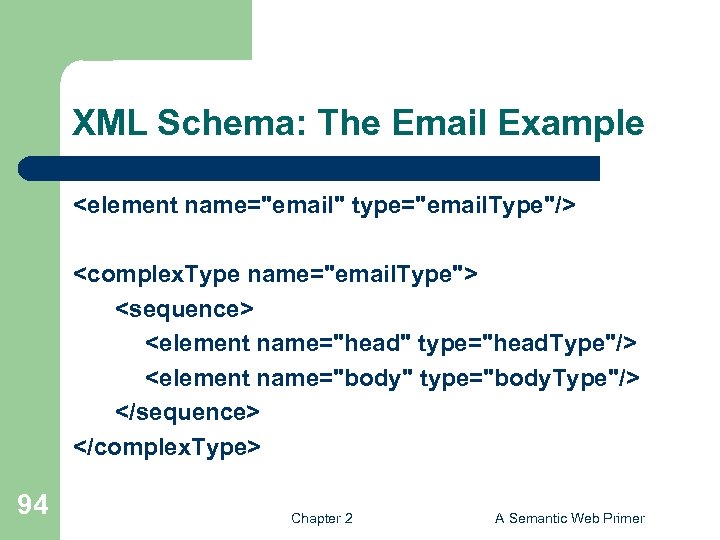
XML Schema: The Email Example <element name="email" type="email. Type"/> <complex. Type name="email. Type"> <sequence> <element name="head" type="head. Type"/> <element name="body" type="body. Type"/> </sequence> </complex. Type> 94 Chapter 2 A Semantic Web Primer
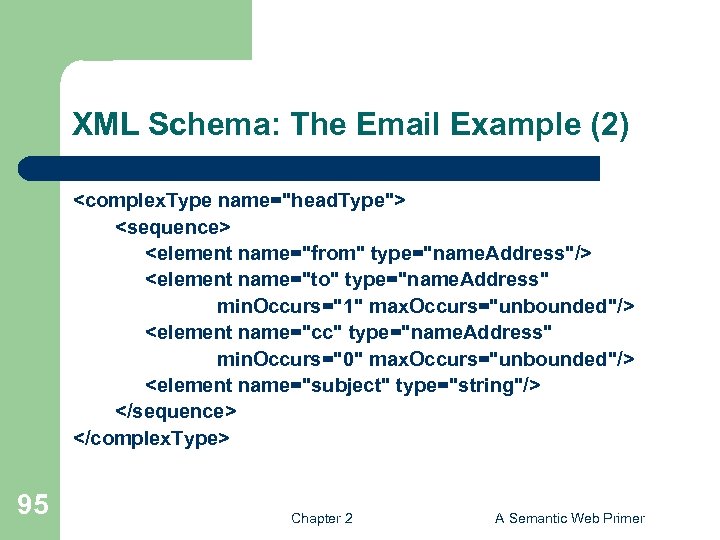
XML Schema: The Email Example (2) <complex. Type name="head. Type"> <sequence> <element name="from" type="name. Address"/> <element name="to" type="name. Address" min. Occurs="1" max. Occurs="unbounded"/> <element name="cc" type="name. Address" min. Occurs="0" max. Occurs="unbounded"/> <element name="subject" type="string"/> </sequence> </complex. Type> 95 Chapter 2 A Semantic Web Primer
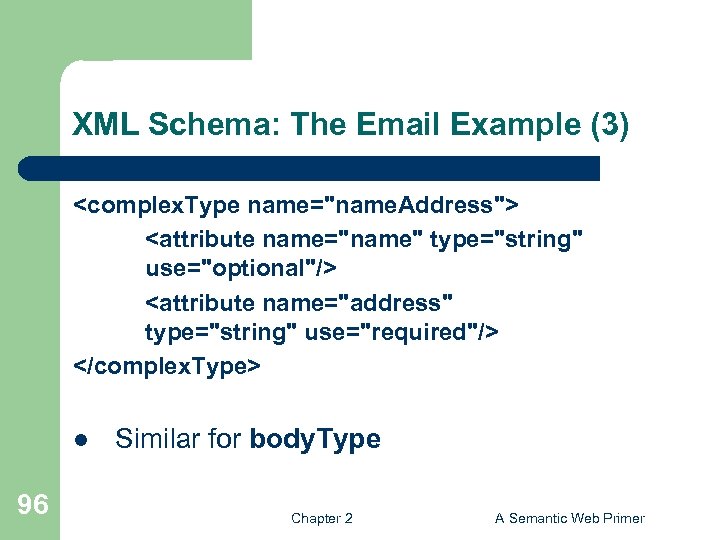
XML Schema: The Email Example (3) <complex. Type name="name. Address"> <attribute name="name" type="string" use="optional"/> <attribute name="address" type="string" use="required"/> </complex. Type> l 96 Similar for body. Type Chapter 2 A Semantic Web Primer
Lecture Outline 1. 2. 3. Introduction Detailed Description of XML Structuring a) b) 4. 5. 6. 97 DTDs XML Schema Namespaces Accessing, querying XML documents: XPath Transformations: XSLT Chapter 2 A Semantic Web Primer
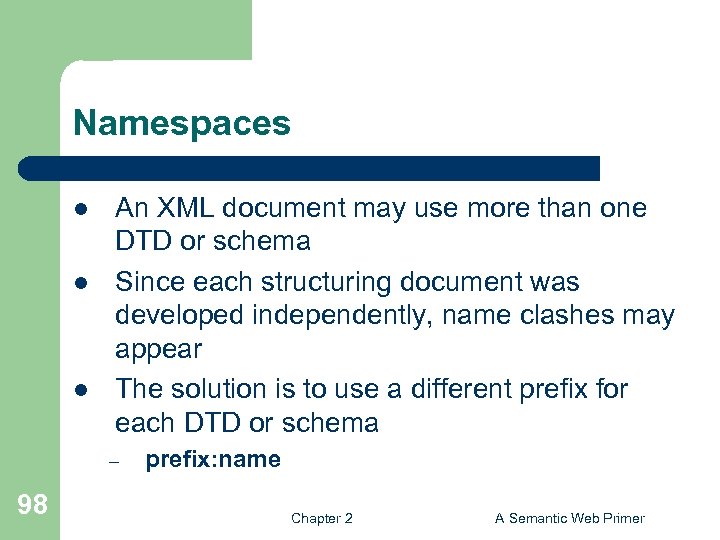
Namespaces l l l An XML document may use more than one DTD or schema Since each structuring document was developed independently, name clashes may appear The solution is to use a different prefix for each DTD or schema – 98 prefix: name Chapter 2 A Semantic Web Primer
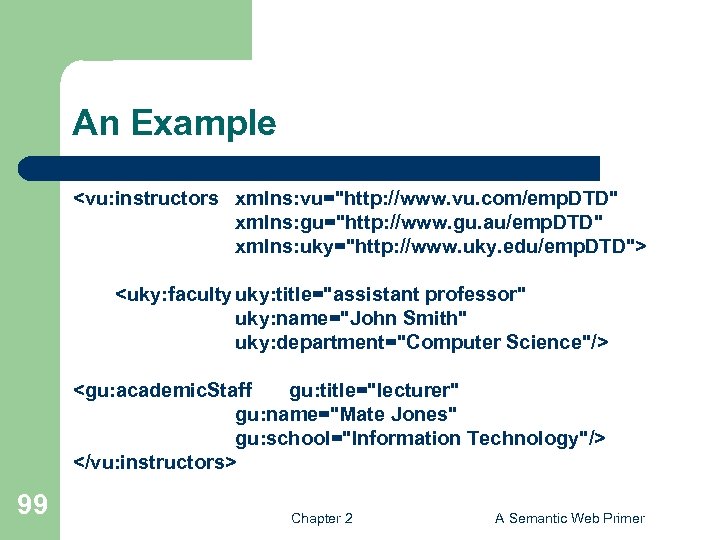
An Example <vu: instructors xmlns: vu="http: //www. vu. com/emp. DTD" xmlns: gu="http: //www. gu. au/emp. DTD" xmlns: uky="http: //www. uky. edu/emp. DTD"> <uky: faculty uky: title="assistant professor" uky: name="John Smith" uky: department="Computer Science"/> <gu: academic. Staff gu: title="lecturer" gu: name="Mate Jones" gu: school="Information Technology"/> </vu: instructors> 99 Chapter 2 A Semantic Web Primer
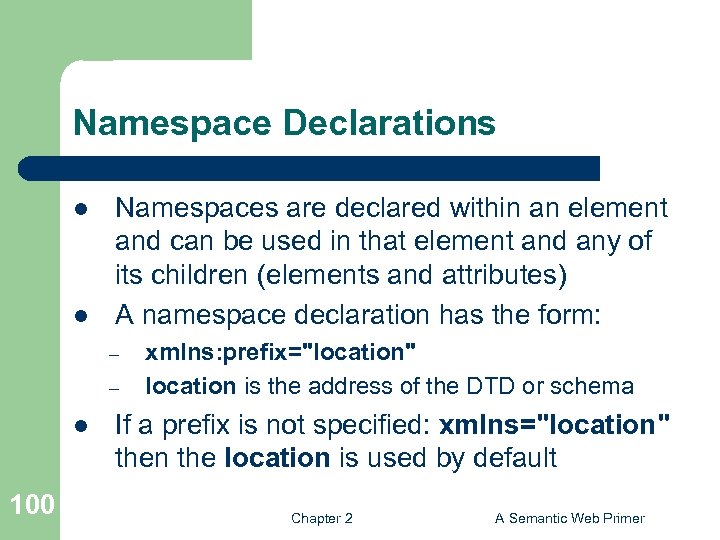
Namespace Declarations l l Namespaces are declared within an element and can be used in that element and any of its children (elements and attributes) A namespace declaration has the form: – – l 100 xmlns: prefix="location" location is the address of the DTD or schema If a prefix is not specified: xmlns="location" then the location is used by default Chapter 2 A Semantic Web Primer
Lecture Outline 1. 2. 3. Introduction Detailed Description of XML Structuring a) b) 4. 5. 6. 101 DTDs XML Schema Namespaces Accessing, querying XML documents: XPath Transformations: XSLT Chapter 2 A Semantic Web Primer
Addressing and Querying XML Documents l In relational databases, parts of a database can be selected and retrieved using SQL – – l The central concept of XML query languages is a path expression – 102 Same necessary for XML documents Query languages: XQuery, XQL, XML-QL Specifies how a node or a set of nodes, in the tree representation of the XML document can be reached Chapter 2 A Semantic Web Primer
XPath l l XPath is core for XML query languages Language for addressing parts of an XML document. – – 103 It operates on the tree data model of XML It has a non-XML syntax Chapter 2 A Semantic Web Primer
Types of Path Expressions l Absolute (starting at the root of the tree) – – l 104 Syntactically they begin with the symbol / It refers to the root of the document (situated one level above the root element of the document) Relative to a context node Chapter 2 A Semantic Web Primer
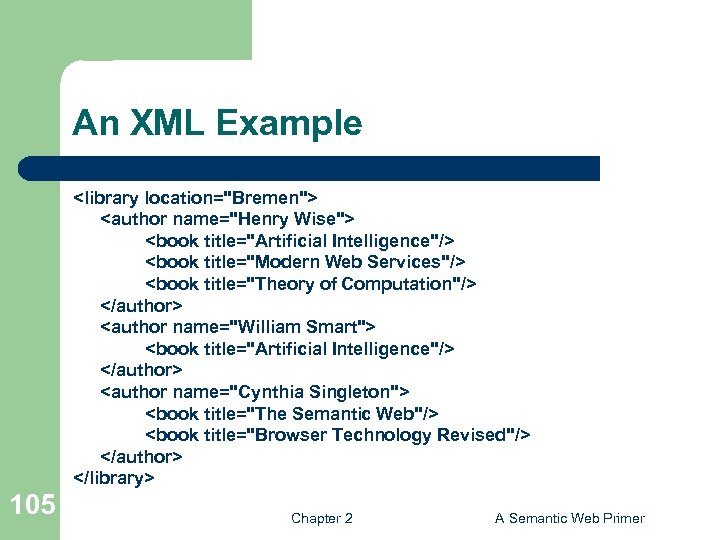
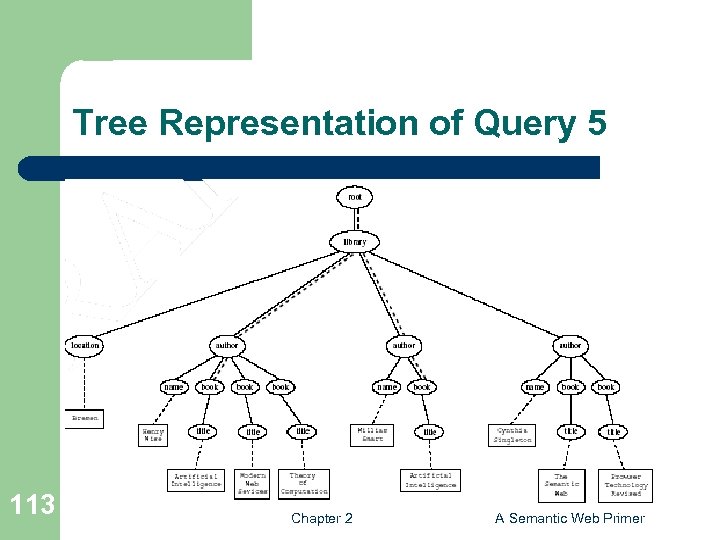
An XML Example <library location="Bremen"> <author name="Henry Wise"> <book title="Artificial Intelligence"/> <book title="Modern Web Services"/> <book title="Theory of Computation"/> </author> <author name="William Smart"> <book title="Artificial Intelligence"/> </author> <author name="Cynthia Singleton"> <book title="The Semantic Web"/> <book title="Browser Technology Revised"/> </author> </library> 105 Chapter 2 A Semantic Web Primer
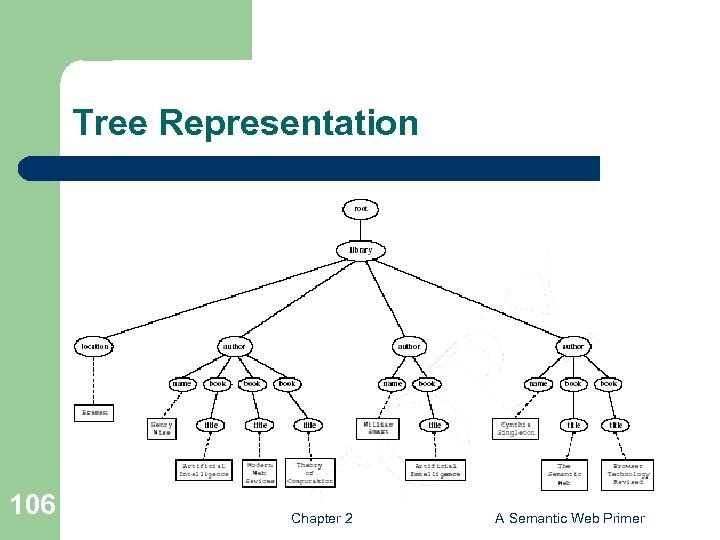
Tree Representation 106 Chapter 2 A Semantic Web Primer
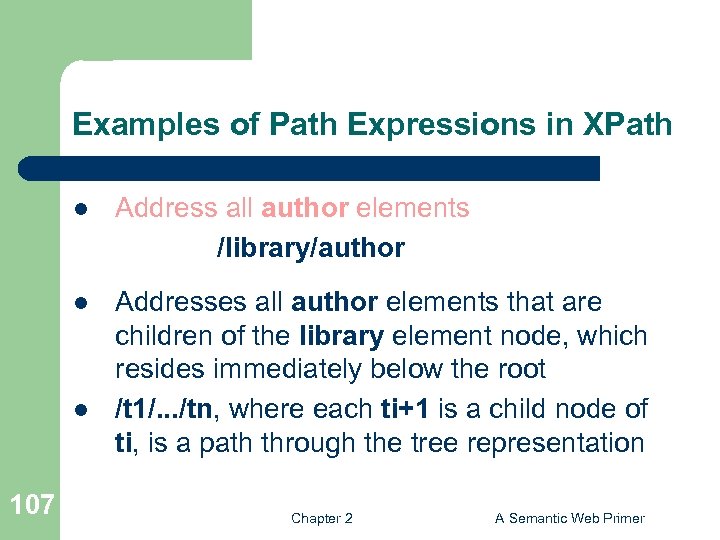
Examples of Path Expressions in XPath l Address all author elements /library/author l Addresses all author elements that are children of the library element node, which resides immediately below the root /t 1/. . . /tn, where each ti+1 is a child node of ti, is a path through the tree representation l 107 Chapter 2 A Semantic Web Primer
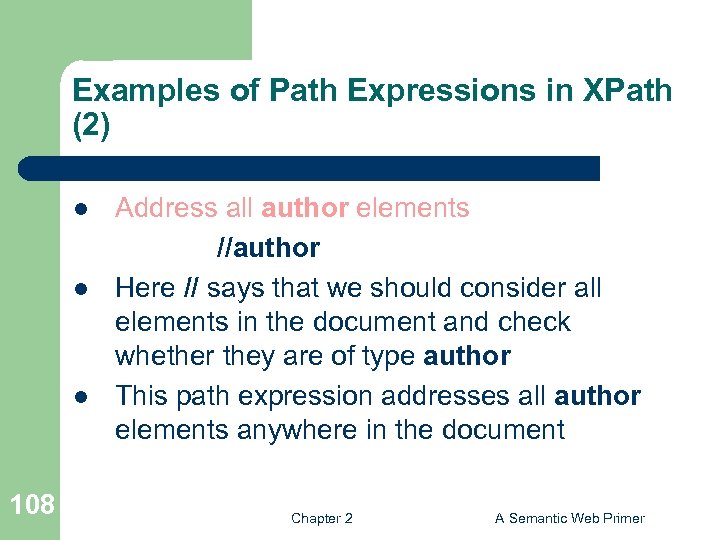
Examples of Path Expressions in XPath (2) l l l 108 Address all author elements //author Here // says that we should consider all elements in the document and check whether they are of type author This path expression addresses all author elements anywhere in the document Chapter 2 A Semantic Web Primer
Examples of Path Expressions in XPath (3) l l 109 Address the location attribute nodes within library element nodes /library/@location The symbol @ is used to denote attribute nodes Chapter 2 A Semantic Web Primer
Examples of Path Expressions in XPath (4) l 110 Address all title attribute nodes within book elements anywhere in the document, which have the value “Artificial Intelligence” //book/@title="Artificial Intelligence" Chapter 2 A Semantic Web Primer
Examples of Path Expressions in XPath (5) l l Address all books with title “Artificial Intelligence” /book[@title="Artificial Intelligence"] Test within square brackets: a filter expression – l Difference with query 4. – – 111 It restricts the set of addressed nodes. Query 5 addresses book elements, the title of which satisfies a certain condition. Query 4 collects title attribute nodes of book elements Chapter 2 A Semantic Web Primer
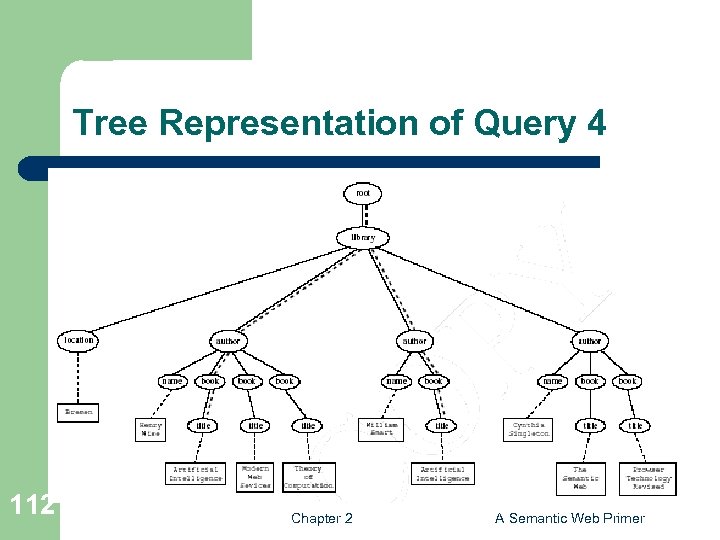
Tree Representation of Query 4 112 Chapter 2 A Semantic Web Primer
Tree Representation of Query 5 113 Chapter 2 A Semantic Web Primer
Examples of Path Expressions in XPath (6) l l l 114 Address the first author element node in the XML document //author[1] Address the last book element within the first author element node in the document //author[1]/book[last()] Address all book element nodes without a title attribute //book[not @title] Chapter 2 A Semantic Web Primer
General Form of Path Expressions l l A path expression consists of a series of steps, separated by slashes A step consists of – – – 115 An axis specifier, A node test, and An optional predicate Chapter 2 A Semantic Web Primer
General Form of Path Expressions (2) l An axis specifier determines the tree relationship between the nodes to be addressed and the context node – – 116 E. g. parent, ancestor, child (the default), sibling, attribute node // is such an axis specifier: descendant or self Chapter 2 A Semantic Web Primer
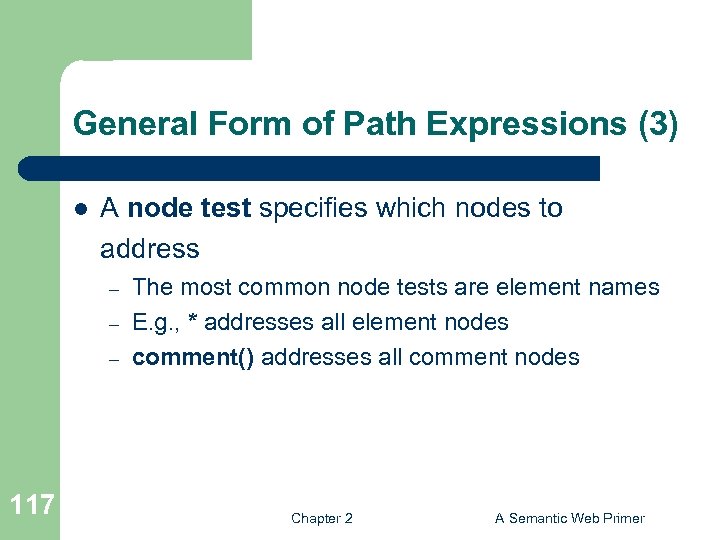
General Form of Path Expressions (3) l A node test specifies which nodes to address – – – 117 The most common node tests are element names E. g. , * addresses all element nodes comment() addresses all comment nodes Chapter 2 A Semantic Web Primer
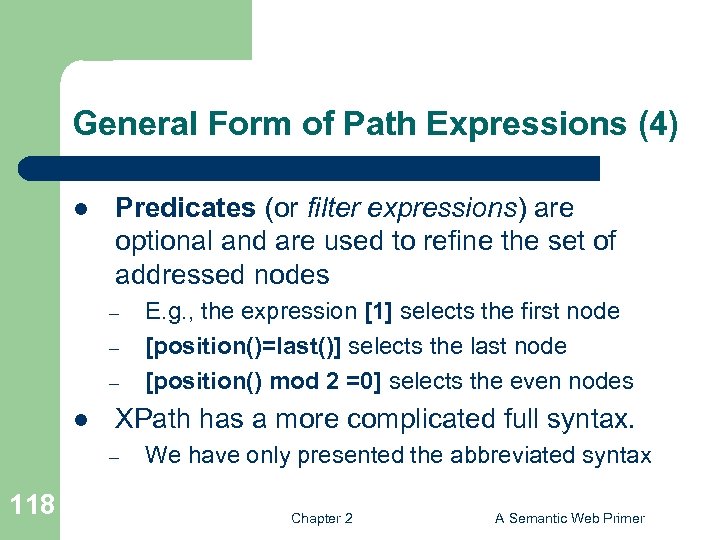
General Form of Path Expressions (4) l Predicates (or filter expressions) are optional and are used to refine the set of addressed nodes – – – l XPath has a more complicated full syntax. – 118 E. g. , the expression [1] selects the first node [position()=last()] selects the last node [position() mod 2 =0] selects the even nodes We have only presented the abbreviated syntax Chapter 2 A Semantic Web Primer
Lecture Outline 1. 2. 3. Introduction Detailed Description of XML Structuring a) b) 4. 5. 6. 119 DTDs XML Schema Namespaces Accessing, querying XML documents: XPath Transformations: XSLT Chapter 2 A Semantic Web Primer
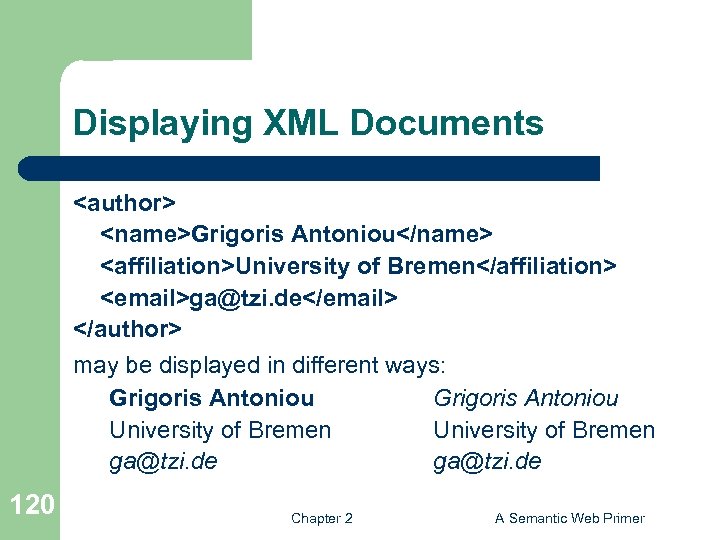
Displaying XML Documents <author> <name>Grigoris Antoniou</name> <affiliation>University of Bremen</affiliation> <email>ga@tzi. de</email> </author> may be displayed in different ways: Grigoris Antoniou University of Bremen ga@tzi. de 120 Chapter 2 A Semantic Web Primer
Style Sheets l Style sheets can be written in various languages – – l XSL includes – – – 121 E. g. CSS 2 (cascading style sheets level 2) XSL (extensible stylesheet language) a transformation language (XSLT) a formatting language Both are XML applications Chapter 2 A Semantic Web Primer
XSL Transformations (XSLT) l XSLT specifies rules with which an input XML document is transformed to – – – l l 122 another XML document an HTML document plain text The output document may use the same DTD or schema, or a completely different vocabulary XSLT can be used independently of the formatting language Chapter 2 A Semantic Web Primer
XSLT (2) l l 123 Move data and metadata from one XML representation to another XSLT is chosen when applications that use different DTDs or schemas need to communicate XSLT can be used for machine processing of content without any regard to displaying the information for people to read. In the following we use XSLT only to display XML documents Chapter 2 A Semantic Web Primer
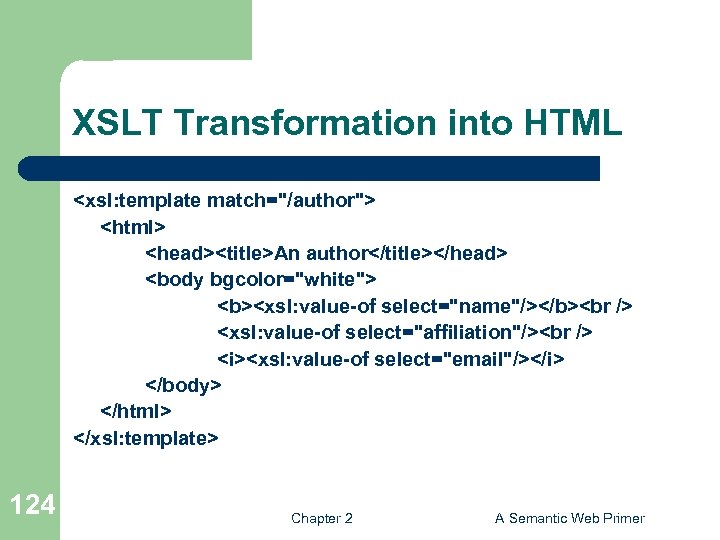
XSLT Transformation into HTML <xsl: template match="/author"> <html> <head><title>An author</title></head> <body bgcolor="white"> <b><xsl: value-of select="name"/></b> <xsl: value-of select="affiliation"/> <i><xsl: value-of select="email"/></i> </body> </html> </xsl: template> 124 Chapter 2 A Semantic Web Primer
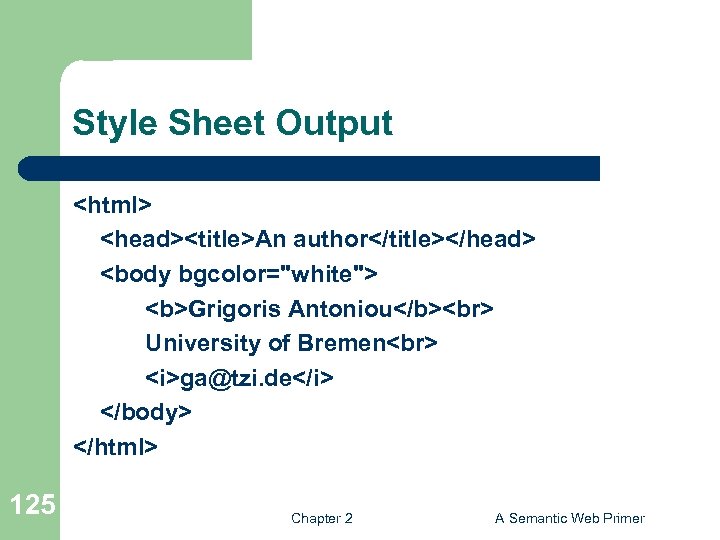
Style Sheet Output <html> <head><title>An author</title></head> <body bgcolor="white"> <b>Grigoris Antoniou</b> University of Bremen <i>ga@tzi. de</i> </body> </html> 125 Chapter 2 A Semantic Web Primer
Observations About XSLT l XSLT documents are XML documents – l The XSLT document defines a template – l In this case an HTML document, with some placeholders for content to be inserted xsl: value-of retrieves the value of an element and copies it into the output document – 126 XSLT resides on top of XML It places some content into the template Chapter 2 A Semantic Web Primer
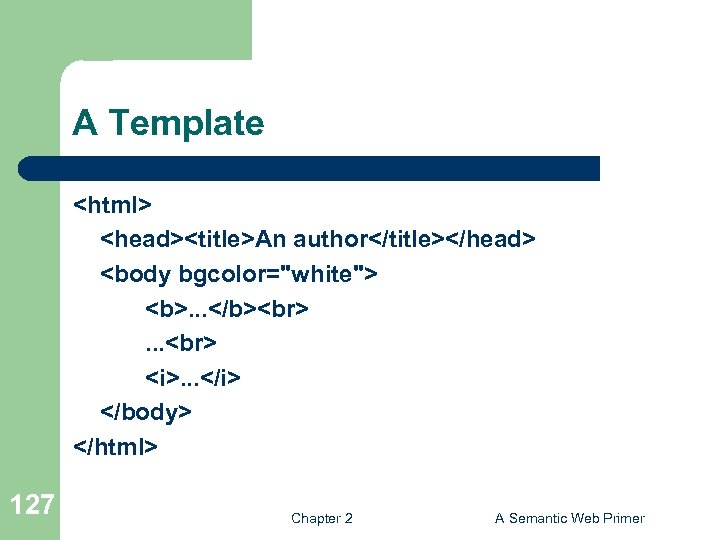
A Template <html> <head><title>An author</title></head> <body bgcolor="white"> <b>. . . </b> . . . <i>. . . </i> </body> </html> 127 Chapter 2 A Semantic Web Primer
Auxiliary Templates l l l 128 We have an XML document with details of several authors It is a waste of effort to treat each author element separately In such cases, a special template is defined for author elements, which is used by the main template Chapter 2 A Semantic Web Primer
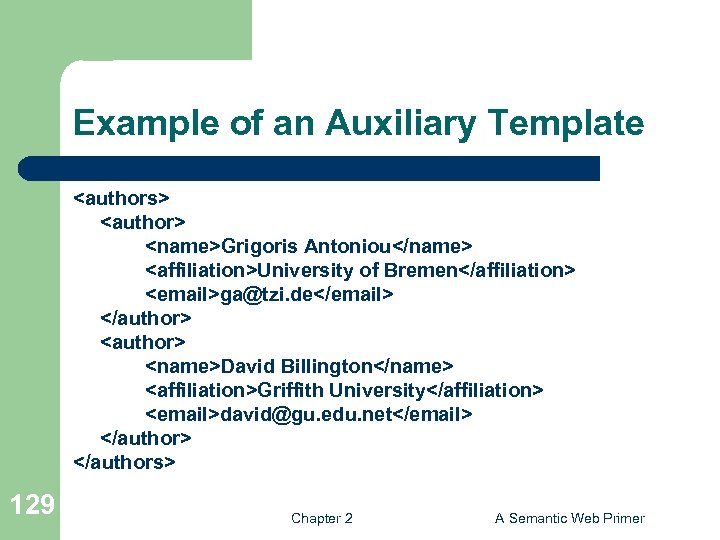
Example of an Auxiliary Template <authors> <author> <name>Grigoris Antoniou</name> <affiliation>University of Bremen</affiliation> <email>ga@tzi. de</email> </author> <name>David Billington</name> <affiliation>Griffith University</affiliation> <email>david@gu. edu. net</email> </authors> 129 Chapter 2 A Semantic Web Primer
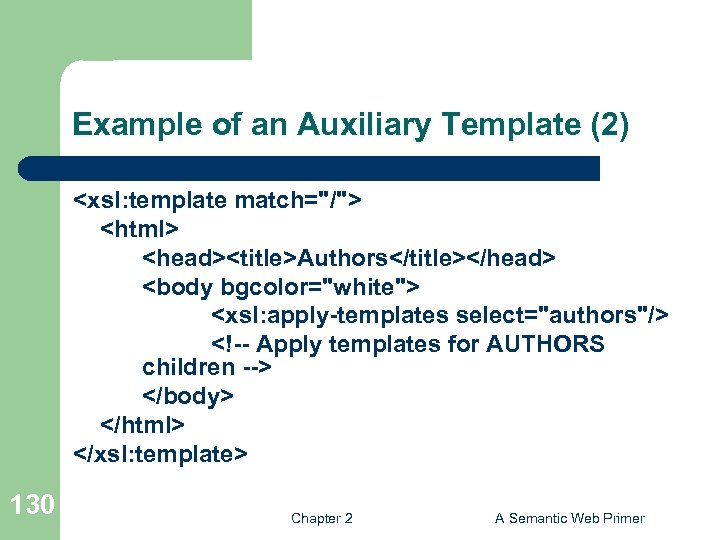
Example of an Auxiliary Template (2) <xsl: template match="/"> <html> <head><title>Authors</title></head> <body bgcolor="white"> <xsl: apply-templates select="authors"/> <!-- Apply templates for AUTHORS children --> </body> </html> </xsl: template> 130 Chapter 2 A Semantic Web Primer
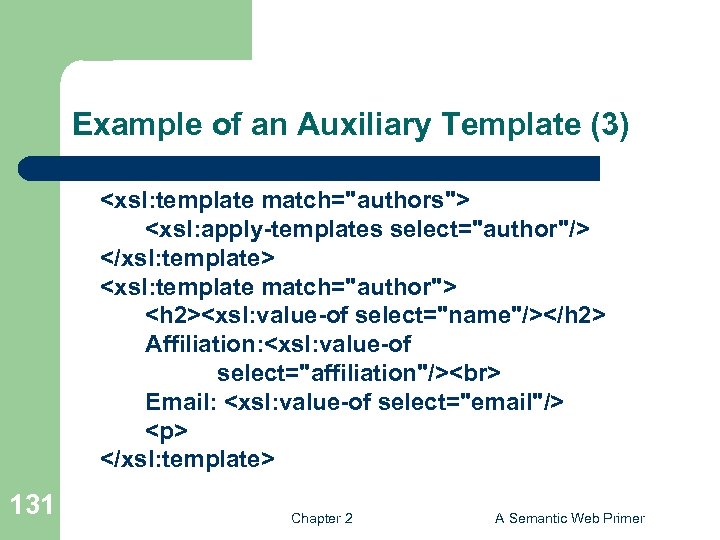
Example of an Auxiliary Template (3) <xsl: template match="authors"> <xsl: apply-templates select="author"/> </xsl: template> <xsl: template match="author"> <h 2><xsl: value-of select="name"/></h 2> Affiliation: <xsl: value-of select="affiliation"/> Email: <xsl: value-of select="email"/> <p> </xsl: template> 131 Chapter 2 A Semantic Web Primer
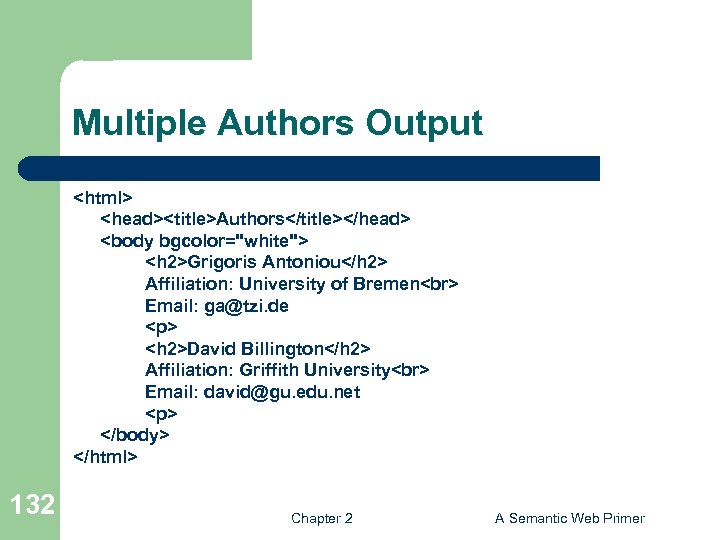
Multiple Authors Output <html> <head><title>Authors</title></head> <body bgcolor="white"> <h 2>Grigoris Antoniou</h 2> Affiliation: University of Bremen Email: ga@tzi. de <p> <h 2>David Billington</h 2> Affiliation: Griffith University Email: david@gu. edu. net <p> </body> </html> 132 Chapter 2 A Semantic Web Primer
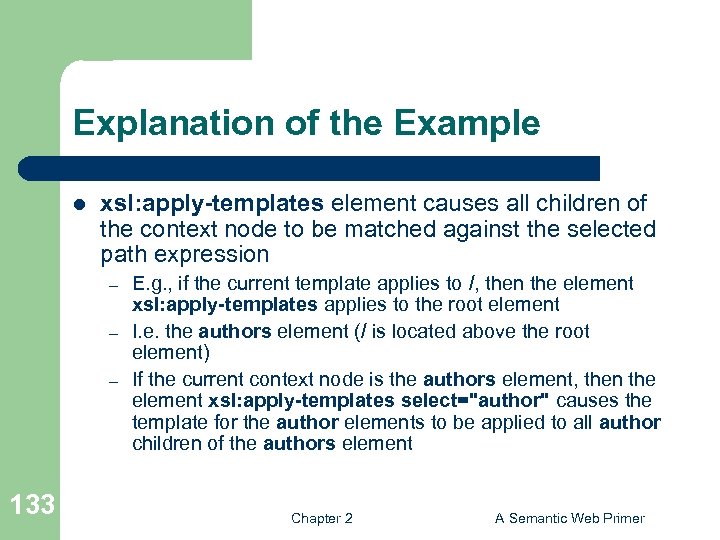
Explanation of the Example l xsl: apply-templates element causes all children of the context node to be matched against the selected path expression – – – 133 E. g. , if the current template applies to /, then the element xsl: apply-templates applies to the root element I. e. the authors element (/ is located above the root element) If the current context node is the authors element, then the element xsl: apply-templates select="author" causes the template for the author elements to be applied to all author children of the authors element Chapter 2 A Semantic Web Primer
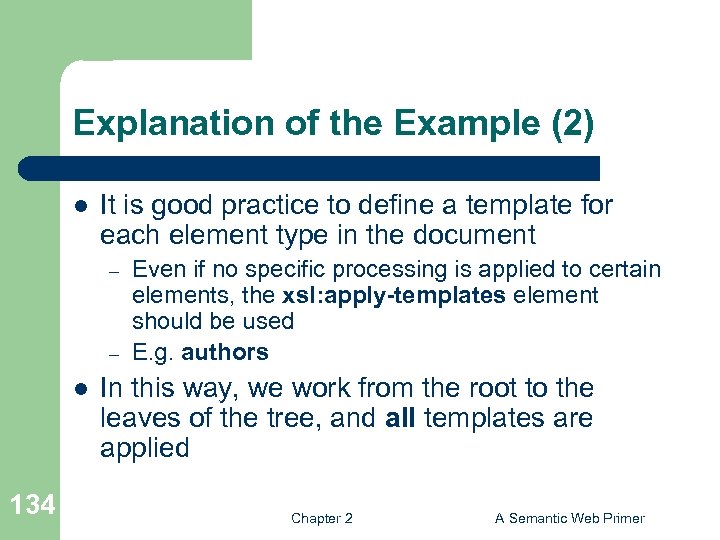
Explanation of the Example (2) l It is good practice to define a template for each element type in the document – – l 134 Even if no specific processing is applied to certain elements, the xsl: apply-templates element should be used E. g. authors In this way, we work from the root to the leaves of the tree, and all templates are applied Chapter 2 A Semantic Web Primer
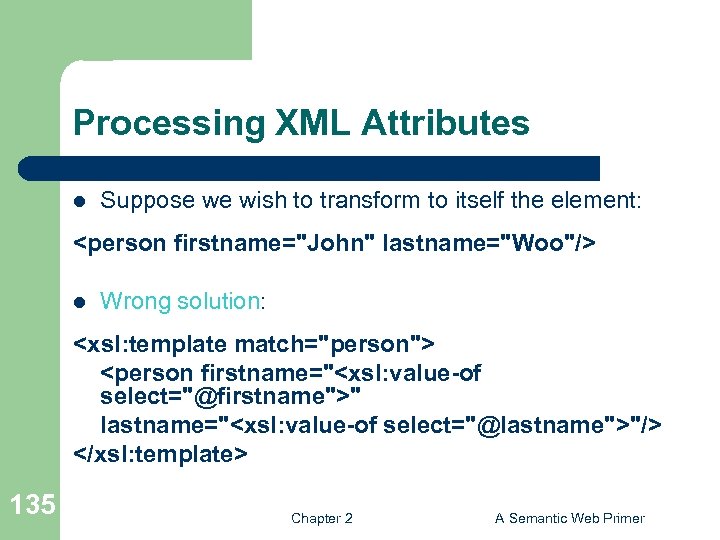
Processing XML Attributes l Suppose we wish to transform to itself the element: <person firstname="John" lastname="Woo"/> l Wrong solution: <xsl: template match="person"> <person firstname="<xsl: value-of select="@firstname">" lastname="<xsl: value-of select="@lastname">"/> </xsl: template> 135 Chapter 2 A Semantic Web Primer
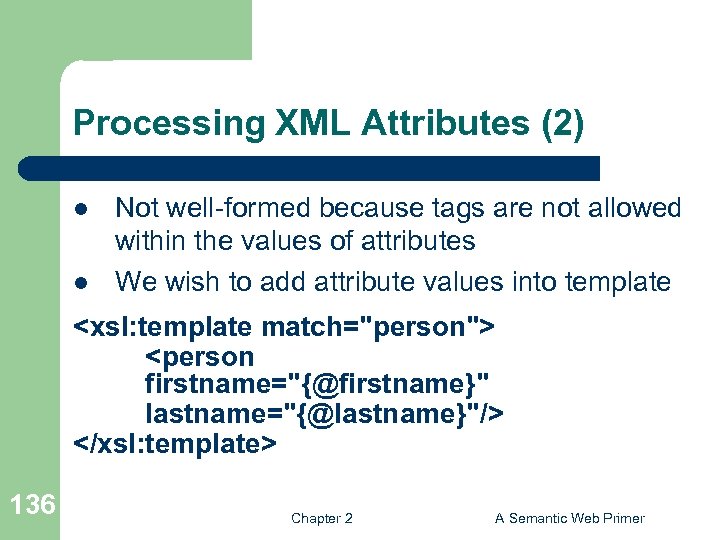
Processing XML Attributes (2) l l Not well-formed because tags are not allowed within the values of attributes We wish to add attribute values into template <xsl: template match="person"> <person firstname="{@firstname}" lastname="{@lastname}"/> </xsl: template> 136 Chapter 2 A Semantic Web Primer
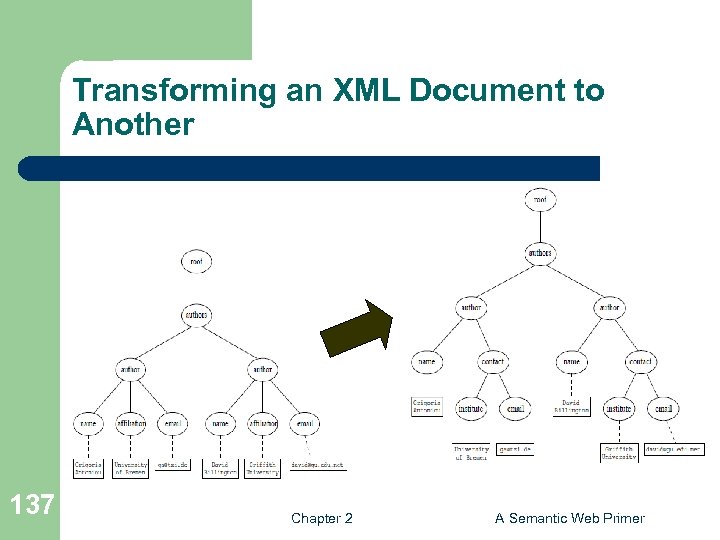
Transforming an XML Document to Another 137 Chapter 2 A Semantic Web Primer
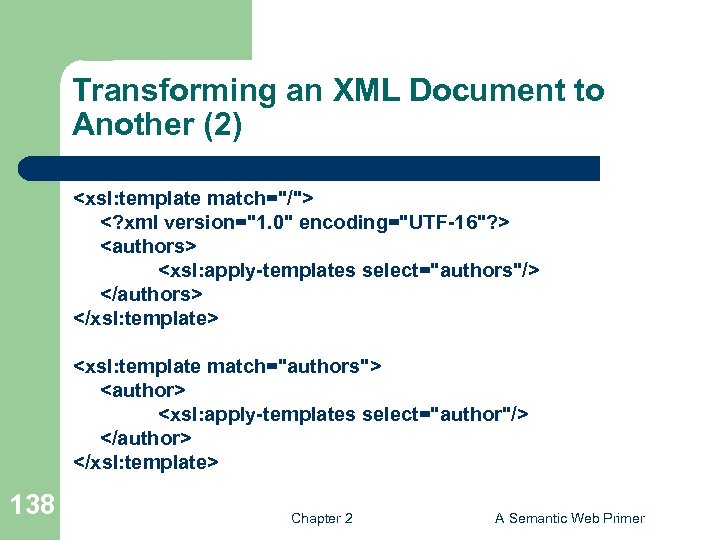
Transforming an XML Document to Another (2) <xsl: template match="/"> <? xml version="1. 0" encoding="UTF-16"? > <authors> <xsl: apply-templates select="authors"/> </authors> </xsl: template> <xsl: template match="authors"> <author> <xsl: apply-templates select="author"/> </author> </xsl: template> 138 Chapter 2 A Semantic Web Primer
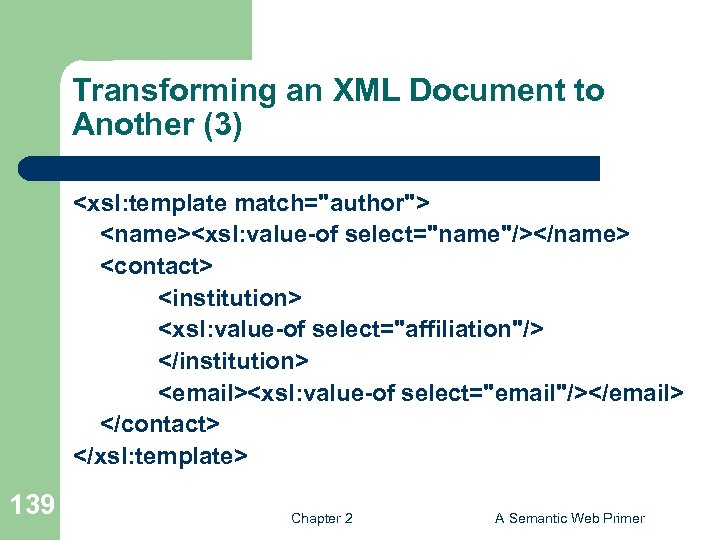
Transforming an XML Document to Another (3) <xsl: template match="author"> <name><xsl: value-of select="name"/></name> <contact> <institution> <xsl: value-of select="affiliation"/> </institution> <email><xsl: value-of select="email"/></email> </contact> </xsl: template> 139 Chapter 2 A Semantic Web Primer
Скачать презентацию The Semantic Web Vision Semantic Web Technologies
95a8094f1637ca6a30cbb2d15c18cc7b.ppt