


 Скачать презентацию The Networked Application Performance Lifecycle Specialists The
d8b93c433377eb6b8e41ca226ea525fa.ppt
- Количество слайдов: 37
 The Networked Application Performance Lifecycle ™ Specialists The Cloud: Should We Be Worried? WANs Satellite Networks Radio Networks Mobile Networks Presented by Frank Puranik frank. puranik@itrinegy. com Test Management Forum London – July 2010
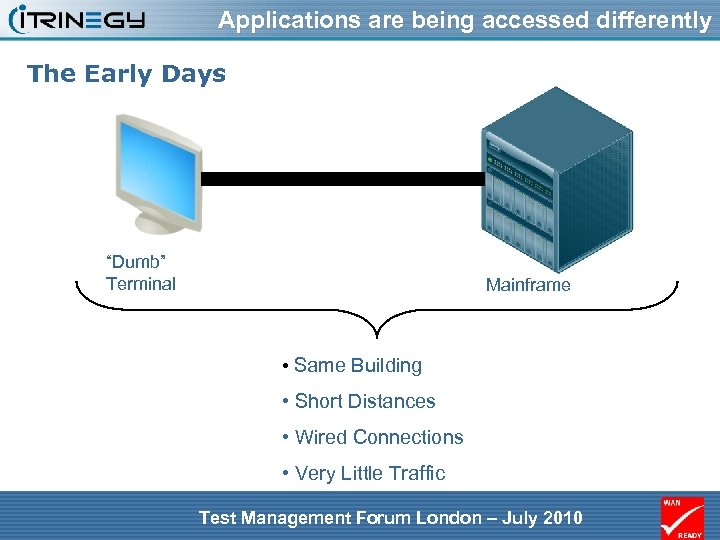 Applications are being accessed differently The Early Days “Dumb” Terminal Mainframe • Same Building • Short Distances • Wired Connections • Very Little Traffic Test Management Forum London – July 2010
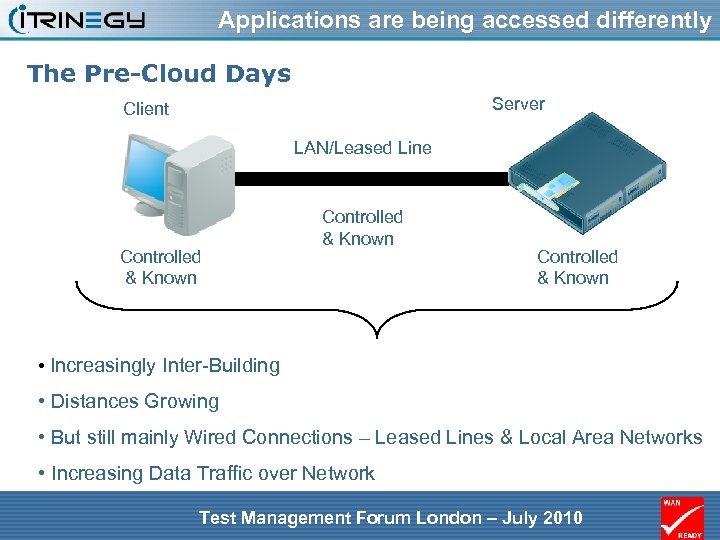 Applications are being accessed differently The Pre-Cloud Days Server Client LAN/Leased Line Controlled & Known • Increasingly Inter-Building • Distances Growing • But still mainly Wired Connections – Leased Lines & Local Area Networks • Increasing Data Traffic over Network Test Management Forum London – July 2010
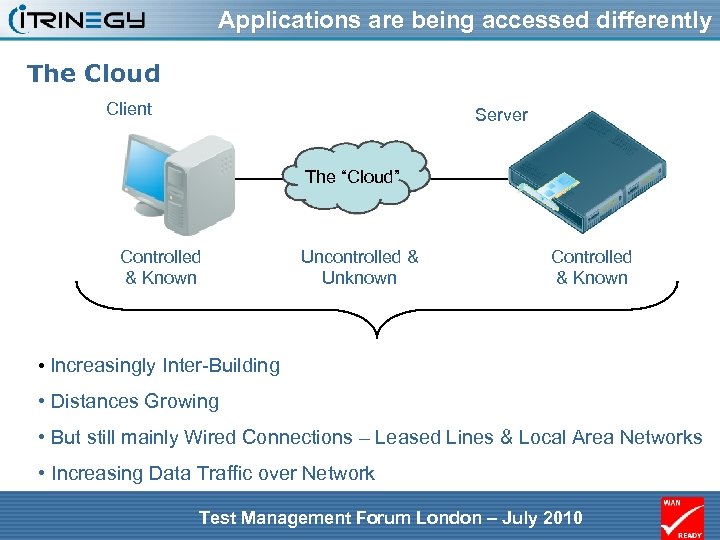 Applications are being accessed differently The Cloud Client Server The “Cloud” Controlled & Known Uncontrolled & Unknown Controlled & Known • Increasingly Inter-Building • Distances Growing • But still mainly Wired Connections – Leased Lines & Local Area Networks • Increasing Data Traffic over Network Test Management Forum London – July 2010
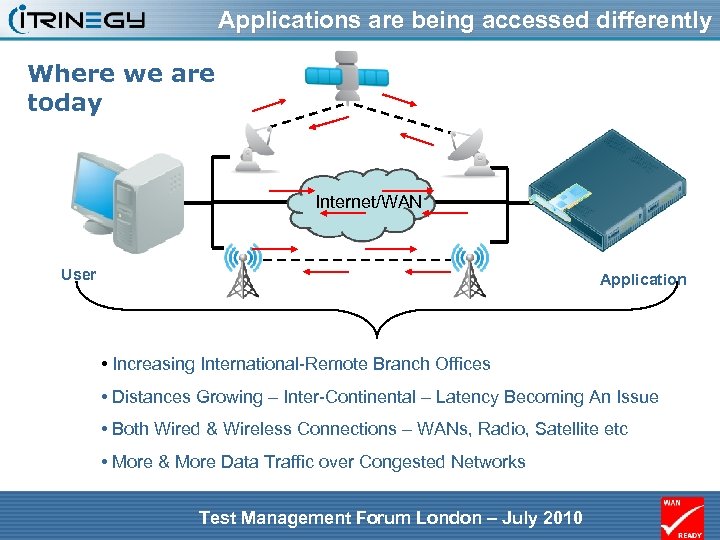 Applications are being accessed differently Where we are today Internet/WAN User Application • Increasing International-Remote Branch Offices • Distances Growing – Inter-Continental – Latency Becoming An Issue • Both Wired & Wireless Connections – WANs, Radio, Satellite etc • More & More Data Traffic over Congested Networks Test Management Forum London – July 2010
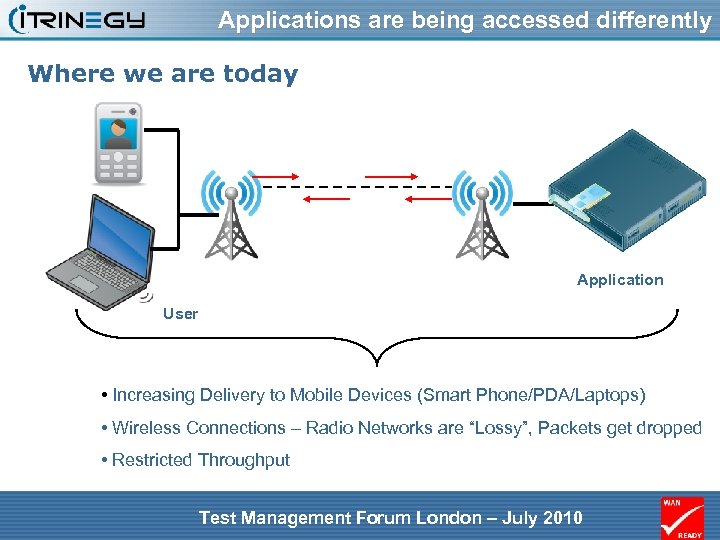 Applications are being accessed differently Where we are today Application User • Increasing Delivery to Mobile Devices (Smart Phone/PDA/Laptops) • Wireless Connections – Radio Networks are “Lossy”, Packets get dropped • Restricted Throughput Test Management Forum London – July 2010
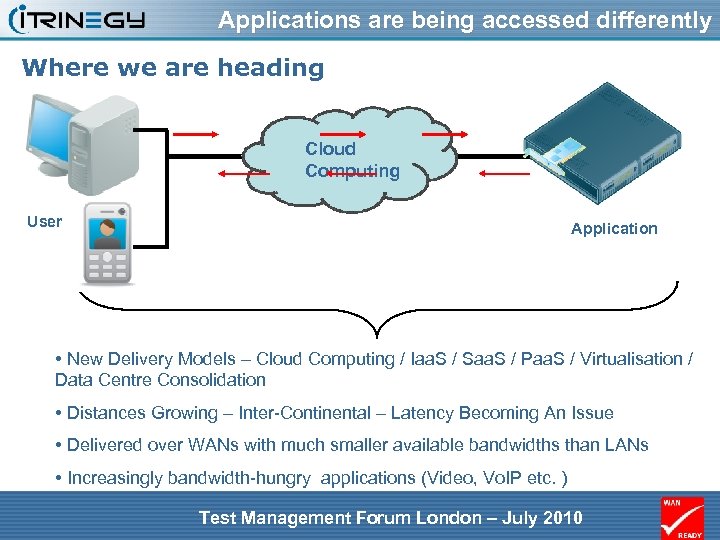 Applications are being accessed differently Where we are heading Cloud Computing User Application • New Delivery Models – Cloud Computing / Iaa. S / Saa. S / Paa. S / Virtualisation / Data Centre Consolidation • Distances Growing – Inter-Continental – Latency Becoming An Issue • Delivered over WANs with much smaller available bandwidths than LANs • Increasingly bandwidth-hungry applications (Video, Vo. IP etc. ) Test Management Forum London – July 2010
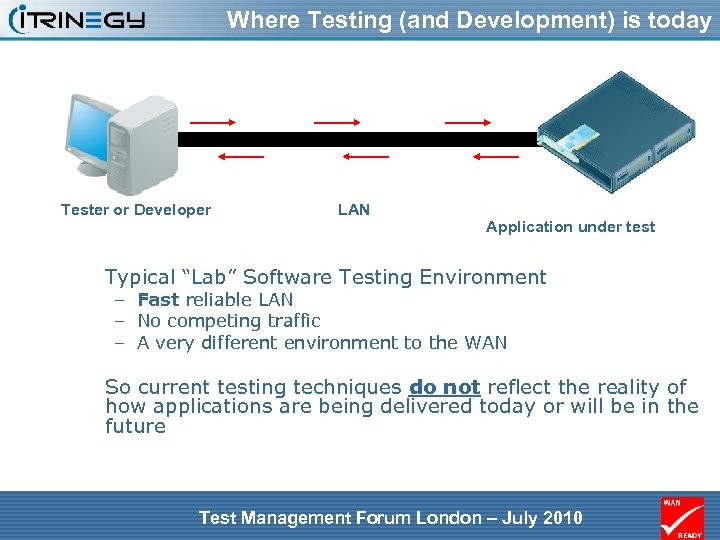 Where Testing (and Development) is today Tester or Developer LAN Application under test Typical “Lab” Software Testing Environment – Fast reliable LAN – No competing traffic – A very different environment to the WAN So current testing techniques do not reflect the reality of how applications are being delivered today or will be in the future Test Management Forum London – July 2010
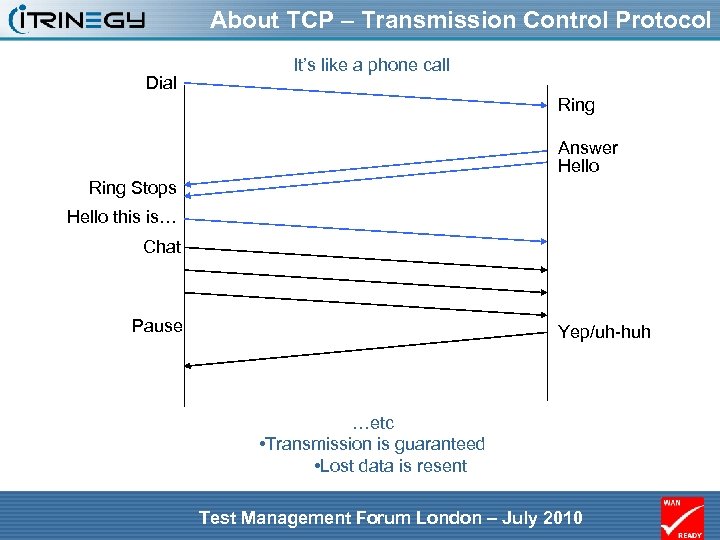 About TCP – Transmission Control Protocol Dial It’s like a phone call Ring Answer Hello Ring Stops Hello this is… Chat Pause Yep/uh-huh …etc • Transmission is guaranteed • Lost data is resent Test Management Forum London – July 2010
 About UDP – User Datagram Protocol • It’s just like sending “text” messages • You don’t know they’ve arrived • Though you can send your own acknowledgement UDPs (manually) – Just like texts Test Management Forum London – July 2010
 Choice of TCP vs UDP • So why use UDP? Because: – the data you’re sending is not critical (a regular status report – you’ll send another shortly) – the data you’re sending is real time (if it was resent it would be too late) – all that waiting for acknowledgements and retransmission takes too long • And why use TCP? Because: – It matters that the data you sent arrives safely – It’s not real time or overly time critical Test Management Forum London – July 2010
 Application Protocols Using UDP • Vo. IP (Voice over IP - voice only) • Live Video over IP • Streaming radio • On-line games • Telemetry Test Management Forum London – July 2010
 Application Protocols Using TCP • • • http and https (Web access) ftp (file transfer) smtp (email exchange) pop 3 (email download from “post office”) Microsoft DS (operations on file shares) Vo. IP (Voice over IP - call setup only) • Most Custom client/server applications Test Management Forum London – July 2010
 Both of these are affected by the Network • Insufficient Bandwidth – UDP: cannot send – data lost – TCP: transmission slows down - resends • Delay – UDP: too much delay and data is not “live” – TCP: transmission slows down • Loss (Errors) – UDP: data lost – sound/picture breaks up – TCP: transmission slows down - resends Test Management Forum London – July 2010
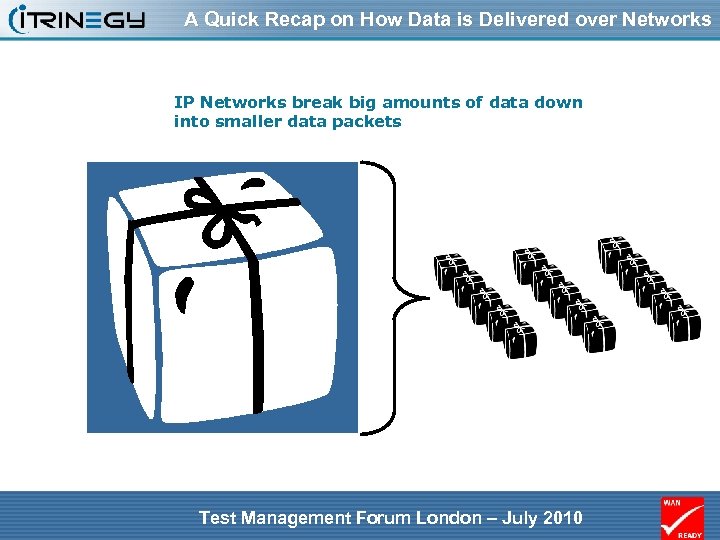 A Quick Recap on How Data is Delivered over Networks IP Networks break big amounts of data down into smaller data packets Test Management Forum London – July 2010
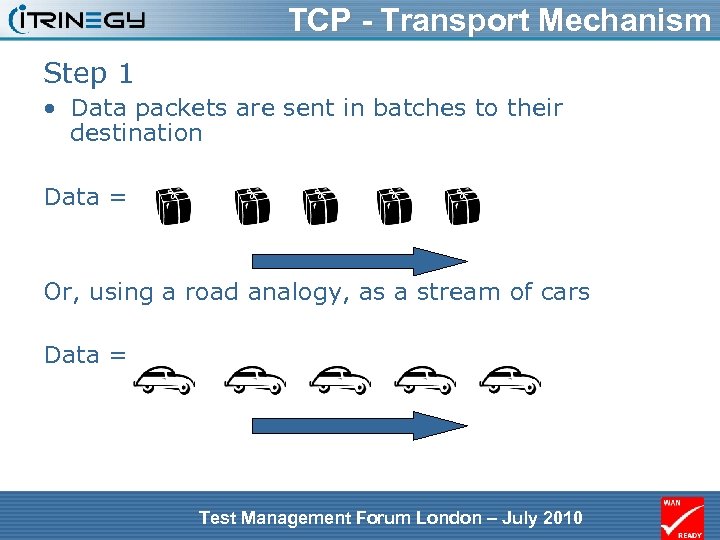 TCP - Transport Mechanism Step 1 • Data packets are sent in batches to their destination Data = Or, using a road analogy, as a stream of cars Data = Test Management Forum London – July 2010
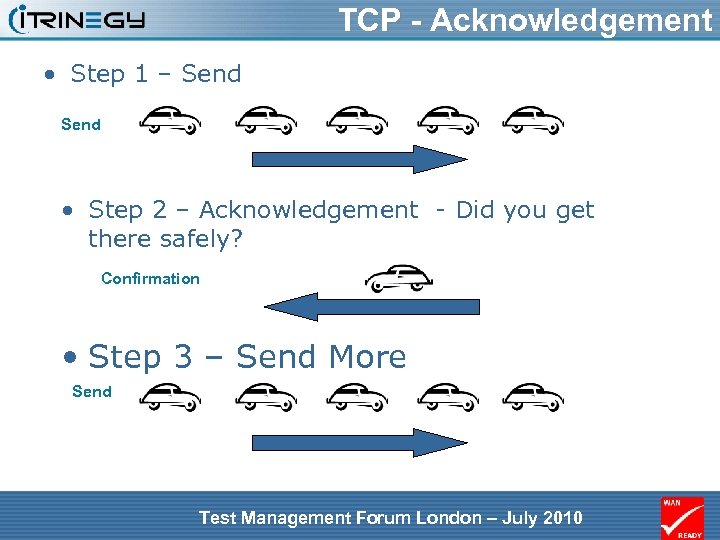 TCP - Acknowledgement • Step 1 – Send • Step 2 – Acknowledgement - Did you get there safely? Confirmation • Step 3 – Send More Send Test Management Forum London – July 2010
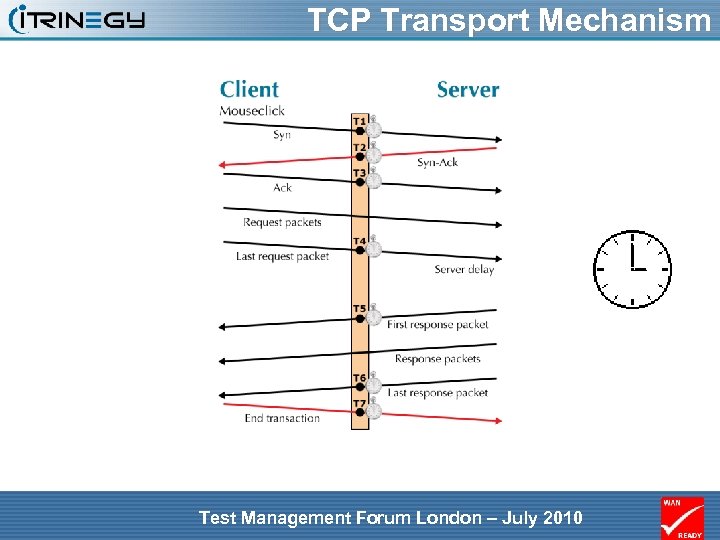 TCP Transport Mechanism Test Management Forum London – July 2010
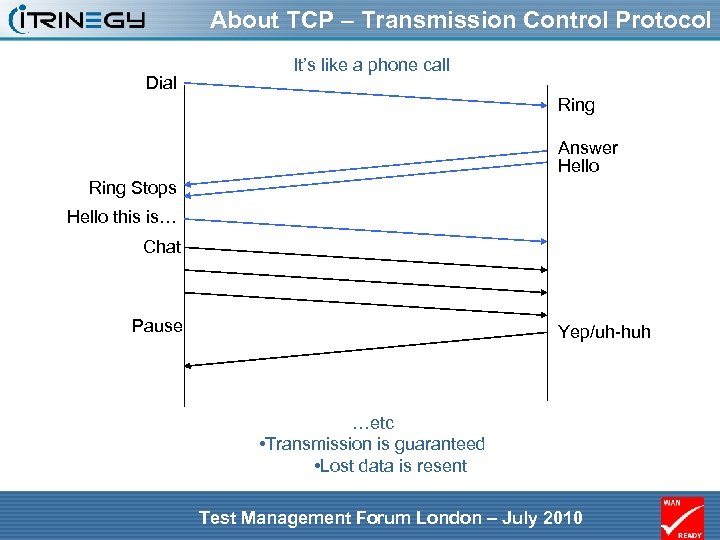 About TCP – Transmission Control Protocol Dial It’s like a phone call Ring Answer Hello Ring Stops Hello this is… Chat Pause Yep/uh-huh …etc • Transmission is guaranteed • Lost data is resent Test Management Forum London – July 2010
 But not all networks are the same While the TCP mechanism holds constant for all networks, how the different types cope with actually delivering data can be very different because of: – Available Bandwidth – Latency (Distance) issues – Jitter (delay variation) – Data Loss & Errors And then there is UDP Test Management Forum London – July 2010
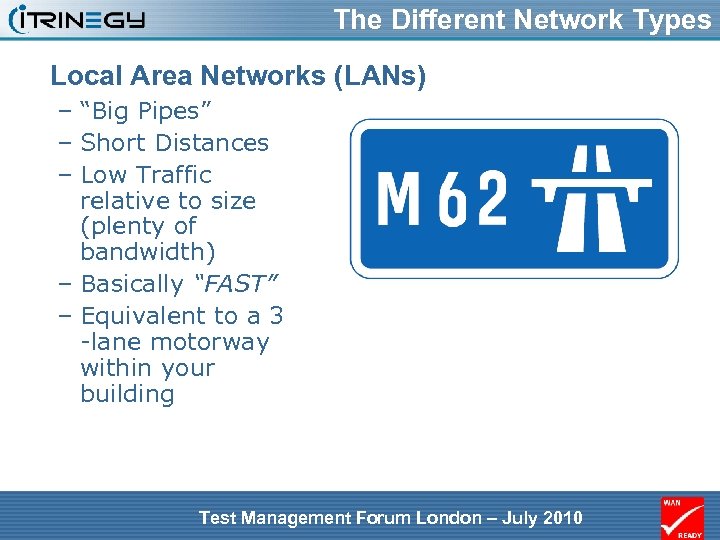 The Different Network Types Local Area Networks (LANs) – “Big Pipes” – Short Distances – Low Traffic relative to size (plenty of bandwidth) – Basically “FAST” – Equivalent to a 3 -lane motorway within your building Test Management Forum London – July 2010
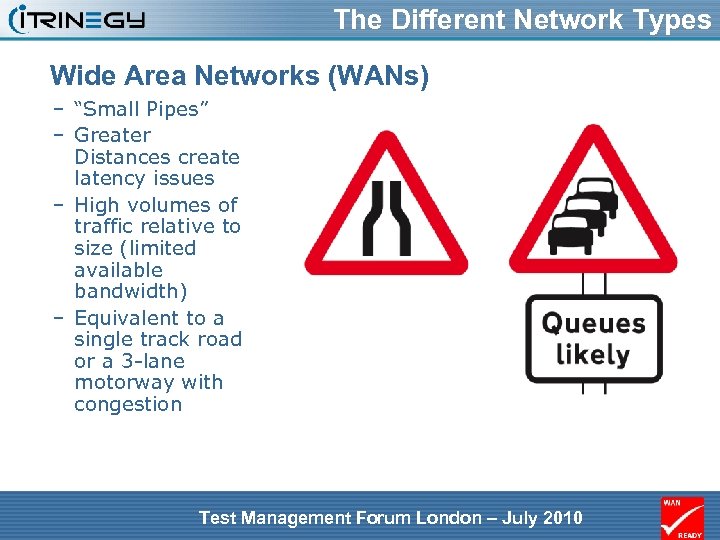 The Different Network Types Wide Area Networks (WANs) – “Small Pipes” – Greater Distances create latency issues – High volumes of traffic relative to size (limited available bandwidth) – Equivalent to a single track road or a 3 -lane motorway with congestion Test Management Forum London – July 2010
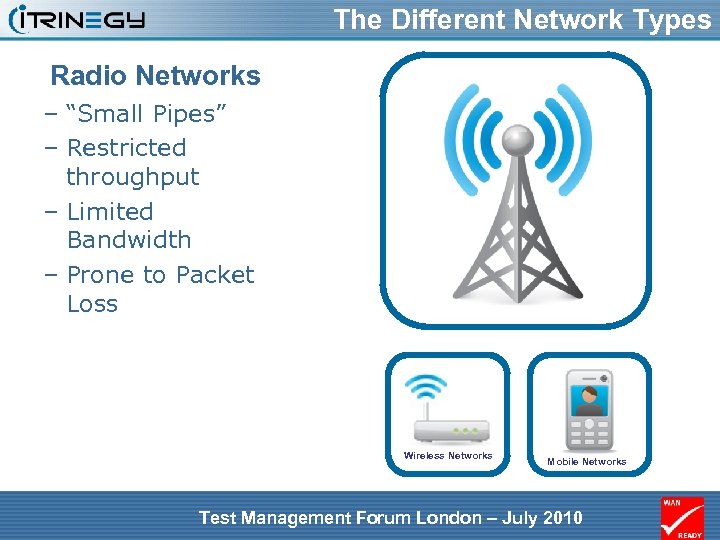 The Different Network Types Radio Networks – “Small Pipes” – Restricted throughput – Limited Bandwidth – Prone to Packet Loss Wireless Networks Mobile Networks Test Management Forum London – July 2010
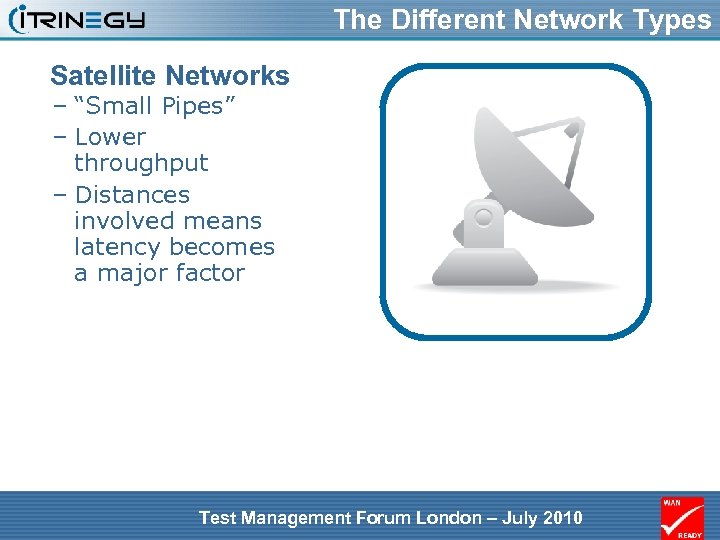 The Different Network Types Satellite Networks – “Small Pipes” – Lower throughput – Distances involved means latency becomes a major factor Test Management Forum London – July 2010
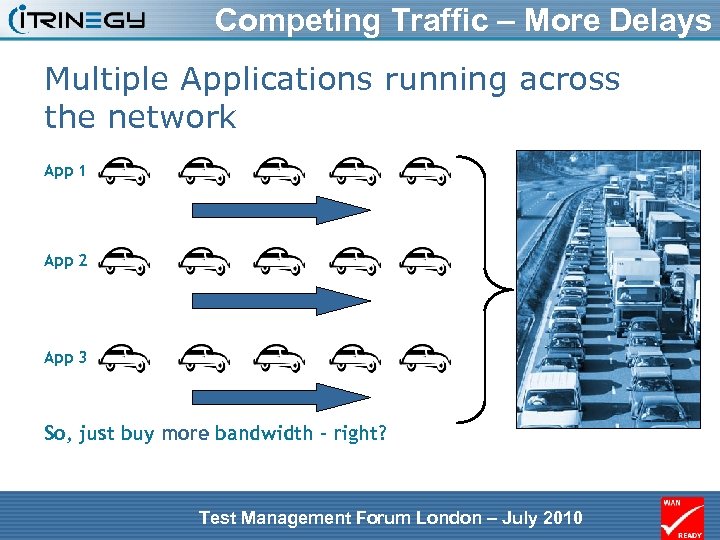 Competing Traffic – More Delays Multiple Applications running across the network App 1 App 2 App 3 So, just buy more bandwidth – right? Test Management Forum London – July 2010
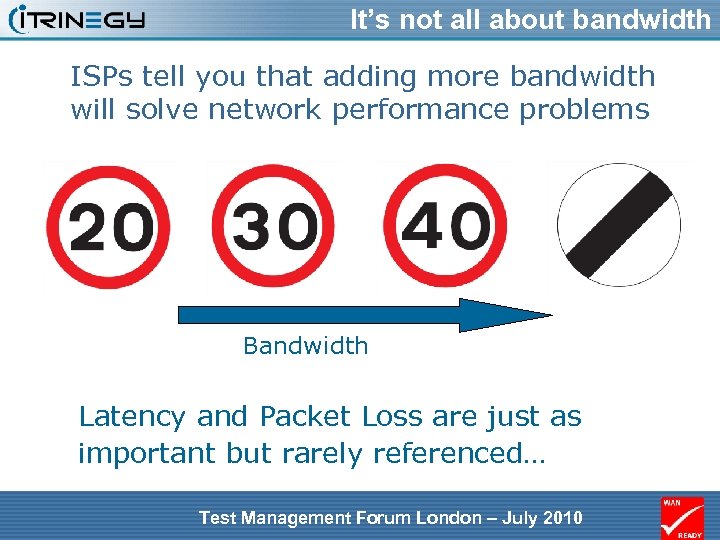 It’s not all about bandwidth ISPs tell you that adding more bandwidth will solve network performance problems Bandwidth Latency and Packet Loss are just as important but rarely referenced… Test Management Forum London – July 2010
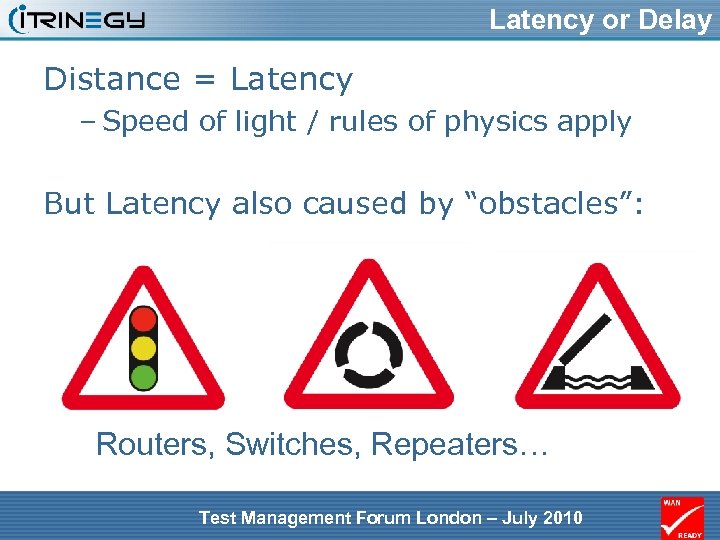 Latency or Delay Distance = Latency – Speed of light / rules of physics apply But Latency also caused by “obstacles”: Routers, Switches, Repeaters… Test Management Forum London – July 2010
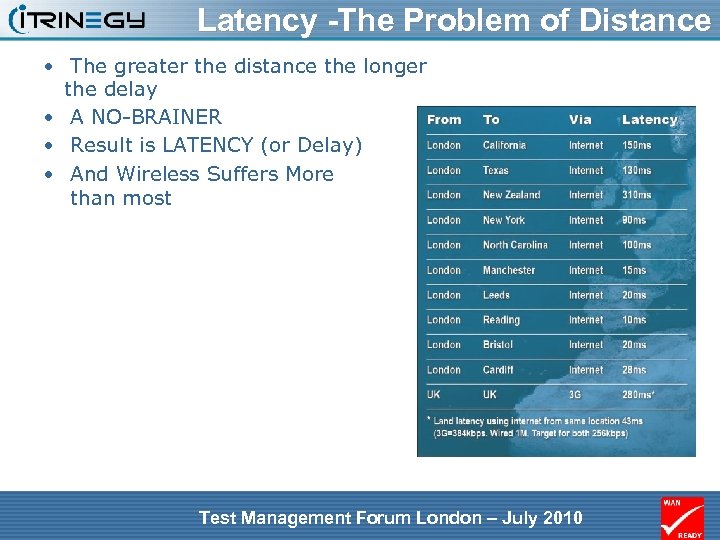 Latency -The Problem of Distance • The greater the distance the longer the delay • A NO-BRAINER • Result is LATENCY (or Delay) • And Wireless Suffers More than most Test Management Forum London – July 2010
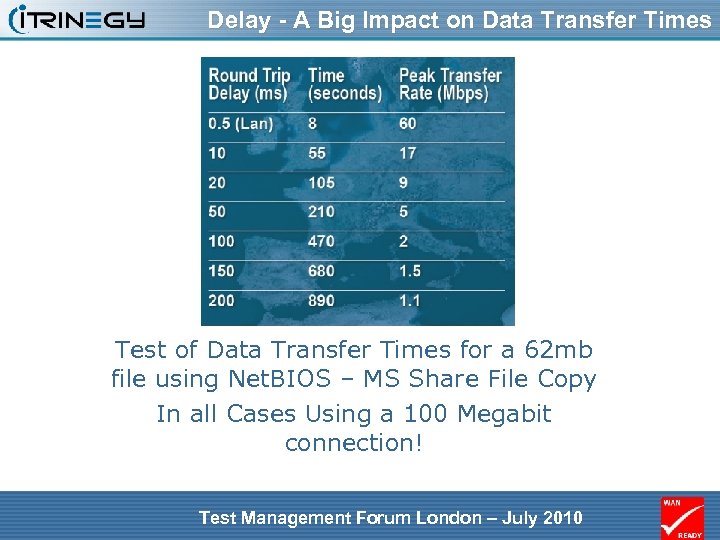 Delay - A Big Impact on Data Transfer Times Test of Data Transfer Times for a 62 mb file using Net. BIOS – MS Share File Copy In all Cases Using a 100 Megabit connection! Test Management Forum London – July 2010
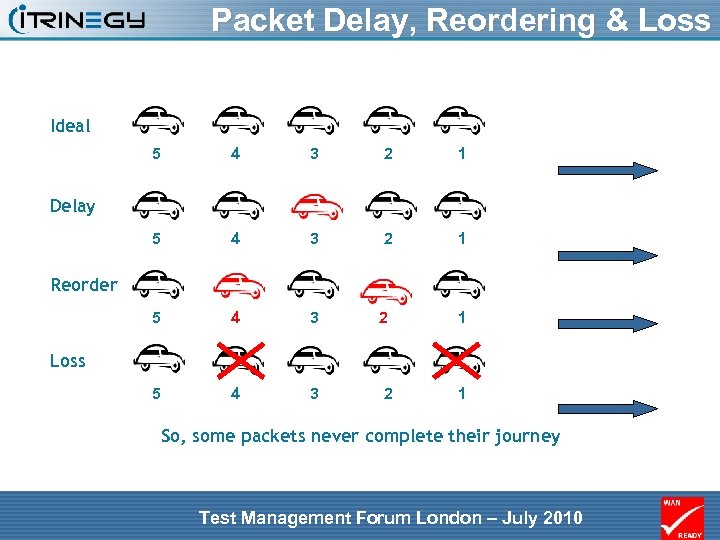 Packet Delay, Reordering & Loss Ideal 5 4 3 2 1 5 4 3 Delay Reorder 2 1 Loss 2 1 So, some packets never complete their journey Test Management Forum London – July 2010
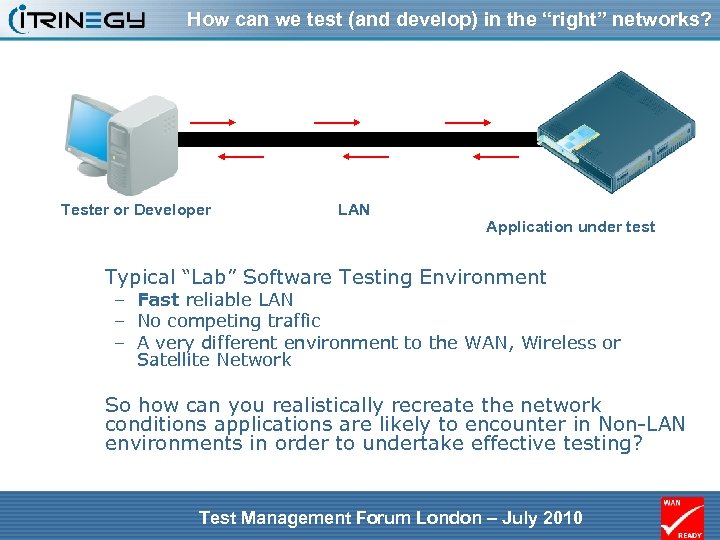 How can we test (and develop) in the “right” networks? Tester or Developer LAN Application under test Typical “Lab” Software Testing Environment – Fast reliable LAN – No competing traffic – A very different environment to the WAN, Wireless or Satellite Network So how can you realistically recreate the network conditions applications are likely to encounter in Non-LAN environments in order to undertake effective testing? Test Management Forum London – July 2010
 Non-Options for Testing • Over the “lab” LAN – unrealistic • In the live production environment – Peak times – No Way! – During “off-peak” times – not at all like during the day • Unloaded • Superloaded with Backups etc. • Recreate the anticipated production environment: – Create your own duplicate WAN – too expensive, unloaded, no repeatability Test Management Forum London – July 2010
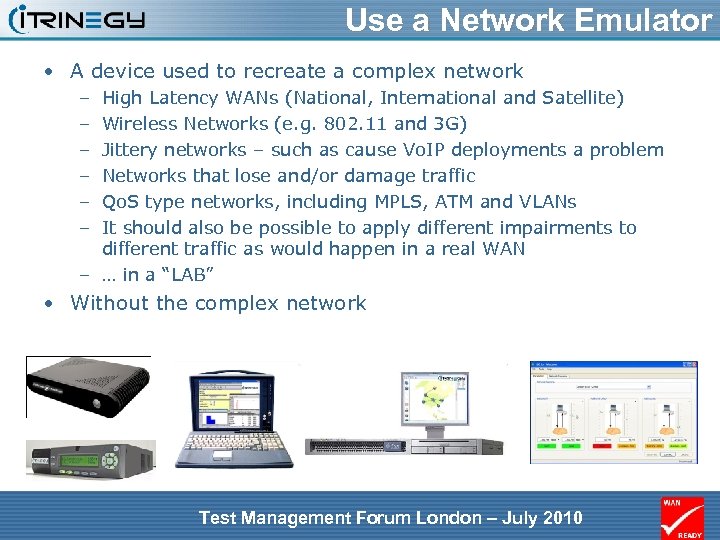 Use a Network Emulator • A device used to recreate a complex network – – – High Latency WANs (National, International and Satellite) Wireless Networks (e. g. 802. 11 and 3 G) Jittery networks – such as cause Vo. IP deployments a problem Networks that lose and/or damage traffic Qo. S type networks, including MPLS, ATM and VLANs It should also be possible to apply different impairments to different traffic as would happen in a real WAN – … in a “LAB” • Without the complex network Test Management Forum London – July 2010
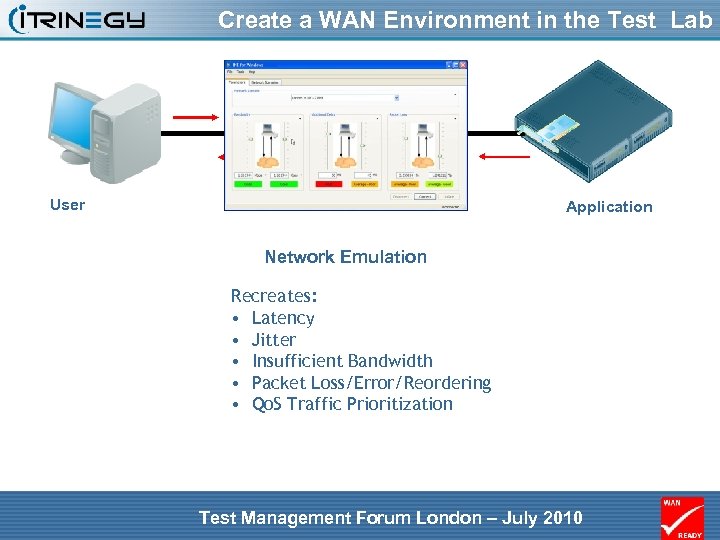 Create a WAN Environment in the Test Lab User Application Network Emulation Recreates: • Latency • Jitter • Insufficient Bandwidth • Packet Loss/Error/Reordering • Qo. S Traffic Prioritization Test Management Forum London – July 2010
 When to use a Network Emulator • Ideally throughout the Application lifecycle – When Prototyping – During Development – Functional Testing – Performance/Load Testing – Pre-deployment Testing – Post deployment testing • Recreate current issues in the LAB Test Management Forum London – July 2010
 Summary To Summarise… • Applications are no longer just delivered over LANs • Even relatively modest amounts of delay (latency), loss or errors in “Non-LAN” networks can have a big impact on application performance • Satisfactory behaviour in LAN environments is no guarantee of acceptable behaviour in the WAN • Testing in the live production WAN is not an option • WAN Emulation is a good alternative • The ability to test in WAN conditions will ensure the role of the tester remains relevant Test Management Forum London – July 2010
 In conclusion • More info: – frank. puranik@itrinegy. com – www. itrinegy. com – Youtube Videos i. Trinegy, Bulse Grange, Norton End, Wendens Ambo, CB 11 4 JT, tel: 0845 226 1900 Test Management Forum London – July 2010