


 Скачать презентацию The Microsoft Development Process Terry Leeper Director Platform
ca1daa465379dbfe180cce364f64e225.ppt
- Количество слайдов: 45
 The Microsoft Development Process Terry Leeper Director Platform Strategy EMEA
 Overview of Topics n n n What to ship? Team Structure, Roles How a milestone works Keeping builds stable Bugs! End Games
 Not Covered n n n How MS recruits teams Product Support Shipping delays
 Software Basics
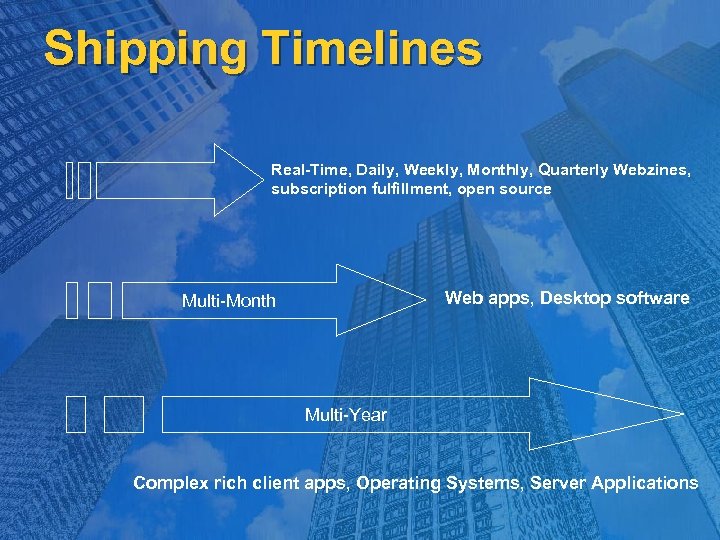 Shipping Timelines Real-Time, Daily, Weekly, Monthly, Quarterly Webzines, subscription fulfillment, open source Web apps, Desktop software Multi-Month Multi-Year Complex rich client apps, Operating Systems, Server Applications
 General Microsoft Philosophy
 Common Microsoft Pitfalls n n Team starts coding before the product vision is clearly defined, communicated, and bought-in by people Vision is technology focused instead of customer focused Verbal consensus on the vision, but nothing written down Code reuse across company
 Figuring Out What To Build n n n Most important and most dangerous part of a product Importance/danger grows exponentially with team size Failure to get crisp on product vision always produces problems The release date will slip, and the feature-set won’t be perfect Clear product plan document provides team focus on the product vision Helps prioritize goals, product focus, and overall feature-set Helps provide road-map for a large team as to how everything fits together Helps partners understand what you are building
 Product Planning n n Market Needs Company Strategy and Partnerships n n n Supporting architectures, platforms Supporting new technologies Customers’ Requests, Complaints Product Team Vision The Core Fundamentals Security, Stability, Productivity, Usability, Performance
 Product Planning n n Before M 0 Steering Group n Cross Functions, All Levels Focus Groups, Surveys, Much More Answers Where are we going? Map Product onto Long-term Vision Define Release Specific Vision Establish Product Release Pillars
 Planning for Development n n Post-Mortem Previous Product Cycle Development Timelines n Coding Stabilization Integrations Milestone Exit Criteria Build and Release Strategy Checking in processes Build processes Daily release processes
 Cross-Coordination Strategy n Working with Product Teams n n n Division Teams Other Microsoft Teams Working with Vendors, Customers Dependencies Deliverables
 Product Structure n n GM, VP Product Groups VS Core, VB, C#, C++, etc. Office Core, Word, Excel, Base. OS, GDI, etc.
 Team Structure n Products built at Microsoft by “Product Units” n Program Management n Responsible for product feature-set and feature design Customer advocate within team Communicators to other groups, customers, management Box and Feature PMs Development n Contains 3 focused disciplines (Dev, Test, PM) Product Units are run and report to Product Unit Managers Responsible for implementation Responsible for architecture Testing Responsible for quality assurance Responsible for writing customer scenarios
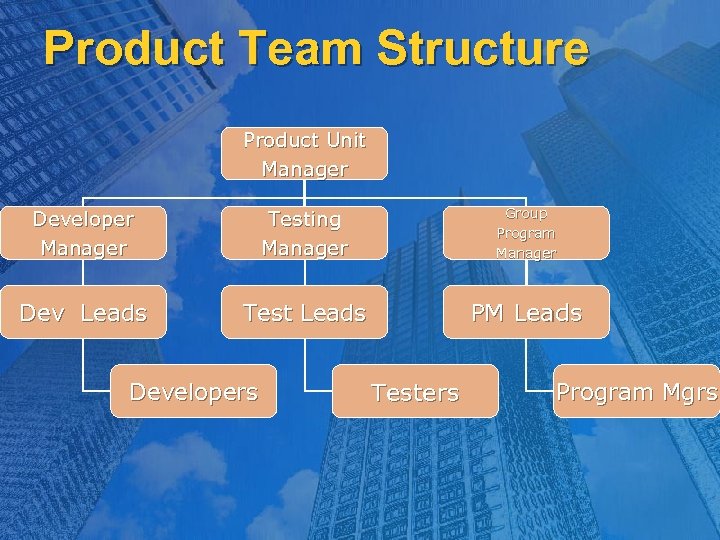 Product Team Structure Product Unit Manager Developer Manager Testing Manager Group Program Manager Dev Leads Test Leads PM Leads Developers Testers Program Mgrs
 Other Disciplines n n n Build team Product Release Marketing Product Design User Education Usability n n Community Localization Product Support Services Sustaining Engineering
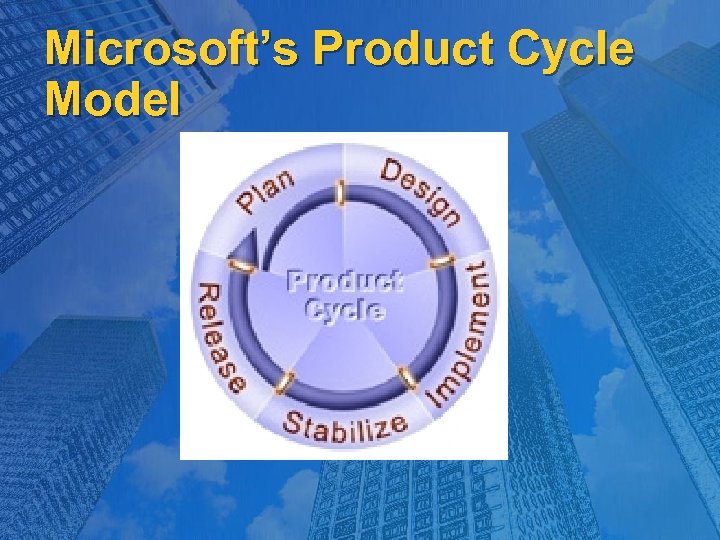 Microsoft’s Product Cycle Model
 Microsoft Product Cycle Model n All teams follow this process n n Implementation of the process varies Phases sometimes overlap Could have multiple cycles, in different stages, going in parallel Ideally All Teams Enter Cycle Together Reality is That They Often Don’t
 Scheduling n n Milestone = unit of product cycle progress Goal: Enable flexible planning/tracking/stabilization/feedback Milestone schedule: M 0, M 1…, Beta 1, Beta 2, RTM Enable accurate view of progress and distance left Intended to ensure that team is never “flying blind” Features are scheduled in milestones in priority order Enables schedule flexibility to respond to feedback in later milestones Milestone only “done” when quality “exit criteria” is met Forcing function so team doesn’t go fast and loose Ensure very stable, usable, complete product at milestone exits
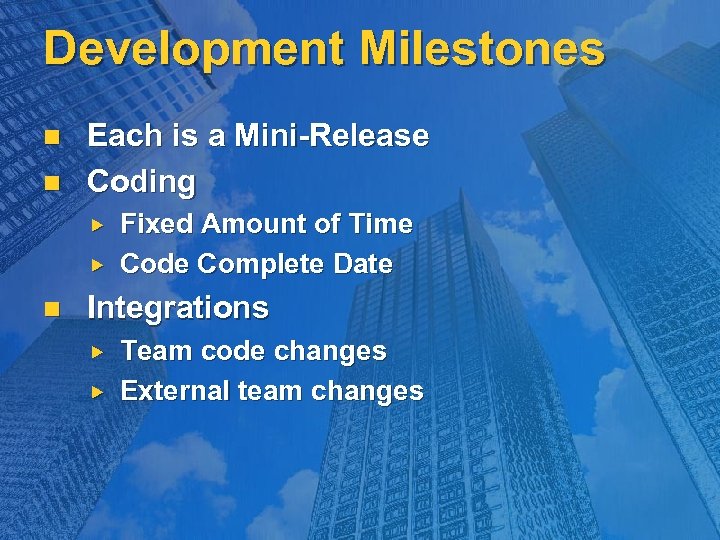 Development Milestones n n Each is a Mini-Release Coding n Fixed Amount of Time Code Complete Date Integrations Team code changes External team changes
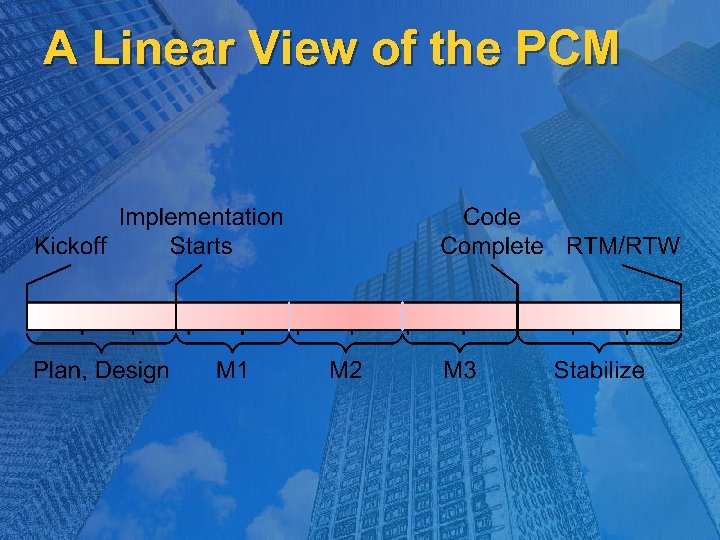 A Linear View of the PCM
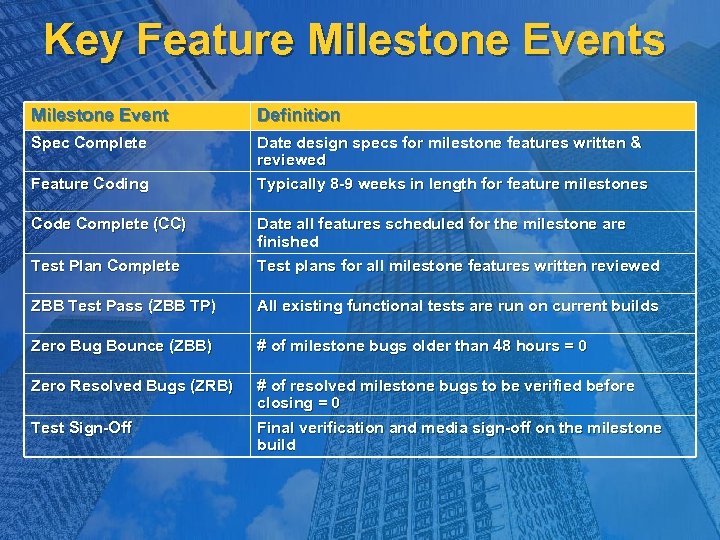 Key Feature Milestone Events Milestone Event Definition Spec Complete Date design specs for milestone features written & reviewed Typically 8 -9 weeks in length for feature milestones Feature Coding Code Complete (CC) Test Plan Complete Date all features scheduled for the milestone are finished Test plans for all milestone features written reviewed ZBB Test Pass (ZBB TP) All existing functional tests are run on current builds Zero Bug Bounce (ZBB) # of milestone bugs older than 48 hours = 0 Zero Resolved Bugs (ZRB) # of resolved milestone bugs to be verified before closing = 0 Final verification and media sign-off on the milestone build Test Sign-Off
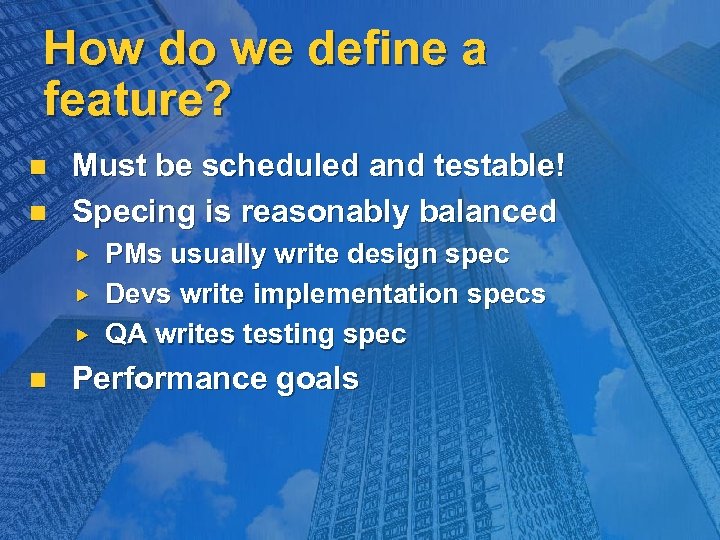 How do we define a feature? n n Must be scheduled and testable! Specing is reasonably balanced n PMs usually write design spec Devs write implementation specs QA writes testing spec Performance goals
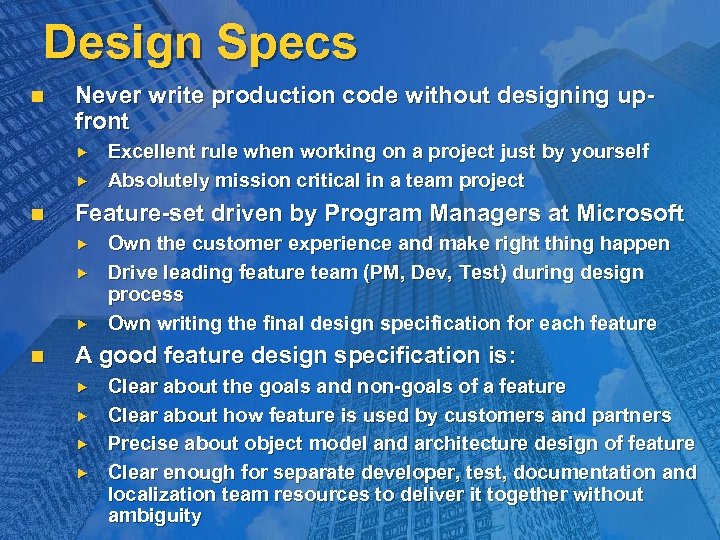 Design Specs n Never write production code without designing upfront n Feature-set driven by Program Managers at Microsoft n Excellent rule when working on a project just by yourself Absolutely mission critical in a team project Own the customer experience and make right thing happen Drive leading feature team (PM, Dev, Test) during design process Own writing the final design specification for each feature A good feature design specification is: Clear about the goals and non-goals of a feature Clear about how feature is used by customers and partners Precise about object model and architecture design of feature Clear enough for separate developer, test, documentation and localization team resources to deliver it together without ambiguity
 Example Design Spec
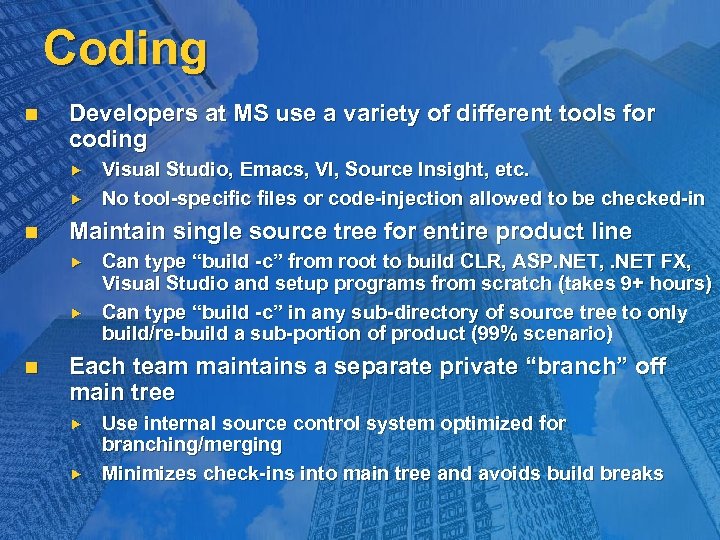 Coding n Developers at MS use a variety of different tools for coding n Maintain single source tree for entire product line n Visual Studio, Emacs, VI, Source Insight, etc. No tool-specific files or code-injection allowed to be checked-in Can type “build -c” from root to build CLR, ASP. NET, . NET FX, Visual Studio and setup programs from scratch (takes 9+ hours) Can type “build -c” in any sub-directory of source tree to only build/re-build a sub-portion of product (99% scenario) Each team maintains a separate private “branch” off main tree Use internal source control system optimized for branching/merging Minimizes check-ins into main tree and avoids build breaks
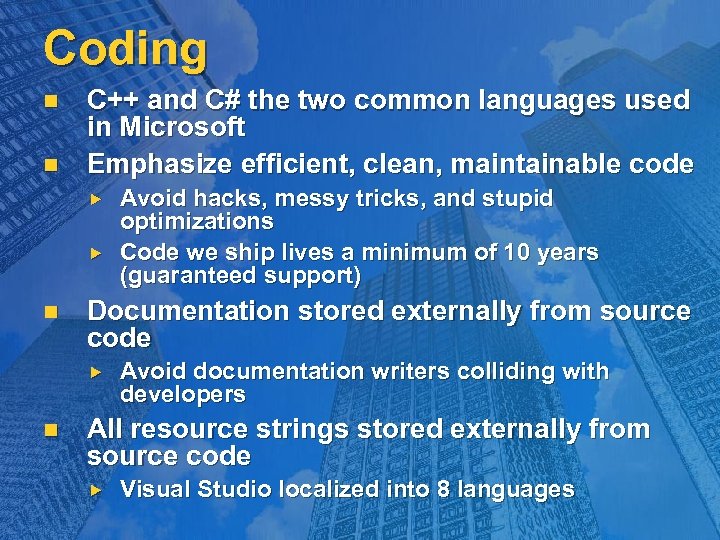 Coding n n C++ and C# the two common languages used in Microsoft Emphasize efficient, clean, maintainable code n Documentation stored externally from source code n Avoid hacks, messy tricks, and stupid optimizations Code we ship lives a minimum of 10 years (guaranteed support) Avoid documentation writers colliding with developers All resource strings stored externally from source code Visual Studio localized into 8 languages
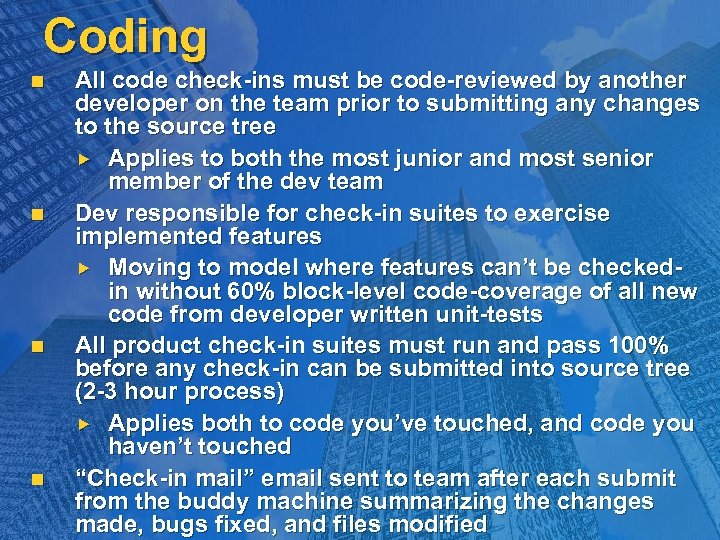 Coding n n All code check-ins must be code-reviewed by another developer on the team prior to submitting any changes to the source tree Applies to both the most junior and most senior member of the dev team Dev responsible for check-in suites to exercise implemented features Moving to model where features can’t be checkedin without 60% block-level code-coverage of all new code from developer written unit-tests All product check-in suites must run and pass 100% before any check-in can be submitted into source tree (2 -3 hour process) Applies both to code you’ve touched, and code you haven’t touched “Check-in mail” email sent to team after each submit from the buddy machine summarizing the changes made, bugs fixed, and files modified
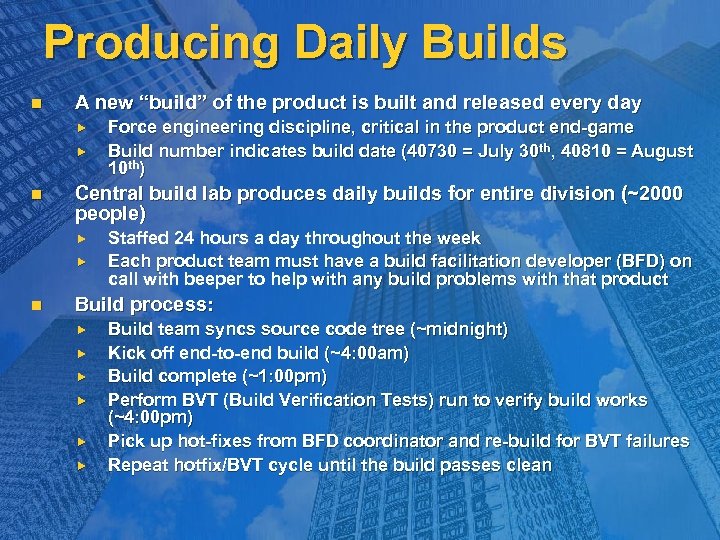 Producing Daily Builds n A new “build” of the product is built and released every day n Central build lab produces daily builds for entire division (~2000 people) n Force engineering discipline, critical in the product end-game Build number indicates build date (40730 = July 30 th, 40810 = August 10 th) Staffed 24 hours a day throughout the week Each product team must have a build facilitation developer (BFD) on call with beeper to help with any build problems with that product Build process: Build team syncs source code tree (~midnight) Kick off end-to-end build (~4: 00 am) Build complete (~1: 00 pm) Perform BVT (Build Verification Tests) run to verify build works (~4: 00 pm) Pick up hot-fixes from BFD coordinator and re-build for BVT failures Repeat hotfix/BVT cycle until the build passes clean
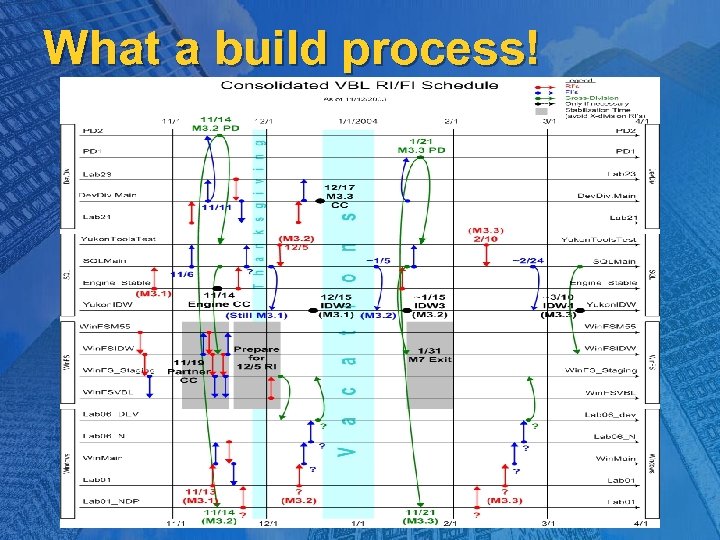 What a build process!
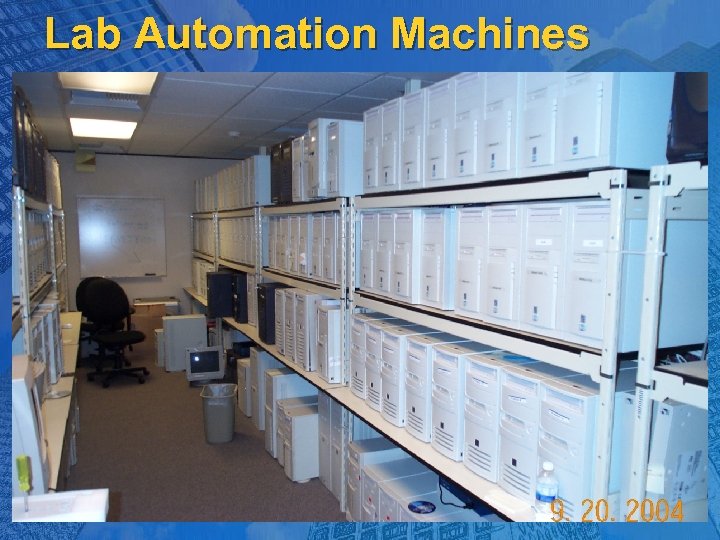 Lab Automation Machines
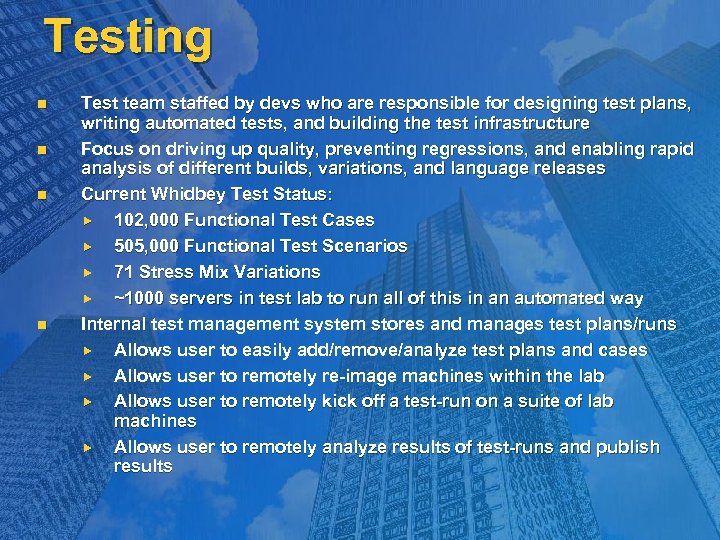 Testing n n Test team staffed by devs who are responsible for designing test plans, writing automated tests, and building the test infrastructure Focus on driving up quality, preventing regressions, and enabling rapid analysis of different builds, variations, and language releases Current Whidbey Test Status: 102, 000 Functional Test Cases 505, 000 Functional Test Scenarios 71 Stress Mix Variations ~1000 servers in test lab to run all of this in an automated way Internal test management system stores and manages test plans/runs Allows user to easily add/remove/analyze test plans and cases Allows user to remotely re-image machines within the lab Allows user to remotely kick off a test-run on a suite of lab machines Allows user to remotely analyze results of test-runs and publish results
 Maintain Control
 Testing n n Test plans are first step of the QA process Documents completed before milestone exit detailing all testing variations needed to cover a feature area Target goal with tests is to reach > 85% product code coverage by end of the product cycle We measure this statistic throughout the product Always on the lookout for “test holes” When a bug is opened, the tester for that area always makes sure that there is a corresponding test-case to prevent it in the future Regular automated test runs catch regressions Rough metric is 1 regression per 3 -6% of bug fixes
 Bug Tracking n Bugs and work-items tracked within internal bugsystem n Bugs “triaged” by feature leads and assigned priority n Priority 0, 1, 2, 3, 4 Bugs fixed in priority order Daily status mails sent to entire division tracking bug status n Enables rich reporting and change history tracking on each item All MS products in same bug system (enables linking bugs) Key metrics to watch: incoming and resolve numbers + bugs per dev After the final feature-milestone is completed, life for the product team revolves around driving the numbers to zero
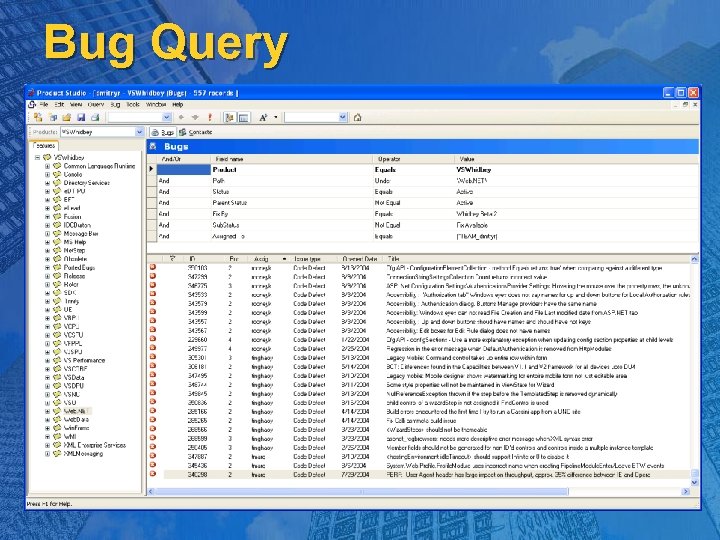 Bug Query
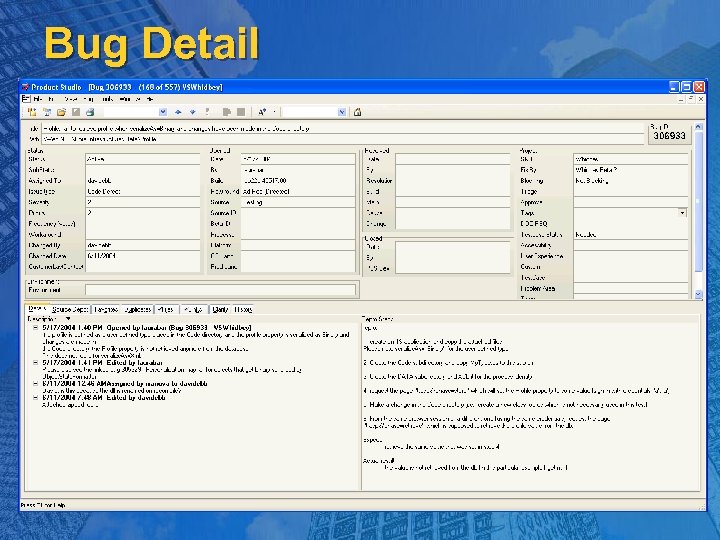 Bug Detail
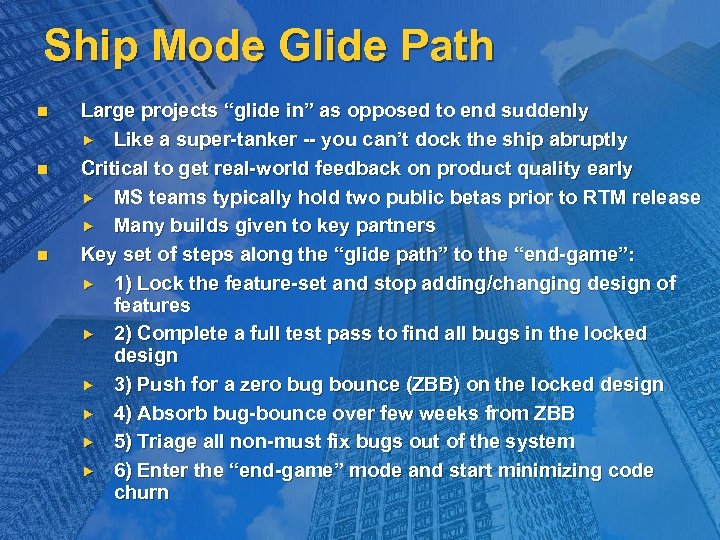 Ship Mode Glide Path n n n Large projects “glide in” as opposed to end suddenly Like a super-tanker -- you can’t dock the ship abruptly Critical to get real-world feedback on product quality early MS teams typically hold two public betas prior to RTM release Many builds given to key partners Key set of steps along the “glide path” to the “end-game”: 1) Lock the feature-set and stop adding/changing design of features 2) Complete a full test pass to find all bugs in the locked design 3) Push for a zero bug bounce (ZBB) on the locked design 4) Absorb bug-bounce over few weeks from ZBB 5) Triage all non-must fix bugs out of the system 6) Enter the “end-game” mode and start minimizing code churn
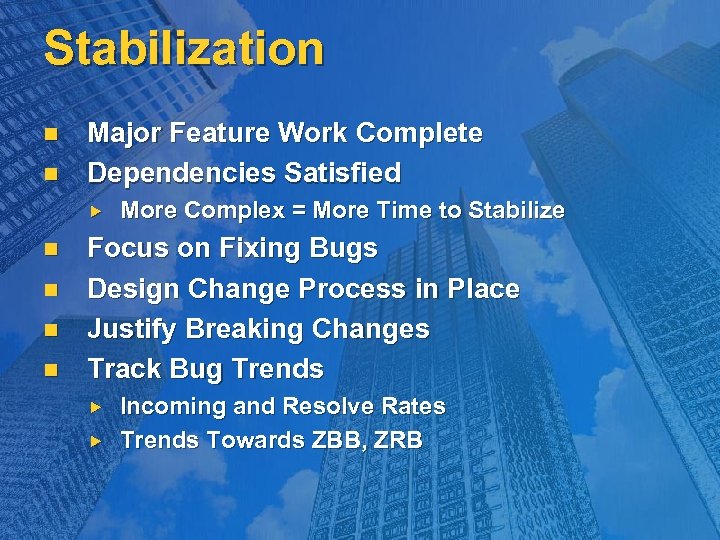 Stabilization n n Major Feature Work Complete Dependencies Satisfied n n More Complex = More Time to Stabilize Focus on Fixing Bugs Design Change Process in Place Justify Breaking Changes Track Bug Trends Incoming and Resolve Rates Trends Towards ZBB, ZRB
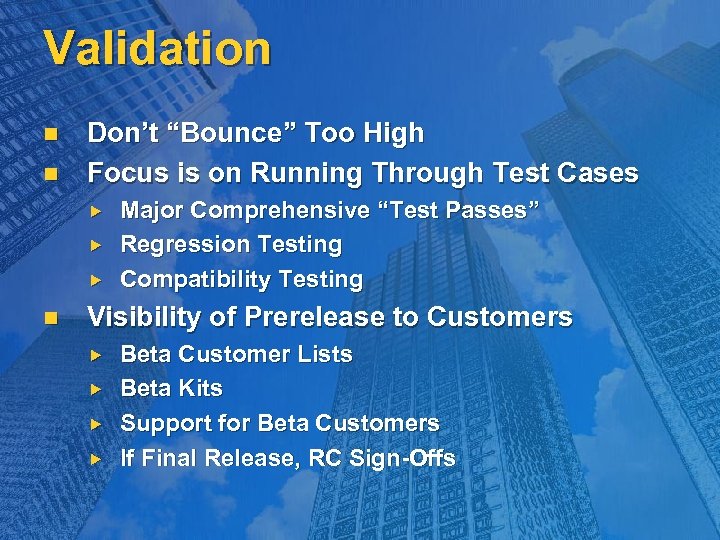 Validation n n Don’t “Bounce” Too High Focus is on Running Through Test Cases n Major Comprehensive “Test Passes” Regression Testing Compatibility Testing Visibility of Prerelease to Customers Beta Customer Lists Beta Kits Support for Beta Customers If Final Release, RC Sign-Offs
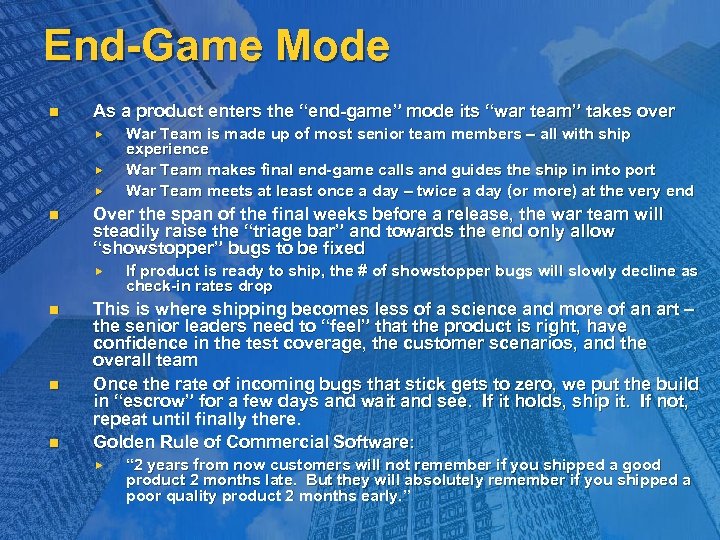 End-Game Mode n As a product enters the “end-game” mode its “war team” takes over n Over the span of the final weeks before a release, the war team will steadily raise the “triage bar” and towards the end only allow “showstopper” bugs to be fixed n n n War Team is made up of most senior team members – all with ship experience War Team makes final end-game calls and guides the ship in into port War Team meets at least once a day – twice a day (or more) at the very end If product is ready to ship, the # of showstopper bugs will slowly decline as check-in rates drop This is where shipping becomes less of a science and more of an art – the senior leaders need to “feel” that the product is right, have confidence in the test coverage, the customer scenarios, and the overall team Once the rate of incoming bugs that stick gets to zero, we put the build in “escrow” for a few days and wait and see. If it holds, ship it. If not, repeat until finally there. Golden Rule of Commercial Software: “ 2 years from now customers will not remember if you shipped a good product 2 months late. But they will absolutely remember if you shipped a poor quality product 2 months early. ”
 End Game n Allow “Bake Time” After Validation n Daily Meetings n n “Ship-room”, “Tactics”, or “War-room” At Product Team Level At Division Level Triage Late Incoming Critical Issues n Focus on Finding “Ship-Stoppers” “Bug Bars” Manage Risk – Minimize Churn Declare Release Candidates Drive Product Sign-off
 When to Sign-Off n n No Active “Ship-Stoppers” Meet Exit Criteria n Key Scenarios Meet Quality Expectations Product Features Meet Quality Expectations Product Meets Release Requirements Security, Branding, Legal, Globalization, Logo, Etc. Complete Test Coverage Requirements Automated and Manual Testing All Supported Platforms All Supported Languages
 Product Pre-Releases n “Practice” Shipping n “Practice” Servicing n Surface Any Late Integration Issues Shutting Down the Product Setup Technology Changes Another Area of Testing Getting the Product in Customers’ Hands Proof of Concept Real World Code User Feedback
 © 2003 -2004 Microsoft Corporation. All rights reserved. This presentation is for informational purposes only. Microsoft makes no warranties, express or implied, in this summary.