


 Скачать презентацию The magic of j Query Vlad Azarkhin Senior
eefe537babaf7d9884d05bda47c0ce63.ppt
- Количество слайдов: 99
 The magic of j. Query Vlad Azarkhin Senior Architect & Technologist Updated 12. february 2017 by Henrik Høltzer
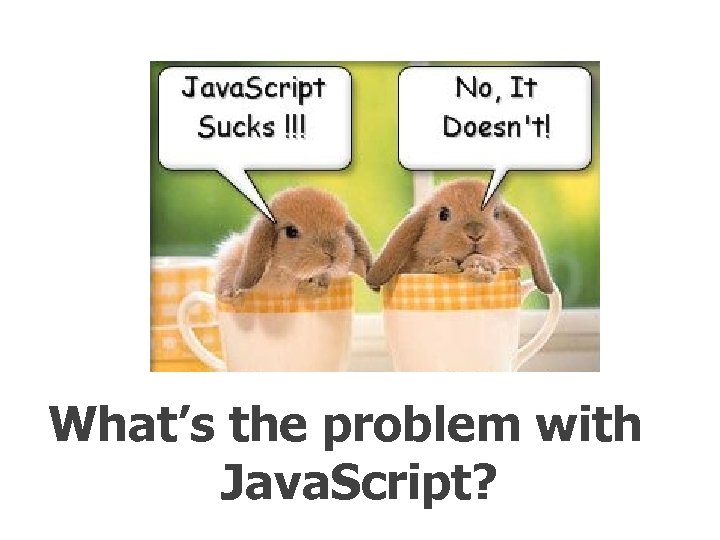 What’s the problem with Java. Script?
 Java. Script was a initially introduced in Netscape 2. 0 B 3 in Dec 1995, a. k. a. Mocha, Live. Script, Jscript, however, it’s official name is ECMAScript
 Java. Script is a C-family, world’s worst named, extremely powerful language (not a script), totally unrelated to Java
 Java. Script is a weakly typed, classless, prototype based OO language, that can also be used outside the browser. It is not a browser DOM.
 The world’s most misunderstood programming language. (Douglas Crockford)
 Browser DOM really sucks, and this is where j. Query comes to rescue.
 This session is about improving your Quality of Life !
 Introduction to j. Query
 A Quality of Life by j. Query: $(“#first. Name”). text(“Joe Black”); $(“button”). click(function() {alert “Clicked”; }); $(“. content”). hide(); $(“#main”). load(“content. htm”); $(“
 What is j. Query?
 j. Query is a lightweight, open-source Java. Script library that simplifies interaction between HTML and Java. Script
 It was and still being developed by John Resig from Mozilla and was first announced in January 2006
 It has a great community, great documentation, tons of plugins, and also adopted by Microsoft
 The current version is 3. 1. 1 (as of february 2017)
 Getting Started
 Download the latest version from http: //jquery. com
 Reference it in your markup jquery. js should contain a copy of the compressed production code
 Reference it in your JS files: ///
 You can also reference it from Google Or by another CDN (Content Delivery Network)
 j. Query Core Concepts
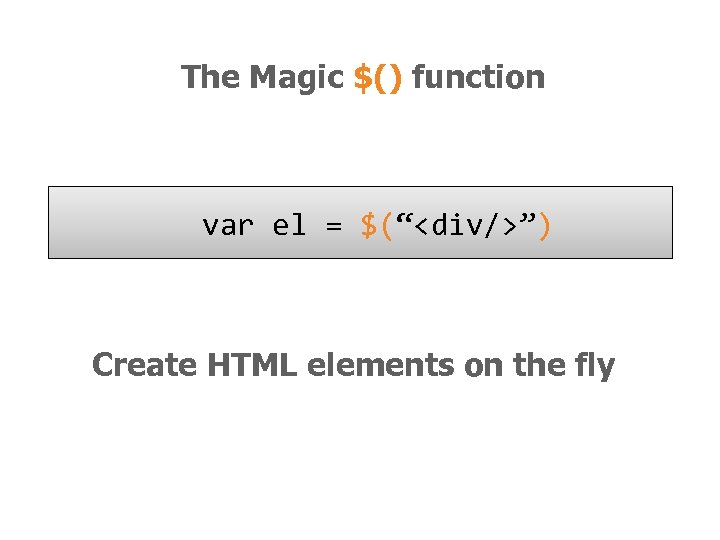 The Magic $() function var el = $(“
 The Magic $() function $(window). width() Manipulate existing DOM elements
 The Magic $() function $(“div”). hide(); Selects document elements (more in a moment…)
 The Magic $() function $(function(){…}); Fired when the document is ready for programming. Better use the full syntax: $(document). ready(function(){…});
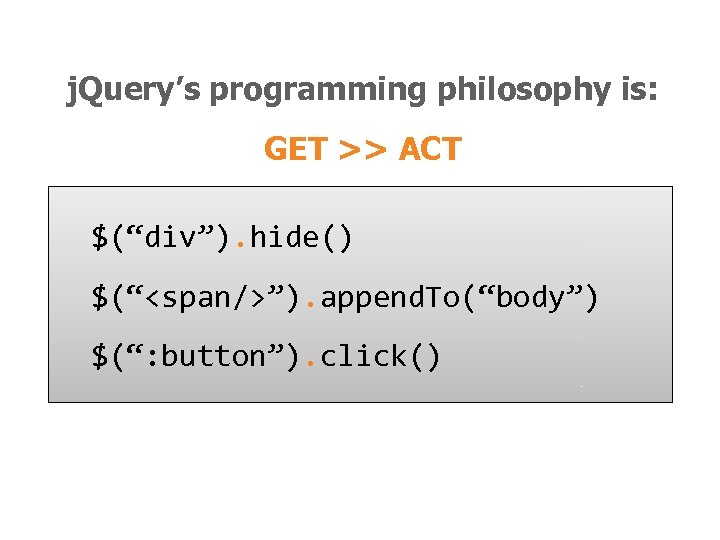 j. Query’s programming philosophy is: GET >> ACT $(“div”). hide() $(“”). append. To(“body”) $(“: button”). click()
 Almost every function returns j. Query, which provides a fluent programming interface and chainability: $(“div”). show(). add. Class(“main”). html(“Hello j. Query”);
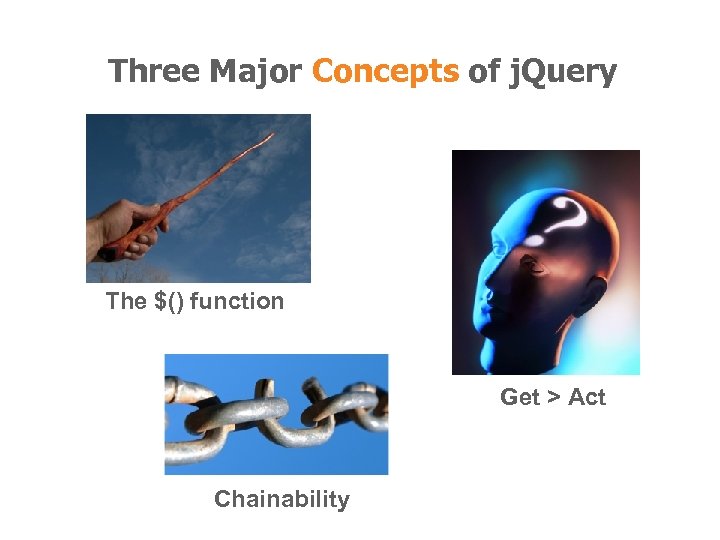 Three Major Concepts of j. Query The $() function Get > Act Chainability
 j. Query Selectors
 All Selector $(“*”) // find everything Selectors return a pseudo-array of j. Query elements
 Basic Selectors By Tag: $(“div”) //
 More Precise Selectors $(“div. main”) // tag and class $(“table#data”) // tag and id
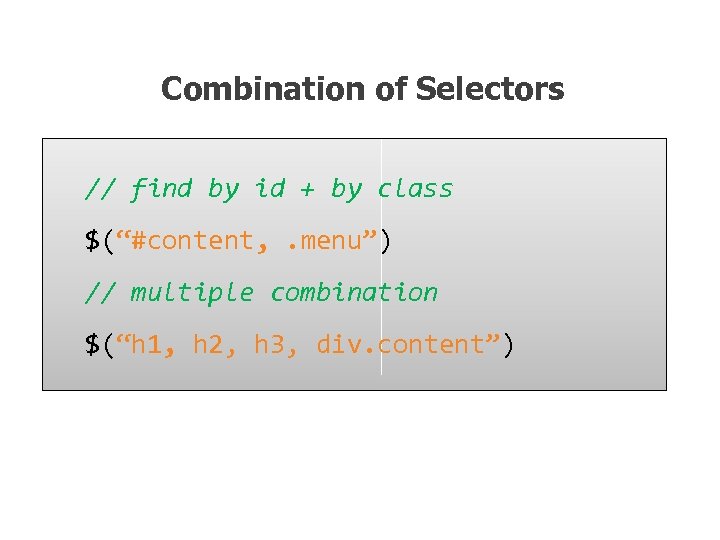 Combination of Selectors // find by id + by class $(“#content, . menu”) // multiple combination $(“h 1, h 2, h 3, div. content”)
 Hierarchy Selectors $(“table td”) // descendants $(“tr > td”) // children $(“label + input”) // next $(“#content ~ div”) // siblings
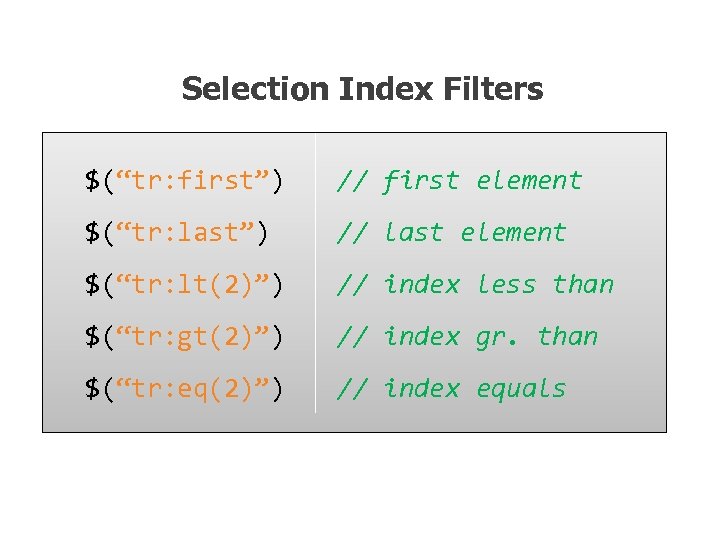 Selection Index Filters $(“tr: first”) // first element $(“tr: last”) // last element $(“tr: lt(2)”) // index less than $(“tr: gt(2)”) // index gr. than $(“tr: eq(2)”) // index equals
 Visibility Filters $(“div: visible”) // if visible $(“div: hidden”) // if not
![Attribute Filters $(“div[id]”) // has attribute $(“div[dir=‘rtl’]”) // equals to $(“div[id^=‘main’]”) // starts with](https://present5.com/presentation/eefe537babaf7d9884d05bda47c0ce63/image-37.jpg "Attribute Filters $(“div[id]”) // has attribute $(“div[dir=‘rtl’]”) // equals to $(“div[id^=‘main’]”) // starts with") Attribute Filters $(“div[id]”) // has attribute $(“div[dir=‘rtl’]”) // equals to $(“div[id^=‘main’]”) // starts with $(“div[id$=‘name’]”) // ends with $(“a[href*=‘msdn’]”) // contains
Attribute Filters $(“div[id]”) // has attribute $(“div[dir=‘rtl’]”) // equals to $(“div[id^=‘main’]”) // starts with $(“div[id$=‘name’]”) // ends with $(“a[href*=‘msdn’]”) // contains
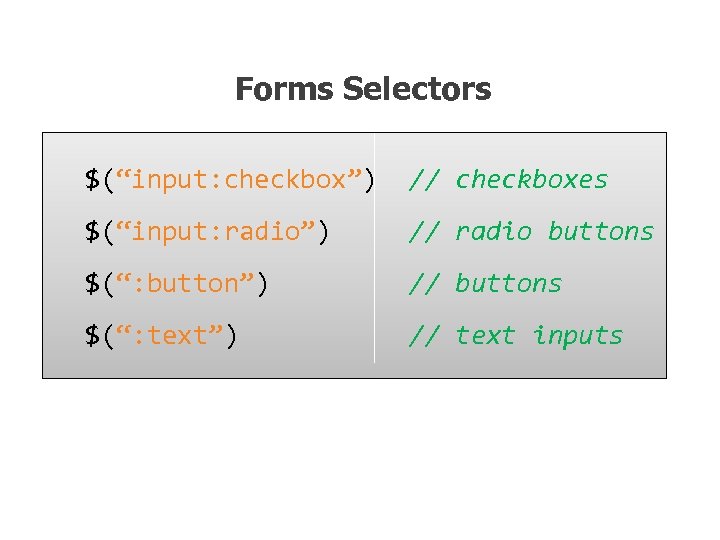 Forms Selectors $(“input: checkbox”) // checkboxes $(“input: radio”) // radio buttons $(“: button”) // buttons $(“: text”) // text inputs
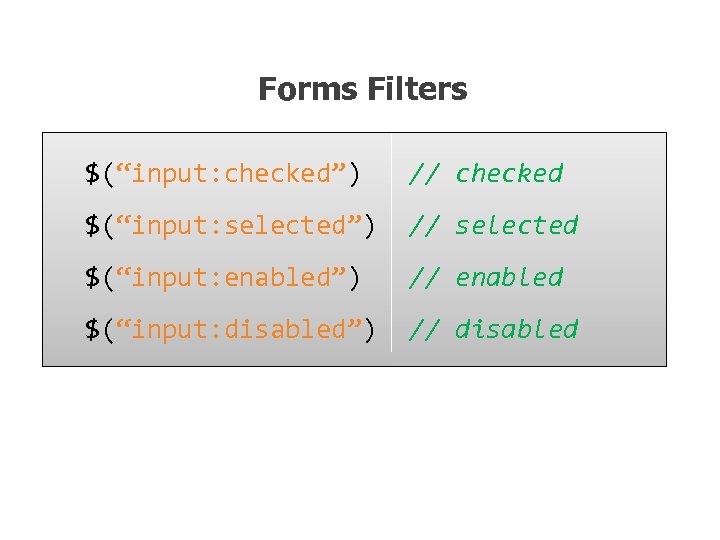 Forms Filters $(“input: checked”) // checked $(“input: selected”) // selected $(“input: enabled”) // enabled $(“input: disabled”) // disabled
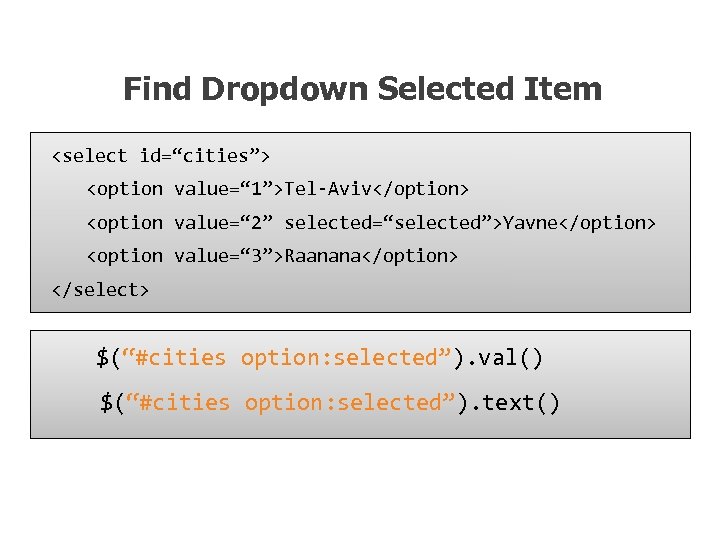 Find Dropdown Selected Item $(“#cities option: selected”). val() $(“#cities option: selected”). text()
 SELECTORS DEMO

 Document Traversal
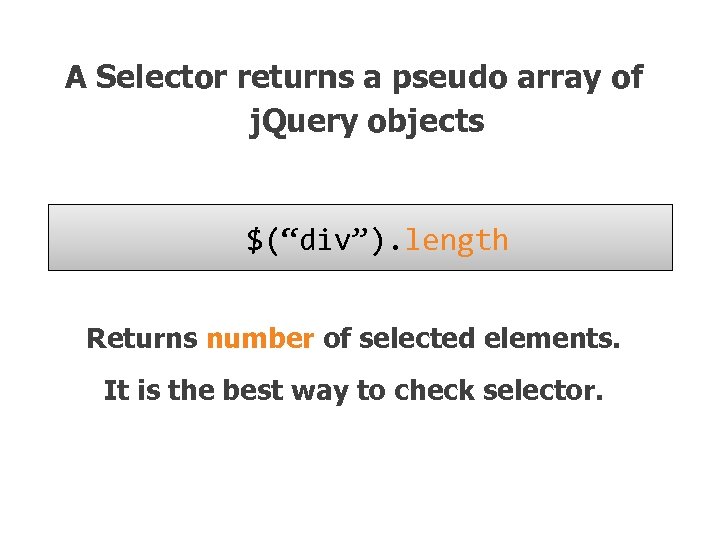 A Selector returns a pseudo array of j. Query objects $(“div”). length Returns number of selected elements. It is the best way to check selector.
![Getting a specific DOM element $(“div”). get(2) or $(“div”)[2] Returns a 2 nd DOM](https://present5.com/presentation/eefe537babaf7d9884d05bda47c0ce63/image-45.jpg "Getting a specific DOM element $(“div”). get(2) or $(“div”)[2] Returns a 2 nd DOM") Getting a specific DOM element $(“div”). get(2) or $(“div”)[2] Returns a 2 nd DOM element of the selection
Getting a specific DOM element $(“div”). get(2) or $(“div”)[2] Returns a 2 nd DOM element of the selection
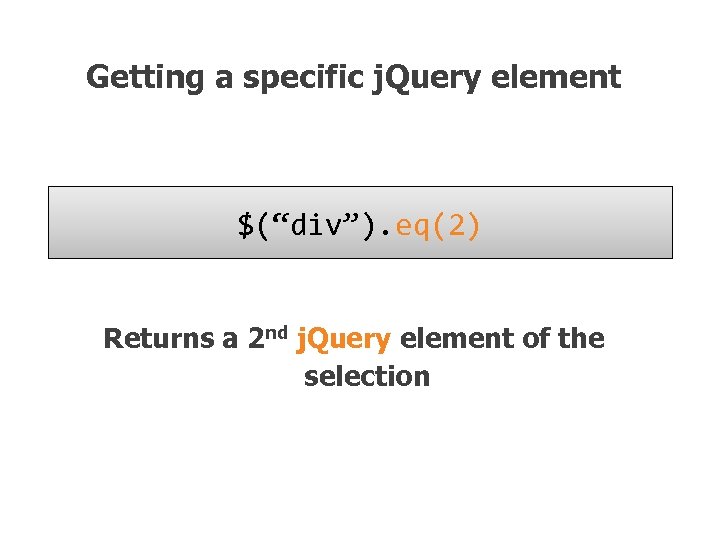 Getting a specific j. Query element $(“div”). eq(2) Returns a 2 nd j. Query element of the selection
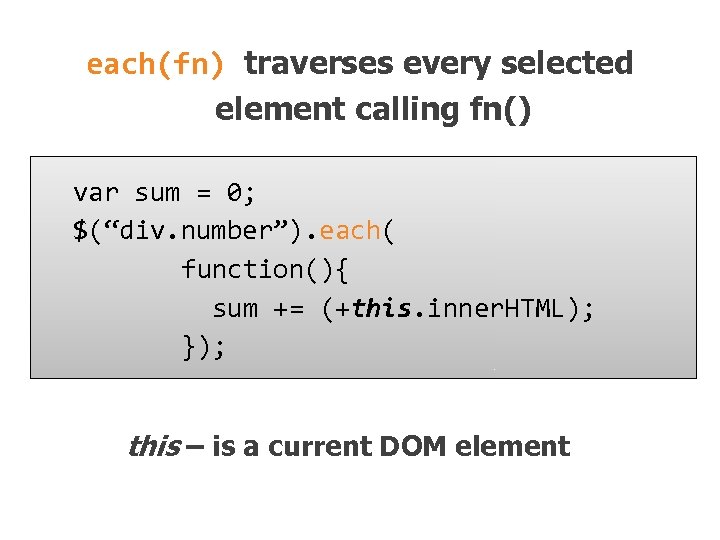 each(fn) traverses every selected element calling fn() var sum = 0; $(“div. number”). each( function(){ sum += (+this. inner. HTML); }); this – is a current DOM element
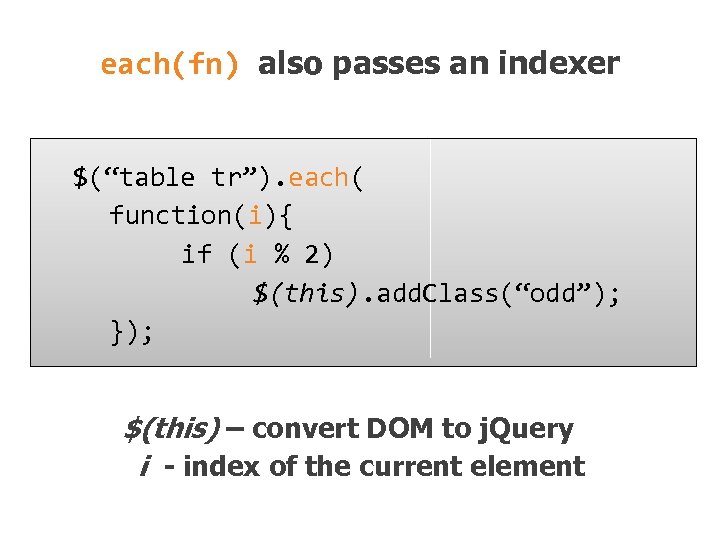 each(fn) also passes an indexer $(“table tr”). each( function(i){ if (i % 2) $(this). add. Class(“odd”); }); $(this) – convert DOM to j. Query i - index of the current element
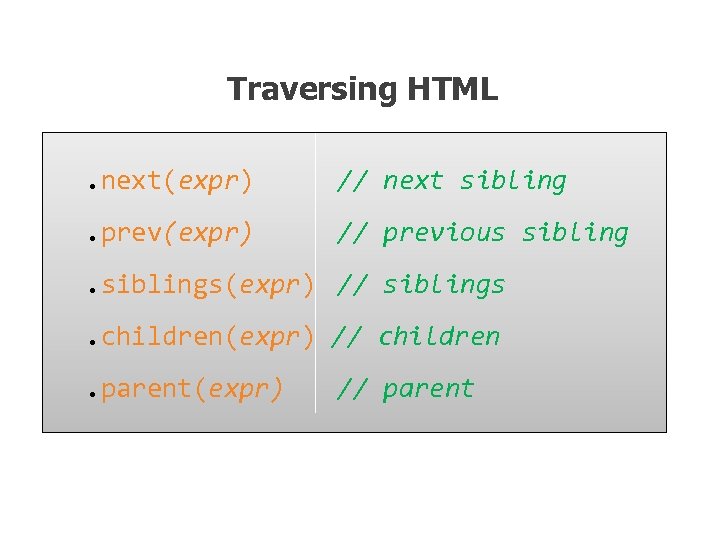 Traversing HTML. next(expr) // next sibling . prev(expr) // previous sibling . siblings(expr) // siblings. children(expr) // children. parent(expr) // parent
 Check for expression $(“table td”). each(function() { if ($(this). is(“: first-child”)) { $(this). add. Class(“first. Col”); } });
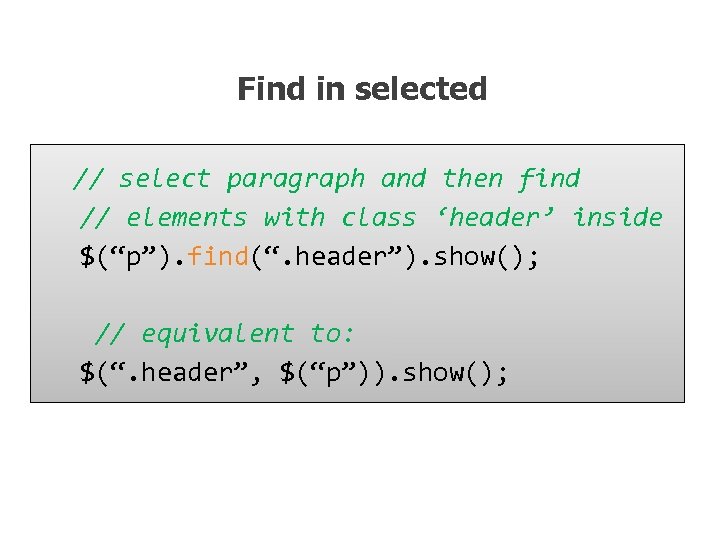 Find in selected // select paragraph and then find // elements with class ‘header’ inside $(“p”). find(“. header”). show(); // equivalent to: $(“. header”, $(“p”)). show();
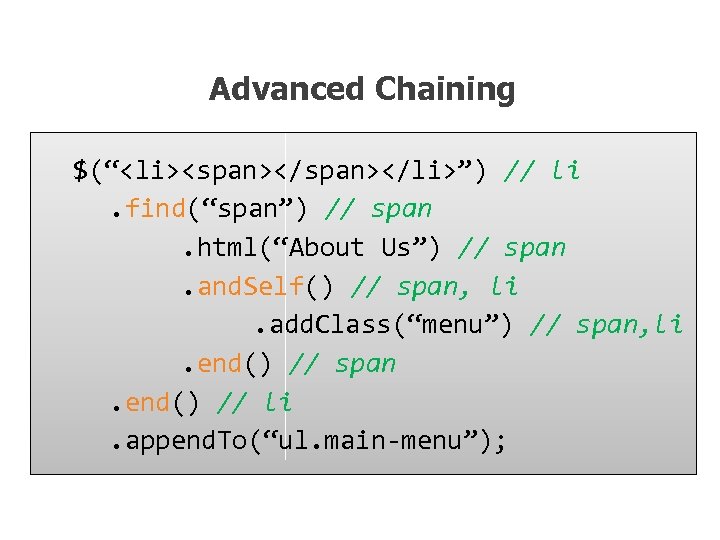 Advanced Chaining $(“
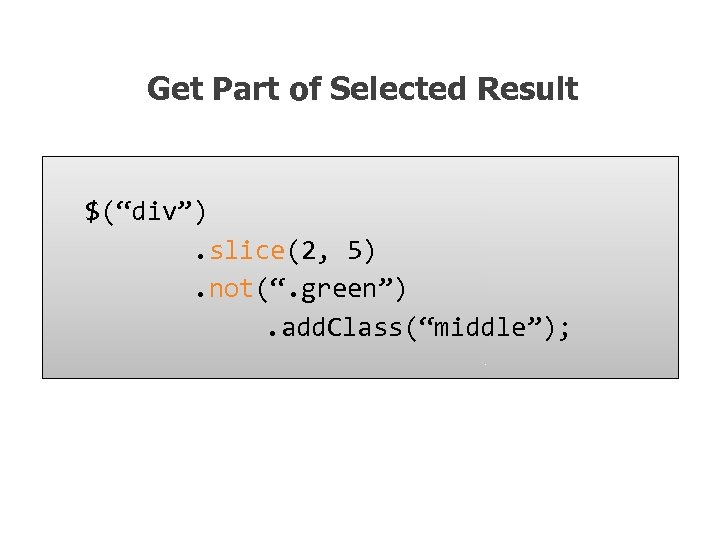 Get Part of Selected Result $(“div”). slice(2, 5). not(“. green”). add. Class(“middle”);
 HTML Manipulation
 Getting and Setting Inner Content $(“p”). html(“
 Getting and Setting Values // get the value of the checked checkbox $(“input: checkbox: checked”). val(); // set the value of the textbox $(“: text[name=‘txt’]”). val(“Hello”); // select or check lists or checkboxes $(“#lst”). val([“NY”, ”IL”, ”NS”]);
 Handling CSS Classes // add and remove class $(“p”). remove. Class(“blue”). add. Class(“red”); // add if absent, remove otherwise $(“div”). toggle. Class(“main”); // test for class existance if ($(“div”). has. Class(“main”)) { //… }
 Inserting new Elements // select > append to the end $(“h 1”). append(“
 Replacing Elements // select > replace $(“h 1”). replace. With(“
 Replacing Elements while keeping the content $(“h 3”). each(function(){ $(this). replace. With(“
 Deleting Elements // remove all children $(“#main. Content”). empty(); // remove selection $(“span. names”). remove(); // change position $(“p”). remove(“: not(. red)”). append. To(“#main”);
 Handling attributes $(“a”). attr(“href”, ”home. htm”); // … // set the same as the first one $(“button: gt(0)”). attr(“disabled”, $(“button: eq(0)”). attr(“disabled)); // remove attribute - enable $(“button”). remove. Attr(“disabled”)
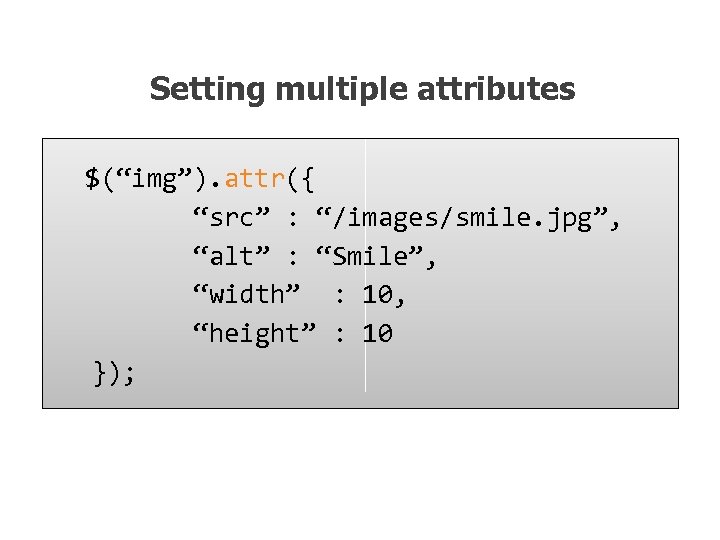 Setting multiple attributes $(“img”). attr({ “src” : “/images/smile. jpg”, “alt” : “Smile”, “width” : 10, “height” : 10 });
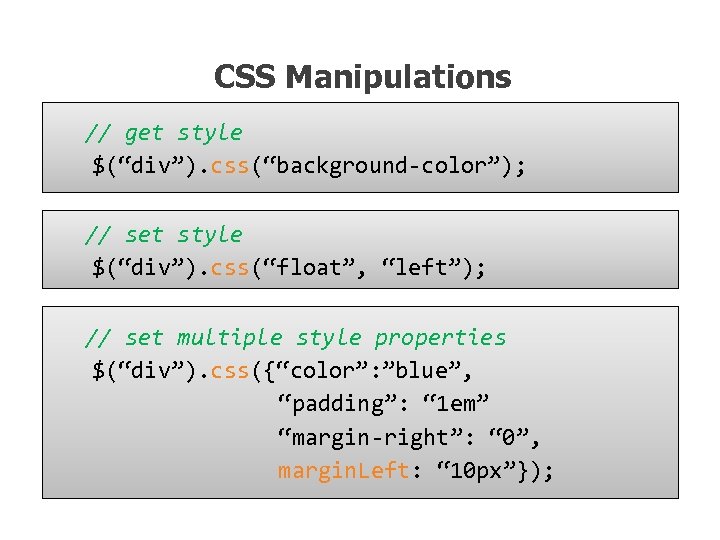 CSS Manipulations // get style $(“div”). css(“background-color”); // set style $(“div”). css(“float”, “left”); // set multiple style properties $(“div”). css({“color”: ”blue”, “padding”: “ 1 em” “margin-right”: “ 0”, margin. Left: “ 10 px”});
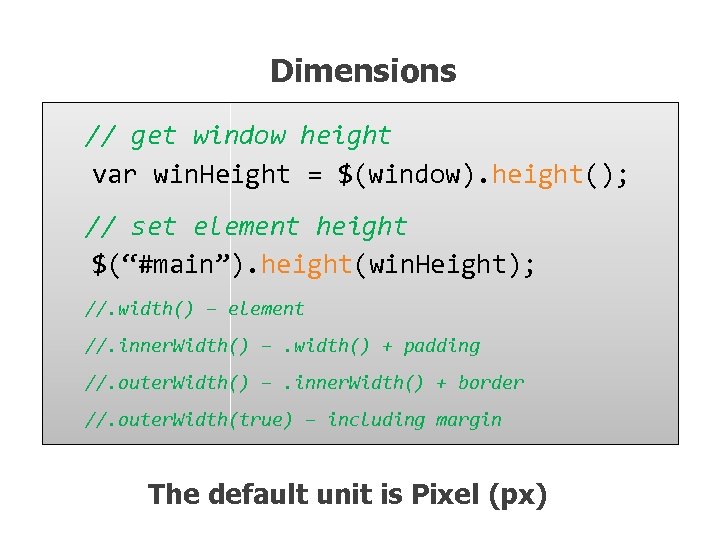 Dimensions // get window height var win. Height = $(window). height(); // set element height $(“#main”). height(win. Height); //. width() – element //. inner. Width() –. width() + padding //. outer. Width() –. inner. Width() + border //. outer. Width(true) – including margin The default unit is Pixel (px)
 Positioning // from the document $(“div”). offset(). top; // from the parent element $(“div”). position(). left; // scrolling position $(window). scroll. Top();
 Events
 When the DOM is ready… $(document). ready(function(){ //… }); n Fires when the document is ready for programming. n Uses advanced listeners for detecting. n window. onload() is a fallback.
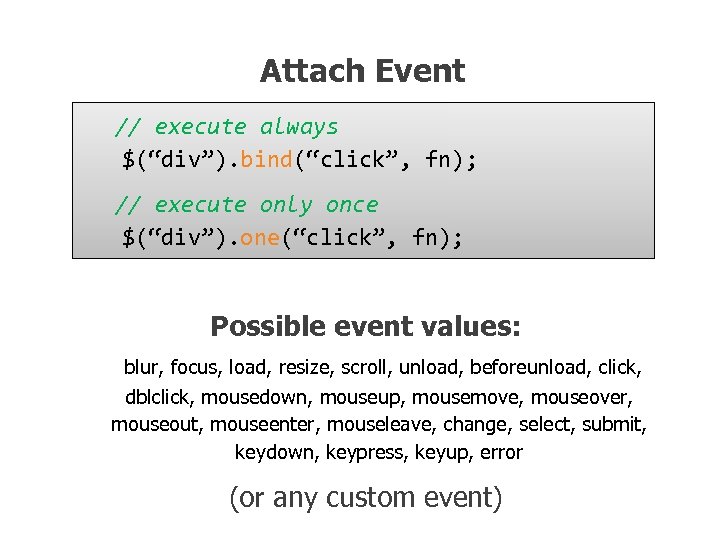 Attach Event // execute always $(“div”). bind(“click”, fn); // execute only once $(“div”). one(“click”, fn); Possible event values: blur, focus, load, resize, scroll, unload, beforeunload, click, dblclick, mousedown, mouseup, mousemove, mouseover, mouseout, mouseenter, mouseleave, change, select, submit, keydown, keypress, keyup, error (or any custom event)
 j. Query. Event object
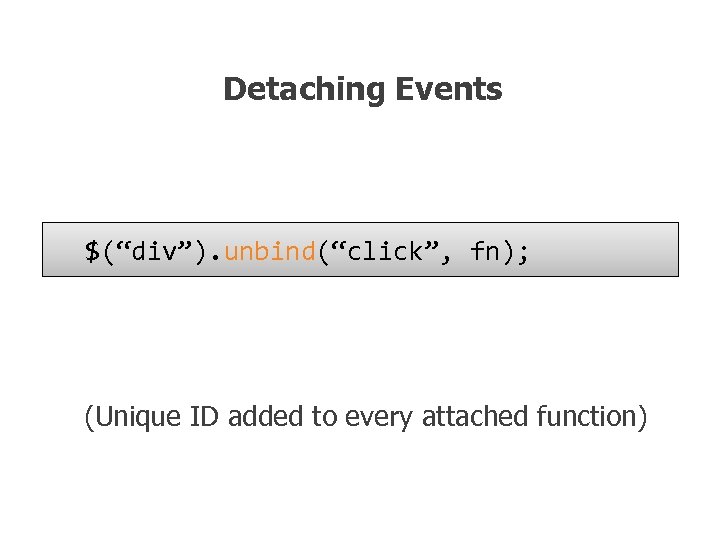 Detaching Events $(“div”). unbind(“click”, fn); (Unique ID added to every attached function)
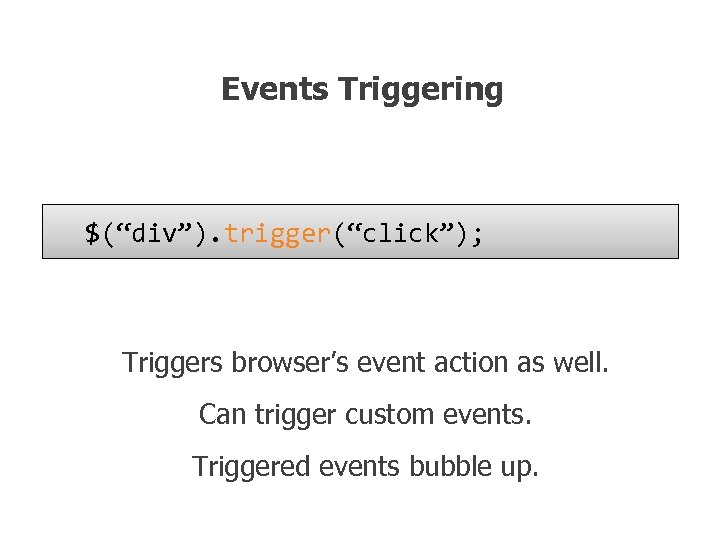 Events Triggering $(“div”). trigger(“click”); Triggers browser’s event action as well. Can trigger custom events. Triggered events bubble up.
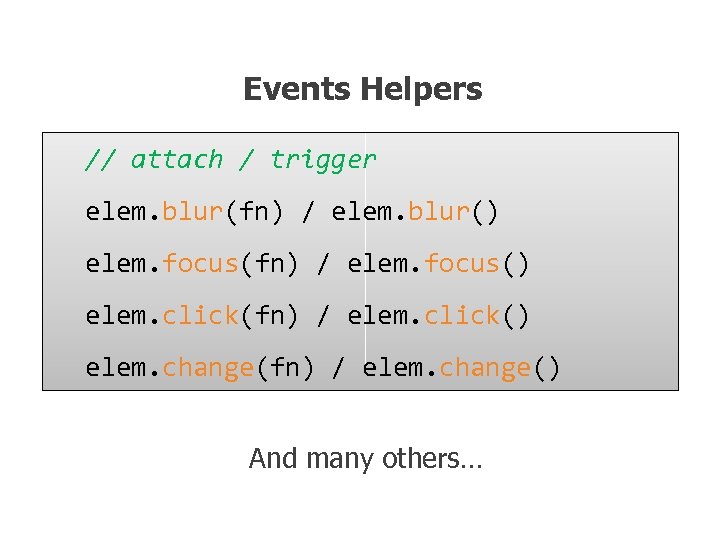 Events Helpers // attach / trigger elem. blur(fn) / elem. blur() elem. focus(fn) / elem. focus() elem. click(fn) / elem. click() elem. change(fn) / elem. change() And many others…
 Preventing Browser Default Action // use different triggering function $(“div”). trigger. Handler(“click”); // prevent default action in handler function click. Handler(e) { e. prevent. Default(); } // or just return false function click. Handler(e) {return false; }
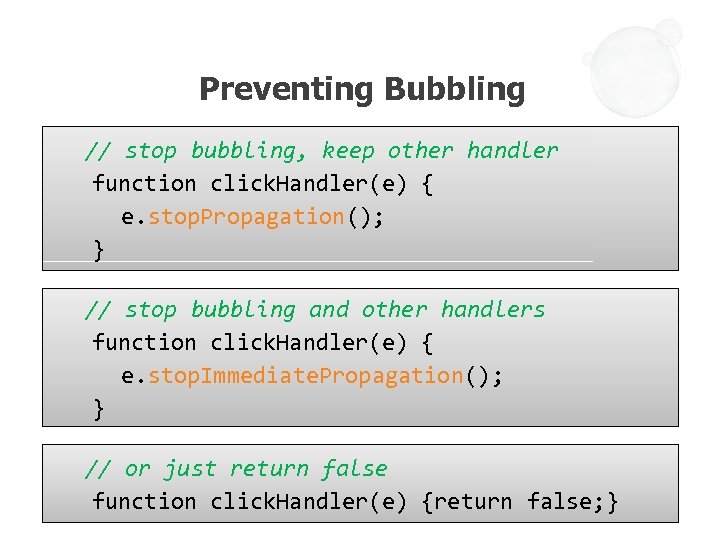 Preventing Bubbling // stop bubbling, keep other handler function click. Handler(e) { e. stop. Propagation(); } // stop bubbling and other handlers function click. Handler(e) { e. stop. Immediate. Propagation(); } // or just return false function click. Handler(e) {return false; }
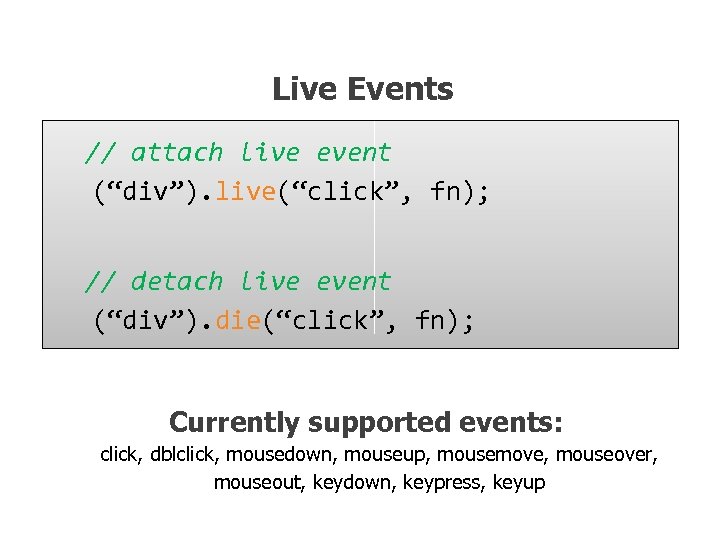 Live Events // attach live event (“div”). live(“click”, fn); // detach live event (“div”). die(“click”, fn); Currently supported events: click, dblclick, mousedown, mouseup, mousemove, mouseover, mouseout, keydown, keypress, keyup
 EVENTS DEMO
 Effects
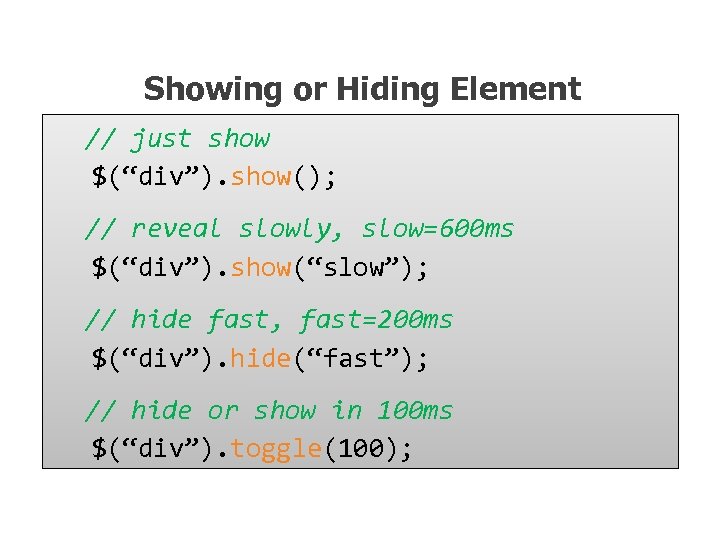 Showing or Hiding Element // just show $(“div”). show(); // reveal slowly, slow=600 ms $(“div”). show(“slow”); // hide fast, fast=200 ms $(“div”). hide(“fast”); // hide or show in 100 ms $(“div”). toggle(100);
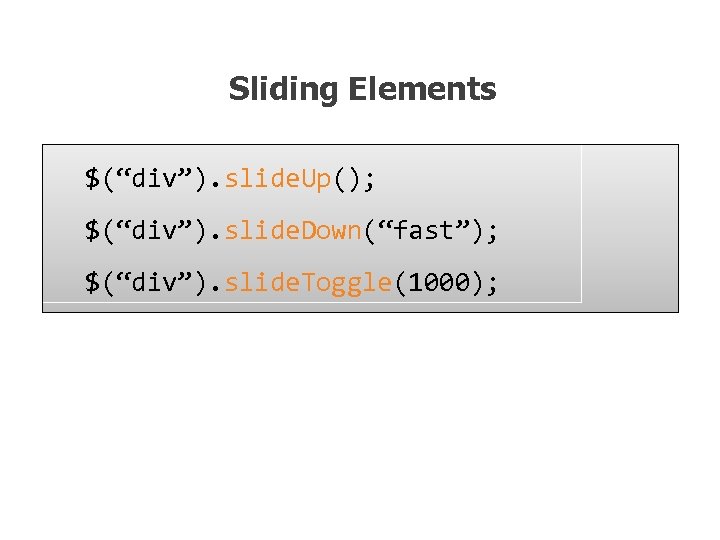 Sliding Elements $(“div”). slide. Up(); $(“div”). slide. Down(“fast”); $(“div”). slide. Toggle(1000);
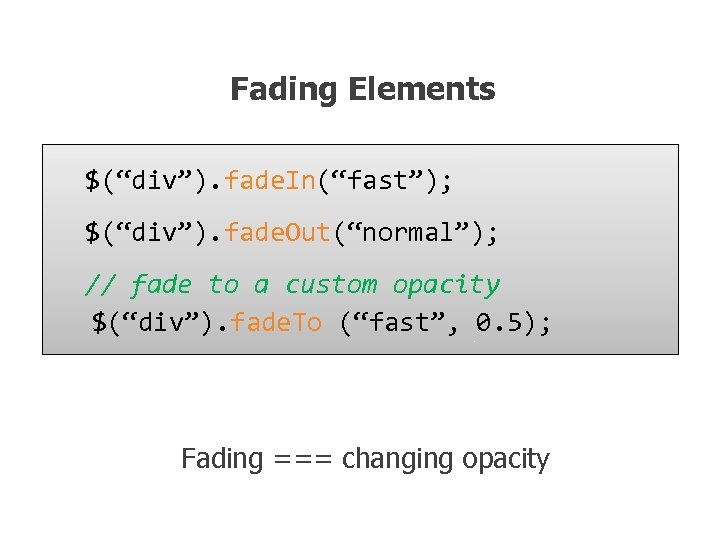 Fading Elements $(“div”). fade. In(“fast”); $(“div”). fade. Out(“normal”); // fade to a custom opacity $(“div”). fade. To (“fast”, 0. 5); Fading === changing opacity
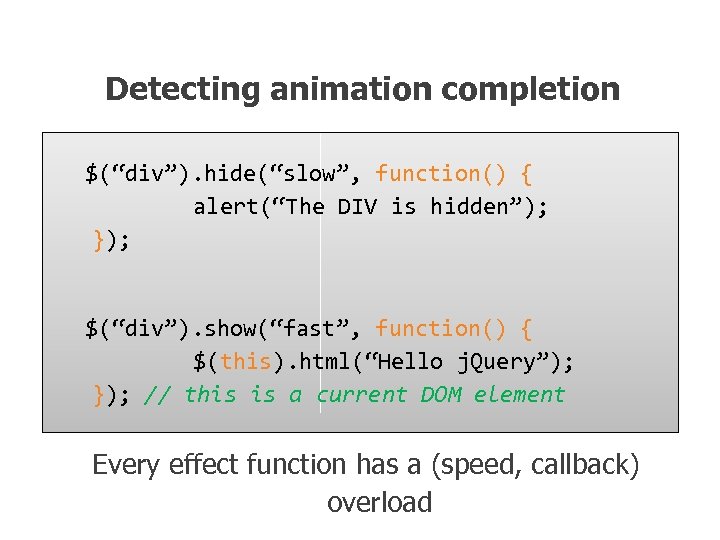 Detecting animation completion $(“div”). hide(“slow”, function() { alert(“The DIV is hidden”); }); $(“div”). show(“fast”, function() { $(this). html(“Hello j. Query”); }); // this is a current DOM element Every effect function has a (speed, callback) overload
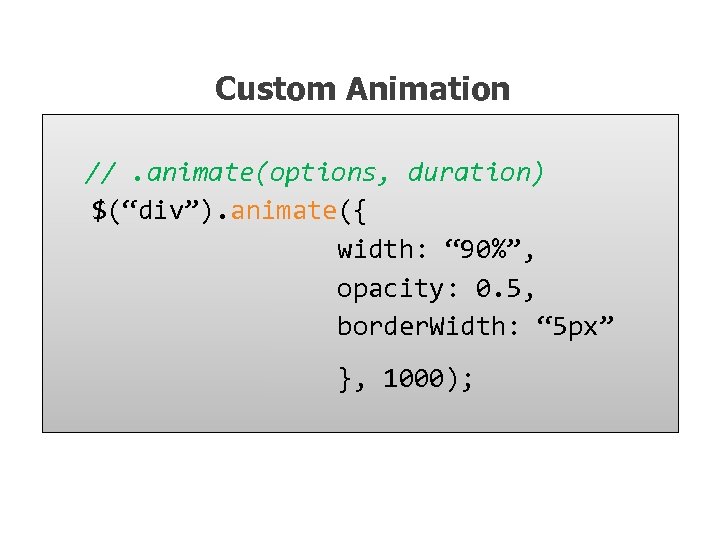 Custom Animation //. animate(options, duration) $(“div”). animate({ width: “ 90%”, opacity: 0. 5, border. Width: “ 5 px” }, 1000);
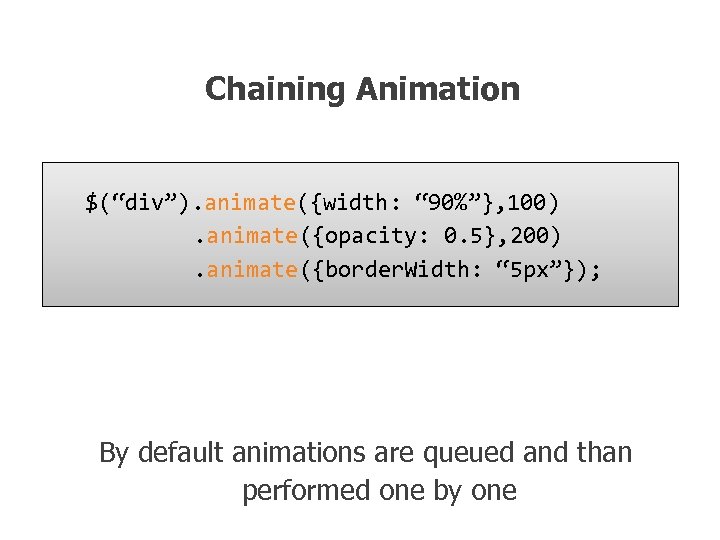 Chaining Animation $(“div”). animate({width: “ 90%”}, 100). animate({opacity: 0. 5}, 200). animate({border. Width: “ 5 px”}); By default animations are queued and than performed one by one
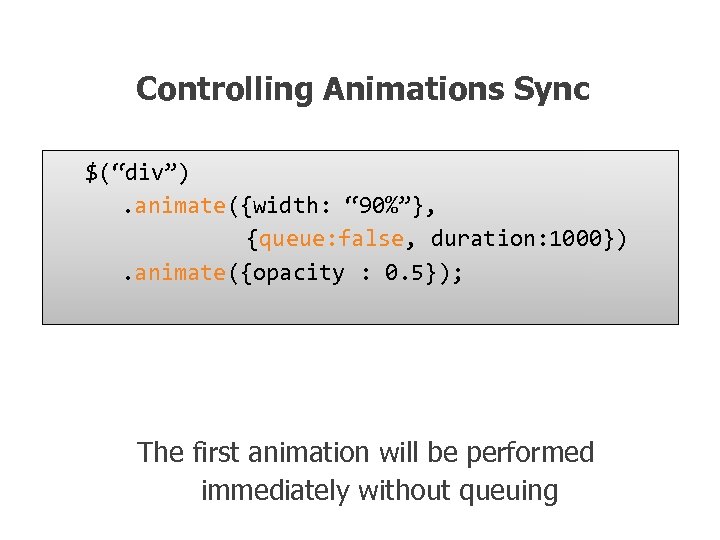 Controlling Animations Sync $(“div”). animate({width: “ 90%”}, {queue: false, duration: 1000}). animate({opacity : 0. 5}); The first animation will be performed immediately without queuing
 EFFECTS DEMO
 AJAX with j. Query
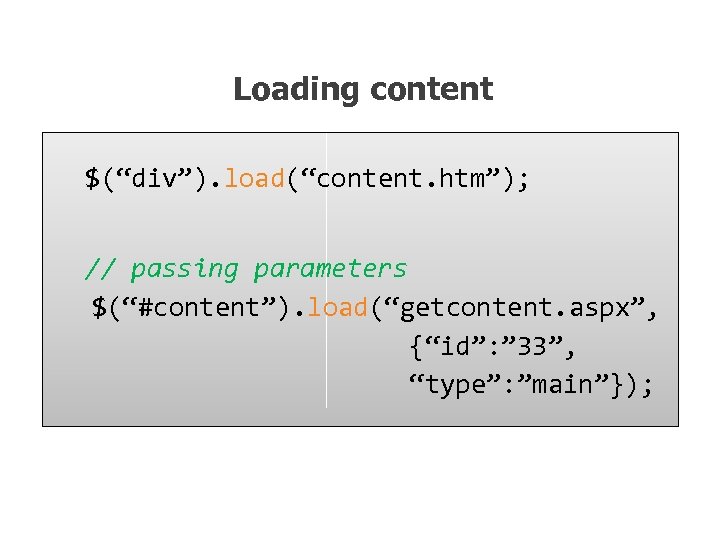 Loading content $(“div”). load(“content. htm”); // passing parameters $(“#content”). load(“getcontent. aspx”, {“id”: ” 33”, “type”: ”main”});
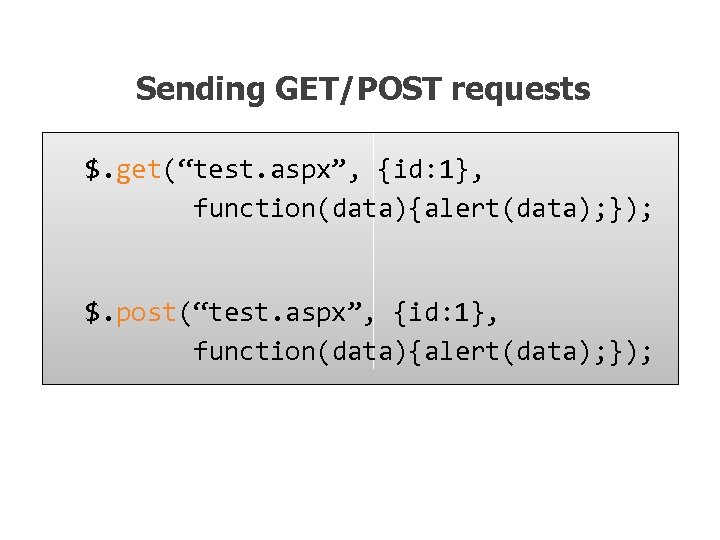 Sending GET/POST requests $. get(“test. aspx”, {id: 1}, function(data){alert(data); }); $. post(“test. aspx”, {id: 1}, function(data){alert(data); });
![Retrieving JSON Data $. get. JSON(“users. aspx”, {id: 1}, function(users) { alert(users[0]. name); });](https://present5.com/presentation/eefe537babaf7d9884d05bda47c0ce63/image-90.jpg "Retrieving JSON Data $. get. JSON(“users. aspx”, {id: 1}, function(users) { alert(users[0]. name); });") Retrieving JSON Data $. get. JSON(“users. aspx”, {id: 1}, function(users) { alert(users[0]. name); });
Retrieving JSON Data $. get. JSON(“users. aspx”, {id: 1}, function(users) { alert(users[0]. name); });
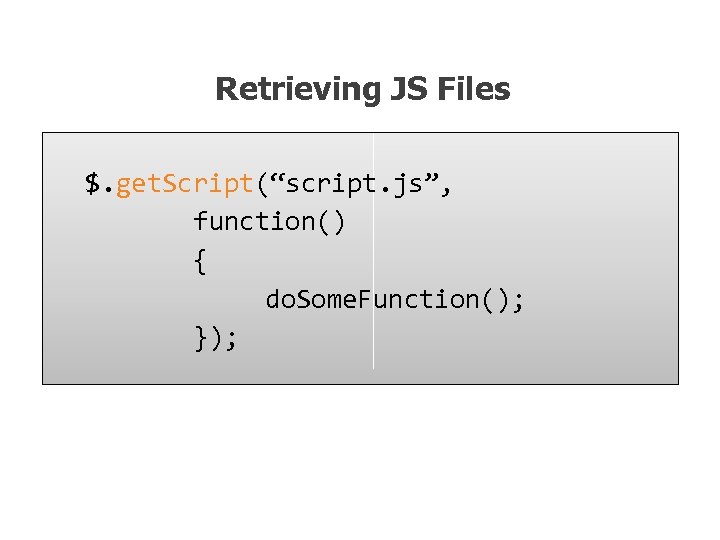 Retrieving JS Files $. get. Script(“script. js”, function() { do. Some. Function(); });
 AJAX DEMO
 Extending the Library
 Adding Methods // definition j. Query. fn. print. Line = function(s) { return j. Query(this). each(function() { this. append(“
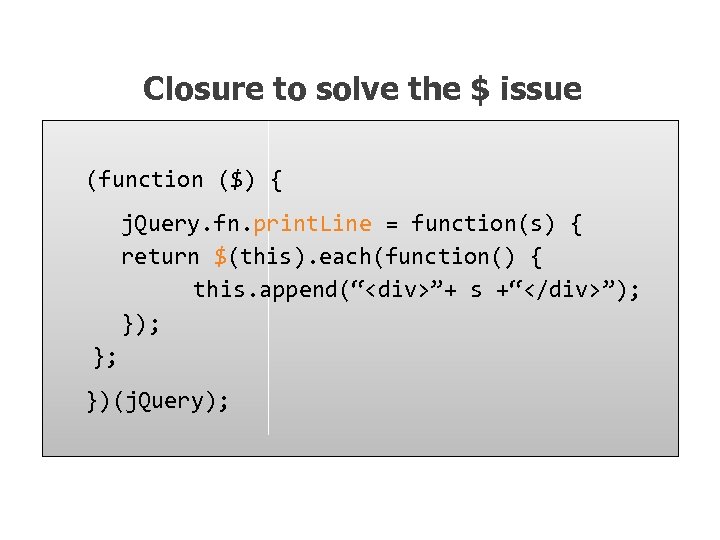 Closure to solve the $ issue (function ($) { j. Query. fn. print. Line = function(s) { return $(this). each(function() { this. append(“
![Custom Selectors $. expr[‘: ’]. test = function(o, i, m, s) { // o](https://present5.com/presentation/eefe537babaf7d9884d05bda47c0ce63/image-96.jpg "Custom Selectors $. expr[‘: ’]. test = function(o, i, m, s) { // o") Custom Selectors $. expr[‘: ’]. test = function(o, i, m, s) { // o – current object in the selection // i – loop index in the stack // m – meta data about your selector // s – stack of all the elements // return true to include the element // return false to exclude the element };
Custom Selectors $. expr[‘: ’]. test = function(o, i, m, s) { // o – current object in the selection // i – loop index in the stack // m – meta data about your selector // s – stack of all the elements // return true to include the element // return false to exclude the element };
 LIBRARY EXTENSION DEMO
 More things to explore n. More Functionality on every aspect n. URL parameters parser n. Browser and features detection n. Data Cache n. Utilities Helper functions n. Various Plug-ins
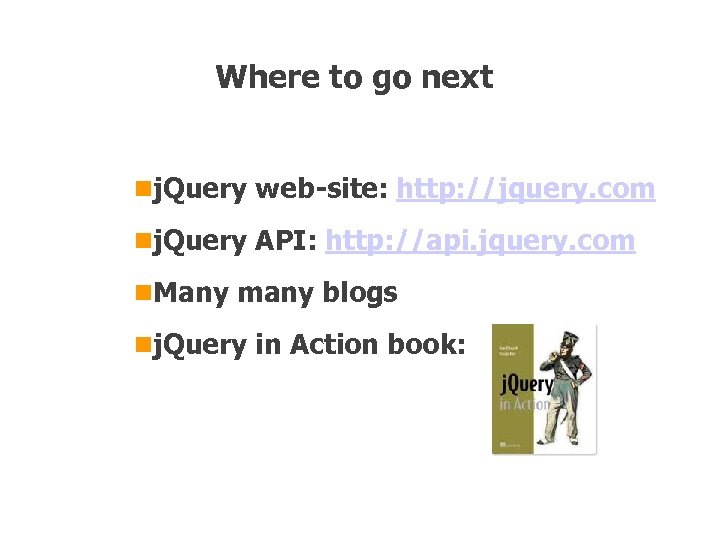 Where to go next nj. Query web-site: http: //jquery. com nj. Query API: http: //api. jquery. com n. Many many blogs nj. Query in Action book: