 Скачать презентацию The Internet Web Objectives l The
b915517ea518835defcaf206b158076b.ppt
- Количество слайдов: 78



The Internet & Web
Objectives l The Internet & Web l HTML/XHTML l Project portfolio page
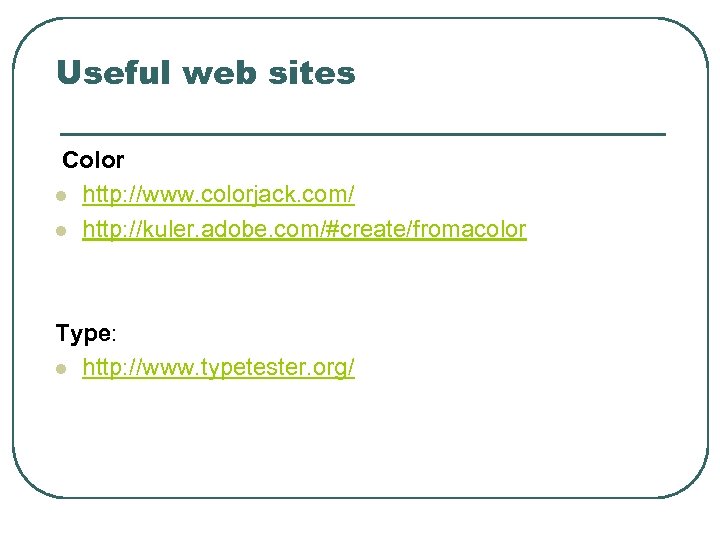
Useful web sites Color l http: //www. colorjack. com/ l http: //kuler. adobe. com/#create/fromacolor Type: l http: //www. typetester. org/
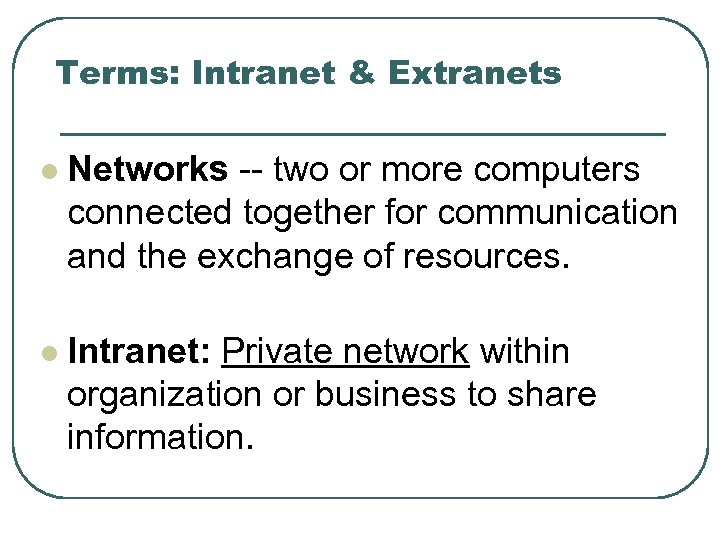
Terms: Intranet & Extranets l Networks -- two or more computers connected together for communication and the exchange of resources. l Intranet: Private network within organization or business to share information.
Terms: Networks l LAN -- Local Area Network • Typically a network in a single building or group of buildings l MAN -- Metropolitan Area Network • Local geographical area l WAN -- Wide Area Network • Public or commercial communications network – wide geographic areas.
The Internet l Internet • Inter-connected network of computer networks • Originally limited to: • government, • research, and • academic use (scientific papers unlike web today) • NSFnet • National Science Foundation
Growth of Internet in the 1990 s 1. Removal of ban on commercial activity 2. Creation of Web by Tim Berners-Lee at CERN • invented internet-based hypermedia initiative for global information sharing. • wrote one of the first web client and server in 1990 (www. w 3. org/People/Berners-Lee/) 3. Creation of Mosaic, web browser at NCSA
Client/Server l Interaction/communication between two computer programs. l Client • requests a service (file or data) from the server. l Server • Fulfills request and transmits requested item(s) to client.
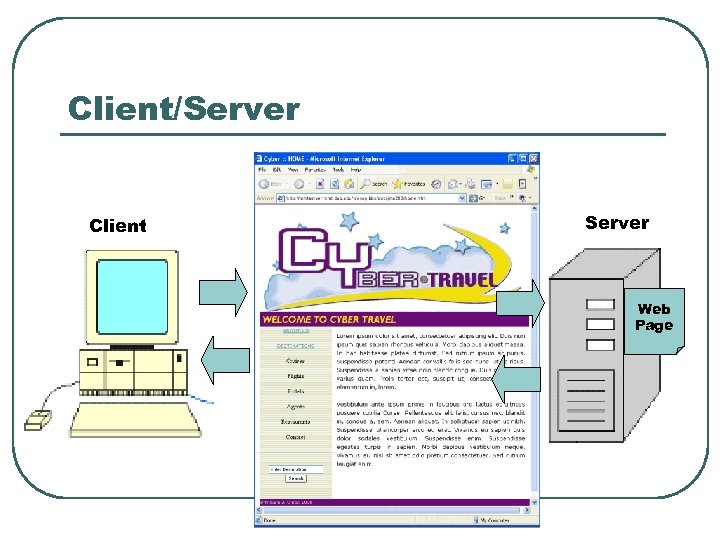
Client/Server Client Server Web Page
Internet Protocols l Protocols • Rules for clients and servers to communicate with each other. l There are number of protocols with specific functions.
Protocols l File Transfer Protocol - FTP: Rules that allow files to be exchanged. l Hypertext Transfer Protocol - HTTP: Rules for exchanging files (text, graphic images, sound, video) on the Web.
Internet Protocol - IP Address All devices connected to the Internet have an numeric IP address. Must identify different computers/nodes – like each house has a mailing address. Addresses consist of a set of four groups of numbers (octets). 165. 191. 174. 61 between 0 and 255. CNN - 157. 166. 255. 18
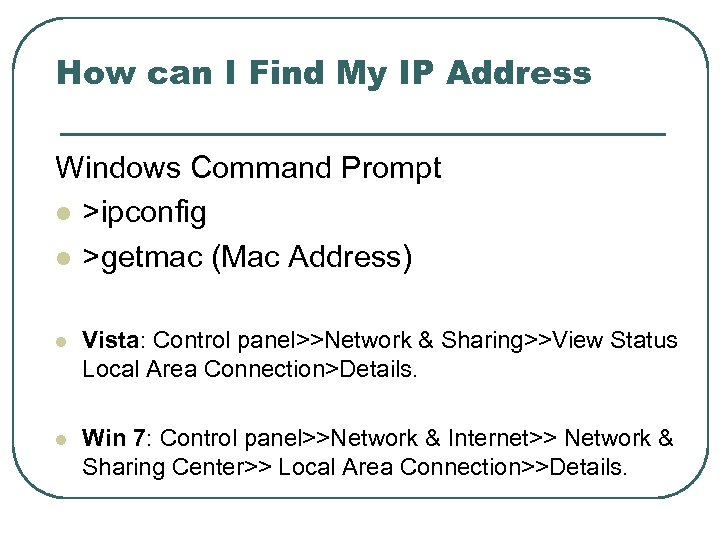
How can I Find My IP Address Windows Command Prompt l >ipconfig l >getmac (Mac Address) l Vista: Control panel>>Network & Sharing>>View Status Local Area Connection>Details. l Win 7: Control panel>>Network & Internet>> Network & Sharing Center>> Local Area Connection>>Details.
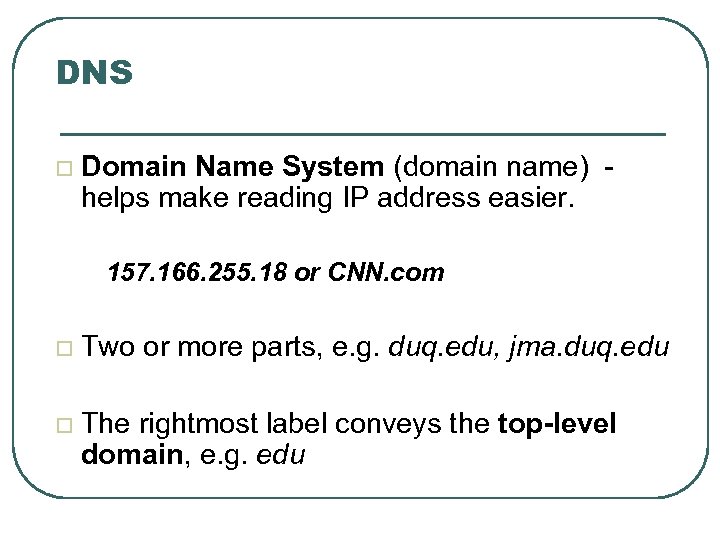
DNS Domain Name System (domain name) - helps make reading IP address easier. 157. 166. 255. 18 or CNN. com Two or more parts, e. g. duq. edu, jma. duq. edu The rightmost label conveys the top-level domain, e. g. edu
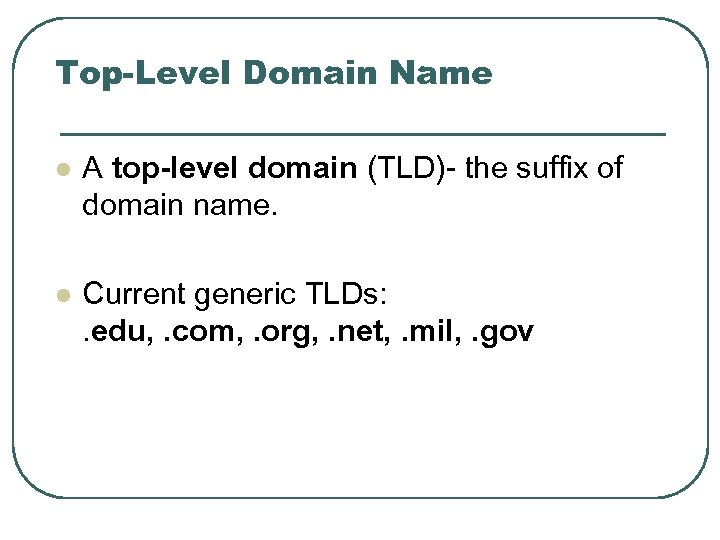
Top-Level Domain Name l A top-level domain (TLD)- the suffix of domain name. l Current generic TLDs: . edu, . com, . org, . net, . mil, . gov
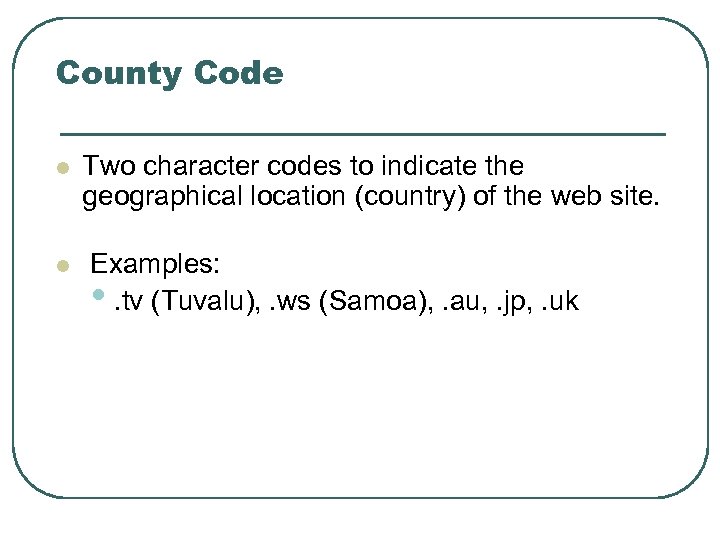
County Code l Two character codes to indicate the geographical location (country) of the web site. l Examples: • . tv (Tuvalu), . ws (Samoa), . au, . jp, . uk
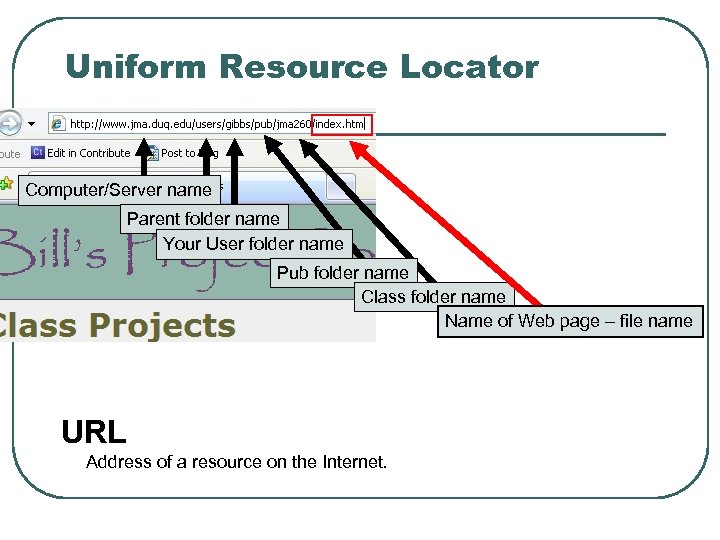
Uniform Resource Locator Computer/Server name Parent folder name Your User folder name Pub folder name Class folder name Name of Web page – file name URL Address of a resource on the Internet.
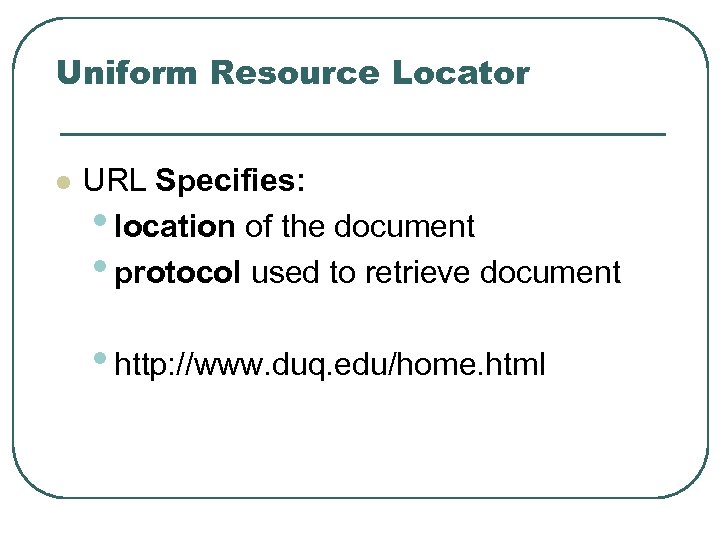
Uniform Resource Locator l URL Specifies: • location of the document • protocol used to retrieve document • http: //www. duq. edu/home. html
Web Standards (W 3 C Consortium) l W 3 C – World Wide Web Consortium • Offer recommendations related to the Web • Produces specifications/Recommendations that help standardize web technologies
Accessibility l Web Accessibility Initiative • Recommendations for developers of user agents to facilitate use of the web by those with special needs. • WCAG • Web Content Accessibility Guidelines http: //www. w 3. org/WAI/WCAG 20/quickref/
Accessibility l Section 508 of the Rehabilitation Act • In 1998, Congress amended the Rehabilitation Act to require Federal agencies to make their electronic and information technology accessible to people with disabilities (www. section 508. gov).
HTML: Background Web development
What is Html/Xhtml? l HTML 5 is still a draft l HTML (4. 01) is subsumed as XHTML 1. 0 l The Extensible Hyper. Text Markup Language (XHTML) extends HTML - reformulated in XML
What is Html/Xhtml? l XHTML is a cleaner and clearer standard compared to early versions of HTML. l HTML 5 offers new elements for better structure, drawing, media content, and handling of forms. • Nav Article Section Aside Footer
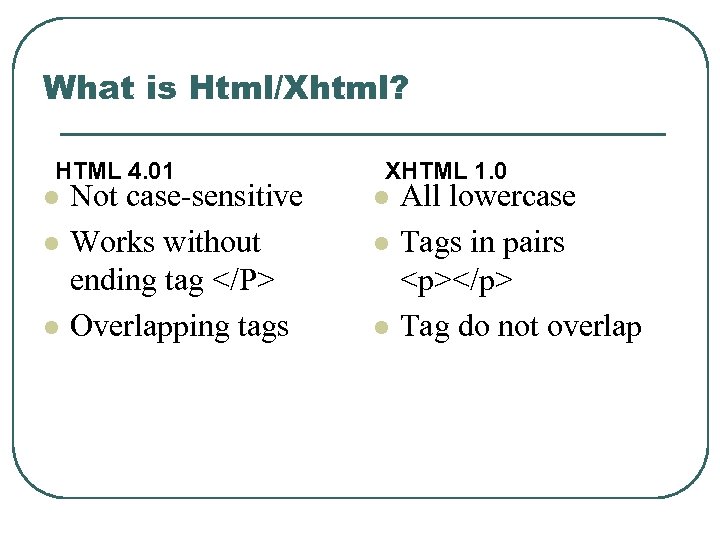
What is Html/Xhtml? HTML 4. 01 l Not case-sensitive l l Works without ending tag </P> Overlapping tags XHTML 1. 0 l All lowercase l l Tags in pairs <p></p> Tag do not overlap
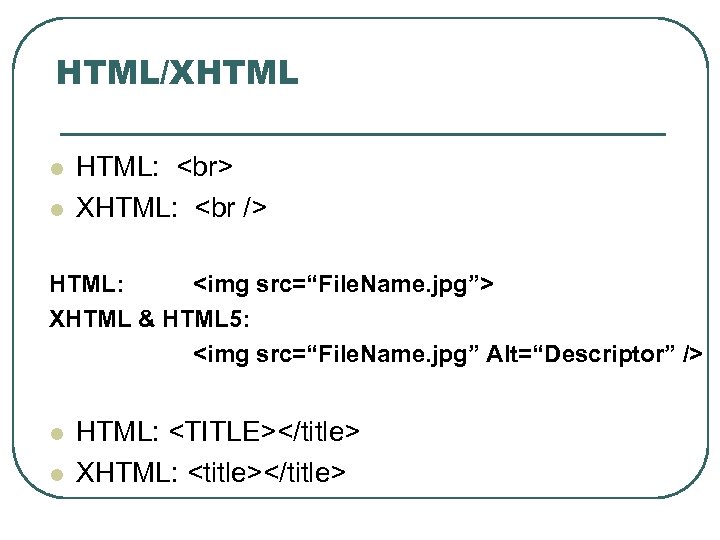
HTML/XHTML l l HTML: XHTML: <br /> HTML: <img src=“File. Name. jpg”> XHTML & HTML 5: <img src=“File. Name. jpg” Alt=“Descriptor” /> l l HTML: <TITLE></title> XHTML: <title></title>
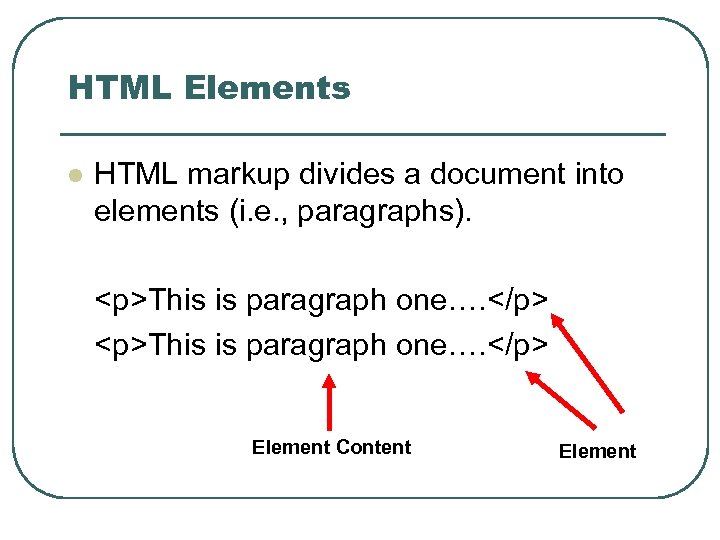
HTML Elements l HTML markup divides a document into elements (i. e. , paragraphs). <p>This is paragraph one…. </p> Element Content Element
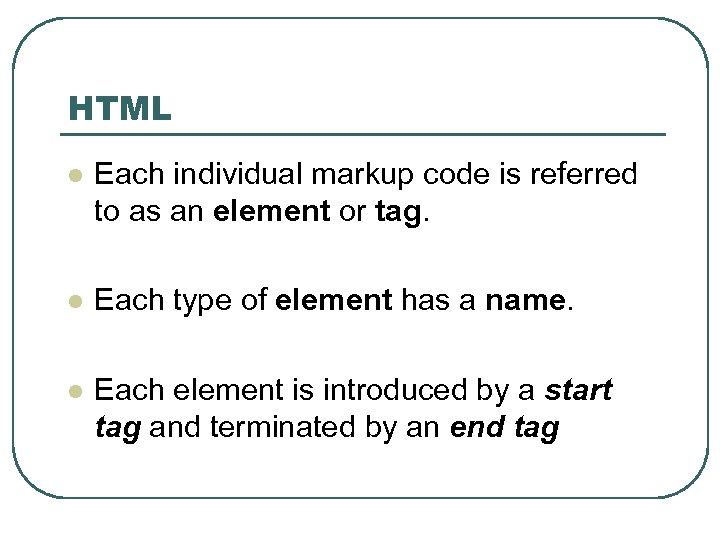
HTML l Each individual markup code is referred to as an element or tag. l Each type of element has a name. l Each element is introduced by a start tag and terminated by an end tag
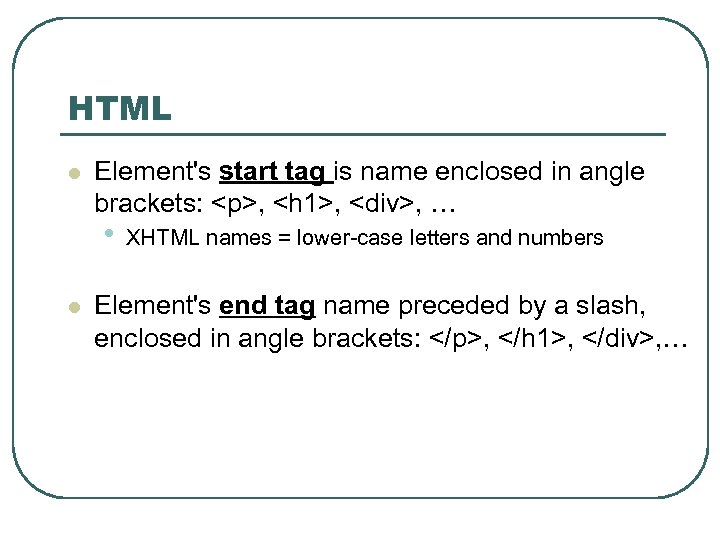
HTML l Element's start tag is name enclosed in angle brackets: <p>, <h 1>, <div>, … • l XHTML names = lower-case letters and numbers Element's end tag name preceded by a slash, enclosed in angle brackets: </p>, </h 1>, </div>, …
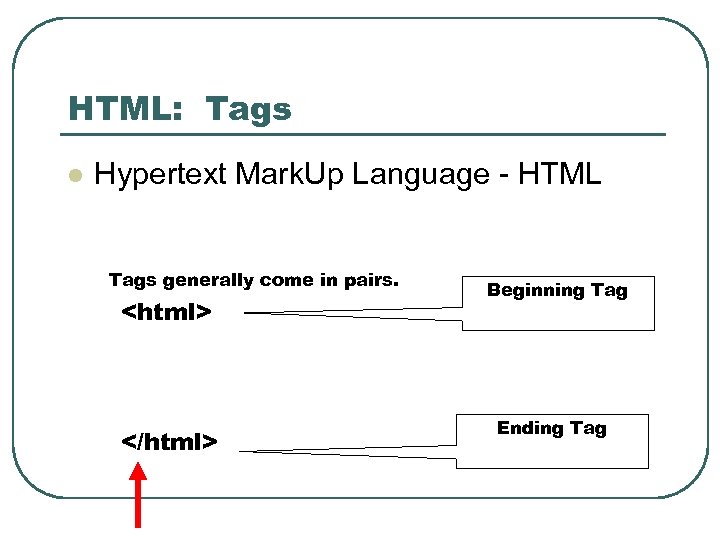
HTML: Tags l Hypertext Mark. Up Language - HTML Tags generally come in pairs. <html> </html> Beginning Tag Ending Tag
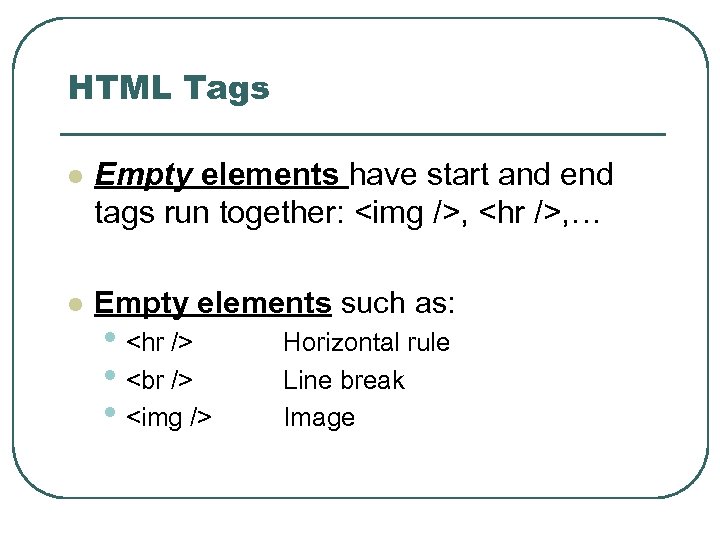
HTML Tags l Empty elements have start and end tags run together: <img />, <hr />, … l Empty elements such as: • <hr /> • <br /> • <img /> Horizontal rule Line break Image
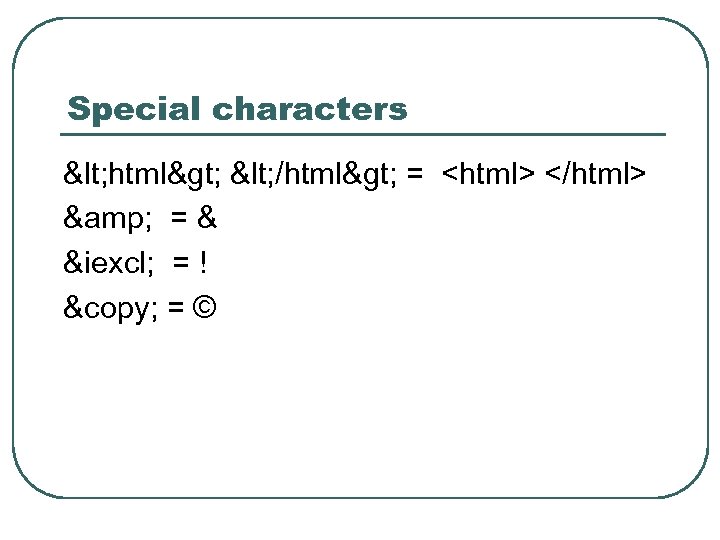
Special characters < html> < /html> = <html> </html> & = & ¡ = ! © = ©
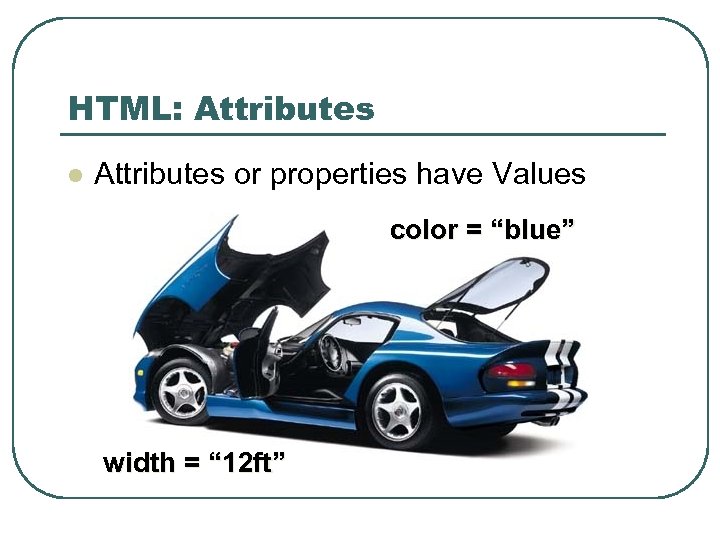
HTML: Attributes l Attributes or properties have Values color = “blue” width = “ 12 ft”
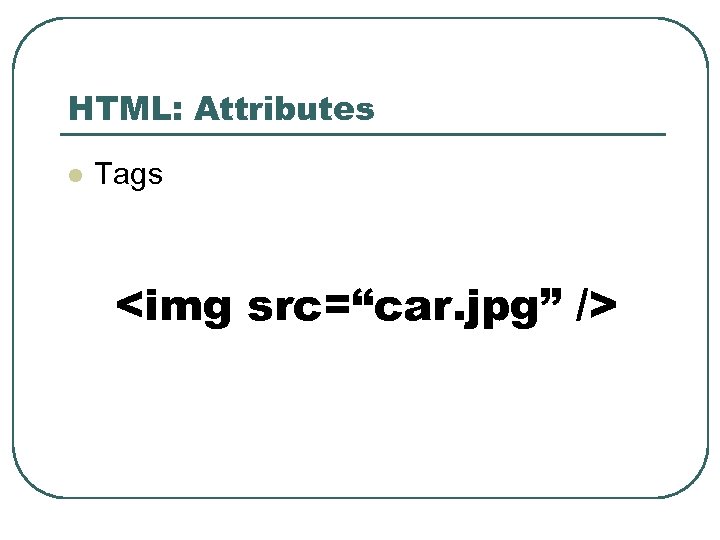
HTML: Attributes l Tags <img src=“car. jpg” />
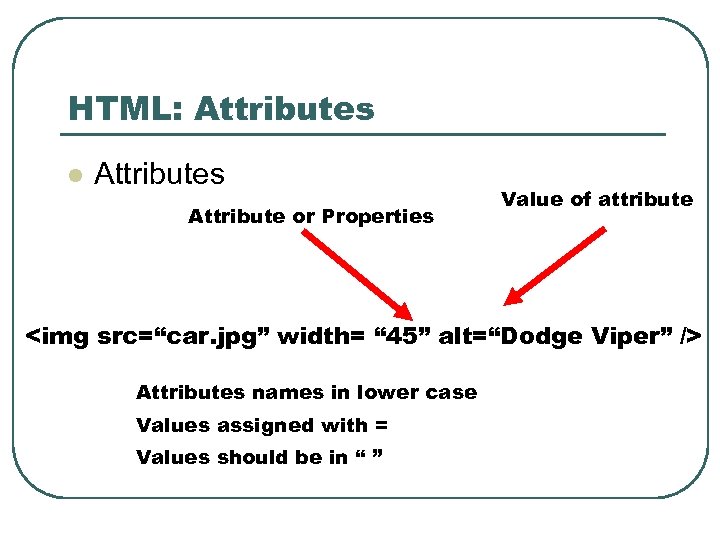
HTML: Attributes l Attributes Attribute or Properties Value of attribute <img src=“car. jpg” width= “ 45” alt=“Dodge Viper” /> Attributes names in lower case Values assigned with = Values should be in “ ”
Document Structure HTML
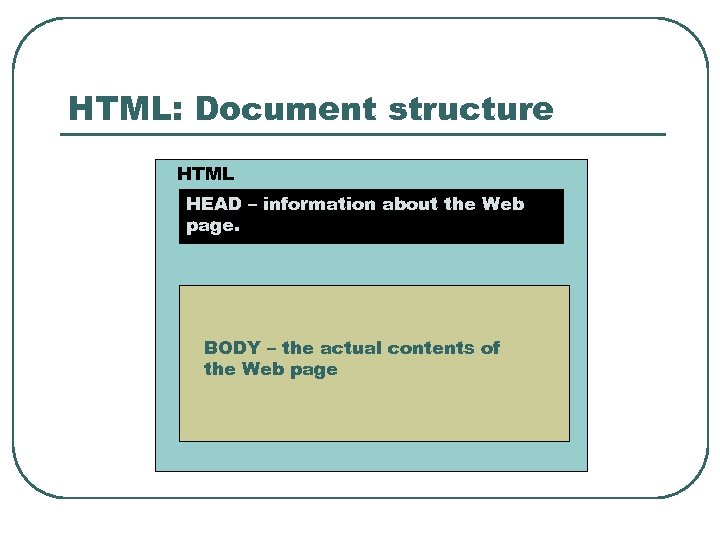
HTML: Document structure HTML HEAD – information about the Web page. BODY – the actual contents of the Web page
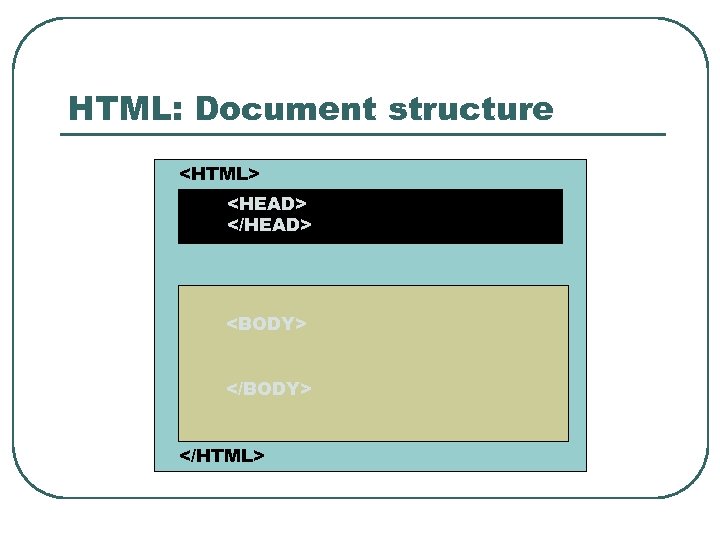
HTML: Document structure <HTML> <HEAD> </HEAD> <BODY> </HTML>
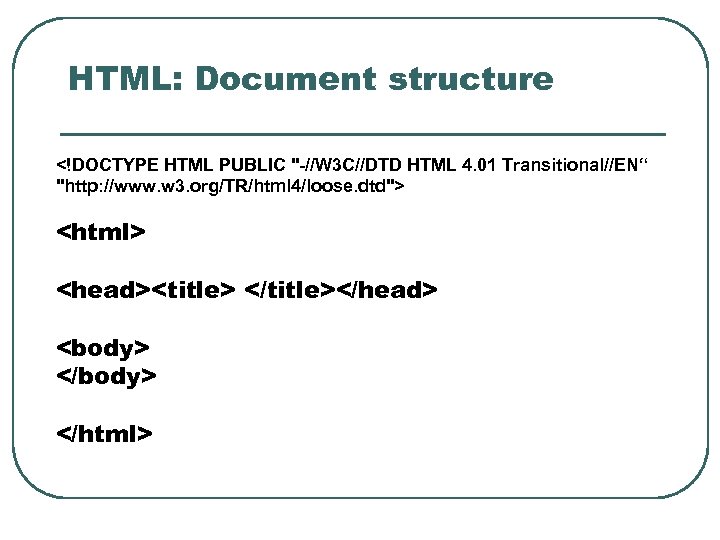
HTML: Document structure <!DOCTYPE HTML PUBLIC "-//W 3 C//DTD HTML 4. 01 Transitional//EN“ "http: //www. w 3. org/TR/html 4/loose. dtd"> <html> <head><title> </title></head> <body> </html>
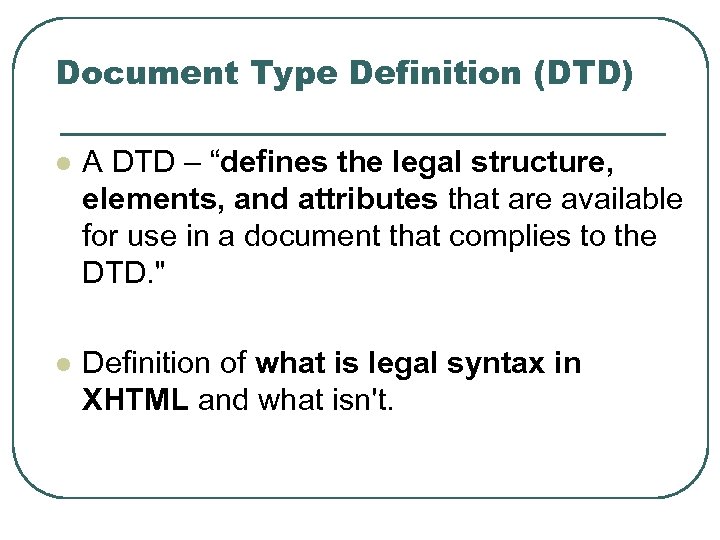
Document Type Definition (DTD) l A DTD – “defines the legal structure, elements, and attributes that are available for use in a document that complies to the DTD. " l Definition of what is legal syntax in XHTML and what isn't.
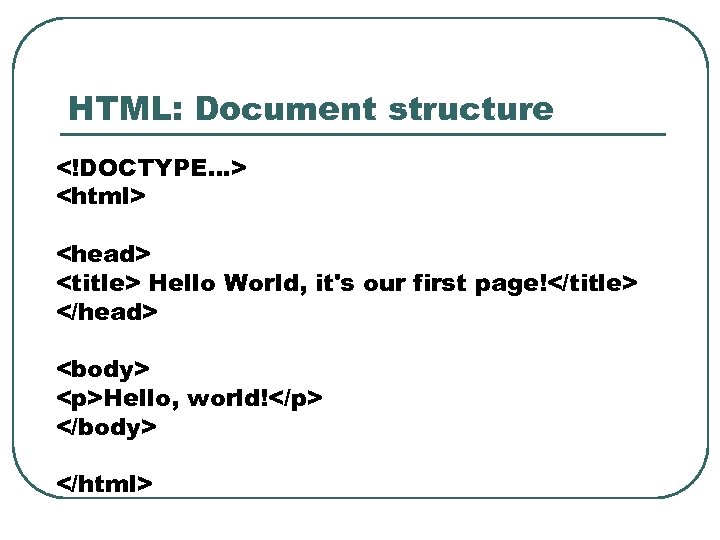
HTML: Document structure <!DOCTYPE…> <html> <head> <title> Hello World, it's our first page!</title> </head> <body> <p>Hello, world!</p> </body> </html>
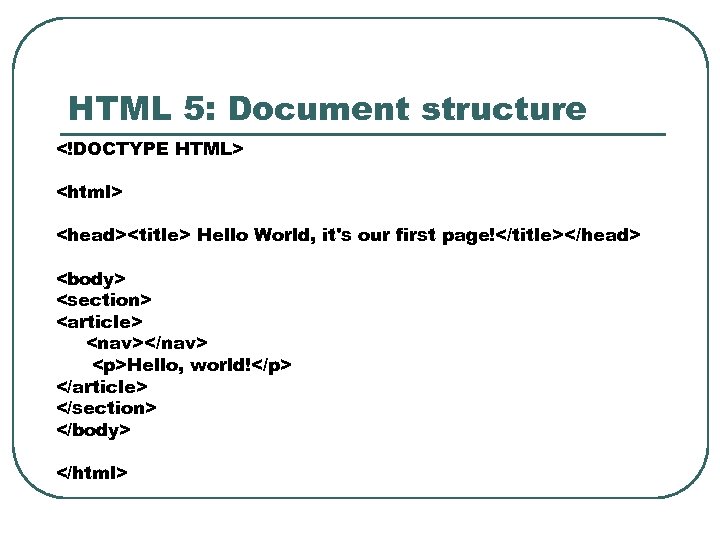
HTML 5: Document structure <!DOCTYPE HTML> <html> <head><title> Hello World, it's our first page!</title></head> <body> <section> <article> <nav></nav> <p>Hello, world!</p> </article> </section> </body> </html>
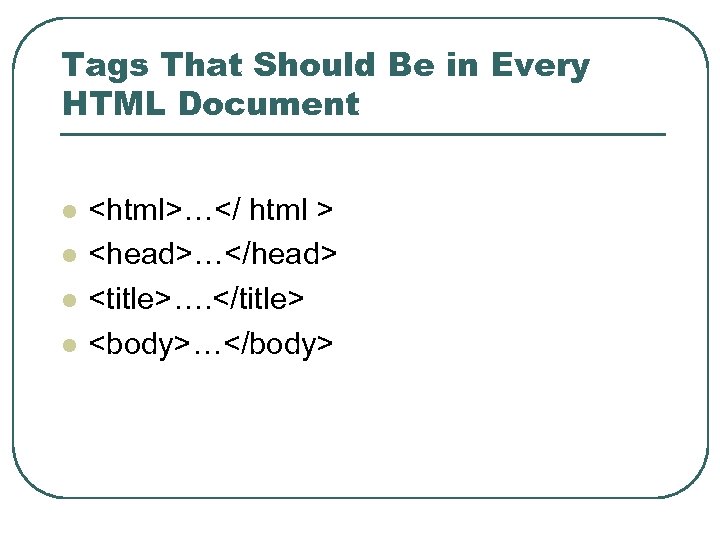
Tags That Should Be in Every HTML Document l l <html>…</ html > <head>…</head> <title>…. </title> <body>…</body>
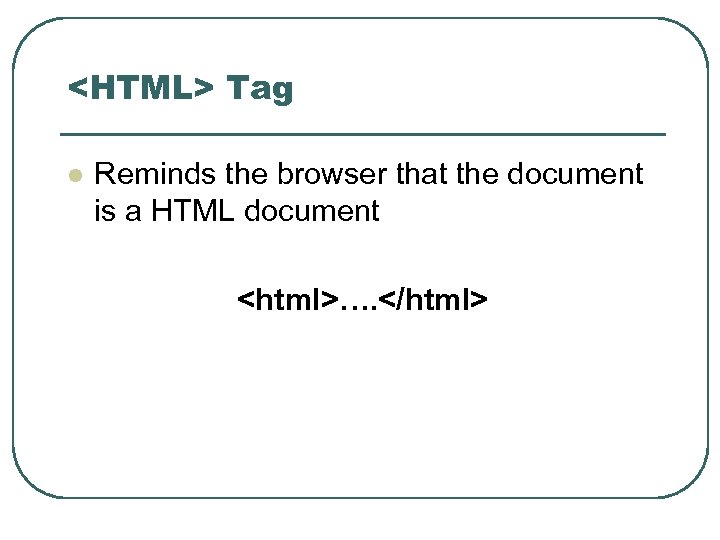
<HTML> Tag l Reminds the browser that the document is a HTML document <html>…. </html>
<HEAD> Tag l l Gives the browser information about the document Comes after the <HTML> tag <head>…. </head>
<TITLE> Tag l Places information in the title bar of the browser’s window <title>…. </title>
Comment Tag l Text that shows up in the HTML source code, but does not show up in the browser window <! - - Comments go here - - >
<BODY> Tag l All the information between the body tags appears in the browser’s window <body>…</body>
Visual vs. Structural Markup
Visual vs. Structural l HTML - evolved from original version with tags suitable for marking up scientific papers. l Recent versions emphasize structural markup, but there are visual markup features left over from earlier versions.
Block boxes and inline boxes l Block boxes and inline boxes—that correspond to the two types of tags—blocklevel and inline tags.
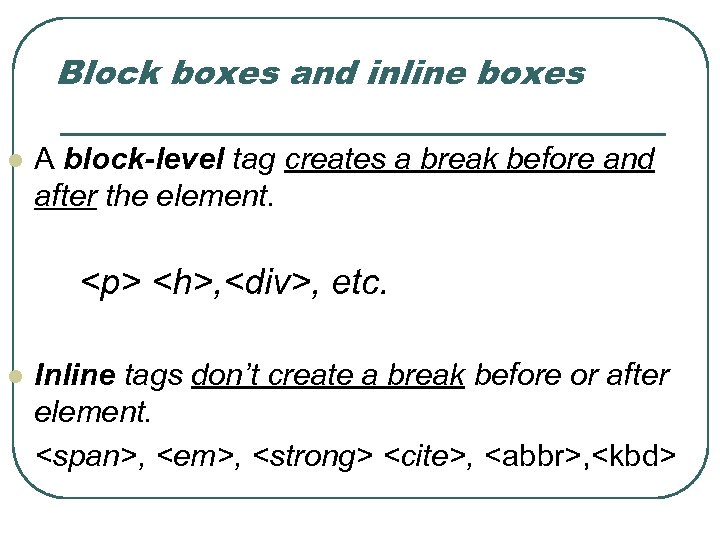
Block boxes and inline boxes l A block-level tag creates a break before and after the element. <p> <h>, <div>, etc. l Inline tags don’t create a break before or after element. <span>, <em>, <strong> <cite>, <abbr>, <kbd>
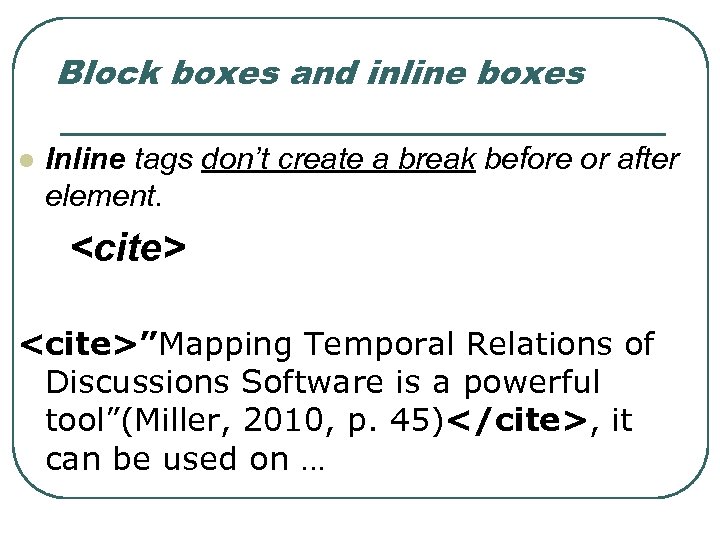
Block boxes and inline boxes l Inline tags don’t create a break before or after element. <cite>”Mapping Temporal Relations of Discussions Software is a powerful tool”(Miller, 2010, p. 45)</cite>, it can be used on …
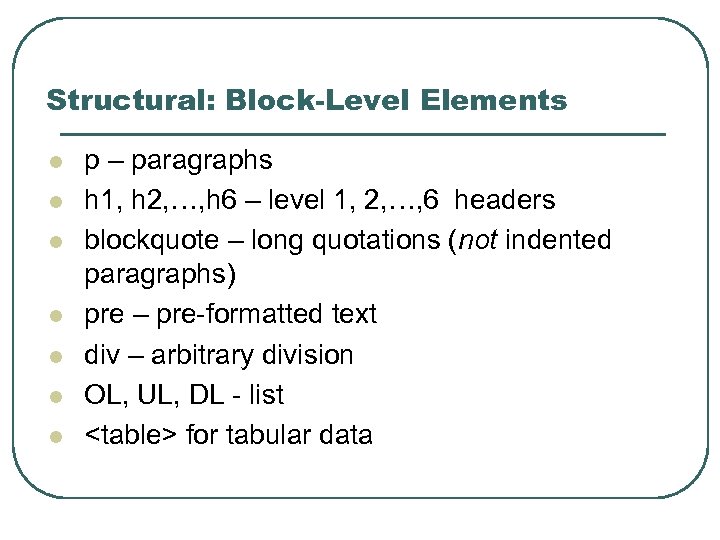
Structural: Block-Level Elements l l l l p – paragraphs h 1, h 2, …, h 6 – level 1, 2, …, 6 headers blockquote – long quotations (not indented paragraphs) pre – pre-formatted text div – arbitrary division OL, UL, DL - list <table> for tabular data
Structural: Paragraph Tag l l <p>…</p> Gives the appearance of paragraphs
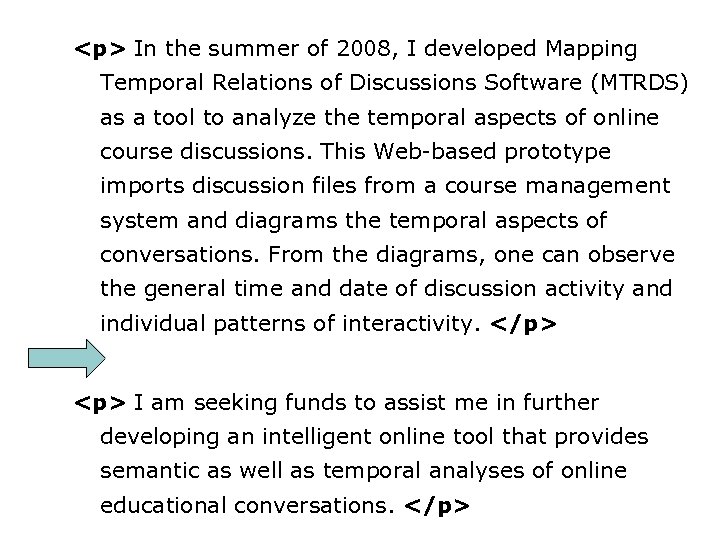
<p> In the summer of 2008, I developed Mapping Temporal Relations of Discussions Software (MTRDS) as a tool to analyze the temporal aspects of online course discussions. This Web-based prototype imports discussion files from a course management system and diagrams the temporal aspects of conversations. From the diagrams, one can observe the general time and date of discussion activity and individual patterns of interactivity. </p> <p> I am seeking funds to assist me in further developing an intelligent online tool that provides semantic as well as temporal analyses of online educational conversations. </p>
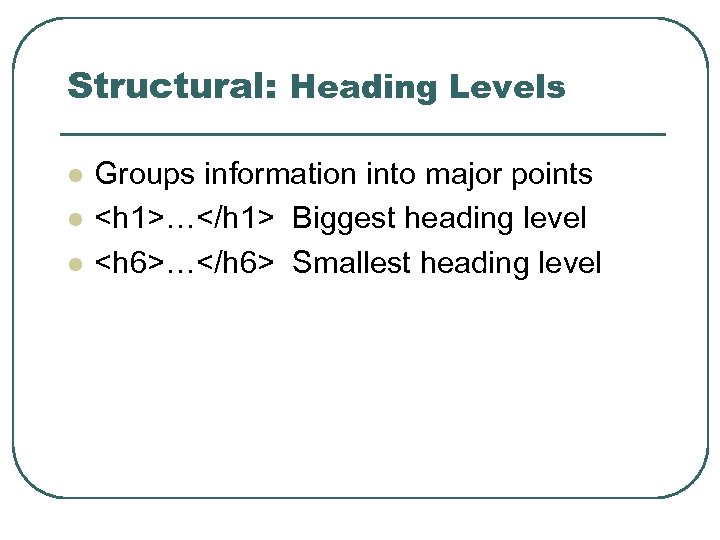
Structural: Heading Levels l l l Groups information into major points <h 1>…</h 1> Biggest heading level <h 6>…</h 6> Smallest heading level
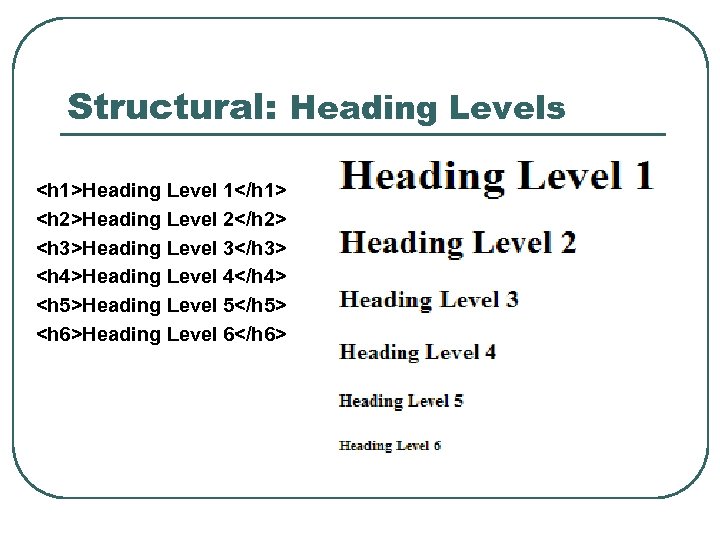
Structural: Heading Levels <h 1>Heading Level 1</h 1> <h 2>Heading Level 2</h 2> <h 3>Heading Level 3</h 3> <h 4>Heading Level 4</h 4> <h 5>Heading Level 5</h 5> <h 6>Heading Level 6</h 6>
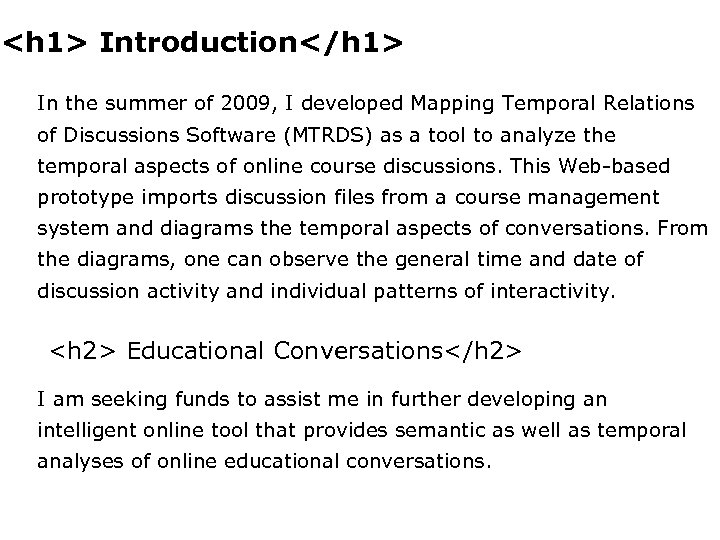
<h 1> Introduction</h 1> In the summer of 2009, I developed Mapping Temporal Relations of Discussions Software (MTRDS) as a tool to analyze the temporal aspects of online course discussions. This Web-based prototype imports discussion files from a course management system and diagrams the temporal aspects of conversations. From the diagrams, one can observe the general time and date of discussion activity and individual patterns of interactivity. <h 2> Educational Conversations</h 2> I am seeking funds to assist me in further developing an intelligent online tool that provides semantic as well as temporal analyses of online educational conversations.

Structural: HTML Lists l ul – unordered list l ol – ordered list l li – list element l dl – definition list • Use pairs of dt (term) and dd (definition) elements within dl
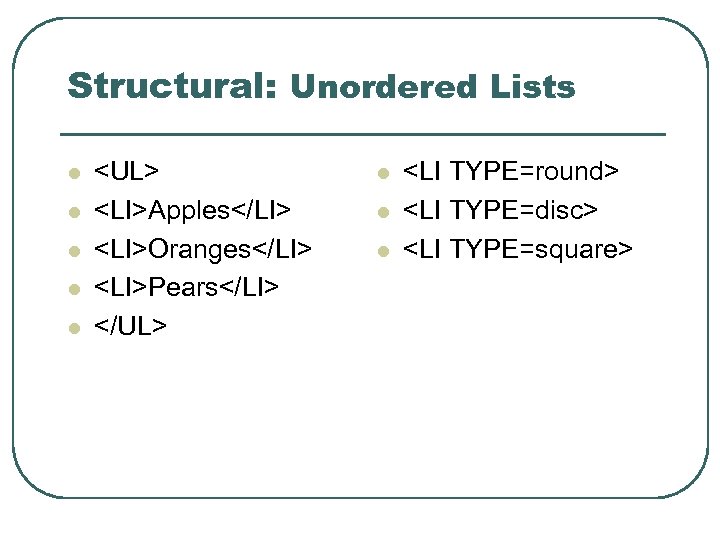
Structural: Unordered Lists l l l <UL> <LI>Apples</LI> <LI>Oranges</LI> <LI>Pears</LI> </UL> l l l <LI TYPE=round> <LI TYPE=disc> <LI TYPE=square>
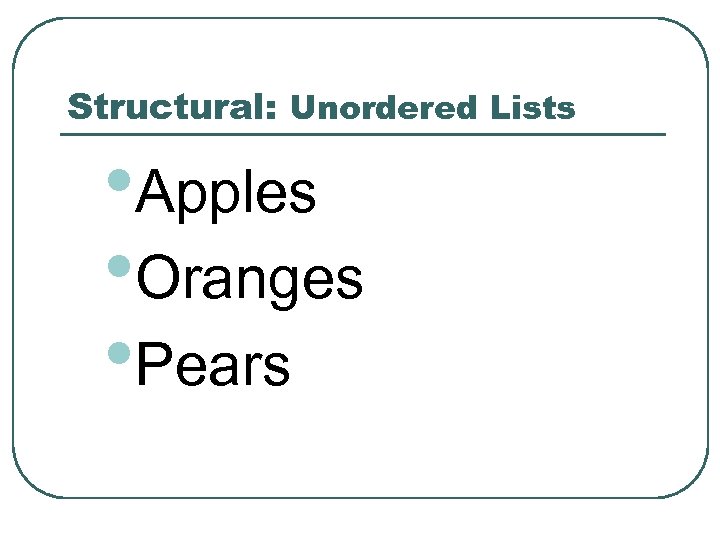
Structural: Unordered Lists • Apples • Oranges • Pears
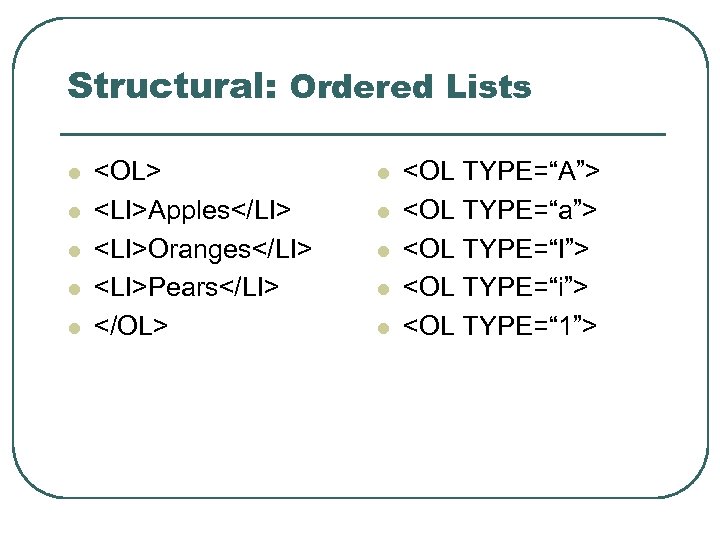
Structural: Ordered Lists l l l <OL> <LI>Apples</LI> <LI>Oranges</LI> <LI>Pears</LI> </OL> l l l <OL TYPE=“A”> <OL TYPE=“a”> <OL TYPE=“I”> <OL TYPE=“i”> <OL TYPE=“ 1”>
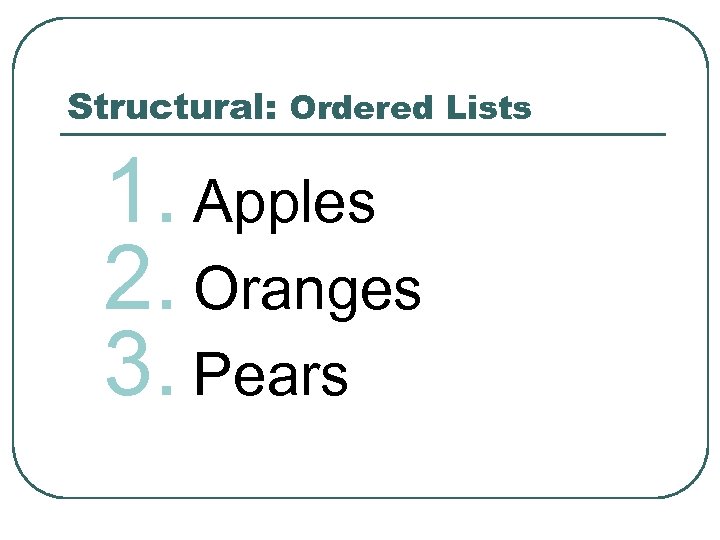
Structural: Ordered Lists 1. Apples 2. Oranges 3. Pears
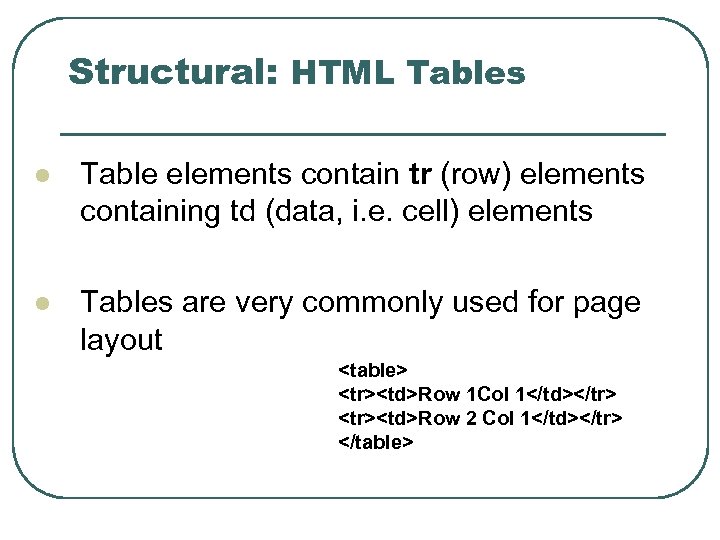
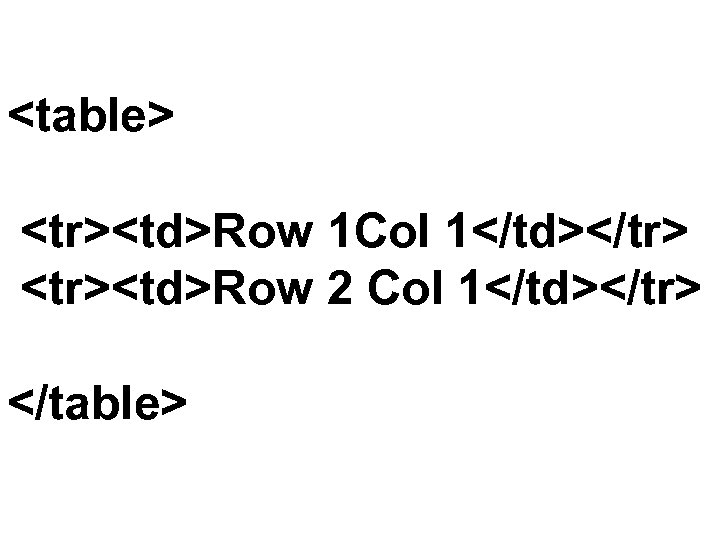
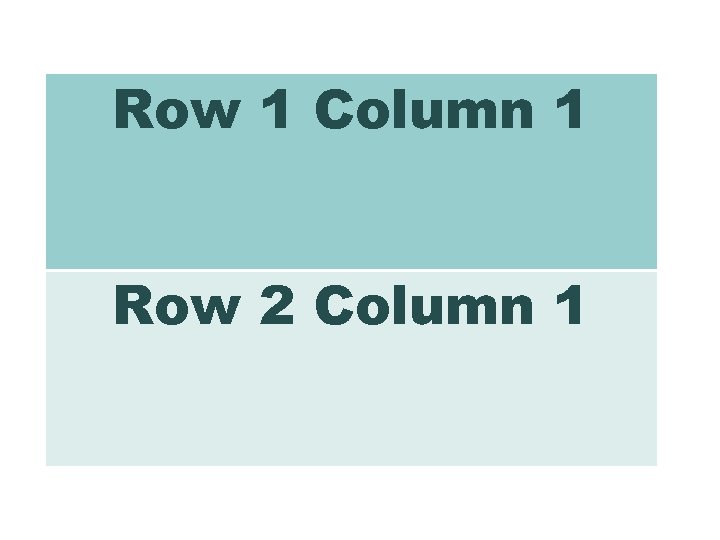
Structural: HTML Tables l Table elements contain tr (row) elements containing td (data, i. e. cell) elements l Tables are very commonly used for page layout <table> <tr><td>Row 1 Col 1</td></tr> <tr><td>Row 2 Col 1</td></tr> </table>
<table> <tr><td>Row 1 Col 1</td></tr> <tr><td>Row 2 Col 1</td></tr> </table>
Row 1 Column 1 Row 2 Column 1
Making Links & Color
Linking to Another Document Null links <a href =“#”>This is a NULL link</a>
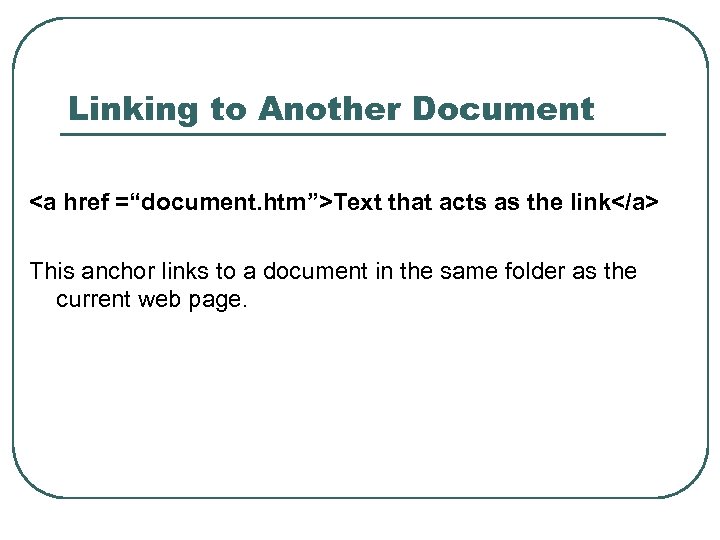
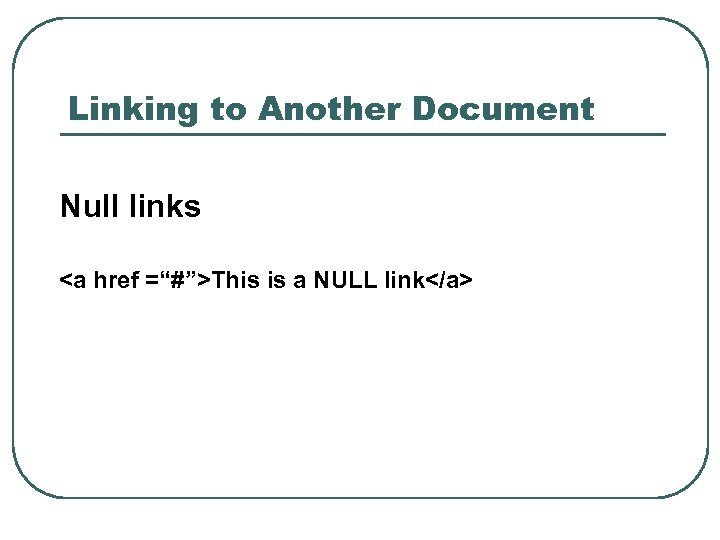
Linking to Another Document <a href =“document. htm”>Text that acts as the link</a> This anchor links to a document in the same folder as the current web page.
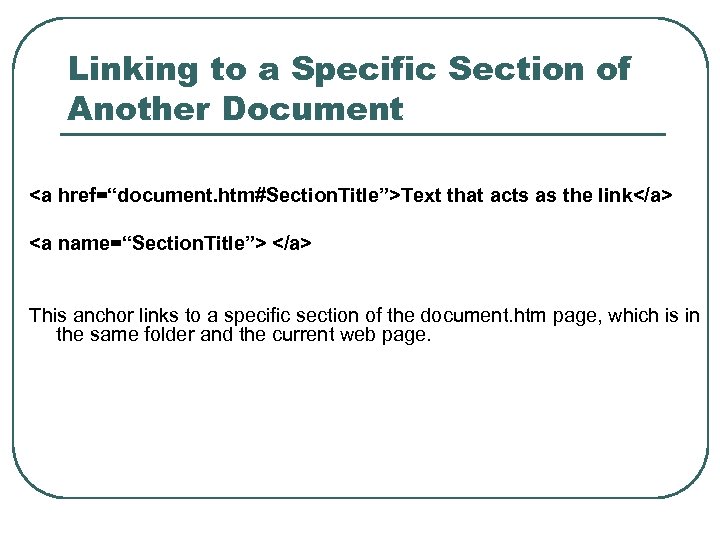
Linking to a Specific Section of Another Document <a href=“document. htm#Section. Title”>Text that acts as the link</a> <a name=“Section. Title”> </a> This anchor links to a specific section of the document. htm page, which is in the same folder and the current web page.
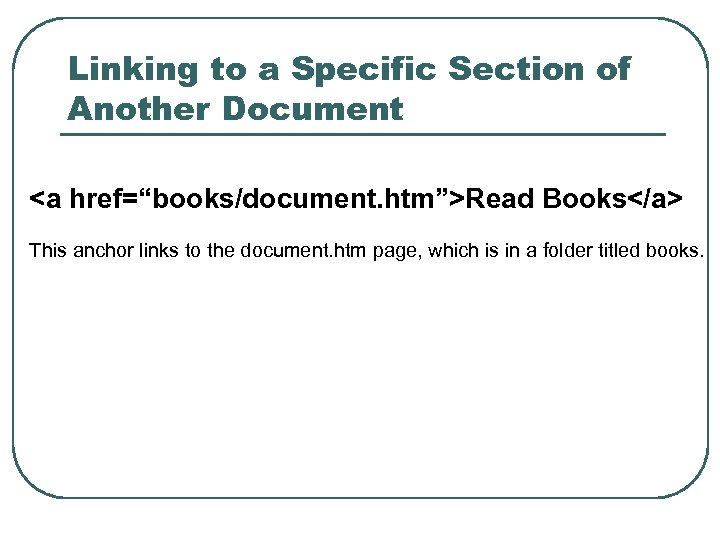
Linking to a Specific Section of Another Document <a href=“books/document. htm”>Read Books</a> This anchor links to the document. htm page, which is in a folder titled books.
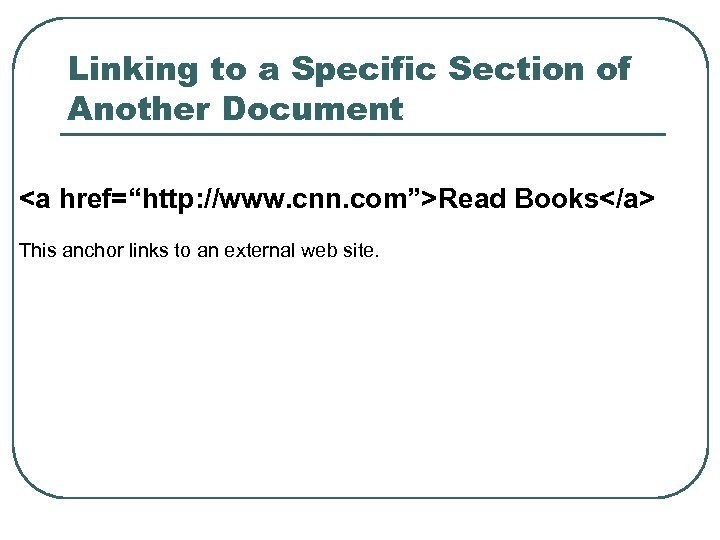
Linking to a Specific Section of Another Document <a href=“http: //www. cnn. com”>Read Books</a> This anchor links to an external web site.
Linking to Another Web Site <a href=“http: //www. yahoo. com”>Yahoo</a>
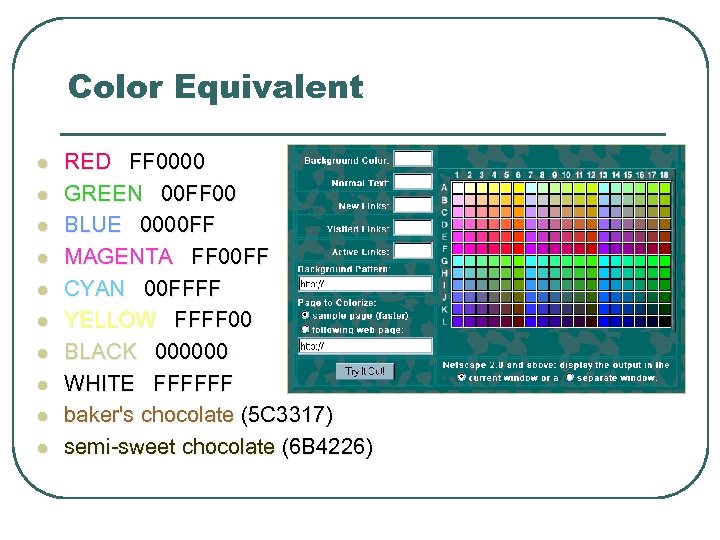
Color Equivalent l l l l l RED FF 0000 GREEN 00 FF 00 BLUE 0000 FF MAGENTA FF 00 FF CYAN 00 FFFF YELLOW FFFF 00 BLACK 000000 WHITE FFFFFF baker's chocolate (5 C 3317) semi-sweet chocolate (6 B 4226)
Color l Colors are defined using a hexadecimal notation for the combination of Red, Green, and Blue color values (RGB). l The lowest value that can be given to one light source is 0 (hex #00). The highest value is 255 (hex #FF)
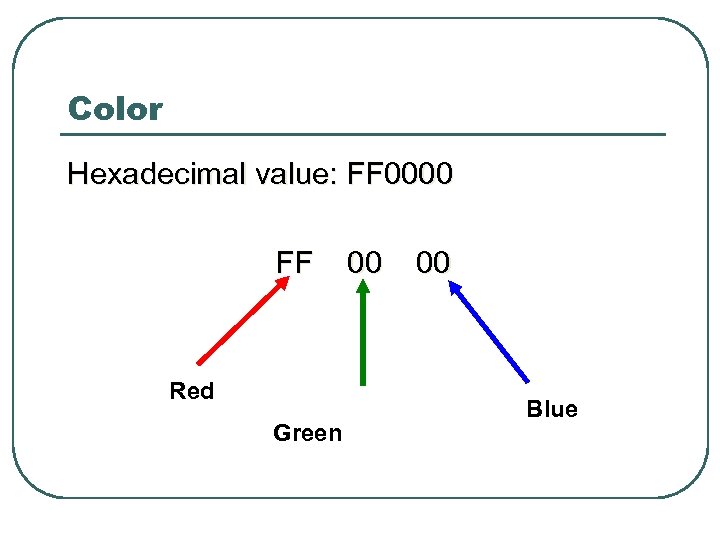
Color Hexadecimal value: FF 0000 FF 00 Red Green Blue
 Скачать презентацию The Internet Web Objectives l The
b915517ea518835defcaf206b158076b.ppt