


 Скачать презентацию The Internet and WWW The Internet o
83463e68a6fa7039a01b9cac9a5b5012.ppt
- Количество слайдов: 44
 The Internet and WWW
 The Internet o What is the Internet? o o o A worldwide collection of networks The Internet backbone is the main collection of networks that carry information from one place to another (including other countries) What are some services found on the Internet? o o o World Wide Web (WWW) E-mail File Transfer Protocol (FTP) Newsgroups Chat rooms Instant Messaging
 History of the Internet o Where did the Internet come from? o ARPANET- The original Internet backbone o Networking project by Pentagon’s Advanced Research Projects Agency (ARPA) o Goals- To build a network that wouldo Allow scientists at different physical locations to share information and work together o Function if part of network were disabled or destroyed o Became functional September 1969 and consisted of 4 main computers. Each of those computers acted as a host. o A host is any computer that provides services and connections to other computers on a network.
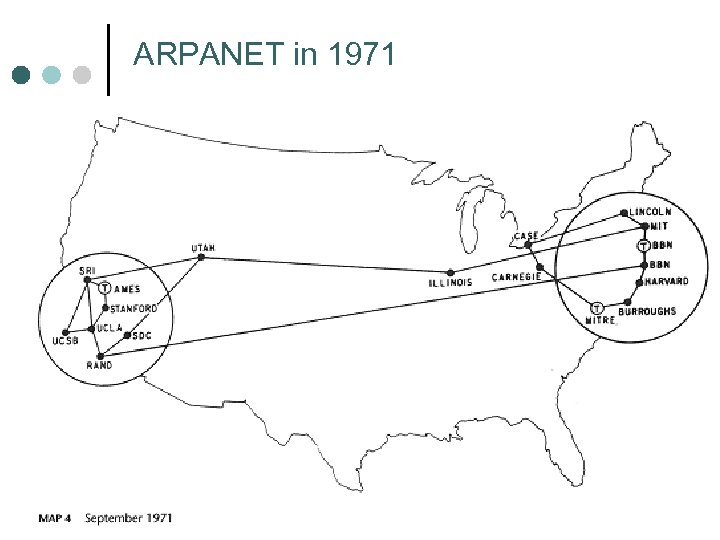 ARPANET in 1971
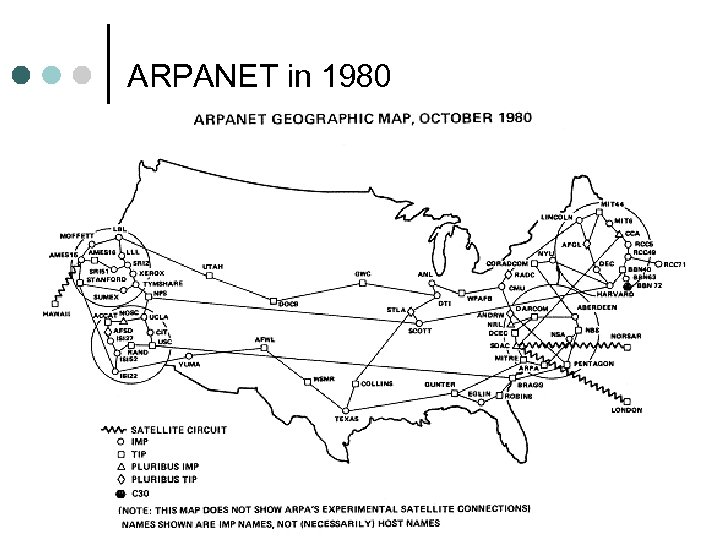 ARPANET in 1980
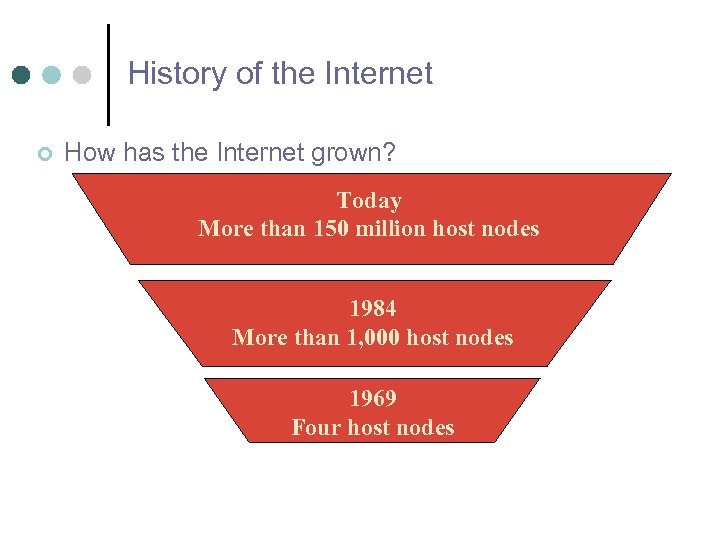 History of the Internet ¢ How has the Internet grown? Today More than 150 million host nodes 1984 More than 1, 000 host nodes 1969 Four host nodes
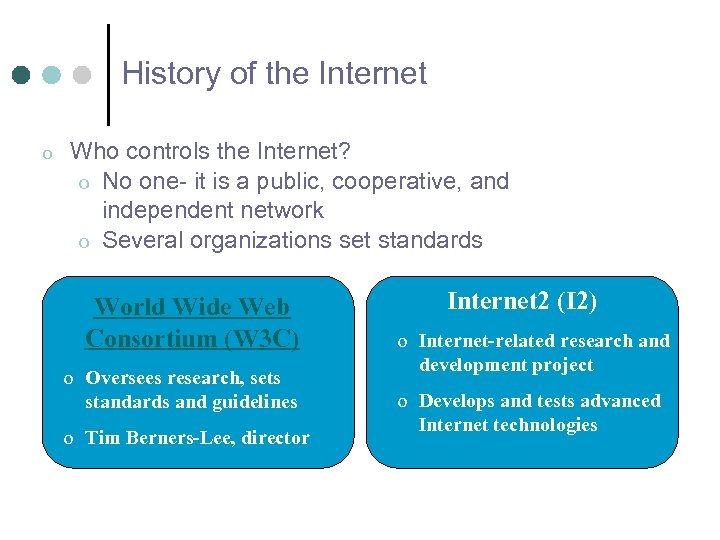 History of the Internet o Who controls the Internet? o No one- it is a public, cooperative, and independent network o Several organizations set standards World Wide Web Consortium (W 3 C) o Oversees research, sets standards and guidelines o Tim Berners-Lee, director Internet 2 (I 2) o Internet-related research and development project o Develops and tests advanced Internet technologies
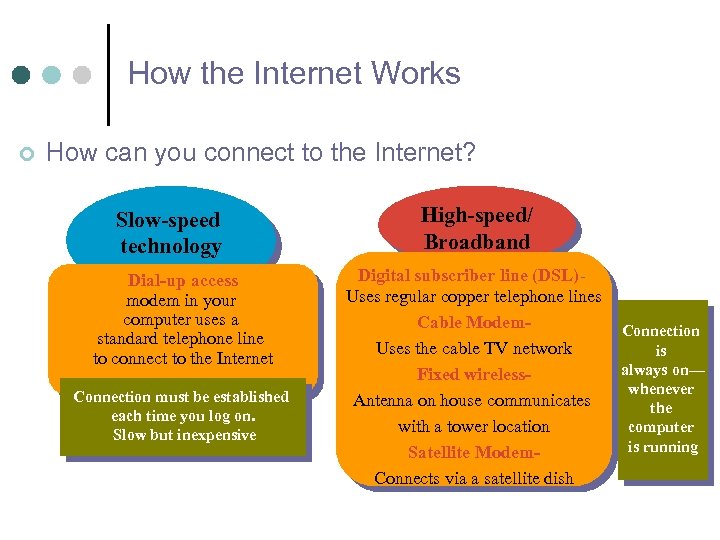 How the Internet Works ¢ How can you connect to the Internet? Slow-speed technology Dial-up access modem in your computer uses a standard telephone line to connect to the Internet Connection must be established each time you log on. Slow but inexpensive High-speed/ Broadband Digital subscriber line (DSL)Uses regular copper telephone lines Cable Modem. Uses the cable TV network Fixed wireless. Antenna on house communicates with a tower location Satellite Modem. Connects via a satellite dish Connection is always on— whenever the computer is running
 How the Internet Works o Access Providers o A business that provides access to the Internet free or for a fee o Usually a fixed monthly payment o o o ISP (Internet Service Provider)Earth. Link OSP (Online Service Provider)- same as ISP, but includes members only features. AOL and MSN, for example) WISP (Wireless Internet Service Provider)- T-Mobile, Verizon Wireless
 How the Internet Works o o o Internet Addresses The Internet relies on an addressing system to send data to a computer at a specific destination IP Address- Internet Protocol Address o Four groups of numbers, separated by a period. The number in each group is between 0 and 255.
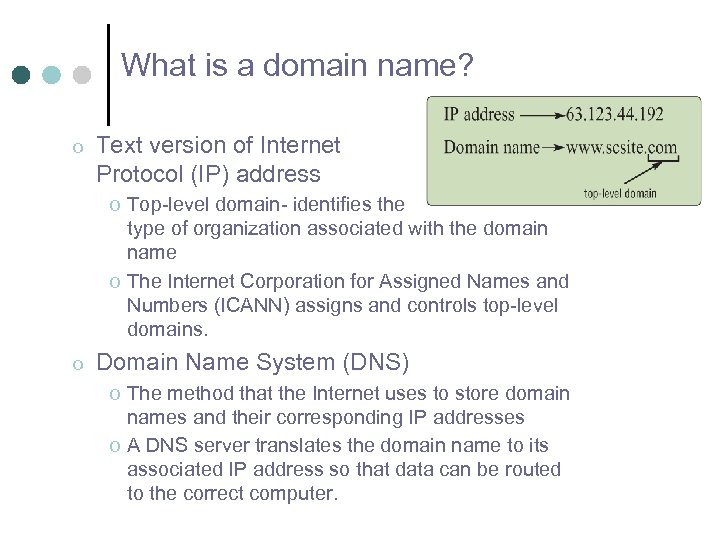 What is a domain name? o Text version of Internet Protocol (IP) address o Top-level domain- identifies the type of organization associated with the domain name o The Internet Corporation for Assigned Names and Numbers (ICANN) assigns and controls top-level domains. o Domain Name System (DNS) o The method that the Internet uses to store domain names and their corresponding IP addresses o A DNS server translates the domain name to its associated IP address so that data can be routed to the correct computer.
 The World Wide Web o What is the World Wide Web (WWW)? o A service of the Internet o A worldwide collection of electronic documents, also called the Web o Each electronic document is called a Web page o Can contain text, graphics, sound, video, and built-in connections o A Web site is a collection of related Web pages
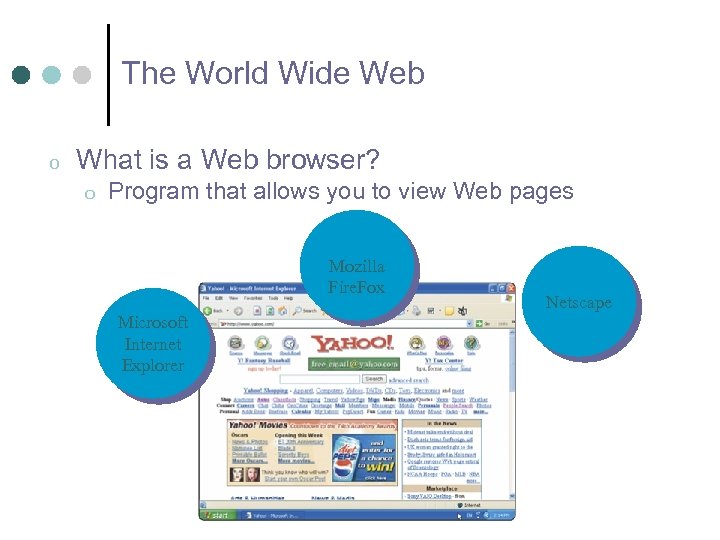 The World Wide Web o What is a Web browser? o Program that allows you to view Web pages Mozilla Fire. Fox Microsoft Internet Explorer Netscape
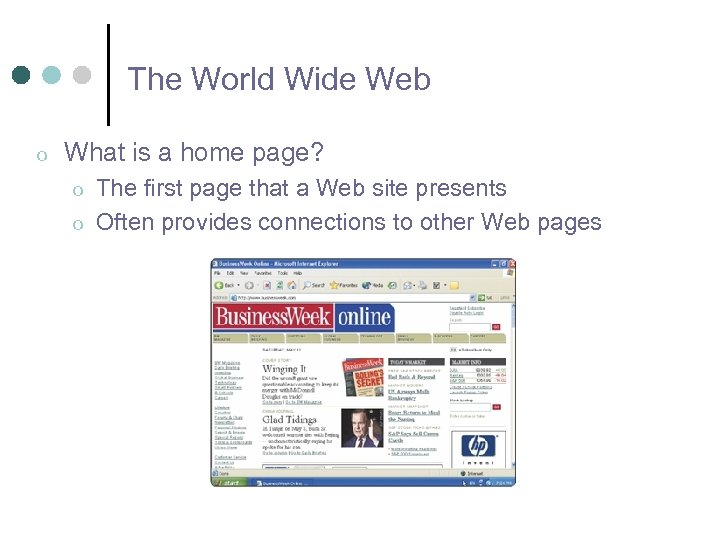 The World Wide Web o What is a home page? o o The first page that a Web site presents Often provides connections to other Web pages
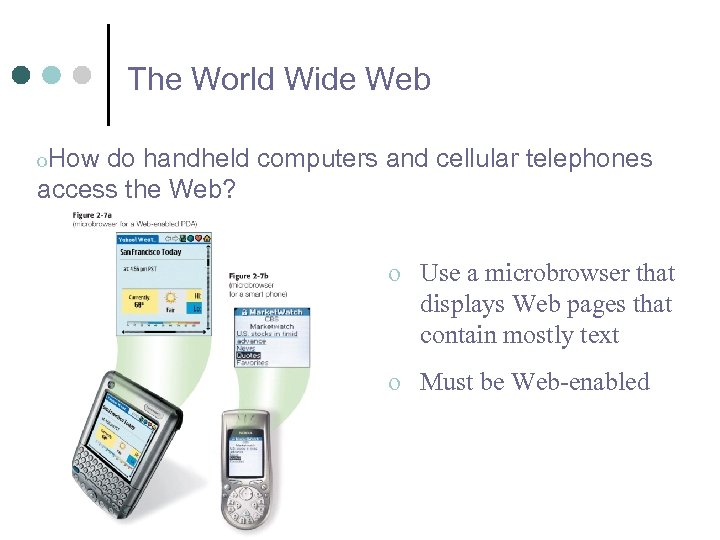 The World Wide Web o. How do handheld computers and cellular telephones access the Web? o Use a microbrowser that displays Web pages that contain mostly text o Must be Web-enabled
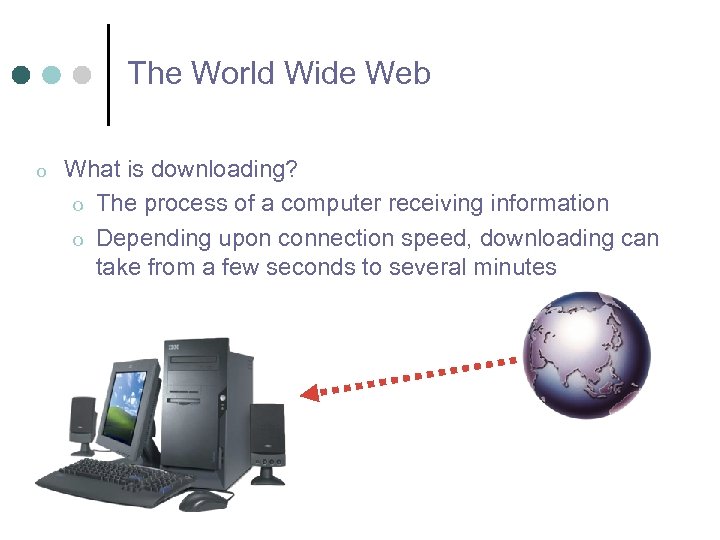 The World Wide Web o What is downloading? o The process of a computer receiving information o Depending upon connection speed, downloading can take from a few seconds to several minutes
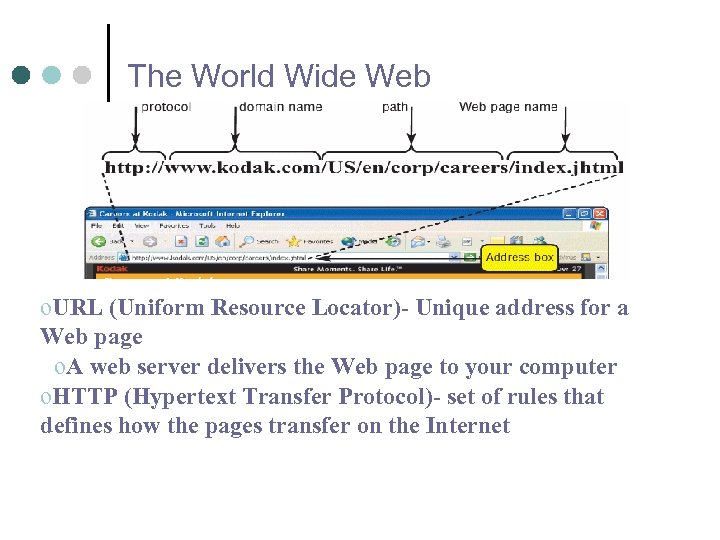 The World Wide Web o. URL (Uniform Resource Locator)- Unique address for a Web page o. A web server delivers the Web page to your computer o. HTTP (Hypertext Transfer Protocol)- set of rules that defines how the pages transfer on the Internet
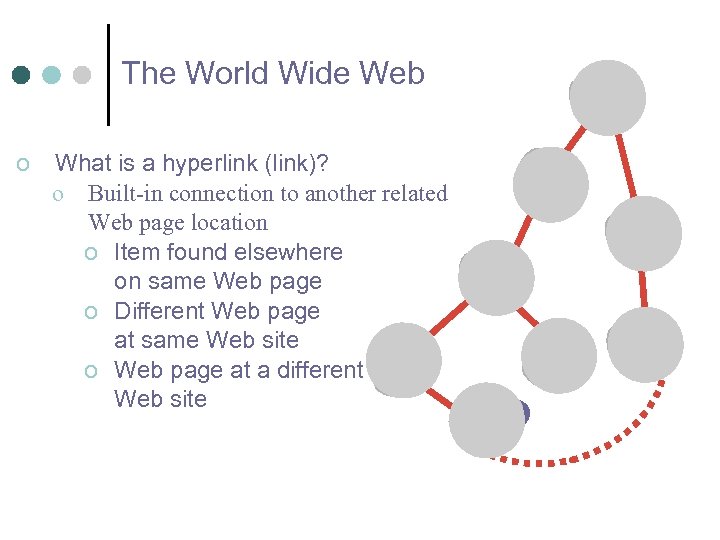 The World Wide Web o What is a hyperlink (link)? o Built-in connection to another related Web page location o Item found elsewhere on same Web page o Different Web page at same Web site o Web page at a different Web site
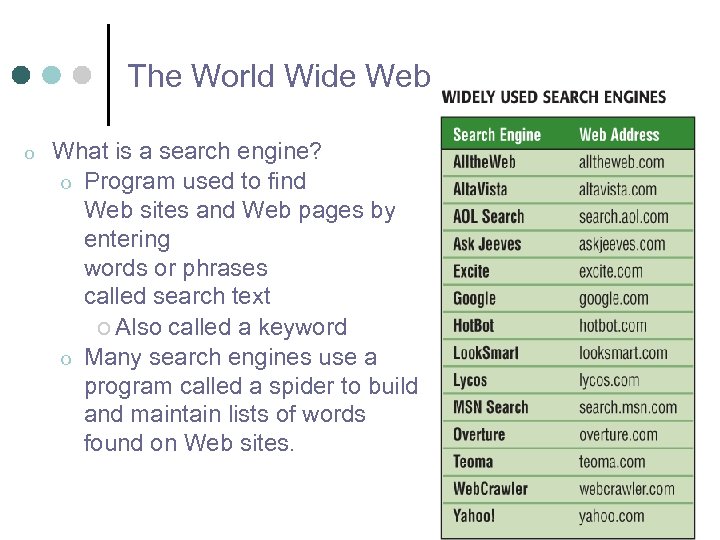 The World Wide Web o What is a search engine? o Program used to find Web sites and Web pages by entering words or phrases called search text o Also called a keyword o Many search engines use a program called a spider to build and maintain lists of words found on Web sites.
 The World Wide Web o How to effectively use a search engine o Use specific nouns and put the most important terms first o List all possible spellings (for example, email, e-mail) o Before using a search engine, read its Help info o Use operators o Use the space or + operator when you want search results to o o display hits that include specific words (ex. Art + Music) Use OR operator when you want search results to display hits that include one word from a list (ex. Dog OR Puppy) Use minus operator (-) when you want to exclude a word from the search results (ex. automobile –convertible) Use quotation marks operator when you want to search for an exact phrase (ex. “ 19 th century literature”) Use asterisk operator (*) when you want search results to substitute characters in place of the asterisk (writer*)
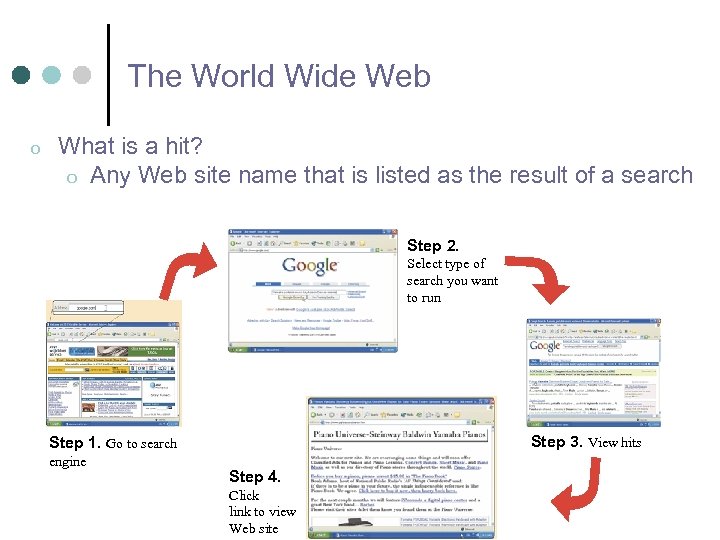 The World Wide Web o What is a hit? o Any Web site name that is listed as the result of a search Step 2. Select type of search you want to run Step 3. View hits Step 1. Go to search engine Step 4. Click link to view Web site
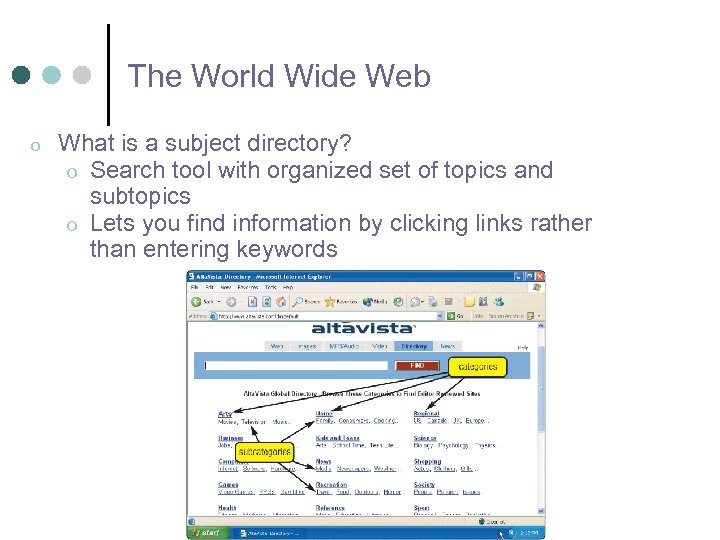 The World Wide Web o What is a subject directory? o Search tool with organized set of topics and subtopics o Lets you find information by clicking links rather than entering keywords
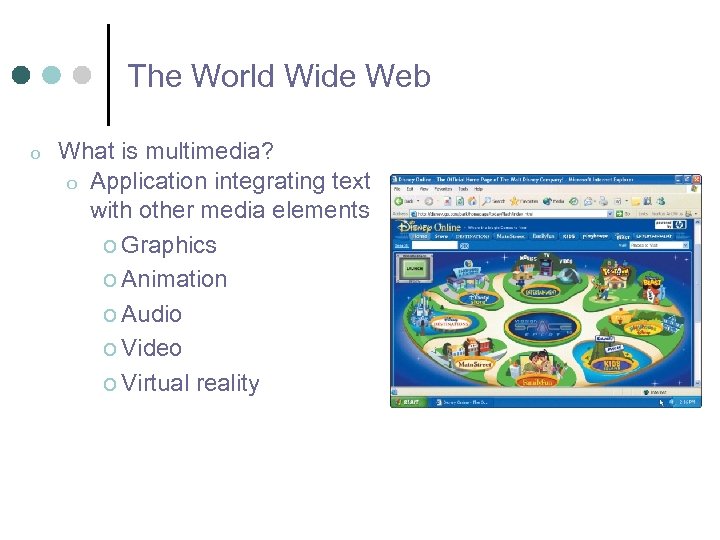 The World Wide Web o What is multimedia? o Application integrating text with other media elements o Graphics o Animation o Audio o Video o Virtual reality
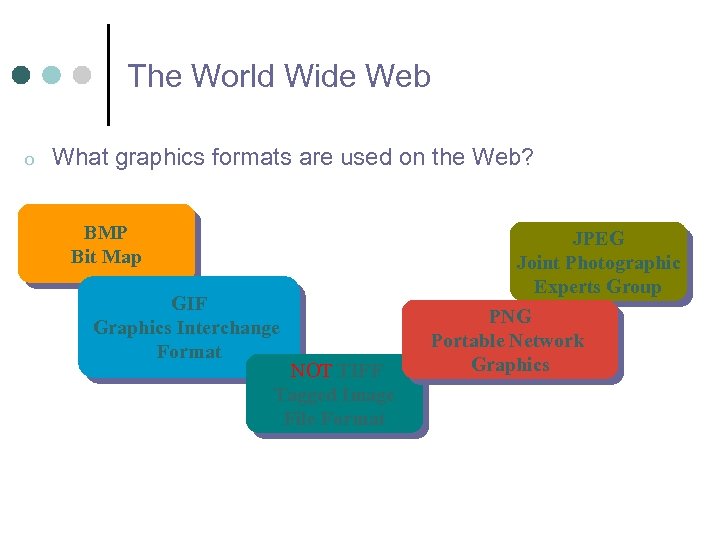 The World Wide Web o What graphics formats are used on the Web? BMP Bit Map GIF Graphics Interchange Format NOT TIFF Tagged Image File Format JPEG Joint Photographic Experts Group PNG Portable Network Graphics
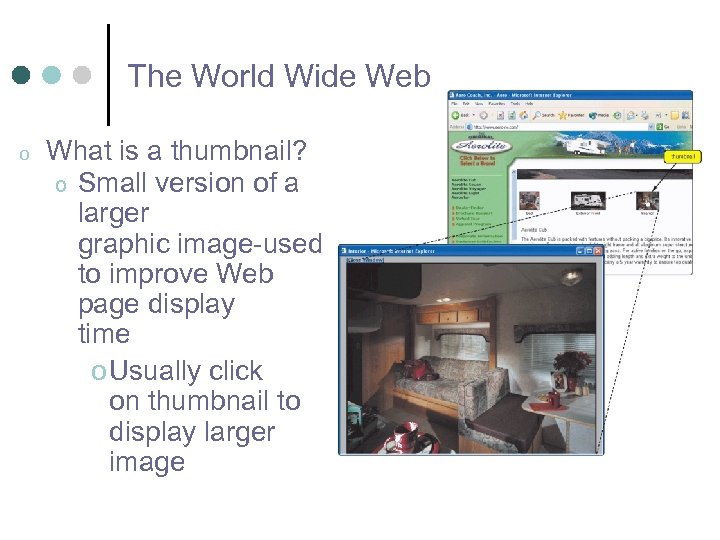 The World Wide Web o What is a thumbnail? o Small version of a larger graphic image-used to improve Web page display time o Usually click on thumbnail to display larger image
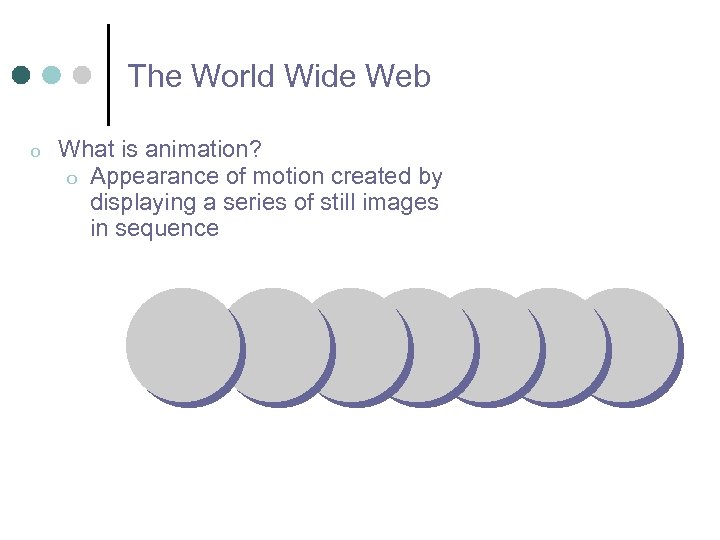 The World Wide Web o What is animation? o Appearance of motion created by displaying a series of still images in sequence
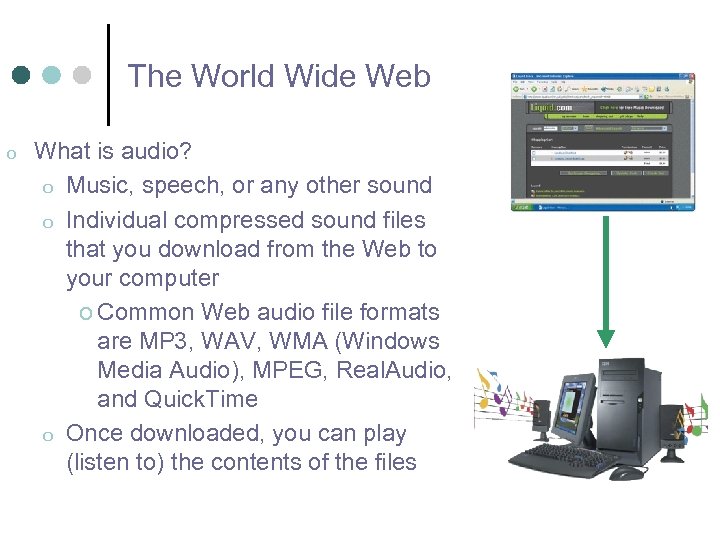 The World Wide Web o What is audio? o Music, speech, or any other sound o Individual compressed sound files that you download from the Web to your computer o Common Web audio file formats are MP 3, WAV, WMA (Windows Media Audio), MPEG, Real. Audio, and Quick. Time o Once downloaded, you can play (listen to) the contents of the files
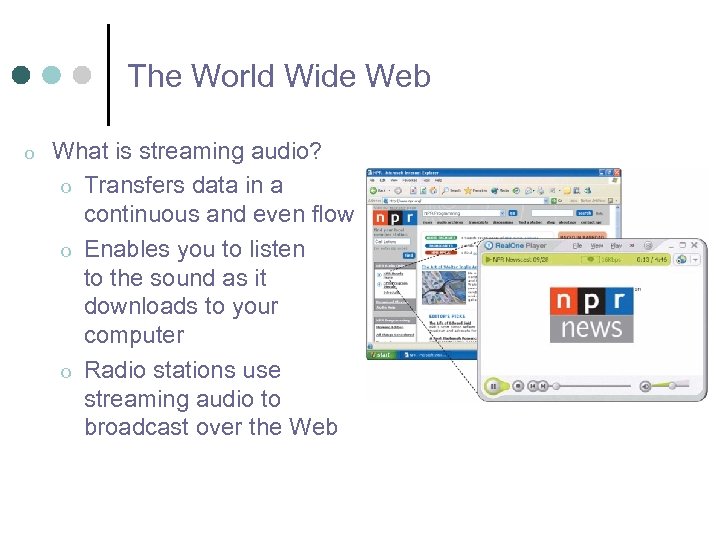 The World Wide Web o What is streaming audio? o Transfers data in a continuous and even flow o Enables you to listen to the sound as it downloads to your computer o Radio stations use streaming audio to broadcast over the Web
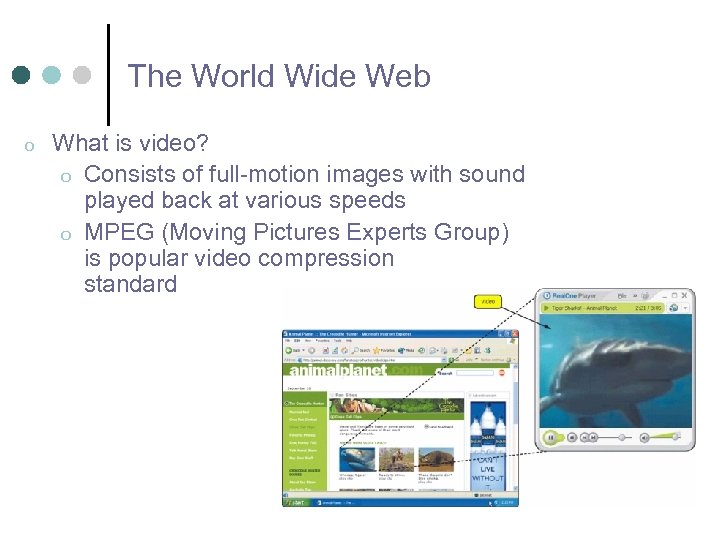 The World Wide Web o What is video? o Consists of full-motion images with sound played back at various speeds o MPEG (Moving Pictures Experts Group) is popular video compression standard
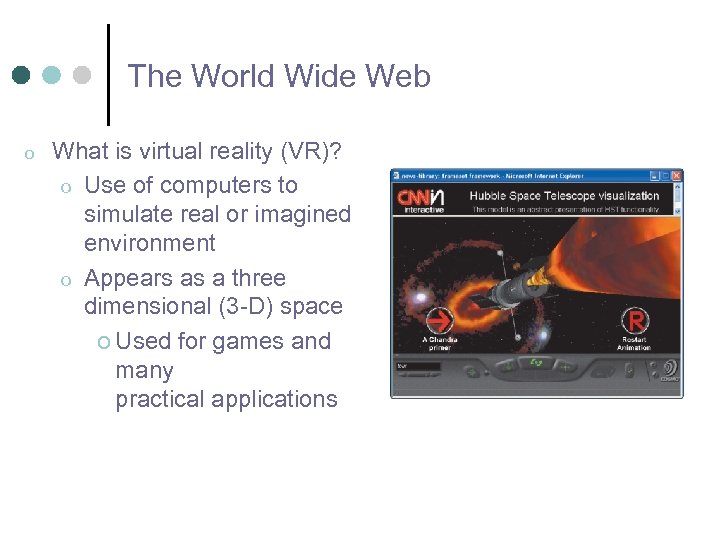 The World Wide Web o What is virtual reality (VR)? o Use of computers to simulate real or imagined environment o Appears as a three dimensional (3 -D) space o Used for games and many practical applications
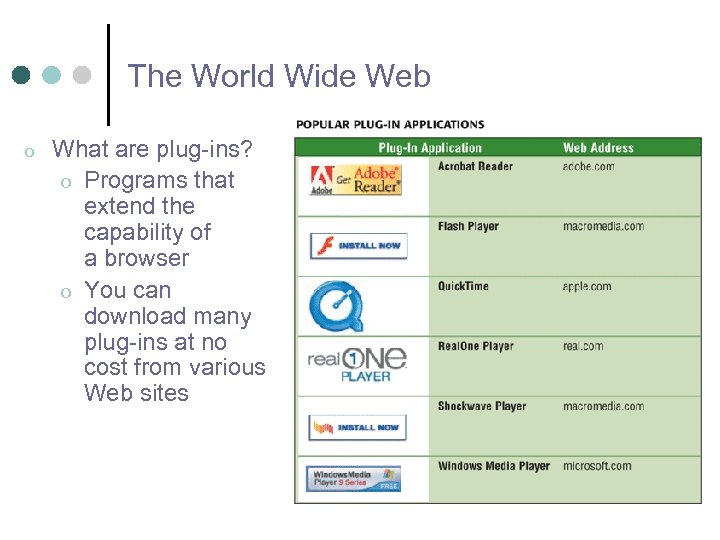 The World Wide Web o What are plug-ins? o Programs that extend the capability of a browser o You can download many plug-ins at no cost from various Web sites
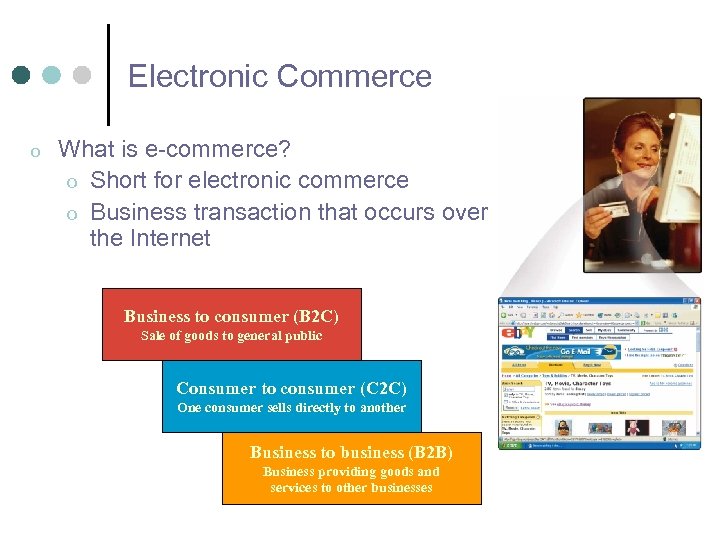 Electronic Commerce o What is e-commerce? o Short for electronic commerce o Business transaction that occurs over the Internet Business to consumer (B 2 C) Sale of goods to general public Consumer to consumer (C 2 C) One consumer sells directly to another Business to business (B 2 B) Business providing goods and services to other businesses
 Other Internet Services o What is e-mail? o Short for electronic mail o The transmission of messages and files via a computer network o Messages can consist of simple text or can contain attachments, such as documents, graphics, or audio/video clips o Internet access providers usually provide an e-mail program o Some Web sites—such as MSN Hotmail and Yahoo!— provide free e-mail services o One of the original services on the Internet
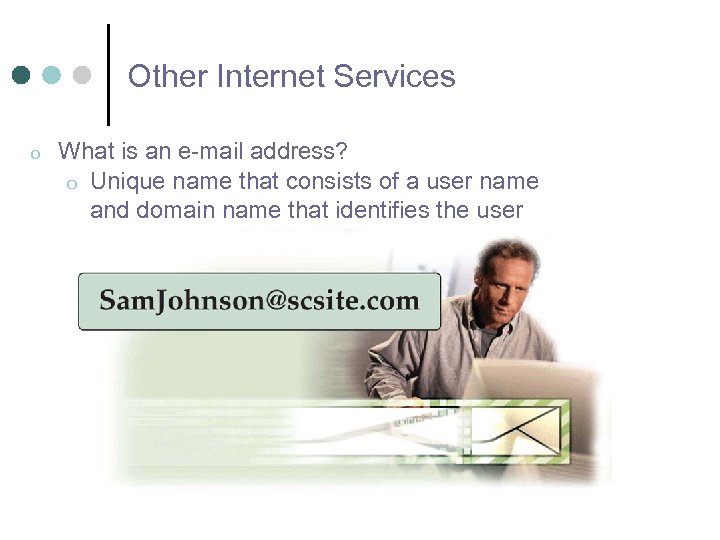 Other Internet Services o What is an e-mail address? o Unique name that consists of a user name and domain name that identifies the user
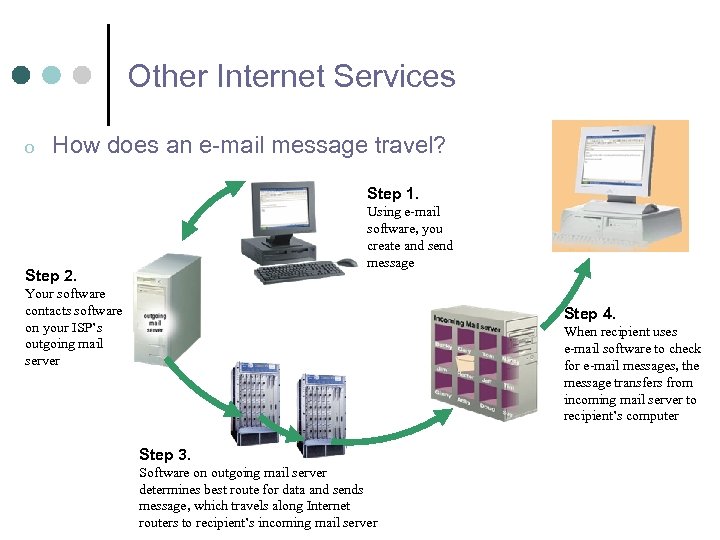 Other Internet Services o How does an e-mail message travel? Step 1. Using e-mail software, you create and send message Step 2. Your software contacts software on your ISP’s outgoing mail server Step 4. When recipient uses e-mail software to check for e-mail messages, the message transfers from incoming mail server to recipient’s computer Step 3. Software on outgoing mail server determines best route for data and sends message, which travels along Internet routers to recipient’s incoming mail server
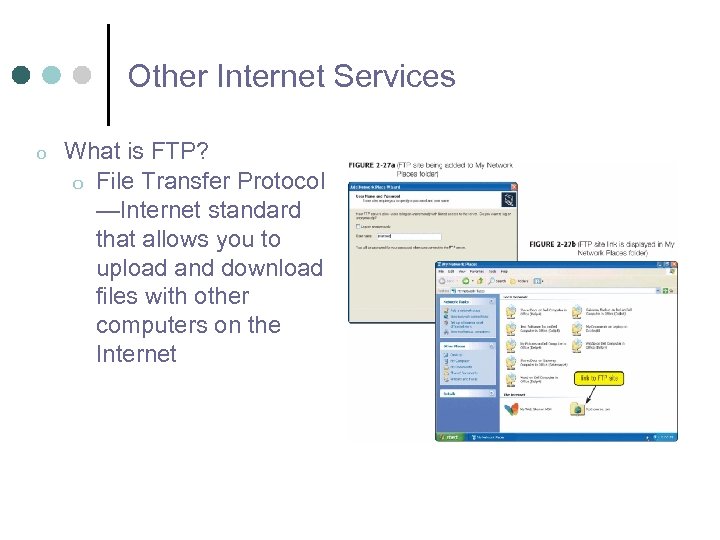 Other Internet Services o What is FTP? o File Transfer Protocol —Internet standard that allows you to upload and download files with other computers on the Internet
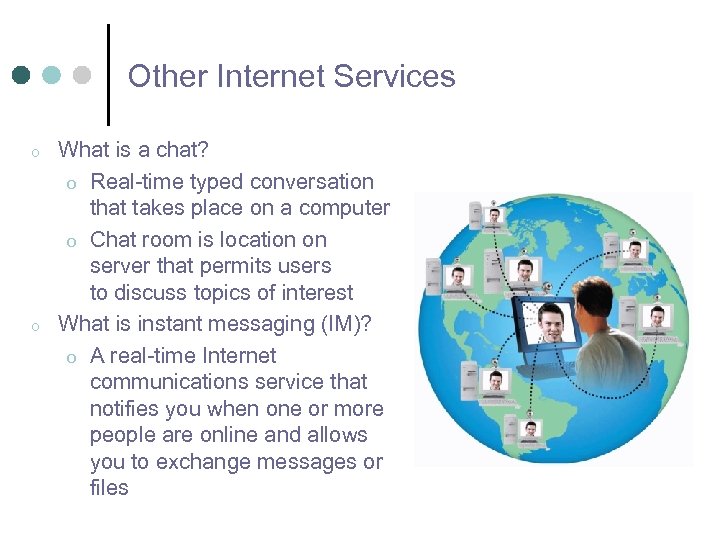 Other Internet Services o o What is a chat? o Real-time typed conversation that takes place on a computer o Chat room is location on server that permits users to discuss topics of interest What is instant messaging (IM)? o A real-time Internet communications service that notifies you when one or more people are online and allows you to exchange messages or files
 Netiquette o What is netiquette? o Code of acceptable behaviors users should follow while on the Internet o Golden Rule- treat others as you would like them to treat you o For email and chat rooms o Avoid sending spam, or junk mail o Use meaningful subject lines o Be careful when using sarcasm or humor, as it might be misinterpreted o Do not assume material is up-to-date or accurate
 Creating a Web Site Identify the goal of the web site ¢ Who is the audience? ¢ Create a storyboard ¢ Identify each page in the site l How are they linked together? l Choose a layout ¢ Choose a design ¢
 Creating, cont. Use Dreamweaver to design the site ¢ Once the layout is complete, add content (text, images, etc. ) ¢
 Publishing the Web Site ¢ ¢ ¢ When you create a Web site on your computer, it will not be available for other people to see All of the files for the site have to be published to a Web Server l alpha. lasalle. edu When viewed, they will be at http: //www. lasalle. edu/~smithj 1/file. html
 Web Server ¢ A Web Server is a computer that runs special serving software l ¢ ¢ It “serves” the Web site files to the client when requested When a user opens their browser to view a Web site, they make a request by entering a URL When the server recieves the request, it sends/serves the page the user wants to see as well as any related files (images).
 HTML Basics HTML is the computer language that Web pages are written in ¢ The Web page itself is just a text document with instructions for the browser ¢ It tells the browser what text to display on the screen, the location of the files for the images and where to display them, etc. ¢
 Front. Page ¢ Open Front. Page!