Скачать презентацию The Internet A Resource for All of Us
6fc37d8f0bd1530d10eb11103500668c.ppt
- Количество слайдов: 52
 The Internet: A Resource for All of Us Chapter 8
 Objectives • Briefly describe the history of the Internet • Explain what is needed to get on the Internet • Describe generally what an Internet service provider does • Describe the rudimentary functions of a browser • Describe how to search the Internet • List and describe the non-Web parts of the Internet • Explain some of the ongoing problems associated with the Internet
 Contents • • • History of the Internet URL Getting Started Internet Service Provider Browser Support Moving Between Sites Searching the Internet Other Uses of the Internet Issues
 History of the Internet • Government and Universities over 30 years • Who’s connected today? – – – – Individuals Educational institutions Government Research Medical Businesses Everyone!
 ARPANet Advanced Research Projects Agency Network • 1969 – US Department of Defense and Rand Corporation • Origins – Cold War – fear that a bomb could demolish computing capabilities – Several computers, geographically dispersed, networked together – Plan – if one computer was disabled, others could carry on using alternative communication routes
 ARPANet Transmitting the Message • Messages divided into packets • TCP/IP protocol – TCP – does the packeting and reassembling of the message – IP – handles the addressing
 ARPANet Expands Beyond the Military • Research computers from universities • Defense contractors • Needed technical expertise to work on Internet
 Tim Berners-Lee • 1990 • Perceived a spider’s web of computers with links from computer to computer • CERN site – Dr. Berners-Lee’s physics laboratory – Birthplace of the World Wide Web • Easy movement due to links – Hypertext – Hyper-region
 Marc Andreessen • 1993 • Created browser software • Mosaic – first browser • Provided attractive images and a graphical interface permitting users to click on pictures as well as text
 ARPANet to Internet • TCP/IP software is public domain • Network became more valuable as it embraced other networks • ARPANet disappears
 Internet Explosion • Mid 1990 s • Estimate over 333 million users worldwide • Part of our daily lives • Four factors – – TCP/IP standard Ability to link from site to site Ease of use of browser Growth of PC and LANs that can connect
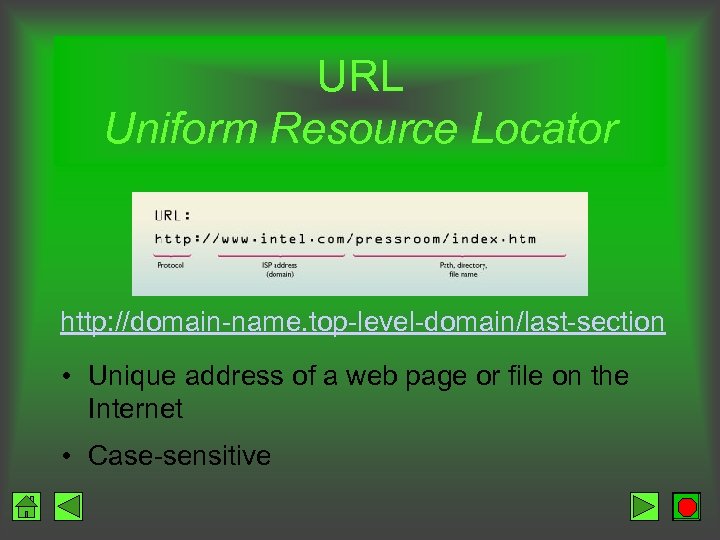 URL Uniform Resource Locator http: //domain-name. top-level-domain/last-section • Unique address of a web page or file on the Internet • Case-sensitive
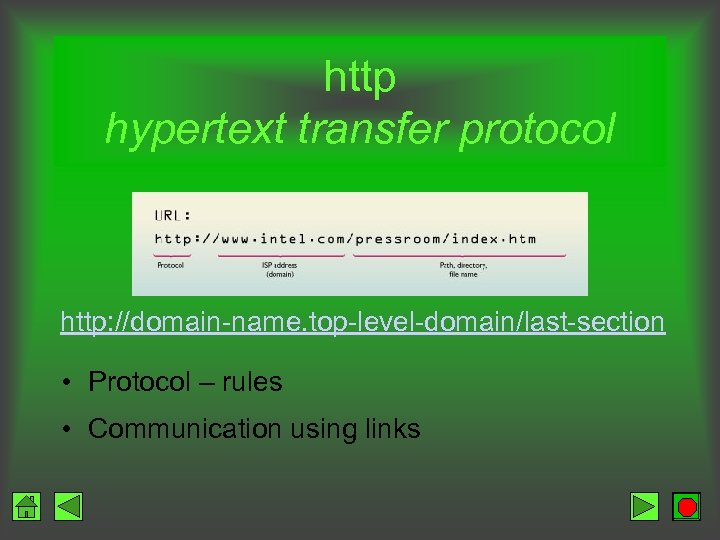 http hypertext transfer protocol http: //domain-name. top-level-domain/last-section • Protocol – rules • Communication using links
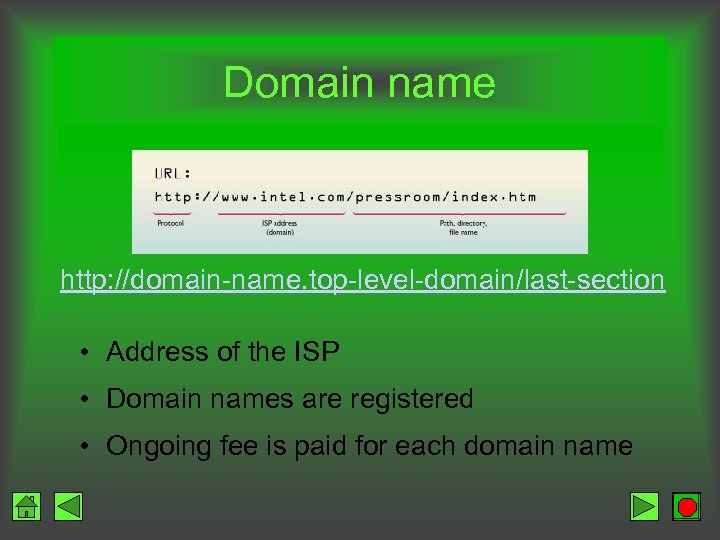 Domain name http: //domain-name. top-level-domain/last-section • Address of the ISP • Domain names are registered • Ongoing fee is paid for each domain name
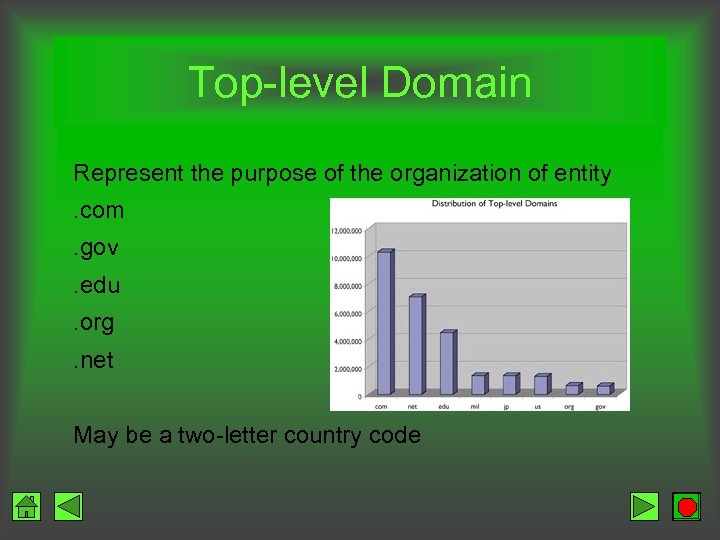 Top-level Domain Represent the purpose of the organization of entity. com. gov. edu. org. net May be a two-letter country code
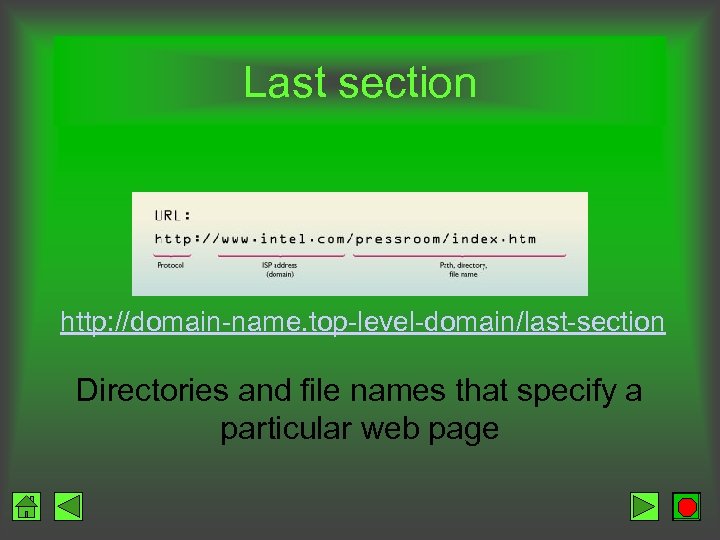 Last section http: //domain-name. top-level-domain/last-section Directories and file names that specify a particular web page
 Getting Started • Computer with a modem or NIC • Internet service provider (ISP) • Browser • Related software
 Internet Service Provider • Vehicle to access the Internet • Provides – Server computer – Software to connect
 Online service • ISP • Members-only services and information • Simple interface with clickable topics • Parent controls
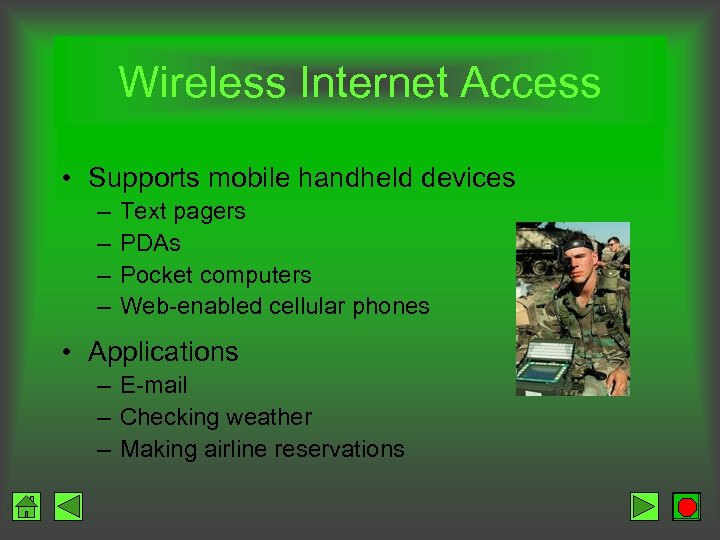 Wireless Internet Access • Supports mobile handheld devices – – Text pagers PDAs Pocket computers Web-enabled cellular phones • Applications – E-mail – Checking weather – Making airline reservations
 Wireless Internet Access • Need – Account with wireless access provider – Cellular modem card or adapter • Wireless Application Protocol (WAP) – Convert web pages into format for mobile devices – Resized for limited display area – Fewer graphics transmitted • Slow download speeds
 Browser Netscape Communicator Microsoft Internet Explorer
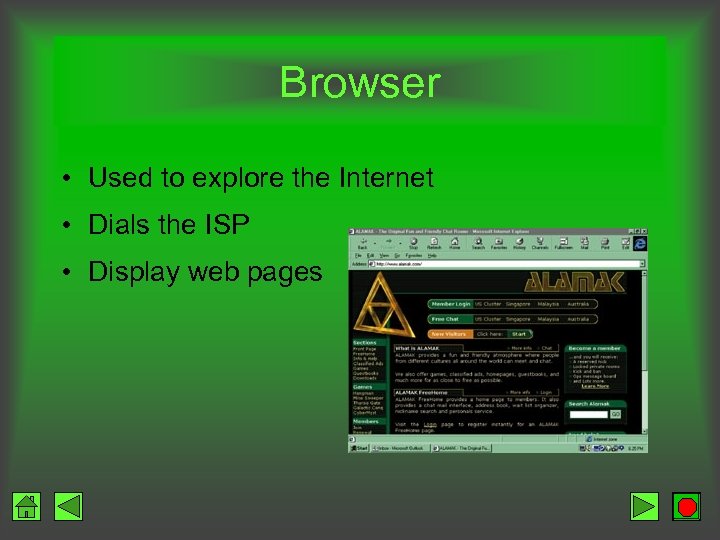 Browser • Used to explore the Internet • Dials the ISP • Display web pages
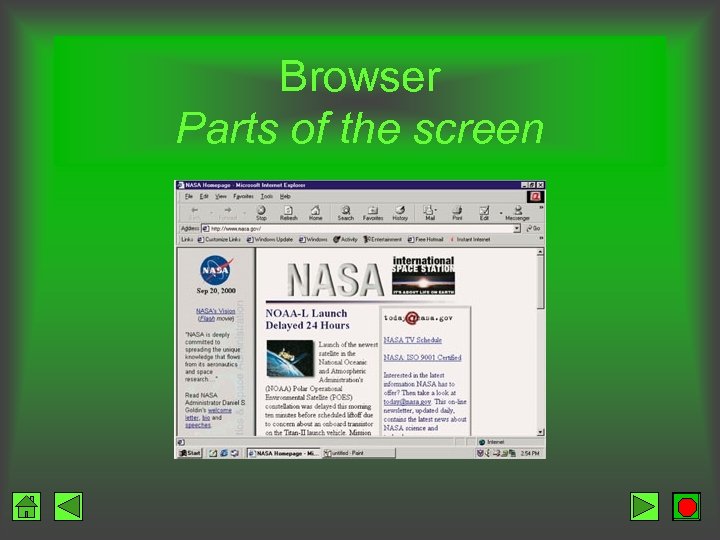 Browser Parts of the screen
 Browser Functions and Features • Browser display window – Displays contents of web page from each Internet site visited – Screen limits how much of the site you can view at a time. The page can be scrolled using the scroll bar to see its entire contents • Status line – progress of data being transferred and other messages
 Browser Functions and Features • Welcome banner on title bar • Browser logo – animation indicates you are in the process of moving to a new site • Hot list – Bookmark – Favorites – Store your favorite URLs • Browser control panel – menus and buttons
 Browser Menus and Buttons • Pull-down menu • Buttons – Convenient shortcuts for commonly used functions – Click button rather than locate command from pull-down menu
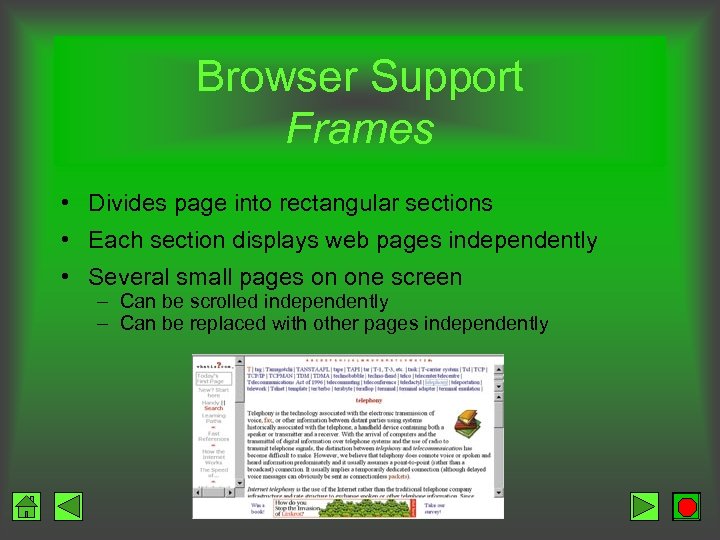 Browser Support Frames • Divides page into rectangular sections • Each section displays web pages independently • Several small pages on one screen – Can be scrolled independently – Can be replaced with other pages independently
 Plug-ins • Software that increases the functionality of a browser – Audio-video – Image viewing • Download from web sites • Install • Example – Adobe Acrobat Reader – Shockwave
 Programming Java • Write software that is machine independent • Programming language – – Dancing icons Sound clips Flashing messages Banners that scroll • Applets – Permits dynamic web pages – Display animations – Receive input – Perform calculations
 Programming Active. X Controls Capabilities similar to Java Browser must be enabled to support applets / Active. X Controls Security issues
 Moving Between Sites • Clickable categories in the browser – Sports – Weather – News – Technology – Comic strips • Enter the URL in the address text box and press
 Processing Requests URL • User enters a URL • User computer sends request to the ISP server • ISP server sends request across networks of TCP/IP computers • Destination site is reached • Content is transmitted back to your computer (process in reverse)
 Searching the Internet Search engine • User specifies a search request • Browser links to Search Engine • Request returns matching pages based upon the Search Engine’s database • Results presented
 Processing Requests Search Engine Database • Search Engine builds database – Searchable terms – Related web sites • Spider, robot, bot – Follows links across the web – Automatically indexes pages to a database • One word • All words • Pages may be submitted by the owner
 Processing Requests Search Engine Database • Request same search using different engines yields different results • Databases built independently – Size – Content – Search methodology • Metasearch – atomically puts the same request to several search engines
 Processing Requests Directory vs. Search Engine • Directory – – Human involvement Sites organized by content category May concentrate on specific content areas Subjective decisions regarding inclusion and importance • Search Engine – Spider, robot, or bot automatically builds database – Index on a few keywords – Index on all words on web page
 Processing Requests Search Engine Limitations • Index only a fraction of the Web • Approximately 20% to 33% of sites • More web pages added daily • Solution – Same request to several search engines – Metasearch
 Search Tools Directories Search Engines • Yahoo! • Alta. Vista • Net. Guide • Excite • Google Metasearch Sites • Hot. Bot • Meta. Crawler • Infoseek • Dogpile • Lycos • Northern Light
 Refine the Search • Add words • Enclose words in “quotes” • Use Boolean logic • Examples – “World Trade Center” – Jordan AND NOT Michael
 Other Uses of the Internet • Newsgroups • FTP • Telnet • E-mail • Internet Relay Chat (IRC)
 Newsgroups / Usenet • Large bulletin board divided by category • Posting and reading of messages that focus on specific topics • Over 20, 000 newsgroups • Functions – Conversation – File download • Newsreader software required (included with most browsers)
 Newsgroup Operations • Lurking • Posting material – Inappropriate material • Flame war – Moderated newsgroup
 FTP File Transfer Protocol • Download files to your local computer • Upload files to another computer • Requirements to download file – Permission to download from a site – File is available for copying • Anonymous FTP – do not need to identify yourself to the remote computer
 Public Archives Free files provided by educational institution or the government
 Telnet • Use your PC as a terminal providing remote access to another computer • Permits – Log on to a host – Use as if you are sitting at a local terminal • Need account on the host system • Telnet software required (provided with most browsers)
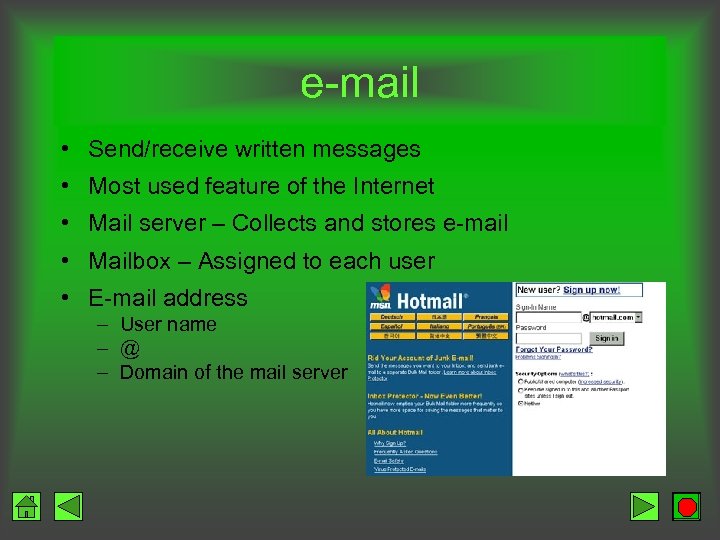 e-mail • Send/receive written messages • Most used feature of the Internet • Mail server – Collects and stores e-mail • Mailbox – Assigned to each user • E-mail address – User name – @ – Domain of the mail server
 e-mail Client Software Functions Retrieve Print Create Delete Send Address book Store Attach files Filters
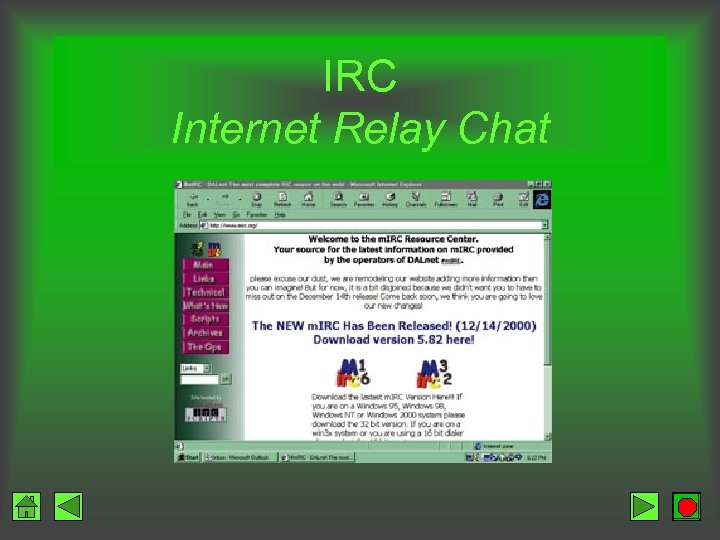 IRC Internet Relay Chat
 Not Quite Perfect Yet • Unregulated • Useless web sites • Misinformation and misstatements on web sites • Concern over government censorship
 Not Quite Perfect Yet Social Issues • Behavior problems – Who is out there? – What are they doing? • Netiquette – Suggestions for appropriate behavior – Example: TYPING IN CAPS is shouting