 Скачать презентацию The Importance of Color Accessibility Greg Kraus North
37cbfe582d56e06aa0e7831080be27ba.ppt
- Количество слайдов: 36



The Importance of Color Accessibility Greg Kraus, North Carolina State University Wayne Dick, California State University, Long Beach
Agenda • • • Concepts Visual Impairment Simulator WCAG 2 Beyond WCAG 2 Contrast Testing Tools
Two questions we ask with color accessibility 1. Given moderate visual acuity loss, can a person read this content without the aid of assistive technologies? 2. If a person needs an assistive technology, does our content prevent them from modifying the content to meet their needs?
Planning for color and visual deficiencies • There a wide range of color deficiencies and visual impairments • How do we plan for them all?
Visual Impairment Simulator • No. Coffee • Chrome Extension
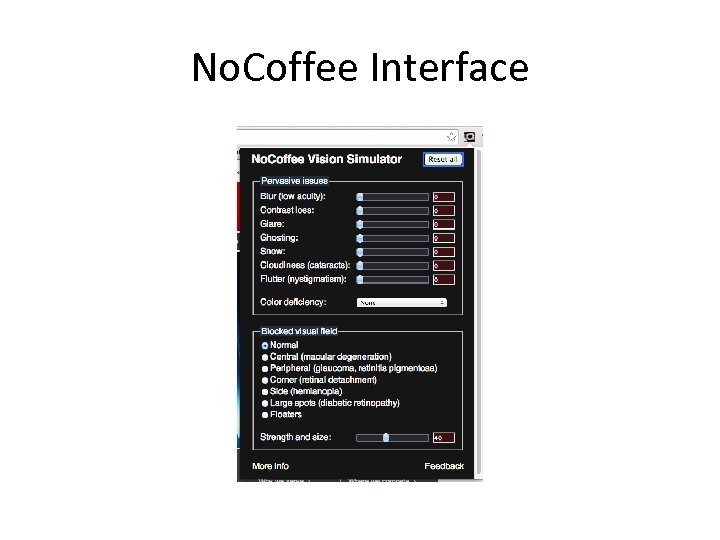
No. Coffee Interface
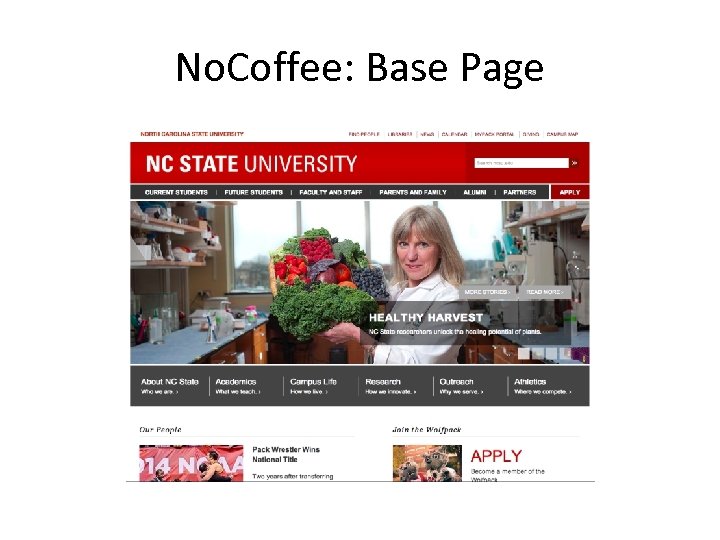
No. Coffee: Base Page
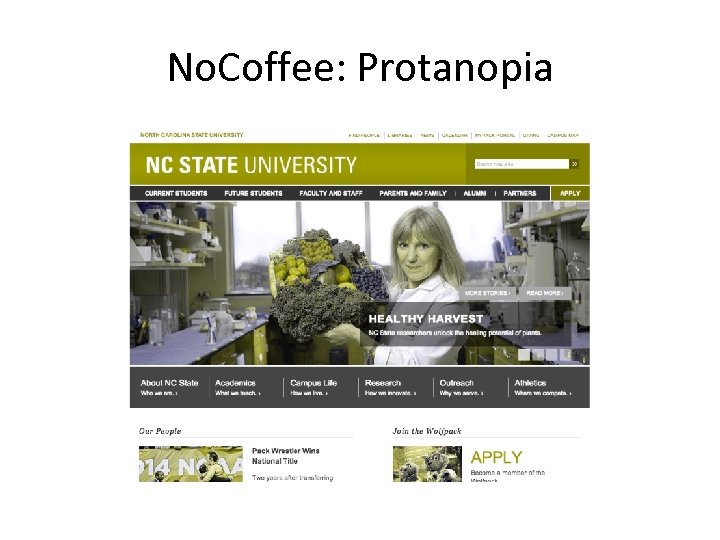
No. Coffee: Protanopia
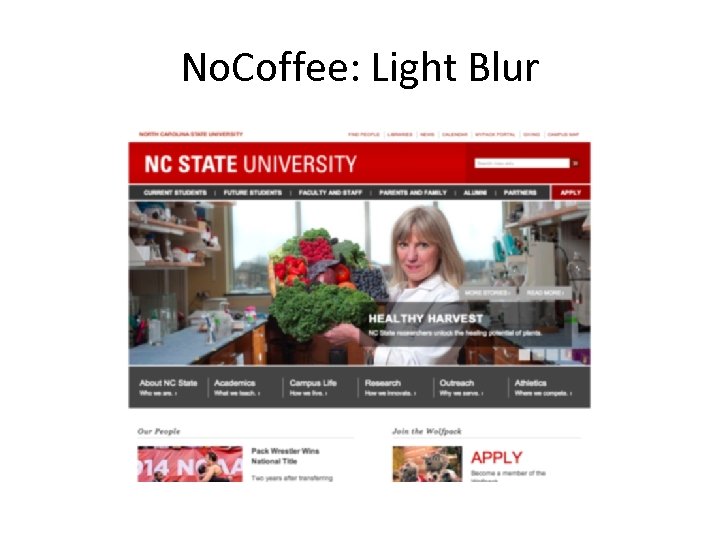
No. Coffee: Light Blur
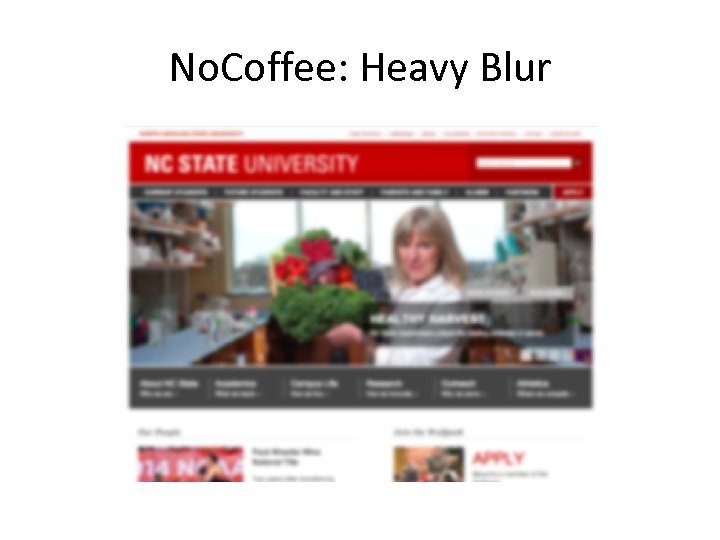
No. Coffee: Heavy Blur
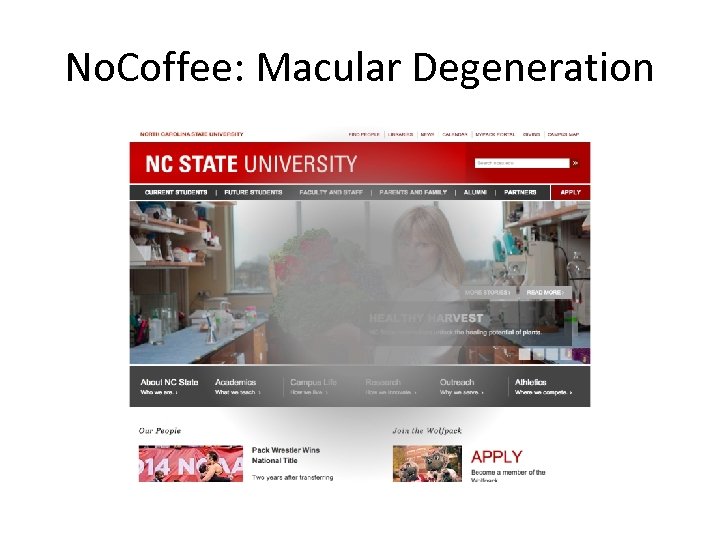
No. Coffee: Macular Degeneration
Standards: Taking the guessing out of conformance • WCAG 2 – Color is not the sole means of conveying information – Provide sufficient contrast based on the size of the text and the conformance level desired
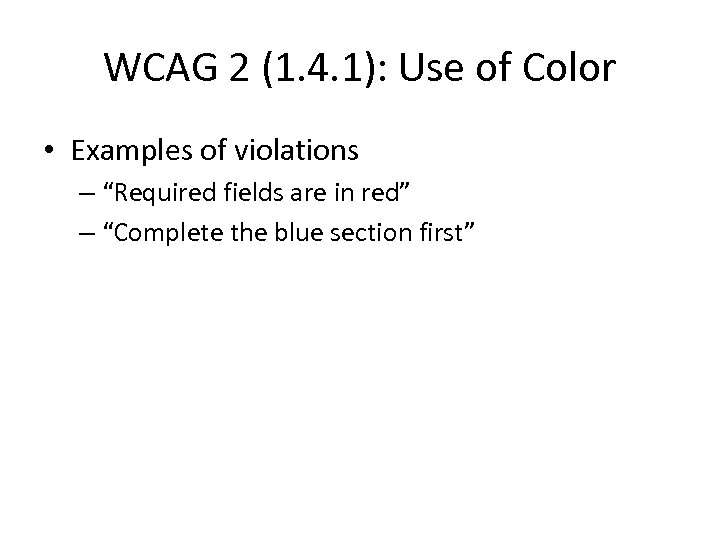
WCAG 2 (1. 4. 1): Use of Color • Examples of violations – “Required fields are in red” – “Complete the blue section first”
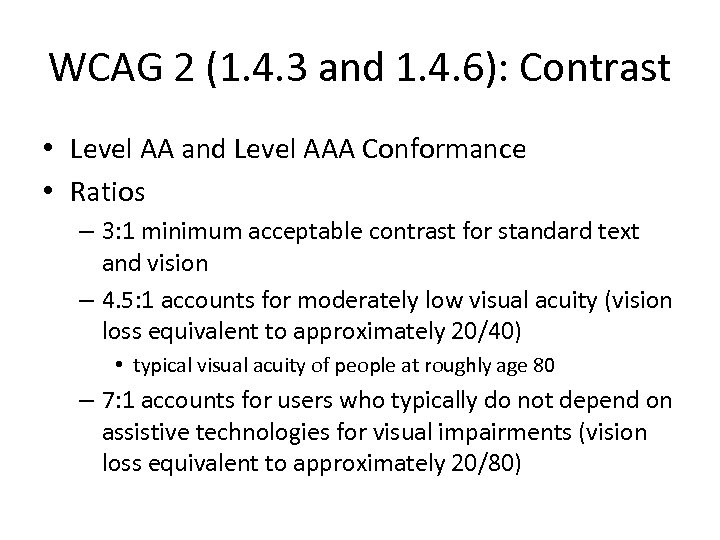
WCAG 2 (1. 4. 3 and 1. 4. 6): Contrast • Level AA and Level AAA Conformance • Ratios – 3: 1 minimum acceptable contrast for standard text and vision – 4. 5: 1 accounts for moderately low visual acuity (vision loss equivalent to approximately 20/40) • typical visual acuity of people at roughly age 80 – 7: 1 accounts for users who typically do not depend on assistive technologies for visual impairments (vision loss equivalent to approximately 20/80)
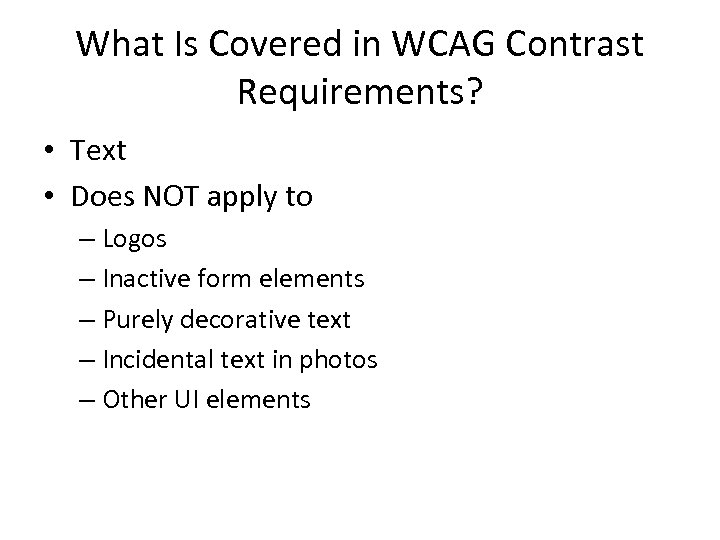
What Is Covered in WCAG Contrast Requirements? • Text • Does NOT apply to – Logos – Inactive form elements – Purely decorative text – Incidental text in photos – Other UI elements
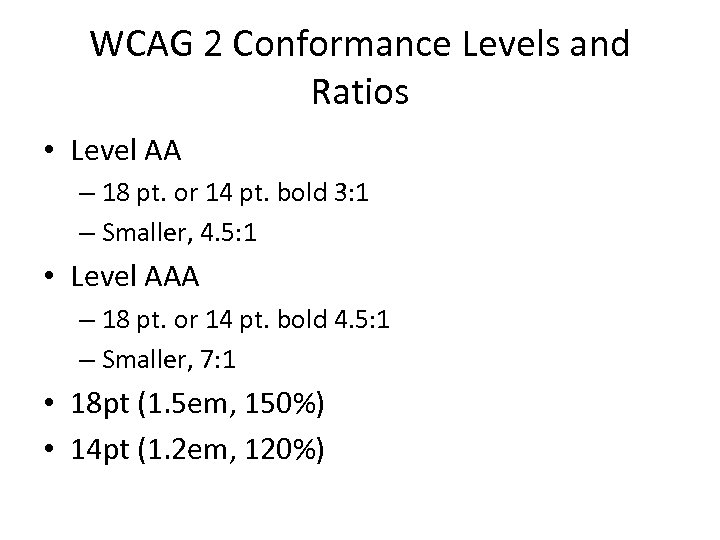
WCAG 2 Conformance Levels and Ratios • Level AA – 18 pt. or 14 pt. bold 3: 1 – Smaller, 4. 5: 1 • Level AAA – 18 pt. or 14 pt. bold 4. 5: 1 – Smaller, 7: 1 • 18 pt (1. 5 em, 150%) • 14 pt (1. 2 em, 120%)
There is no average person with low vision • 35+ critical structures in the human visual system • Multiple ways these structures can break • Visual acuity, field loss and color perception are the formal metrics of low vision, BUT • They neither detect nor predict the impact of low vision on life.
Application to Contrast • Contrast is about differences in brightness • If you want high contrast then the text is bright and the background is dark or visa versa. • Bright light is painful to many people with low vision
Application to Color • Color Blindness – 3 types, accommodations conflict • Retinitis Pigmentosa – Bright blue can cause damage
What to do: Create flexible content • Use 3: 1 and 4. 5: 1 contrast ratio as advised. • Drop the illumination on the screen and see how dark you can get and keep text is readable. • Practice strict separation of presentation from content • Anticipate users changing your color scheme. • Provide text enlargement with reflow to 300%.
What text resizing have to do with contrast? • To accommodate a disability with no average person, you must be flexible. • A page that enlarge gracefully has a high degree of flexibility. • The better you ensure flexibility the better you enable individual needs for low vision: color, size, spacing, special formatting
Eyedropper Tools • Colour Contrast Analyser • Desktop application for Windows and OS X • Strengths – Can choose any colors on the screen • Weaknesses – Anti-aliasing of text – Text over a non-uniform background – Must manually check elements
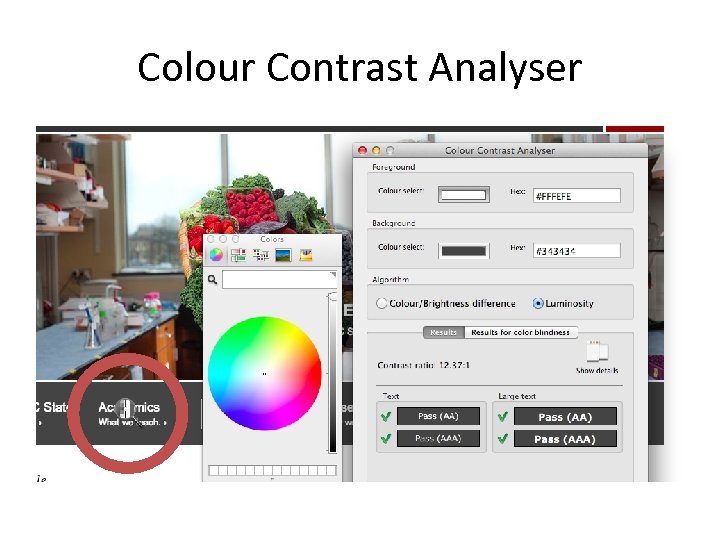
Colour Contrast Analyser
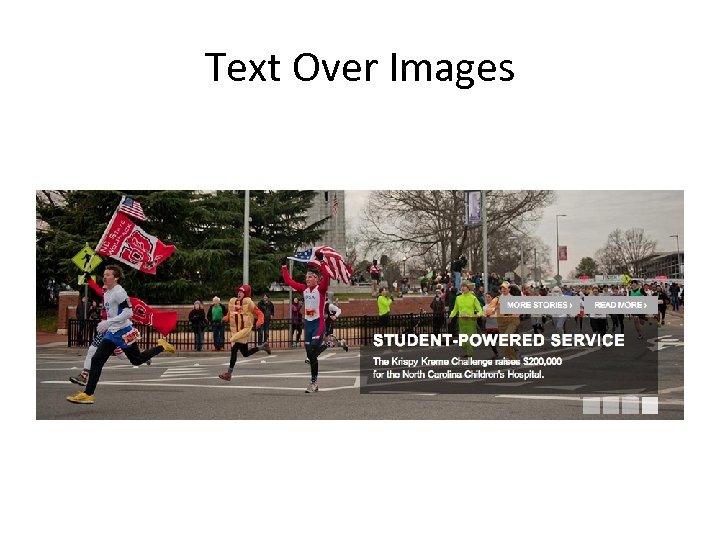
Text Over Images
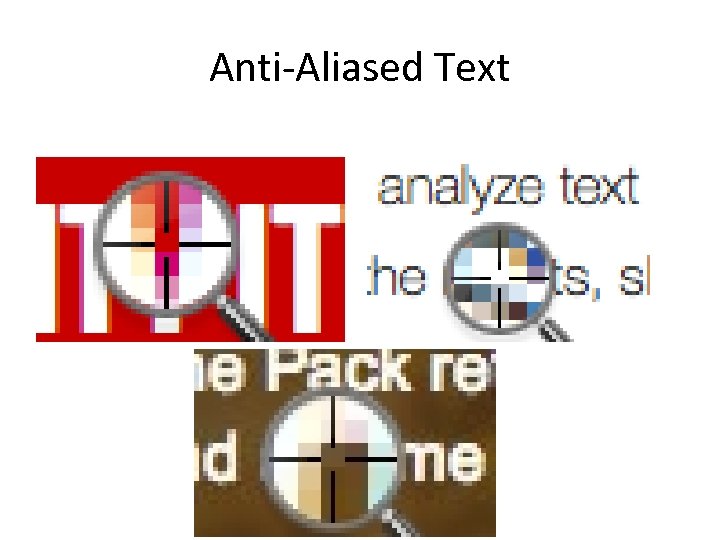
Anti-Aliased Text
Automated Tools • WAVE • Web-based tool • Strengths – Automatically checks all color combinations – Can account for text size • Weaknesses – Text over images – Text in images – Text over CSS 3 gradients
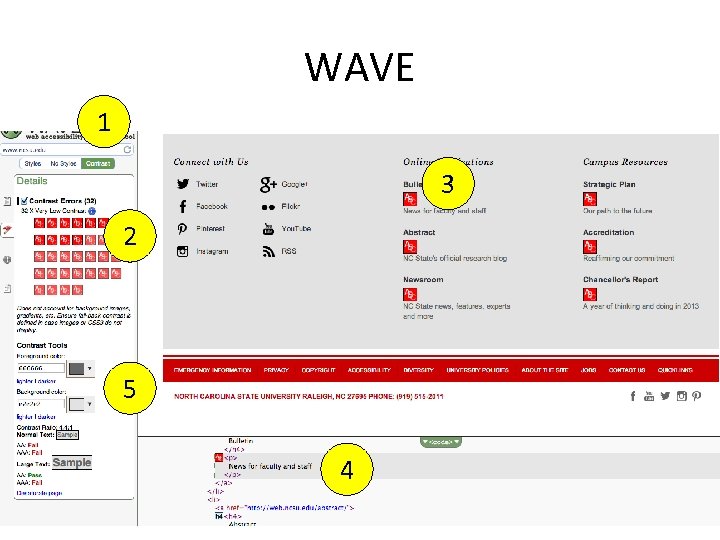
WAVE 1 3 2 5 4
Image Analysis • Color Contrast Analyzer for Chrome • Chrome extension • Strengths – Checks the page as it is rendered • Weaknesses – Cannot differentiate between text and other user interface elements
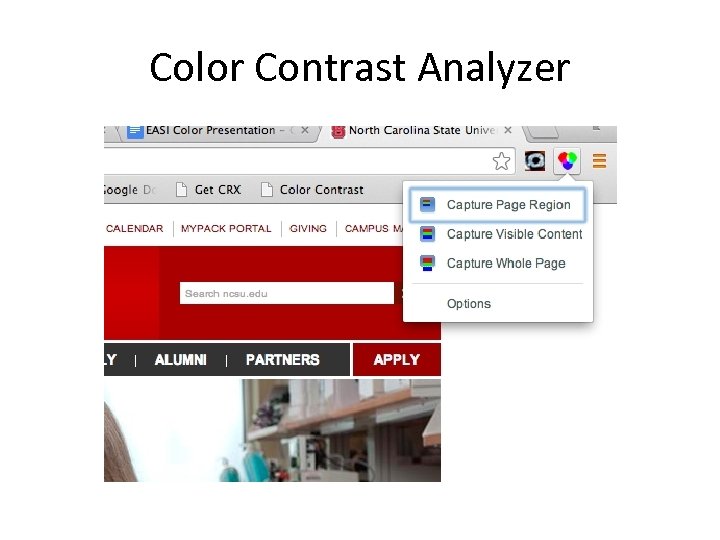
Color Contrast Analyzer
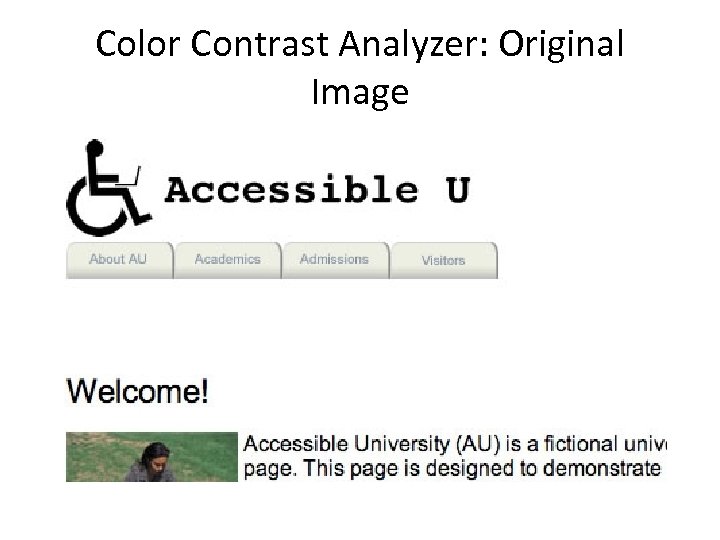
Color Contrast Analyzer: Original Image
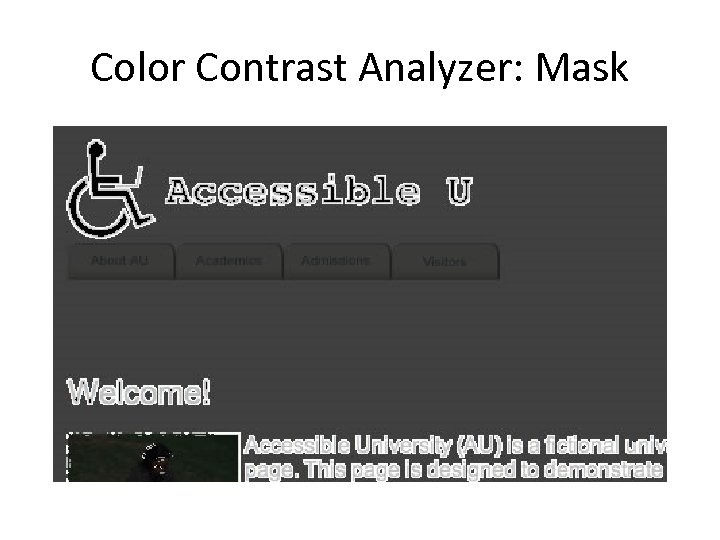
Color Contrast Analyzer: Mask
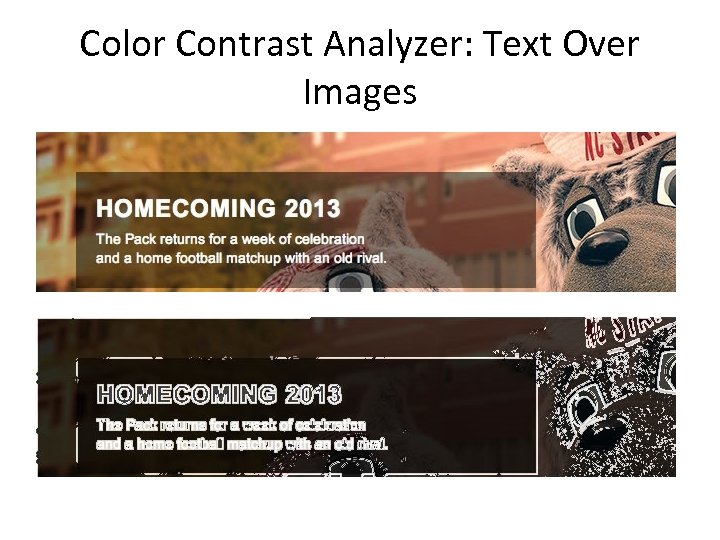
Color Contrast Analyzer: Text Over Images
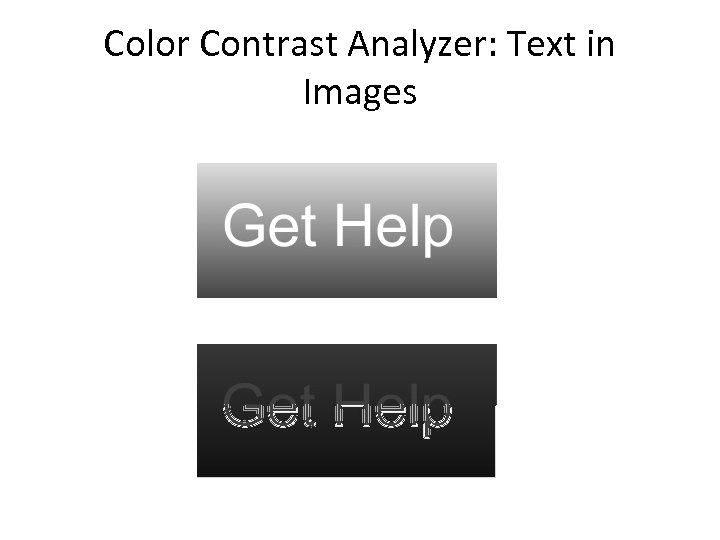
Color Contrast Analyzer: Text in Images
Testing Color Palettes • • NC State Accessible Color Palette Evaluator Web-based application Build a color palette Compare all of the color combinations to see which have enough contrast
Sample Accessible Palette Evaluator • Sample Accessible Palette Evaluator
Color Palette Tweaker • Tanaguru • Web-based application • Pick two colors and adjust one of them to make the contrast great enough to meet WCAG
Скачать презентацию The Importance of Color Accessibility Greg Kraus North
37cbfe582d56e06aa0e7831080be27ba.ppt