


 Скачать презентацию The Foothill-De Anza Technology Environment Willie Pritchard Vice
0dbddada61e860e0641d5ec5412de01d.ppt
- Количество слайдов: 48
 The Foothill-De Anza Technology Environment Willie Pritchard Vice Chancellor, Technology
 Goals for the session u Show models of current technology environment – – – u u u Physical Network Software Help audience understand technology challenges and opportunities Layout a road map for our near term future Provide a glimpse of our longer term future
 CAUTION TECHNICAL JARGON AHEAD
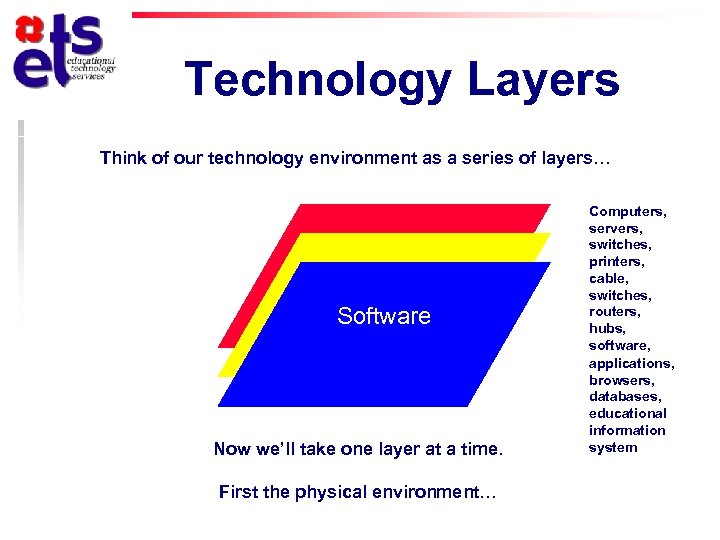 Technology Layers Think of our technology environment as a series of layers… Physical Network Software Now we’ll take one layer at a time. First the physical environment… Computers, servers, switches, printers, cable switches, routers, hubs, software, applications, browsers, databases, educational information system
 Physical Environment Internet User Physical
 Physical Environment Internet User Physical
 Physical Environment Internet User Physical
 Physical Environment Internet User Physical Admin User
 Physical Environment Internet User Physical Admin User E-mail User
 Physical Environment Internet User Physical Admin User E-mail User Database User
 Physical Environment Internet User Physical Admin User E-mail User Database User
 Physical Environment Internet User x 200+ switches Physical Admin User E-mail User Database User
 Physical Environment Internet User x 200+ switches Physical Admin User E-mail User Database User
 Physical Environment Internet User x 200+ switches Physical Admin User E-mail User Database User
 Physical Environment Internet User x 200+ switches Physical Admin User E-mail User Database User
 Physical Environment Internet User x 200+ switches Physical Admin User E-mail User Database User
 Physical Environment Internet User x 200+ switches Physical Admin User E-mail User Database User
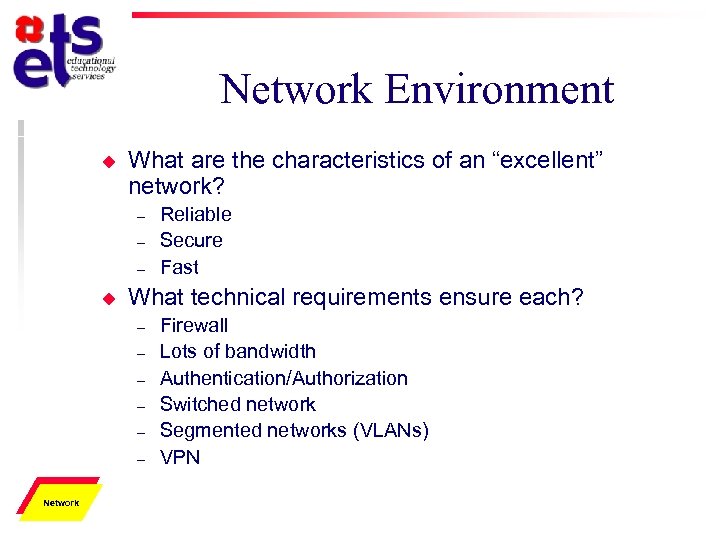 Network Environment u What are the characteristics of an “excellent” network? – – – u What technical requirements ensure each? – – – Physical Network Reliable Secure Fast Firewall Lots of bandwidth Authentication/Authorization Switched network Segmented networks (VLANs) VPN
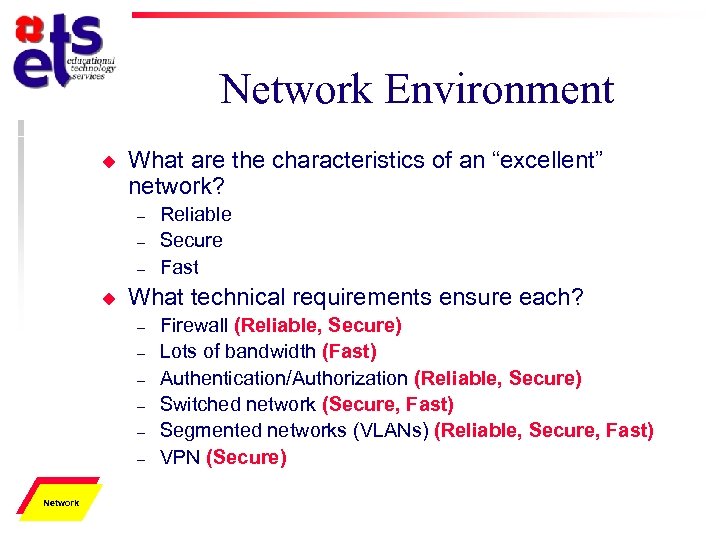 Network Environment u What are the characteristics of an “excellent” network? – – – u What technical requirements ensure each? – – – Physical Network Reliable Secure Fast Firewall (Reliable, Secure) Lots of bandwidth (Fast) Authentication/Authorization (Reliable, Secure) Switched network (Secure, Fast) Segmented networks (VLANs) (Reliable, Secure, Fast) VPN (Secure)
 Network Environment u Two – – Physical Network ways to view our network Physical Network Virtual Network
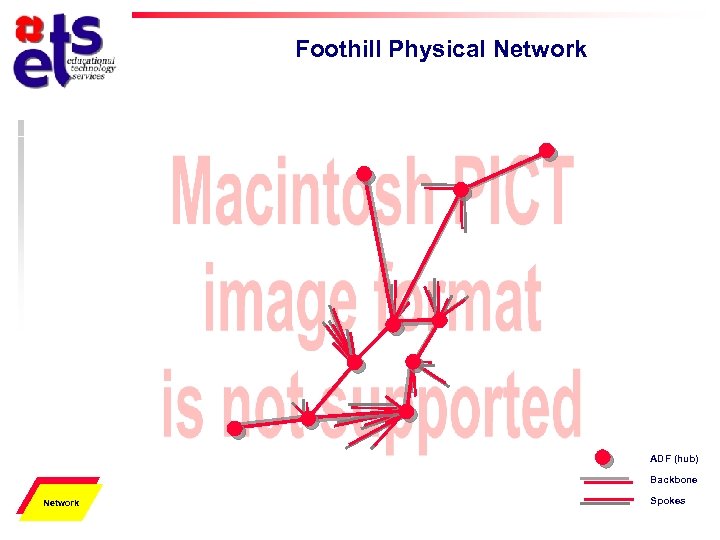 Foothill Physical Network ADF (hub) Backbone Physical Network Spokes
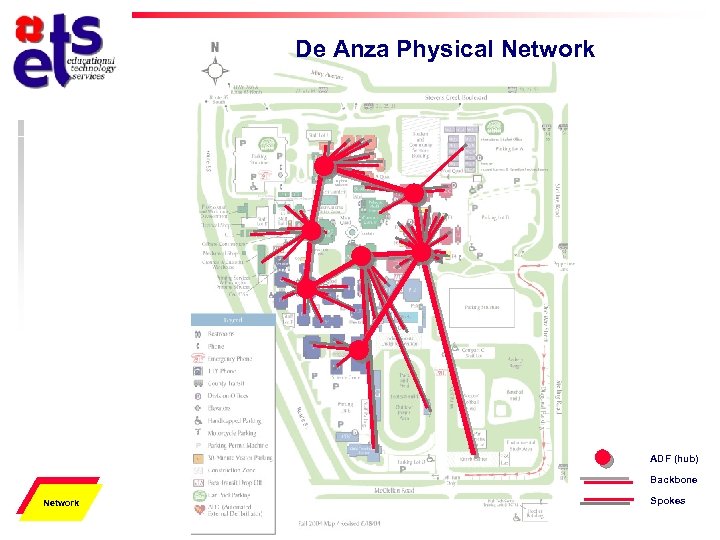 De Anza Physical Network ADF (hub) Backbone Physical Network Spokes
 Virtual Network u What are VLANs? – – – “Virtual Local-Area Networks” A “virtual” method for separating an enterprise network into different segments (LANs) for performance and security The FHDA network has several VLANs • • • – – Physical Network Open (to the world) Secure (only authorized users have access) Academic (for instructional uses) Based on physical location of network jack Not currently applicable to wireless Important Point!
 Virtual Network Environment Campus Users Physical Network Off Campus Users
 Virtual Network Environment Campus Users Physical Network Off Campus Users
 Virtual Network Environment Campus Users Physical Network Off Campus Users
 Virtual Network Environment Campus Users Physical Network Off Campus Users
 Virtual Network Environment Campus Users Physical Network Off Campus Users
 Security for Outside Access u We – Provides secure method for connecting from off campus to our Secure VLAN • • Physical Network need a Virtual Private Network (VPN) Authentication Authorization Encryption Tunneling
 Virtual Network Environment Campus Users Physical Network Off Campus Users
 Virtual Network Environment Campus Users Physical Network Off Campus Users
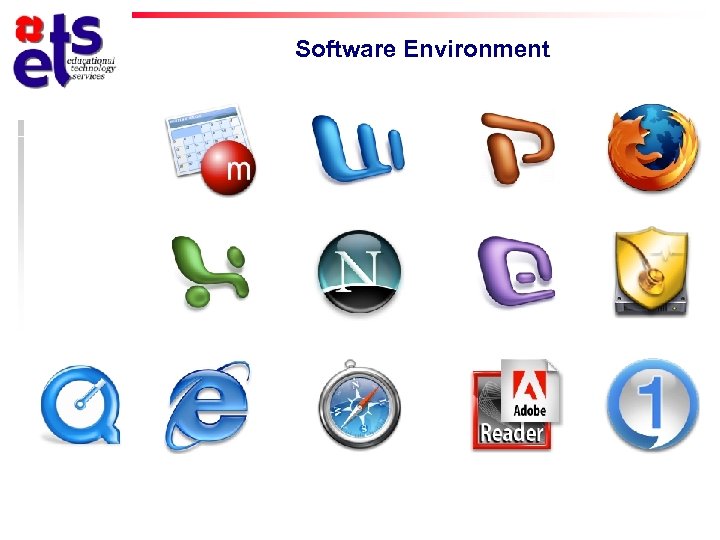 Software Environment
 Software Environment u State of our current software environment – – – – Physical Network Software Multiple applications Multiple interfaces Steep learning curve Incompatible applications Multiple passwords and accounts Expensive to acquire, develop, or replace Multiple database formats Inflexible backend database for our information system
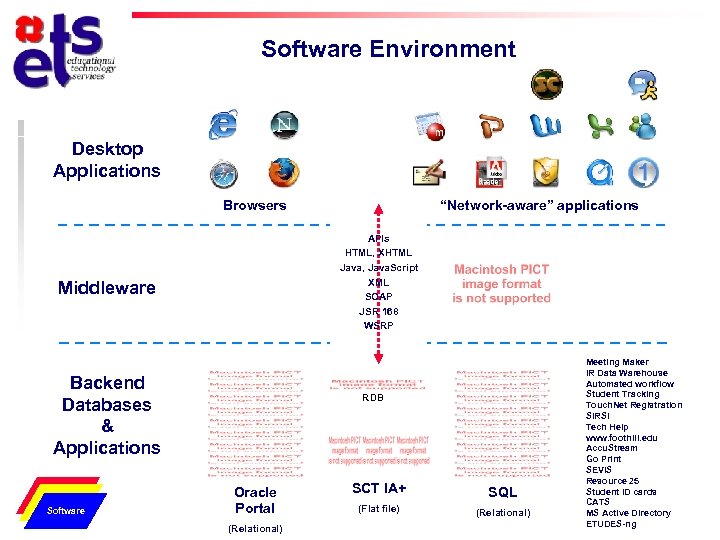 Software Environment Desktop Applications Browsers APIs HTML, XHTML Java, Java. Script XML SOAP JSR 168 WSRP Middleware Backend Databases & Applications Physical Network Software “Network-aware” applications RDB Oracle Portal (Relational) SCT IA+ SQL (Flat file) (Relational) Meeting Maker IR Data Warehouse Automated workflow Student Tracking Touch. Net Registration SIRSI Tech Help www. foothill. edu Accu. Stream Go Print SEVIS Resource 25 Student ID cards CATS MS Active Directory ETUDES-ng
 New Portal Environment… u Will provide the following remedies – – – – – Physical Network Software Single sign-on Unified interface Integrated applications One-stop shop Inexpensive, quick development Portable to new information system Individualization and customization Transparent backend databases Little training needed
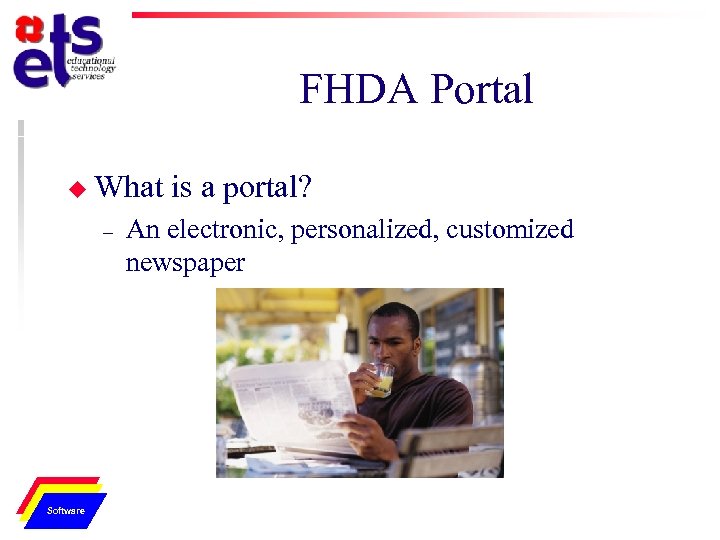 FHDA Portal u What – Physical Network Software is a portal? An electronic, personalized, customized newspaper
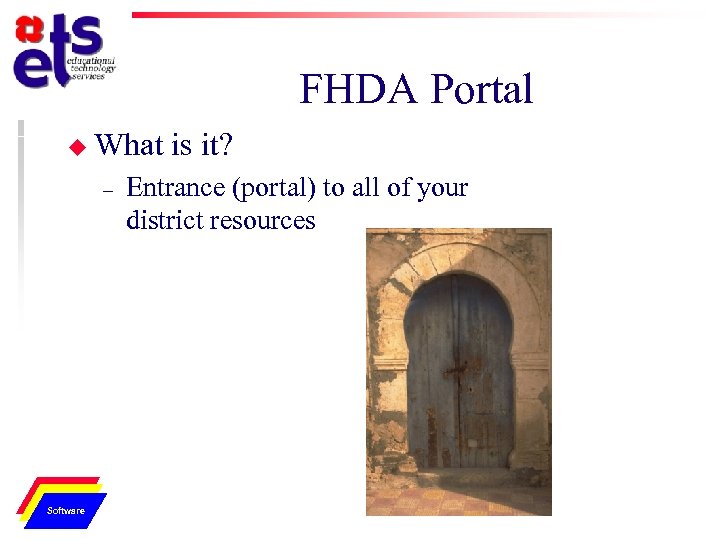 FHDA Portal u What – Physical Network Software is it? Entrance (portal) to all of your district resources
 FHDA Portal u What – Uses standard web technologies • • – – Physical Network Software is it? Graphical User Interface Industry standards Made up of channels (or portlets) of information and functionalities Provides access to many different resources
 FHDA Portal u What kind of channels/portlets are there? – Informational • • – Functional • • • u Workflow processes (timesheets, evaluations, grade submittals, etc. ) Data retrieval Search tools Where do we get portlets? – – Physical Network Software News, weather, book and movie reviews Campus news, events, significant dates Campus. EAI Consortium (open source) Develop ourselves
 FHDA Portal u How – By group • • • Physical Network Software is it customizable? Students Faculty Staff Managers Campus (Foothill, De Anza, Central Services)
 FHDA Portal u How – – Each individual will have a selection of portlets to choose from Some portlets will be required of all • – Emergency notifications Some will be required of certain groups • • Physical Network Software is it personalized? Students – registration Employees – workflow
 FHDA Portal u Demonstration – – – Physical Network Software of current prototype Lots of work yet to be done This is not the final design Many more portlets to acquire and build
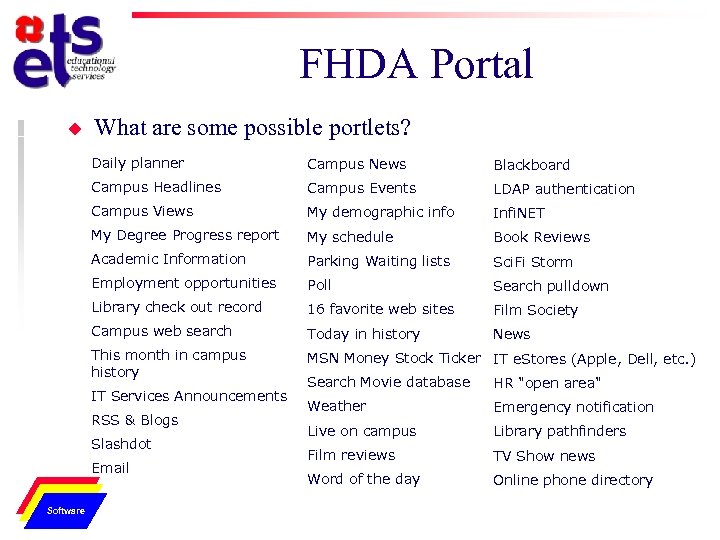 FHDA Portal u What are some possible portlets? Daily planner Campus News Blackboard Campus Headlines Campus Events LDAP authentication Campus Views My demographic info Infi. NET My Degree Progress report My schedule Book Reviews Academic Information Parking Waiting lists Sci. Fi Storm Employment opportunities Poll Search pulldown Library check out record 16 favorite web sites Film Society Campus web search Today in history News This month in campus history MSN Money Stock Ticker IT e. Stores (Apple, Dell, etc. ) IT Services Announcements RSS & Blogs Slashdot Email Physical Network Software Search Movie database HR "open area" Weather Emergency notification Live on campus Library pathfinders Film reviews TV Show news Word of the day Online phone directory
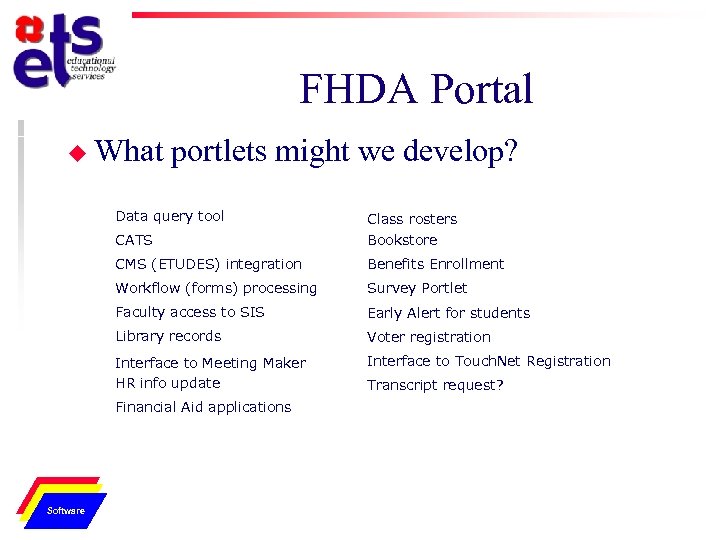 FHDA Portal u What portlets might we develop? Data query tool CATS Class rosters Bookstore CMS (ETUDES) integration Benefits Enrollment Workflow (forms) processing Survey Portlet Faculty access to SIS Early Alert for students Library records Voter registration Interface to Meeting Maker HR info update Interface to Touch. Net Registration Financial Aid applications Physical Network Software Transcript request?
 FHDA Portal u What is the timeline for implementation? – u What still needs to be done? – – Physical Network Software As fast as we can do within the constraints we have User interface design underway Identity Management Authentication & Authorization FHDA portlets need to be developed
 Workflow (Forms) Processing u How does it work? – – – u Examples – – Physical Network Software Applies logic to the flow of our paperwork Allows for electronic distribution through the web Electronic approvals Timesheets/payroll Faculty Evaluation Grade Submittals Next?
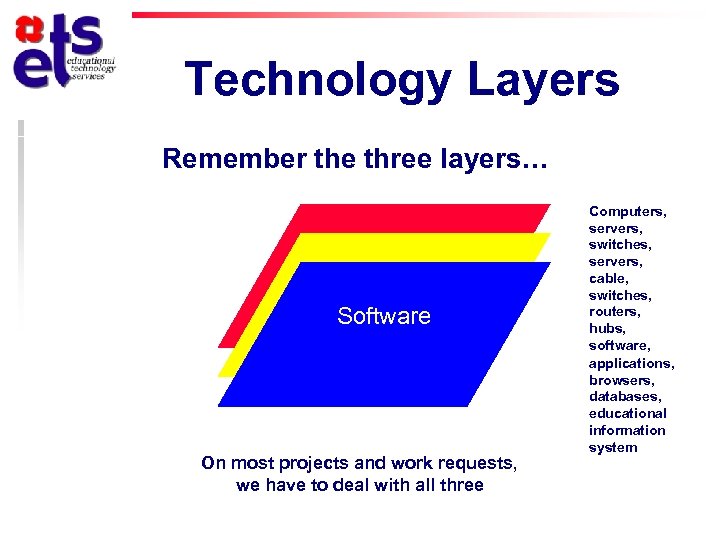 Technology Layers Remember the three layers… Physical Network Software On most projects and work requests, we have to deal with all three Computers, servers, switches, servers, cable switches, routers, hubs, software, applications, browsers, databases, educational information system
 Questions?