 Скачать презентацию The Firm A Library Resource Guide Dr Jun
7abfd87579c76ea4fabc663972506096.ppt
- Количество слайдов: 25



The Firm: A Library Resource Guide Dr. Jun Wang Librarian & Coordinator of Bibliographic Instruction and Information Literacy

“Grisham has an ear for dialogue and is a skillful craftsman. Like a composer, he brings all his themes together at the crucial moment for a gripping, and logical, finale. ” -----Frank J. Prial (Contemporary Literary Criticism)
A Tour of the Library Resources * Reference Collection; * Online Catalog; * Periodical Indexes; * Internet Sources.
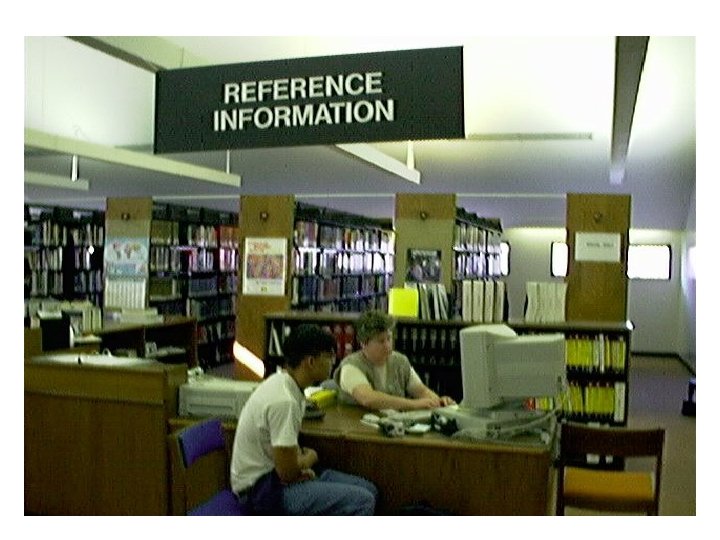
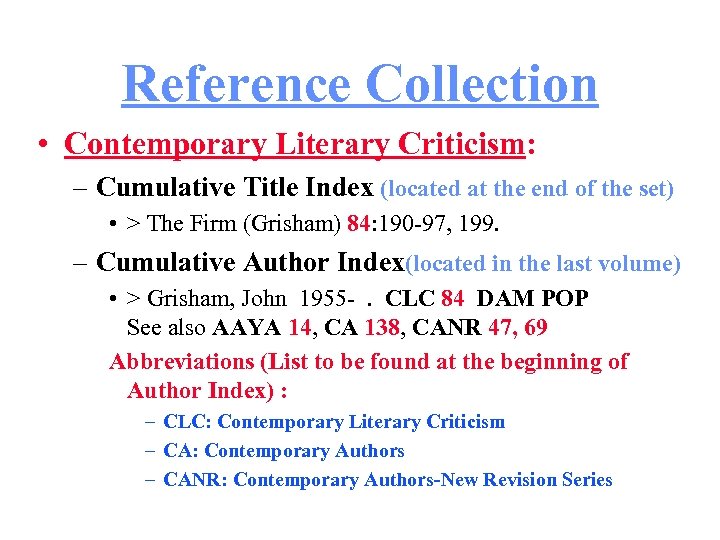
Reference Collection • Contemporary Literary Criticism: – Cumulative Title Index (located at the end of the set) • > The Firm (Grisham) 84: 190 -97, 199. – Cumulative Author Index(located in the last volume) • > Grisham, John 1955 -. CLC 84 DAM POP See also AAYA 14, CA 138, CANR 47, 69 Abbreviations (List to be found at the beginning of Author Index) : – CLC: Contemporary Literary Criticism – CA: Contemporary Authors – CANR: Contemporary Authors-New Revision Series
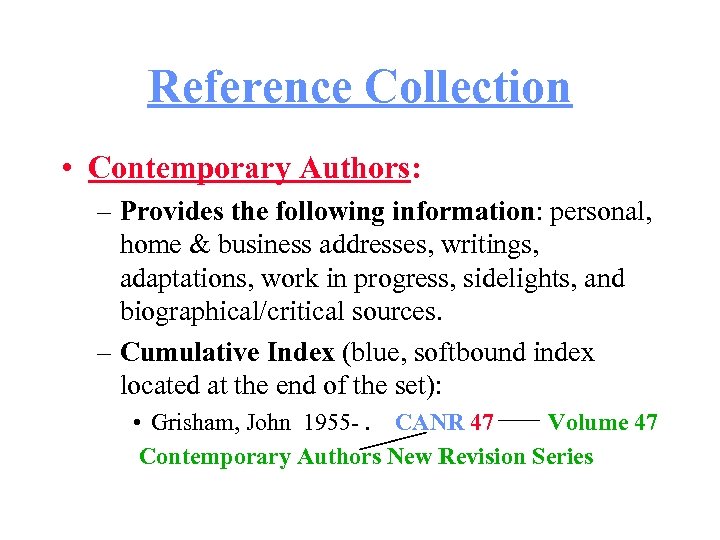
Reference Collection • Contemporary Authors: – Provides the following information: personal, home & business addresses, writings, adaptations, work in progress, sidelights, and biographical/critical sources. – Cumulative Index (blue, softbound index located at the end of the set): • Grisham, John 1955 -. CANR 47 Volume 47 Contemporary Authors New Revision Series
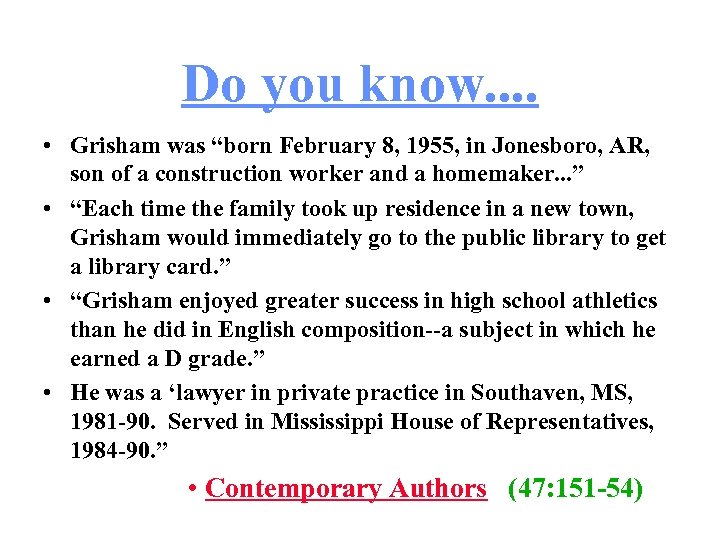
Do you know. . • Grisham was “born February 8, 1955, in Jonesboro, AR, son of a construction worker and a homemaker. . . ” • “Each time the family took up residence in a new town, Grisham would immediately go to the public library to get a library card. ” • “Grisham enjoyed greater success in high school athletics than he did in English composition--a subject in which he earned a D grade. ” • He was a ‘lawyer in private practice in Southaven, MS, 1981 -90. Served in Mississippi House of Representatives, 1984 -90. ” • Contemporary Authors (47: 151 -54)
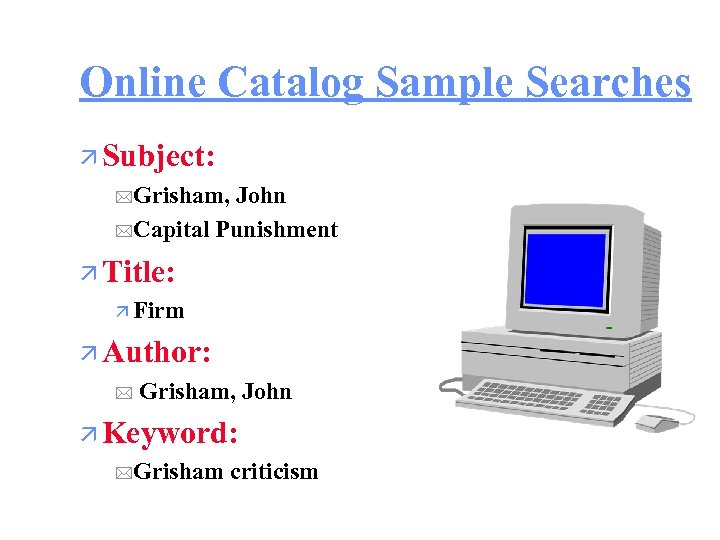
Online Catalog Sample Searches ä Subject: *Grisham, John *Capital Punishment ä Title: ä Firm ä Author: * Grisham, John ä Keyword: *Grisham criticism
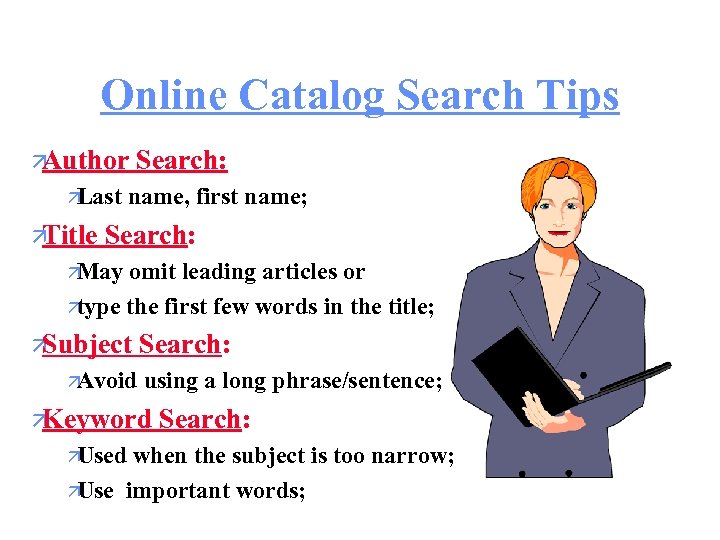
Online Catalog Search Tips ä Author ä Last ä Title Search: name, first name; Search: ä May omit leading articles or ä type the first few words in the title; ä Subject ä Avoid Search: using a long phrase/sentence; ä Keyword ä Used Search: when the subject is too narrow; ä Use important words;
Online Catalog: Commands ä “B”-- Back to previous page; ä “R”--Restart; ä “Page down” (Next Screen) -- Go to the next page; ä “Page up” (Prev. Screen) -Go back to the previous screen.
Limit Search by subject or title or author; ¤ When the preliminary search result is displayed, press Return or Enter key and select LIMIT from the menu; ¤ You may type any underlined letter from the limit search options to limit your search; ¤ The options include Date (limit by year), Type of Materials, Language, and Location. ¤
Limit to Audiovisual Material ¤ ¤ ¤ Select Limit Search from the pull-down menu under Find; Select Type of Materials by typing T which is underlined; Make a selection of the type of audiovisual material you want from the list; Press Return or Enter key to okay the selection; Items displayed afterwards are audiovisual materials.
Search Items from a Specific Location ¤ ¤ ¤ Select Limit Search from the pull-down menu under Find; Select Locations by typing L which is underlined; Make a selection from the location list; Press Return or Enter key to okay the selection; Items displayed afterwards are items from that location.
Search for Reserved Items * Select Reserve Room from the Find menu; * Search by either a course number or the instructor’s name; * Enter course name and number or, best yet, instructor’s last name and first name and press Return or Enter; * Select an appropriate item by pressing the line number to find the call number and bibliographic information.
Databases Available @ Goleman • Info. Trac Searchbank Databases: – Expanded Academic ASAP (1980 -); – Health Reference Center--Academic (1995 -); – Business Index ASAP (1996 - ); – SIRS Researcher(R) (1988 - ); – Gen’l Reference Ctr (Magazine Index). • News. Bank News. File.
General Trend • Web-based; • Increasingly popular: – Frequent updates; – Full-text articles; – E-mail delivery; – Down-load capability; – Cross references/links; – Accessible from a remote, networked computer.
Research Strategies! * Develop your * List keywords and research question; their synonyms; * Identify important * Use Boolean keywords; search operators to nest the search terms together.
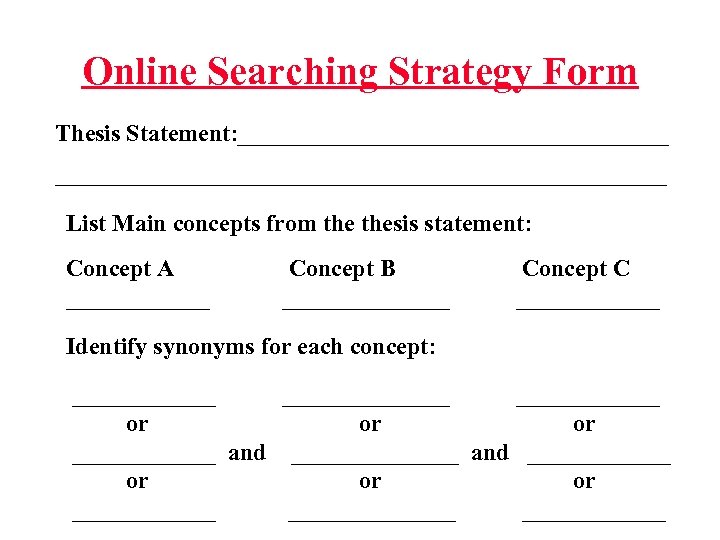
Online Searching Strategy Form Thesis Statement: ____________________________________________ List Main concepts from thesis statement: Concept A ______ Concept B _______ Concept C ______ Identify synonyms for each concept: ______________ or or or ____________ and _______ or or or ______________
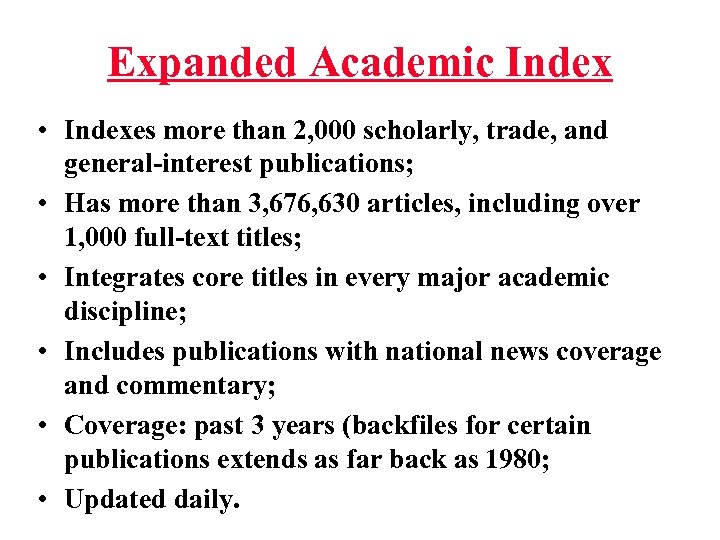
Expanded Academic Index • Indexes more than 2, 000 scholarly, trade, and general-interest publications; • Has more than 3, 676, 630 articles, including over 1, 000 full-text titles; • Integrates core titles in every major academic discipline; • Includes publications with national news coverage and commentary; • Coverage: past 3 years (backfiles for certain publications extends as far back as 1980; • Updated daily.
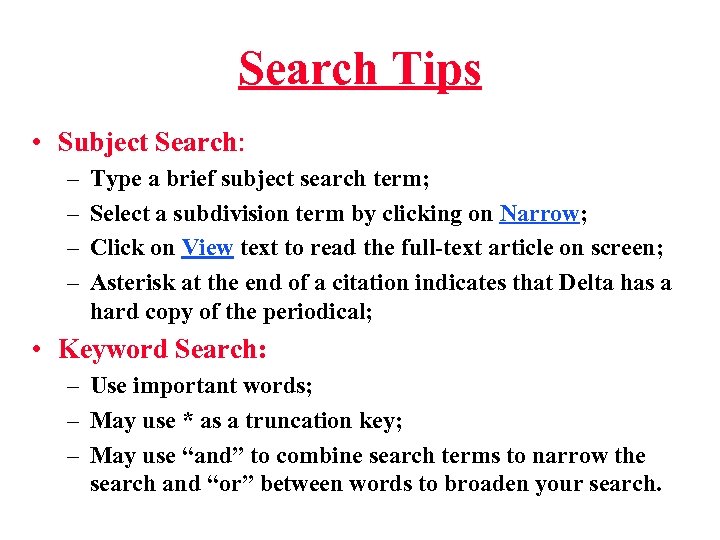
Search Tips • Subject Search: – – Type a brief subject search term; Select a subdivision term by clicking on Narrow; Click on View text to read the full-text article on screen; Asterisk at the end of a citation indicates that Delta has a hard copy of the periodical; • Keyword Search: – Use important words; – May use * as a truncation key; – May use “and” to combine search terms to narrow the search and “or” between words to broaden your search.
Using the Internet As a Research Tool
Web Site Addresses (URL) & Tell-Tale Suffix • To get to a particular Web site, you will need a Web site address or Uniform Resource Locator (URL) which begins with “http: //”; • Tell-tale suffixes: – – – edu (educational institution) gov (governmental agencies) com (commercial companies) org (organizations) mil (military) us (United States) -uk (United Kingdom)
Connect to a Library Catalog • Many college and university libraries have made their library online catalogs available for the public to use; • Use your common sense to go directly to an academic Web site; • Use keywords to find the Web site of a college/university.
World Wide Web Search • Directly connect to a site (When you know the URL or Web address): http: //www. bdd. com/bin/show_story. cgi? story_id=477 http: //the-tech. mit. edu/v 113/n 64/pelican. 64 a. html • Subject search: – Conduct a subject search using the subject directory in Yahoo or Look. Smart • Keyword search: – Grisham, John – Grisham and Pelican Brief (look for reviews or summary, please).
Your Turn to Search & Explore Good Luck!
Скачать презентацию The Firm A Library Resource Guide Dr Jun
7abfd87579c76ea4fabc663972506096.ppt