


 Скачать презентацию The EPIKH Project Exchange Programme to advance e-Infrastructure
d84a37b3e1f9413a110c4444c8956a06.ppt
- Количество слайдов: 13
 The EPIKH Project (Exchange Programme to advance e-Infrastructure Know-How Hands on g. Lite Security 马兰馨 IHEP, CAS ma@ihep. ac. cn www. epikh. eu
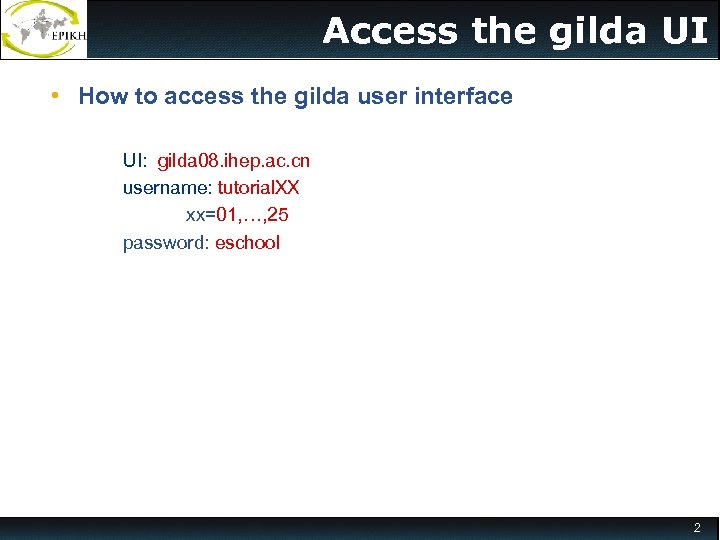 Access the gilda UI • How to access the gilda user interface UI: gilda 08. ihep. ac. cn username: tutorial. XX xx=01, …, 25 password: eschool 2
 • VOMS proxy usage 3
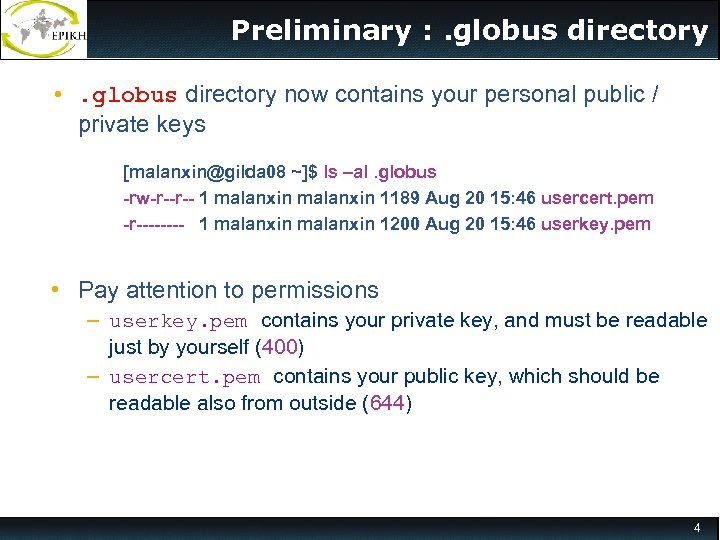 Preliminary : . globus directory • . globus directory now contains your personal public / private keys [malanxin@gilda 08 ~]$ ls –al. globus -rw-r--r-- 1 malanxin 1189 Aug 20 15: 46 usercert. pem -r---- 1 malanxin 1200 Aug 20 15: 46 userkey. pem • Pay attention to permissions – userkey. pem contains your private key, and must be readable just by yourself (400) – usercert. pem contains your public key, which should be readable also from outside (644) 4
![voms-proxy-init : options • Main options -voms <vo-name: [command]> § command syntax is :](https://present5.com/presentation/d84a37b3e1f9413a110c4444c8956a06/image-5.jpg "voms-proxy-init : options • Main options -voms <vo-name: [command]> § command syntax is :") voms-proxy-init : options • Main options -voms
voms-proxy-init : options • Main options -voms
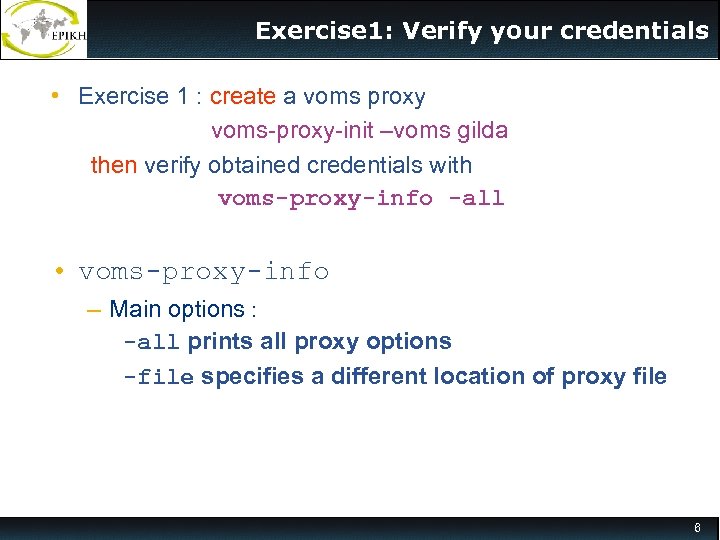 Exercise 1: Verify your credentials • Exercise 1 : create a voms proxy voms-proxy-init –voms gilda then verify obtained credentials with voms-proxy-info -all • voms-proxy-info – Main options : -all prints all proxy options -file specifies a different location of proxy file 6
![VOMS proxy info • [malanxin@gilda 08 ~]$ voms-proxy-info -all subject : /C=IT/O=GILDA/OU=Personal Certificate/L=IHEP/CN=Lanxin Ma/CN=proxy](https://present5.com/presentation/d84a37b3e1f9413a110c4444c8956a06/image-7.jpg "VOMS proxy info • [malanxin@gilda 08 ~]$ voms-proxy-info -all subject : /C=IT/O=GILDA/OU=Personal Certificate/L=IHEP/CN=Lanxin Ma/CN=proxy") VOMS proxy info • [malanxin@gilda 08 ~]$ voms-proxy-info -all subject : /C=IT/O=GILDA/OU=Personal Certificate/L=IHEP/CN=Lanxin Ma/CN=proxy issuer : /C=IT/O=GILDA/OU=Personal Certificate/L=IHEP/CN=Lanxin Ma identity : /C=IT/O=GILDA/OU=Personal Certificate/L=IHEP/CN=Lanxin Ma type : proxy strength : 1024 bits Standa rd glo path : /tmp/x 509 up_u 500 bus attrib timeleft : 11: 40: 42 utes === VO gilda extension information === VO : gilda subject : /C=IT/O=GILDA/OU=Personal Certificate/L=IHEP/CN=Lanxin Ma issuer : /C=IT/O=INFN/OU=Host/L=Catania/CN=voms. ct. infn. it ms attribute : /gilda/Role=NULL/Capability=NULL Vo ions attribute : /gilda/generic-users/Role=NULL/Capability=NULL ns te ex timeleft : 11: 40: 42 uri : voms. ct. infn. it: 15001 7
VOMS proxy info • [malanxin@gilda 08 ~]$ voms-proxy-info -all subject : /C=IT/O=GILDA/OU=Personal Certificate/L=IHEP/CN=Lanxin Ma/CN=proxy issuer : /C=IT/O=GILDA/OU=Personal Certificate/L=IHEP/CN=Lanxin Ma identity : /C=IT/O=GILDA/OU=Personal Certificate/L=IHEP/CN=Lanxin Ma type : proxy strength : 1024 bits Standa rd glo path : /tmp/x 509 up_u 500 bus attrib timeleft : 11: 40: 42 utes === VO gilda extension information === VO : gilda subject : /C=IT/O=GILDA/OU=Personal Certificate/L=IHEP/CN=Lanxin Ma issuer : /C=IT/O=INFN/OU=Host/L=Catania/CN=voms. ct. infn. it ms attribute : /gilda/Role=NULL/Capability=NULL Vo ions attribute : /gilda/generic-users/Role=NULL/Capability=NULL ns te ex timeleft : 11: 40: 42 uri : voms. ct. infn. it: 15001 7
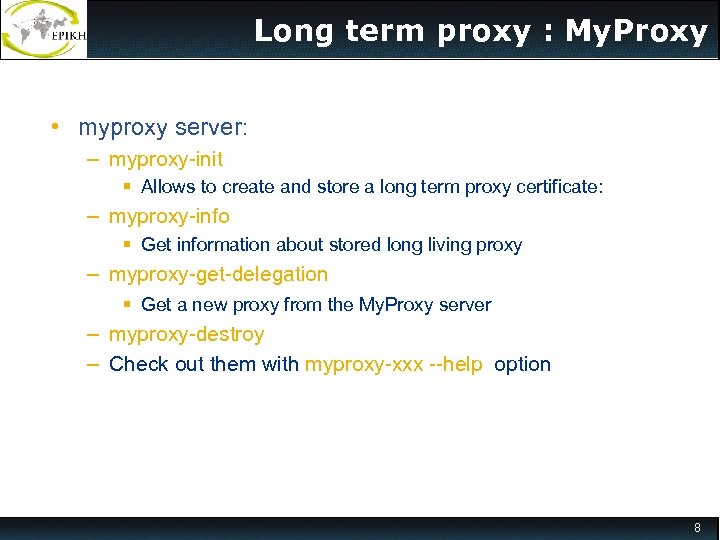 Long term proxy : My. Proxy • myproxy server: – myproxy-init § Allows to create and store a long term proxy certificate: – myproxy-info § Get information about stored long living proxy – myproxy-get-delegation § Get a new proxy from the My. Proxy server – myproxy-destroy – Check out them with myproxy-xxx --help option 8
![myproxy-init [malanxin@gilda 08 ~]$ myproxy-init --voms gilda Enter GRID pass phrase: Your identity: /C=IT/O=GILDA/OU=Personal](https://present5.com/presentation/d84a37b3e1f9413a110c4444c8956a06/image-9.jpg "myproxy-init [malanxin@gilda 08 ~]$ myproxy-init --voms gilda Enter GRID pass phrase: Your identity: /C=IT/O=GILDA/OU=Personal") myproxy-init [malanxin@gilda 08 ~]$ myproxy-init --voms gilda Enter GRID pass phrase: Your identity: /C=IT/O=GILDA/OU=Personal Certificate/L=IHEP/CN=Lanxin Ma Creating temporary proxy. . . Done Contacting voms. ct. infn. it: 15001 [/C=IT/O=INFN/OU=Host/L=Catania/CN=voms. ct. infn. it] "gilda" Done Creating proxy. . . . . Done Your proxy is valid until Sun Sep 5 10: 22: 42 2010 verify OK Enter My. Proxy pass phrase: Verifying - Enter My. Proxy pass phrase: A proxy valid for 168 hours (7. 0 days) for user malanxin now exists on myproxy. ct. infn. it. • • • Principal options -c hours specifies lifetime of stored credentials -t hours specifies the maximum lifetime of credentials when retrieved -s
myproxy-init [malanxin@gilda 08 ~]$ myproxy-init --voms gilda Enter GRID pass phrase: Your identity: /C=IT/O=GILDA/OU=Personal Certificate/L=IHEP/CN=Lanxin Ma Creating temporary proxy. . . Done Contacting voms. ct. infn. it: 15001 [/C=IT/O=INFN/OU=Host/L=Catania/CN=voms. ct. infn. it] "gilda" Done Creating proxy. . . . . Done Your proxy is valid until Sun Sep 5 10: 22: 42 2010 verify OK Enter My. Proxy pass phrase: Verifying - Enter My. Proxy pass phrase: A proxy valid for 168 hours (7. 0 days) for user malanxin now exists on myproxy. ct. infn. it. • • • Principal options -c hours specifies lifetime of stored credentials -t hours specifies the maximum lifetime of credentials when retrieved -s
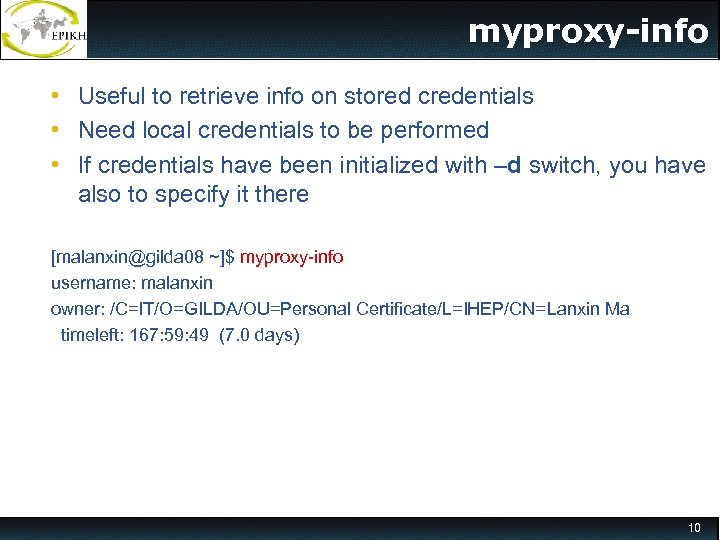 myproxy-info • Useful to retrieve info on stored credentials • Need local credentials to be performed • If credentials have been initialized with –d switch, you have also to specify it there [malanxin@gilda 08 ~]$ myproxy-info username: malanxin owner: /C=IT/O=GILDA/OU=Personal Certificate/L=IHEP/CN=Lanxin Ma timeleft: 167: 59: 49 (7. 0 days) 10
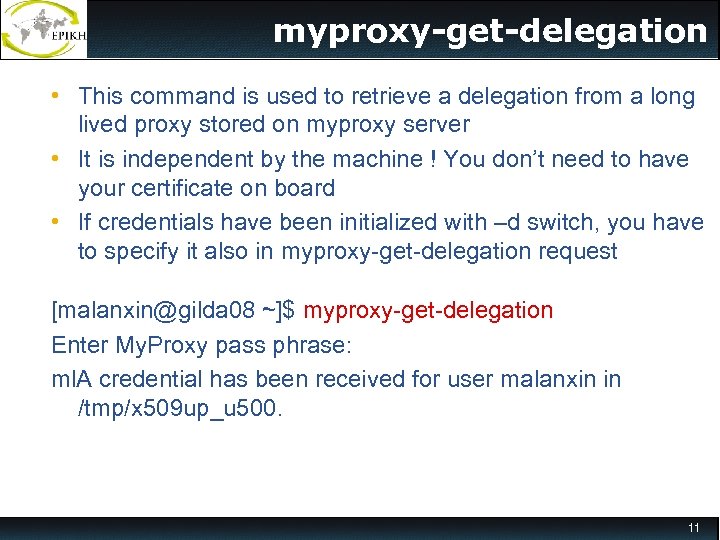 myproxy-get-delegation • This command is used to retrieve a delegation from a long lived proxy stored on myproxy server • It is independent by the machine ! You don’t need to have your certificate on board • If credentials have been initialized with –d switch, you have to specify it also in myproxy-get-delegation request [malanxin@gilda 08 ~]$ myproxy-get-delegation Enter My. Proxy pass phrase: ml. A credential has been received for user malanxin in /tmp/x 509 up_u 500. 11
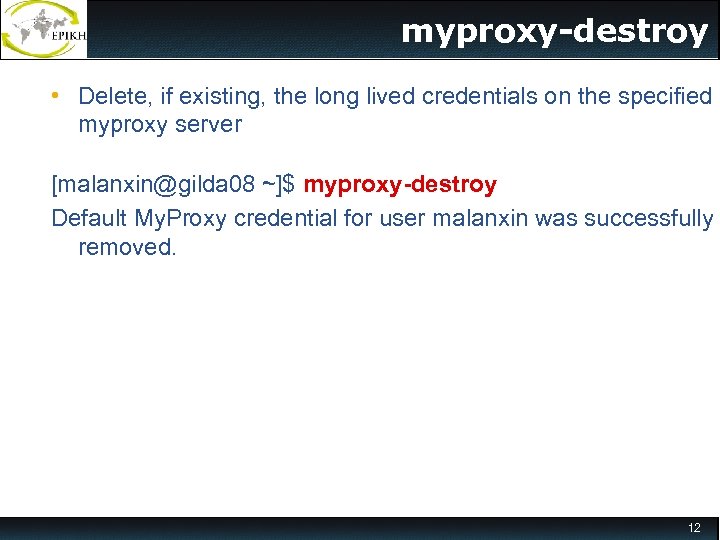 myproxy-destroy • Delete, if existing, the long lived credentials on the specified myproxy server [malanxin@gilda 08 ~]$ myproxy-destroy Default My. Proxy credential for user malanxin was successfully removed. 12
 13
13