


 Скачать презентацию The DSpace Course Module — Look Feel
f17af4c9e456359cabbdcce6ef630467.ppt
- Количество слайдов: 20
 The DSpace Course Module - Look & Feel Customisation
 Module Objectives § By the end of this module you will: Understand the different user interfaces to the DSpace software § Understand the different levels of customisation that can be done to the DSpace interface § Have customised the JSPUI interface of DSpace §
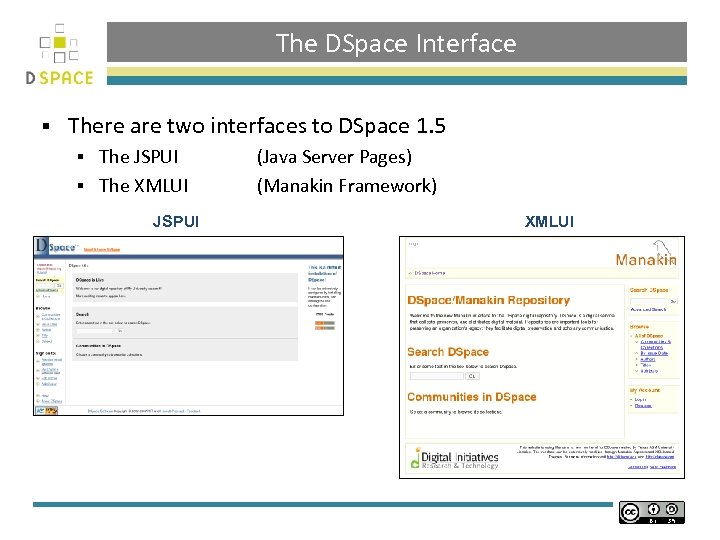 The DSpace Interface § There are two interfaces to DSpace 1. 5 The JSPUI § The XMLUI § JSPUI (Java Server Pages) (Manakin Framework) XMLUI
![JSPUI - [dspace. url/jspui] § The JSPUI is the standard interface for DSpace allowing](https://present5.com/presentation/f17af4c9e456359cabbdcce6ef630467/image-4.jpg "JSPUI - [dspace. url/jspui] § The JSPUI is the standard interface for DSpace allowing") JSPUI - [dspace. url/jspui] § The JSPUI is the standard interface for DSpace allowing fast creation of dynamic web content § The JSPUI interface is implemented using: Java Servlets which handle the business logic § Java. Server Pages (JSPs) which produce the HTML § § The source code for the JSP webapp is located either: [dspace-src]dspace-jspui-webappsrcmainwebapp If the full source was downloaded [dspace-src]dspacetargetdspace-[version]. dirwebappsdspace-jspui-webapp If the default release was downloaded after the first build
JSPUI - [dspace. url/jspui] § The JSPUI is the standard interface for DSpace allowing fast creation of dynamic web content § The JSPUI interface is implemented using: Java Servlets which handle the business logic § Java. Server Pages (JSPs) which produce the HTML § § The source code for the JSP webapp is located either: [dspace-src]dspace-jspui-webappsrcmainwebapp If the full source was downloaded [dspace-src]dspacetargetdspace-[version]. dirwebappsdspace-jspui-webapp If the default release was downloaded after the first build
![The JSPUI § Edited JSPs should be placed in [dspace-src]/dspace/modules/jspui/src/main/webapp/ Files placed in this](https://present5.com/presentation/f17af4c9e456359cabbdcce6ef630467/image-5.jpg "The JSPUI § Edited JSPs should be placed in [dspace-src]/dspace/modules/jspui/src/main/webapp/ Files placed in this") The JSPUI § Edited JSPs should be placed in [dspace-src]/dspace/modules/jspui/src/main/webapp/ Files placed in this directory will overwrite the original JSPs § This will ensure when upgrading DSpace local changes are not overwritten § Using the same path as the original § DSpace default Locally-modified version [jsp. dir]/community-list. jsp [dspace-src]/dspace/modules/jspui/src/main/webapp/community-list. jsp [jsp. dir]/mydspace/main. jsp [dspace-src]/dspace/modules/jspui/src/main/webapp/mydspace/main. jsp
The JSPUI § Edited JSPs should be placed in [dspace-src]/dspace/modules/jspui/src/main/webapp/ Files placed in this directory will overwrite the original JSPs § This will ensure when upgrading DSpace local changes are not overwritten § Using the same path as the original § DSpace default Locally-modified version [jsp. dir]/community-list. jsp [dspace-src]/dspace/modules/jspui/src/main/webapp/community-list. jsp [jsp. dir]/mydspace/main. jsp [dspace-src]/dspace/modules/jspui/src/main/webapp/mydspace/main. jsp
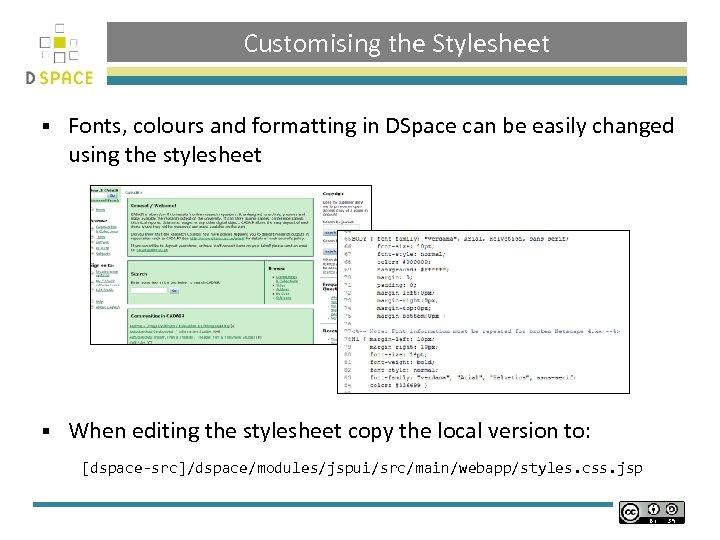 Customising the Stylesheet § Fonts, colours and formatting in DSpace can be easily changed using the stylesheet § When editing the stylesheet copy the local version to: [dspace-src]/dspace/modules/jspui/src/main/webapp/styles. css. jsp
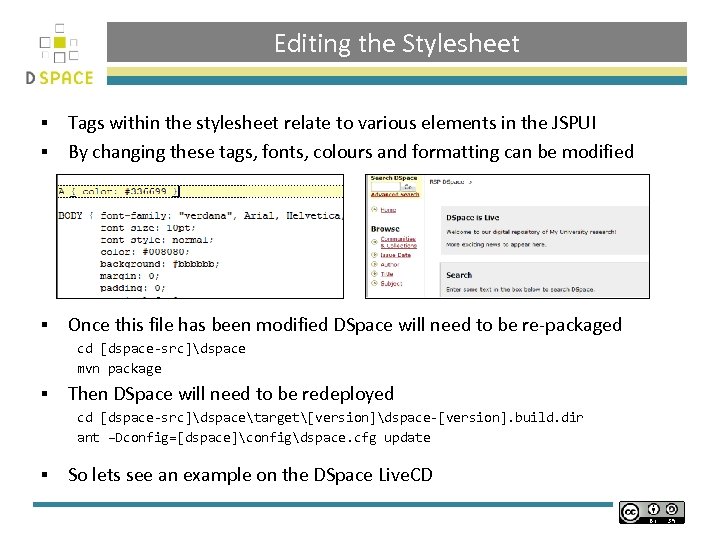 Editing the Stylesheet Tags within the stylesheet relate to various elements in the JSPUI § By changing these tags, fonts, colours and formatting can be modified § § Once this file has been modified DSpace will need to be re-packaged cd [dspace-src]dspace mvn package § Then DSpace will need to be redeployed cd [dspace-src]dspacetarget[version]dspace-[version]. build. dir ant –Dconfig=[dspace]configdspace. cfg update § So lets see an example on the DSpace Live. CD
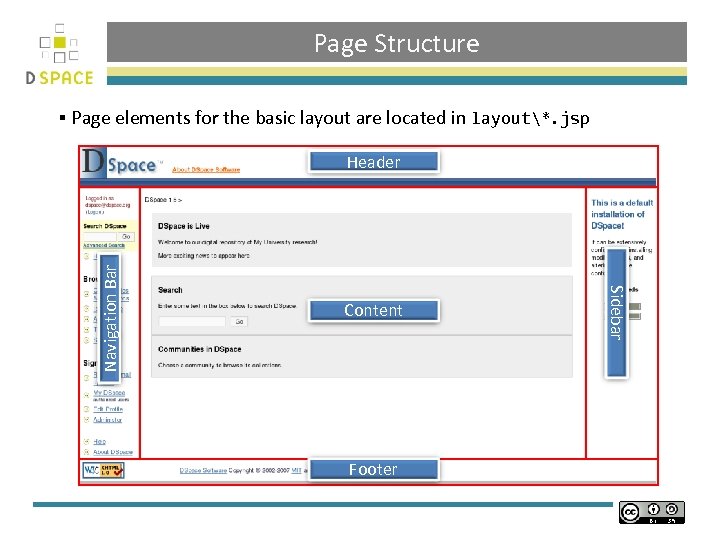 Page Structure § Page elements for the basic layout are located in layout*. jsp Content Footer Sidebar Navigation Bar Header
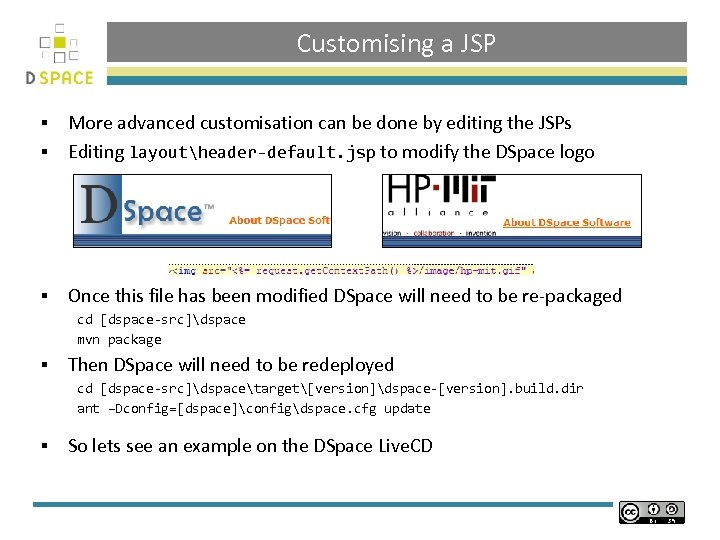 Customising a JSP More advanced customisation can be done by editing the JSPs § Editing layoutheader-default. jsp to modify the DSpace logo § § Once this file has been modified DSpace will need to be re-packaged cd [dspace-src]dspace mvn package § Then DSpace will need to be redeployed cd [dspace-src]dspacetarget[version]dspace-[version]. build. dir ant –Dconfig=[dspace]configdspace. cfg update § So lets see an example on the DSpace Live. CD
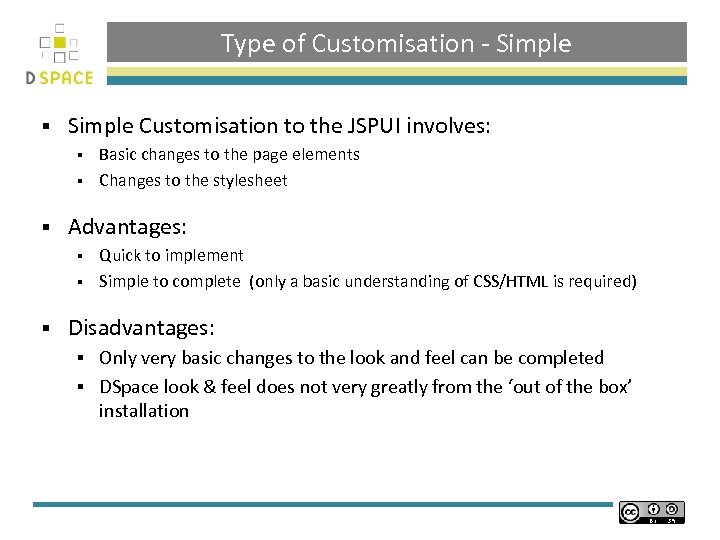 Type of Customisation - Simple § Simple Customisation to the JSPUI involves: Basic changes to the page elements § Changes to the stylesheet § § Advantages: Quick to implement § Simple to complete (only a basic understanding of CSS/HTML is required) § § Disadvantages: Only very basic changes to the look and feel can be completed § DSpace look & feel does not very greatly from the ‘out of the box’ installation §
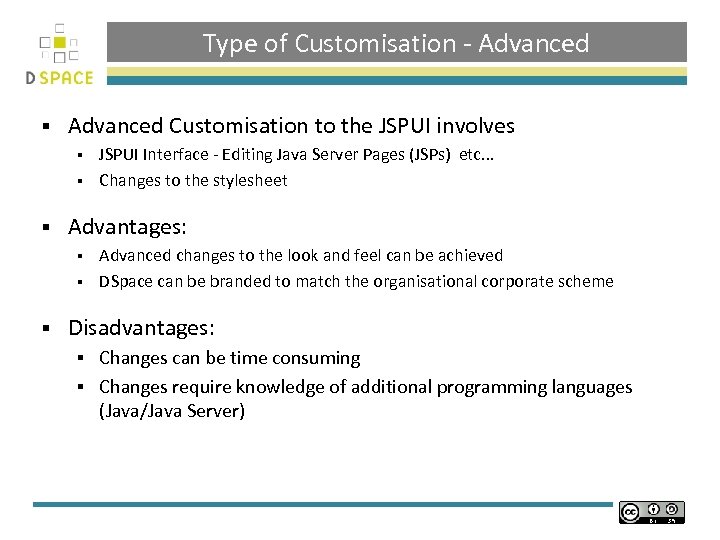 Type of Customisation - Advanced § Advanced Customisation to the JSPUI involves JSPUI Interface - Editing Java Server Pages (JSPs) etc. . . § Changes to the stylesheet § § Advantages: Advanced changes to the look and feel can be achieved § DSpace can be branded to match the organisational corporate scheme § § Disadvantages: Changes can be time consuming § Changes require knowledge of additional programming languages (Java/Java Server) §
 JSP UI Examples (Advanced Customisation of the JSP Interface)
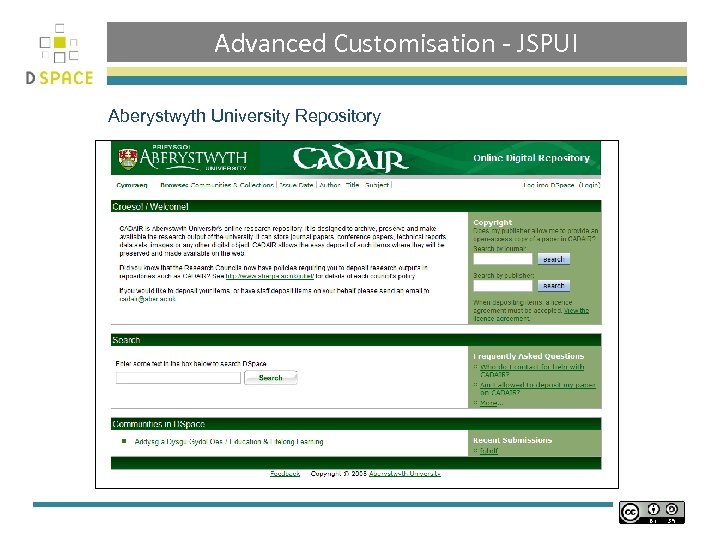 Advanced Customisation - JSPUI Aberystwyth University Repository
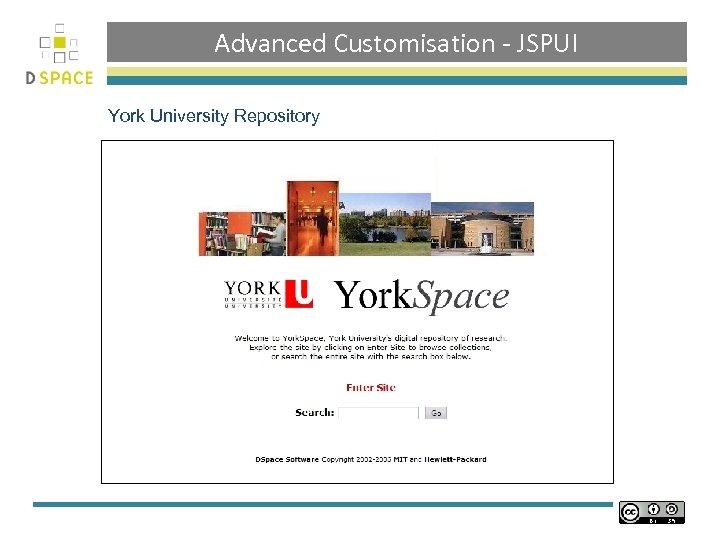 Advanced Customisation - JSPUI York University Repository
![XMLUI – [dspace. url/xmlui] § XMLUI is a new front end for DSpace §](https://present5.com/presentation/f17af4c9e456359cabbdcce6ef630467/image-15.jpg "XMLUI – [dspace. url/xmlui] § XMLUI is a new front end for DSpace §") XMLUI – [dspace. url/xmlui] § XMLUI is a new front end for DSpace § Based on Apache Cocoon Framework § Why? Four Design Goals allowing each community and collection represented in DSpace to maintain a distinct look and feel. § to increase support for internationalization in DSpace § to separate the business logic from stylistic controls, increasing ease of adaptability. § to provide an alternative interface to the current JSP based implementation, requiring no changes to the core of DSpace (including the database), while specifically enabling both user interfaces to operate simultaneously. § § Additional Information on Manakin can be found at: § http: //di. tamu. edu/projects/xmlui
XMLUI – [dspace. url/xmlui] § XMLUI is a new front end for DSpace § Based on Apache Cocoon Framework § Why? Four Design Goals allowing each community and collection represented in DSpace to maintain a distinct look and feel. § to increase support for internationalization in DSpace § to separate the business logic from stylistic controls, increasing ease of adaptability. § to provide an alternative interface to the current JSP based implementation, requiring no changes to the core of DSpace (including the database), while specifically enabling both user interfaces to operate simultaneously. § § Additional Information on Manakin can be found at: § http: //di. tamu. edu/projects/xmlui
 XML UI Examples (Advanced Customisation of the XML Interface)
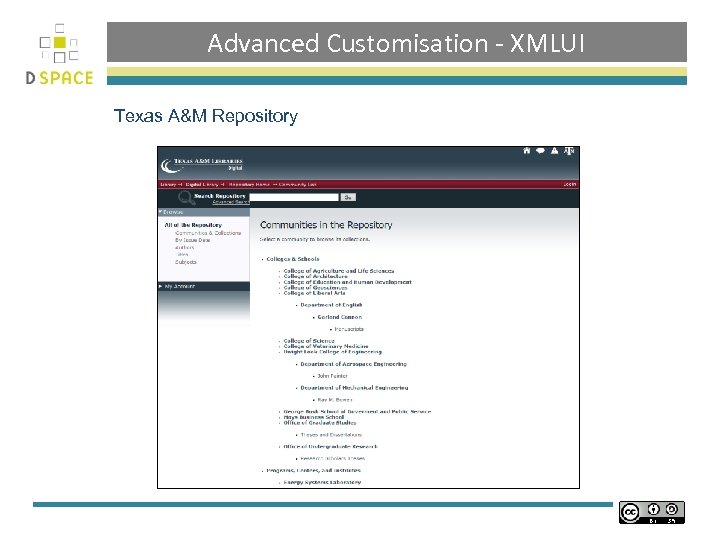 Advanced Customisation - XMLUI Texas A&M Repository
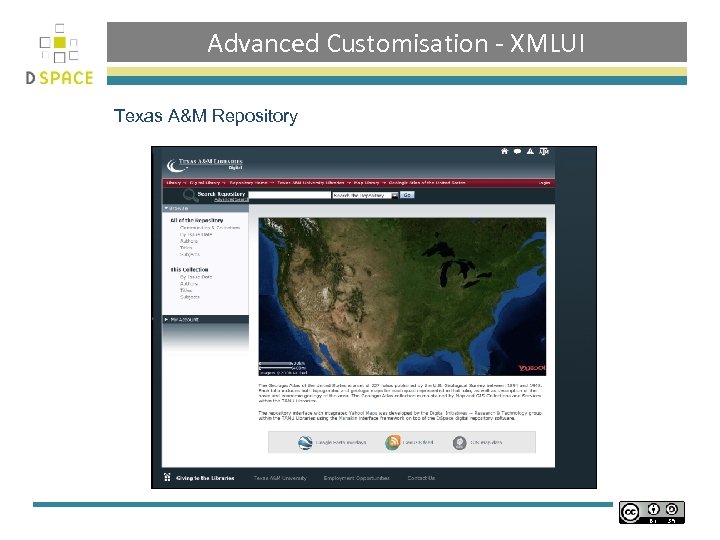 Advanced Customisation - XMLUI Texas A&M Repository
 Practical: DSpace Customisation § Try customising the following using the guide in the workbook: DSpace Stylesheet § DSpace JSPs §
 Credits § These slides have been produced by: § Stuart Lewis & Chris Yates § Repository Support Project § http: //www. rsp. ac. uk/ § Part of the Repository. Net § Funded by JISC § http: //www. jisc. ac. uk/