 Скачать презентацию The basic concepts of the language Types of
Lesson 2. Types of variables. Input. Class Math..pptx
- Количество слайдов: 44



The basic concepts of the language. Types of variables. Input. Class Math. Lesson 2 1
Questions: 1. 2. 3. 4. 5. 6. The structure of the language. Data types. Console input. Class Math. Input and output from a file. Iteration (Looping) Statement while 2
1. The structure of the language. The alphabet includes: letters and an underscore; numbers; special characters, e. g. +, *, {, ]whitespace characters (space and tab character); • the newline characters. • • 3
Lexeme – a minimal unit of language: • names (identifiers); • key words; • operation signs; • dividers; • literals (constants). 4
• The expression specifies how to compute a certain value (a+b). • The operator sets a complete description of some action, data, or program element. C=a + b; 5
1. 2. Identifiers • The identifier can be letters, digits, and the underscore character. The first character letter or underscore. Uppercase and lowercase letters differ. 6
• Notation — the agreement on the rules to generate names. In the notation of Pascal each word constituting the identifier starts with a capital letter, for example, Maximum. Value. • Hungarian notation (it is suggested that the Hungarian nationality, the employee of Microsoft) differs from the previous presence of the prefix corresponding to the type value, for example, i_Value. Counter 7
• According to Camel notation, with an uppercase letter begins each word constituting the identifier except the first, for example, maxline. • Another tradition (4 th notation) to separate words that compose the name, with an underscore: max_line. , with all parts begin with a lowercase letter. 8
• In C# for naming different types of software objects are often used two notations: Pascal and Camel. • In C#, called classes, methods and constants in accordance with the notation of Pascal, and the local variables in accordance with the Camel notation. 9
1. 3. Key words. • Keywords are reserved identifiers that have special meanings to the compiler. (Tab. 2. 1. ) 10
1. 5. Literals. • Literals or constants are called immutable values. Constants can be Boolean, integer, real, character and string, and a null constant. 11
• Boolean : true, false. • Integer constant: decimal or hexadecimal. Decimal: the sequence of decimal digits, which may be followed by a suffix ( U, u, L, l, UL, ul, LU, Lu, l. U, lu ) Examples: 76 , 123456, 45789 L, 876 ul 12
• Hexadecimal: 0 x or 0 X, followed by hexadecimal digits. Numbers may be followed by a suffix ( U, u, L, l, UL, ul, LU, Lu, l. U, lu ) • Examples: 0 x 123, 0 XADE 43 LU, 0 x 329 L, 0 x 8765 ABCLu 13
• Real literals are represented only in decimal, but in two forms: fixed point and with the order. To clarify the allocated memory used suffixes: (F, f, D, d, M, m). • Fixed point – a part separated from the decimal point. 65. 43, 87. 9 14
• A real constant with the procedure is represented as a mantissa and order. The mantissa is written to the left of the exponent sign (E or e), the order on the right. The constant value is defined as the product of a mantissa and raised to the specified in the order a power of 10. Examples: 5. 43 e 4 = 5, 43 * 104 15
• When the compiler recognizes a constant, it assigns her a place in memory according to its type and value. If you want to explicitly specify how much memory should I allocate to constant, use the suffixes given in tab. 2. 3. 16
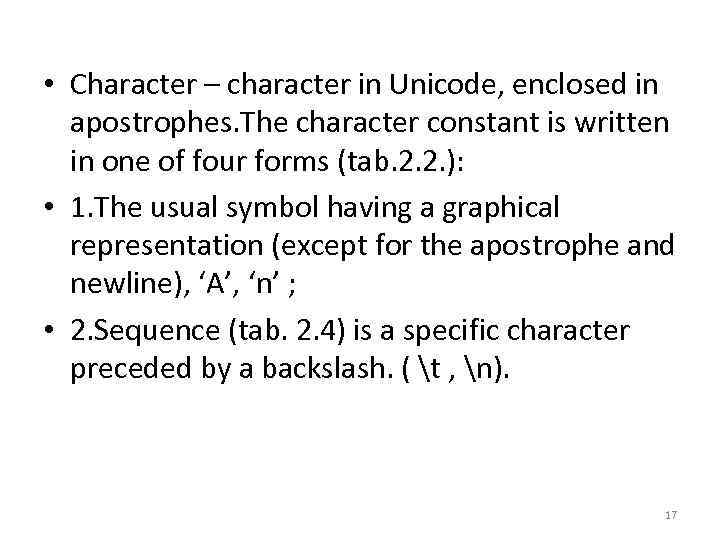
• Character – character in Unicode, enclosed in apostrophes. The character constant is written in one of four forms (tab. 2. 2. ): • 1. The usual symbol having a graphical representation (except for the apostrophe and newline), ‘A’, ‘n’ ; • 2. Sequence (tab. 2. 4) is a specific character preceded by a backslash. ( t , n). 17
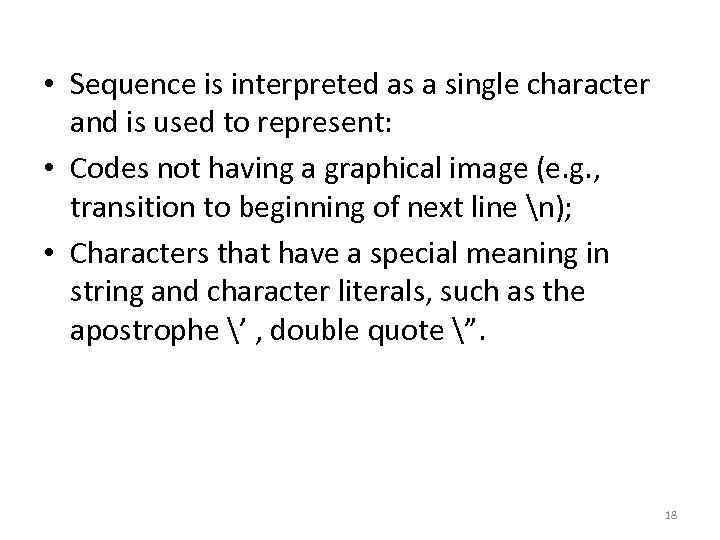
• Sequence is interpreted as a single character and is used to represent: • Codes not having a graphical image (e. g. , transition to beginning of next line n); • Characters that have a special meaning in string and character literals, such as the apostrophe ’ , double quote ”. 18
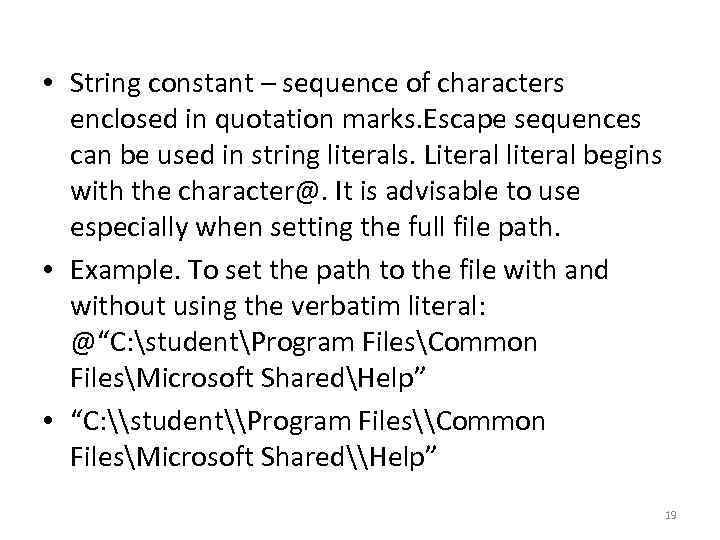
• String constant – sequence of characters enclosed in quotation marks. Escape sequences can be used in string literals. Literal literal begins with the character@. It is advisable to use especially when setting the full file path. • Example. To set the path to the file with and without using the verbatim literal: @“C: studentProgram FilesCommon FilesMicrosoft SharedHelp” • “C: \student\Program Files\Common FilesMicrosoft Shared\Help” 19
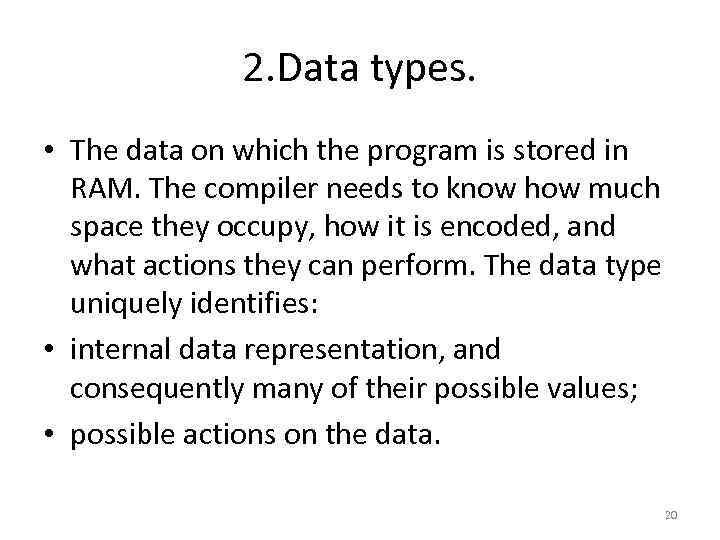
2. Data types. • The data on which the program is stored in RAM. The compiler needs to know how much space they occupy, how it is encoded, and what actions they can perform. The data type uniquely identifies: • internal data representation, and consequently many of their possible values; • possible actions on the data. 20
• Each expression in the program has a type. Variables have no type exists. The compiler uses type information while the validation described in the programme of action. 21
• A memory in which are stored data during program execution and are divided into two region: the stack and the dynamic area (heap, managed heap). • The stack is used to store values, provided by the compiler, • and dynamic memory is reserved and released during program execution. • The main place to store data in C# is hip. 22
Classification of data types: • Types can be classified according to various criteria. In the classification according to the structure of element types can be simple (have no internal structure) and structured (composed of elements of other types). • According to its Creator types are divided into built-in and programmer-defined; 23
• At the time of memory allocation types are divided into static (the volume is known, the memory is allocated at Declaration time) and dynamic (in the time of the announcement the memory is not known, stands out on request during execution of the program). 24
Built-in types • Do not require prior definition. Tab. 2. 5. Correspond to the standard class library. NET certain the System namespace. Integer types, as well as the symbolic, physical and financial can be grouped under the name of arithmetic types. 25
• The internal representation of a value of integer type is an integer in binary code. In the iconic types of the MSB of the number is interpreted as the sign (0 is positive, 1 – negative). Negative numbers are represented in so-called supplementary code. 26
• The internal representation of real numbers consists of two parts – mantissa and order, each piece has a sign. • The length of the significand determines the precision of the number, and the length of his order - range. All material types can represent both positive and negative numbers. • Most often, the program uses type double. 27
• The decimal type is intended for monetary calculations are critical rounding errors. As can be seen from table 2. 5 the float type allows you to store 7 significant decimal digits, double is 15 -16. • When calculating round-off errors accumulate !!! • The value of the decimal enables you to store 2829 decimal places. They have their own internal representation, they cannot be used in the same expression with the material without explicit type conversion. The use of financial variables type in the same expression with integer allowed 28
The types of literals. • If the value of the integer literal is within the range of valid values of type int, the literal is treated as int, otherwise it belongs to the smallest of the types uint, long, ulong in the range of values of which he is part. • Floating point literals default to type double. 29
• • • Examples. 10 - int; 2147483648 – uint 2. 6 – double To explicitly set the type of the literal is the suffix. (tab. 2. 3). Explicit assignment is used to reduce the number of implicit type conversions by the compiler. 30
Packing and unpacking. • Conversion from type value to a reference type is called Boxing (boxing), inverse - unpacking. If the value of meaningful use in the place where you want a reference type, automatically creating the intermediate values of a reference type creates a reference in the hip is allocated the appropriate amount of memory and is copied back value, i. e. the value of the like is Packed into the object. 31
3. Console input • To input variable string from console we are to use operator. • Examples. • string s; • s=Console. Read. Line(); • double weight _first_package; • weight _first_package= Convert. To. Double(Console. Read. Line()); 32
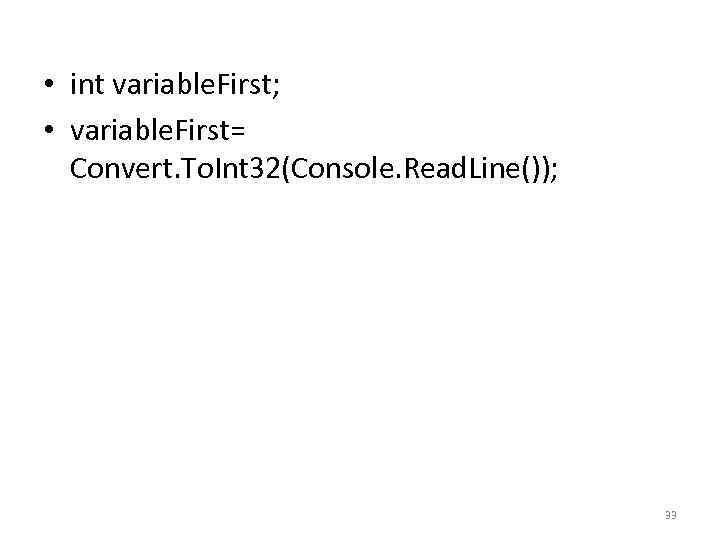
• int variable. First; • variable. First= Convert. To. Int 32(Console. Read. Line()); 33
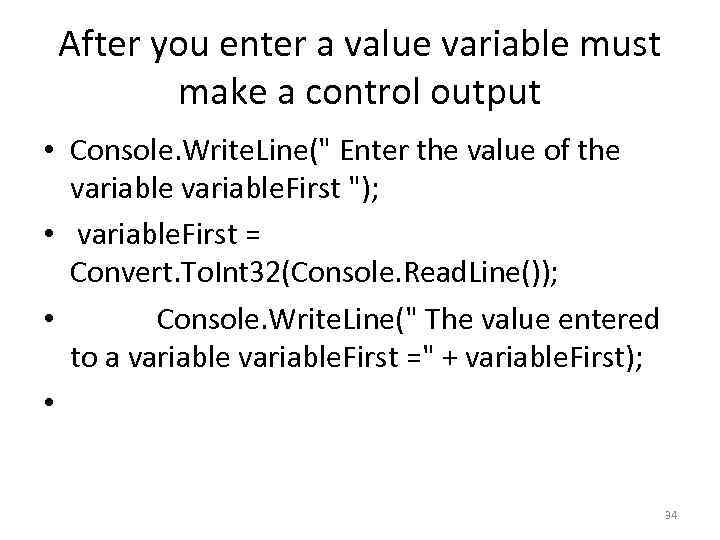
After you enter a value variable must make a control output • Console. Write. Line(" Enter the value of the variable. First "); • variable. First = Convert. To. Int 32(Console. Read. Line()); • Console. Write. Line(" The value entered to a variable. First =" + variable. First); • 34
4. Class Math. (page 65) • In terms often used mathematical functions such as sine or exponentiation. They are implemented in the Math class, defined in the space System. Using the methods in this class can calculate: • trigonometric functions: Sin, Cos, Tan; • inverse trigonometric functions: ASin, ACos, ATan, ATan 2; 35
• hyperbolic functions: Tanh, Sinh, Cosh; • exponent and logarithm functions: Exp, Log, Logl. O; • modulus (absolute value), square root, sign, Abs, Sqrt, Sign; • rounding: Ceiling, Floor, Round; • minimum, maximum: Mi n, Max; • degree of balance: Pow, IEEEReminder; • complete product of two integer values: Big. Mul; • division and modulo: Div. Rem. 36
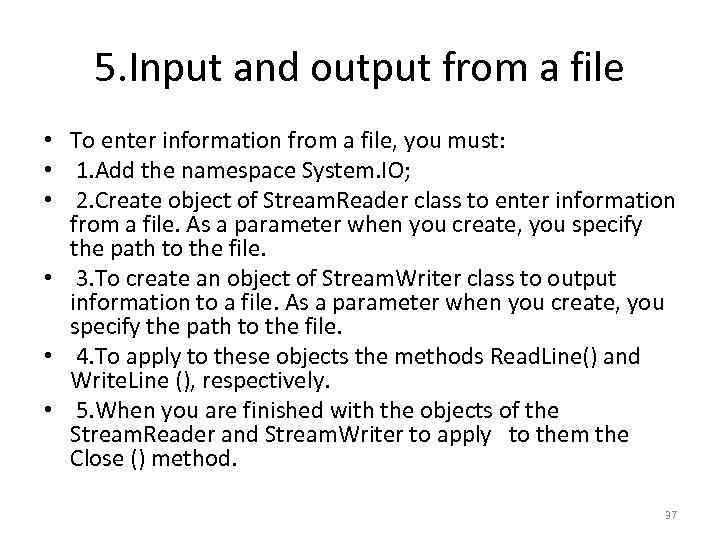
5. Input and output from a file • To enter information from a file, you must: • 1. Add the namespace System. IO; • 2. Create object of Stream. Reader class to enter information from a file. As a parameter when you create, you specify the path to the file. • 3. To create an object of Stream. Writer class to output information to a file. As a parameter when you create, you specify the path to the file. • 4. To apply to these objects the methods Read. Line() and Write. Line (), respectively. • 5. When you are finished with the objects of the Stream. Reader and Stream. Writer to apply to them the Close () method. 37
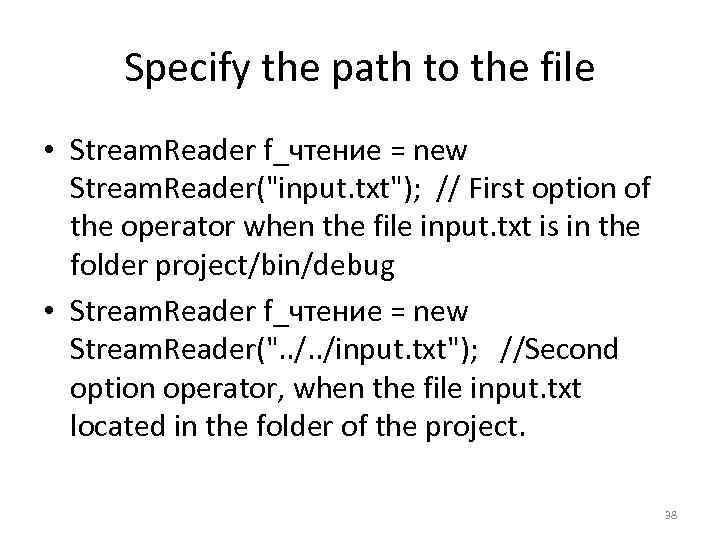
Specify the path to the file • Stream. Reader f_чтение = new Stream. Reader("input. txt"); // First option of the operator when the file input. txt is in the folder project/bin/debug • Stream. Reader f_чтение = new Stream. Reader(". . /input. txt"); //Second option operator, when the file input. txt located in the folder of the project. 38
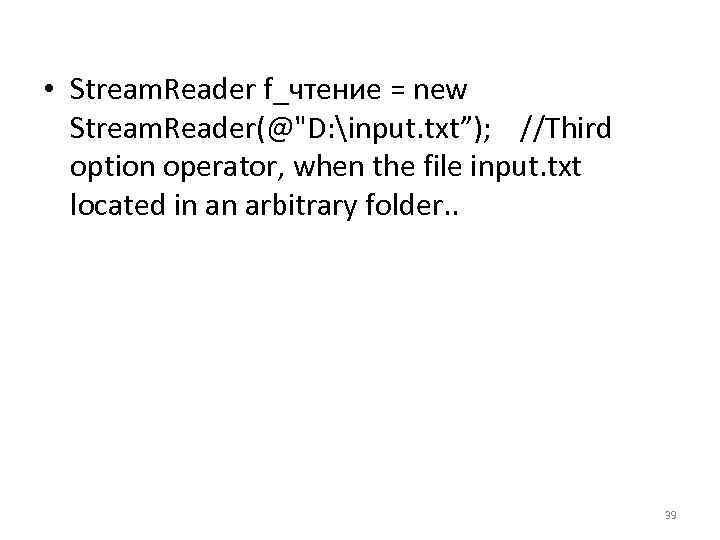
• Stream. Reader f_чтение = new Stream. Reader(@"D: input. txt”); //Third option operator, when the file input. txt located in an arbitrary folder. . 39
Iteration (Looping) Statement while • There are many situations in which you will want to do the same thing again and again, perhaps slightly changing a value each time you repeat the action. This is called iteration or looping. Typically, you'll iterate (or loop) over a set of items, taking the same action on each. 40
• The semantics of the while loop are "while this condition is true, do this work. " The syntax is: • while (boolean expression) statement • As usual, a Boolean expression is any statement that evaluates to true or false. The statement executed within a while statement can of course be a block of statements within braces. 41
Example int counter. Variable = 0; // while the counter variable is less than 10 // print out its value while (counter. Variable < 10) { Console. Write. Line("counter. Variable: {0}", counter. Variable); • counter. Variable++; • } • • • 42
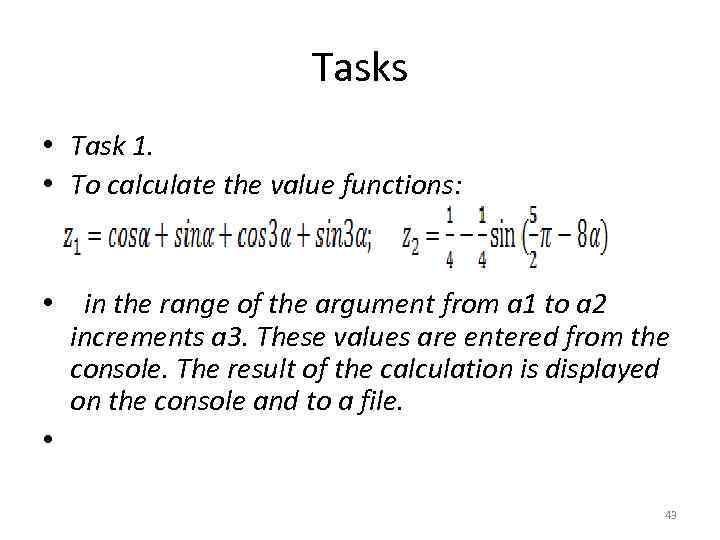
Tasks • Task 1. • To calculate the value functions: • in the range of the argument from a 1 to a 2 increments a 3. These values are entered from the console. The result of the calculation is displayed on the console and to a file. • 43
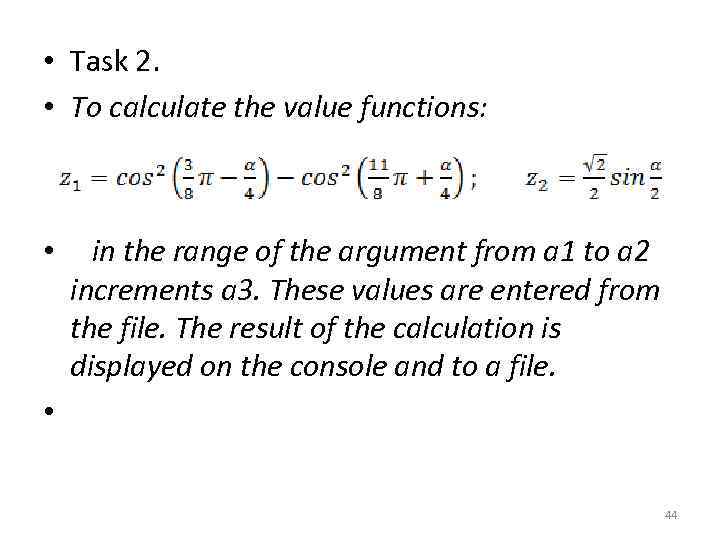
• Task 2. • To calculate the value functions: • in the range of the argument from a 1 to a 2 increments a 3. These values are entered from the file. The result of the calculation is displayed on the console and to a file. • 44
Скачать презентацию The basic concepts of the language Types of
Lesson 2. Types of variables. Input. Class Math..pptx