 Скачать презентацию The Application Layer Tanenbaum Chapter 7 4343 X
e13bc7dd3a1dcf8d0d010194e9789d48.ppt
- Количество слайдов: 15



The Application Layer Tanenbaum Chapter 7 4343 X 2 – 2007 1
Outline • • The Domain Name System Email The Web Multimedia 4343 X 2 – 2007 2
The Domain Name System • Using IP addresses as absolute machine addresses on the Internet is not very practical. • Computers can frequently change IPs, rendering using an IP address to access the machine useless. • A system of using a name to access the machine was devised to overcome this problem. 4343 X 2 – 2007 3
DNS • The name of the machine is related to the IP of the machine, but the IP can be changed without altering the name. • A Domain Name System machine (sometimes known as the Domain Name Server) is responsible for keeping track of the relationships between IP addresses and system names. 4343 X 2 – 2007 4
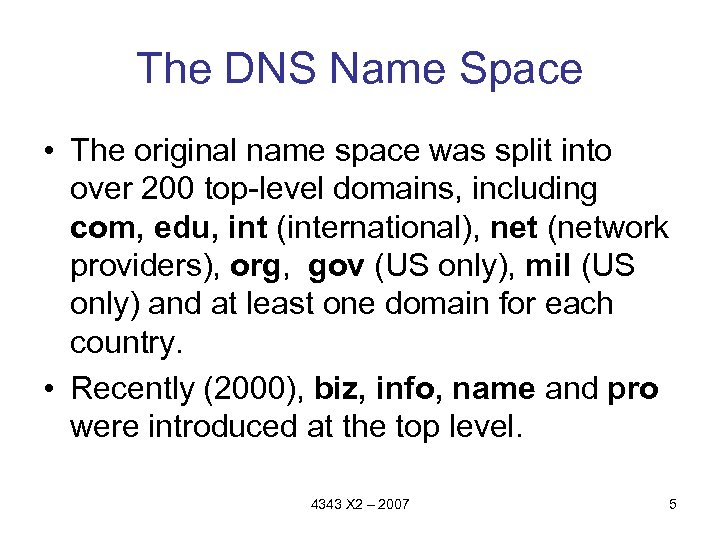
The DNS Name Space • The original name space was split into over 200 top-level domains, including com, edu, int (international), net (network providers), org, gov (US only), mil (US only) and at least one domain for each country. • Recently (2000), biz, info, name and pro were introduced at the top level. 4343 X 2 – 2007 5
DNS Issues • It used to be somewhat difficult to get a domain name. • Now anyone with a credit card can buy a. com without ever having to prove that they own a business. • There is no one watching over how domain names have been distributed. 4343 X 2 – 2007 6
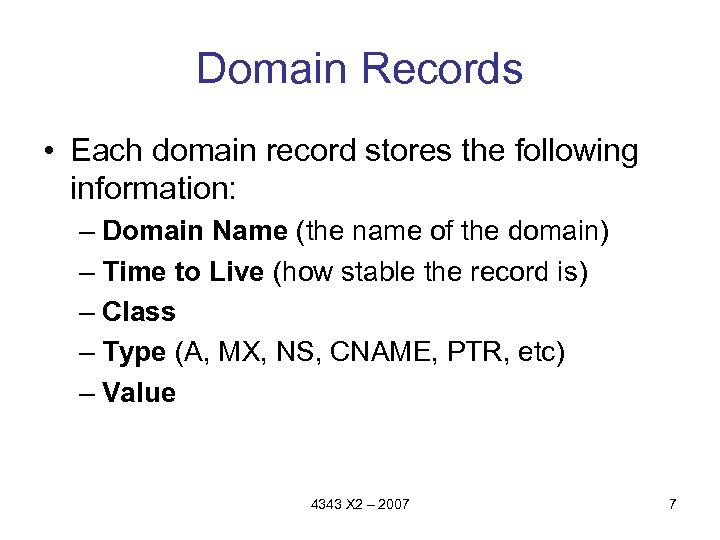
Domain Records • Each domain record stores the following information: – Domain Name (the name of the domain) – Time to Live (how stable the record is) – Class – Type (A, MX, NS, CNAME, PTR, etc) – Value 4343 X 2 – 2007 7
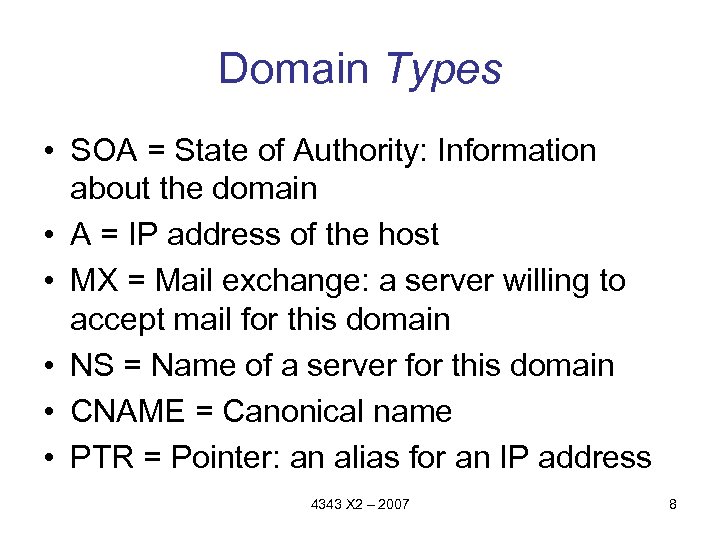
Domain Types • SOA = State of Authority: Information about the domain • A = IP address of the host • MX = Mail exchange: a server willing to accept mail for this domain • NS = Name of a server for this domain • CNAME = Canonical name • PTR = Pointer: an alias for an IP address 4343 X 2 – 2007 8
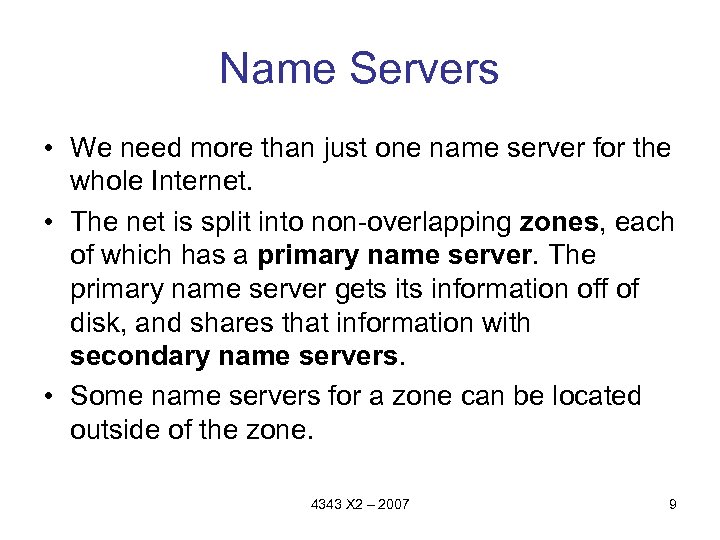
Name Servers • We need more than just one name server for the whole Internet. • The net is split into non-overlapping zones, each of which has a primary name server. The primary name server gets information off of disk, and shares that information with secondary name servers. • Some name servers for a zone can be located outside of the zone. 4343 X 2 – 2007 9
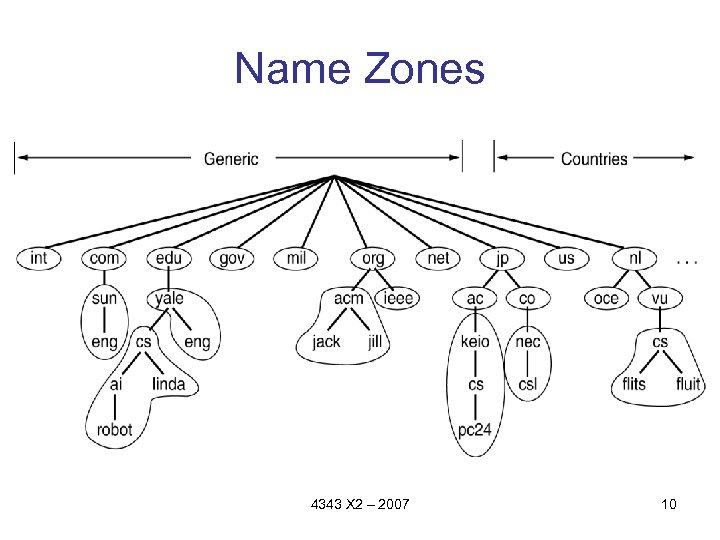
Name Zones 4343 X 2 – 2007 10
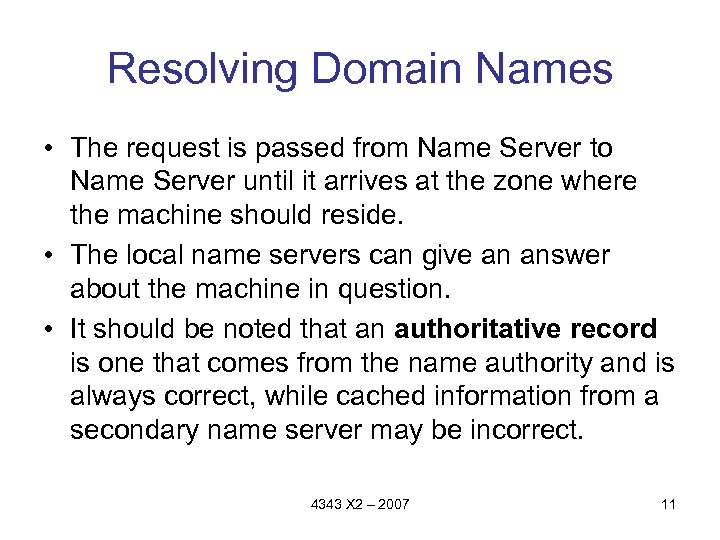
Resolving Domain Names • The request is passed from Name Server to Name Server until it arrives at the zone where the machine should reside. • The local name servers can give an answer about the machine in question. • It should be noted that an authoritative record is one that comes from the name authority and is always correct, while cached information from a secondary name server may be incorrect. 4343 X 2 – 2007 11
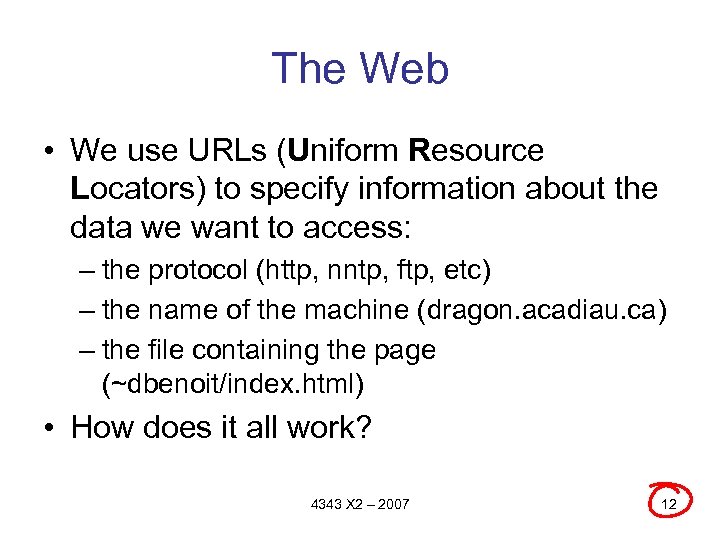
The Web • We use URLs (Uniform Resource Locators) to specify information about the data we want to access: – the protocol (http, nntp, ftp, etc) – the name of the machine (dragon. acadiau. ca) – the file containing the page (~dbenoit/index. html) • How does it all work? 4343 X 2 – 2007 12
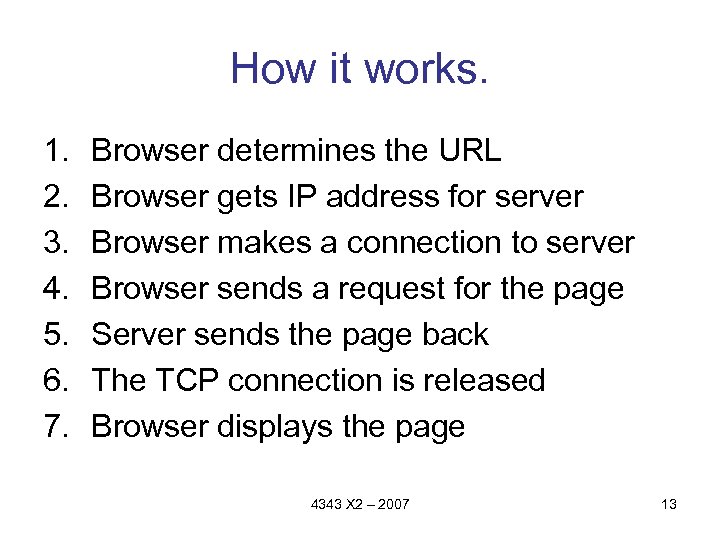
How it works. 1. 2. 3. 4. 5. 6. 7. Browser determines the URL Browser gets IP address for server Browser makes a connection to server Browser sends a request for the page Server sends the page back The TCP connection is released Browser displays the page 4343 X 2 – 2007 13
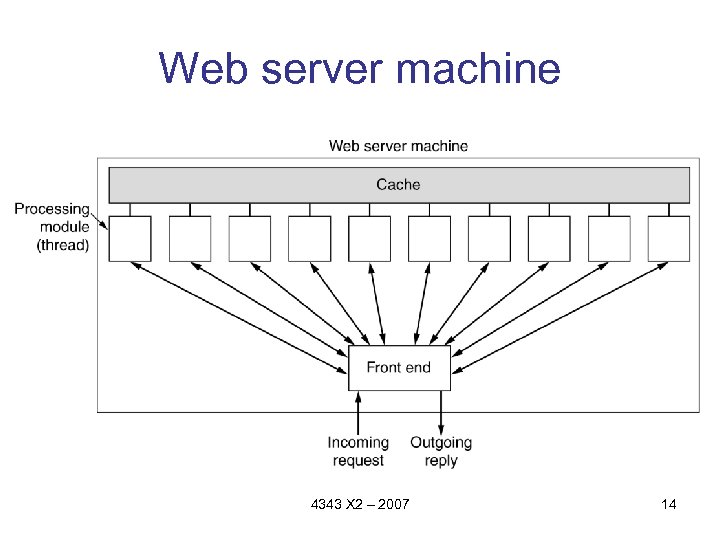
Web server machine 4343 X 2 – 2007 14
Markup Languages • The WWW began with straight text, but then moved to HTML. • HTML is a subset of SGML. • HTML moved through several versions until HTML 4. • Now, the standard is XHTML, essentially HTML 4 written in XML. • We are not sure where things will go from here… 4343 X 2 – 2007 15
Скачать презентацию The Application Layer Tanenbaum Chapter 7 4343 X
e13bc7dd3a1dcf8d0d010194e9789d48.ppt