


 Скачать презентацию The A to Z of DX 10 Performance
f117d8c51f163875b98ef79d4c0e548c.ppt
- Количество слайдов: 35

 The A to Z of DX 10 Performance Cem Cebenoyan, NVIDIA Nick Thibieroz, AMD
 Color Coding ATI NVIDIA
 API Overview » DX 10 is designed for performance » » No legacy code No support for fixed function pipeline » Most validation moved from runtime to creation time » User mode drivers » Less time spent in kernel transitions » Memory manager now part of OS » Vista handles memory operations » DX 10. 1 update adds new features » Requires Vista SP 1
 Benchmark Mode » Benchmark mode in game essential tool for performance profiling » » Application-side optimizations IHVs app and driver profiling » Ideal benchmark: » Can be run in automated environment » » » Run from command line or config file Prints results to log or trace file Deterministic workload! » » » Watch out for physics, AI, etc. Internet access not required! Benchmarks can be recorded in-game
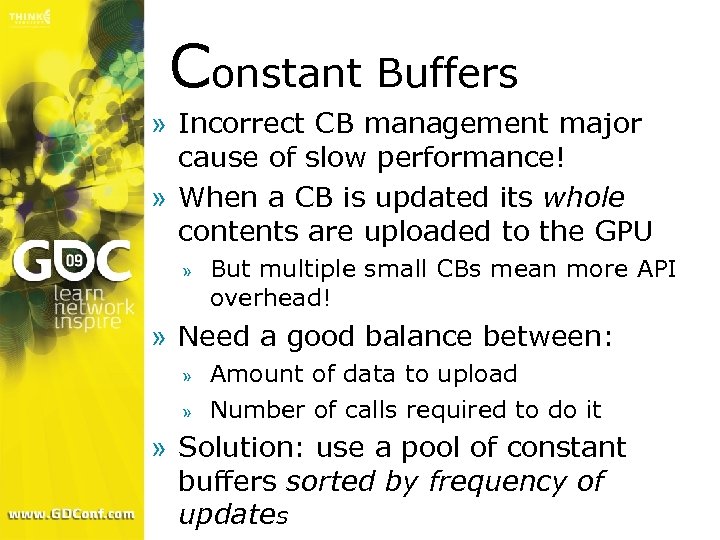 Constant Buffers » Incorrect CB management major cause of slow performance! » When a CB is updated its whole contents are uploaded to the GPU » But multiple small CBs mean more API overhead! » Need a good balance between: » » Amount of data to upload Number of calls required to do it » Solution: use a pool of constant buffers sorted by frequency of updates
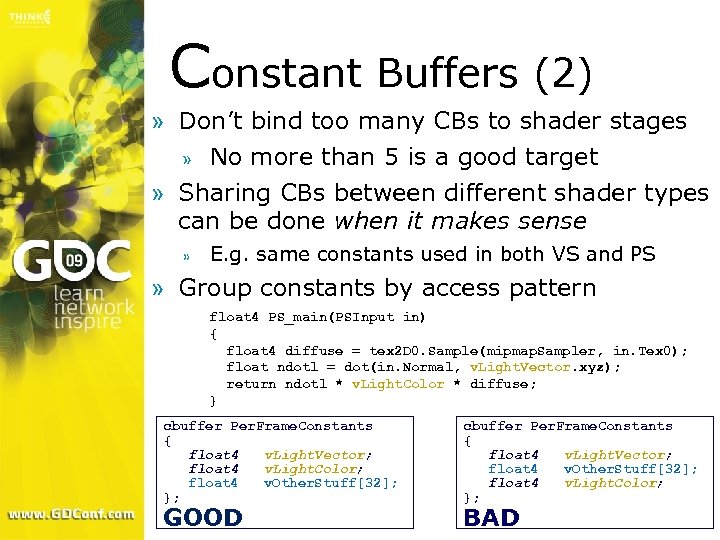 Constant Buffers (2) » Don’t bind too many CBs to shader stages » No more than 5 is a good target » Sharing CBs between different shader types can be done when it makes sense » E. g. same constants used in both VS and PS » Group constants by access pattern float 4 PS_main(PSInput in) { float 4 diffuse = tex 2 D 0. Sample(mipmap. Sampler, in. Tex 0); float ndotl = dot(in. Normal, v. Light. Vector. xyz); return ndotl * v. Light. Color * diffuse; } cbuffer Per. Frame. Constants { float 4 v. Light. Vector; float 4 v. Light. Color; float 4 v. Other. Stuff[32]; }; GOOD cbuffer Per. Frame. Constants { float 4 v. Light. Vector; float 4 v. Other. Stuff[32]; float 4 v. Light. Color; }; BAD
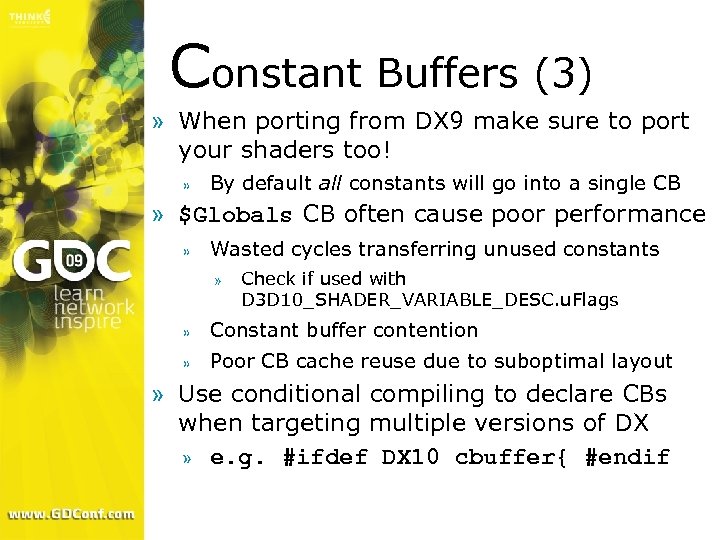 Constant Buffers (3) » When porting from DX 9 make sure to port your shaders too! » By default all constants will go into a single CB » $Globals CB often cause poor performance » Wasted cycles transferring unused constants » Check if used with D 3 D 10_SHADER_VARIABLE_DESC. u. Flags » Constant buffer contention » Poor CB cache reuse due to suboptimal layout » Use conditional compiling to declare CBs when targeting multiple versions of DX » e. g. #ifdef DX 10 cbuffer{ #endif
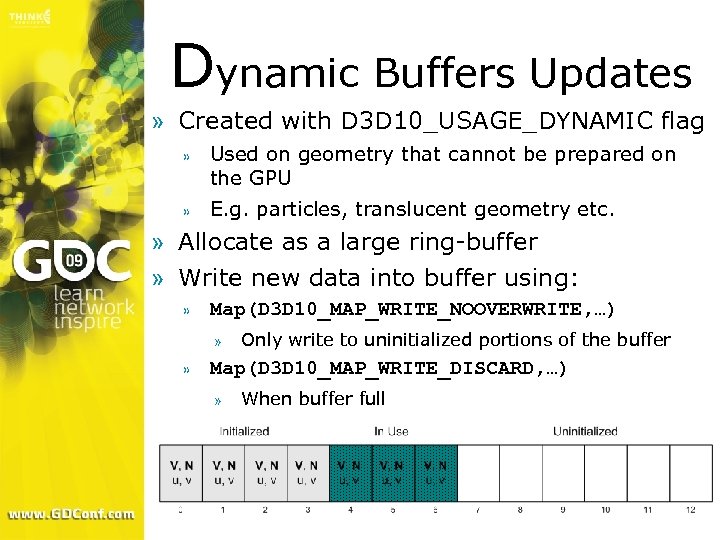 Dynamic Buffers Updates » Created with D 3 D 10_USAGE_DYNAMIC flag » Used on geometry that cannot be prepared on the GPU » E. g. particles, translucent geometry etc. » Allocate as a large ring-buffer » Write new data into buffer using: » Map(D 3 D 10_MAP_WRITE_NOOVERWRITE, …) » » Only write to uninitialized portions of the buffer Map(D 3 D 10_MAP_WRITE_DISCARD, …) » When buffer full
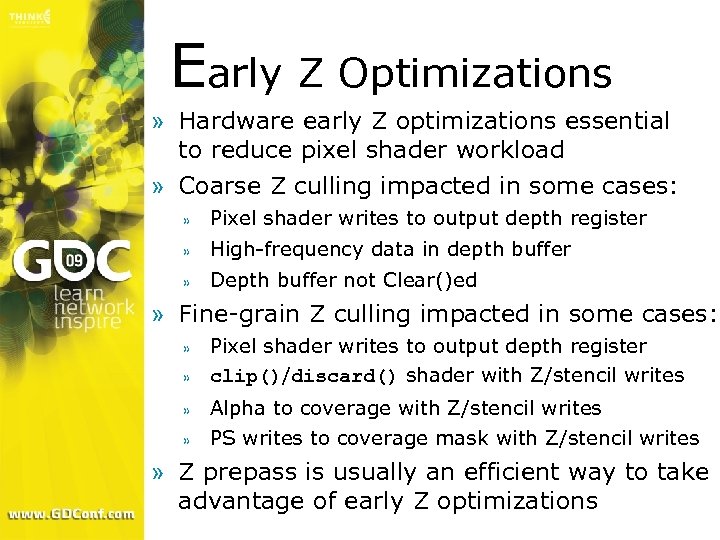 Early Z Optimizations » Hardware early Z optimizations essential to reduce pixel shader workload » Coarse Z culling impacted in some cases: » Pixel shader writes to output depth register » High-frequency data in depth buffer » Depth buffer not Clear()ed » Fine-grain Z culling impacted in some cases: » Pixel shader writes to output depth register clip()/discard() shader with Z/stencil writes » Alpha to coverage with Z/stencil writes » PS writes to coverage mask with Z/stencil writes » » Z prepass is usually an efficient way to take advantage of early Z optimizations
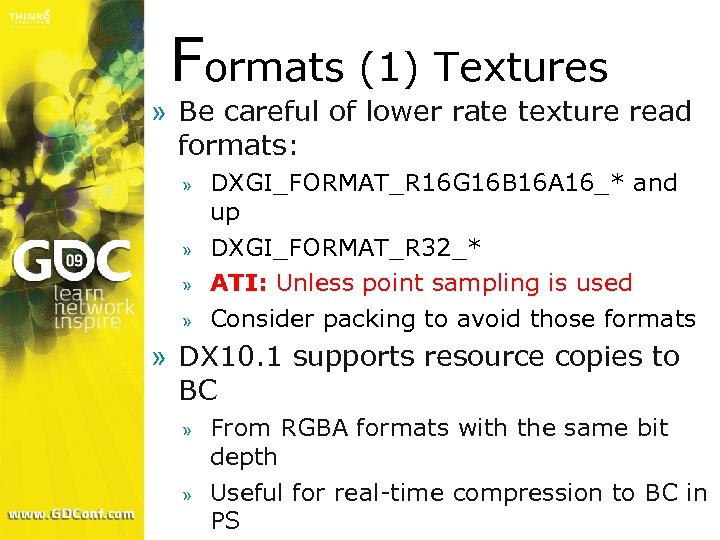 Formats (1) Textures » Be careful of lower rate texture read formats: » » DXGI_FORMAT_R 16 G 16 B 16 A 16_* and up DXGI_FORMAT_R 32_* ATI: Unless point sampling is used Consider packing to avoid those formats » DX 10. 1 supports resource copies to BC » » From RGBA formats with the same bit depth Useful for real-time compression to BC in PS
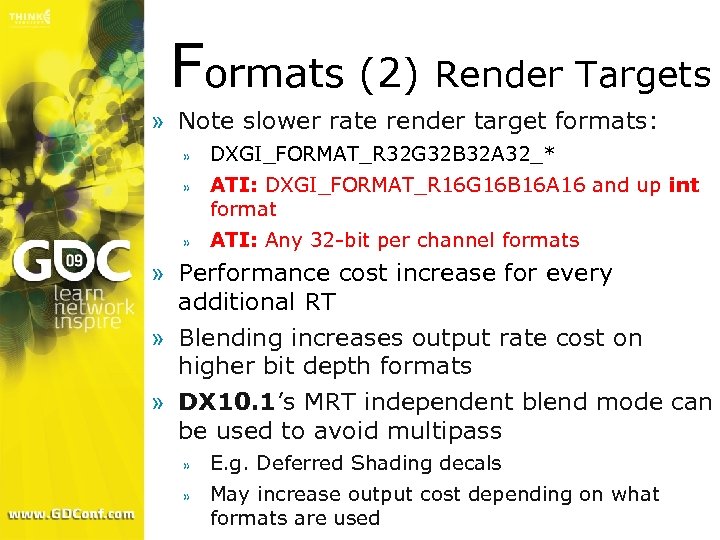 Formats (2) Render Targets » Note slower rate render target formats: » DXGI_FORMAT_R 32 G 32 B 32 A 32_* » ATI: DXGI_FORMAT_R 16 G 16 B 16 A 16 and up int format » ATI: Any 32 -bit per channel formats » Performance cost increase for every additional RT » Blending increases output rate cost on higher bit depth formats » DX 10. 1’s MRT independent blend mode can be used to avoid multipass » E. g. Deferred Shading decals » May increase output cost depending on what formats are used
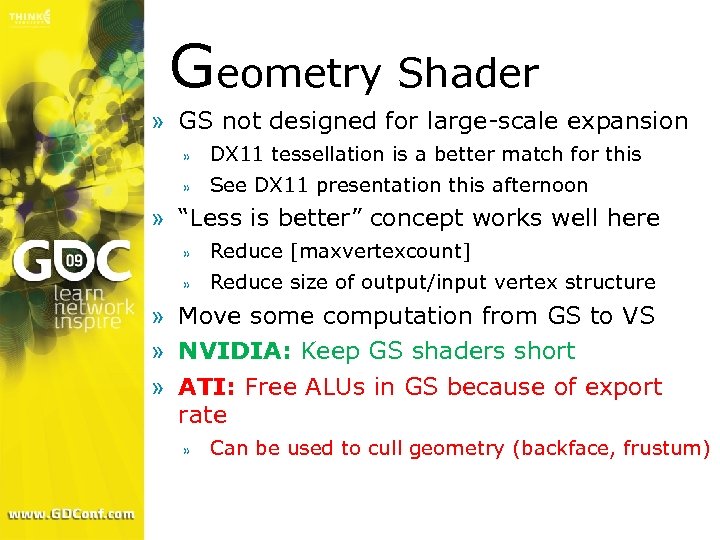 Geometry Shader » GS not designed for large-scale expansion » DX 11 tessellation is a better match for this » See DX 11 presentation this afternoon » “Less is better” concept works well here » Reduce [maxvertexcount] » Reduce size of output/input vertex structure » Move some computation from GS to VS » NVIDIA: Keep GS shaders short » ATI: Free ALUs in GS because of export rate » Can be used to cull geometry (backface, frustum)
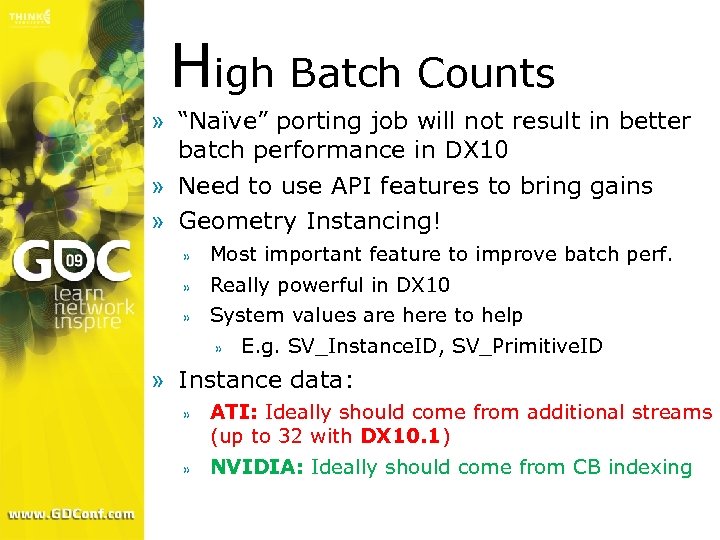 High Batch Counts » “Naïve” porting job will not result in better batch performance in DX 10 » Need to use API features to bring gains » Geometry Instancing! » Most important feature to improve batch perf. » Really powerful in DX 10 » System values are here to help » E. g. SV_Instance. ID, SV_Primitive. ID » Instance data: » ATI: Ideally should come from additional streams (up to 32 with DX 10. 1) » NVIDIA: Ideally should come from CB indexing
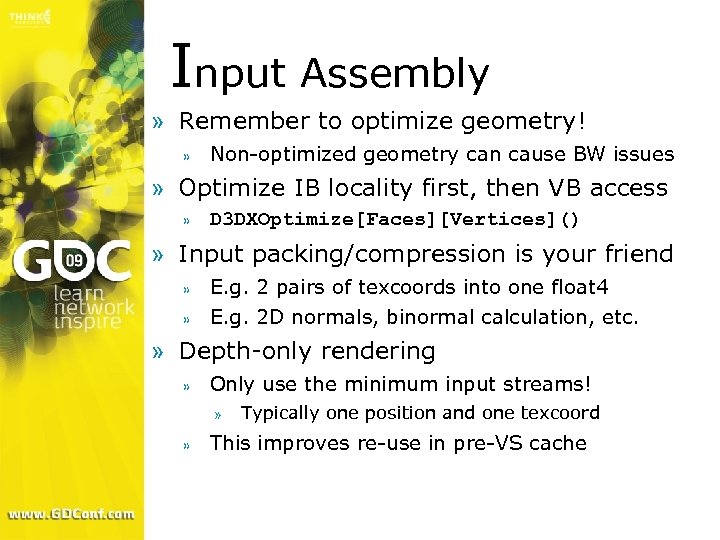 Input Assembly » Remember to optimize geometry! » Non-optimized geometry can cause BW issues » Optimize IB locality first, then VB access » D 3 DXOptimize[Faces][Vertices]() » Input packing/compression is your friend » E. g. 2 pairs of texcoords into one float 4 » E. g. 2 D normals, binormal calculation, etc. » Depth-only rendering » Only use the minimum input streams! » » Typically one position and one texcoord This improves re-use in pre-VS cache
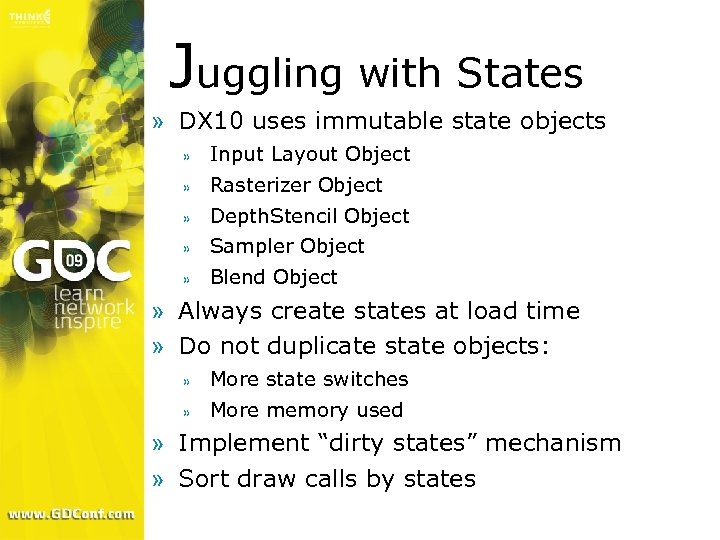 Juggling with States » DX 10 uses immutable state objects » Input Layout Object » Rasterizer Object » Depth. Stencil Object » Sampler Object » Blend Object » Always create states at load time » Do not duplicate state objects: » More state switches » More memory used » Implement “dirty states” mechanism » Sort draw calls by states
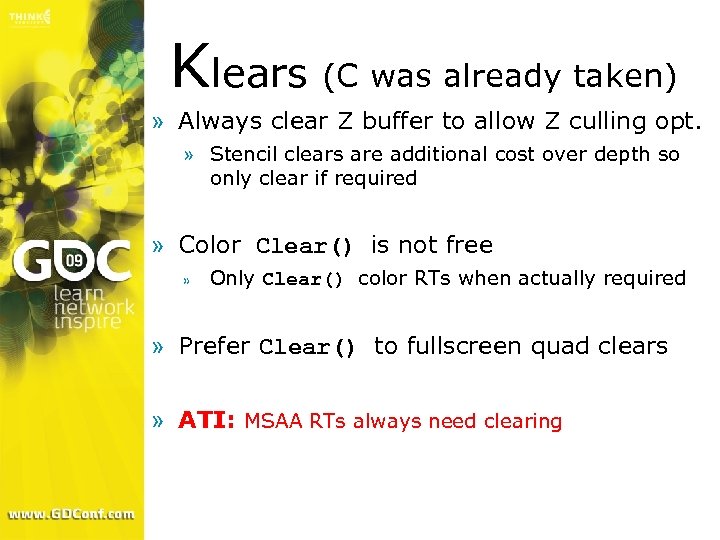 Klears (C was already taken) » Always clear Z buffer to allow Z culling opt. » Stencil clears are additional cost over depth so only clear if required » Color Clear() is not free » Only Clear() color RTs when actually required » Prefer Clear() to fullscreen quad clears » ATI: MSAA RTs always need clearing
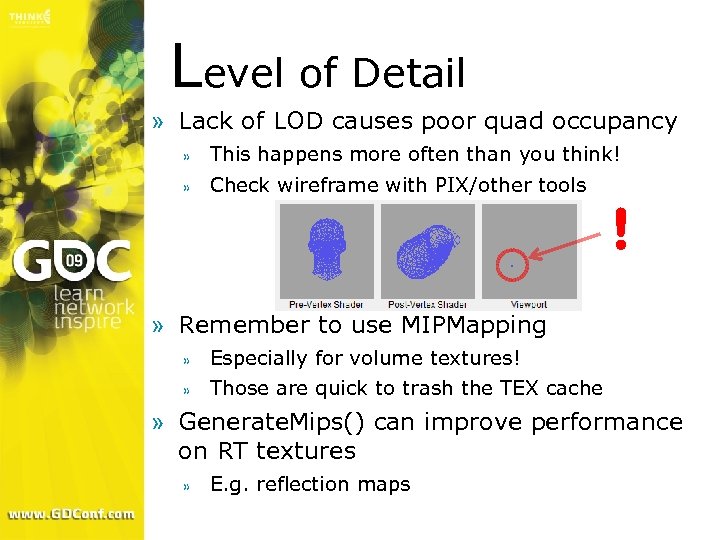 Level of Detail » Lack of LOD causes poor quad occupancy » This happens more often than you think! » Check wireframe with PIX/other tools ! » Remember to use MIPMapping » Especially for volume textures! » Those are quick to trash the TEX cache » Generate. Mips() can improve performance on RT textures » E. g. reflection maps
 Multi GPU » Multi-GPU configuration are common » Especially single-card solutions » » Ge. Force 9800 X 2, Radeon 4870 X 2, etc. This is not a niche market! » Must systematically test on MGPU systems before release » Golden rule of efficient MGPU performance: avoid inter-frame dependencies » This means no reading of a resource that was last written to in the previous frame » If dependencies must exist then ensure those resources are unique to each GPU » Talk to your IHV for more complex cases
 No Way Jose » Things you really shouldn’t do! » Members of the “render the skybox first” club » Less and less members in this club – good! » Still a few resisting arrest » Lack of or inefficient frustum culling » This results in transformed models not contributing at all to the viewport » Waste of Vertex Shading processing » Passing constant values as VS outputs » Should be stored in Constant Buffers instead » Interpolators can cost performance!
 Output Streaming » Stream output allows the writing of GS output to a video memory buffer » Useful for multi-pass when VS/GS are complex » Store transformed data and re-circulate it » E. g. complex skinning, multi-pass displacement mapped triangles, non-NULL GS etc. » GS not required if just processing vertices » Use Construct. GSWith. SO() on VS in FX file » Rasterization can be used at the same time » Try to minimize output structure size » Similar recommendations as GS
 Parallelism » Good parallelism between CPU and GPU essential to best performance » Direct access to DEFAULT resources » This will stall the CPU » If required, use Copy. Resource() to STAGING » Then Map() STAGING resource with D 3 D 10_MAP_FLAG_DO_NOT_WAIT flag and only retrieve contents when available » Use PIX to check CPU/GPU overlap
 Queries » Occlusion queries used for some effects » Light halos » Occlusion culling » Conditional rendering » 2 D collision detection » Ideally only retrieve results when available » Or at least after a set number of frames » Especially important for MGPU! » Otherwise stalling will occur » Get. Data() returns S_FALSE if no results yet » Occlusion culling: make bounding boxes larger to account for delayed results
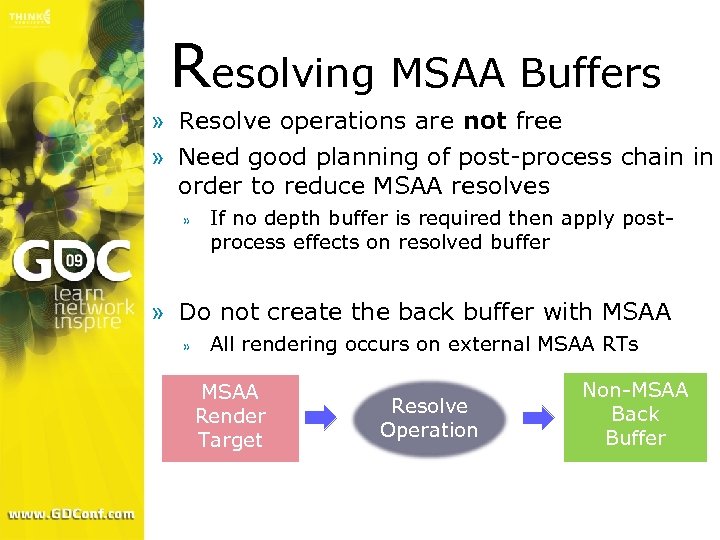 Resolving MSAA Buffers » Resolve operations are not free » Need good planning of post-process chain in order to reduce MSAA resolves » If no depth buffer is required then apply postprocess effects on resolved buffer » Do not create the back buffer with MSAA » All rendering occurs on external MSAA RTs MSAA Render Target Resolve Operation Non-MSAA Back Buffer
 Shadow Mapping » Shadow mapping DST formats » ATI: DXGI_FORMAT_D 16_UNORM » NVIDIA: DXGI_FORMAT_D 24_UNORM_S 8_UINT » DXGI_FORMAT_D 32_FLOAT (NVIDIA: lower Zcull eff. ) » Remember to disable color writes » Depth-only rendering is much faster » Shadow map filtering » » » High number of taps can be a bottleneck Probably don’t need aniso Optimizations: » DX 10. 1’s Gather() » Dynamic branching
 Transparency » Alpha test deprecated in DX 10 » Use discard() or clip() in PS » This requires two versions of your shaders! » One with clip()/discard() for transparency » One without clip()/discard() for opacity » Resist the urge of using a single shader with clip()/discard() for all object types » This will impact early Z optimizations! » Put clip()/discard() as early as possible in pixel shaders » Compiler may be able to skip remaining code
 Updating Textures » Avoid creating/destroying textures at runtime » Significant overhead in these operations! » Will often lead to stuttering » Create all resources up-front if possible » Level load, cut-scenes or other non-performance critical situations » Perform updates by replacing contents of existing textures » Can be a problem if textures vary a lot in size » Texture atlases are a good way to avoid this
 Updating Textures (2) » Avoid Update. Subresource() path for updating textures » Slow path in DX 10 » Especially bad with large textures » Use ring buffer of intermediate D 3 D 10_USAGE_STAGING textures » Call Map(D 3 D 10_MAP_WRITE, …) with D 3 D 10_MAP_FLAG_DO_NOT_WAIT to avoid stalls » If Map fails in all buffers: either stall waiting for Map or allocate another resource (cache warmup) » Copy to textures in video memory » Copy. Resource() or Copy. Subresource. Region()
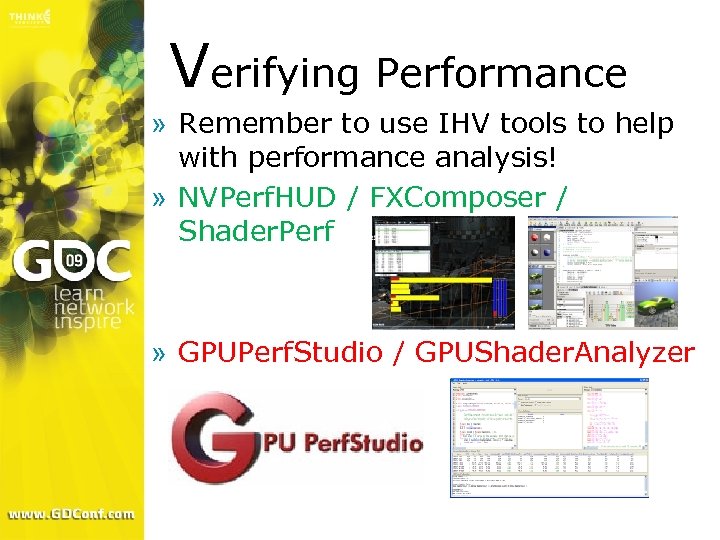 Verifying Performance » Remember to use IHV tools to help with performance analysis! » NVPerf. HUD / FXComposer / Shader. Perf » GPUPerf. Studio / GPUShader. Analyzer
 Writing Fast Shaders » Shader code has a direct impact on perf. » Writing quality code is essential » Be aware of ALU: TEX HW ratios » ATI: 4 5 D ALU per TEX on ATI HW » NVIDIA: 12 scalar ALUs per TEX on NV HW » Can also be interpolators-limited! » Reduce total number of floats interpolated » ATI: Use packing to reduce PS inputs » Write parallel code to maximize efficiency » Check for excessive register usage » NVIDIA: >10 GPRs is high on Ge. Force » Use dynamic branching to skip instructions » Make sure branching has high coherency though
 Writing Fast Shaders (2) » Not all ALU instructions are equal » Integer multiplication and division » Type conversion (float to int, int to float) » Check with your IHV for list of slower instructions » Same goes for TEX instructions » Sample>>Sample. Level>>Sample. Grad » Texture type and filter mode impacts cost too! » E. g. Volume textures, 128 bits formats, aniso » Temp registers indexing likely to be slow » Dynamic CB indexing in PS can be costly too » Too many static branches may limit the scope for optimizations » Implement conditional compilation from the app
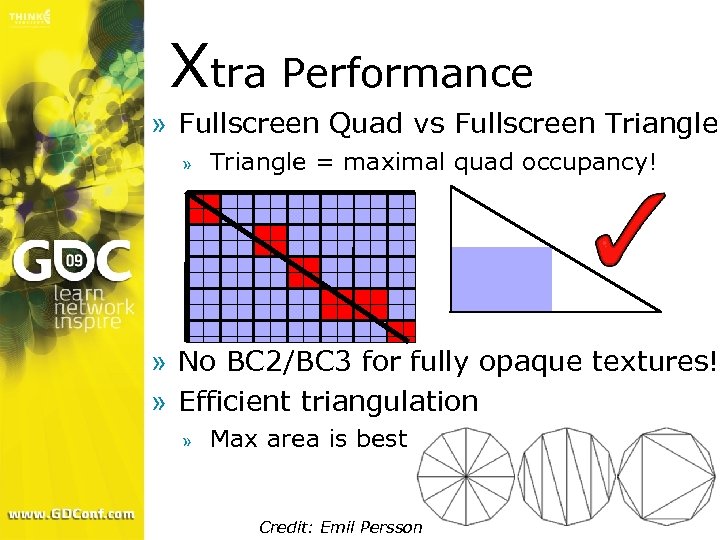 Xtra Performance » Fullscreen Quad vs Fullscreen Triangle » Triangle = maximal quad occupancy! » No BC 2/BC 3 for fully opaque textures! » Efficient triangulation » Max area is best Credit: Emil Persson
 Z-Buffer Access » Accessing the depth buffer as a texture » Useful for a number of effects requiring Z » No need to write Z separately in RT or extra pass » DX 10. 1 vs DX 10. 0 differences » DX 10. 0: SRV only allowed for single-sample DB » DX 10. 1: SRV allowed for multi-sampled DB too » Accessing multisampled DB: » No need to fetch all samples and average them » Just use the first sample and output to RT » » » No visual issue will ensue on low-freq operations E. g. DOF, SSAO, soft particles, etc. Can also be done to produce a single-sample DB » Disable color writes and writes 1 st sample to o. Depth
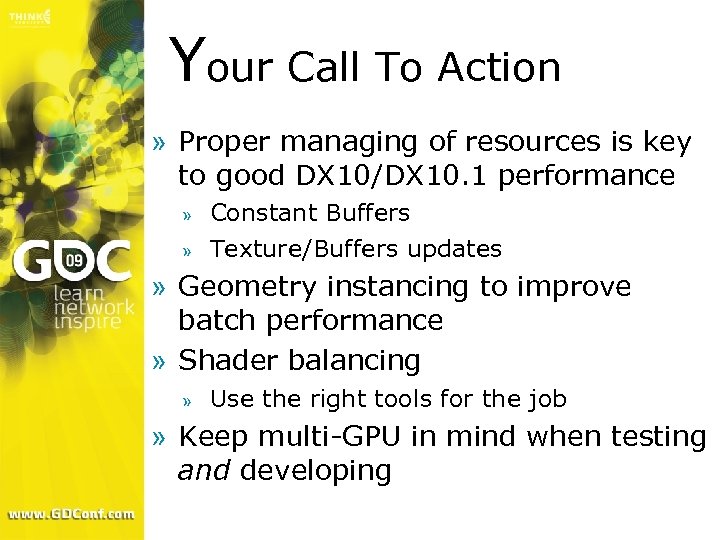 Your Call To Action » Proper managing of resources is key to good DX 10/DX 10. 1 performance » » Constant Buffers Texture/Buffers updates » Geometry instancing to improve batch performance » Shader balancing » Use the right tools for the job » Keep multi-GPU in mind when testing and developing
 Questions? devrel@amd. com