


 Скачать презентацию Texas College How to Request and Use a
c3c0fdae02dc4e3eb8e9c0e365c9e984.ppt
- Количество слайдов: 11
 Texas College How to Request and Use a Textbook Voucher
 Complete the entire registration process and be eligible to receive financial aid. Bring the following information to a Business Office representative: ◦ ◦ ◦ Financial Aid Award Letter Billing Statement Last four digits of SSN Valid Texas College email address Student ID number Once all information is received and reviewed the Business Office representative will notify the student of his/her eligibility for a voucher. To Request a Voucher a Student Must:
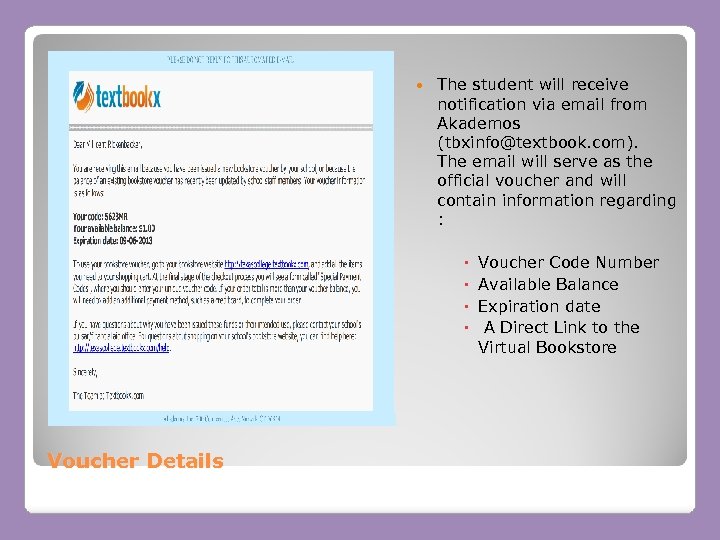 The student will receive notification via email from Akademos (tbxinfo@textbook. com). The email will serve as the official voucher and will contain information regarding : Voucher Details Voucher Code Number Available Balance Expiration date A Direct Link to the Virtual Bookstore
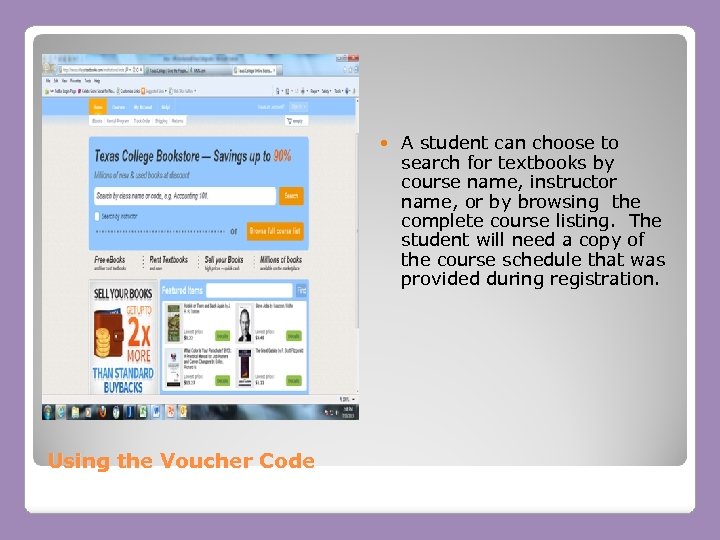 Using the Voucher Code A student can choose to search for textbooks by course name, instructor name, or by browsing the complete course listing. The student will need a copy of the course schedule that was provided during registration.
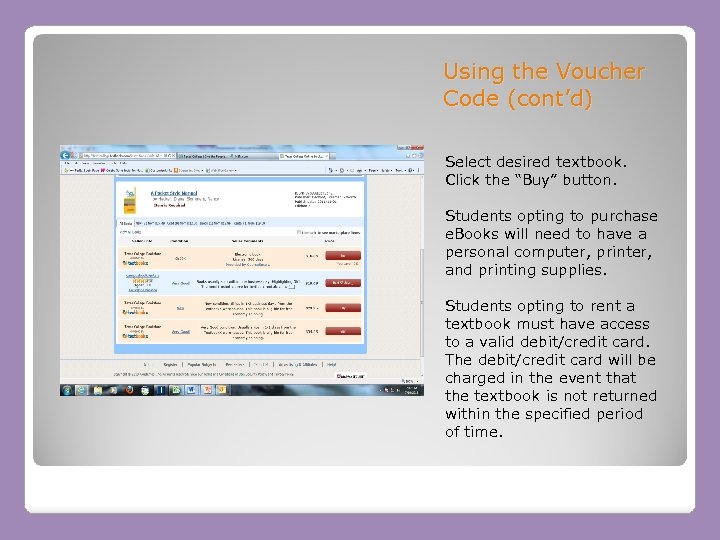 Using the Voucher Code (cont’d) Select desired textbook. Click the “Buy” button. Students opting to purchase e. Books will need to have a personal computer, printer, and printing supplies. Students opting to rent a textbook must have access to a valid debit/credit card. The debit/credit card will be charged in the event that the textbook is not returned within the specified period of time.
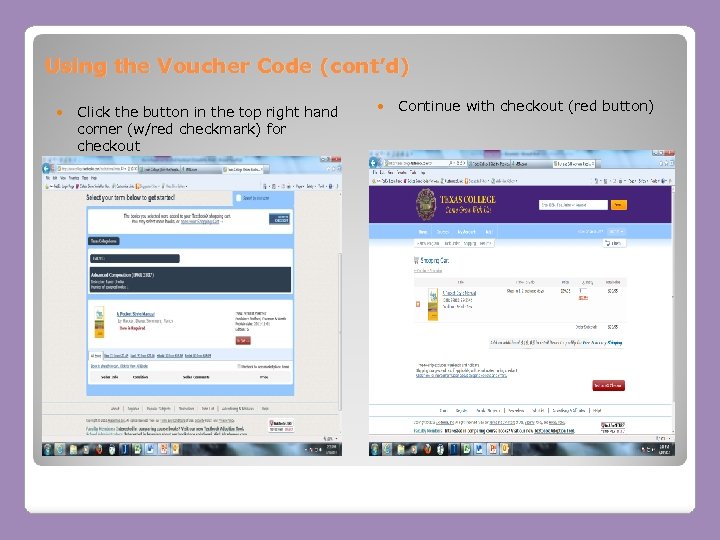 Using the Voucher Code (cont’d) Click the button in the top right hand corner (w/red checkmark) for checkout Continue with checkout (red button)
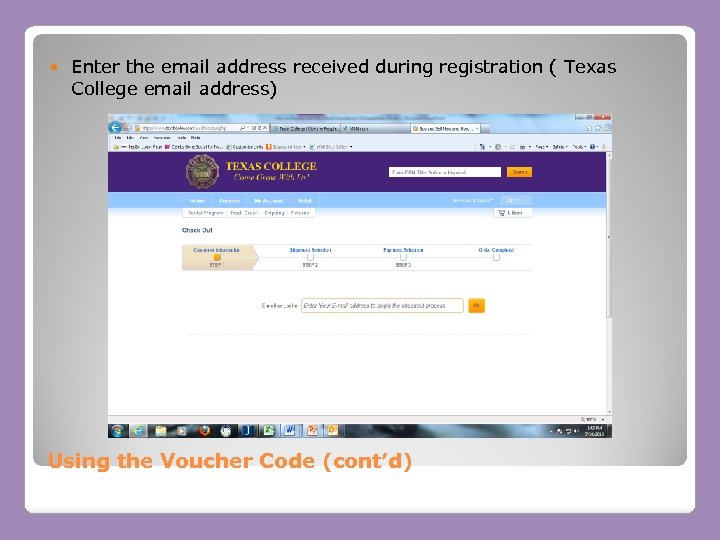 Enter the email address received during registration ( Texas College email address) Using the Voucher Code (cont’d)
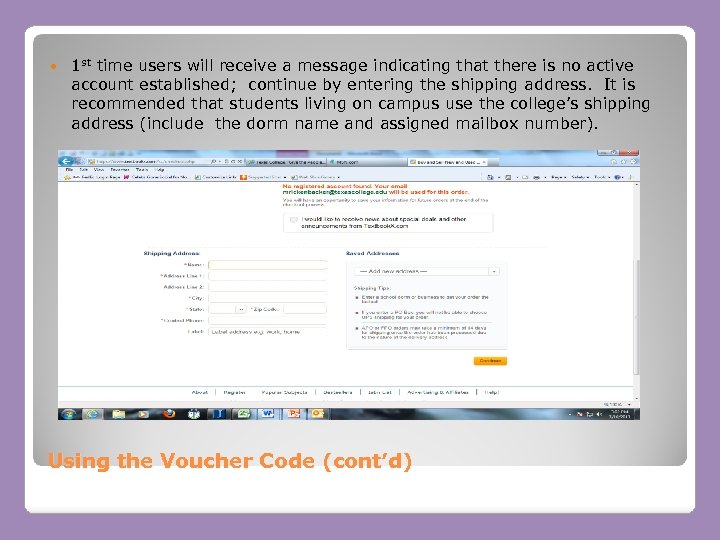 1 st time users will receive a message indicating that there is no active account established; continue by entering the shipping address. It is recommended that students living on campus use the college’s shipping address (include the dorm name and assigned mailbox number). Using the Voucher Code (cont’d)
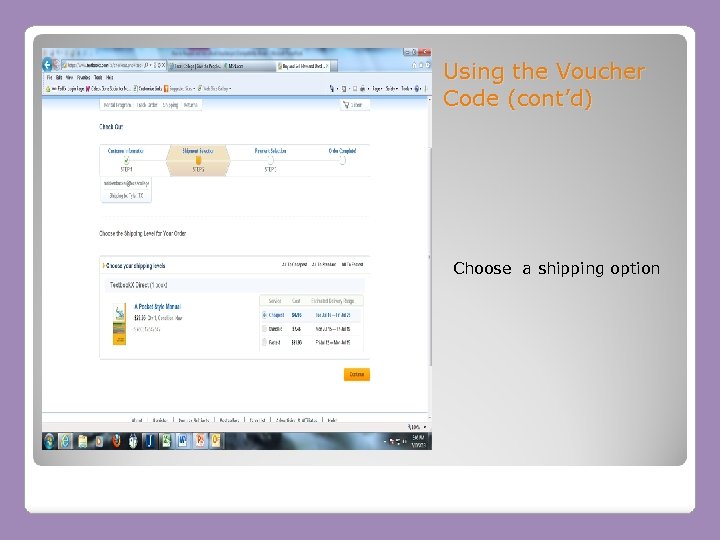 Using the Voucher Code (cont’d) Choose a shipping option
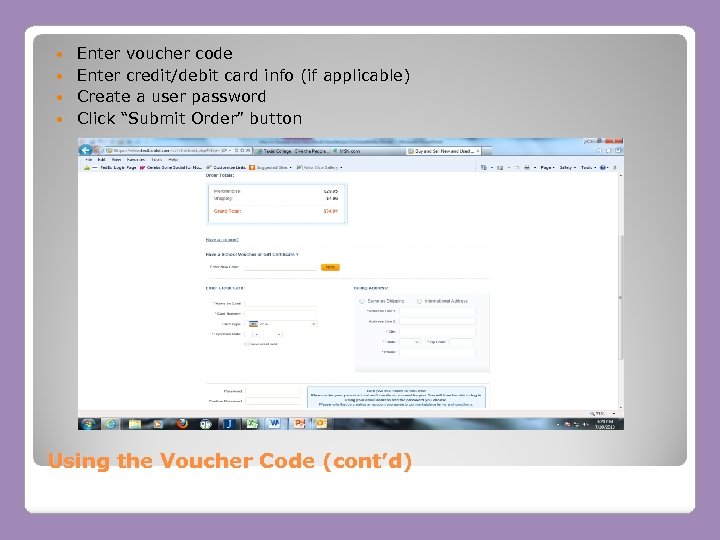 Enter voucher code Enter credit/debit card info (if applicable) Create a user password Click “Submit Order” button Using the Voucher Code (cont’d)
 Students must be responsible for and retain all information concerning their account! If a password is forgotten it cannot be reset by TC staff or Academos employees. Someone from the Business Office will have to issue a new voucher. Read all information regarding shipping, return policies carefully. Students may access their e. Book purchases through their established Akademos account. Students are encouraged to use their personal computers to access e. Books. Vouchers may only be used for textbook purchases All vouchers expire on the 12 th class day of each semester Students will only be charged for the amount used to order textbooks; remaining funds are issued to the student (in the form of a refund) provided all outstanding expenses (tuition, room, board) on the account have been paid in full. Questions? Contact Ms. M Rickenbacker by telephone at (903) 593 -8311, ext. 2343 or via email mrickenbacker@texascollege. edu Additional Information