 Скачать презентацию Test Web applications using Selenium Outline q
3958d7778a4aef3d32d887c30446331f.ppt
- Количество слайдов: 37




Test Web applications using Selenium
Outline q Uniqueness of web app testing Q Q Heterogonous system Dynamic pages Load Security q Selenium Web. Driver q Course project 4
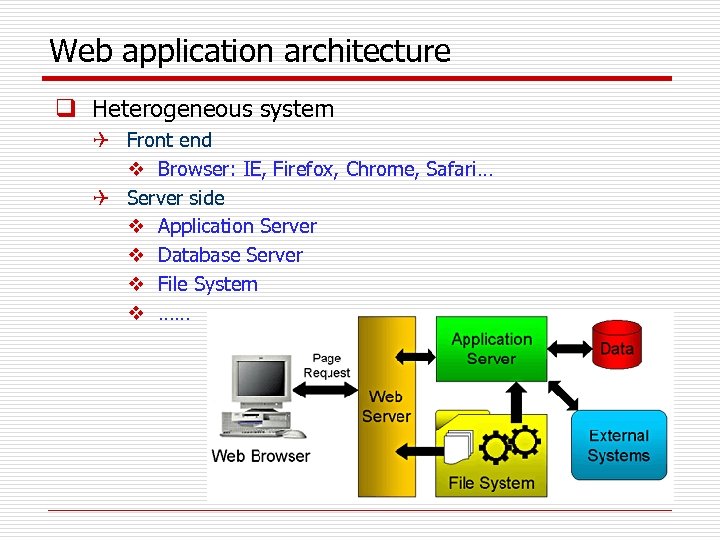
Web application architecture q Heterogeneous system Q Front end v Browser: IE, Firefox, Chrome, Safari… Q Server side v Application Server v Database Server v File System v ……
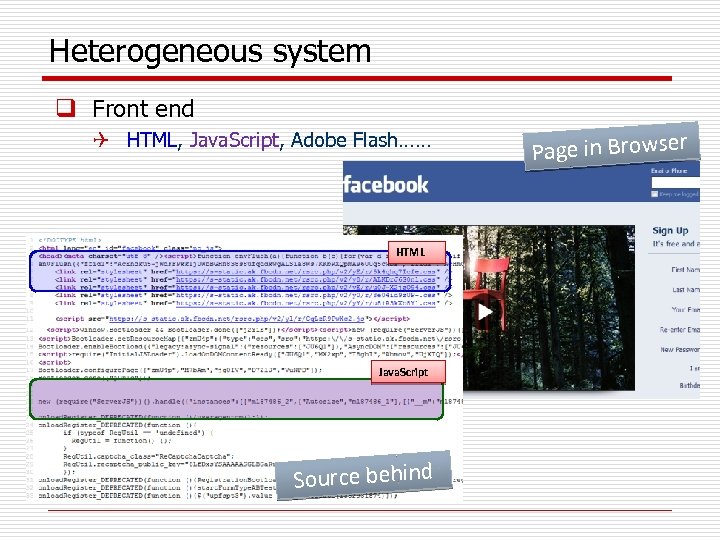
Heterogeneous system q Front end Q HTML, Java. Script, Adobe Flash…… HTML Java. Script Source behind Page in Browser
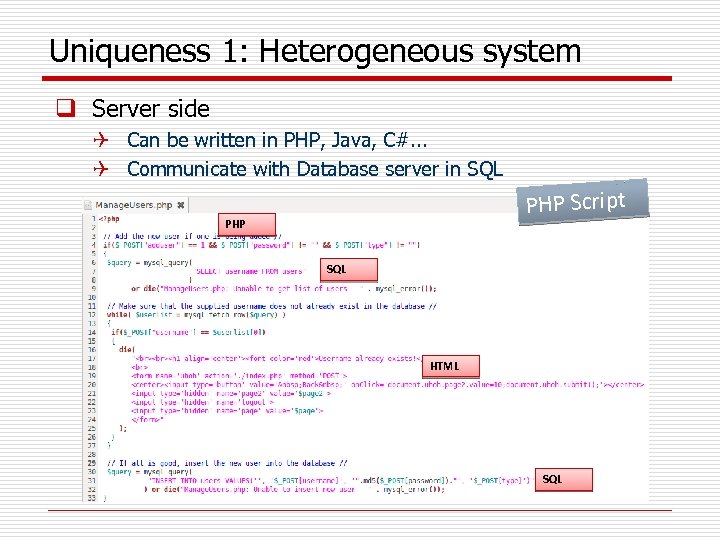
Uniqueness 1: Heterogeneous system q Server side Q Can be written in PHP, Java, C#. . . Q Communicate with Database server in SQL PHP Script PHP SQL HTML SQL
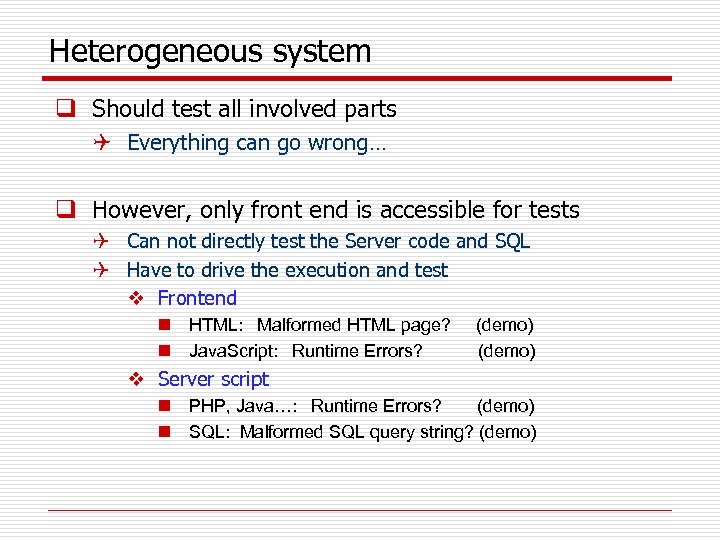
Heterogeneous system q Should test all involved parts Q Everything can go wrong… q However, only front end is accessible for tests Q Can not directly test the Server code and SQL Q Have to drive the execution and test v Frontend n HTML: Malformed HTML page? n Java. Script: Runtime Errors? (demo) v Server script n PHP, Java…: Runtime Errors? (demo) n SQL: Malformed SQL query string? (demo)
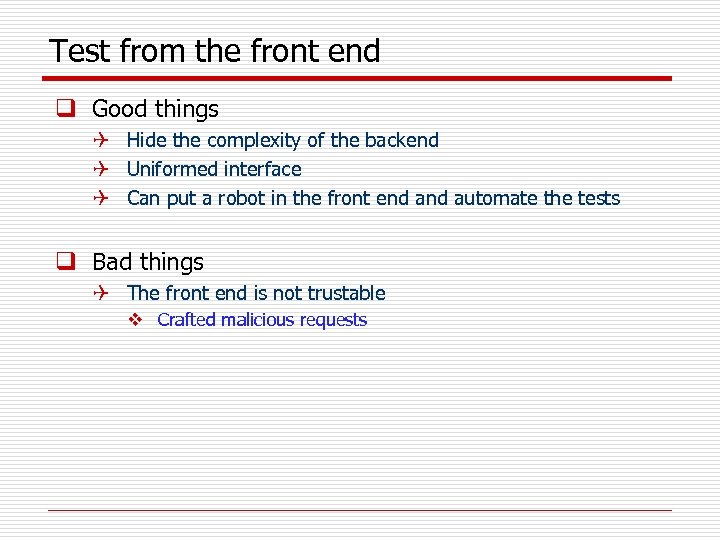
Test from the front end q Good things Q Hide the complexity of the backend Q Uniformed interface Q Can put a robot in the front end automate the tests q Bad things Q The front end is not trustable v Crafted malicious requests
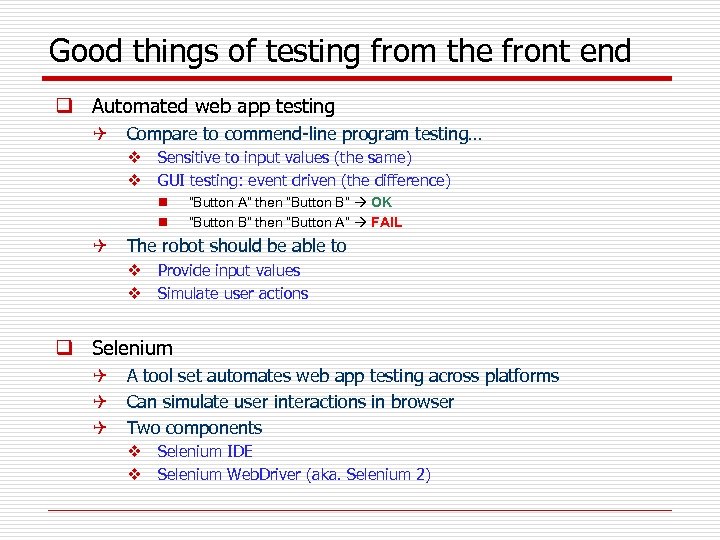
Good things of testing from the front end q Automated web app testing Q Compare to commend-line program testing… v Sensitive to input values (the same) v GUI testing: event driven (the difference) n n “Button A” then “Button B” OK “Button B” then “Button A” FAIL Q The robot should be able to v Provide input values v Simulate user actions q Selenium Q A tool set automates web app testing across platforms Q Can simulate user interactions in browser Q Two components v Selenium IDE v Selenium Web. Driver (aka. Selenium 2)
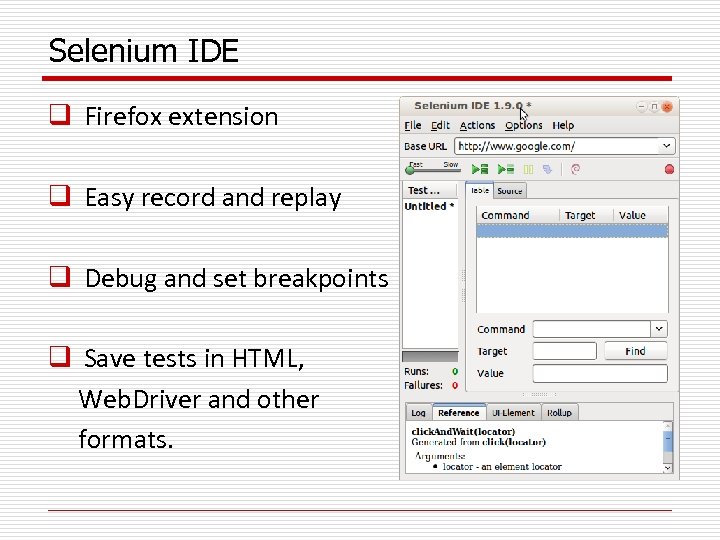
Selenium IDE q Firefox extension q Easy record and replay q Debug and set breakpoints q Save tests in HTML, Web. Driver and other formats.
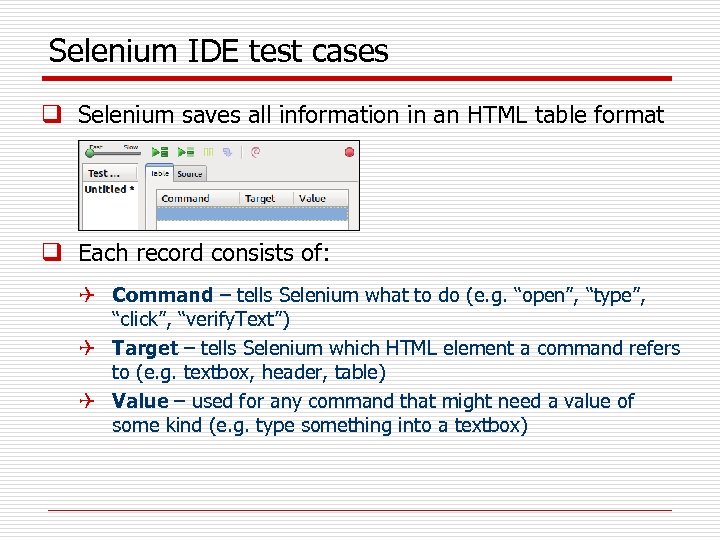
Selenium IDE test cases q Selenium saves all information in an HTML table format q Each record consists of: Q Command – tells Selenium what to do (e. g. “open”, “type”, “click”, “verify. Text”) Q Target – tells Selenium which HTML element a command refers to (e. g. textbox, header, table) Q Value – used for any command that might need a value of some kind (e. g. type something into a textbox)
How to record/replay with Selenium IDE 1. Start recording in Selenium IDE 2. Execute scenario on running web application 3. Stop recording in Selenium IDE 4. Verify / Add assertions 5. Replay the test. Selenium IDE Demo……
Bad things of testing from the front end q The front end is not trustable Q Front end code can be accessed to anybody Q They can infer the input parameters Q Crafted requests! q Demo Q Front end limits the length of the input values Q Front end limits the content of the input values Q Front end limits the combination of the input values
Uniqueness 2: Dynamic pages q Client page is dynamic Q Q It can change itself in the runtime HTML can be modified by Java. Script can modify itself Demo q Server script is dynamic Q Client pages are constructed in the runtime Q A same server script can produce completely different client pages Q Demo v School. Mate
Uniqueness 3: Performance q Performance is crucial to the success of a web app Q Recall the experience to register for a class in the first days of the semester… Q Are the servers powerful enough? q Performance testing evaluates system performance under normal and heavy usage Q Load testing v For expected concurrent number of users Q Stress testing v To understand the upper limits of capacity q Performance testing can be automated
Uniqueness 4: Security q Web app usually deals with sensitive info, e. g. Q Credit card number Q SSN Q Billing / Shipping address q Security is the biggest concern q Security testing should simulate possible attacks
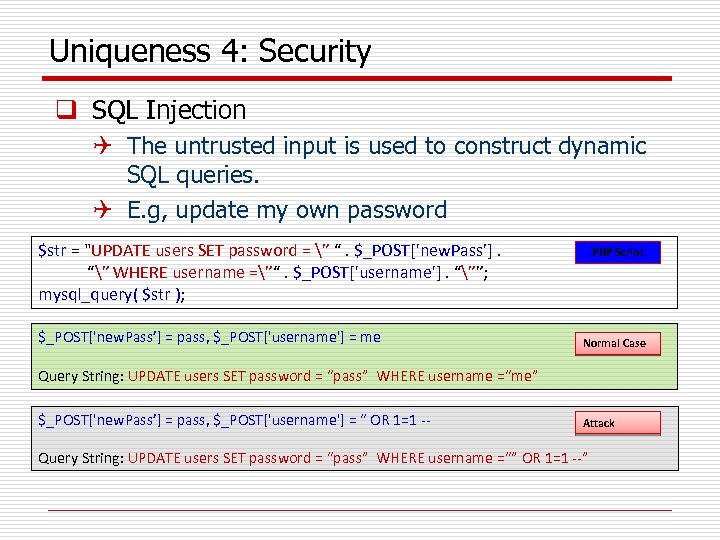
Uniqueness 4: Security q SQL Injection Q The untrusted input is used to construct dynamic SQL queries. Q E. g, update my own password $str = "UPDATE users SET password = ” “. $_POST['new. Pass’]. “” WHERE username =”“. $_POST['username']. “””; mysql_query( $str ); $_POST['new. Pass’] = pass, $_POST['username'] = me PHP Script Normal Case Query String: UPDATE users SET password = “pass” WHERE username =“me” $_POST['new. Pass’] = pass, $_POST['username'] = “ OR 1=1 -- Attack Query String: UPDATE users SET password = “pass” WHERE username =“” OR 1=1 --”
Uniqueness 4: Security q Cross Site Scripting (XSS) Q The untrusted input is used to construct dynamic HTML pages. Q The malicious JS injected executes in victim’s browser Q The malicious JS can steal sensitive info Q Demo q Solution: Never trust user inputs q Design test cases to simulate attacks
Outline q Uniqueness of web app testing Q Q Heterogonous system Dynamic pages Load Security q Selenium Web. Driver q Course project 4
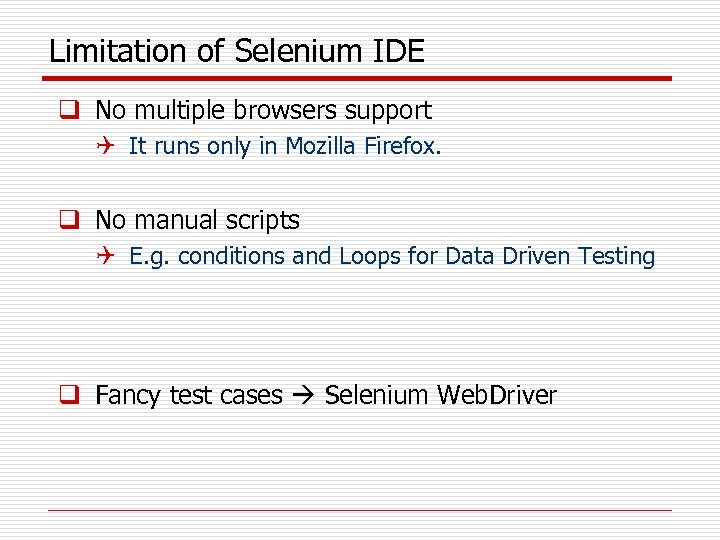
Limitation of Selenium IDE q No multiple browsers support Q It runs only in Mozilla Firefox. q No manual scripts Q E. g. conditions and Loops for Data Driven Testing q Fancy test cases Selenium Web. Driver
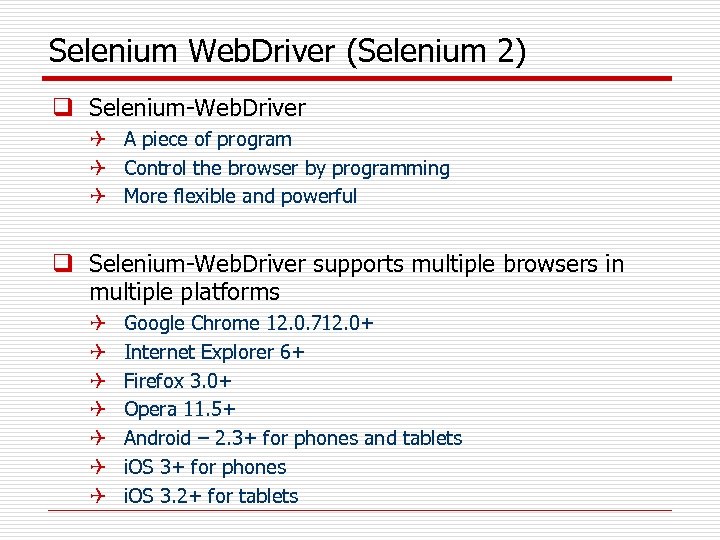
Selenium Web. Driver (Selenium 2) q Selenium-Web. Driver Q A piece of program Q Control the browser by programming Q More flexible and powerful q Selenium-Web. Driver supports multiple browsers in multiple platforms Q Q Q Q Google Chrome 12. 0. 712. 0+ Internet Explorer 6+ Firefox 3. 0+ Opera 11. 5+ Android – 2. 3+ for phones and tablets i. OS 3+ for phones i. OS 3. 2+ for tablets
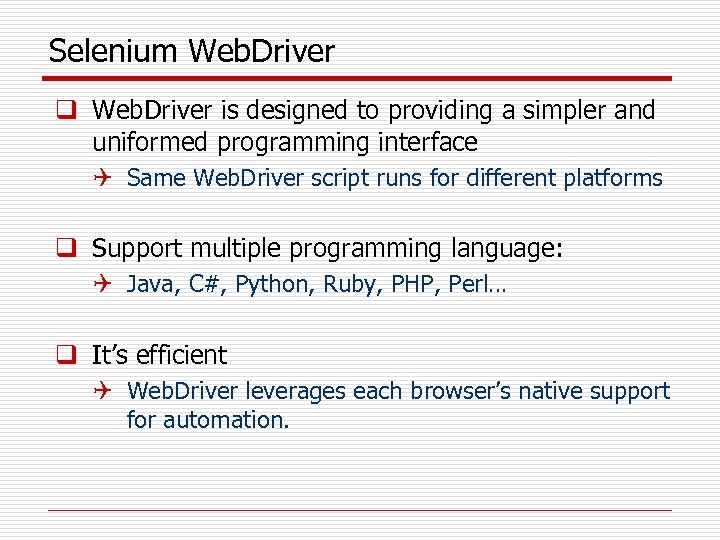
Selenium Web. Driver q Web. Driver is designed to providing a simpler and uniformed programming interface Q Same Web. Driver script runs for different platforms q Support multiple programming language: Q Java, C#, Python, Ruby, PHP, Perl… q It’s efficient Q Web. Driver leverages each browser’s native support for automation.
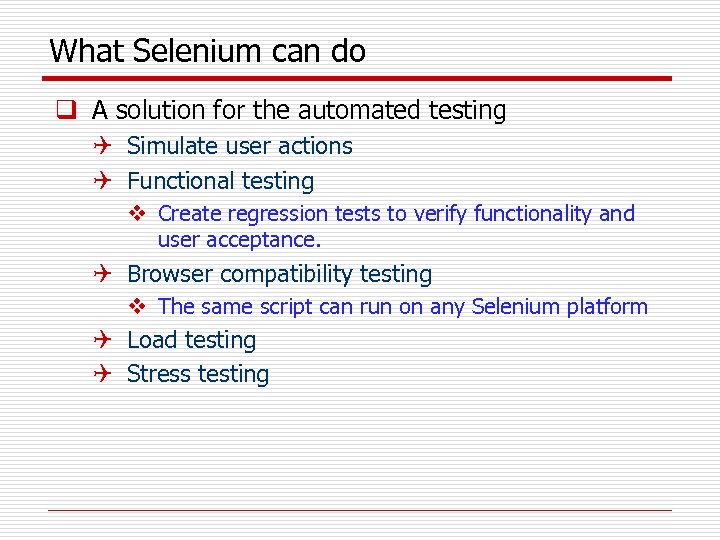
What Selenium can do q A solution for the automated testing Q Simulate user actions Q Functional testing v Create regression tests to verify functionality and user acceptance. Q Browser compatibility testing v The same script can run on any Selenium platform Q Load testing Q Stress testing
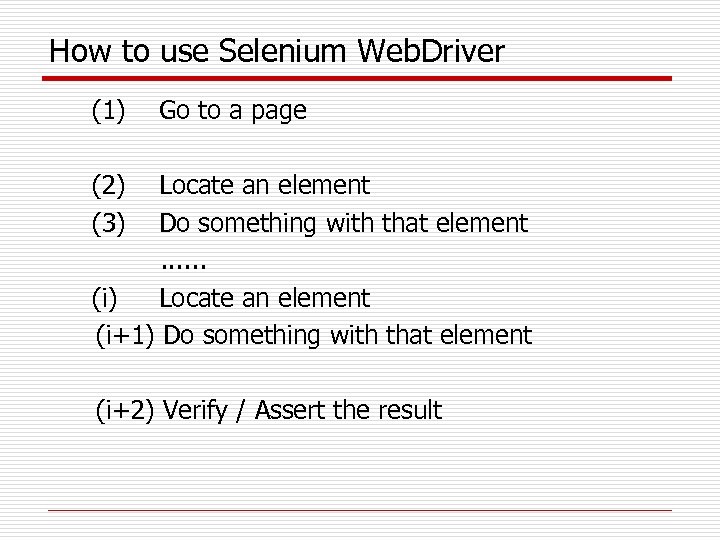
How to use Selenium Web. Driver (1) Go to a page (2) Locate an element (3) Do something with that element . . . (i) Locate an element (i+1) Do something with that element (i+2) Verify / Assert the result
![Demo: Verify page title public static void main( String[] args ) { // Create](https://present5.com/presentation/3958d7778a4aef3d32d887c30446331f/image-24.jpg "Demo: Verify page title public static void main( String[] args ) { // Create")
Demo: Verify page title public static void main( String[] args ) { // Create a new instance of the Firefox driver Web. Driver driver = new Firefox. Driver(); // (1) Go to a page driver. get("http: //www. google. com"); // (2) Locate an element Web. Element element = driver. find. Element(By. name("q")); // (3 -1) Enter something to search for element. send. Keys("Purdue Univeristy"); // (3 -2) Now submit the form. Web. Driver will find the form for us from the element. submit(); // (3 -3) Wait up to 10 seconds for a condition Web. Driver. Wait waiting = new Web. Driver. Wait(driver, 10); waiting. until( Expected. Conditions. presence. Of. Element. Located( By. id("pnnext") ) ); // (4) Check the title of the page if( driver. get. Title(). equals("purdue univeristy - Google Search") ) System. out. println("PASS"); else System. err. println("FAIL"); } //Close the browser driver. quit();
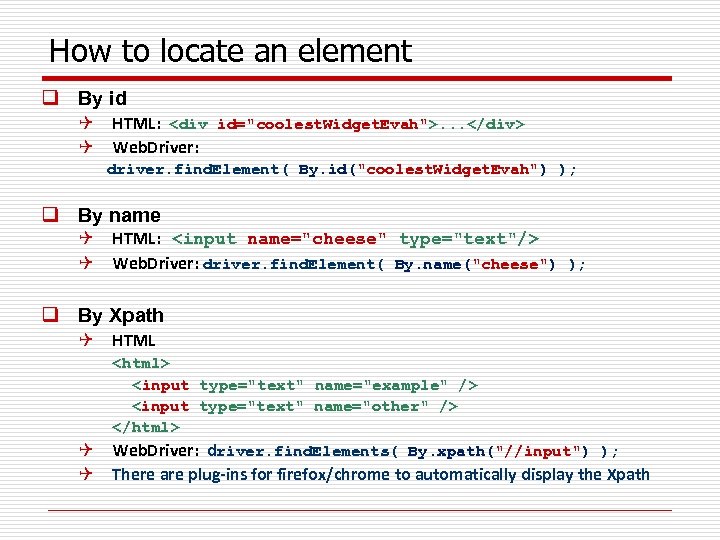
How to locate an element q By id Q HTML: <div id="coolest. Widget. Evah">. . . </div> Q Web. Driver: driver. find. Element( By. id("coolest. Widget. Evah") ); q By name Q HTML: <input name="cheese" type="text"/> Q Web. Driver: driver. find. Element( By. name("cheese") ); q By Xpath Q HTML <html> <input type="text" name="example" /> <input type="text" name="other" /> </html> Web. Driver: driver. find. Elements( By. xpath("//input") ); Q Q There are plug-ins for firefox/chrome to automatically display the Xpath
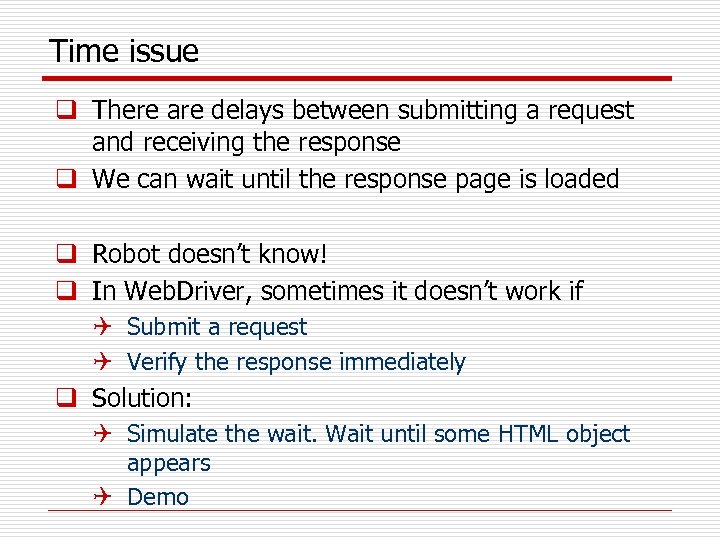
Time issue q There are delays between submitting a request and receiving the response q We can wait until the response page is loaded q Robot doesn’t know! q In Web. Driver, sometimes it doesn’t work if Q Submit a request Q Verify the response immediately q Solution: Q Simulate the wait. Wait until some HTML object appears Q Demo
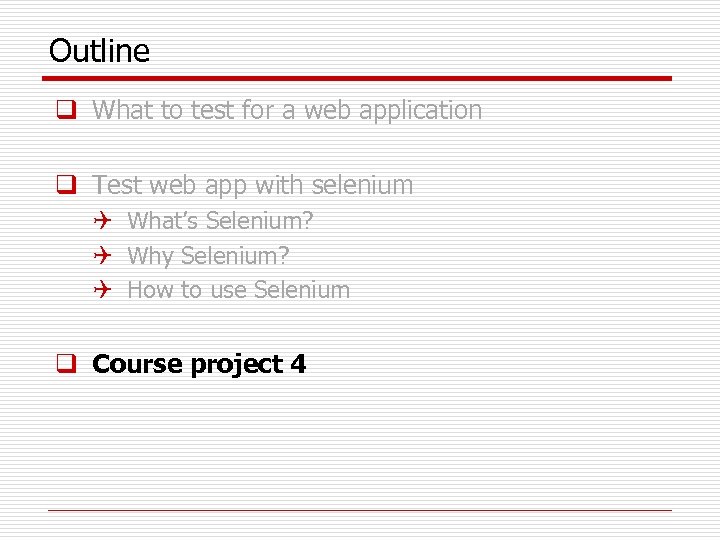
Outline q What to test for a web application q Test web app with selenium Q What’s Selenium? Q Why Selenium? Q How to use Selenium q Course project 4
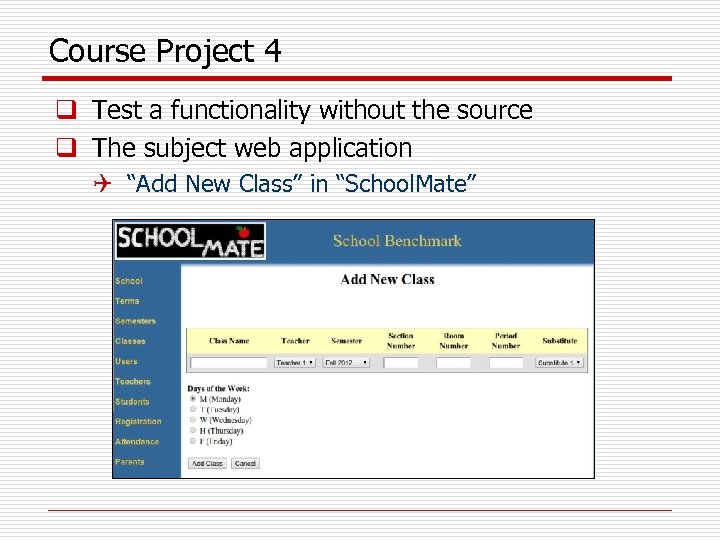
Course Project 4 q Test a functionality without the source q The subject web application Q “Add New Class” in “School. Mate”
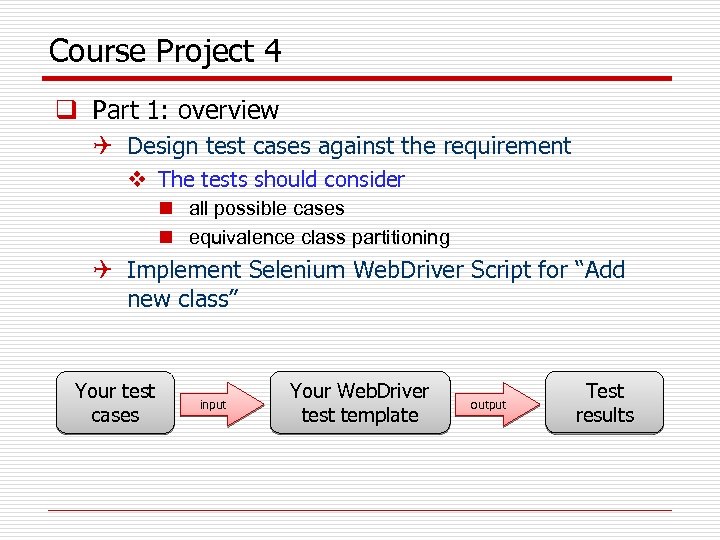
Course Project 4 q Part 1: overview Q Design test cases against the requirement v The tests should consider n all possible cases n equivalence class partitioning Q Implement Selenium Web. Driver Script for “Add new class” Your test cases input Your Web. Driver test template output Test results
![Part 1: requirement analysis q Requirement for values entered/selected Q Q Q [R-1] Class](https://present5.com/presentation/3958d7778a4aef3d32d887c30446331f/image-30.jpg "Part 1: requirement analysis q Requirement for values entered/selected Q Q Q [R-1] Class")
Part 1: requirement analysis q Requirement for values entered/selected Q Q Q [R-1] Class Name : alphabets and numbers are allowed. [R-2] Section Number : only numbers are allowed. [R-3] Room Number : only numbers are allowed. [R-4] Period Number : only numbers are allowed. [R-5] All textbox fields : no Cross-Site Scripting (XSS) injection vulnerabilities.
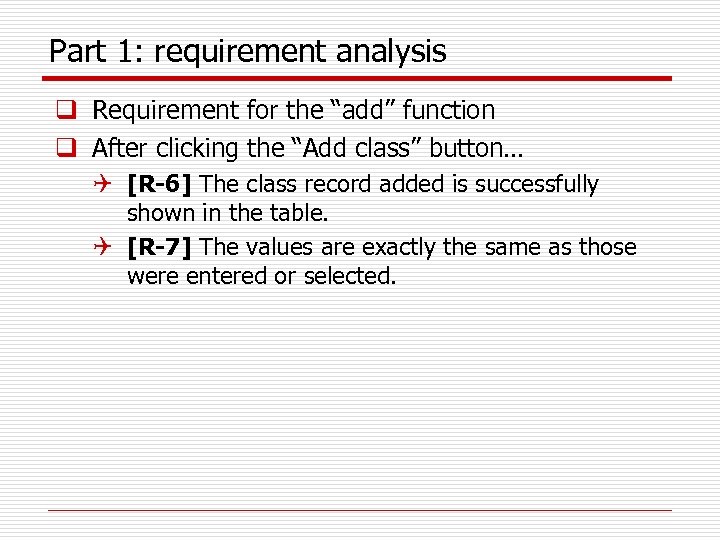
Part 1: requirement analysis q Requirement for the “add” function q After clicking the “Add class” button… Q [R-6] The class record added is successfully shown in the table. Q [R-7] The values are exactly the same as those were entered or selected.
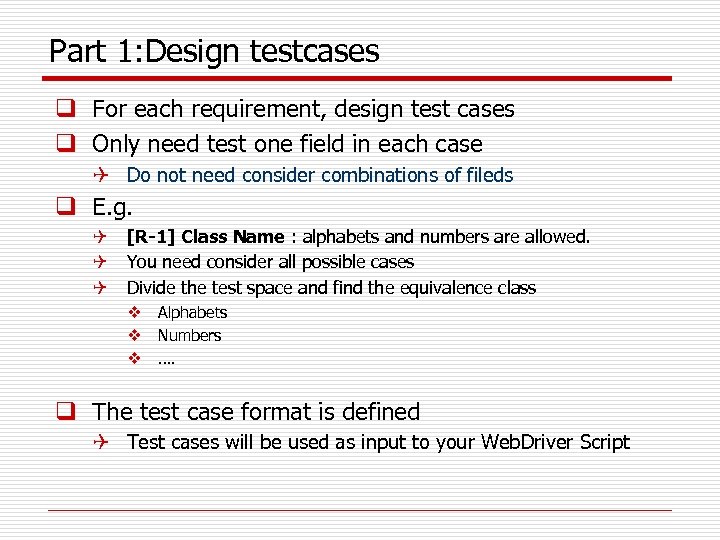
Part 1: Design testcases q For each requirement, design test cases q Only need test one field in each case Q Do not need consider combinations of fileds q E. g. Q [R-1] Class Name : alphabets and numbers are allowed. Q You need consider all possible cases Q Divide the test space and find the equivalence class v Alphabets v Numbers v …. q The test case format is defined Q Test cases will be used as input to your Web. Driver Script
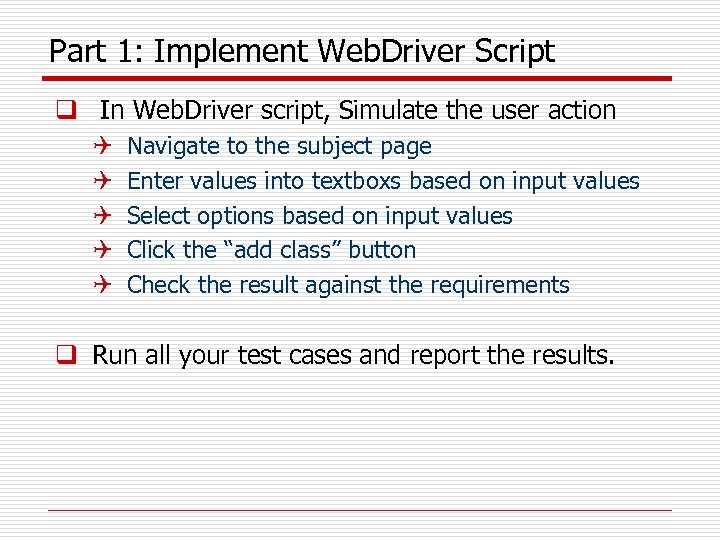
Part 1: Implement Web. Driver Script q In Web. Driver script, Simulate the user action Q Q Q Navigate to the subject page Enter values into textboxs based on input values Select options based on input values Click the “add class” button Check the result against the requirements q Run all your test cases and report the results.
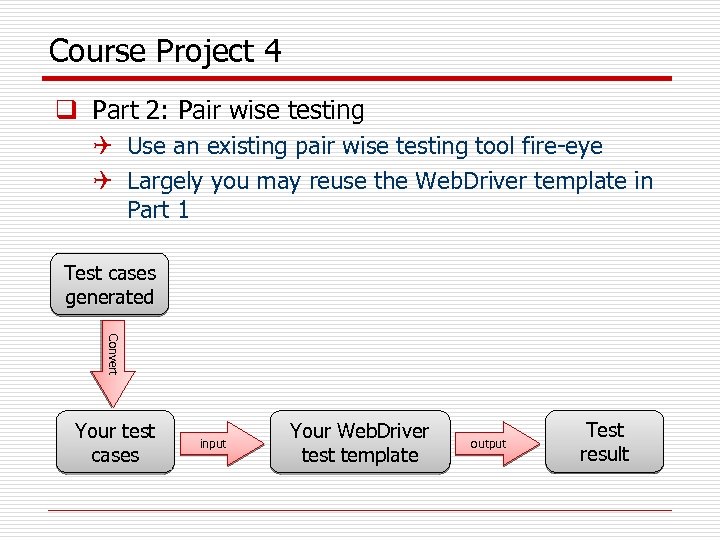
Course Project 4 q Part 2: Pair wise testing Q Use an existing pair wise testing tool fire-eye Q Largely you may reuse the Web. Driver template in Part 1 Test cases generated Convert Your test cases input Your Web. Driver test template output Test result
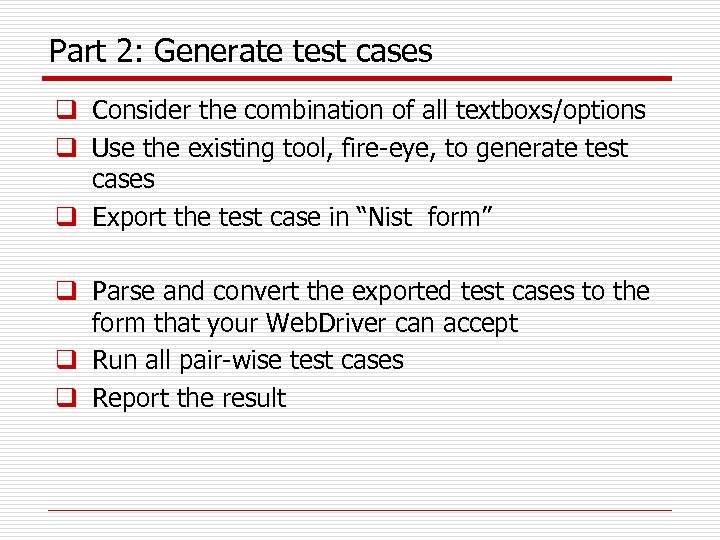
Part 2: Generate test cases q Consider the combination of all textboxs/options q Use the existing tool, fire-eye, to generate test cases q Export the test case in “Nist form” q Parse and convert the exported test cases to the form that your Web. Driver can accept q Run all pair-wise test cases q Report the result
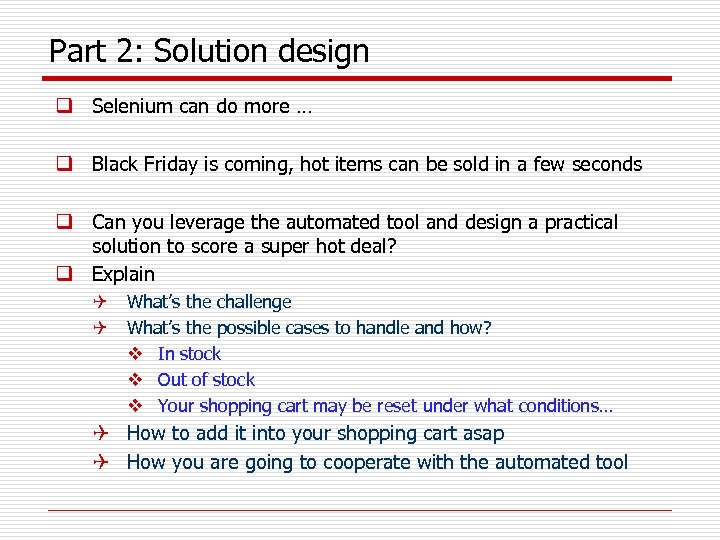
Part 2: Solution design q Selenium can do more … q Black Friday is coming, hot items can be sold in a few seconds q Can you leverage the automated tool and design a practical solution to score a super hot deal? q Explain Q What’s the challenge Q What’s the possible cases to handle and how? v In stock v Out of stock v Your shopping cart may be reset under what conditions… Q How to add it into your shopping cart asap Q How you are going to cooperate with the automated tool
Thanks Q & A
Скачать презентацию Test Web applications using Selenium Outline q
3958d7778a4aef3d32d887c30446331f.ppt