 Скачать презентацию Teemu Kerola Producing Interactive Web Lectures with Authorware
e43ea6081dbe6be0221201d8c8ce5efd.ppt
- Количество слайдов: 10



Teemu Kerola Producing Interactive Web Lectures with Authorware Interactive Web Lectures Proto Production Process Use of Web Lectures Kolin Kolistelut 3. 10. 2003 Teemu Kerola 1
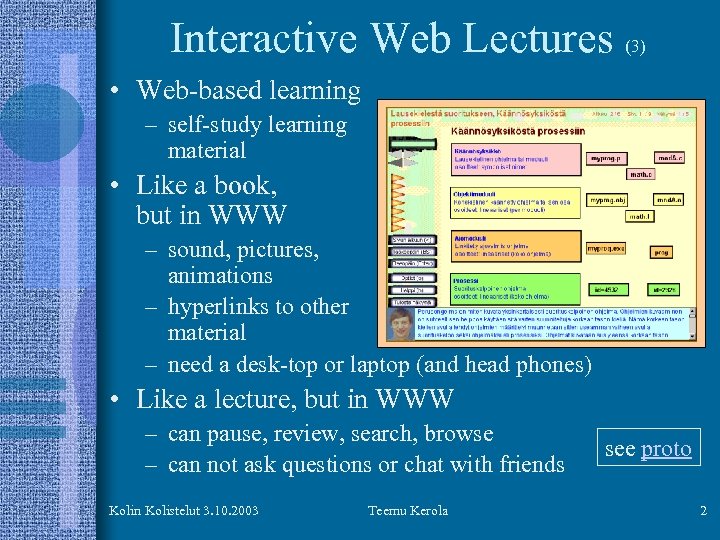
Interactive Web Lectures (3) • Web-based learning – self-study learning material • Like a book, but in WWW – sound, pictures, animations – hyperlinks to other material – need a desk-top or laptop (and head phones) • Like a lecture, but in WWW – can pause, review, search, browse – can not ask questions or chat with friends Kolin Kolistelut 3. 10. 2003 Teemu Kerola see proto 2
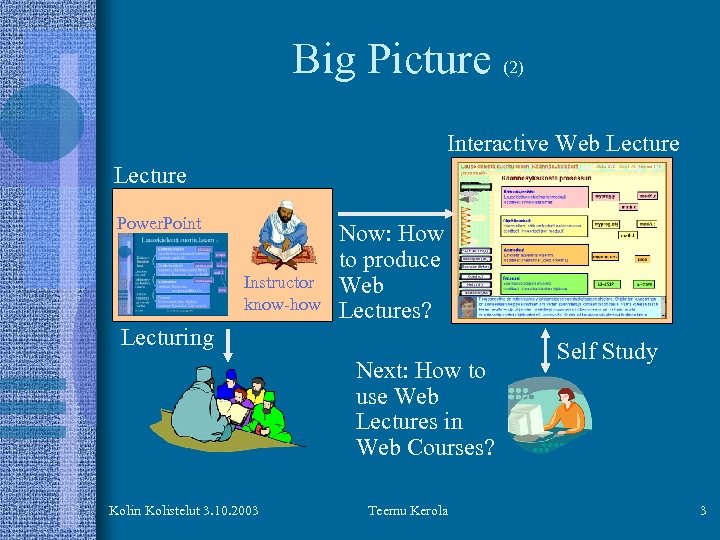
Big Picture (2) Interactive Web Lecture Power. Point Instructor know-how Now: How to produce Web Lectures? Lecturing Next: How to use Web Lectures in Web Courses? Kolin Kolistelut 3. 10. 2003 Teemu Kerola Self Study 3
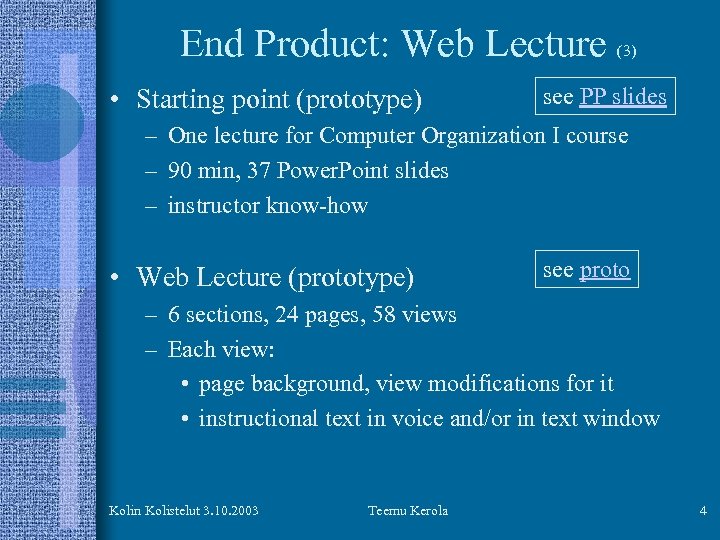
End Product: Web Lecture • Starting point (prototype) (3) see PP slides – One lecture for Computer Organization I course – 90 min, 37 Power. Point slides – instructor know-how • Web Lecture (prototype) see proto – 6 sections, 24 pages, 58 views – Each view: • page background, view modifications for it • instructional text in voice and/or in text window Kolin Kolistelut 3. 10. 2003 Teemu Kerola 4
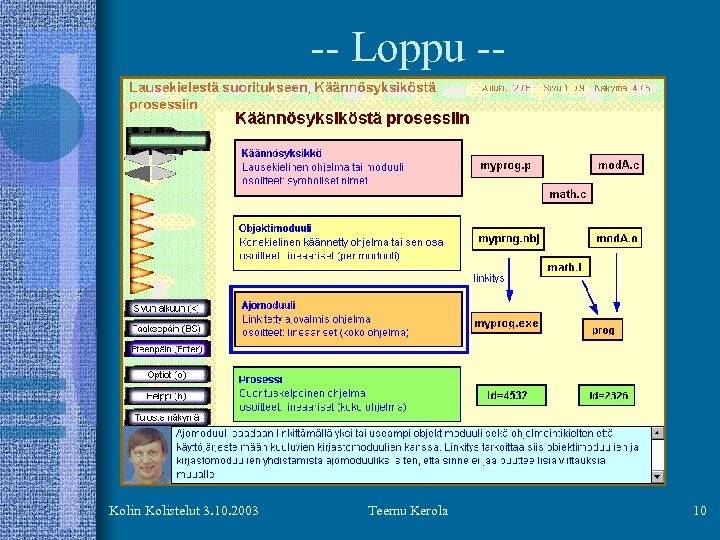
The Meat: Production Process • Emphasis in content creation – not in delivery platforms, standards, etc • Based on prototype, not in documentation • Instructor does it all in his/her own office – good multimedia PC, external microphone – Macromedia Authorware – Compare: IBM Knowledge Factory Team, U of Hki Web Lecture Undertaking • Navigation, look-and-feel, colours • Chapter (=lecture), Section, Page, View • Educational material in text and/or voice see. Authorware view: authorw. jpg Kolin Kolistelut 3. 10. 2003 Teemu Kerola 5
Experiment with one lecture • Replace one lecture in normal lecture course with Web Lecture • Collect feedback from students • Adjust process (and end-product) • Late 2003, early 2004 Kolin Kolistelut 3. 10. 2003 Teemu Kerola 6
Next: Create All Lectures in Proto Course as Web Lectures • Plain content development – instructor implements material in Web Lectures – may need external help in complex animations (if any) – 1 week per 2 hr Power. Point lecture? • Follow the process developed earlier • 2004? • Try them out with otherwise normal lecture course – replace all face-to-face lectures with web lectures – use std (face-to-face) practice sessions and exams Kolin Kolistelut 3. 10. 2003 Teemu Kerola 7
Next II: Complete Web Courses • All course components in Web • What are those components? – – – – interactive web lectures practice questions and automatic feedback homework problems and human/automatic feedback co-operative problems teamwork projects exams in exam terrariums ? ? • Are some components still face-to-face? Kolin Kolistelut 3. 10. 2003 Teemu Kerola 8
Summary • How to utilize Web in university level education? • One possibility: Interactive Web Lectures – What are they? What is good/wrong with them? • Question: How to produce them economically? – Same calibre effort as for Power. Point slides? – Power tools with expert users • Prototype material – Tool for implementation, documentation, demo • Next: using web lectures in (web) courses – What other learning/teaching (web) components to use and how? Kolin Kolistelut 3. 10. 2003 Teemu Kerola 9
-- Loppu -- Kolin Kolistelut 3. 10. 2003 Teemu Kerola 10
Скачать презентацию Teemu Kerola Producing Interactive Web Lectures with Authorware
e43ea6081dbe6be0221201d8c8ce5efd.ppt