


 Скачать презентацию Technology In Action Chapter 10 Programming
69d703dd25aee41d6ea9a57addbda447.ppt
- Количество слайдов: 12
 Technology In Action Chapter 10 Programming • • • System development life cycle Life cycle of a program Problem statement Algorithms Moving from algorithm to code Moving from code to machine language NEXT SLIDE 1
 Technology In Action Chapter 10 Topics • • Testing programs Completing a program Selecting the right programming language Most popular programming languages NEXT SLIDE 2
 Technology In Action Chapter 10 Systems • System: – A collection of pieces working together to achieve a common goal • Information system includes: – – – Data People Procedures Hardware Software • System development life cycle (SDLC): – An organized process used to develop systems in an orderly fashion 3 NEXT SLIDE
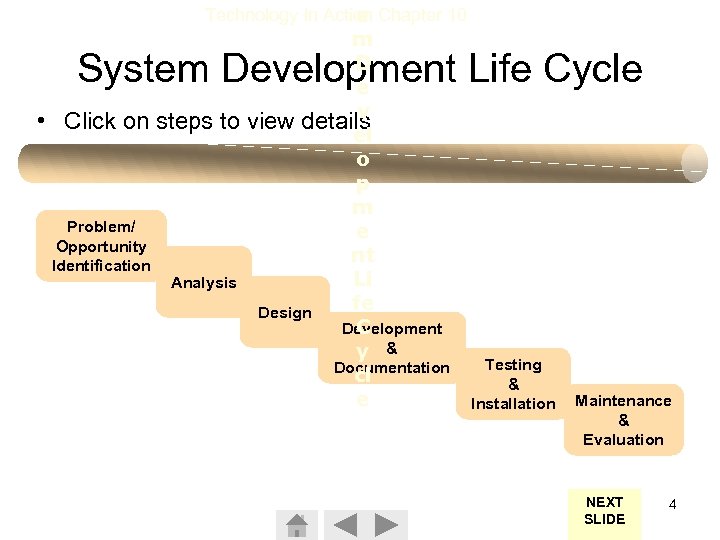 Technology In Action Chapter 10 e m D e v view details el o p m e nt Li fe Design C Development y & Documentation cl e System Development Life Cycle • Click on steps to Problem/ Opportunity Identification Analysis Testing & Installation Maintenance & Evaluation NEXT SLIDE 4
 Technology In Action Chapter 10 The Life Cycle of a Program • Programming is the process of translating a task into a series of commands a computer will use to perform that task • Programming involves: – Identifying the parts of a task the computer can perform – Describing tasks in a specific and complete manner – Translating the tasks into a language that is understood by the computer’s CPU NEXT SLIDE 11
 Technology In Action Chapter 10 Program Development Life Cycle • Click on the steps for more information Step 1 Describing the Problem Step 2 Making a Plan Step 3 Coding Step 4 Debugging Step 5 Finishing the Project NEXT SLIDE 12
 Technology In Action Chapter 10 Programming Languages • Selecting the right language: – Space available – Speed required – Organizational resources available – Type of target application Java. Script Flash / CVisual / C++ HTML ASP / JSP VBScript XML Basic NEXT SLIDE 22
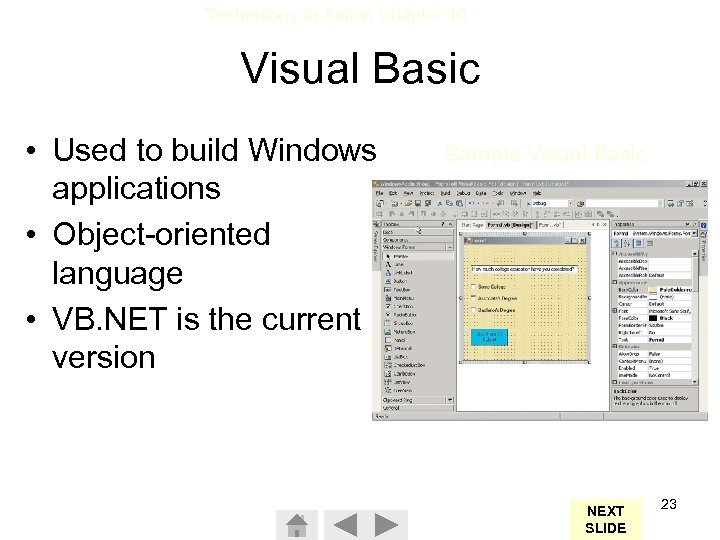 Technology In Action Chapter 10 Visual Basic • Used to build Windows applications • Object-oriented language • VB. NET is the current version Sample Visual Basic NEXT SLIDE 23
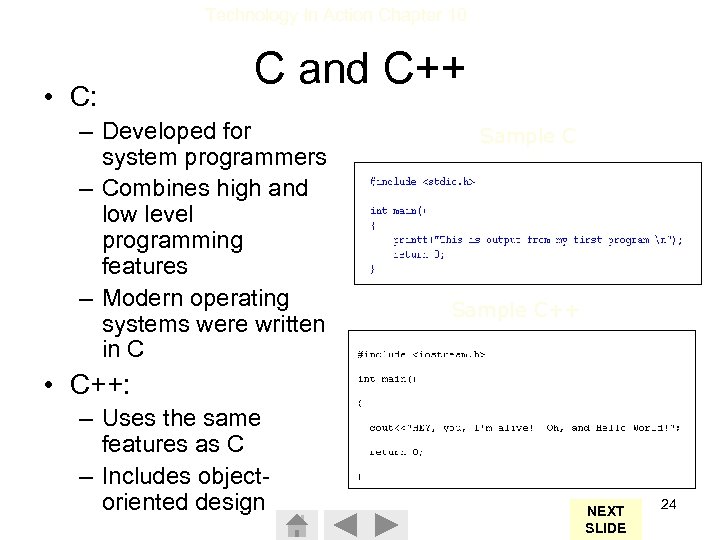 Technology In Action Chapter 10 • C: C and C++ – Developed for system programmers – Combines high and low level programming features – Modern operating systems were written in C Sample C++ • C++: – Uses the same features as C – Includes objectoriented design NEXT SLIDE 24
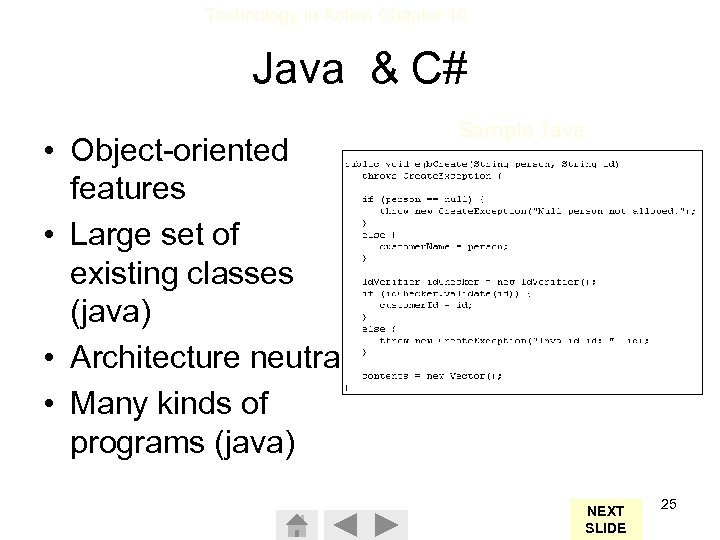 Technology In Action Chapter 10 Java & C# • Object-oriented features • Large set of existing classes (java) • Architecture neutral • Many kinds of programs (java) Sample Java NEXT SLIDE 25
 Technology In Action Chapter 10 Web Applications • Hypertext Markup language (HTML): – Not a true programming language – Uses special symbols (tags) to control how Web pages are viewed • Java. Script: – Used to make Web pages more visually appealing and interactive • VBScript: – A subset of Visual Basic – Used to add interactivity to Web pages NEXT SLIDE 26
 Technology In Action Chapter 10 Web Applications • Active Server Pages (ASP) and Java Server Pages (JSP): – Adds interactivity capabilities to Web pages – Translates user information into a request for more information from a company’s computer • Flash: – Enables elaborate animations to be created for Web pages • Extensible Markup Language (XML): – Enables computers to efficiently transfer information between Web sites NEXT SLIDE 27