


 Скачать презентацию TECHNOLOGY AND RESOURCES GOALS OF TODAY S LESSON
4 Technology and Resources.pptx
- Количество слайдов: 15
 TECHNOLOGY AND RESOURCES
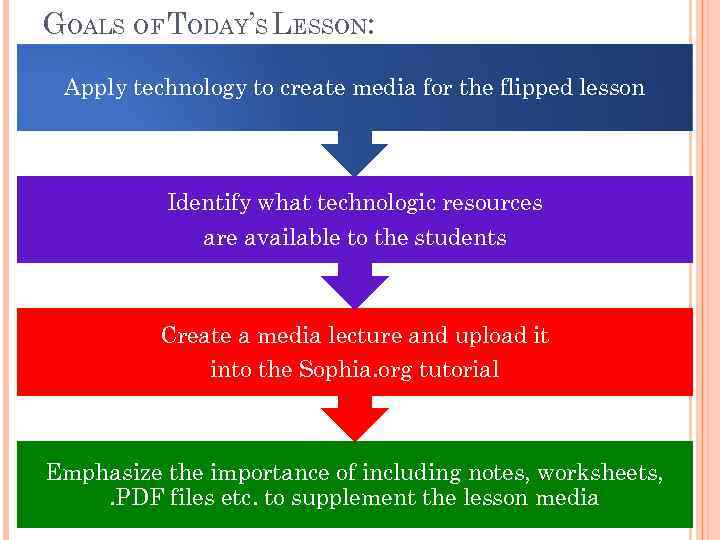 GOALS OF TODAY’S LESSON: Apply technology to create media for the flipped lesson Identify what technologic resources are available to the students Create a media lecture and upload it into the Sophia. org tutorial Emphasize the importance of including notes, worksheets, . PDF files etc. to supplement the lesson media
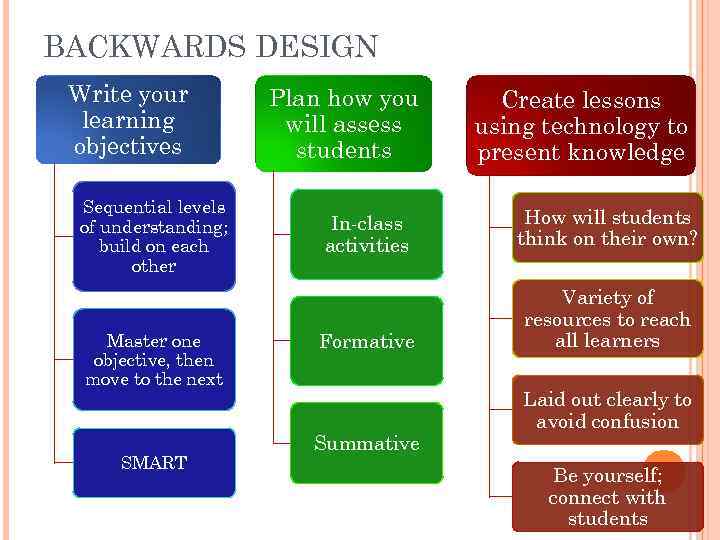 BACKWARDS DESIGN Write your learning objectives Sequential levels of understanding; build on each other Master one objective, then move to the next SMART Plan how you will assess students Create lessons using technology to present knowledge In-class activities How will students think on their own? Formative Variety of resources to reach all learners Summative Laid out clearly to avoid confusion Be yourself; connect with students
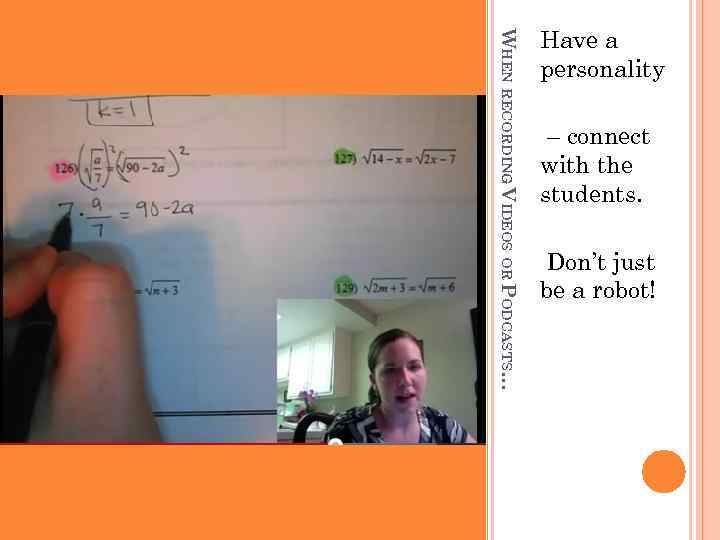 WHEN RECORDING VIDEOS OR PODCASTS… Have a personality – connect with the students. Don’t just be a robot!
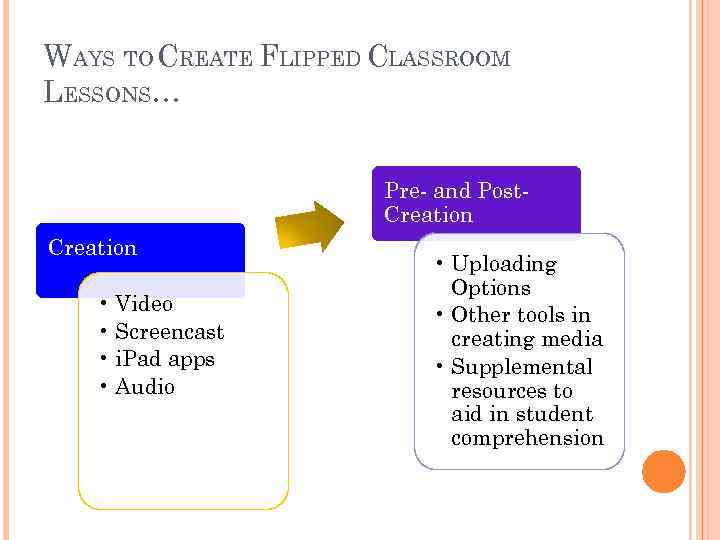 WAYS TO CREATE FLIPPED CLASSROOM LESSONS… Pre- and Post. Creation • Video • Screencast • i. Pad apps • Audio • Uploading Options • Other tools in creating media • Supplemental resources to aid in student comprehension
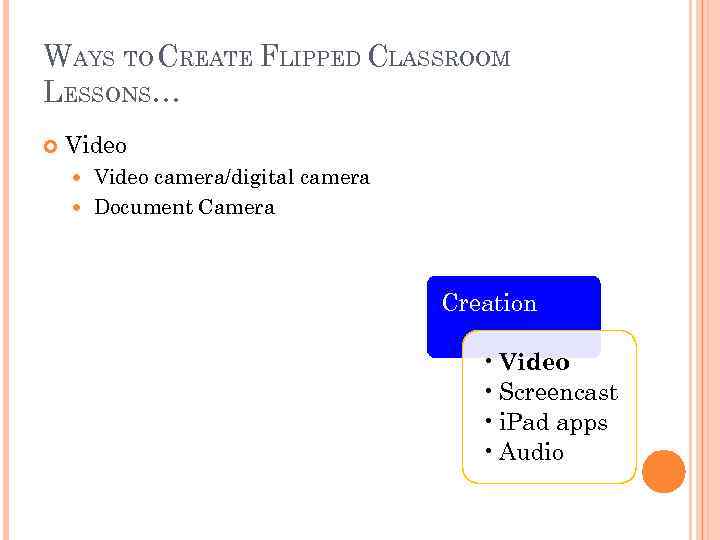 WAYS TO CREATE FLIPPED CLASSROOM LESSONS… Video camera/digital camera Document Camera Creation • Video • Screencast • i. Pad apps • Audio
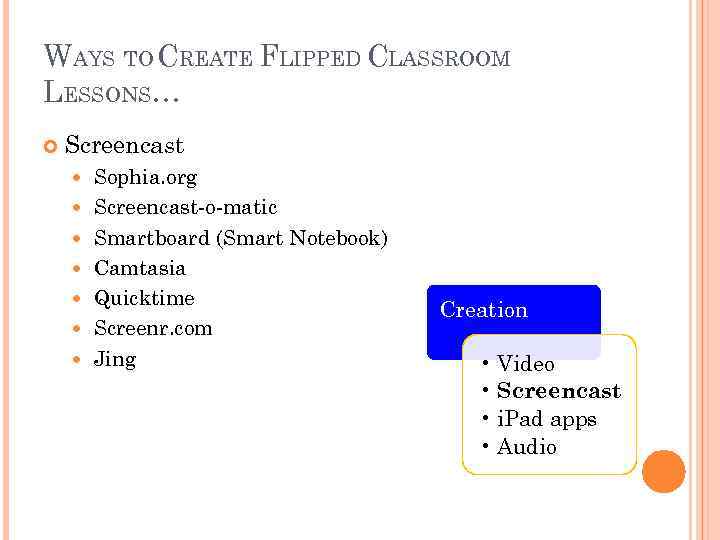 WAYS TO CREATE FLIPPED CLASSROOM LESSONS… Screencast Sophia. org Screencast-o-matic Smartboard (Smart Notebook) Camtasia Quicktime Screenr. com Jing Creation • Video • Screencast • i. Pad apps • Audio
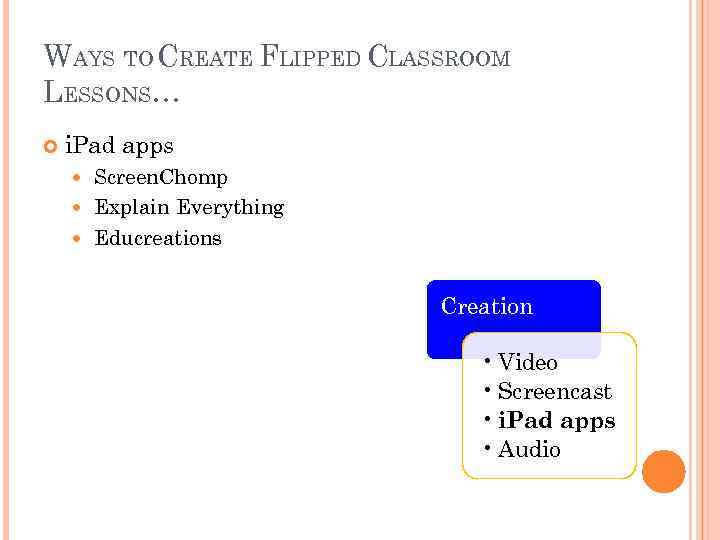 WAYS TO CREATE FLIPPED CLASSROOM LESSONS… i. Pad apps Screen. Chomp Explain Everything Educreations Creation • Video • Screencast • i. Pad apps • Audio
 WAYS TO CREATE FLIPPED CLASSROOM LESSONS… Audio Voicethread Podomatic Creation • Video • Screencast • i. Pad apps • Audio
 WAYS TO CREATE FLIPPED CLASSROOM LESSONS… Uploading Options Sophia. org Youtube. com School. Tube. com Vimeo. com Edmodo Blog sites Pre- and Post- Creation • Uploading Options • Other tools in creating media • Supplemental resources to aid in student comprehension
 WAYS TO CREATE FLIPPED CLASSROOM LESSONS… Other tools in creating media Power. Point, Keynote i. Movie Pre- and Post- Creation • Uploading Options • Other tools in creating media • Supplemental resources to aid in student comprehension
 WAYS TO CREATE FLIPPED CLASSROOM LESSONS… Supplemental resources to aid in student comprehension Google Forms PDFs Pre- and Post- Creation • Uploading Options • Other tools in creating media • Supplemental resources to aid in student comprehension
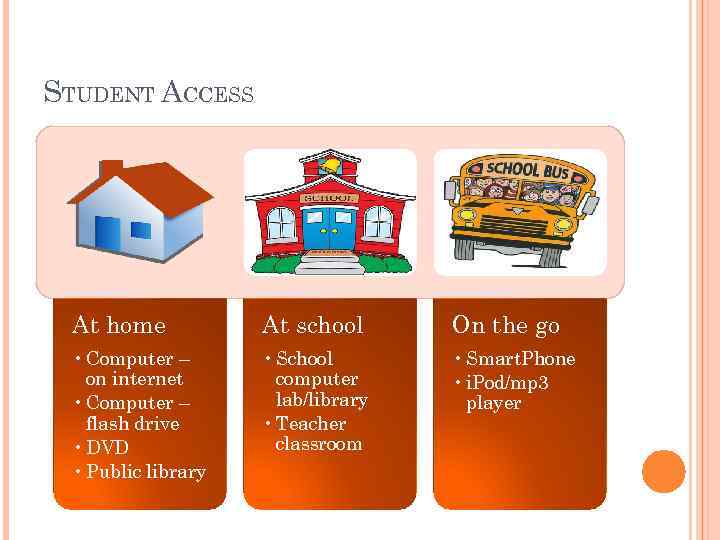 STUDENT ACCESS At home At school On the go • Computer – on internet • Computer – flash drive • DVD • Public library • School computer lab/library • Teacher classroom • Smart. Phone • i. Pod/mp 3 player
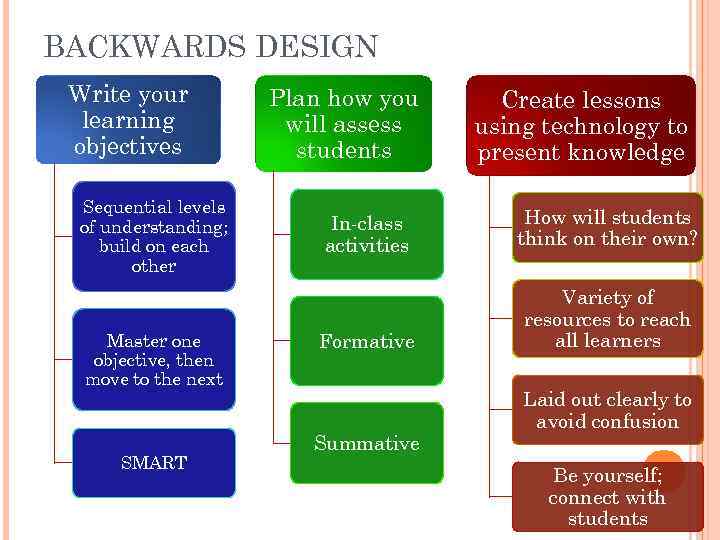 BACKWARDS DESIGN Write your learning objectives Sequential levels of understanding; build on each other Master one objective, then move to the next SMART Plan how you will assess students Create lessons using technology to present knowledge In-class activities How will students think on their own? Formative Variety of resources to reach all learners Summative Laid out clearly to avoid confusion Be yourself; connect with students
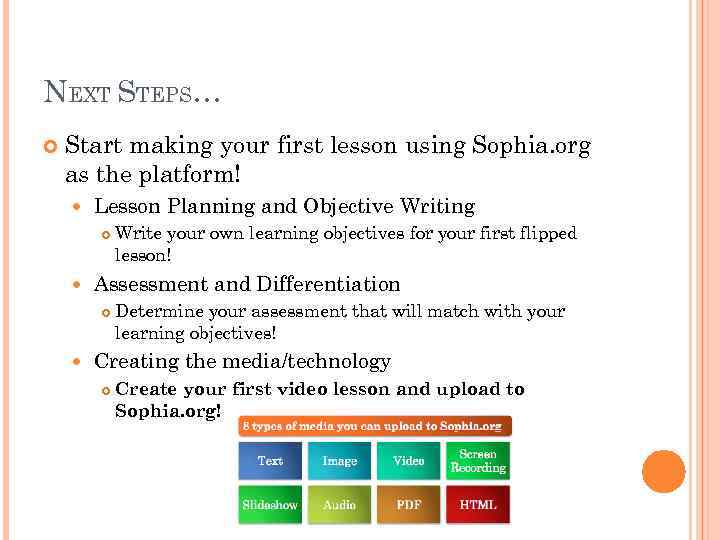 NEXT STEPS… Start making your first lesson using Sophia. org as the platform! Lesson Planning and Objective Writing Assessment and Differentiation Write your own learning objectives for your first flipped lesson! Determine your assessment that will match with your learning objectives! Creating the media/technology Create your first video lesson and upload to Sophia. org!