 Скачать презентацию Technologies of Internet-Based Contemporary Applications MTI Department of
671fd449e4eca071bdb71128c2062ee5.ppt
- Количество слайдов: 30



Technologies of Internet-Based Contemporary Applications MTI Department of Electrical Engineering Gadjah Mada University
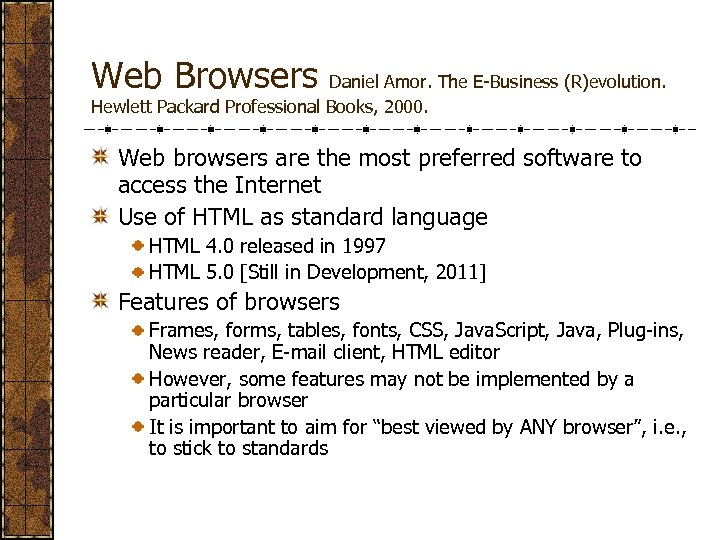
Web Browsers Daniel Amor. The E-Business (R)evolution. Hewlett Packard Professional Books, 2000. Web browsers are the most preferred software to access the Internet Use of HTML as standard language HTML 4. 0 released in 1997 HTML 5. 0 [Still in Development, 2011] Features of browsers Frames, forms, tables, fonts, CSS, Java. Script, Java, Plug-ins, News reader, E-mail client, HTML editor However, some features may not be implemented by a particular browser It is important to aim for “best viewed by ANY browser”, i. e. , to stick to standards
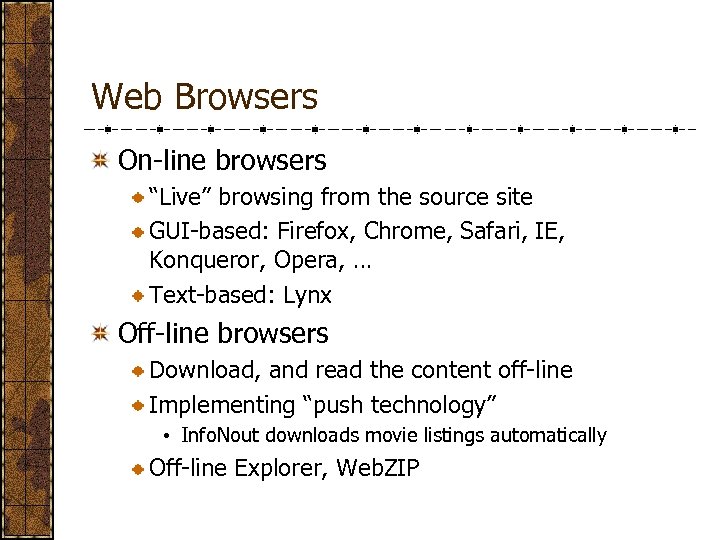
Web Browsers On-line browsers “Live” browsing from the source site GUI-based: Firefox, Chrome, Safari, IE, Konqueror, Opera, … Text-based: Lynx Off-line browsers Download, and read the content off-line Implementing “push technology” • Info. Nout downloads movie listings automatically Off-line Explorer, Web. ZIP
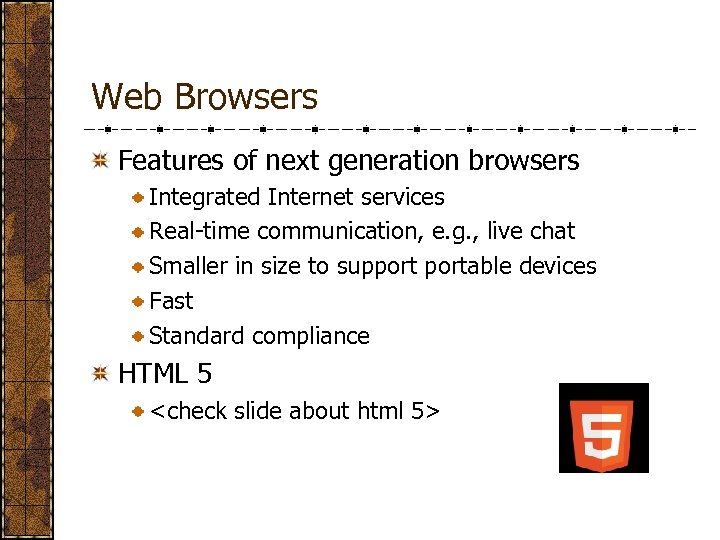
Web Browsers Features of next generation browsers Integrated Internet services Real-time communication, e. g. , live chat Smaller in size to supportable devices Fast Standard compliance HTML 5 <check slide about html 5>
Dynamic Web Dynamic web allows organization of dynamic pages For working with databases (add, edit, modify, delete processes) To efficiently organize the presentation of a large number of data Technologies CSS – a template to design web page layout/presentation DOM – model on how to manipulate objects in a web document Dynamic HTML through scripting (e. g. , Java. Script)
Adding Computation to Web Pages Common Gateway Interface (CGI) Allowing interaction between a web server and a browser using HTTP protocol A CGI program takes input from a user’s browser, executes on the server side, and return results embedded in appropriate documents to the user’s browser In the form of scripts written in a programming language • Shell script (in Unix/Linux) • C • Perl
Adding Computation to Web Pages Java Server Pages (JSP) Java-backed web pages Tight integration with Java • Java is used to enrich a page with computation element • Taking advantage of Java’s cross-platform capability
Web Application Servers To consolidate functionality of different applications into Web interface To create a three-tiered architecture for web applications • Servers – Business logic – Clients • Isolating business logic for easier management To access data that resides on legacy systems without direct connection to the Internet • Through a unified messaging system, e. g. , CORBA
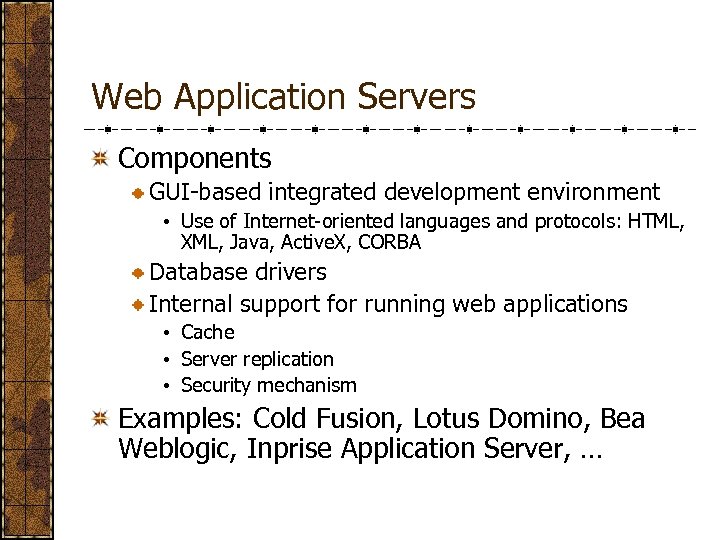
Web Application Servers Components GUI-based integrated development environment • Use of Internet-oriented languages and protocols: HTML, XML, Java, Active. X, CORBA Database drivers Internal support for running web applications • Cache • Server replication • Security mechanism Examples: Cold Fusion, Lotus Domino, Bea Weblogic, Inprise Application Server, …
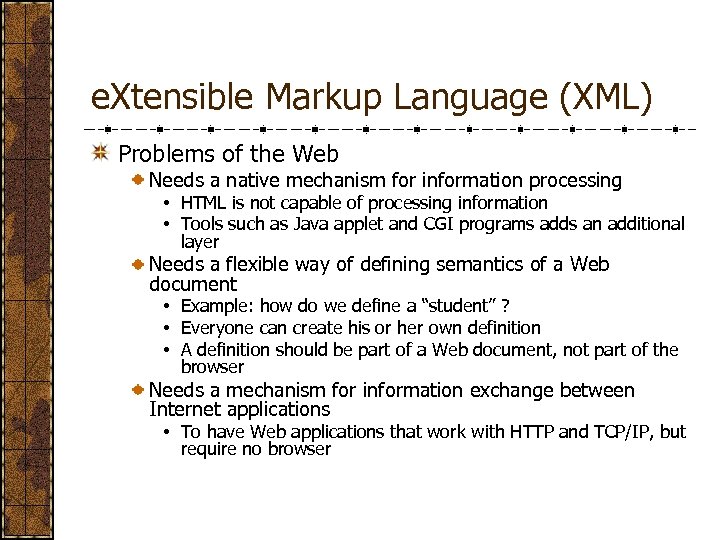
e. Xtensible Markup Language (XML) Problems of the Web Needs a native mechanism for information processing • HTML is not capable of processing information • Tools such as Java applet and CGI programs adds an additional layer Needs a flexible way of defining semantics of a Web document • Example: how do we define a “student” ? • Everyone can create his or her own definition • A definition should be part of a Web document, not part of the browser Needs a mechanism for information exchange between Internet applications • To have Web applications that work with HTTP and TCP/IP, but require no browser
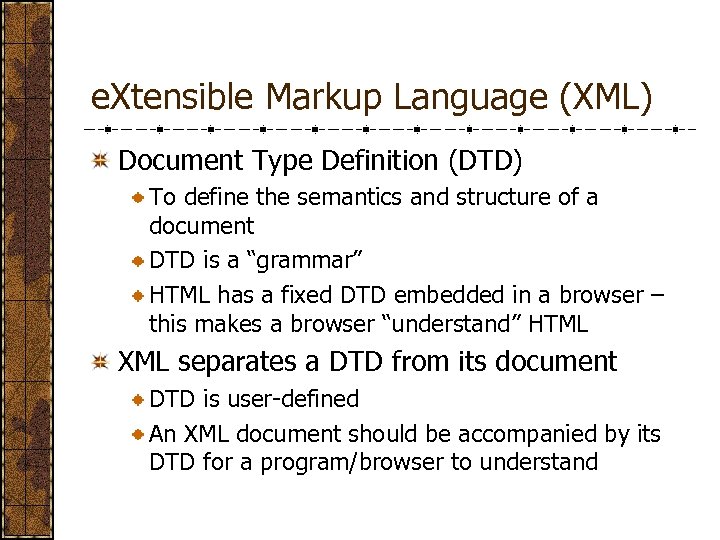
e. Xtensible Markup Language (XML) Document Type Definition (DTD) To define the semantics and structure of a document DTD is a “grammar” HTML has a fixed DTD embedded in a browser – this makes a browser “understand” HTML XML separates a DTD from its document DTD is user-defined An XML document should be accompanied by its DTD for a program/browser to understand
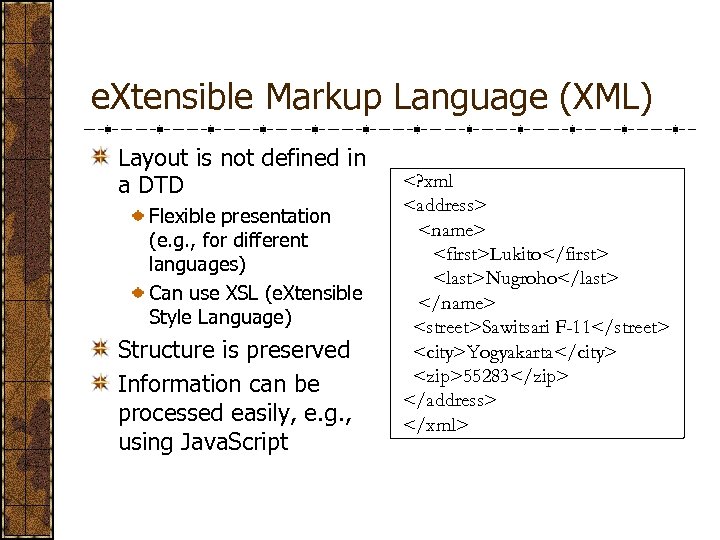
e. Xtensible Markup Language (XML) Layout is not defined in a DTD Flexible presentation (e. g. , for different languages) Can use XSL (e. Xtensible Style Language) Structure is preserved Information can be processed easily, e. g. , using Java. Script <? xml <address> <name> <first>Lukito</first> <last>Nugroho</last> </name> <street>Sawitsari F-11</street> <city>Yogyakarta</city> <zip>55283</zip> </address> </xml>
e. Xtensible Markup Language (XML) An example of XML and XSL
XML Processing Server-side processing Exchaning data between applications running on a server • Exchaning applications must share a common DTD Wrapping database data to create custom content Client-side processing Sending “raw” XML document to the client and let the client decide what to do and how to display it
XML Applications e. Xtensible Style Language (XSL) Written in XML, XSL is designed for the presentation of an XML document Separates the content of a document from its representation Provides style information to XML tags Resource Description Framework Adds metadata to Internet objects/resources makes it easy to find object/resources in Internet Use of metadata • Sign an object/resource • Associate an object with another object Example: the “What’s related” feature in Netscape Communicator
Security Issues
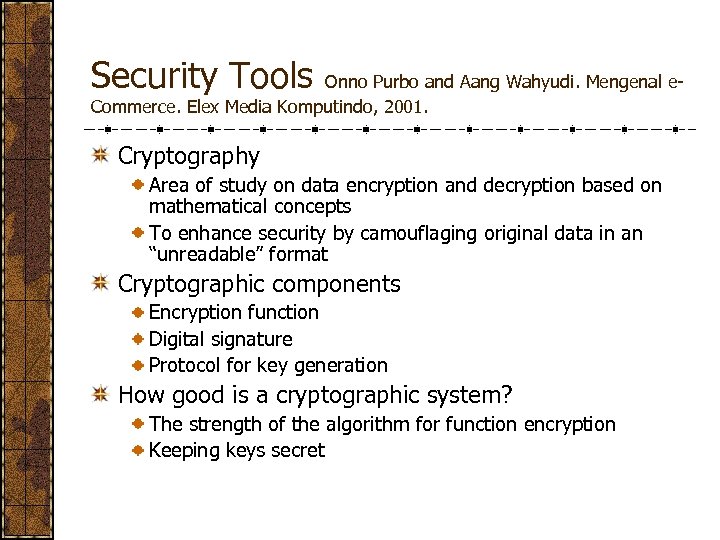
Security Tools Onno Purbo and Aang Wahyudi. Mengenal e. Commerce. Elex Media Komputindo, 2001. Cryptography Area of study on data encryption and decryption based on mathematical concepts To enhance security by camouflaging original data in an “unreadable” format Cryptographic components Encryption function Digital signature Protocol for key generation How good is a cryptographic system? The strength of the algorithm for function encryption Keeping keys secret
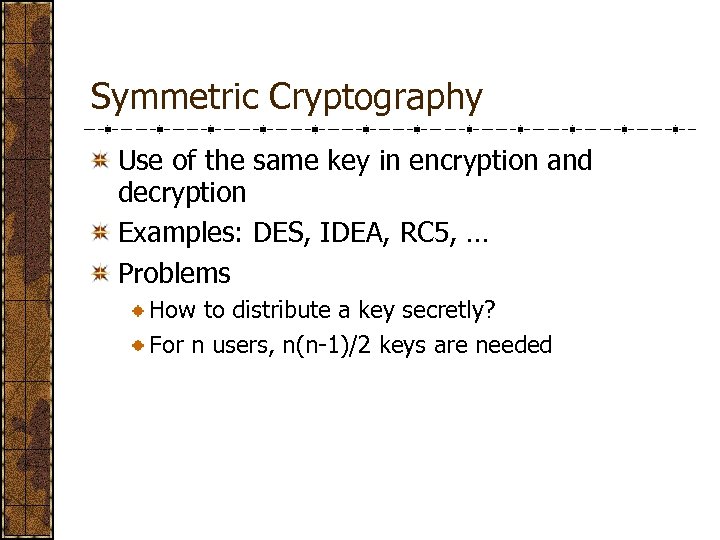
Symmetric Cryptography Use of the same key in encryption and decryption Examples: DES, IDEA, RC 5, … Problems How to distribute a key secretly? For n users, n(n-1)/2 keys are needed
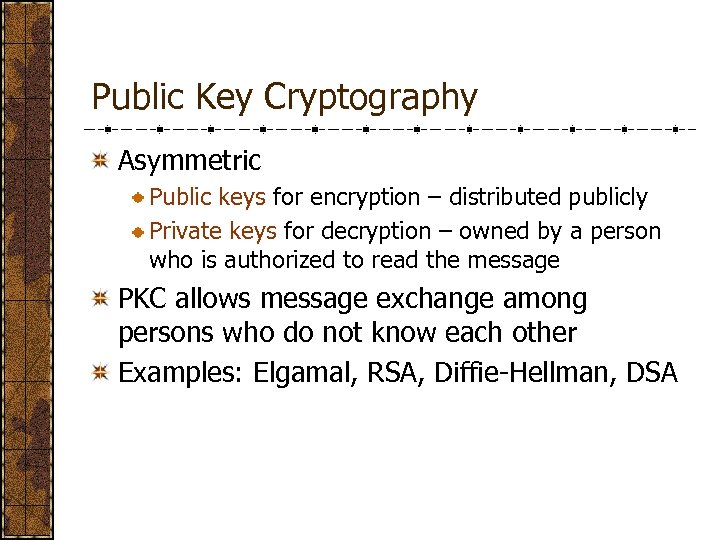
Public Key Cryptography Asymmetric Public keys for encryption – distributed publicly Private keys for decryption – owned by a person who is authorized to read the message PKC allows message exchange among persons who do not know each other Examples: Elgamal, RSA, Diffie-Hellman, DSA
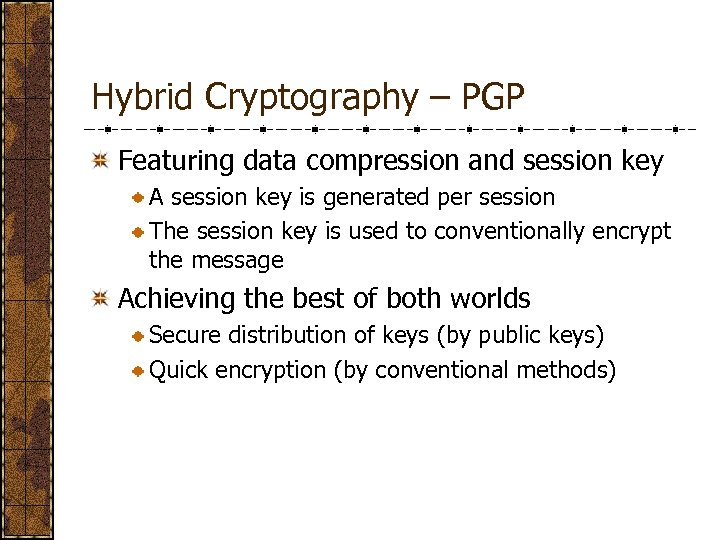
Hybrid Cryptography – PGP Featuring data compression and session key A session key is generated per session The session key is used to conventionally encrypt the message Achieving the best of both worlds Secure distribution of keys (by public keys) Quick encryption (by conventional methods)
Public Key Infrastructure Issues in public key security system Information security User heterogenity Complex communication network Important components Certificate authority (CA) • Legal issues – to ensure the authenticity of documents • Institutional approach Digital signature • To ensure the originality of documents: authentication and data integrity • Non-repudiation service
Certification Authority and Digital Certificate Trusted third-party companies who provide digital certificates as proofs of rights of certain electronic transaction services A digital certificate is comparable to a driving license, a national identity, etc. A digital certificate enables someone to determine the originality of a service Public key Subject, issuer, issued-to, validity period, … One or more digital signature
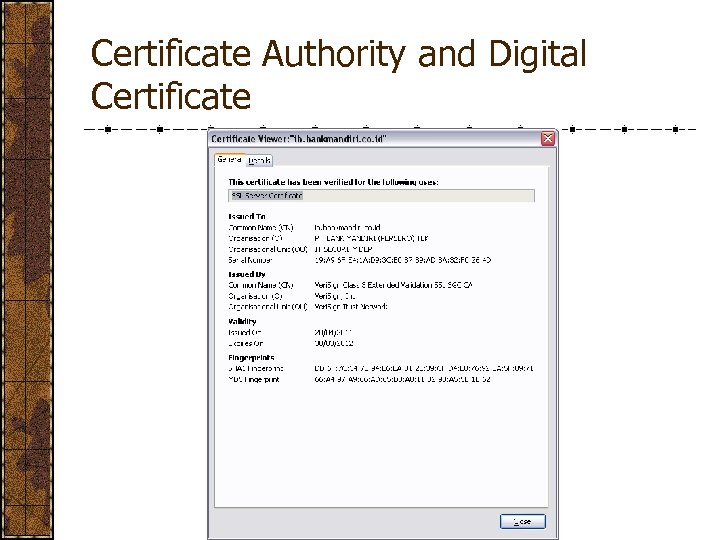
Certificate Authority and Digital Certificate
Certificate Authority and Digital Certificate Services of a CA Verifying request of a digital certificate Proofing a request and issuing a digital certificate Managing the issued digital certificate • Validity • Renewal • Maintenance of Certificate Revocation List (CRL) Model of trust Direct trust Hierarchical trust Web of trust (by PGP)
Security Protocol Daniel Amor. The E-Business (R)evolu- tion. HP Professional Books, 2000. Secure Socket Layer (SSL) Developed by Netscape, to improve the security of transport protocol (i. e. , TCP protocol) Used to secure Web communication, i. e. , between a browser and a web server • https (http over ssl) communication • Implemented by installing SSL modules on applications Secure HTTP (S-HTTP) Specifically designed for http Other protocols: ssh, S/MIME, … Putty (for ssh)
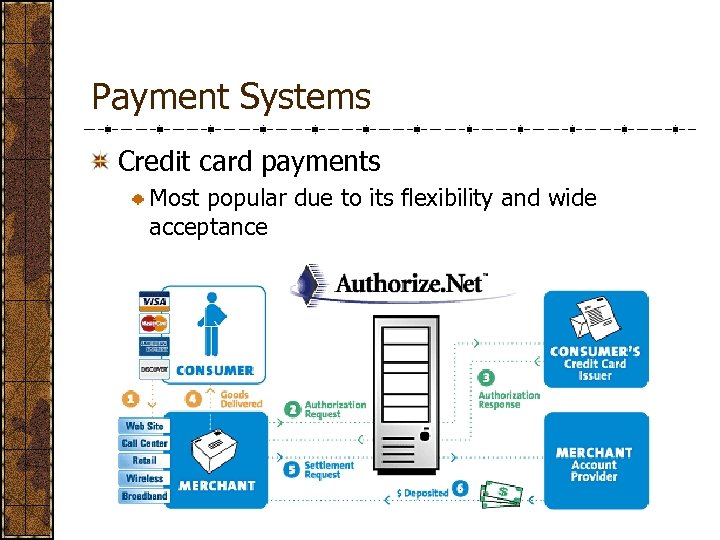
Payment Systems Credit card payments Most popular due to its flexibility and wide acceptance
Payment Systems Electronic cash Software solution to save an equivalent of cash onto disks In the form of electronically signed files Should not reveal the identity of the bearer Should be exchanged directly between two parties, without the bank in between Examples: e. Cash by Digi. Cash Establishing a network that accepts e. Cash Customers open e. Cash account at banks which issue e. Cash Electronic money is stored in the form of tokens Only for once and one way transaction, merchant cannot use it for other transactions • Merchant can cash it at participating banks • •
Payment Systems Secure Electronic Transactions (SET) A secure transaction environment developed by Visa and Master. Card in 1996 Components • Public key infrastructure: public key encryption system, digital certificates, digital signatures • Credit card holders • Merchants SET protocol is independent of transport security protocols such as SSL
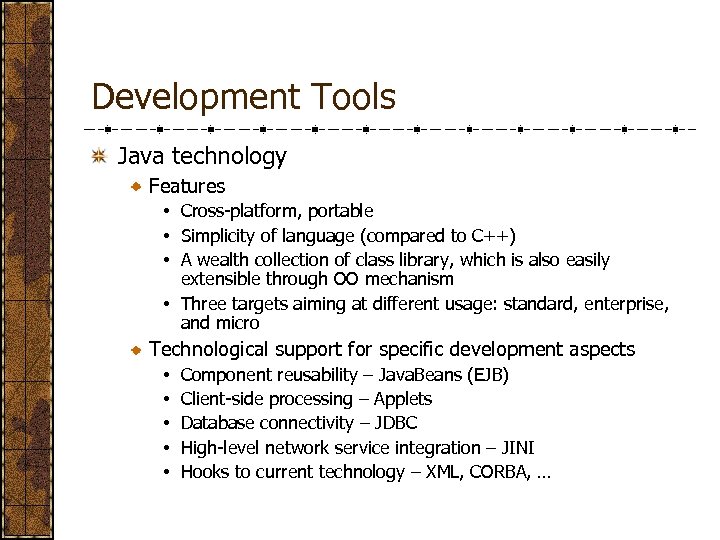
Development Tools Java technology Features • Cross-platform, portable • Simplicity of language (compared to C++) • A wealth collection of class library, which is also easily extensible through OO mechanism • Three targets aiming at different usage: standard, enterprise, and micro Technological support for specific development aspects • • • Component reusability – Java. Beans (EJB) Client-side processing – Applets Database connectivity – JDBC High-level network service integration – JINI Hooks to current technology – XML, CORBA, …
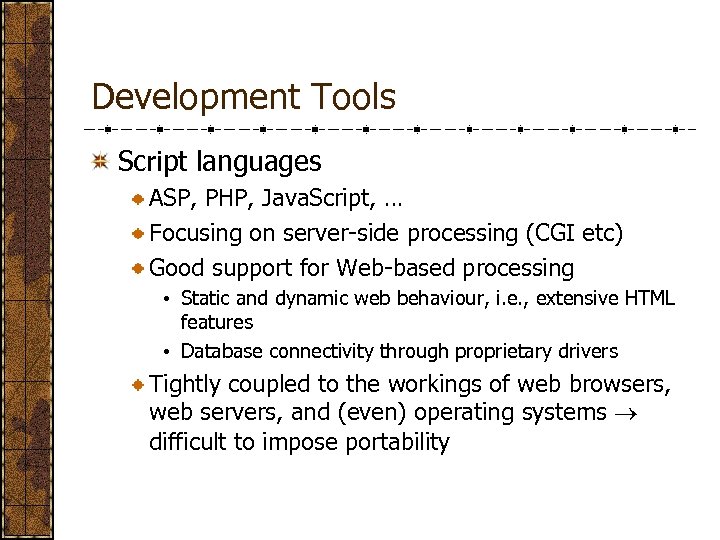
Development Tools Script languages ASP, PHP, Java. Script, … Focusing on server-side processing (CGI etc) Good support for Web-based processing • Static and dynamic web behaviour, i. e. , extensive HTML features • Database connectivity through proprietary drivers Tightly coupled to the workings of web browsers, web servers, and (even) operating systems difficult to impose portability
Скачать презентацию Technologies of Internet-Based Contemporary Applications MTI Department of
671fd449e4eca071bdb71128c2062ee5.ppt