


 Скачать презентацию Technologies for Developing Systems Chapter 9 Information Systems
df7cb0b33a0081bfc01b0eda8555e33d.ppt
- Количество слайдов: 26
 Technologies for Developing Systems Chapter 9 Information Systems Management In Practice 5 E Mc. Nurlin & Sprague
 Foundations of System Development Discipline through structured development n Figure 9 -1 is the classic system development life cycle (waterfall approach) n The Traditional Application Development Approach (characteristics): 1. Hand coding in third generation language, e. g. COBOL 2. “Structured Programming” development methodology 3. Automated Project management system 4. A database management system n Copyright 2002 by Prentice Hall, Inc. 2
 Foundations of System Development n The Traditional Application Development Approach (characteristics); 5. A mix of online and batch applications in the same system 6. Development of mostly mainframe applications 7. Programming by professional programmers only 8. Various automated, but not well integrated s/w tools 9. A well-defined sign-off process for system delivery 10. User participation mainly in require definition and installation phases 3 Copyright 2002 by Prentice Hall, Inc.
 Structured Development n n n More discipline: established standards for process and documentation to increase productivity and developers’ ability to deal with complexity Higher reliability and fewer errors: to catch errors as early as possible through inspection More efficient use of resources: thorough project management approaches resulted in cost savings, increased productivity, and better allocation of human resources; reduced the tendency for system development project overruns Copyright 2002 by Prentice Hall, Inc. 4
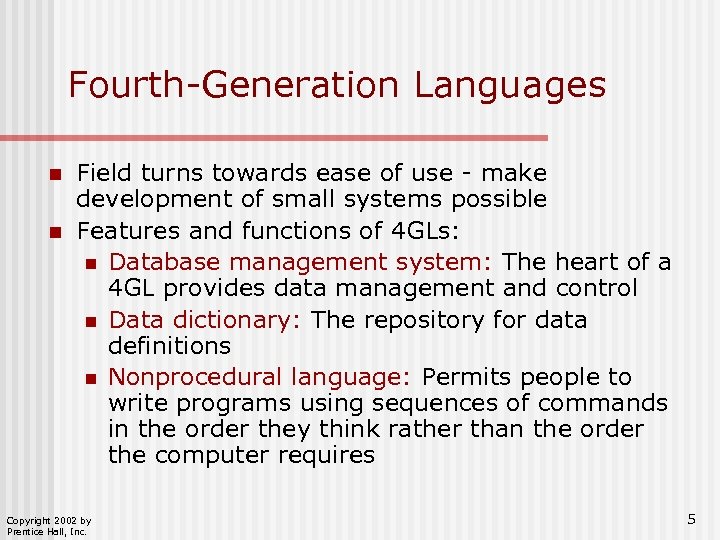 Fourth-Generation Languages n n Field turns towards ease of use - make development of small systems possible Features and functions of 4 GLs: n Database management system: The heart of a 4 GL provides data management and control n Data dictionary: The repository for data definitions n Nonprocedural language: Permits people to write programs using sequences of commands in the order they think rather than the order the computer requires Copyright 2002 by Prentice Hall, Inc. 5
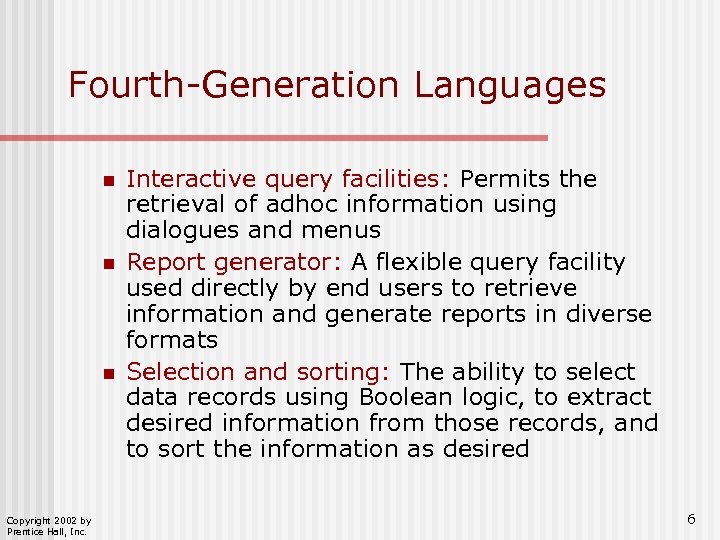 Fourth-Generation Languages n n n Copyright 2002 by Prentice Hall, Inc. Interactive query facilities: Permits the retrieval of adhoc information using dialogues and menus Report generator: A flexible query facility used directly by end users to retrieve information and generate reports in diverse formats Selection and sorting: The ability to select data records using Boolean logic, to extract desired information from those records, and to sort the information as desired 6
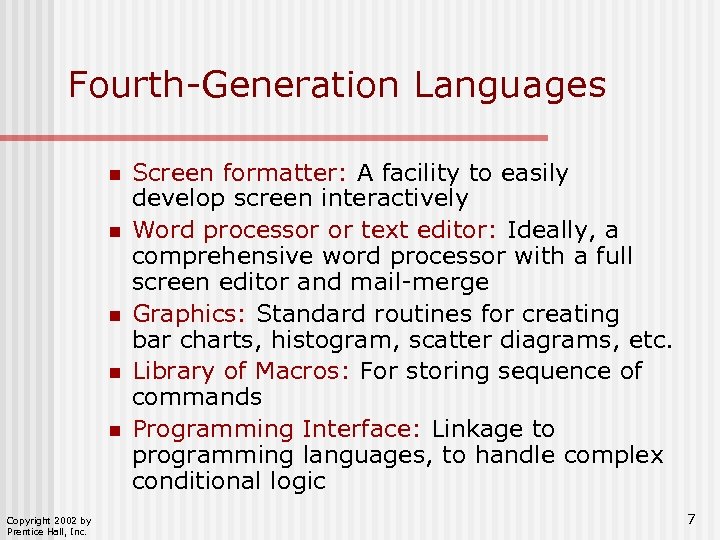 Fourth-Generation Languages n n n Copyright 2002 by Prentice Hall, Inc. Screen formatter: A facility to easily develop screen interactively Word processor or text editor: Ideally, a comprehensive word processor with a full screen editor and mail-merge Graphics: Standard routines for creating bar charts, histogram, scatter diagrams, etc. Library of Macros: For storing sequence of commands Programming Interface: Linkage to programming languages, to handle complex conditional logic 7
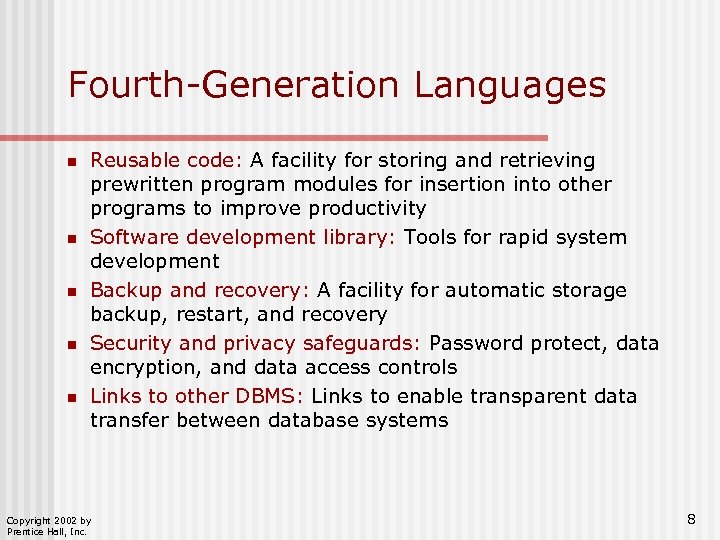 Fourth-Generation Languages n n n Reusable code: A facility for storing and retrieving prewritten program modules for insertion into other programs to improve productivity Software development library: Tools for rapid system development Backup and recovery: A facility for automatic storage backup, restart, and recovery Security and privacy safeguards: Password protect, data encryption, and data access controls Links to other DBMS: Links to enable transparent data transfer between database systems Copyright 2002 by Prentice Hall, Inc. 8
 Software Prototyping n n A live, working system. Performs actual work and may become actual production system, or replaced by a coded one Purpose: to test assumptions about user’s requirements, application design, or program logic Software system created quickly: language creates code Iterative process, each version performs function in an increasingly efficient manner Copyright 2002 by Prentice Hall, Inc. 9
 Case Example: Santa Fe Railroad n n n Used Mapper to create an operational system in a 4 GL, unusual at the time. Used prototyping and productivity improved 8 times vs COBOL. Management decided to teach operational railroad employees to program, rather than teach programmers the intricacies of railroad operations. Operational systems are more hardware intensive, support costs are half, but complaints to IS department nonexistent Goal: create generic database that remains stable and used through the company. Mapper DB huge, with many small databases. Copyright 2002 by Prentice Hall, Inc. 10
 Computer-Aided Software Engineering (CASE) Components n Information repository: stores and organizes all information needed to create, modify, and develop software system n Front-end tools: used in all phases that lead up to coding n Back-end tools: used to automatically generate source code n Development workstation: the more powerful the better Copyright 2002 by Prentice Hall, Inc. 11
 Computer-Aided Software Engineering (CASE) n n n Software development and project management methodology Timeboxing: Technique that uses CASE to guarantee delivery of a system within 120 days Rapid Application Development (RAD) Copyright 2002 by Prentice Hall, Inc. 12
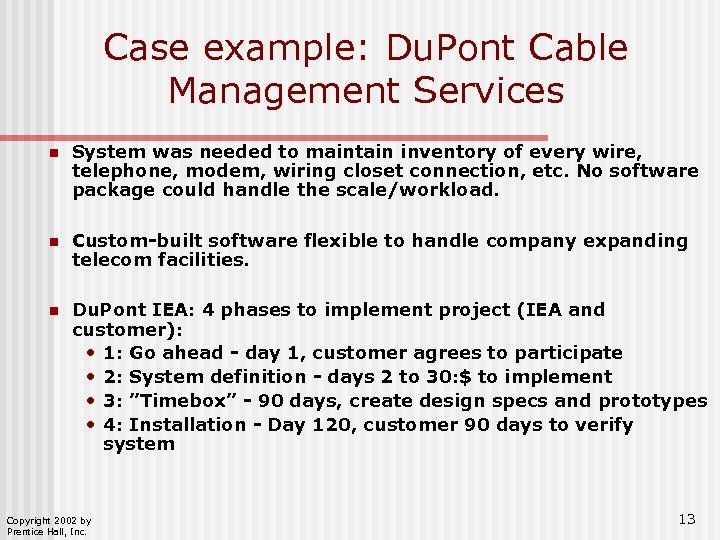 Case example: Du. Pont Cable Management Services n System was needed to maintain inventory of every wire, telephone, modem, wiring closet connection, etc. No software package could handle the scale/workload. n Custom-built software flexible to handle company expanding telecom facilities. n Du. Pont IEA: 4 phases to implement project (IEA and customer): • 1: Go ahead - day 1, customer agrees to participate • 2: System definition - days 2 to 30: $ to implement • 3: ”Timebox” - 90 days, create design specs and prototypes • 4: Installation - Day 120, customer 90 days to verify system Copyright 2002 by Prentice Hall, Inc. 13
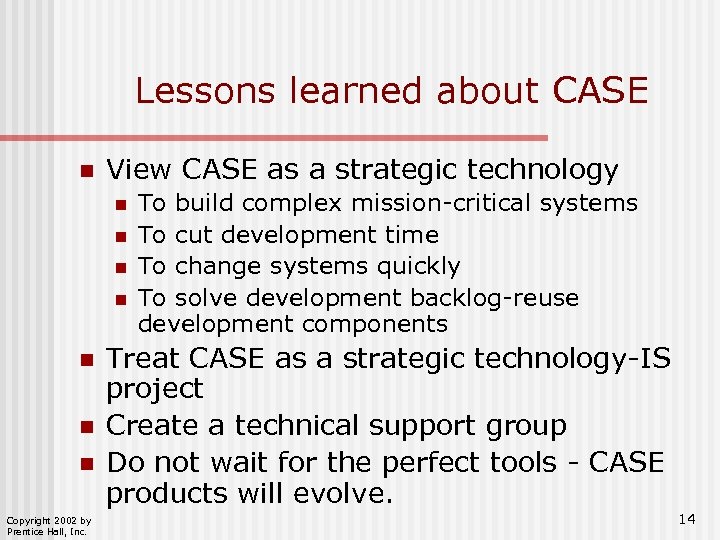 Lessons learned about CASE n View CASE as a strategic technology n n n n Copyright 2002 by Prentice Hall, Inc. To build complex mission-critical systems To cut development time To change systems quickly To solve development backlog-reuse development components Treat CASE as a strategic technology-IS project Create a technical support group Do not wait for the perfect tools - CASE products will evolve. 14
 The 1990 s Client-Server systems n Web-based (or network-centric) development n Integration of hardware and software (off-the-shelf) n Copyright 2002 by Prentice Hall, Inc. 15
 Client/Server Computing n Far more flexibility than mainframe-based systems desktop: graphics, animation, video n servers: production updating n Copyright 2002 by Prentice Hall, Inc. 16
 Case Example - MGM n Previously had over 26 disparate systems on PCs n C-S could empower 20 worldwide film rights salespeople n Equipped with SQL DB on laptop and CD-ROM with video clips, license details are transmitted directly to headquarters n Architecture - three levels: n AS/400 - central processor for database, transaction-based licensing software n H-P 9000 server, contains data and processing, Unix frontend + Powerbuilder n Client machines - local processing, DB, and presentation (laptops and workstations); daily upload Copyright 2002 by Prentice Hall, Inc. 17
 Systems Integration: Approaches n n n Database Management Systems: allow applications to share data stored in a single or distributed database Enterprise Resource Planning (ERP) Systems: all applications come from a single vendor and are specifically designed to communicate with each other Middleware: applications communicate with each other through a third-party translation software - see Figure 9 -4 Copyright 2002 by Prentice Hall, Inc. 18
 Internet-Based Systems The Internet is now a common medium for conducting business. n Internet-based systems must be scalable, reliable, and integrated both internally and externally with systems of customers or business partners. Copyright 2002 by Prentice Hall, Inc. 19
 Internet-Based Systems: Application Servers The application server has grown into a framework for developing Internet-based applications. n Application server categories: 1. Business Logic Processing: the application server stores and runs business logic components for applications 2. Automation of Low-Level Core Processes: The application server can generate networking and communication code, and code for a wide range of low-level functions Copyright 2002 by Prentice Hall, Inc. 20
 Internet-Based Systems: Application Server Categories Application server categories: 3. Middleware: the application server n becomes the back-end link to legacy systems 4. Application Development: the application server is delivering many of the capabilities provided by integrated development environment (IDE) 5. Prebuilt Components: inclusion of prebuilt components (tag libraries, Java Beans) in application servers by vendors Copyright 2002 by Prentice Hall, Inc. 21
 Java Development Platform Java has been in many cases the starting point for the development of Internet-based systems. n Major components in Java server-side platform n n n Enterprise Java Beans (EJB) Java 2 Enterprise Edition (J 2 EE) Microsoft components n n Copyright 2002 by Prentice Hall, Inc. Component Object Model (COM) Distributed Component Object Model (DCOM) 22
 Applications Service Providers ASPs are companies that rent software applications over the Internet. Advantages: applications running in a short time and little initial investment Disadvantages: negotiating service level agreements and support during downtime n Types of ASPs (see Figure 9 -6) n n Copyright 2002 by Prentice Hall, Inc. Enterprise General Business Specialist Vertical 23
 Project Management Keys to project management success: n Establish the ground rules: Define the technical and architectural specifications for the systems n n Adhere to industry standards Use an open architecture Web-enable the system Power with subsystems Discipline, planning, documentation, and management n Copyright 2002 by Prentice Hall, Inc. 24
 Project Management Obtain and document (the “final”) user requirements n Obtain tenders from the appropriate potential vendors n Working with suppliers n Convert existing data n Moving forward after implementation n Copyright 2002 by Prentice Hall, Inc. 25
 Conclusion n Traditional approach from the 1960 s evolved to give more discipline, control, and efficiency. Moved programming from an “art” to a “craft. ” Problems: development times, low user involvement and flexibility 1970 s and 1980 s: data-driven development, stressed improving early phases in development; 4 GL and software prototyping permitted more rapid development; CASE and object oriented (software re-use) 1990 s client-server and Web-based development, integration of components and packages Copyright 2002 by Prentice Hall, Inc. 26