 Скачать презентацию Techniques for Creating Accessible Closed Captioned Web Based
3eacfe48dc9457c4d2690c3c85418016.ppt
- Количество слайдов: 31



Techniques for Creating Accessible, Closed Captioned Web. Based Video David Klein K. “Fritz” Thompson California State University - Northridge 21 st Annual International Technology and Persons with Disabilities Conference Los Angeles, California March 22, 2006 http: //disability. law. uiowa. edu/lhpdc/publications/kleinpubs. html
Interactive ® Who are you? ® Why are you here? ® What would you like to know? ® What are your expectations from this workshop?
Overview ® Introduction to accessible web-based video ® Compression ® Captioning (activity) ® (Break? ) ® Quick. Time (activity) ® Windows Media Player (activity) ® Our Flash player (activity) ® Embedding content in a web page
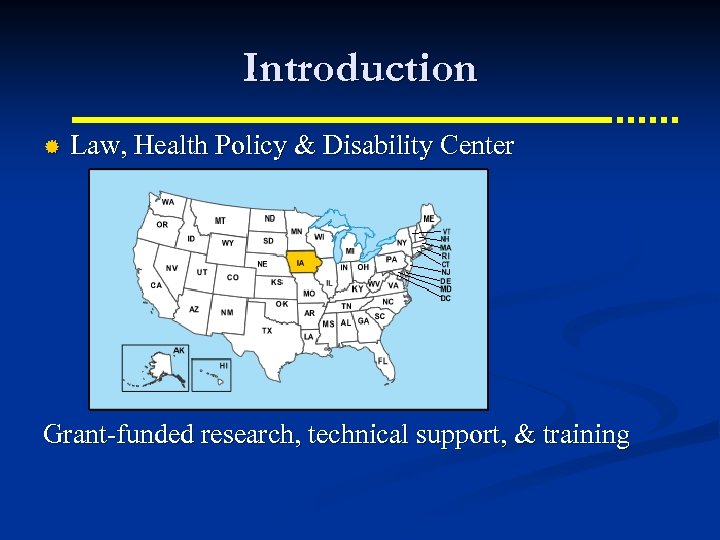
Introduction ® Law, Health Policy & Disability Center Grant-funded research, technical support, & training
Our Needs ® Provide accessible web-based training Quality video with high quality audio Closed captions Transcripts Supporting documents (Power. Points, Handouts, etc. ) Different formats (Quick. Time, Windows Media Player, Flash) ® Efficient production, development, and deployment ® Frustrated with “player wars” ®
Our Video http: //disability. law. uiowa. edu/dpn/video/dpn_11200 4/dpn_112004_index. html ® Nearly 100 hours of online video for training ® Mostly talking heads ® Characteristics (user choice) ® Start with Flash Links to different players Uncaptioned versions Embedded vs. Standalone players Automatic play vs. press a key to start Resizable Players Surrounding metadata, transcript, supporting documents

Overview of the Technologies
Players ® Quick. Time ® Windows Media Player ® Flash Player
The Technologies ® Clients and servers ® Plugins or whatever ® Downloading ® Embedding video in web pages ® Captioning ® Flash
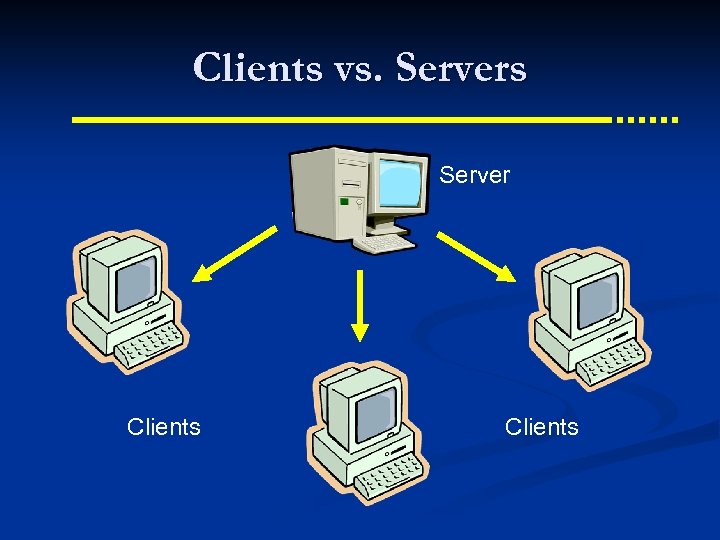
Clients vs. Servers Server Clients
Server ® Server Stores HTML, video, caption text, other files Files can be stored on different servers ® Files HTML page Video file Caption text file Combining file Supporting files (transcript, handouts, Power. Point)
Client ® Displays HTML in browser ® Launches players ® Assembles and displays the pieces Video Caption text Video player and its controls HTML and surrounding content
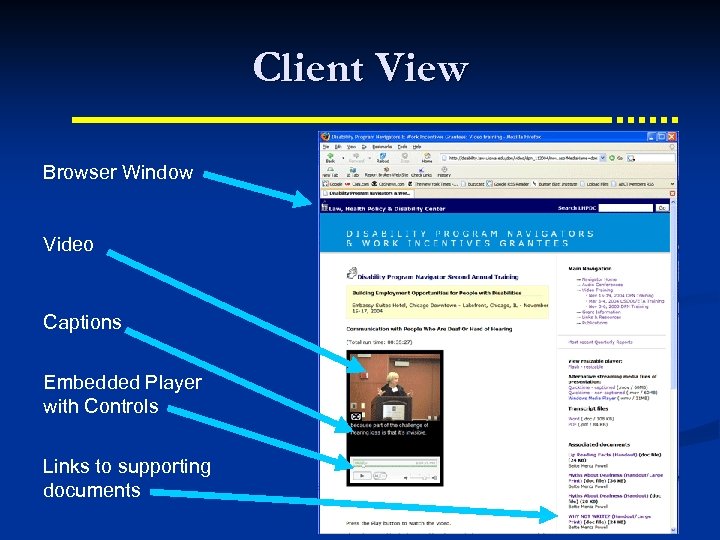
Client View Browser Window Video Captions Embedded Player with Controls Links to supporting documents
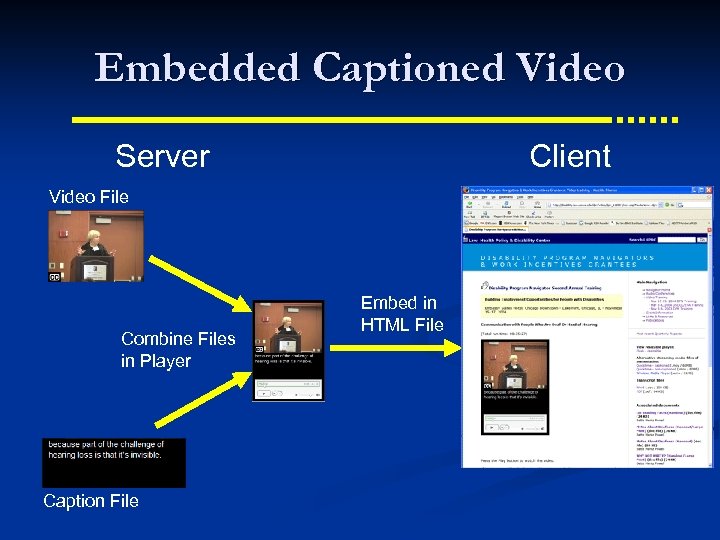
Embedded Captioned Video Server Client Video File Combine Files in Player Caption File Embed in HTML File
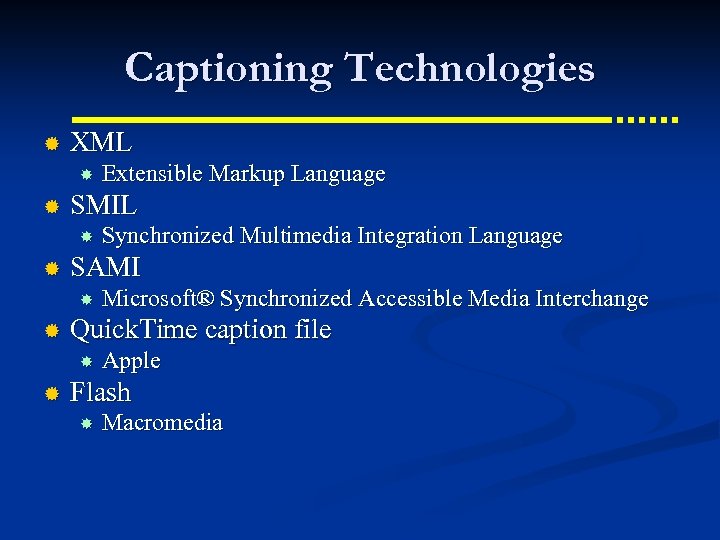
Captioning Technologies ® XML ® SMIL ® Microsoft® Synchronized Accessible Media Interchange Quick. Time caption file ® Synchronized Multimedia Integration Language SAMI ® Extensible Markup Language Apple Flash Macromedia
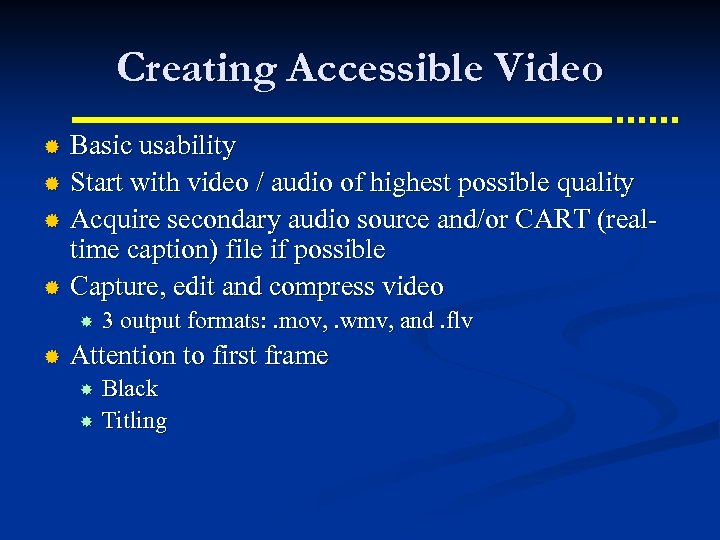
Creating Accessible Video Basic usability ® Start with video / audio of highest possible quality ® Acquire secondary audio source and/or CART (realtime caption) file if possible ® Capture, edit and compress video ® ® 3 output formats: . mov, . wmv, and. flv Attention to first frame Black Titling
Video Compression
Video Compression Examples ® See “Compare compression methods” link on CD index. html file. Copy CD to desktop (hold down Option key and drag CD icon to a space on the desktop) Open the new folder Double click index. html
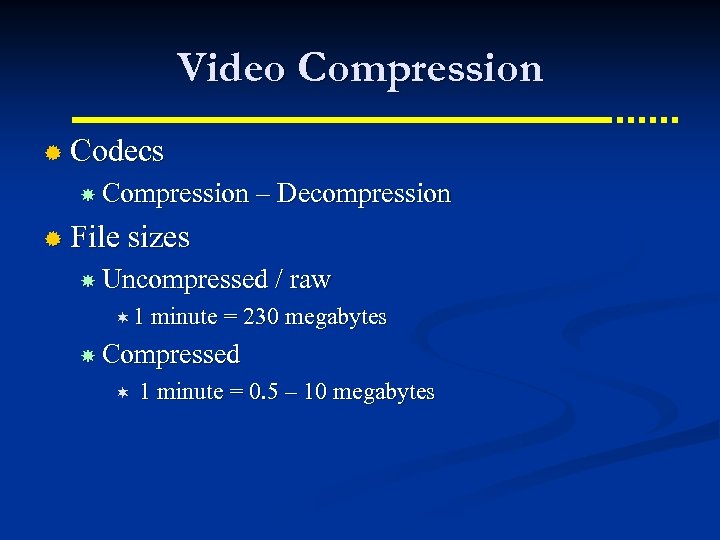
Video Compression ® Codecs Compression – Decompression ® File sizes Uncompressed / raw ¬ 1 minute = 230 megabytes Compressed ¬ 1 minute = 0. 5 – 10 megabytes
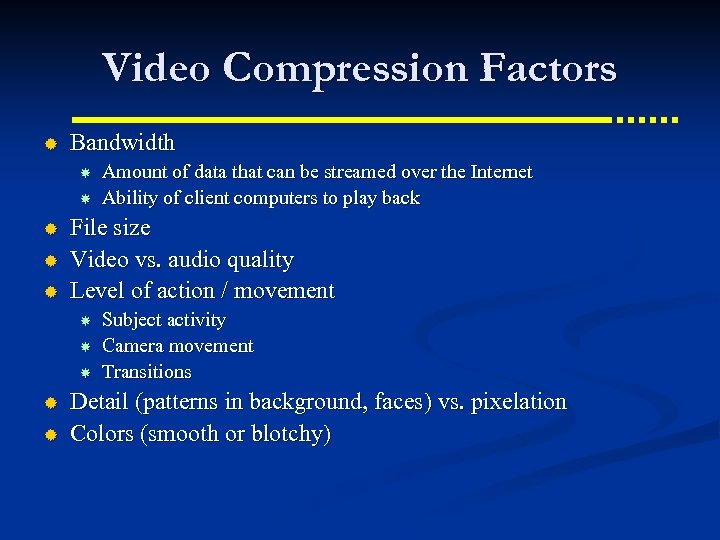
Video Compression Factors ® Bandwidth ® ® ® File size Video vs. audio quality Level of action / movement ® ® Amount of data that can be streamed over the Internet Ability of client computers to play back Subject activity Camera movement Transitions Detail (patterns in background, faces) vs. pixelation Colors (smooth or blotchy)
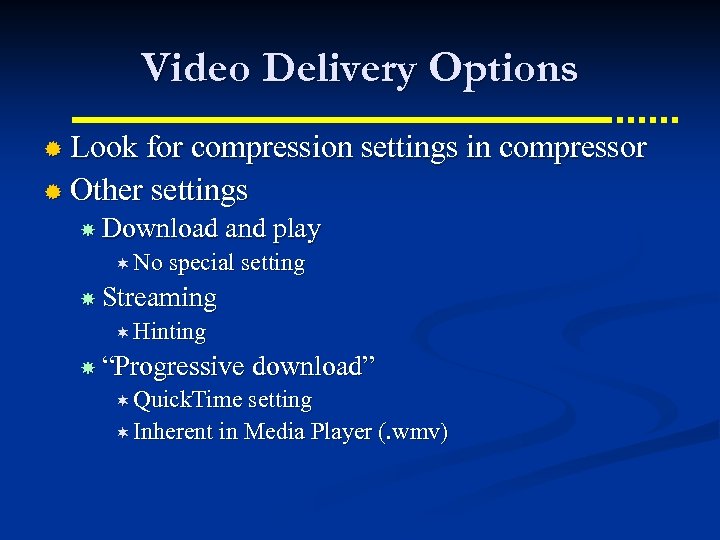
Video Delivery Options ® Look for compression settings in compressor ® Other settings Download and play ¬ No special setting Streaming ¬ Hinting “Progressive download” ¬ Quick. Time setting ¬ Inherent in Media Player (. wmv)
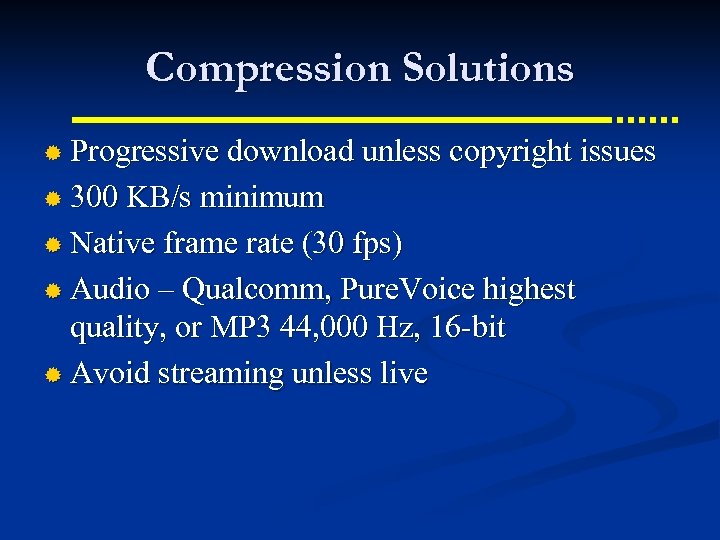
Compression Solutions ® Progressive download unless copyright issues ® 300 KB/s minimum ® Native frame rate (30 fps) ® Audio – Qualcomm, Pure. Voice highest quality, or MP 3 44, 000 Hz, 16 -bit ® Avoid streaming unless live
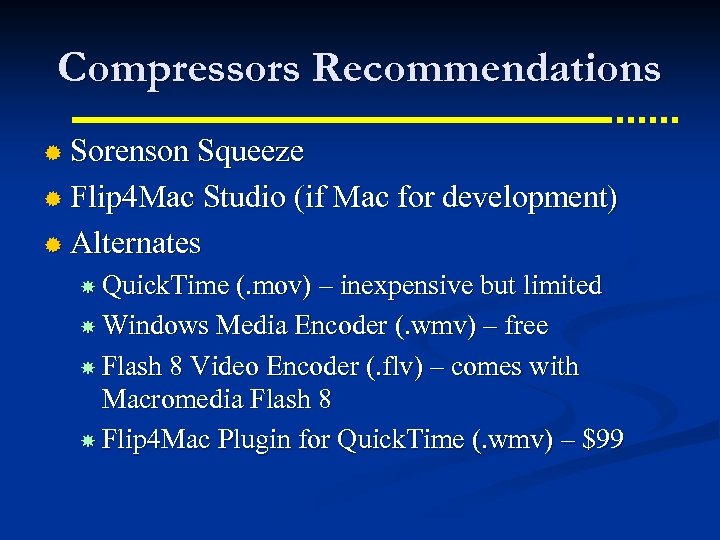
Compressors Recommendations ® Sorenson Squeeze ® Flip 4 Mac Studio (if Mac for development) ® Alternates Quick. Time (. mov) – inexpensive but limited Windows Media Encoder (. wmv) – free Flash 8 Video Encoder (. flv) – comes with Macromedia Flash 8 Flip 4 Mac Plugin for Quick. Time (. wmv) – $99
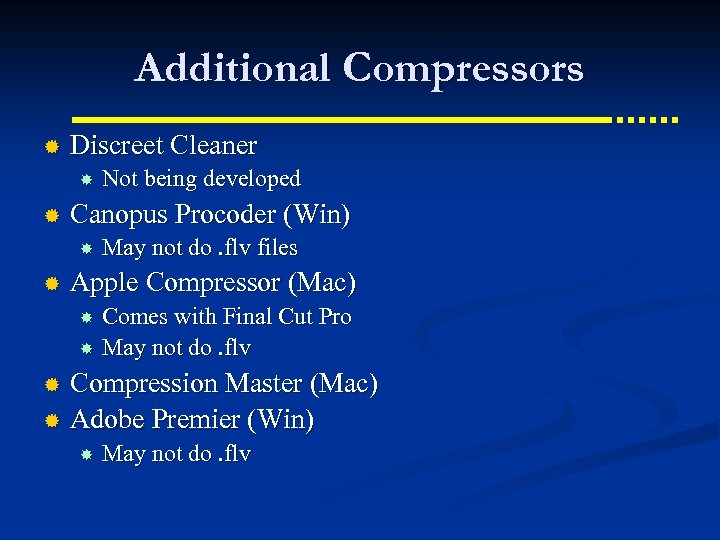
Additional Compressors ® Discreet Cleaner ® Canopus Procoder (Win) ® Not being developed May not do. flv files Apple Compressor (Mac) Comes with Final Cut Pro May not do. flv Compression Master (Mac) ® Adobe Premier (Win) ® May not do. flv

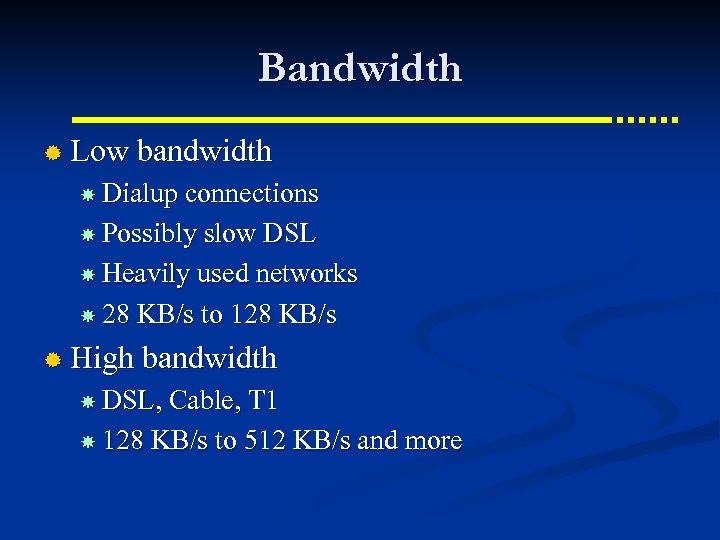
Bandwidth ® Low bandwidth Dialup connections Possibly slow DSL Heavily used networks 28 KB/s to 128 KB/s ® High bandwidth DSL, Cable, T 1 128 KB/s to 512 KB/s and more
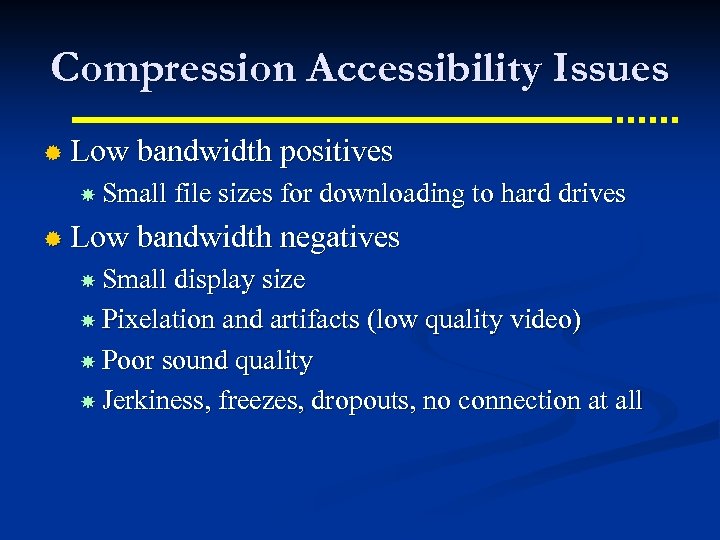
Compression Accessibility Issues ® Low bandwidth positives Small file sizes for downloading to hard drives ® Low bandwidth negatives Small display size Pixelation and artifacts (low quality video) Poor sound quality Jerkiness, freezes, dropouts, no connection at all
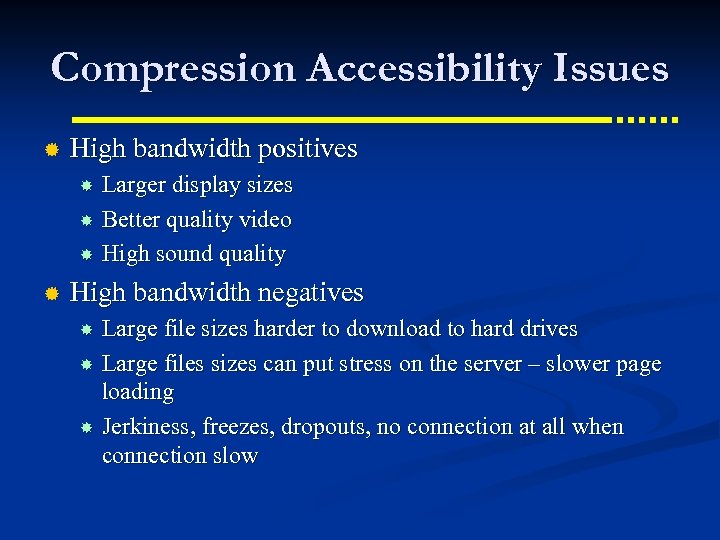
Compression Accessibility Issues ® High bandwidth positives Larger display sizes Better quality video High sound quality ® High bandwidth negatives Large file sizes harder to download to hard drives Large files sizes can put stress on the server – slower page loading Jerkiness, freezes, dropouts, no connection at all when connection slow
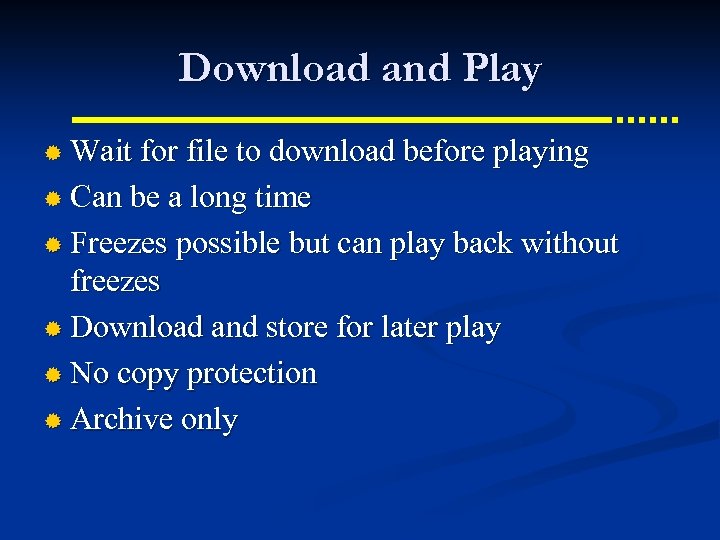
Download and Play ® Wait for file to download before playing ® Can be a long time ® Freezes possible but can play back without freezes ® Download and store for later play ® No copy protection ® Archive only
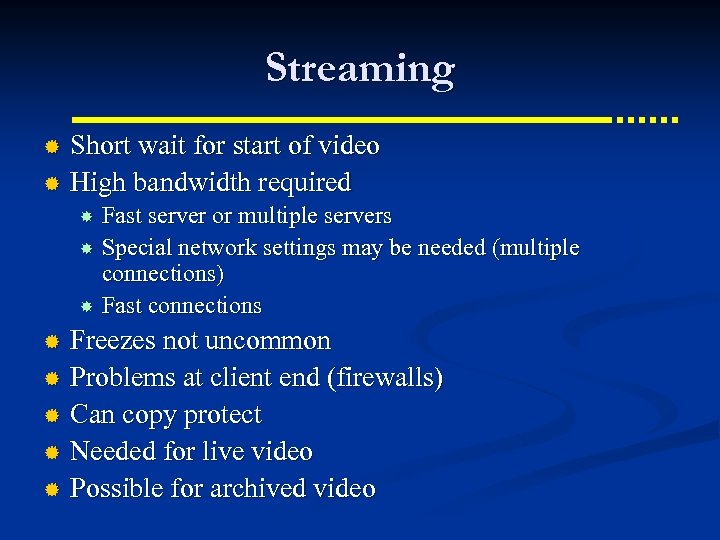
Streaming Short wait for start of video ® High bandwidth required ® Fast server or multiple servers Special network settings may be needed (multiple connections) Fast connections Freezes not uncommon ® Problems at client end (firewalls) ® Can copy protect ® Needed for live video ® Possible for archived video ®
“Progressive download” ® Short wait for start of video, depending on bandwidth ® Slow connection possible ® Freezes possible but can be replayed without freezes ® Download and store for later play ® Copy resistance ® Archive only
Скачать презентацию Techniques for Creating Accessible Closed Captioned Web Based
3eacfe48dc9457c4d2690c3c85418016.ppt