 Скачать презентацию Technical Breakout Session DEV 348 Visual Studio 2005
68de85d088210a7f9067316d65221393.ppt
- Количество слайдов: 43



Technical Breakout Session: DEV 348 Visual Studio 2005 Team System: Winning The Software Configuration Management Tools Market Beny Rubinstein (Beny. R) - Product Manager Doug Neumann (Doug. N) - Program Manager Visual Studio 2005 Team Foundation
Agenda Why - Market Opportunity What - Product Overview How - Win Against the Competition
Agenda Why - Market Opportunity What - Product Overview How – Win Against the Competition
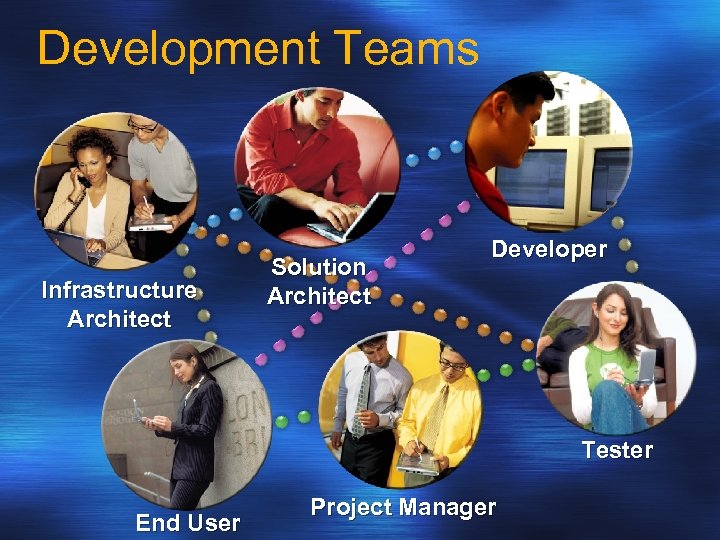
Development Teams Infrastructure Architect Solution Architect Developer Tester End User Project Manager
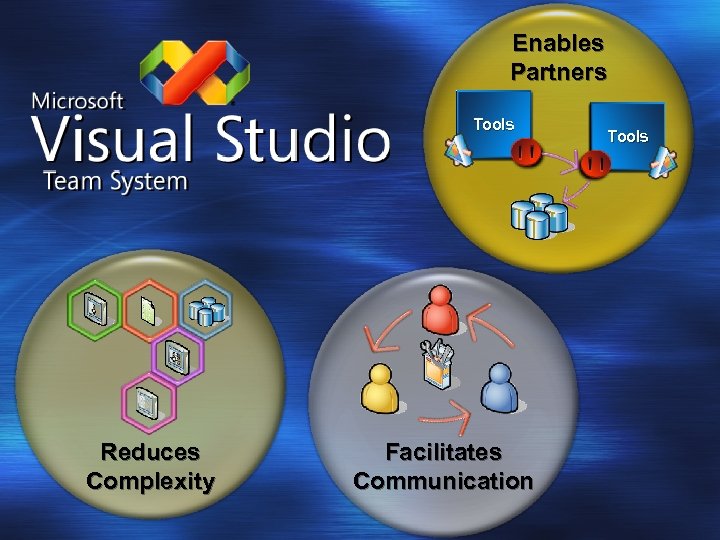
Enables Partners Tools Reduces Complexity Facilitates Communication Tools
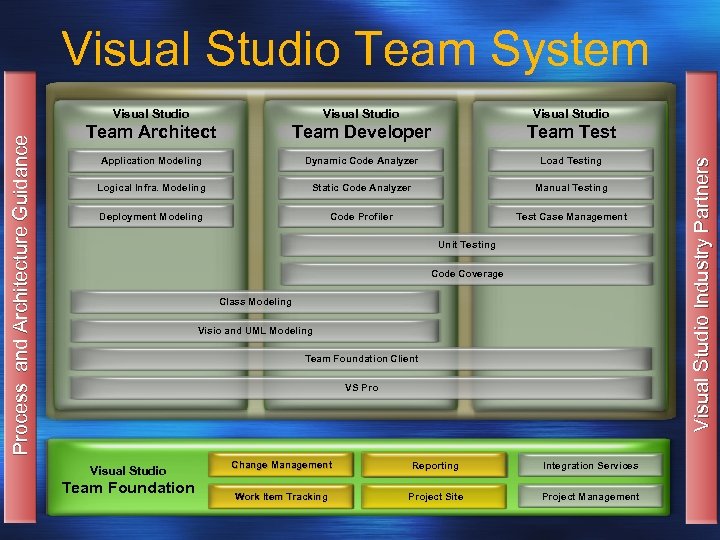
Visual Studio Team System Visual Studio Team Architect Team Developer Team Test Application Modeling Dynamic Code Analyzer Load Testing Logical Infra. Modeling Static Code Analyzer Manual Testing Deployment Modeling Code Profiler Test Case Management Unit Testing Code Coverage Class Modeling Visio and UML Modeling Team Foundation Client VS Pro Visual Studio Team Foundation Change Management Reporting Integration Services Work Item Tracking Project Site Project Management Visual Studio Industry Partners Process and Architecture Guidance Visual Studio
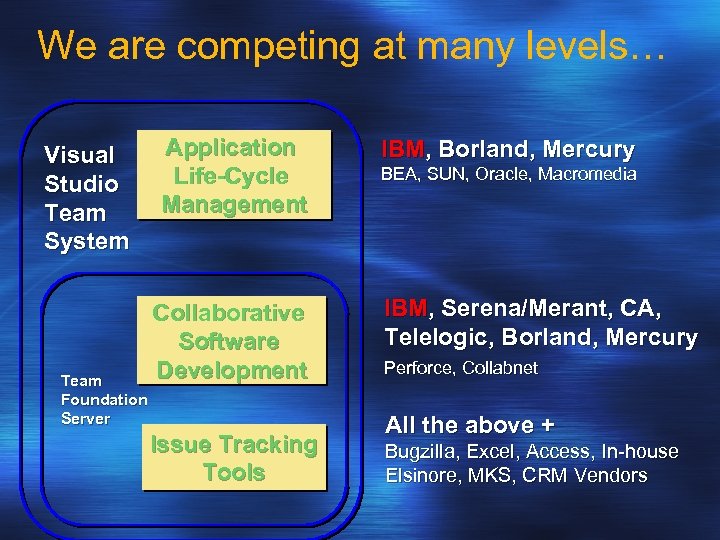
We are competing at many levels… Visual Studio Team System Team Foundation Server Application Life-Cycle Management Collaborative Software Development Issue Tracking Tools IBM, Borland, Mercury BEA, SUN, Oracle, Macromedia IBM, Serena/Merant, CA, Telelogic, Borland, Mercury Perforce, Collabnet All the above + Bugzilla, Excel, Access, In-house Elsinore, MKS, CRM Vendors
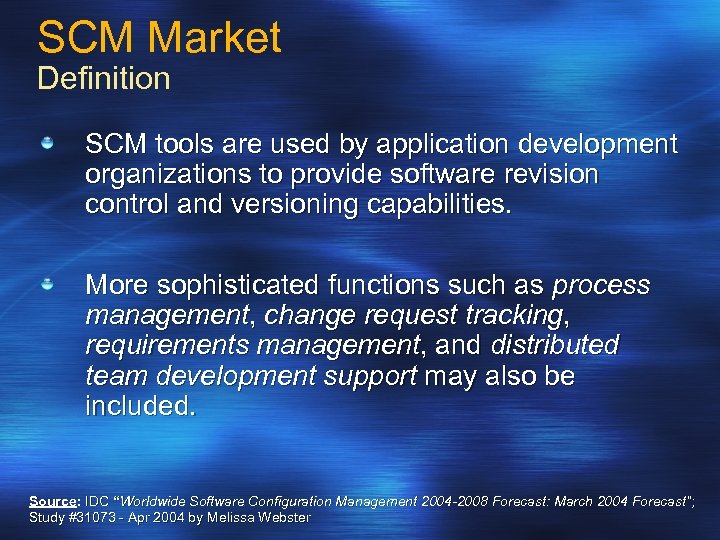
SCM Market Definition SCM tools are used by application development organizations to provide software revision control and versioning capabilities. More sophisticated functions such as process management, change request tracking, requirements management, and distributed team development support may also be included. Source: IDC “Worldwide Software Configuration Management 2004 -2008 Forecast: March 2004 Forecast”; Study #31073 - Apr 2004 by Melissa Webster
SCM Market Future Trends Consolidation will continue The market is forecast to grow to $1. 22 billion by 2008 Larger vendors that address the continuing demand for integrated solutions will succeed Smaller vendors will find plenty of opportunity in specialized niches Source: IDC “Worldwide Software Configuration Management 2004 -2008 Forecast: March 2004 Forecast”; Study #31073 - Apr 2004 by Melissa Webster
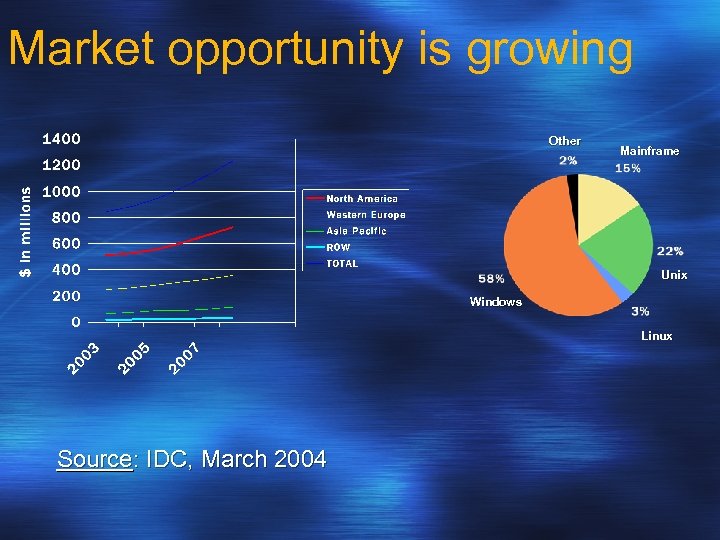
Market opportunity is growing Other Mainframe Unix Windows Linux Source: IDC, March 2004
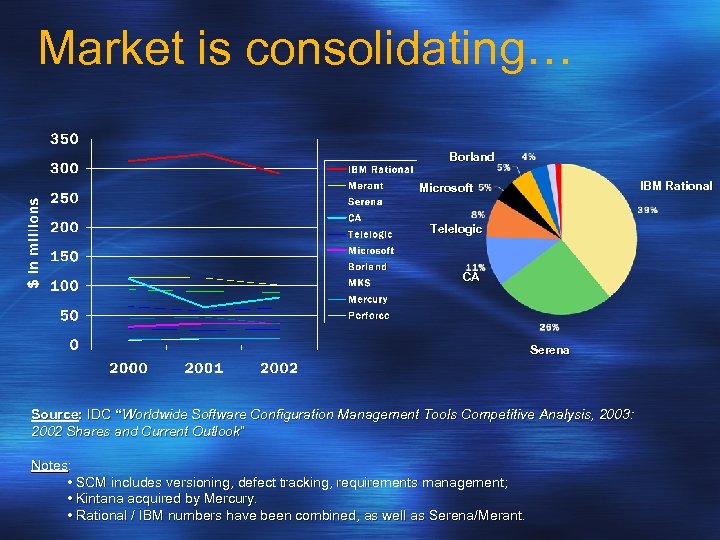
Market is consolidating… Borland IBM Rational Microsoft Telelogic CA Serena Source: IDC “Worldwide Software Configuration Management Tools Competitive Analysis, 2003: 2002 Shares and Current Outlook” Notes: • SCM includes versioning, defect tracking, requirements management; • Kintana acquired by Mercury. • Rational / IBM numbers have been combined, as well as Serena/Merant.
Agenda Why - Market Opportunity What - Product Overview How - Win Against the Competition
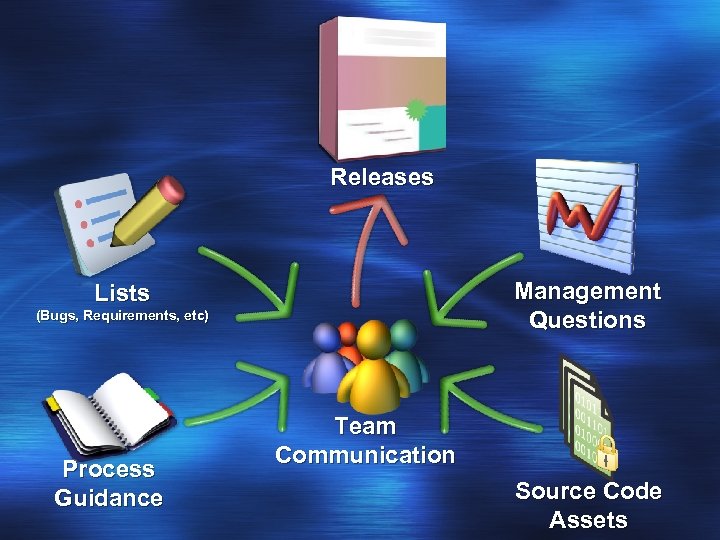
Releases Management Questions Lists (Bugs, Requirements, etc) Process Guidance Team Communication Source Code Assets
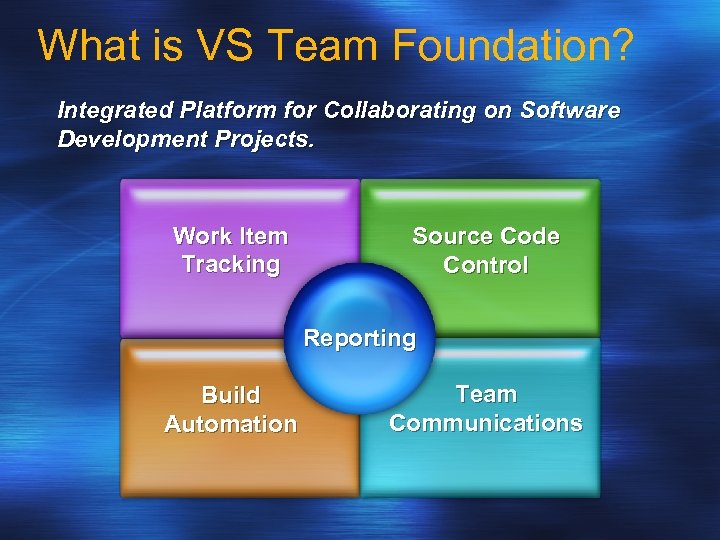
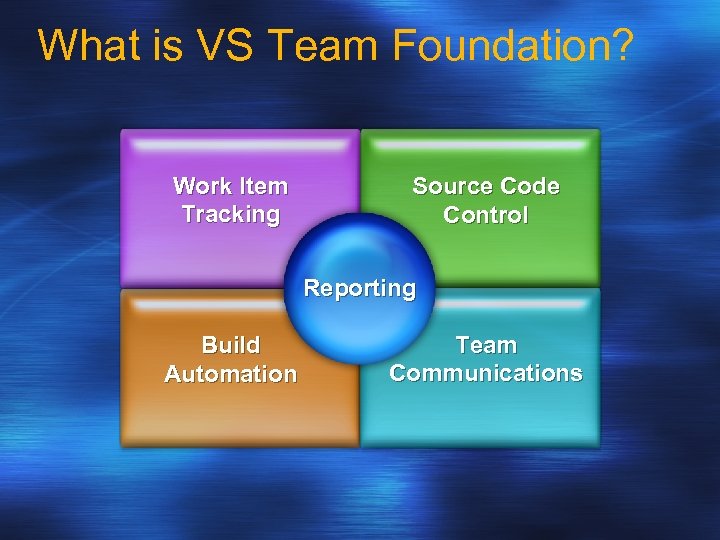
What is VS Team Foundation? Integrated Platform for Collaborating on Software Development Projects. Work Item Tracking Source Code Control Reporting Build Automation Team Communications
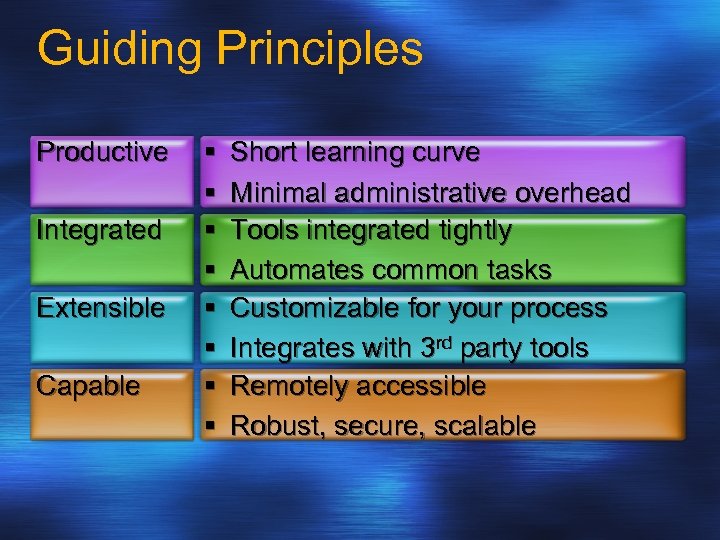
Guiding Principles Productive Integrated Extensible Capable § § § § Short learning curve Minimal administrative overhead Tools integrated tightly Automates common tasks Customizable for your process Integrates with 3 rd party tools Remotely accessible Robust, secure, scalable
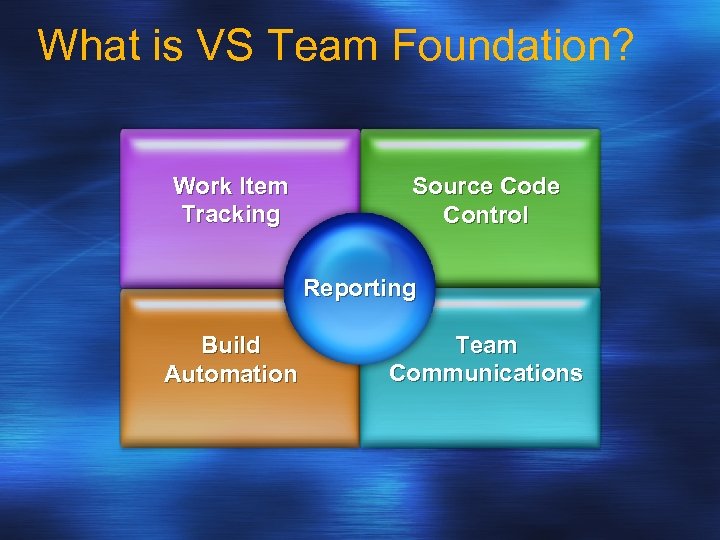
What is VS Team Foundation? Work Item Tracking Source Code Control Reporting Build Automation Team Communications
Work Item Tracking Not just bugs, work items! Bugs, tasks, requirements, DCRs, … The foundation for software process Works with tools customers already use Customizable for their individual needs
Creating and Querying Work Items
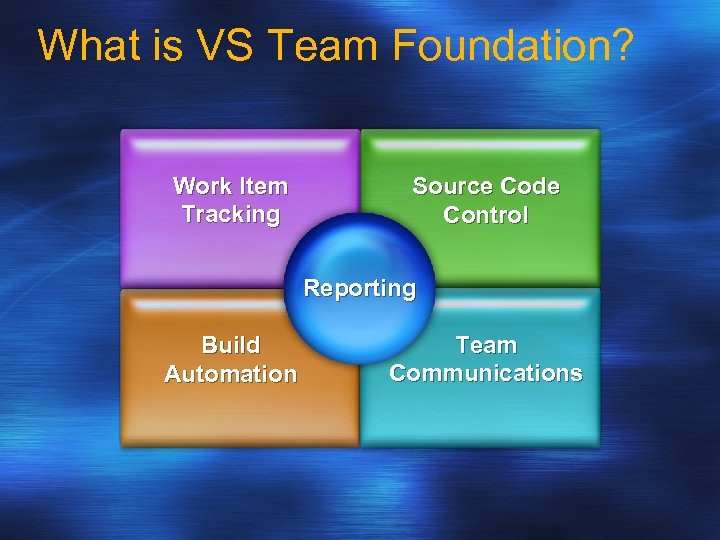
What is VS Team Foundation? Work Item Tracking Source Code Control Reporting Build Automation Team Communications
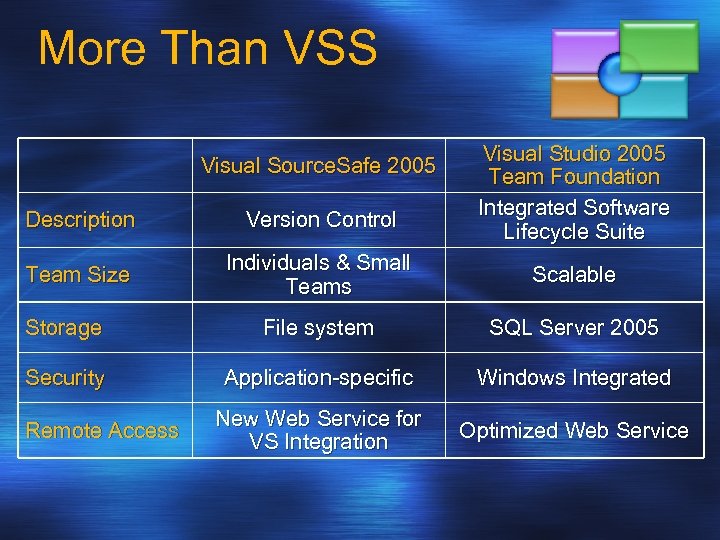
More Than VSS Visual Source. Safe 2005 Visual Studio 2005 Team Foundation Integrated Software Lifecycle Suite Description Version Control Team Size Individuals & Small Teams Scalable Storage File system SQL Server 2005 Security Application-specific Windows Integrated New Web Service for VS Integration Optimized Web Service Remote Access
Source Control Features Complete version control feature set Powerful new SCC features Integrated checkin Parallel development Atomic checkins Tight integration with other Team System tools
Integrated Checkin
What is VS Team Foundation? Work Item Tracking Source Code Control Reporting Build Automation Team Communications
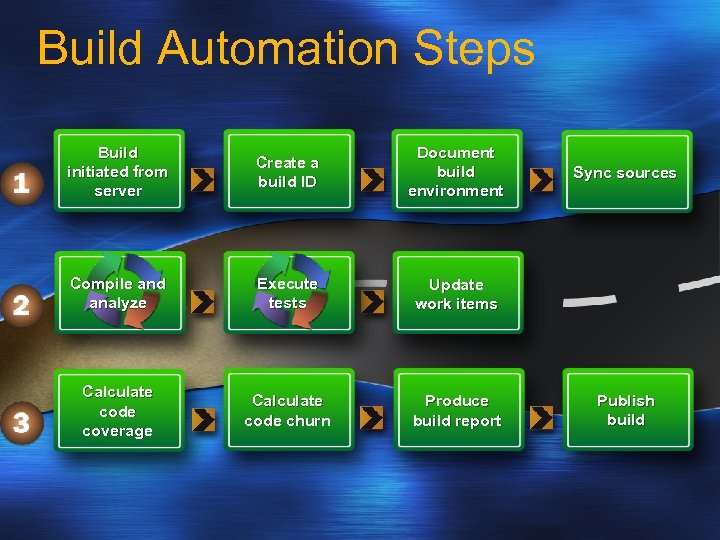
Build Automation Steps Build initiated from server Create a build ID Document build environment Compile and analyze Execute tests Update work items Calculate code coverage Calculate code churn Produce build report Sync sources Publish build
Build Report
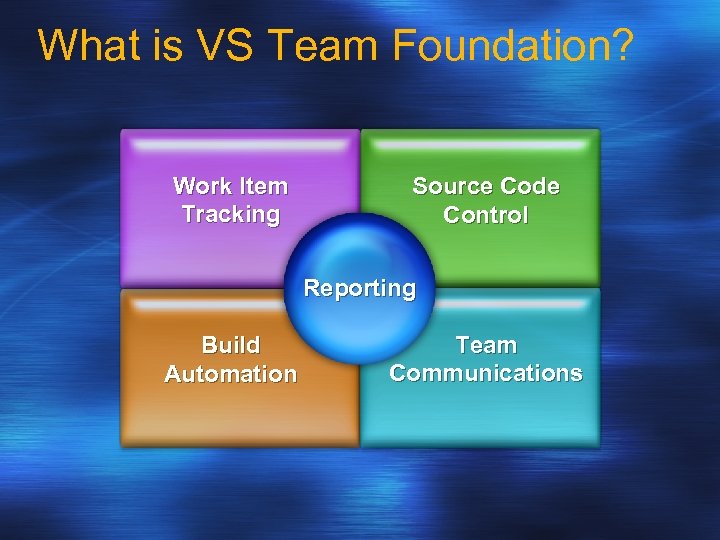
What is VS Team Foundation? Work Item Tracking Source Code Control Reporting Build Automation Team Communications
Project Site Facilitates team communication Specs, discussions, announcements, lists Work items, reports, public builds Lightweight access for casual stakeholders Built on Windows Sharepoint Services
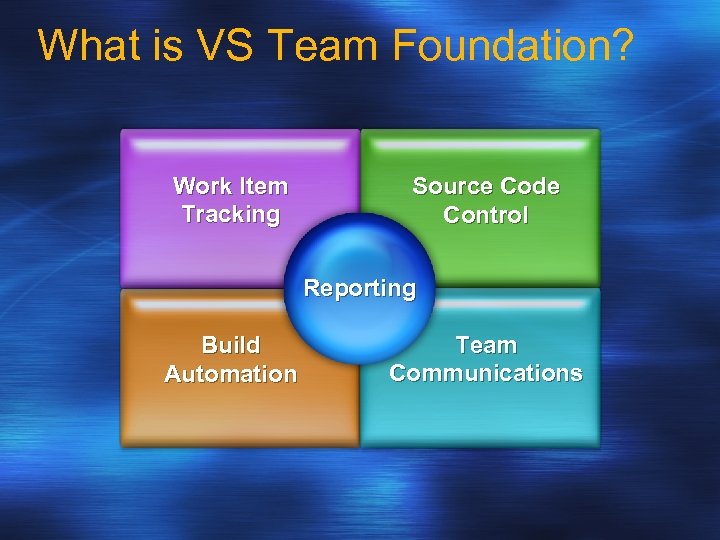
What is VS Team Foundation? Work Item Tracking Source Code Control Reporting Build Automation Team Communications
Reporting Provides system-wide data view Ships with many beneficial reports 50 reports in the box You can customize or add more Built on SQL Server 2005 Reporting Services
Project Site and Reporting
Moving to Team Foundation Gradual adoption Adopt toolset in pieces Move teams incrementally Tools for migrating data Source Control: VSS, Clear. Case, Source Depot (internal) Issue Tracking: Clear. Quest, PVCS Tracker
Remote Development Remote development is a reality Distributed teams, at-home, offshore A system built for the Internet Web service protocols Browser-based clients Compatible with proxies and firewalls Optimized for high-latency networks
Agenda Why - Market Opportunity What - Product Overview How - Win Against the Competition
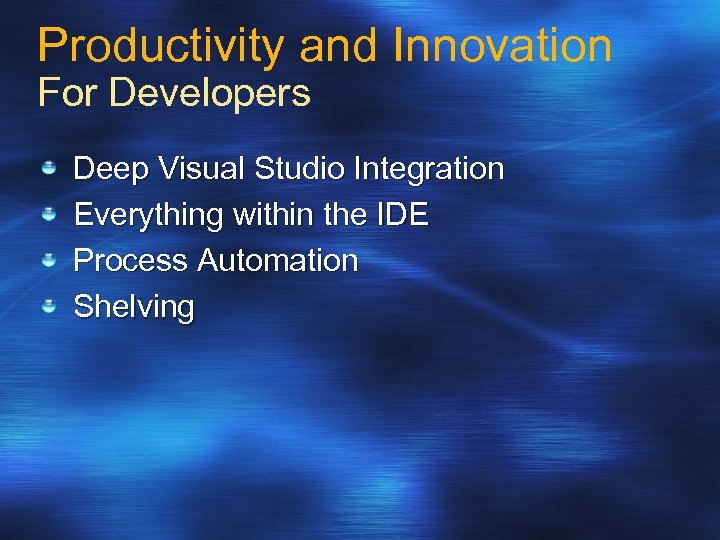
Productivity and Innovation For Developers Deep Visual Studio Integration Everything within the IDE Process Automation Shelving
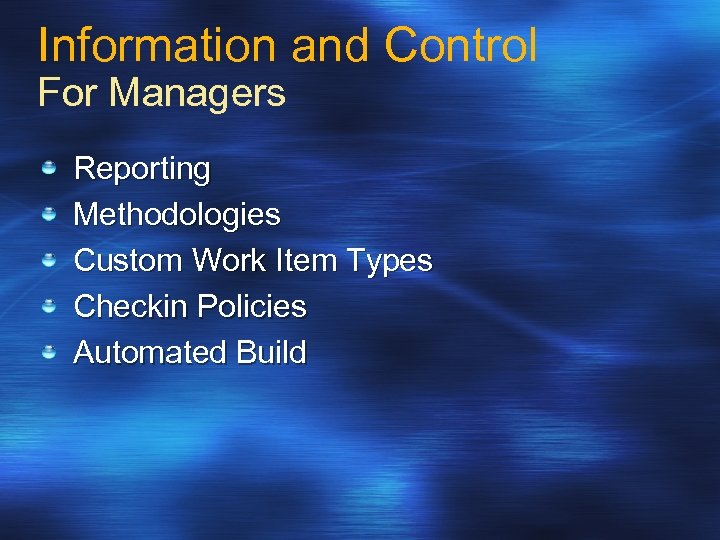
Information and Control For Managers Reporting Methodologies Custom Work Item Types Checkin Policies Automated Build
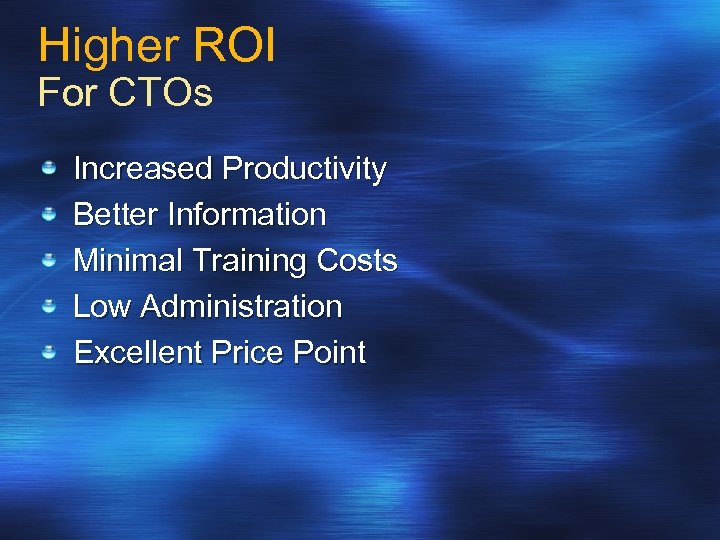
Higher ROI For CTOs Increased Productivity Better Information Minimal Training Costs Low Administration Excellent Price Point
The V 1 Warts… Limited distributed development support Lack of cross-platform story No web access interface for issue tracking
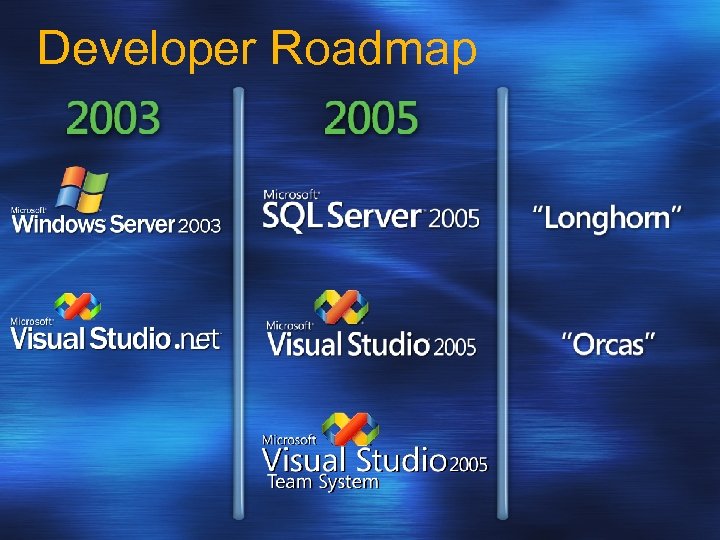
Developer Roadmap
Call to Action What should you do now? Educate yourself and your customer on VSTS Internal site: http: //team/sites/teamsystem External site: http: //msdn. microsoft. com/vstudio/teamsystem Send questions, comments, suggestions to burtfdbk@microsoft. com (internal alias) What should you do 6 months from now? Start pre-selling Visual Studio 2005 Team System
Related Content - newsgroups http: //communities. microsoft. com/newsgroups/default. asp? icp=whidbey&slcid=us Microsoft. private. whidbey. teamsystem. general - VSTS overall Microsoft. private. whidbey. teamsystem. projectmanager - project management tools Microsoft. private. whidbey. teamsystem. teamfoundation - source control, change management, work item tracking Microsoft. private. whidbey. teamsystem. architect - modeling and design tools (Whitehorse) Microsoft. private. whidbey. teamsystem. architect. appdesign - Whitehorse app designer Microsoft. private. whidbey. teamsystem. architect. deployment - Whitehorse deployment designer Microsoft. private. whidbey. teamsystem. developer - developer tools (Pre. Fast, Fx. Cop, Perf tools) Microsoft. private. whidbey. teamsystem. developer. classdesign - Whitehorse class designer Microsoft. private. whidbey. teamsystem. tester - testing tools
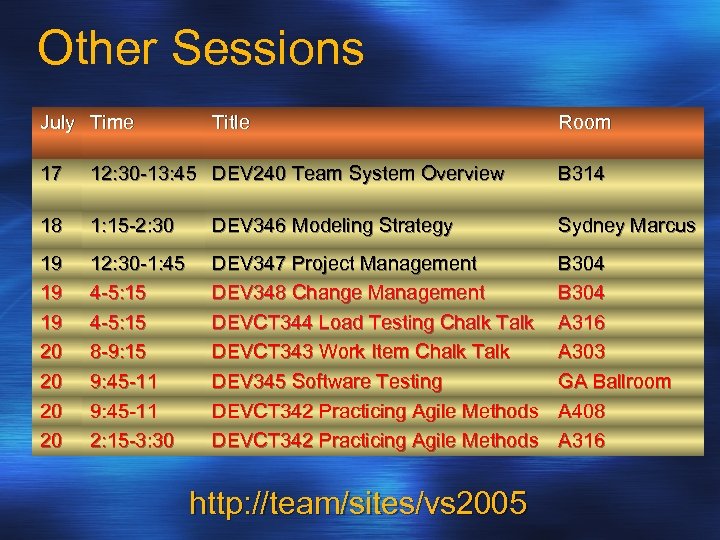
Other Sessions July Time Title Room 17 12: 30 -13: 45 DEV 240 Team System Overview B 314 18 1: 15 -2: 30 DEV 346 Modeling Strategy Sydney Marcus 19 19 19 20 20 12: 30 -1: 45 4 -5: 15 8 -9: 15 9: 45 -11 2: 15 -3: 30 DEV 347 Project Management DEV 348 Change Management DEVCT 344 Load Testing Chalk Talk DEVCT 343 Work Item Chalk Talk DEV 345 Software Testing DEVCT 342 Practicing Agile Methods B 304 A 316 A 303 GA Ballroom A 408 A 316 http: //team/sites/vs 2005
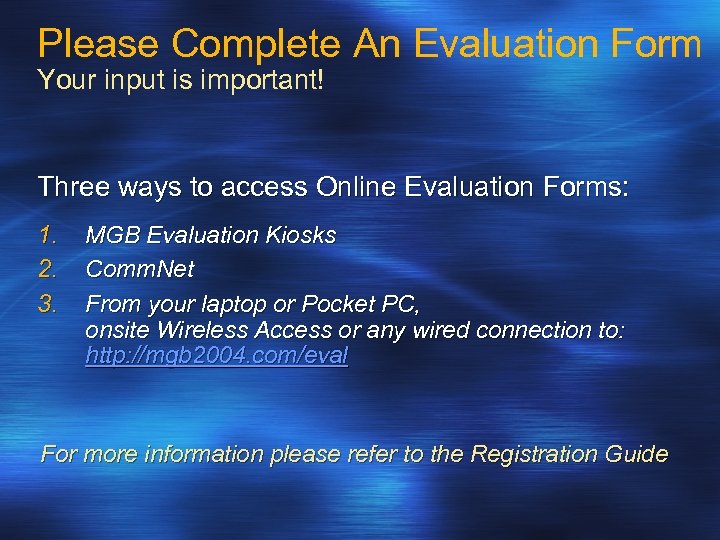
Please Complete An Evaluation Form Your input is important! Three ways to access Online Evaluation Forms: 1. 2. 3. MGB Evaluation Kiosks Comm. Net From your laptop or Pocket PC, onsite Wireless Access or any wired connection to: http: //mgb 2004. com/eval For more information please refer to the Registration Guide

© 2004 Microsoft Corporation. All rights reserved. This presentation is for informational purposes only. Microsoft makes no warranties, express or implied, in this summary.
Скачать презентацию Technical Breakout Session DEV 348 Visual Studio 2005
68de85d088210a7f9067316d65221393.ppt