 Скачать презентацию TECHNICAL ASSISTANCE WORKSHOP January 24 2018 BACKGROUND
2afde5fd0d5f7c2bad9390e3f1664d0a.ppt
- Количество слайдов: 44



TECHNICAL ASSISTANCE WORKSHOP January 24, 2018
BACKGROUND As an Entitlement Community the City of Modesto is eligible for an entitlement grant: CDBG – Community Development Block Grant Intent is to develop viable communities via decent housing, suitable living environments, & economic opportunities as Governed by 24 CFR Part 570. ESG – Emergency Solutions Grants ESG = 1 st step in a continuum of care plan of assistance – designed to assist homeless individuals, families and subpopulations. Governed by 24 CFR Part 576.
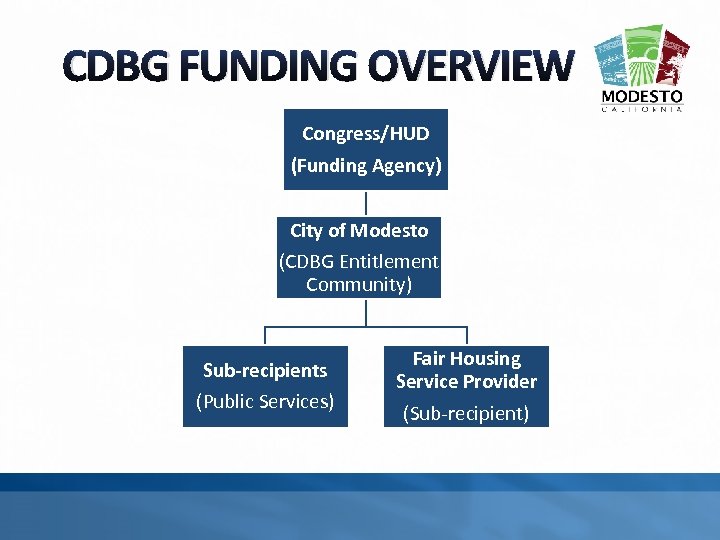
CDBG FUNDING OVERVIEW Congress/HUD (Funding Agency) City of Modesto (CDBG Entitlement Community) Sub-recipients (Public Services) Fair Housing Service Provider (Sub-recipient)
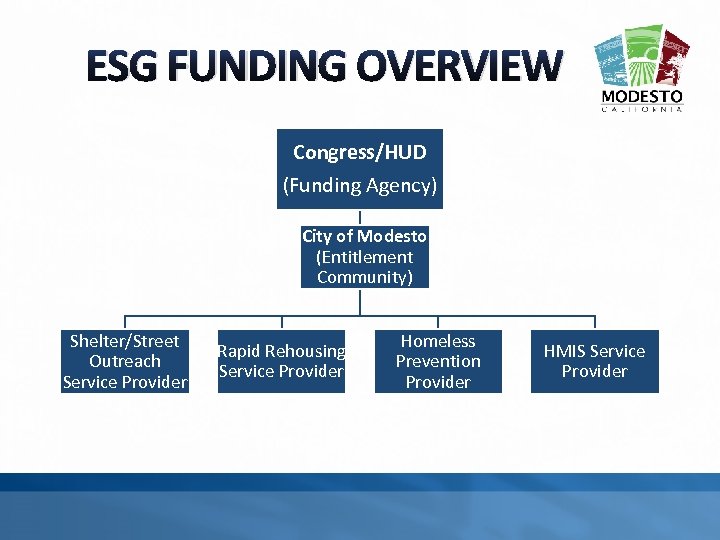
ESG FUNDING OVERVIEW Congress/HUD (Funding Agency) City of Modesto (Entitlement Community) Shelter/Street Outreach Service Provider Rapid Rehousing Service Provider Homeless Prevention Provider HMIS Service Provider
CONSOLIDATED PLAN Governing Document The Con Plan Allows for: Citizens to connect with government and their community; Encourages community participation in addressing problems and solutions; Sets a Strategic Plan and planned activities
HOW THE CON PLAN WORKS Con Plan Required Every 3 -5 Years Annual Action Plan (AAP) – Identifies CDBG/ESG projects for upcoming FY. Consolidated Annual Performance Evaluation Report (CAPER) – Informs public and HUD/Congress accomplishments of activities identified in FY. Assessment of Fair Housing (AFH) Every 3 -5 Years Identifies barriers to fair housing and sets a strategy to address barriers.
NOTICE OF FUNDING AVAILABILITY (NOFA) – CDBG/ESG GRANT APPLICATION SCHEDULE January 3, 2018– NOFA Released (publication & email) January 24, 2018– Technical Workshop (Application period Opens) February 23, 2018– Application Deadline (in Zoom. Grants by 4: 00 pm) March 2, 2018– Technical Review Notifications (ineligible Apps) March 9, 2018– Deadline for Appeals March 15, 2018– Oral Presentations & CH&CDC App Eval April 12, 2018– Draft AAP with recommendations to CH&CDC May 1, 2018 – Final AAP to City Council June 1 -30, 2018 – Grantee Training / Agreements Executed
CDBG PUBLIC SERVICES OVERVIEW FUNDED ACTIVITIES MUST MEET ONE OF 3 NATIONAL OBJECTIVES: Directly benefit low and moderate income people (defined by HUD); Prevent/eliminate slum and blight; or Meet a particular urgent community need. CDBG FUNDS MUST NOT BE USED TO SUPPLANT EXISTING STATE, LOCAL, OR FEDERAL FUNDS.
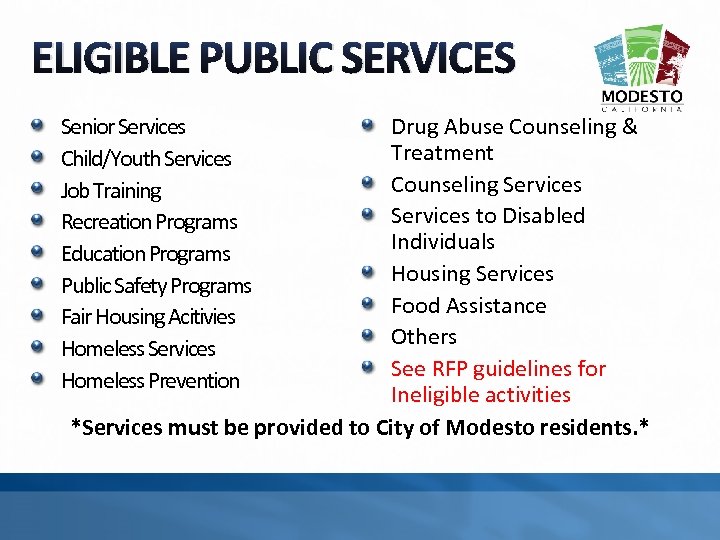
ELIGIBLE PUBLIC SERVICES Senior Services Child/Youth Services Job Training Recreation Programs Education Programs Public Safety Programs Fair Housing Acitivies Homeless Services Homeless Prevention Drug Abuse Counseling & Treatment Counseling Services to Disabled Individuals Housing Services Food Assistance Others See RFP guidelines for Ineligible activities *Services must be provided to City of Modesto residents. *
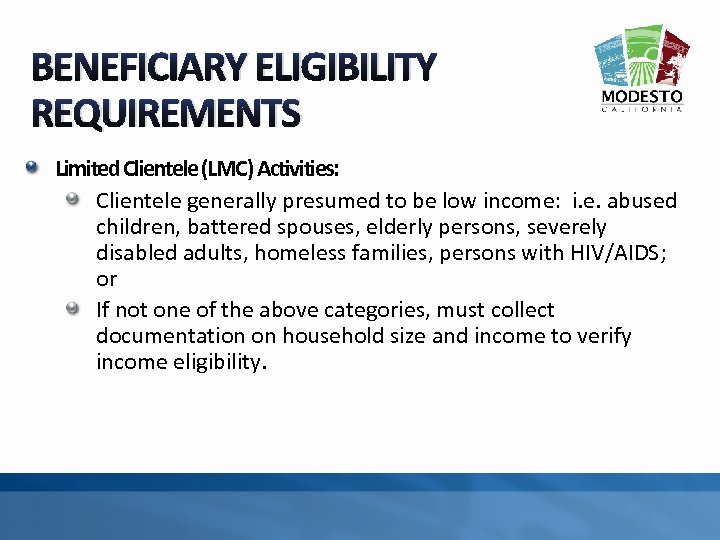
BENEFICIARY ELIGIBILITY REQUIREMENTS Limited Clientele (LMC) Activities: Clientele generally presumed to be low income: i. e. abused children, battered spouses, elderly persons, severely disabled adults, homeless families, persons with HIV/AIDS; or If not one of the above categories, must collect documentation on household size and income to verify income eligibility.
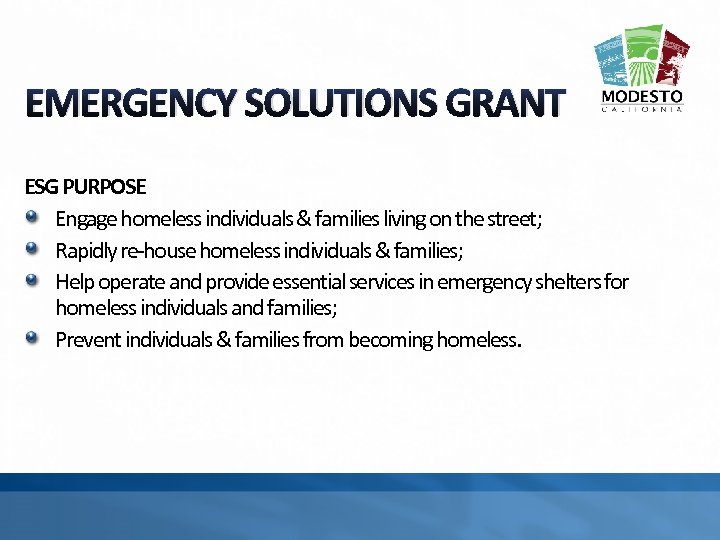
EMERGENCY SOLUTIONS GRANT ESG PURPOSE Engage homeless individuals & families living on the street; Rapidly re-house homeless individuals & families; Help operate and provide essential services in emergency shelters for homeless individuals and families; Prevent individuals & families from becoming homeless.
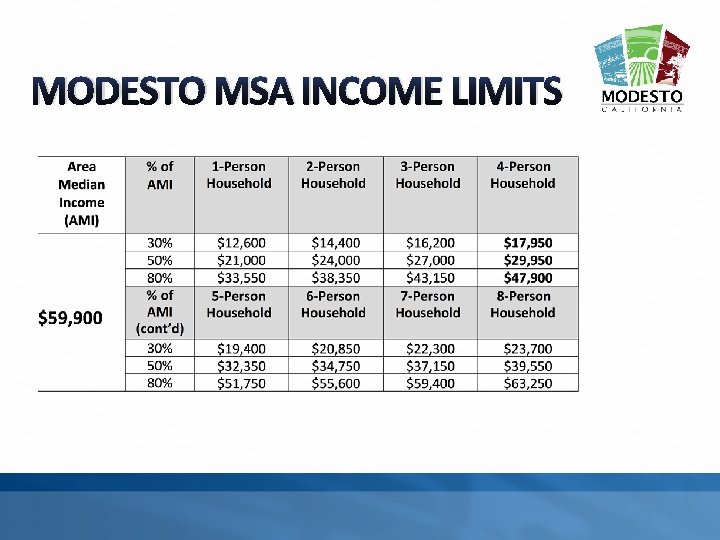
MODESTO MSA INCOME LIMITS
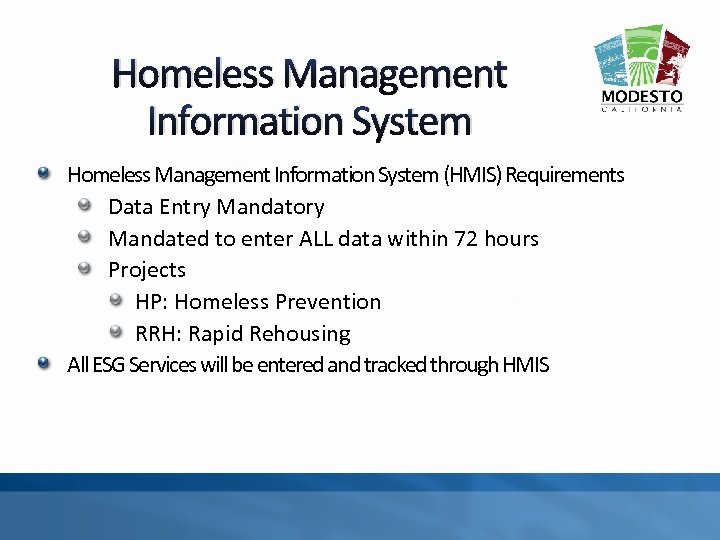
Homeless Management Information System (HMIS) Requirements Data Entry Mandatory Mandated to enter ALL data within 72 hours Projects HP: Homeless Prevention RRH: Rapid Rehousing All ESG Services will be entered and tracked through HMIS
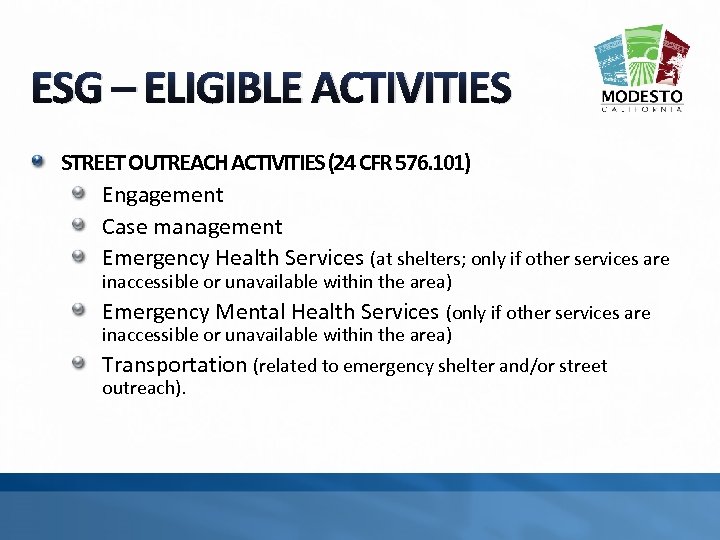
ESG – ELIGIBLE ACTIVITIES STREET OUTREACH ACTIVITIES (24 CFR 576. 101) Engagement Case management Emergency Health Services (at shelters; only if other services are inaccessible or unavailable within the area) Emergency Mental Health Services (only if other services are inaccessible or unavailable within the area) Transportation (related to emergency shelter and/or street outreach).
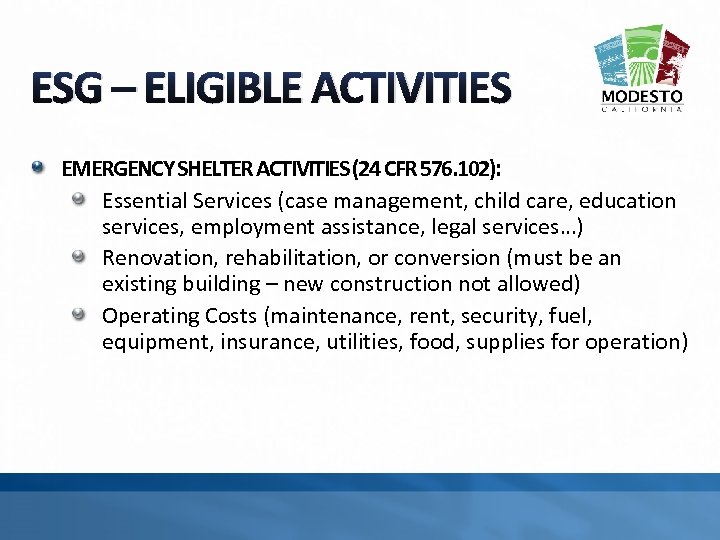
ESG – ELIGIBLE ACTIVITIES EMERGENCY SHELTER ACTIVITIES (24 CFR 576. 102): Essential Services (case management, child care, education services, employment assistance, legal services…) Renovation, rehabilitation, or conversion (must be an existing building – new construction not allowed) Operating Costs (maintenance, rent, security, fuel, equipment, insurance, utilities, food, supplies for operation)
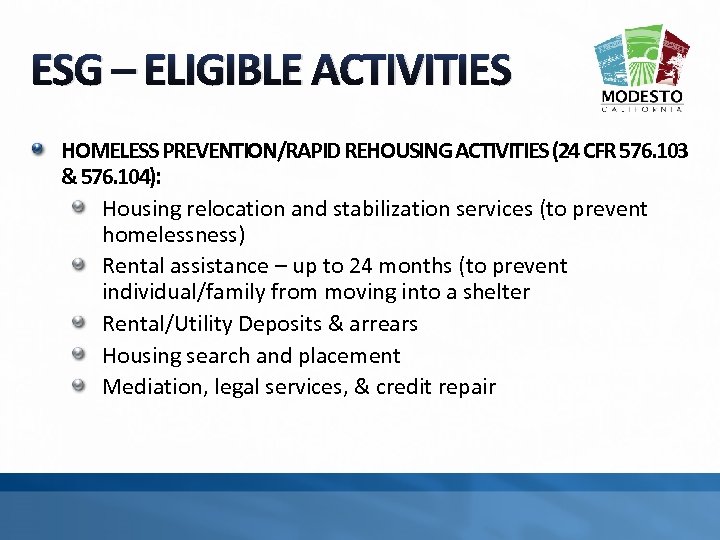
ESG – ELIGIBLE ACTIVITIES HOMELESS PREVENTION/RAPID REHOUSING ACTIVITIES (24 CFR 576. 103 & 576. 104): Housing relocation and stabilization services (to prevent homelessness) Rental assistance – up to 24 months (to prevent individual/family from moving into a shelter Rental/Utility Deposits & arrears Housing search and placement Mediation, legal services, & credit repair
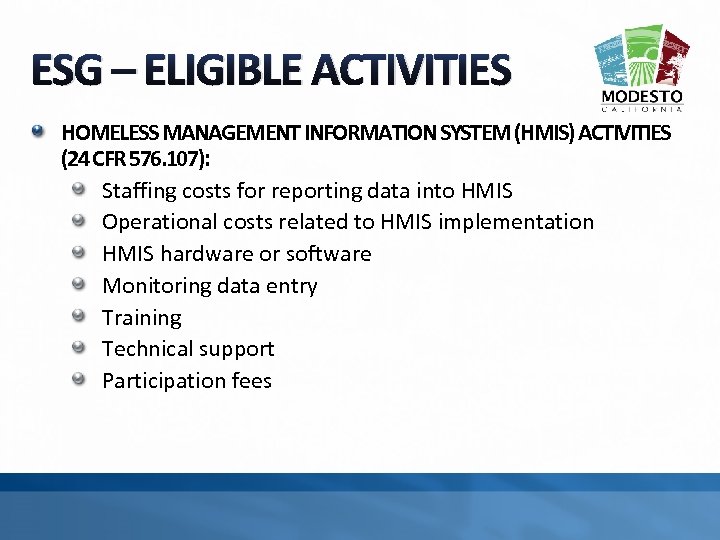
ESG – ELIGIBLE ACTIVITIES HOMELESS MANAGEMENT INFORMATION SYSTEM (HMIS) ACTIVITIES (24 CFR 576. 107): Staffing costs for reporting data into HMIS Operational costs related to HMIS implementation HMIS hardware or software Monitoring data entry Training Technical support Participation fees
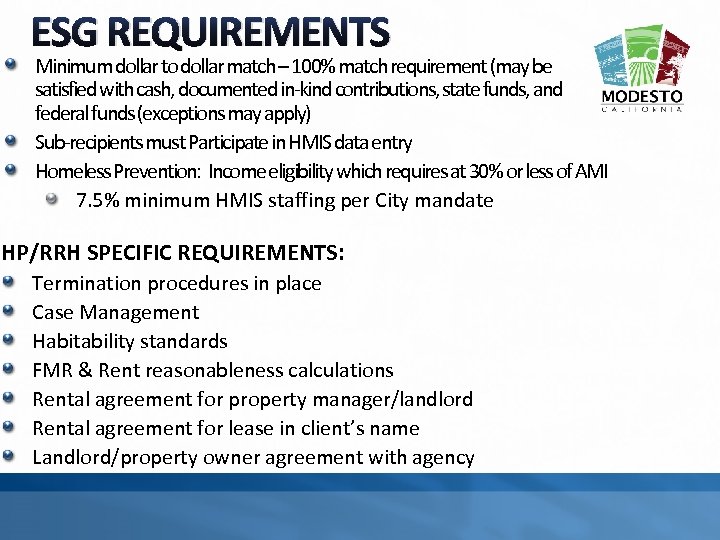
ESG REQUIREMENTS Minimum dollar to dollar match – 100% match requirement (may be satisfied with cash, documented in-kind contributions, state funds, and federal funds (exceptions may apply) Sub-recipients must Participate in HMIS data entry Homeless Prevention: Income eligibility which requires at 30% or less of AMI 7. 5% minimum HMIS staffing per City mandate HP/RRH SPECIFIC REQUIREMENTS: Termination procedures in place Case Management Habitability standards FMR & Rent reasonableness calculations Rental agreement for property manager/landlord Rental agreement for lease in client’s name Landlord/property owner agreement with agency
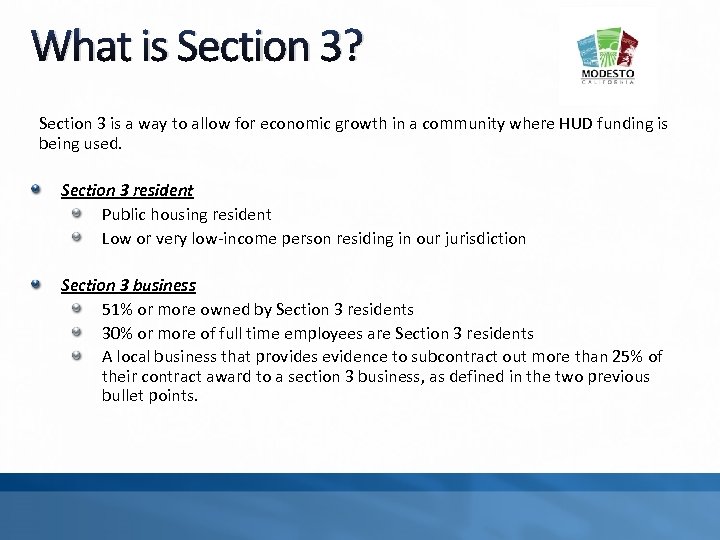
What is Section 3? Section 3 is a way to allow for economic growth in a community where HUD funding is being used. Section 3 resident Public housing resident Low or very low-income person residing in our jurisdiction Section 3 business 51% or more owned by Section 3 residents 30% or more of full time employees are Section 3 residents A local business that provides evidence to subcontract out more than 25% of their contract award to a section 3 business, as defined in the two previous bullet points.
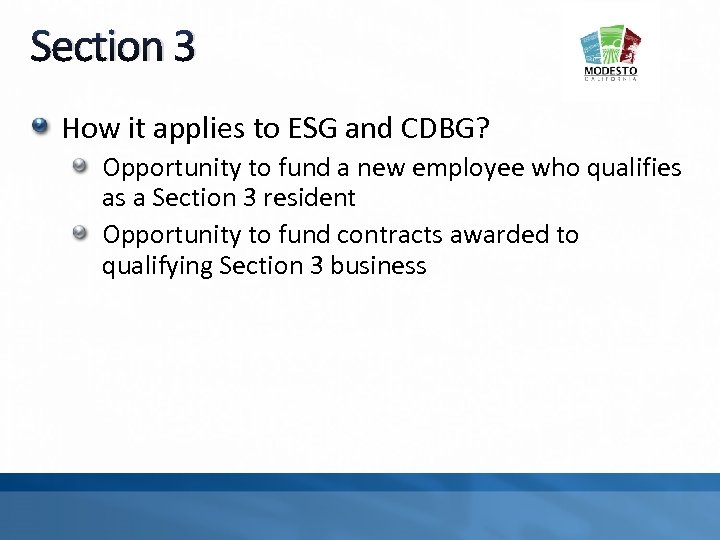
Section 3 How it applies to ESG and CDBG? Opportunity to fund a new employee who qualifies as a Section 3 resident Opportunity to fund contracts awarded to qualifying Section 3 business
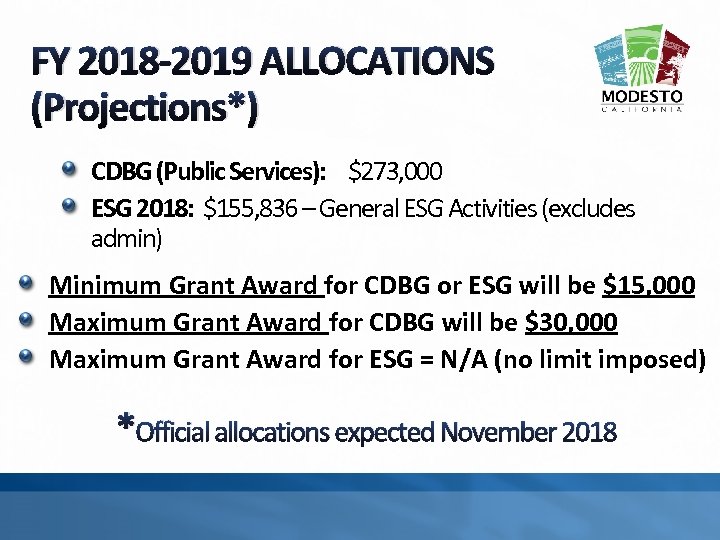
FY 2018 -2019 ALLOCATIONS (Projections*) CDBG (Public Services): $273, 000 ESG 2018: $155, 836 – General ESG Activities (excludes admin) Minimum Grant Award for CDBG or ESG will be $15, 000 Maximum Grant Award for CDBG will be $30, 000 Maximum Grant Award for ESG = N/A (no limit imposed) *Official allocations expected November 2018
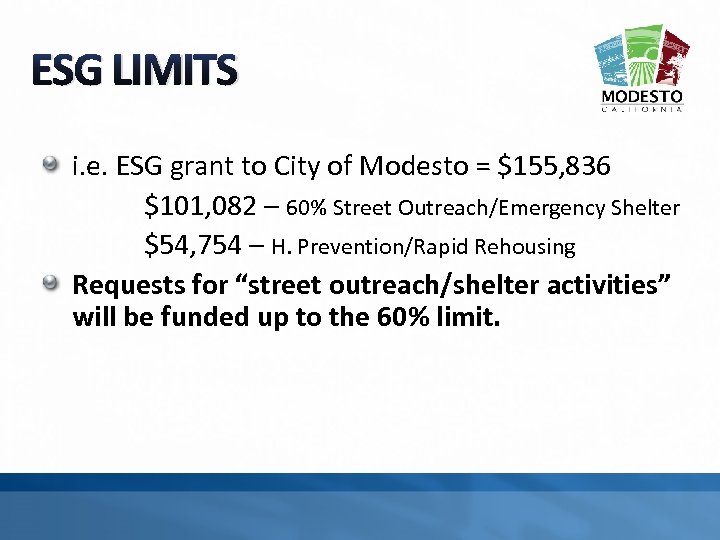
ESG LIMITS i. e. ESG grant to City of Modesto = $155, 836 $101, 082 – 60% Street Outreach/Emergency Shelter $54, 754 – H. Prevention/Rapid Rehousing Requests for “street outreach/shelter activities” will be funded up to the 60% limit.
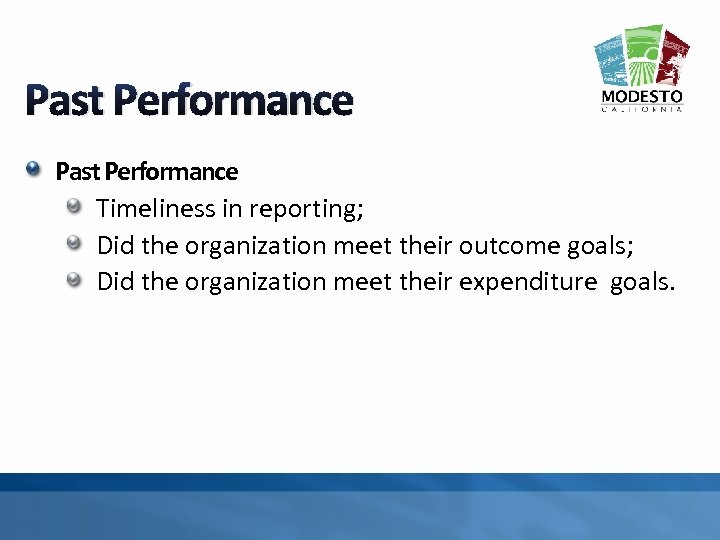
Past Performance Timeliness in reporting; Did the organization meet their outcome goals; Did the organization meet their expenditure goals.
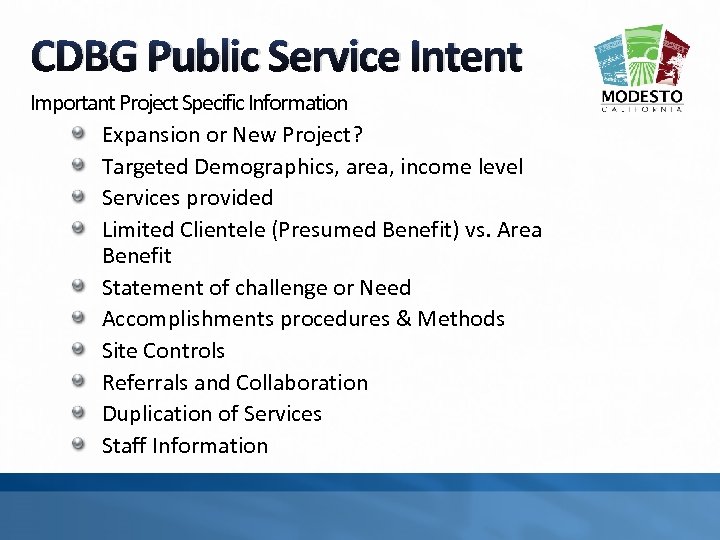
CDBG Public Service Intent Important Project Specific Information Expansion or New Project? Targeted Demographics, area, income level Services provided Limited Clientele (Presumed Benefit) vs. Area Benefit Statement of challenge or Need Accomplishments procedures & Methods Site Controls Referrals and Collaboration Duplication of Services Staff Information
Organizational Capacity Used by the City to substantiate ability to comply with stringent CDBG/ESG grant requirements. Clear evidence and/or appearance of no conflicts of interest. Clear internal controls. Clear separation of duties between Board of Directors and employed staff. Demonstrate a service delivery history and track record of ability to efficiently and effectively administer programs and achieve desired outcomes.
APPLICATION SUBMISSION LIMITS Organizations may submit only one application by funding source (i. e. one for CDBG; one for ESG). Organizations that submit proposals for both CDBG and ESG must propose a different project or service type for each source. Applicant must demonstrate that the activity: 1. 2. Serves a different population and be administered out of a separate location with separate staff; or Offer a service that is completely separate from the application submitted for the other funding source. The Evaluation Committee may elect to award program proposals under the most eligible funding source.
FAIR HOUSING PROGRAM Up to $25, 000 will be available for Fair Housing services; Only one award will be made.
ELIGIBLE APPLICANTS Organizations with 501(c) status Non-Profit: Must be a public or private non-profit organization Faith Based Organizations: Program must not be specifically religious in content or practice. Active Governing Body: Governance of the organization must be vested in a responsible and active voluntary board, which meets at least quarterly and establishes and enforces policies.
APPLICATION DEADLINE Applications due February 23, 2018 - Zoom. Grants by 4: 00 pm; City staff will coordinate panel presentation times; Presentations to CH&CDC will be held on March 15, 2018. Break 10 Minutes
ZOOM GRANTS OVERVIEW
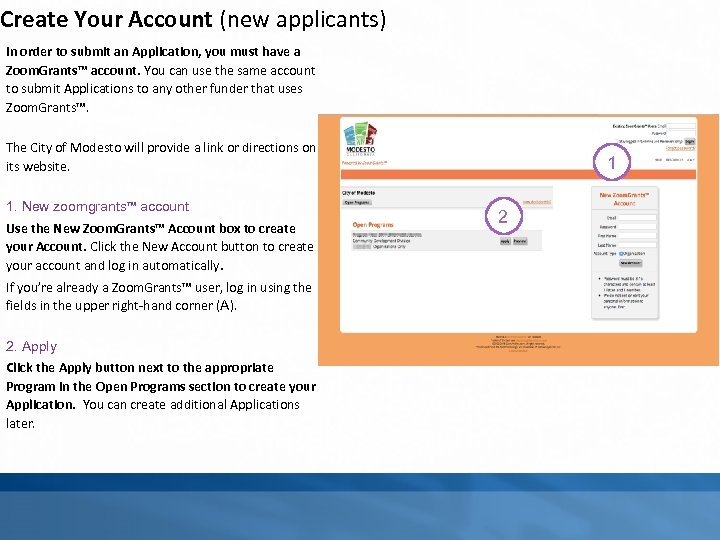
Create Your Account (new applicants) In order to submit an Application, you must have a Zoom. Grants™ account. You can use the same account to submit Applications to any other funder that uses Zoom. Grants™. The City of Modesto will provide a link or directions on its website. 1. New zoomgrants™ account Use the New Zoom. Grants™ Account box to create your Account. Click the New Account button to create your account and log in automatically. If you’re already a Zoom. Grants™ user, log in using the fields in the upper right-hand corner (A). 2. Apply Click the Apply button next to the appropriate Program in the Open Programs section to create your Application. You can create additional Applications later. 1 2
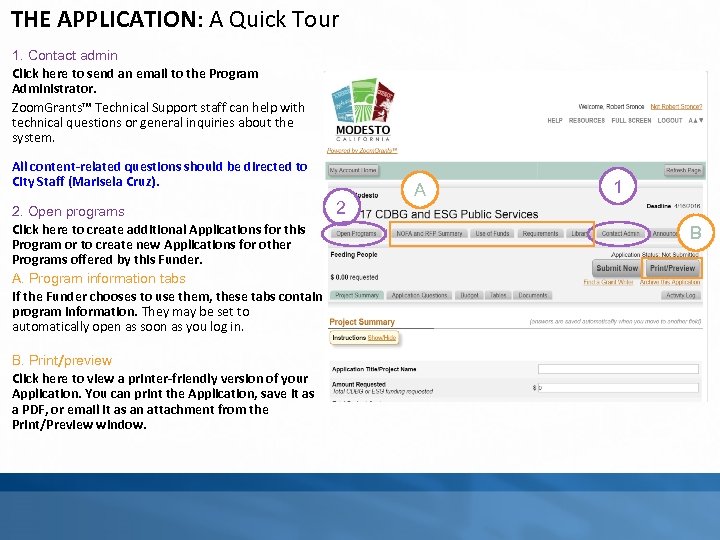
THE APPLICATION: A Quick Tour 1. Contact admin Click here to send an email to the Program Administrator. Zoom. Grants™ Technical Support staff can help with technical questions or general inquiries about the system. All content-related questions should be directed to City Staff (Marisela Cruz). 2. Open programs Click here to create additional Applications for this Program or to create new Applications for other Programs offered by this Funder. A. Program information tabs If the Funder chooses to use them, these tabs contain program information. They may be set to automatically open as soon as you log in. tab B. Print/preview Click here to view a printer-friendly version of your Application. You can print the Application, save it as a PDF, or email it as an attachment from the Print/Preview window. 2 A 1 B
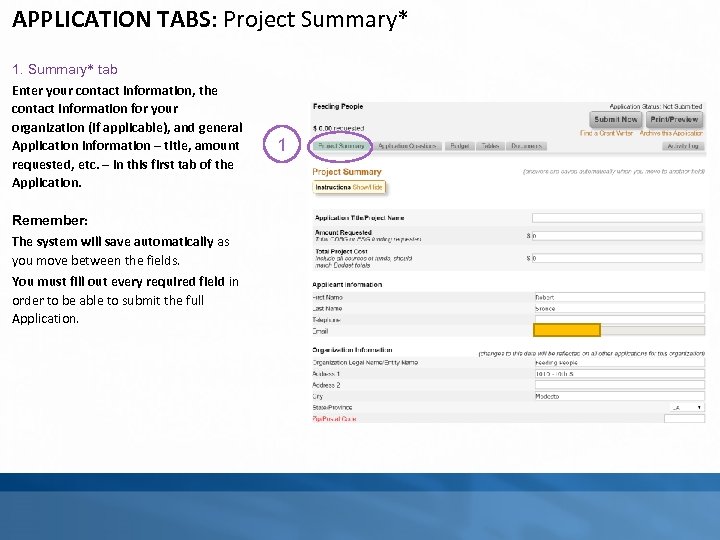
APPLICATION TABS: Project Summary* 1. Summary* tab Enter your contact information, the contact information for your organization (if applicable), and general Application information – title, amount requested, etc. – in this first tab of the Application. Remember: The system will save automatically as you move between the fields. You must fill out every required field in order to be able to submit the full Application. 1
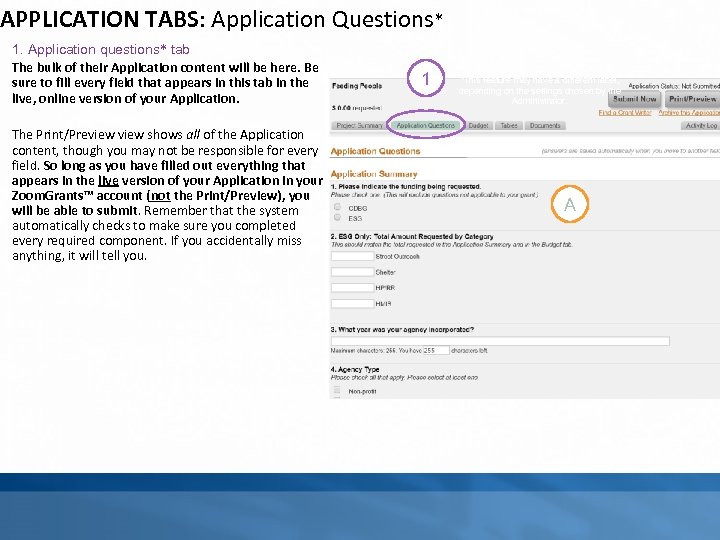
APPLICATION TABS: Application Questions* 1. Application questions* tab The bulk of their Application content will be here. Be sure to fill every field that appears in this tab in the live, online version of your Application. The Print/Preview shows all of the Application content, though you may not be responsible for every field. So long as you have filled out everything that appears in the live version of your Application in your Zoom. Grants™ account (not the Print/Preview), you will be able to submit. Remember that the system automatically checks to make sure you completed every required component. If you accidentally miss anything, it will tell you. 1 *This feature may have a different label, depending on the settings chosen by the Administrator. A
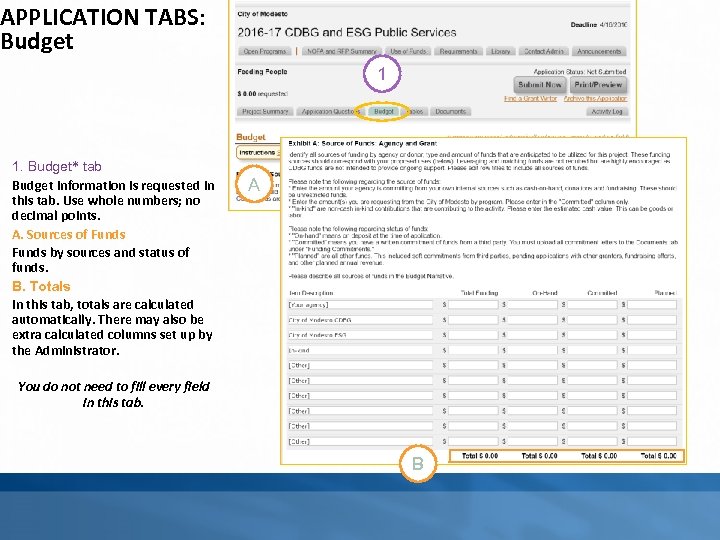
APPLICATION TABS: Budget 1 1. Budget* tab Budget information is requested in this tab. Use whole numbers; no decimal points. A. Sources of Funds by sources and status of funds. B. Totals In this tab, totals are calculated automatically. There may also be extra calculated columns set up by the Administrator. A You do not need to fill every field in this tab. B
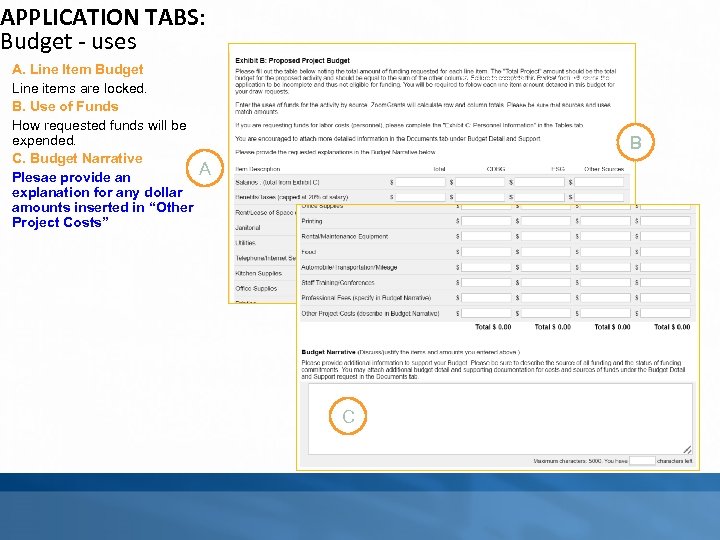
APPLICATION TABS: Budget - uses A. Line Item Budget Line items are locked. B. Use of Funds How requested funds will be expended. C. Budget Narrative Plesae provide an explanation for any dollar amounts inserted in “Other Project Costs” *This feature may have a different label, depending on the settings chosen by the ministrator. B A C
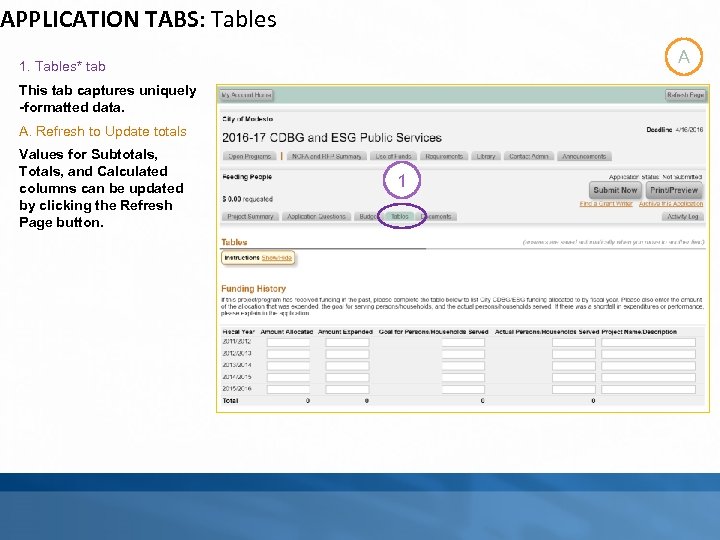
APPLICATION TABS: Tables A 1. Tables* tab This tab captures uniquely -formatted data. A. Refresh to Update totals Values for Subtotals, Totals, and Calculated columns can be updated by clicking the Refresh Page button. 1
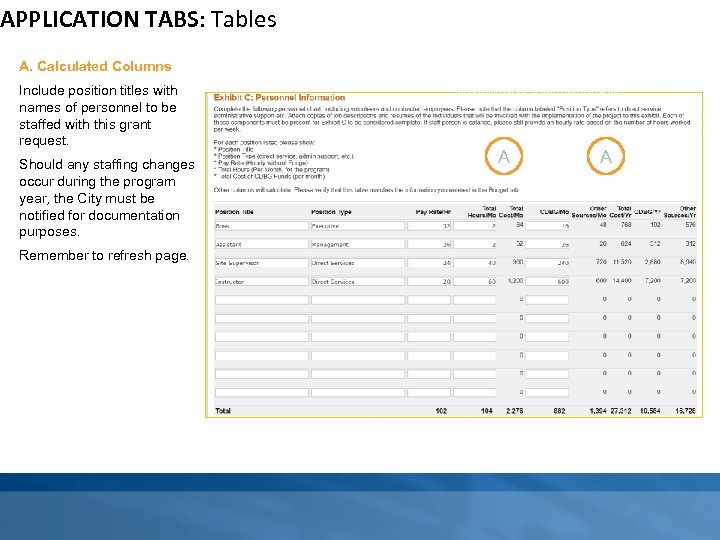
APPLICATION TABS: Tables A. Calculated Columns Include position titles with names of personnel to be staffed with this grant request. Should any staffing changes occur during the program year, the City must be notified for documentation purposes. Remember to refresh page. *This feature may have a different label, depending on the settings chosen by the Administrator. A A
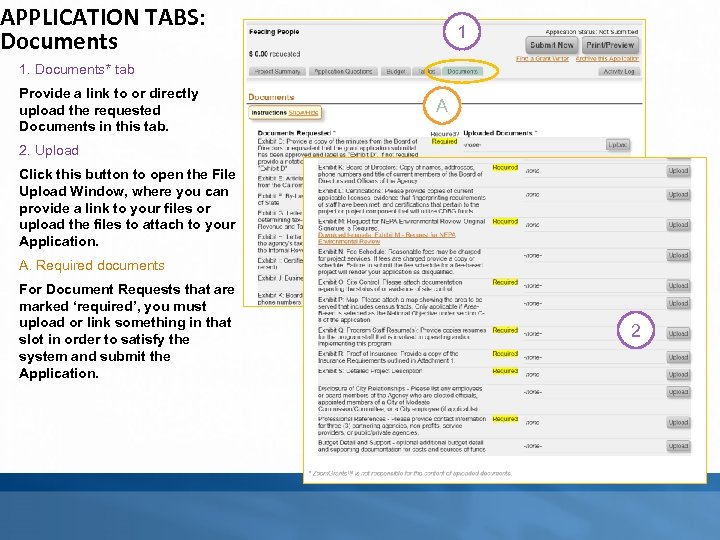
APPLICATION TABS: Documents 1 1. Documents* tab Provide a link to or directly upload the requested Documents in this tab. A 2. Upload Click this button to open the File Upload Window, where you can provide a link to your files or upload the files to attach to your Application. A. Required documents For Document Requests that are marked ‘required’, you must upload or link something in that slot in order to satisfy the system and submit the Application. 2
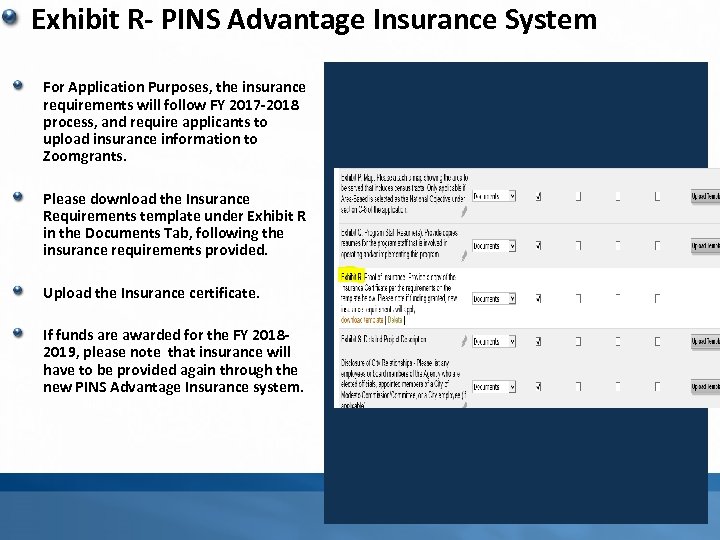
Exhibit R- PINS Advantage Insurance System For Application Purposes, the insurance requirements will follow FY 2017 -2018 process, and require applicants to upload insurance information to Zoomgrants. Please download the Insurance Requirements template under Exhibit R in the Documents Tab, following the insurance requirements provided. Upload the Insurance certificate. If funds are awarded for the FY 20182019, please note that insurance will have to be provided again through the new PINS Advantage Insurance system. For
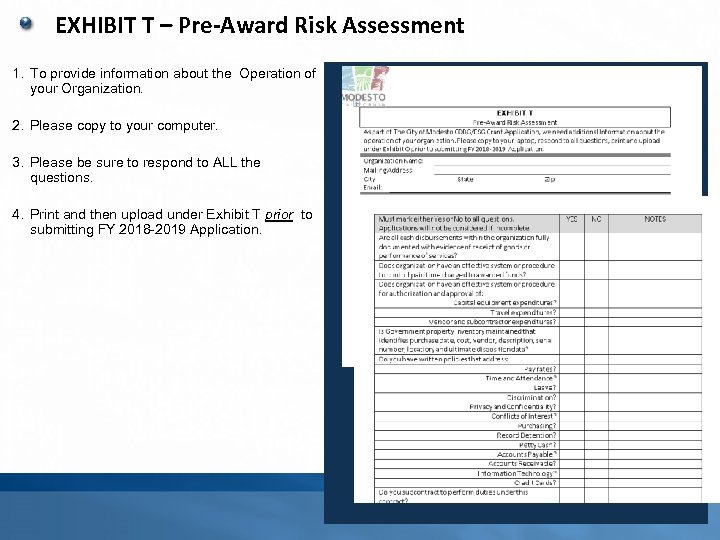
EXHIBIT T – Pre-Award Risk Assessment 1. To provide information about the Operation of your Organization. 2. Please copy to your computer. 3. Please be sure to respond to ALL the questions. 4. Print and then upload under Exhibit T prior to submitting FY 2018 -2019 Application.
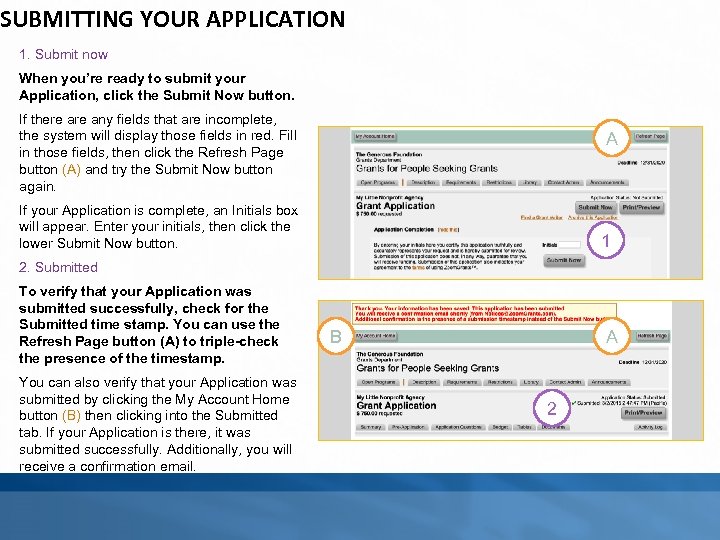
SUBMITTING YOUR APPLICATION 1. Submit now When you’re ready to submit your Application, click the Submit Now button. If there any fields that are incomplete, the system will display those fields in red. Fill in those fields, then click the Refresh Page button (A) and try the Submit Now button again. A If your Application is complete, an Initials box will appear. Enter your initials, then click the lower Submit Now button. 1 2. Submitted To verify that your Application was submitted successfully, check for the Submitted time stamp. You can use the Refresh Page button (A) to triple-check the presence of the timestamp. You can also verify that your Application was submitted by clicking the My Account Home button (B) then clicking into the Submitted tab. If your Application is there, it was submitted successfully. Additionally, you will receive a confirmation email. B A 2
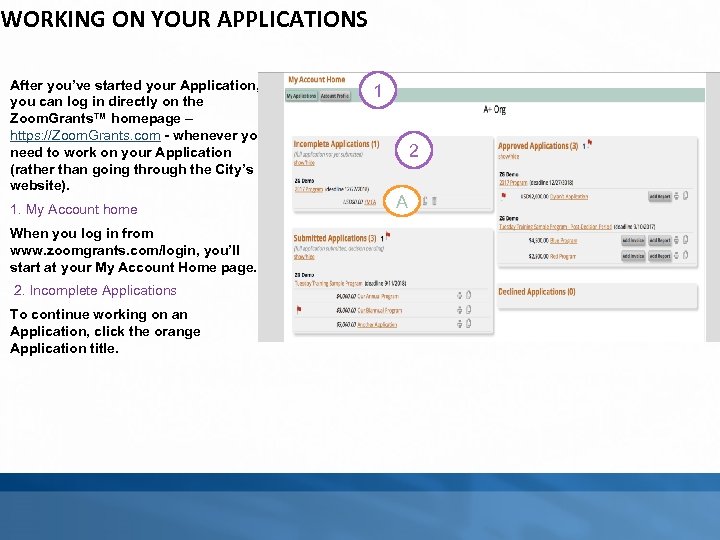
WORKING ON YOUR APPLICATIONS After you’ve started your Application, you can log in directly on the Zoom. Grants™ homepage – https: //Zoom. Grants. com - whenever you need to work on your Application (rather than going through the City’s website). 1. My Account home When you log in from www. zoomgrants. com/login, you’ll start at your My Account Home page. 2. Incomplete Applications To continue working on an Application, click the orange Application title. 1 2 A
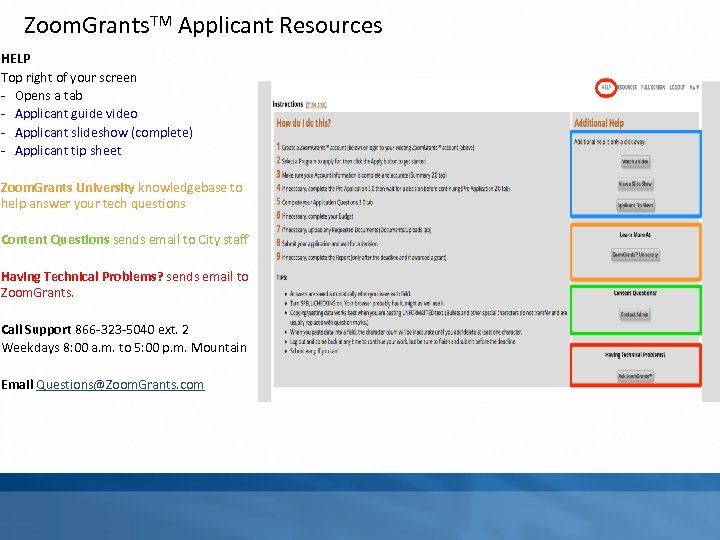
Zoom. Grants. TM Applicant Resources HELP Top right of your screen - Opens a tab - Applicant guide video - Applicant slideshow (complete) - Applicant tip sheet Zoom. Grants University knowledgebase to help answer your tech questions Content Questions sends email to City staff Having Technical Problems? sends email to Zoom. Grants. Call Support 866 -323 -5040 ext. 2 Weekdays 8: 00 a. m. to 5: 00 p. m. Mountain Email Questions@Zoom. Grants. com
Скачать презентацию TECHNICAL ASSISTANCE WORKSHOP January 24 2018 BACKGROUND
2afde5fd0d5f7c2bad9390e3f1664d0a.ppt