


 Скачать презентацию TECHMISSION SAFE FAMILIES Online Safety Workshop April 6
89daafbd236ef3e44900fa2931fc207b.ppt
- Количество слайдов: 86
 TECHMISSION SAFE FAMILIES Online Safety Workshop April 6, 2006 Global Ministries Christian Church Boston, MA 02124 Presented by Bil Mooney-Mc. Coy Director of Safe Families
 Tech. Mission – Our Mission To support Christian organizations as they use technology to transform vulnerable communities.
 Tech. Mission Safe Families Program Focused on protecting children in at-risk communities from pornography and other dangers on the Internet by: – Providing training and educational materials for parents, churches, and community organizations in at-risk communities to protect their children online – Distributing over 100, 000 copies of free Internet filtering software
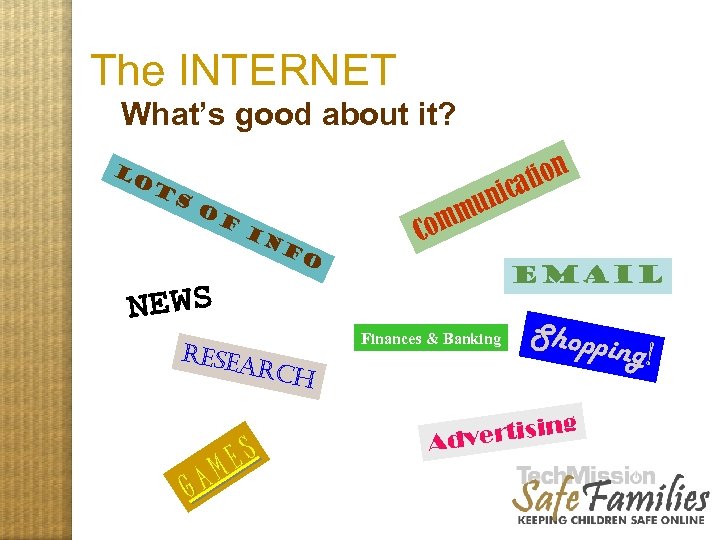 The INTERNET What’s good about it? tion ica Lo t s o f in n mu m f o Co Email NEWS Finances & Banking resea rch GA ES M Shoppi g vertisin Ad ng!
 The INTERNET Its benefits outweigh its risks, esp. for urban kids. BUT…. There are dangers:
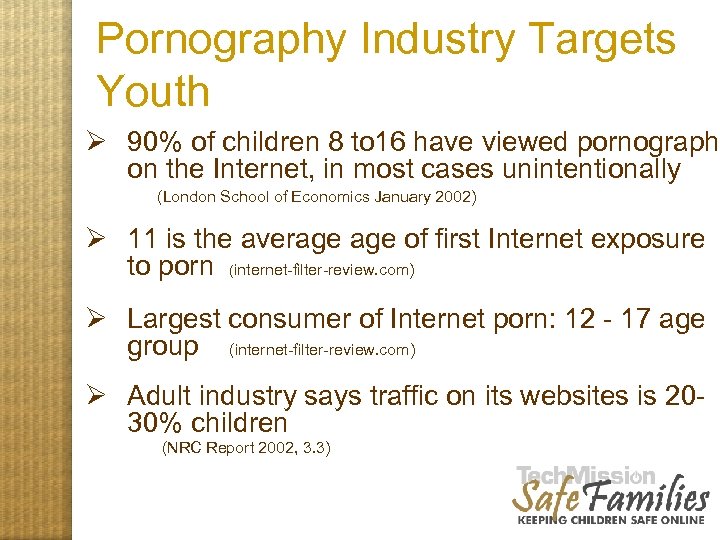 Pornography Industry Targets Youth Ø 90% of children 8 to 16 have viewed pornography on the Internet, in most cases unintentionally (London School of Economics January 2002) Ø 11 is the average of first Internet exposure to porn (internet-filter-review. com) Ø Largest consumer of Internet porn: 12 - 17 age group (internet-filter-review. com) Ø Adult industry says traffic on its websites is 2030% children (NRC Report 2002, 3. 3)
 PORNOGRAPHY The industry is very aggressive Misleading URL’s Chat Room Bots Spam
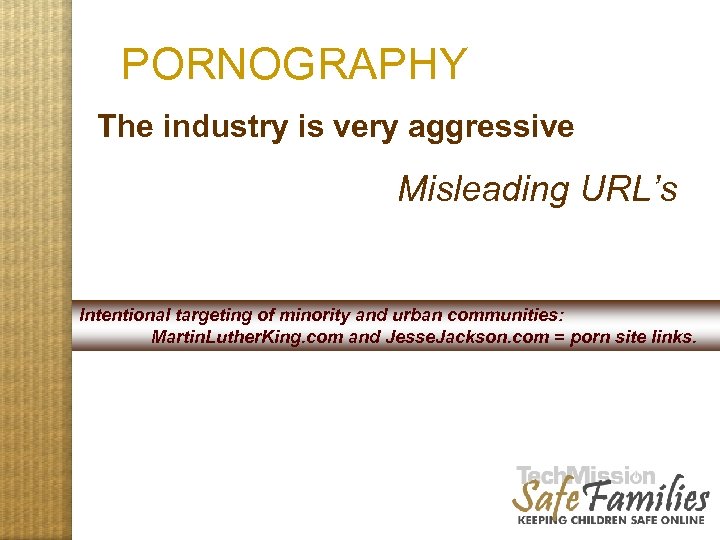 PORNOGRAPHY The industry is very aggressive Misleading URL’s Intentional targeting of minority and urban communities: Martin. Luther. King. com and Jesse. Jackson. com = porn site links. The pornography industry is very aggressive
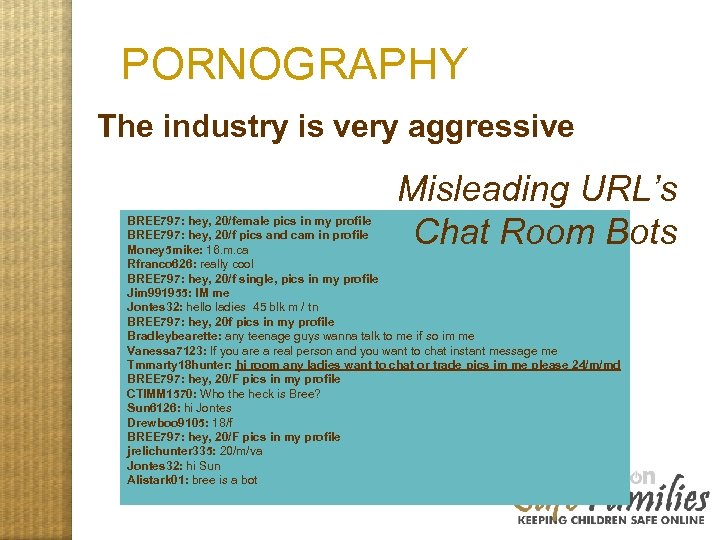 PORNOGRAPHY The industry is very aggressive Misleading URL’s Chat Room Bots BREE 797: hey, 20/female pics in my profile BREE 797: hey, 20/f pics and cam in profile Money 5 mike: 16. m. ca Rfranco 626: really cool BREE 797: hey, 20/f single, pics in my profile Jim 991955: IM me Jontes 32: hello ladies 45 blk m / tn BREE 797: hey, 20 f pics in my profile Bradleybearette: any teenage guys wanna talk to me if so im me Vanessa 7123: If you are a real person and you want to chat instant message me Tmmarty 18 hunter: hi room any ladies want to chat or trade pics im me please 24/m/md BREE 797: hey, 20/F pics in my profile CTIMM 1570: Who the heck is Bree? Sun 6126: hi Jontes Drewboo 9105: 18/f BREE 797: hey, 20/F pics in my profile jrelichunter 335: 20/m/va Jontes 32: hi Sun Alistark 01: bree is a bot The pornography industry is very aggressive
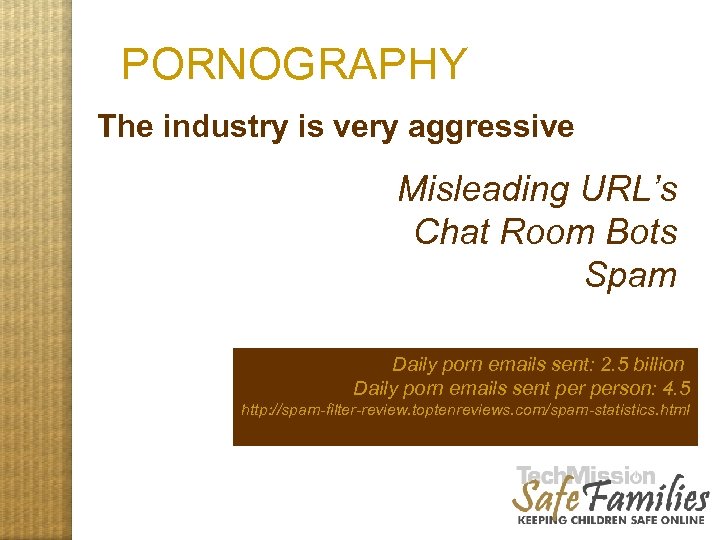 PORNOGRAPHY The industry is very aggressive Misleading URL’s Chat Room Bots Spam Daily porn emails sent: 2. 5 billion Daily porn emails sent person: 4. 5 http: //spam-filter-review. toptenreviews. com/spam-statistics. html The pornography industry is very aggressive
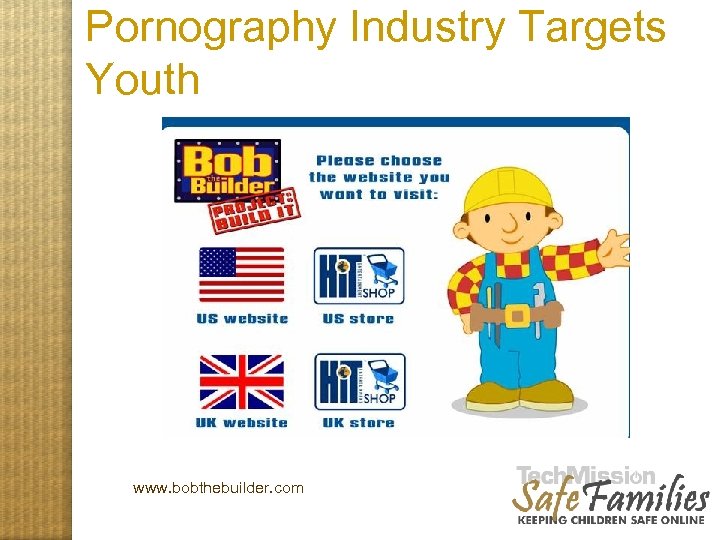 Pornography Industry Targets Youth www. bobthebuilder. com An illustration, Part 1
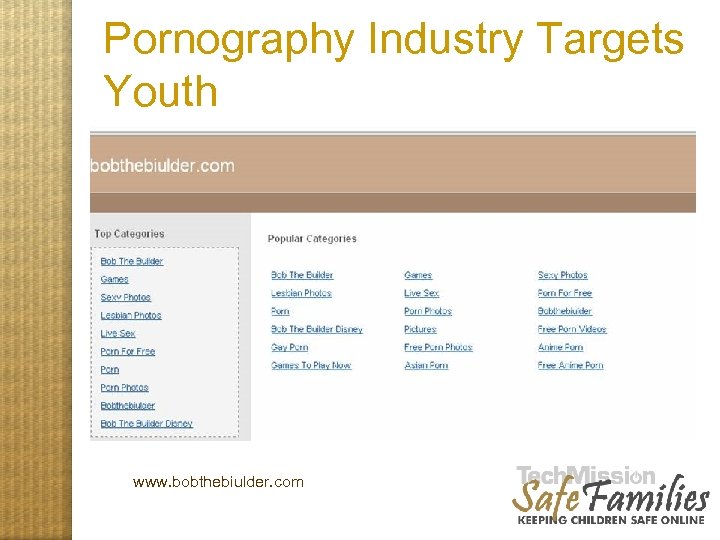 Pornography Industry Targets Youth www. bobthebiulder. com An Illustra tion, Part 2
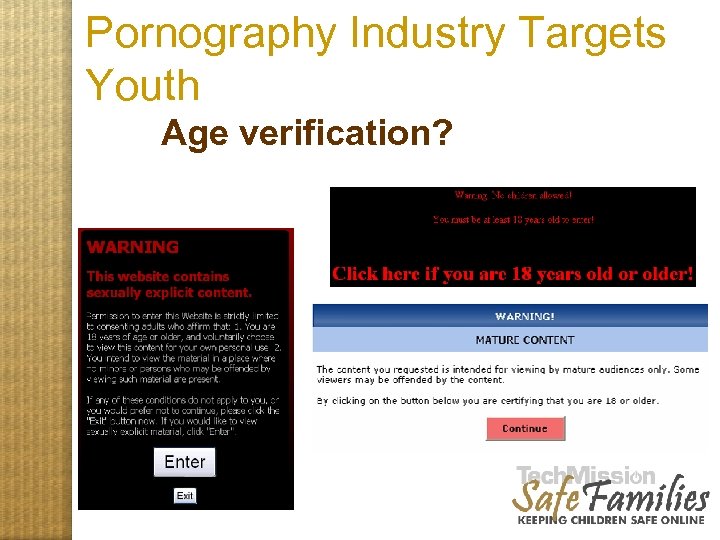 Pornography Industry Targets Youth Age verification?
 Pornography is Affecting Youth “Never before in the history of telecommunications media in the United States has so much indecent (and obscene) material been so easily accessible by so many minors in so many American homes with so few restrictions. ”---DOJ “In only a few mouse clicks, children can be exposed to material that can never be erased from their minds…. Innocence lost can never be regained. ” ---Donna Rice Hughes, COMMISSION ON ONLINE CHILD PROTECTION From a Kaiser Family Foundation survey of 15 -24 year-olds, a majority (59%) think seeing pornography on the Internet encourages young people to have sex before they're ready. Youth with significant exposure to sexuality in the media were shown to be 2. 2 times more likely to have had intercourse at ages 14 to 16. (Report in Pediatrics, April, 2006)
 Pornography Industry Exploits Youth: Child Pornography Ø More than 20, 000 images of child pornography posted online every week (National Society for the Prevention of Cruelty to Children, 10/8/03). Ø Approximately 20% of all Internet pornography involves children (National Center for Missing & Exploited Children). Ø 100, 000 websites offer illegal child pornography (U. S. Customs Service estimate). Ø As of December 2005, child pornography is a $3 billion annual industry (Internet-filter-review).
 Online Perpetrators Ø 1 in 5 children who use chat rooms have been approached by a pedophile online (Telegraph. co. uk. 1/02) Ø 2 in 5 abductions of victims ages 15 -17 were due to the Internet (San Diego Police Dept. ) Ø 76% of victims in Net-initiated sexual exploitation cases were 13 -15; 75% were girls. "Most cases progressed to face-to-face sexual encounters" - 93% of the face-to-face meetings involved illegal sex. (Journal of Adolescent Health, November 2004)
 Other Dangers Ø Problematic Content Not just porn
 Other Dangers Ø Problematic Content other sexual material gore hate drug use guns and violence
 Other Dangers Ø Ø Ø Chat Rooms Instant Messaging Online Communities Anything goes, unedited, children can self-publish
 Other Dangers Ø Peer-to-Peer File Sharing Illegal Indecent Infectious
 Steps of What to Do 1. Install an Internet filter. 2. Position computers such that the screen is easily visible. 3. Publish Family Pledge 4. Know what your children are doing. 5. Educate yourself around issues of online safety 6. Lead by example.
 Step 1: Installing Filtering Software Internet filters are computer programs that make undesirable content (like pornography) unavailable to the computer user. 1 2 3 4 5 6
 Option 1: Free Tech. Mission Safe Families We-Blocker For instructions, go to http: //www. safefamilies. techmission. org/tutorials/weblocker. php 1 2 3 4 5 6
 Option 1: Free Tech. Mission Safe Families We-Blocker • Pros – Free – Covers most basic blocking and has logging function • Cons – Does not filter E-mail, IM or peer-to-peer file sharing – Requires that Windows XP users switch to the “old login screen” and disable fast user switching • Summary: Good free option for Protecting Children on Dial-up and Broadband Connections 1 2 3 4 5 6
 Option 2: Parental Controls in ISP If You Have AOL, MSN or Earthlink • Pros: – Is free if you have AOL, MSN, Earthlink or other ISP with Parental Controls – Provides different filtering levels by screen name • Cons: – Some controls can be too restrictive, frequently blocking sites that should be allowed – Generally does not filter peer-to-peer file sharing – Generally not effective for broadband • Summary: Best Option for Protecting Children if you have a Dial-up ISP with Parental Controls 1 2 3 4 5 6
 Option 3: Pay Internet Filtering • Pros: – Generally provides filtering of peer-to-peer file sharing, IM, Chat and E-mail – Some products block more effectively than Tech. Mission’s free product • Cons: – Cost $30 - $70 and most have annual renewal costs – Only works on one computer in a home • Provides most effective protection for protecting children for both dial-up and broadband connections 1 2 3 4 5 6
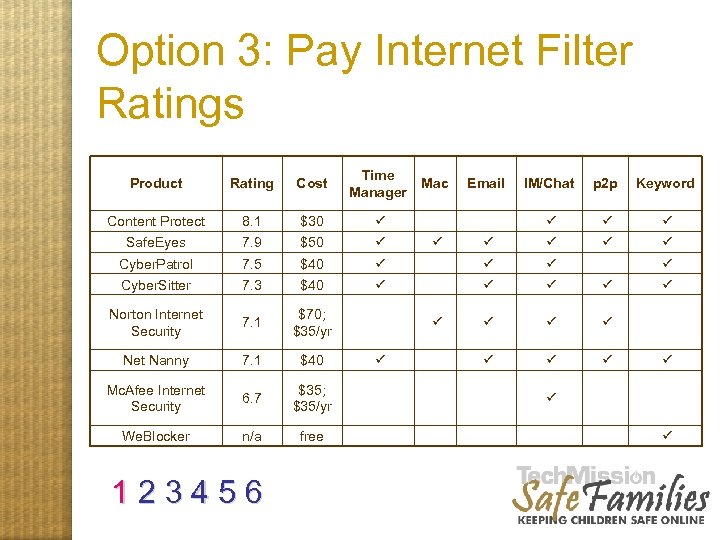 Option 3: Pay Internet Filter Ratings Product Rating Cost Time Manager Content Protect 8. 1 $30 ü Safe. Eyes 7. 9 $50 ü Cyber. Patrol 7. 5 $40 Cyber. Sitter 7. 3 $40 Norton Internet Security 7. 1 $70; $35/yr Net Nanny 7. 1 $40 Mc. Afee Internet Security 6. 7 $35; $35/yr We. Blocker n/a free 1 2 3 4 5 6 Mac IM/Chat p 2 p Keyword ü ü ü ü ü ü Email ü ü ü
 Option 4: Pre-Filtered ISP • Pros: – Content is filtered automatically for all users and cannot be bypassed – Can be somewhat effective with addressing adults with addictive tendencies • Cons: – May block legitimate content for adults and requires calling ISP to temporarily disable – Only effectively provided as dial-up service, and broadband services can be bypassed – Like all filters, will not block all inappropriate sites • Summary: Good for protecting children and somewhat helpful for adults for dial-up users 1 2 3 4 5 6
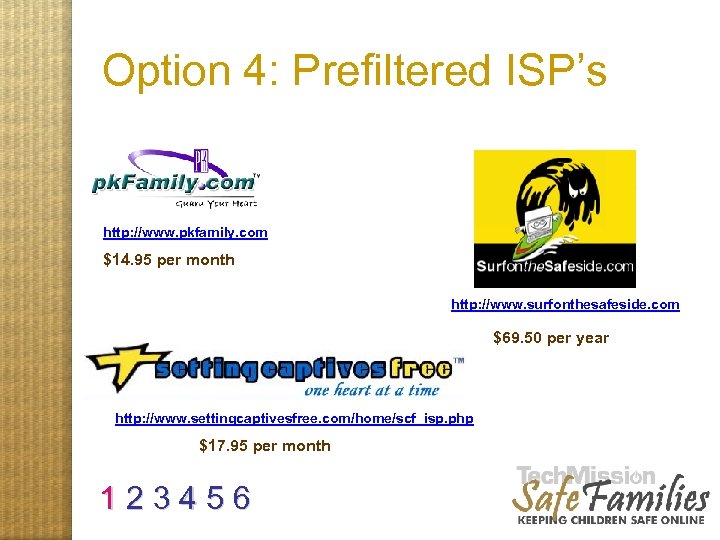 Option 4: Prefiltered ISP’s http: //www. pkfamily. com $14. 95 per month http: //www. surfonthesafeside. com $69. 50 per year http: //www. settingcaptivesfree. com/home/scf_isp. php $17. 95 per month 1 2 3 4 5 6
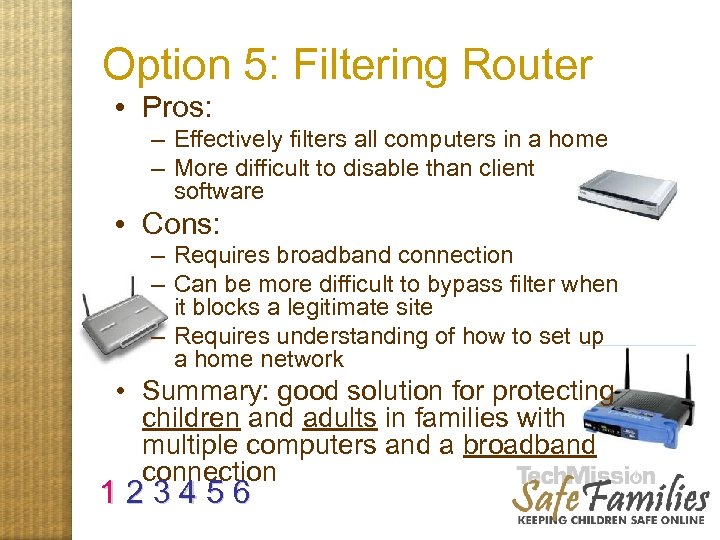 Option 5: Filtering Router • Pros: – Effectively filters all computers in a home – More difficult to disable than client software • Cons: – Requires broadband connection – Can be more difficult to bypass filter when it blocks a legitimate site – Requires understanding of how to set up a home network • Summary: good solution for protecting children and adults in families with multiple computers and a broadband connection 1 2 3 4 5 6
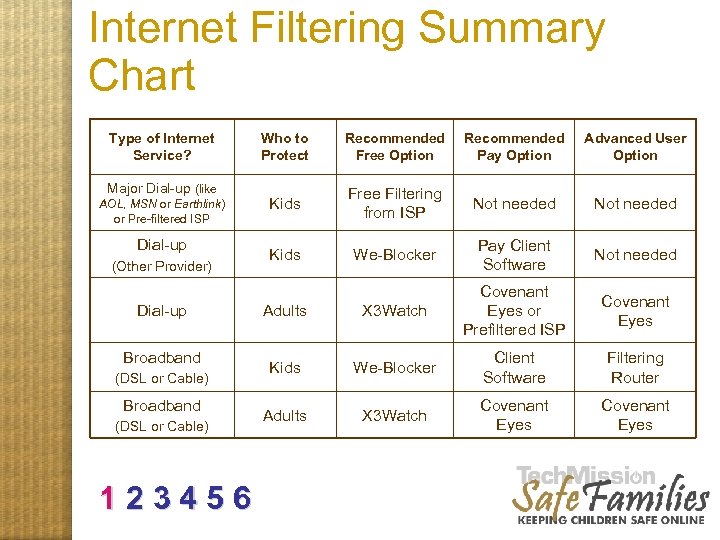 Internet Filtering Summary Chart Type of Internet Service? Major Dial-up (like AOL, MSN or Earthlink) or Pre-filtered ISP Dial-up (Other Provider) Dial-up Broadband (DSL or Cable) 123456 Who to Protect Recommended Free Option Recommended Pay Option Advanced User Option Kids Free Filtering from ISP Not needed Kids We-Blocker Pay Client Software Not needed Adults X 3 Watch Covenant Eyes or Prefiltered ISP Covenant Eyes Kids We-Blocker Client Software Filtering Router Adults X 3 Watch Covenant Eyes
 Internet Filtering Is Not Enough FILTERING SOFTWARE’S NOT ENOUGH!! 123456
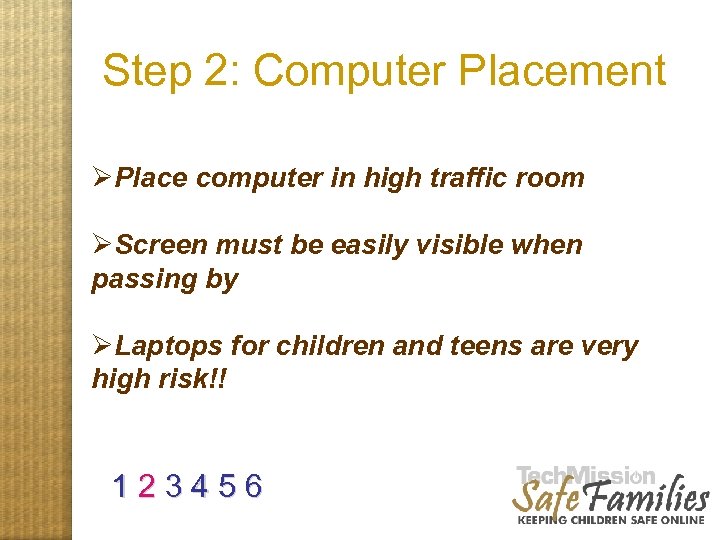 Step 2: Computer Placement ØPlace computer in high traffic room ØScreen must be easily visible when passing by ØLaptops for children and teens are very high risk!! 1 2 3 4 5 6
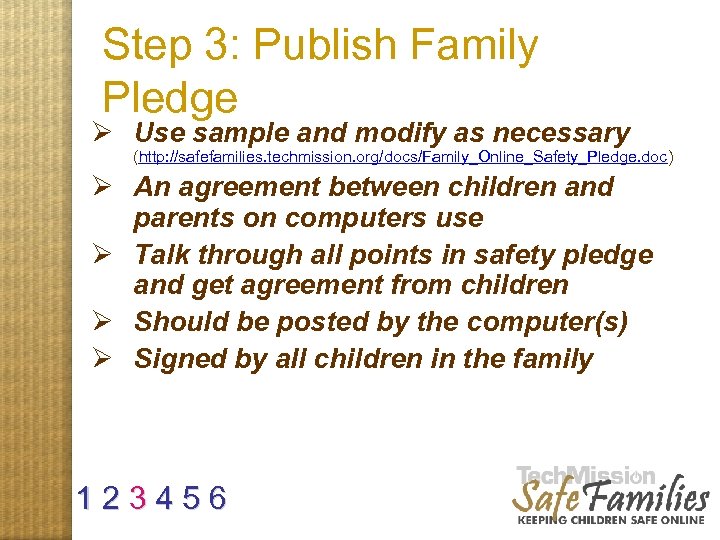 Step 3: Publish Family Pledge Ø Use sample and modify as necessary (http: //safefamilies. techmission. org/docs/Family_Online_Safety_Pledge. doc) Ø An agreement between children and parents on computers use Ø Talk through all points in safety pledge and get agreement from children Ø Should be posted by the computer(s) Ø Signed by all children in the family 1 2 3 4 5 6
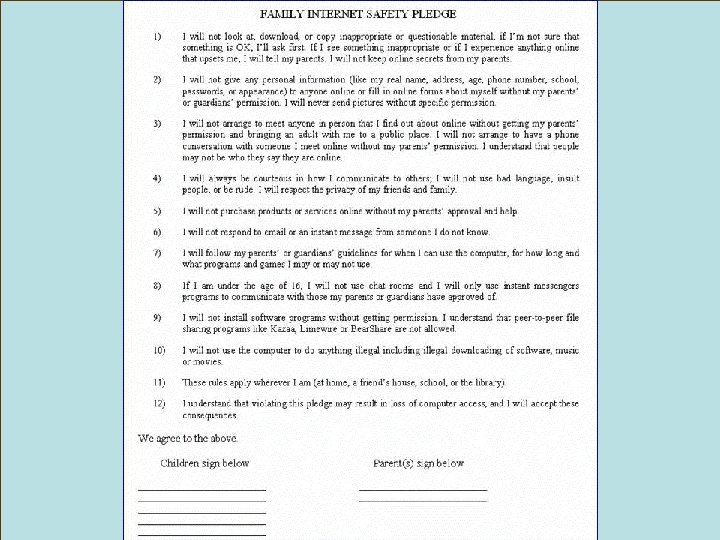 Family Interet Safety Pledge
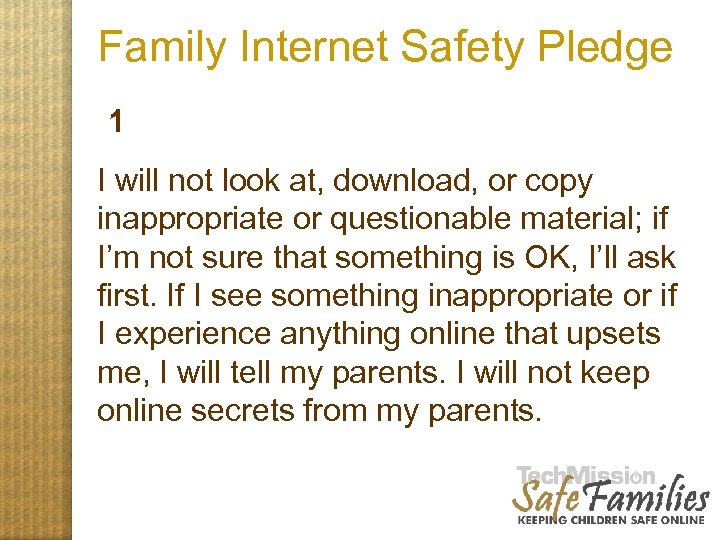 Family Internet Safety Pledge 1 I will not look at, download, or copy inappropriate or questionable material; if I’m not sure that something is OK, I’ll ask first. If I see something inappropriate or if I experience anything online that upsets me, I will tell my parents. I will not keep online secrets from my parents.
 Family Internet Safety Pledge 2 I will not give any personal information (like my real name, address, age, phone number, school, passwords, or appearance) to anyone online or fill in online forms about myself without my parents’ or guardians’ permission. I will never send pictures without specific permission.
 Family Internet Safety Pledge 3 I will not arrange to meet anyone in person that I find out about online without getting my parents’ permission and bringing an adult with me to a public place. I will not arrange to have a phone conversation with someone I meet online without my parents’ permission. I understand that people may not be who they say they are online.
 Family Internet Safety Pledge 4 I will always be courteous in how I communicate to others; I will not use bad language, insult people, or be rude. I will respect the privacy of my friends and family.
 Family Internet Safety Pledge 5 I will not purchase products or services online without my parents’ approval and help.
 Family Internet Safety Pledge 6 I will not respond to email or an instant message from someone I do not know.
 Family Internet Safety Pledge 7 I will follow my parents’ or guardians’ guidelines for when I can use the computer, for how long and what programs and games I may or may not use.
 Family Internet Safety Pledge 8 If I am under the age of 16, I will not use chat rooms and I will only use instant messengers programs to communicate with those my parents or guardians have approved of.
 Family Internet Safety Pledge 9 I will not install software programs without getting permission. I understand that peer -to-peer file sharing programs like Kazaa, Limewire or Bear. Share not allowed.
 Family Internet Safety Pledge 10 I will not use the computer to do anything illegal including illegal downloading of software, music or movies.
 Family Internet Safety Pledge 11 These rules apply wherever I am (at home, a friend’s house, school, or the library).
 Family Internet Safety Pledge 12 I understand that violating this pledge may result in loss of computer access, and I will accept these consequences.
 Step 4: Monitor, Train and Direct Children’s Online Activity by surfing together – know your kids’ favorite sites. Introduce them to “cool stuff. ” LIKE: http: //www. netsmartzkids. org/activities/nsrules/whofriend. htm 1 2 3 4 5 6
 Directing Kid’s Activity: Change Home Page For computers or user names used mainly by children, set their homepages to a kid-friendly search engine.
 Directing Kid’s Activity: Change Home Page For computers or user names used mainly by children, set their homepages to a kid-friendly search engine. Ask Jeeves for Kids Yahooligans One. Key Kids Click Education World (www. ajkids. com) (www. yahooligans. com) (www. onekey. com) (www. kidsclick. org) (www. education-world. com)
 Step 4: Monitor, Train and Direct Children’s Online Activity: by Surveillance Reviewing History Log from filter Checking recent documents 1 2 3 4 5 6
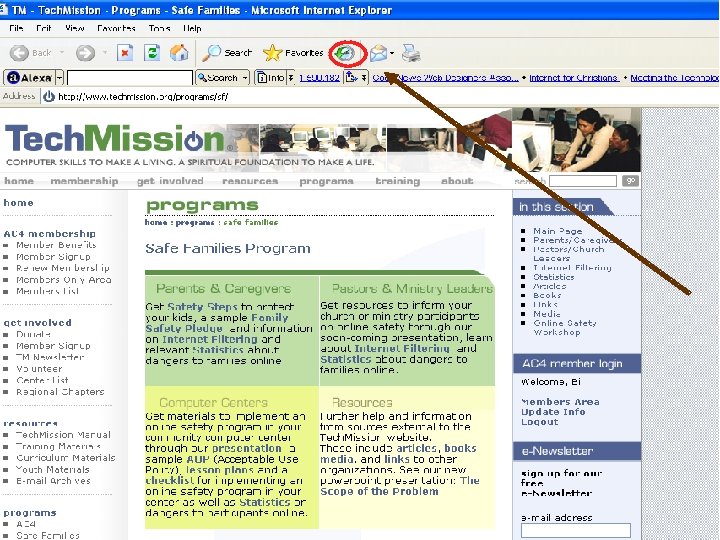 Reviewing History 1 2 3 4 5 6
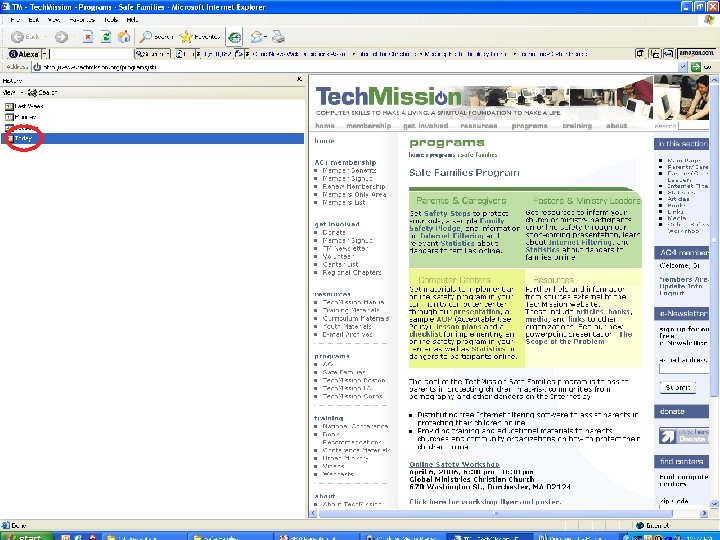 Reviewing History 1 2 3 4 5 6
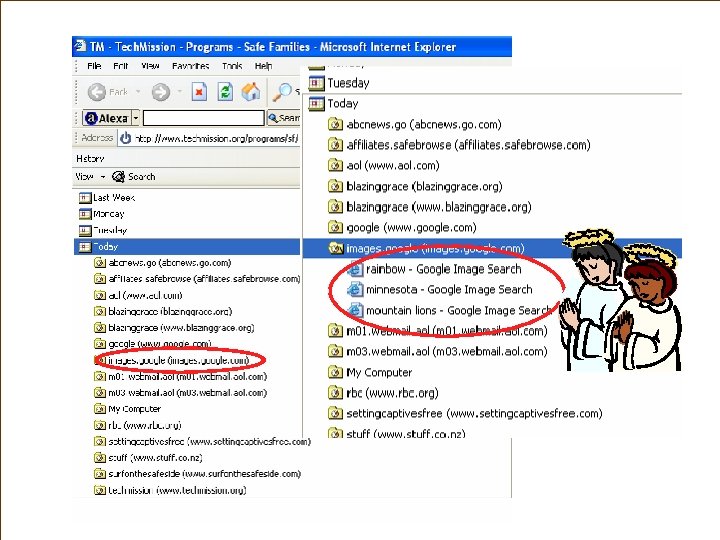 Reviewing History
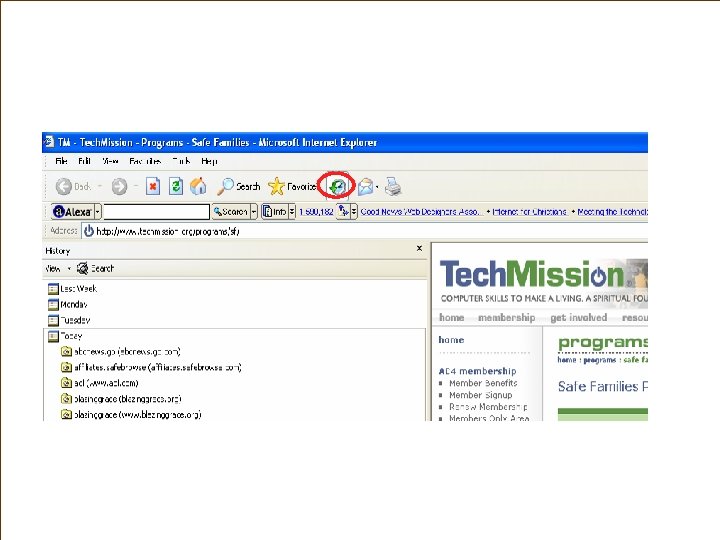 Reviewing History
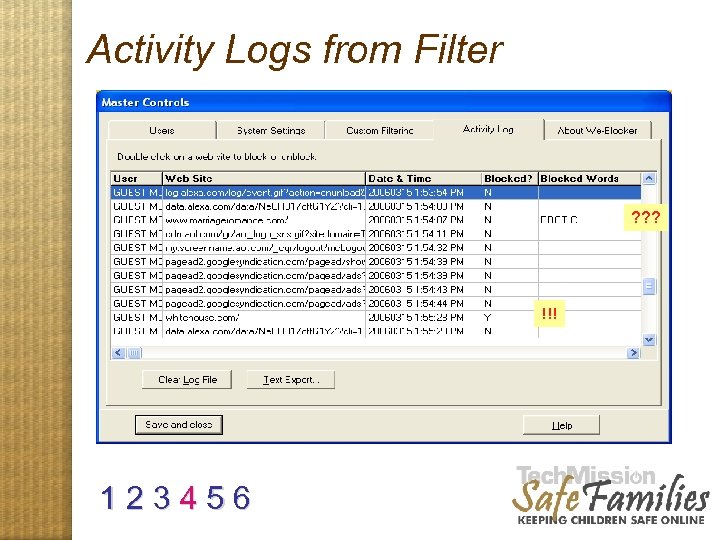 Activity Logs from Filter ? ? ? !!! 1 2 3 4 5 6
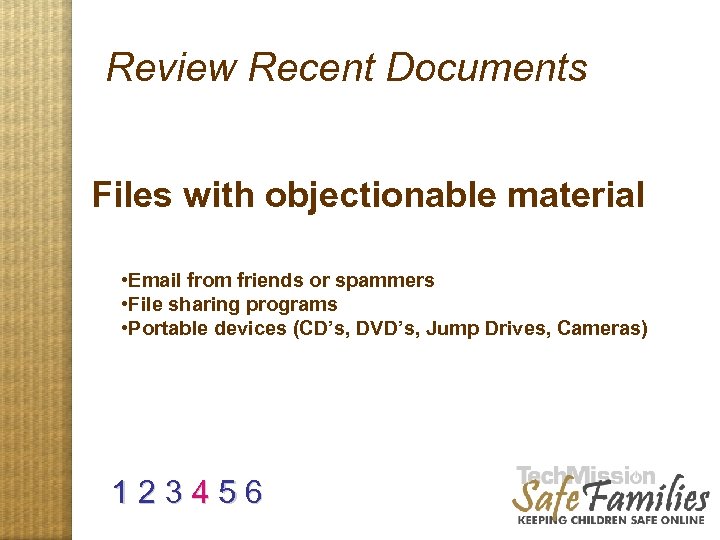 Review Recent Documents Files with objectionable material • Email from friends or spammers • File sharing programs • Portable devices (CD’s, DVD’s, Jump Drives, Cameras) 1 2 3 4 5 6
 How to Review Recent Documents
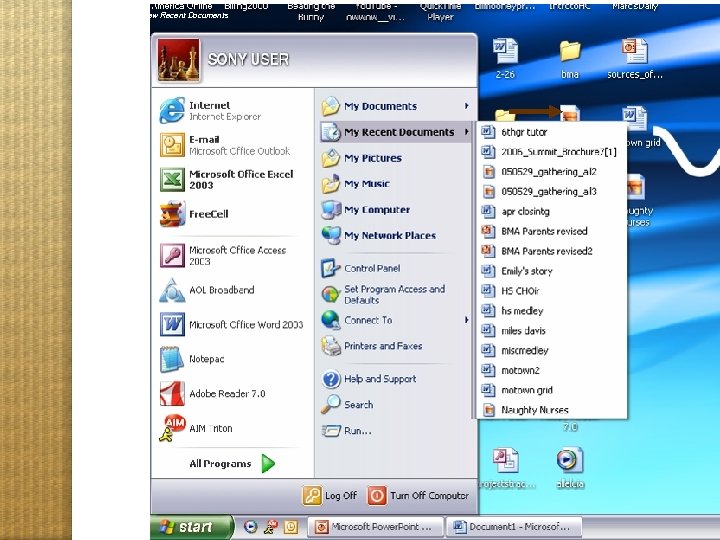 How to Review Recent Documents
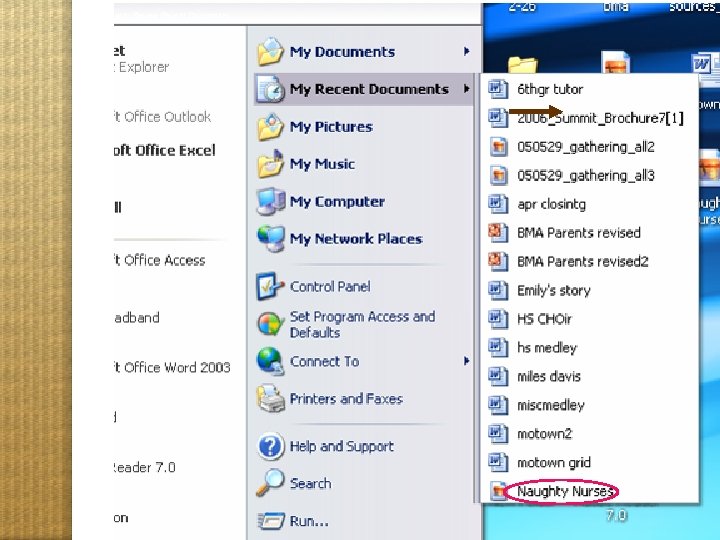 How to Review Recent Documents
 Step 5: Educate yourself around issues of online safety: site and manual Check our site: http: //safefamilies. techmission. org (manual and this recorded workshop available online) 1 2 3 4 5 6
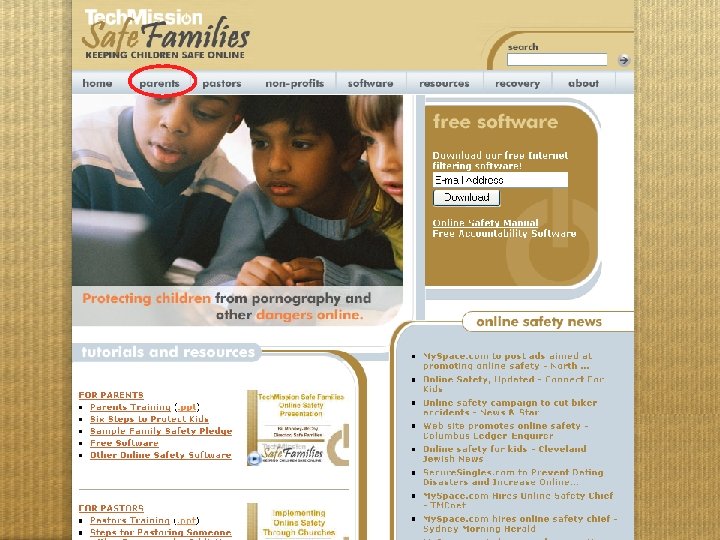 Website tour intro
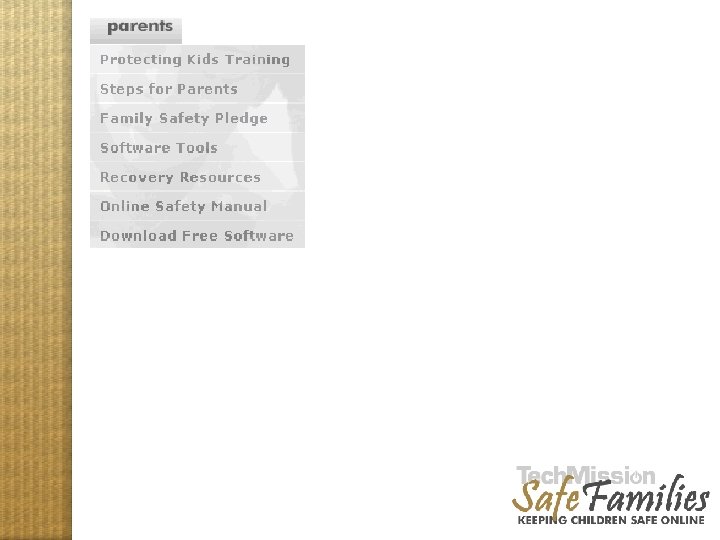 Website tour parents
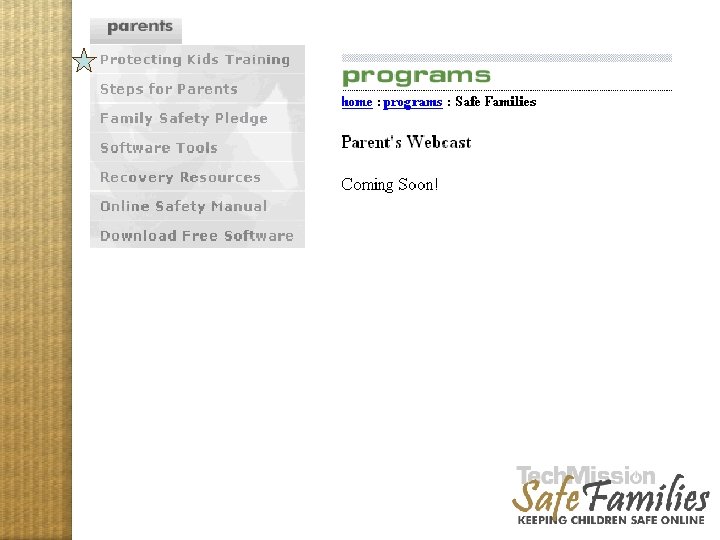 Website tour parents
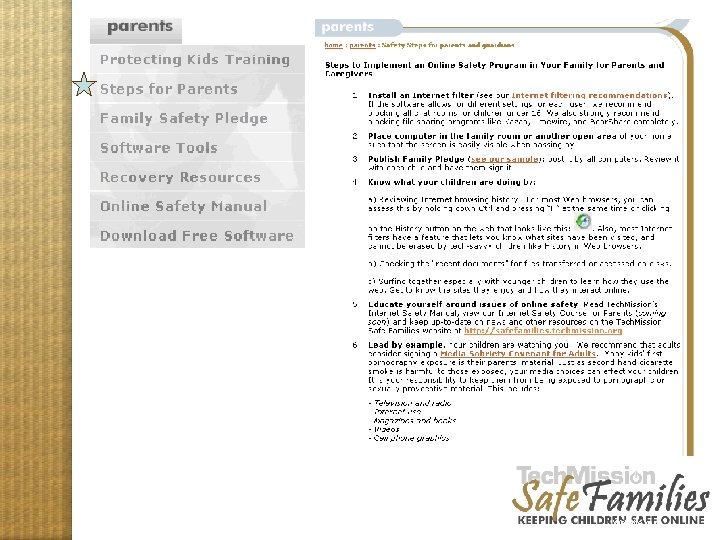 Website tour parents 2
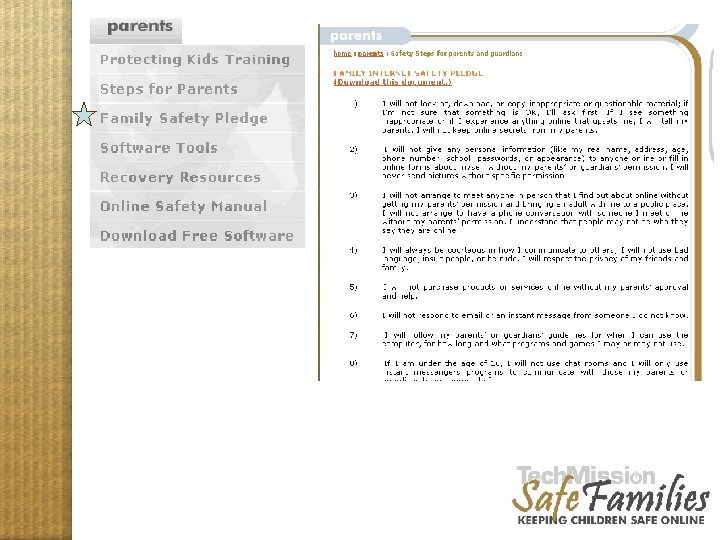 Website tour parents 3
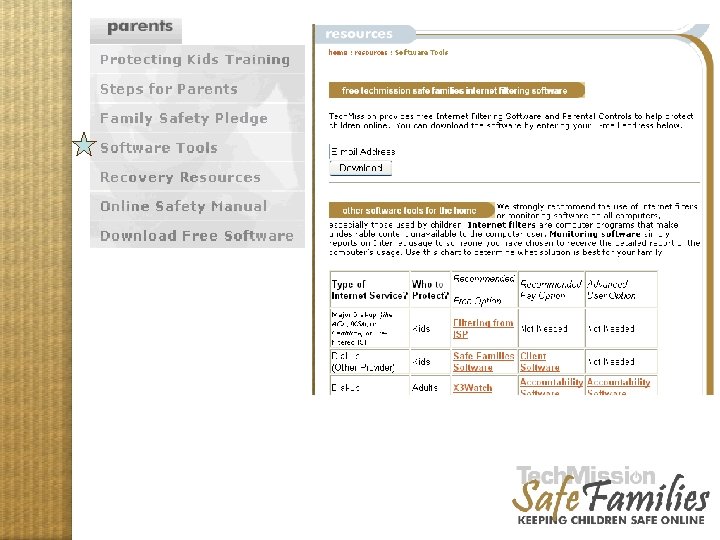 Website tour parents 4
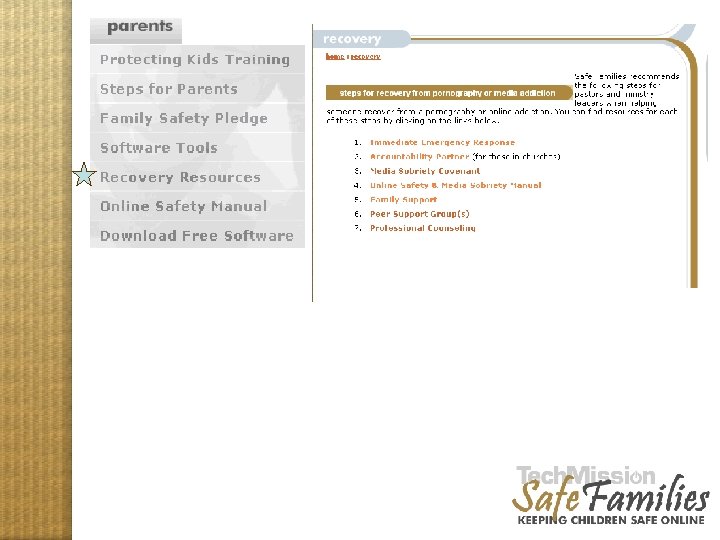 Website tour parents 5
 Website tour parents 6
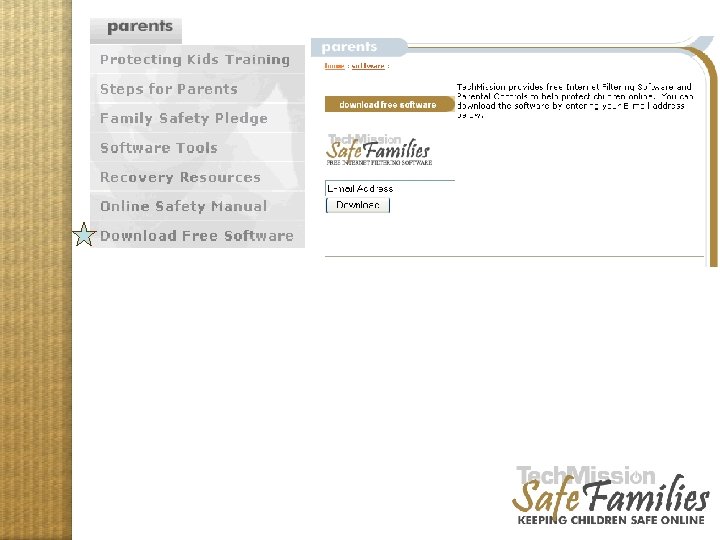 Website tour parents 7
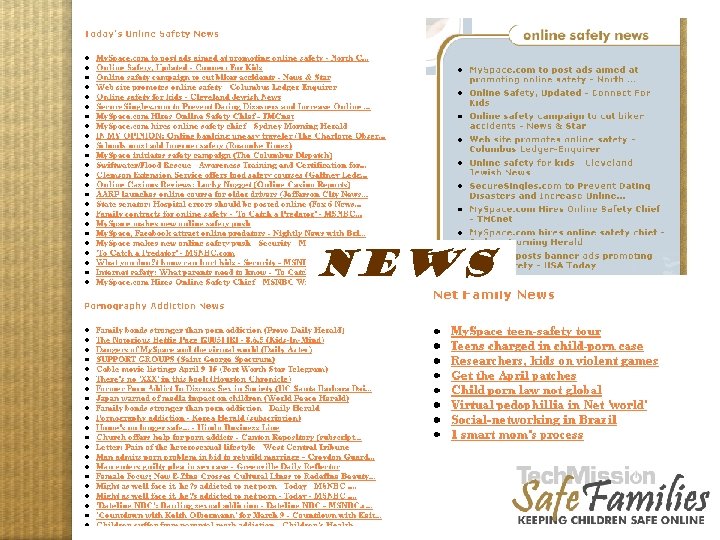 NEWS Website tour, news
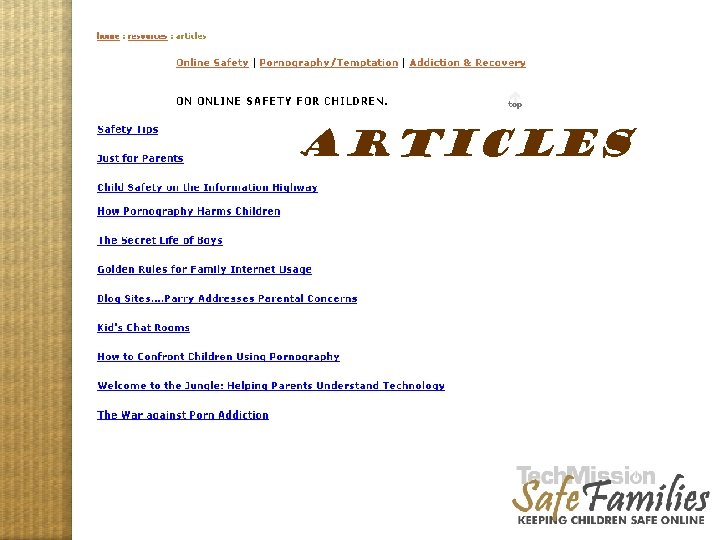 ARTICLES Website tour, articles
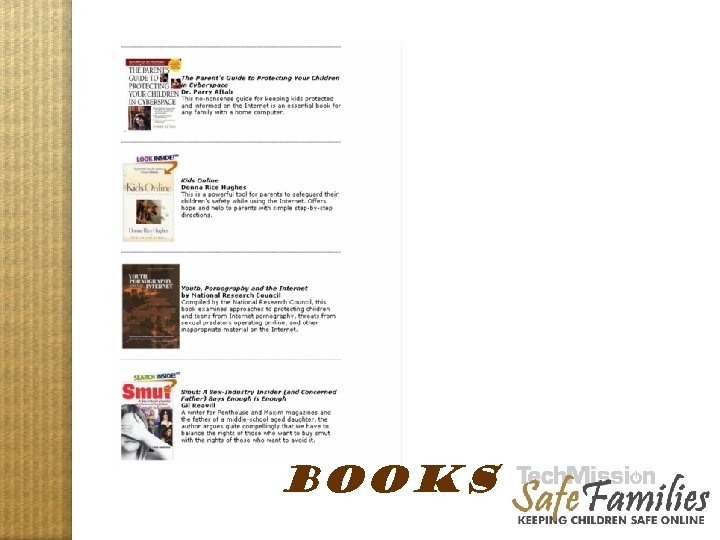 BOOKS Website tour, books
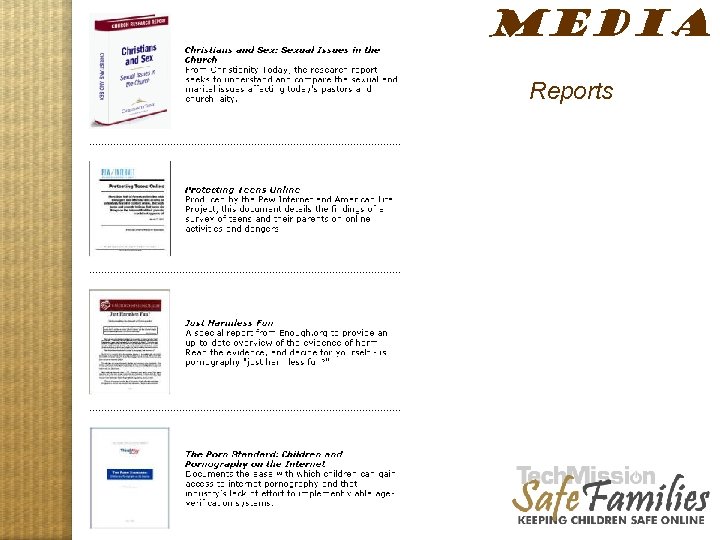 MEDIA Reports Website tour, media 1
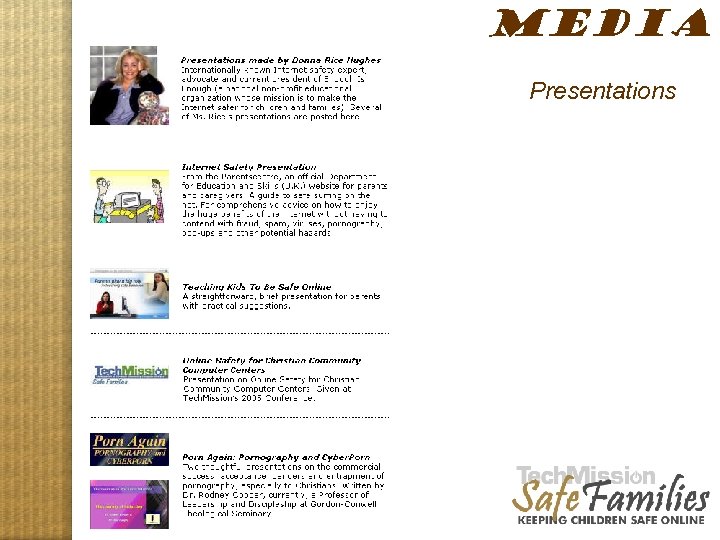 MEDIA Presentations Website tour, media 2
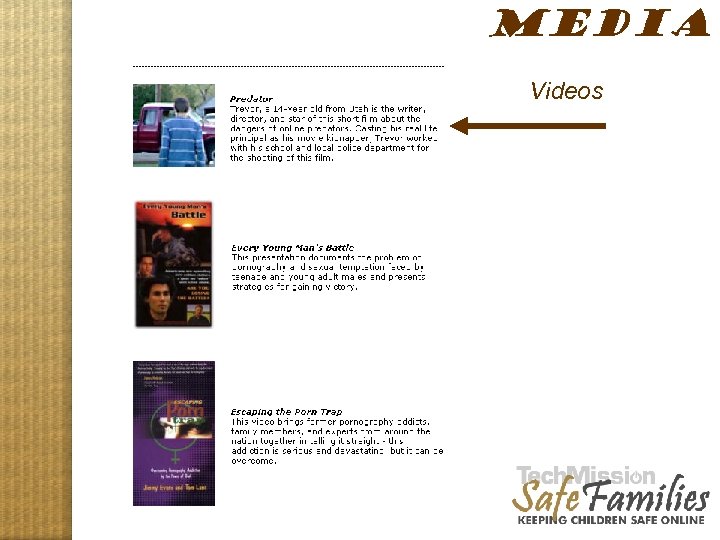 MEDIA Videos Website tour, media 2
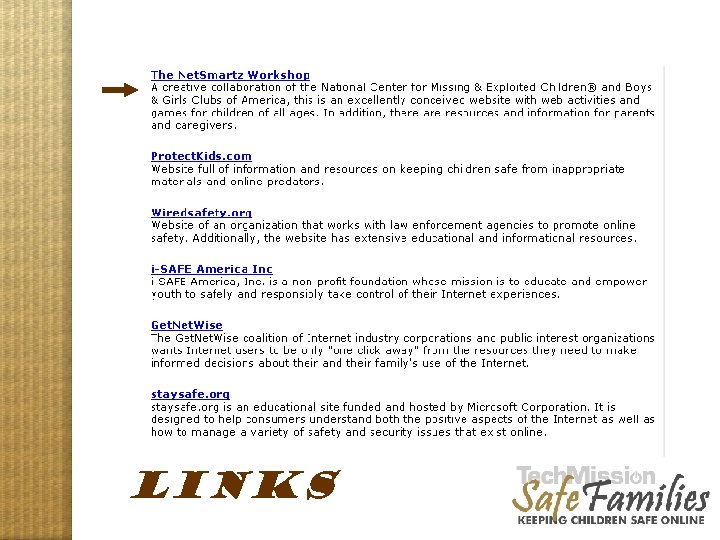 LINKS Website tour, links
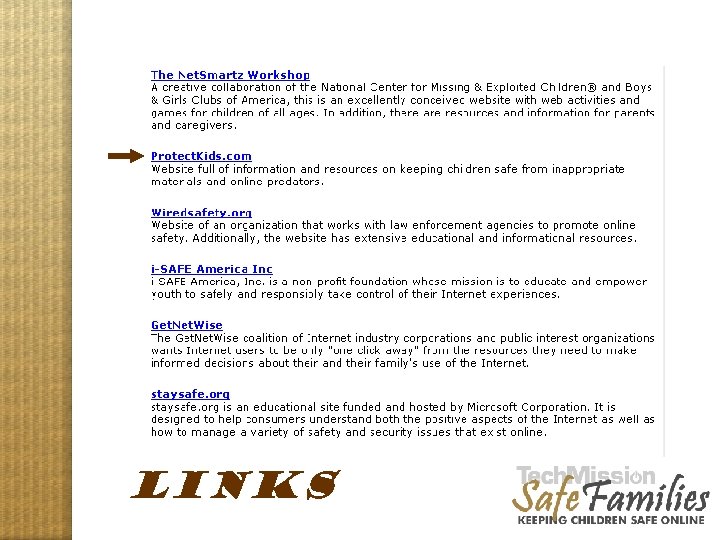 LINKS Website tour, links
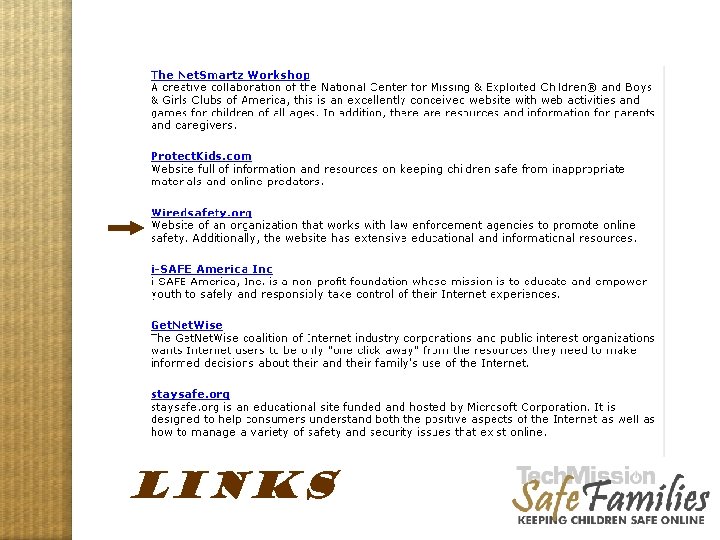 LINKS Website tour, links
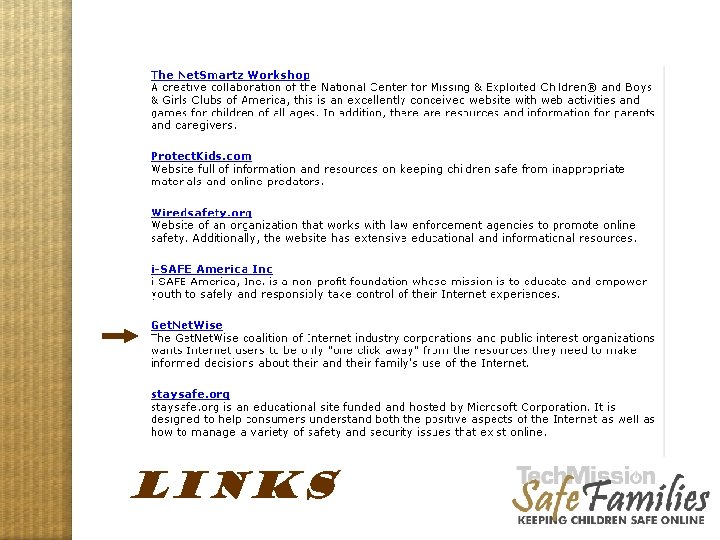 LINKS Website tour, links
 Step 5: Educate yourself around issues of online safety: the CD 1 2 3 4 5 6
 Step 6: Lead by example! “Second-hand smut” can have damaging effects just like secondhand smoking – Your children are watching and learning from you. – How were you first exposed to pornography? (Many kids' first pornography exposure is their parents' material. ) – Sexually provocative material sends a message and incites curiosity. 1 2 3 4 5 6
 PETE THE PORNO PUPPET http: //xxxchurch. com
 Avoiding Second Hand Smut Do you protect your children from being exposed to: – Videos, DVD’s, video games, radio, music or television you may be viewing that may be inappropriate for children? – Seeing your Internet History or Spyware installed on your computer from visiting inappropriate websites? – Finding inappropriate magazines and books in your house? – Material at school, libraries or houses of friends and relatives who may have open access to inappropriate materials? 1 2 3 4 5 6
 Sending this Talk to Others • Please pass this workshop on to any parents, churches and E-mail lists that you feel could use it. • Send a link to http: //safefamilies. techmission. org/parentswebcast
 TECHMISSION SAFE FAMILIES Online Safety Workshop April 6, 2006 Global Ministries Christian Church Boston, MA 02124 Presented by Bil Mooney-Mc. Coy Director of Safe Families