


 Скачать презентацию Teaching the Holocaust With the Internet George Cassutto
a11ff6ed4a7d53b416157930987a399f.ppt
- Количество слайдов: 30
 Teaching the Holocaust With the Internet George Cassutto Social Studies Department Chair Harmony Intermediate School Hamilton, VA USA
 Overview This presentation includes the following topics: • Rationale: Why use the Internet? • Themes: What topics lend themselves to the medium? • Methods: Ideas to use in the secondary classroom • Technology: What will you need? • Problems and Issues • Resources: Sites and Books
 Rationale: Why use the Internet? • Allows for use of multi-media in teaching. • It is an interactive medium. The end-user decides what to do and where to go. • The Internet contains primary documents, oral histories, news sources and editorial commentaries. • Students have a medium of self-expression and cultural exchange. • Students must use critical thinking skills to evaluate information.
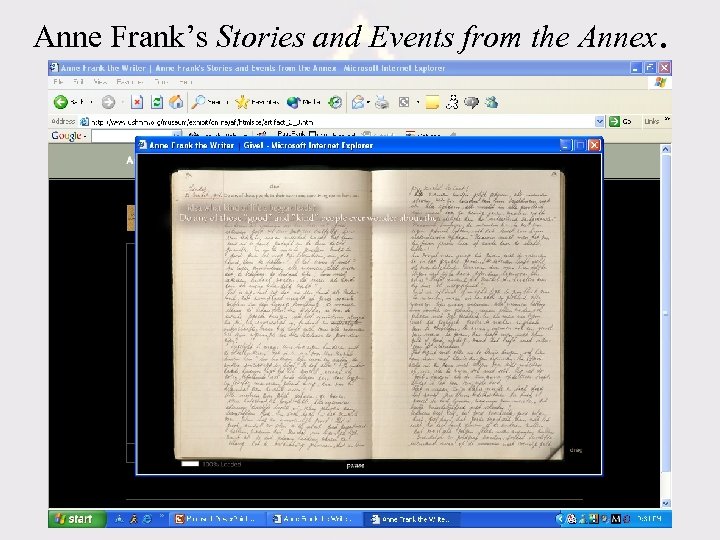 Anne Frank’s Stories and Events from the Annex.
 Themes: What topics lend themselves to the medium? • Chronology of the Holocaust including – Hitler’s early life and rise to power. – Development of Nazi Party and racial policy – Military expansion of Greater Germany and incorporation of Eastern Europe into Nazi controlled territory. – Conversion from de facto terrorism to genocide. – Liberation and establishment of the state of Israel
 Additional Topics for the Telecommunications Method • Geography of Occupation and Camps • Progression of German military expansion. • The placement of slave labor, death, and extermination camps. • Location and layout of uprisings and resistance movements (ie. , Warsaw Ghetto) • Biographical information on rescuers, resistance leaders.
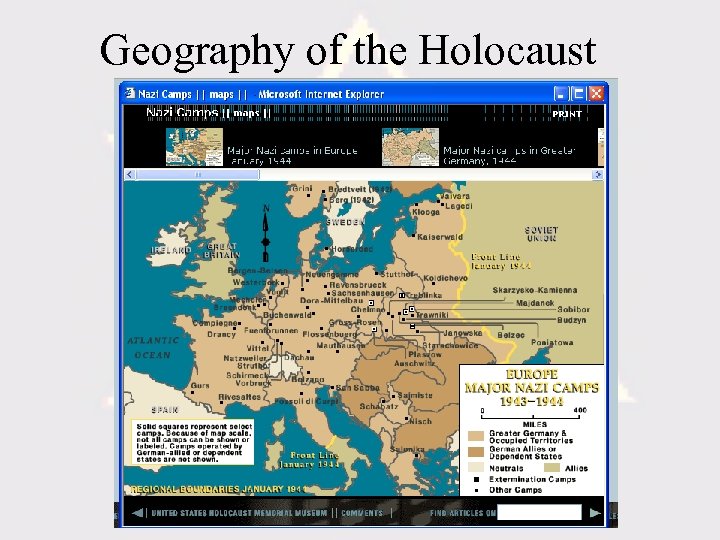 Geography of the Holocaust
 More Topics For Internet Research • 5 Million non-Jewish groups persecuted by the Nazi Party: – Gypsies – Homosexuals – Jehovah’s Witnesses – Mentally Disabled (T-4 program) – Communists – Christian Resistance workers.
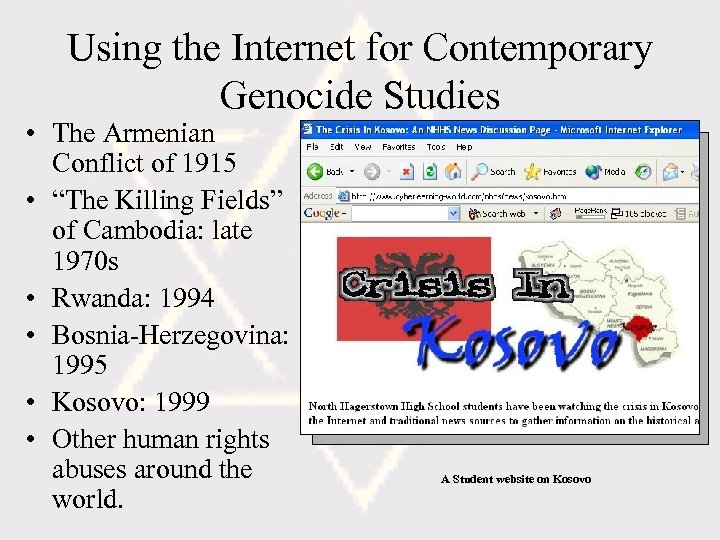 Using the Internet for Contemporary Genocide Studies • The Armenian Conflict of 1915 • “The Killing Fields” of Cambodia: late 1970 s • Rwanda: 1994 • Bosnia-Herzegovina: 1995 • Kosovo: 1999 • Other human rights abuses around the world. A Student website on Kosovo
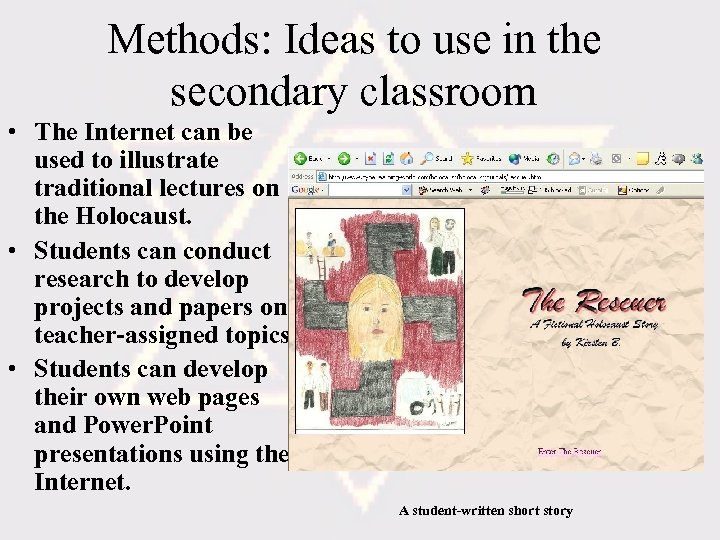 Methods: Ideas to use in the secondary classroom • The Internet can be used to illustrate traditional lectures on the Holocaust. • Students can conduct research to develop projects and papers on teacher-assigned topics. • Students can develop their own web pages and Power. Point presentations using the Internet. A student-written short story
 Project Tips • Students can work individually or in groups of two or three. Four is the maximum. • Provide a project calendar stating when elements are due. • Have students create a storyboard or plan submitted to the teacher for approval. • Reduce graphics file sizes either by file compression or file resize/resample to reduce download time and disk space.
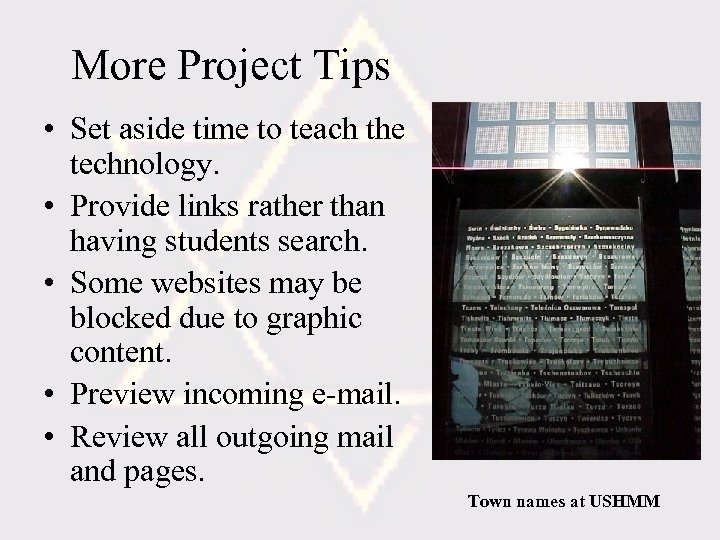 More Project Tips • Set aside time to teach the technology. • Provide links rather than having students search. • Some websites may be blocked due to graphic content. • Preview incoming e-mail. • Review all outgoing mail and pages. Town names at USHMM
 Project Formats • Photo Essay: Images of the Holocaust or of prejudice in today’s world. • Artwork in oil, pencil, watercolor, or other medium. • Interview with witness or expert. • Recorded song, music or spoken word (poetry)
 More Project Formats • Video (requires video capture equipment and server to stream video content) • Interactive Timeline • Movie review (Schindler’s List, Anne Frank) • Formal Essay • Interactive Fact Game or Quiz • Email exchange (Keypals)
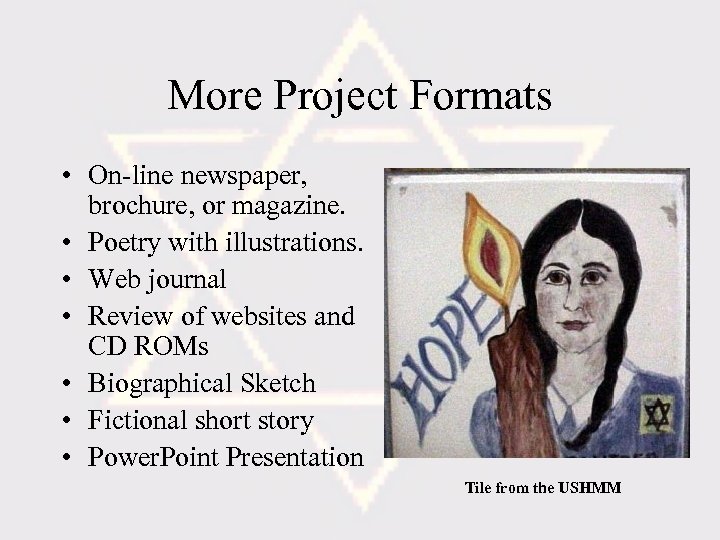 More Project Formats • On-line newspaper, brochure, or magazine. • Poetry with illustrations. • Web journal • Review of websites and CD ROMs • Biographical Sketch • Fictional short story • Power. Point Presentation Tile from the USHMM
 Adapting Projects for Students With Special Needs • Use Inspiration software to help students create concept webs of challenging topics. • Inspiration allows students to save their work as a web page (HTML). • Use visual language and appeal to multiple intelligence to reach all learning styles. • Cooperative learning: Each student has a role within the group: secretary, spokesperson, graphic artist, typist, etc.
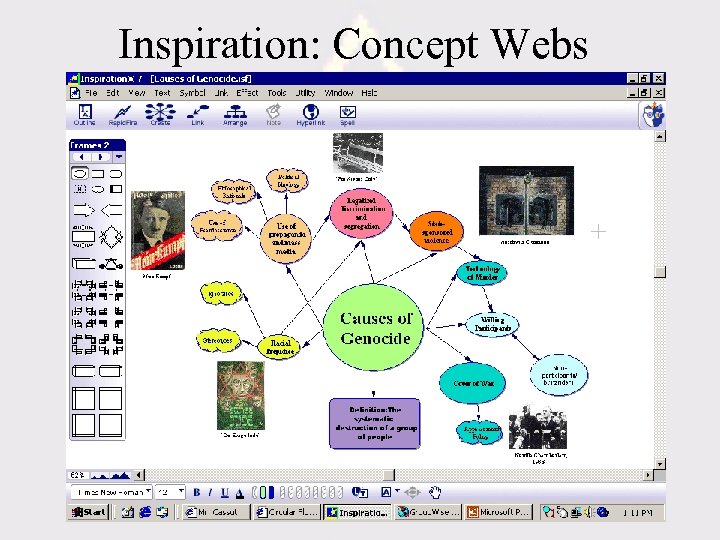 Inspiration: Concept Webs
 Evaluating Technology Projects • Create a rubric that assigns points for the quality of work created by students. Go to http: //rubistar. 4 teachers. org/index. php • Inform students regarding assessment guidelines: grades for content and product. • Content: Historical accuracy and completeness. • Product: Originality, creativity, grammar and cohesiveness. • Product: Consistent use of graphics, color, font, images, symbols.
 Technology: What Do You Need? • • Computers with Internet Access A computer network is better than a modem. Internet Browser Web publishing software (Front. Page 2000, Dreamweaver, etc) • Graphics software (Adobe Photoshop, Paint Shop Pro)
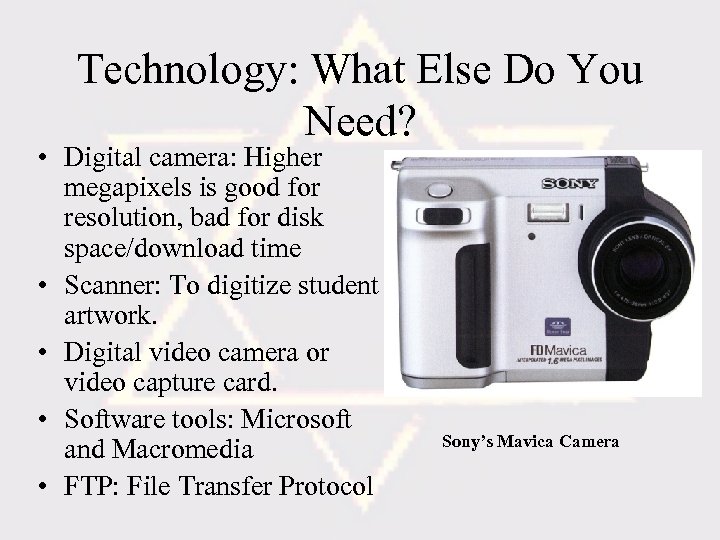 Technology: What Else Do You Need? • Digital camera: Higher megapixels is good for resolution, bad for disk space/download time • Scanner: To digitize student artwork. • Digital video camera or video capture card. • Software tools: Microsoft and Macromedia • FTP: File Transfer Protocol Sony’s Mavica Camera
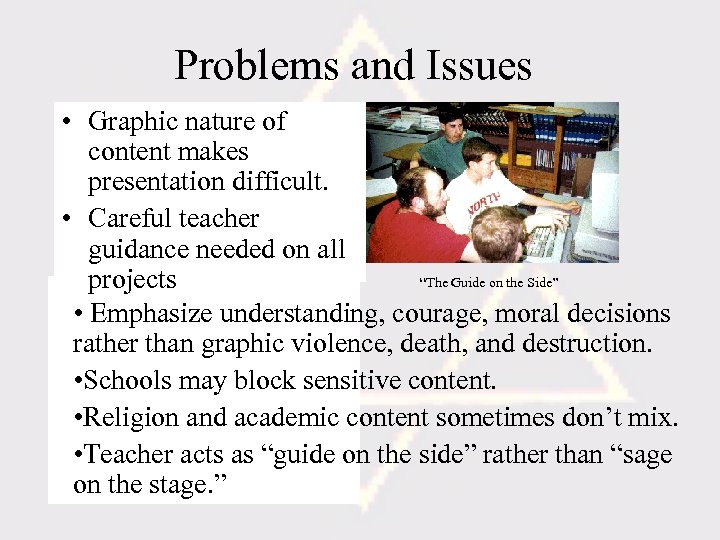 Problems and Issues • Graphic nature of content makes presentation difficult. • Careful teacher guidance needed on all “The Guide on the Side” projects • Emphasize understanding, courage, moral decisions rather than graphic violence, death, and destruction. • Schools may block sensitive content. • Religion and academic content sometimes don’t mix. • Teacher acts as “guide on the side” rather than “sage on the stage. ” • • • Schools may block sensitive content. Religion and academic content sometimes don’t mix. Students must “unlearn” incorrect facts
 More Problems and Issues • Hate websites distort truth and cannot be used reliably as a source of information. • Students need a good basis of knowledge before beginning a project. • Copyright: Images and text must be in the public domain. • Definitions: To whom does the term “Holocaust” belong?
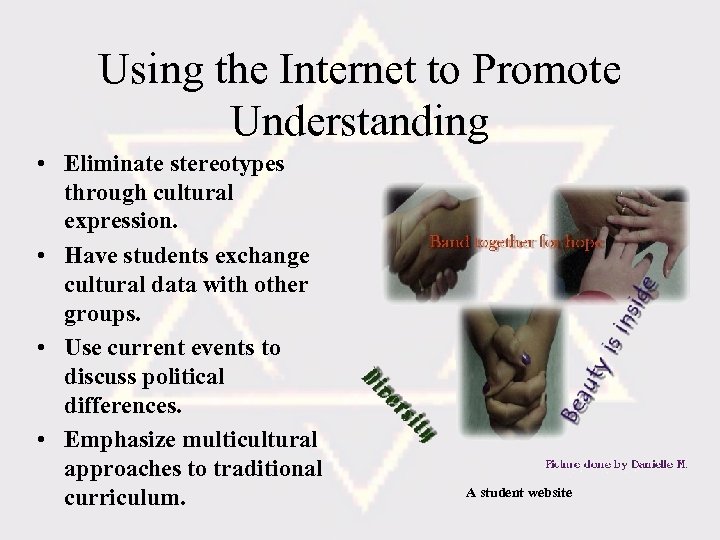 Using the Internet to Promote Understanding • Eliminate stereotypes through cultural expression. • Have students exchange cultural data with other groups. • Use current events to discuss political differences. • Emphasize multicultural approaches to traditional curriculum. A student website
 Electronic Resources • United States Holocaust Memorial Museum http: //www. ushmm. org • Yad Vashem: http: //www. yadvashem. org/ • America and the Holocaust (PBS Video) http: //www. pbs. org/wgbh/amex/holocaust/html • Facing History and Ourselves http: //www. facing. org • Classroom Connect: Teaching the Holocaust with the Internet http: //twi. classroom. com/holocaust • Simon Wiesenthal Center http: //www. wiesenthal. com
 More Electronic Resources • Weisenthal: Multimedia Learning Center Online http: //motlc. weisenthal. com • The Nizkor Project http: //www. nizkor. org • Cybrary of the Holocaust http: //www. remember. org/ • CD: Lest We Forget, Endless Interactive, Logos research Systems, Inc. 1996 • CD: Survivors: Testimonies of the Holocaust, Survivors of the Shoah Visual History Foundation, 1999.
 Print Resources • Totten, Sam. Holocaust Education: Issues and Approaches, Allyn and Bacon, 2002. • Berenbaum, Michael. The World Must Know: The History of the Holocaust as Told in the United States Holocaust Memorial Museum, Boston: Little, Brown, 1993. • Classroom Connect, Teaching the Holocaust With the Internet, 1998.
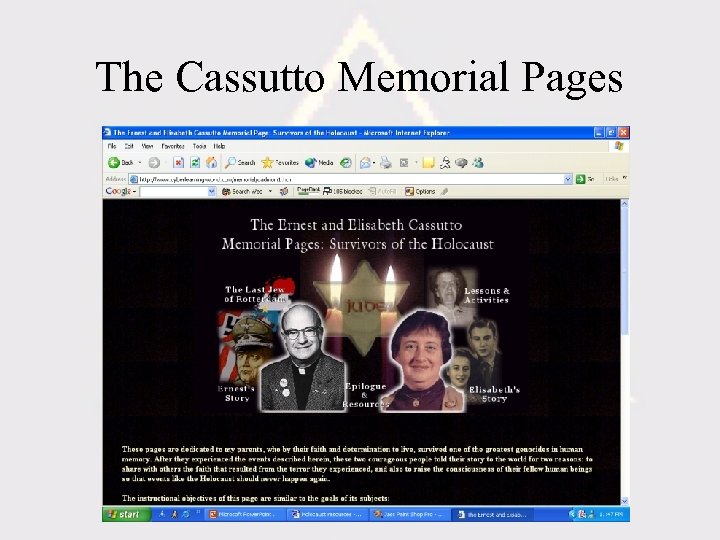
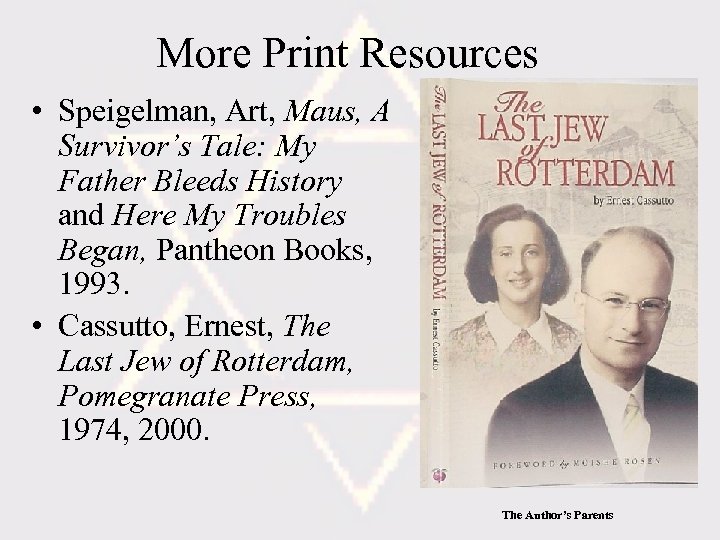 More Print Resources • Speigelman, Art, Maus, A Survivor’s Tale: My Father Bleeds History and Here My Troubles Began, Pantheon Books, 1993. • Cassutto, Ernest, The Last Jew of Rotterdam, Pomegranate Press, 1974, 2000. The Author’s Parents
 From the Author • Holocaust Journals http: //www. cyberlearningworld. com/holocaustjournals/ope ning. html • The Cassutto Memorial Pages http: //www. cyberlearningworld. com/memorial/dadmom. htm
 The Cassutto Memorial Pages
 More from the Author • Teaching the Holocaust from a Personal Perspective http: //www. cyberlearning-world. com/hololp. htm • How to Set Up A Website for Your School http: //www. cyberlearningworld. com/internet/howto/present. htm • Civics Lesson Plans, Teachingpoint Publishers, 2003. • Internet Pocket Guide for Teachers, Genium Publishers, 1999.