


 Скачать презентацию Tax Wise 20 YY Clone CD Version 10
21618728f386599eb494283b3b899578.ppt
- Количество слайдов: 10
 Tax. Wise 20 YY Clone CD Version 10 By FL 1 Dist. 11
 Objectives: • Facilitate the installation of Tax. Wise • Ameliorate problems encountered by errors in individual installations • Provide TC control of installation process and defaults
 Related topics: • Creation and Use of desktop ICONs • (with different setup files) for computers used at multiple sites with different EFINs Version 10 provides full support for client/server networking, as well as stand-alone installations
 Why ? • Tax. Wise 20 YY clone CD by FL 1 Dist. 11 is used to load multiple computers with an exact image of Tax. Wise copied from the host computer. This can save a great deal of time in resetting training computers after a training session or in loading computers for use during the tax season.
 The Process: … major steps • Install Tax. Wise on host computer per Tax. Wise • • User Guide, Pub 3189, & AARP Tax-Aide Suggested Defaults Set up Tax Form Defaults and Print Packets Create a Tax. Wise user for each Site Create a desktop ICON for each Site Include desktop references and Printer Drivers Create ZIP file of Tax. Wise Folder Burn new CLONE CD with created ZIP file(s) Run CLONE CD installer on all computers
 Benefits: • Easy to use Windows point & click graphical • • • interface. Multiple tax years can be installed from one CD, (prompts for input year). Adaptable for use by all districts. Mobility -- all computers can be used at all district sites without full re-install Includes TW Make ICONS to automate creation of batch files and desktop ICONS/shortcuts for multiple sites. Includes TWzip to automate zipping the UTS folder from the host computer.
 Limitation: • Tax. Wise structure must be fully understood to create the initial host computer setup – no short cuts here
 TW Make ICONS • When one computer will be used to prepare taxes for • • • multiple EFINs the Tax. Wise setup may have to be updated and when one computer will be used at multiple sites the Tax. Wise user has to be selected at each site. In the Tax. Wise program there is a file that keeps track of the last setup and user information; this file is used to start Tax. Wise with the same EFIN, initial forms, print defaults, and user as when Tax. Wise was closed. This file can be captured (called a snapshot) and associated with a desktop ICON so that when the computer is moved to a different location, clicking on the ICON will reset the “last setup” file in Tax. Wise to the user associated with the new location. This will eliminate the need for counselors having to manually reset the Tax. Wise Setup Options for use at a new site. TW Make ICONS will do this for you with minimal input.
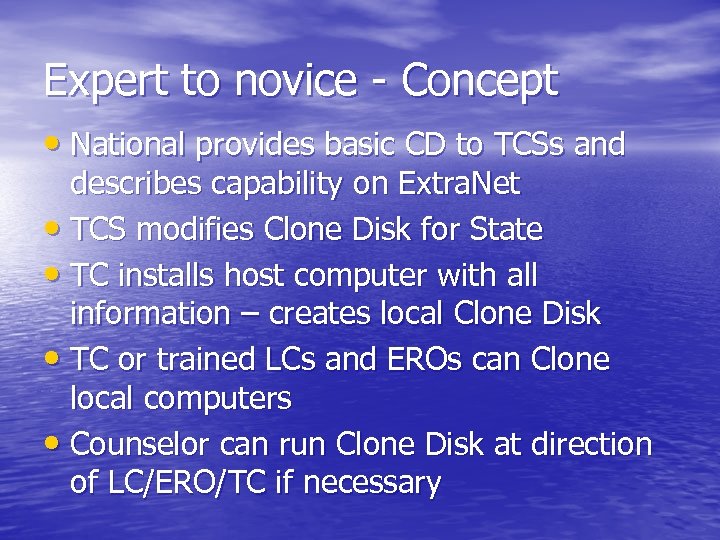 Expert to novice - Concept • National provides basic CD to TCSs and describes capability on Extra. Net • TCS modifies Clone Disk for State • TC installs host computer with all information – creates local Clone Disk • TC or trained LCs and EROs can Clone local computers • Counselor can run Clone Disk at direction of LC/ERO/TC if necessary
 For More Information • Many users of this tool set are members of the Tax-Aide Volunteer Operations Group (T-VOG) Yahoo! group, a collaborative information exchange for AARP Tax-Aide volunteer leaders nationwide. • For more information about T-VOG and to obtain access to the FL 1 District 11 Clone Tools, visit http: //groups. yahoo. com/group/T-VOG/