 Скачать презентацию Tallinn University of Technology LIBRARY Overview of library
f852d95d9773e0c04c1070885fa04755.ppt
- Количество слайдов: 34




Tallinn University of Technology LIBRARY Overview of library services Katri Mägi TUT Library Information Services Department TUT Orientation Days Aug, 26 th 2015
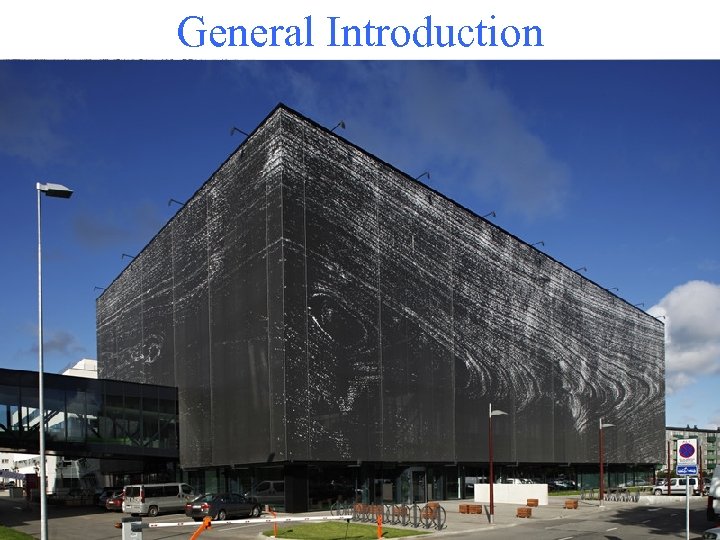
General Introduction
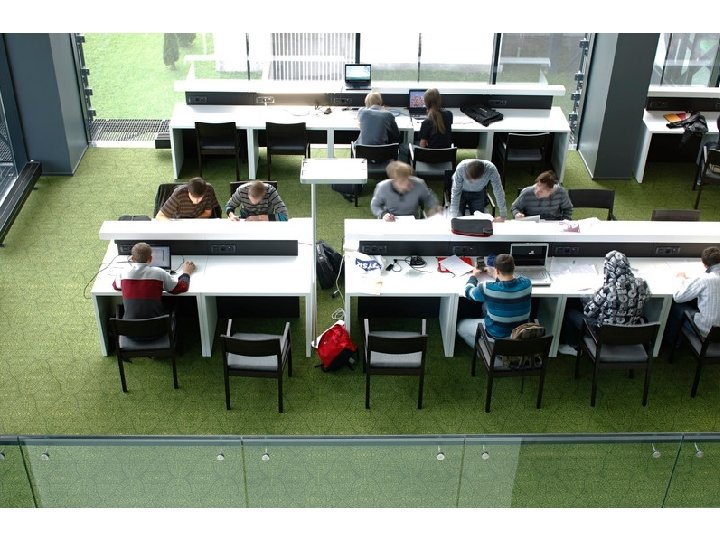
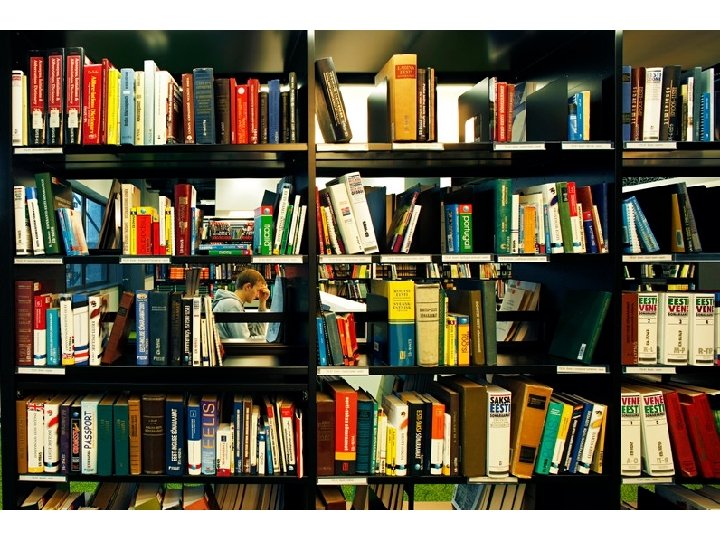
Opening hours Mo - Fri 8. 30– 20. 00 Sat 11. 00– 16. 00 Last Friday of a month is a “clean-up” day!
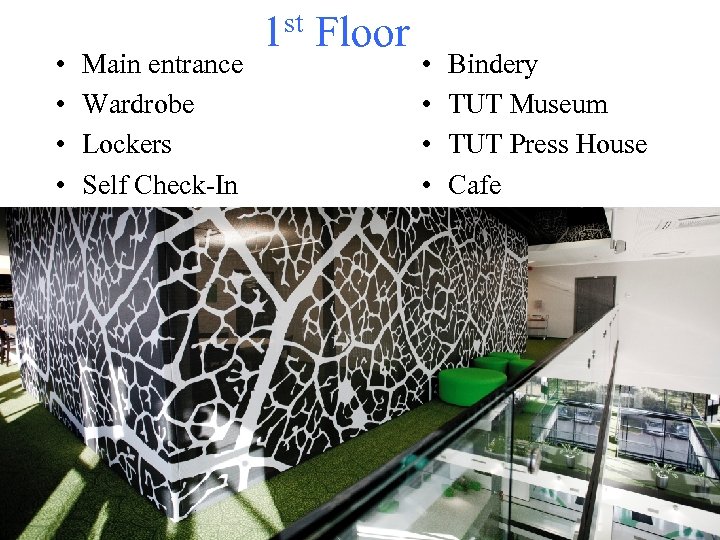
• • Main entrance Wardrobe Lockers Self Check-In 1 st Floor • • Bindery TUT Museum TUT Press House Cafe
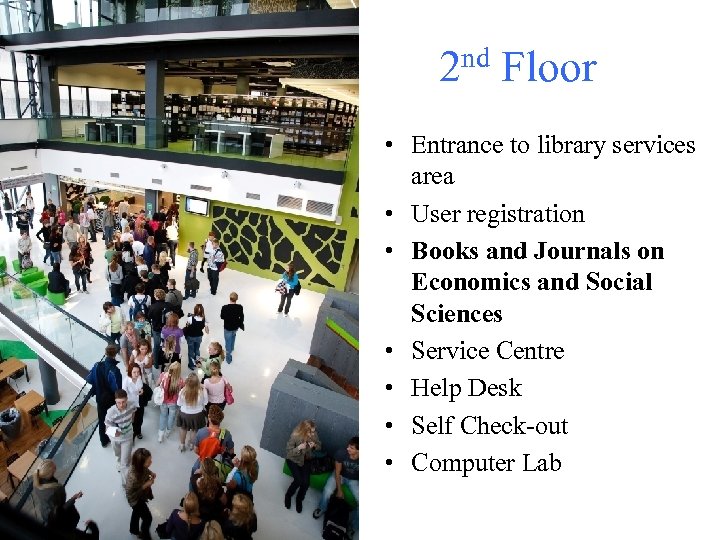
nd Floor 2 • Entrance to library services area • User registration • Books and Journals on Economics and Social Sciences • Service Centre • Help Desk • Self Check-out • Computer Lab
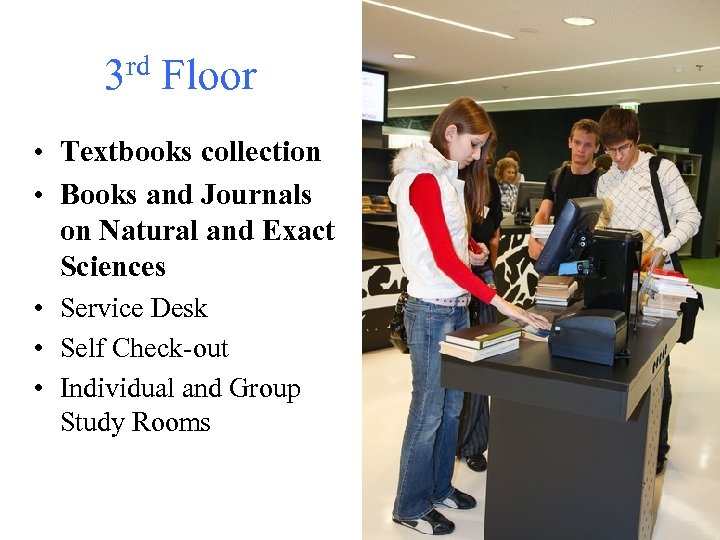
rd Floor 3 • Textbooks collection • Books and Journals on Natural and Exact Sciences • Service Desk • Self Check-out • Individual and Group Study Rooms
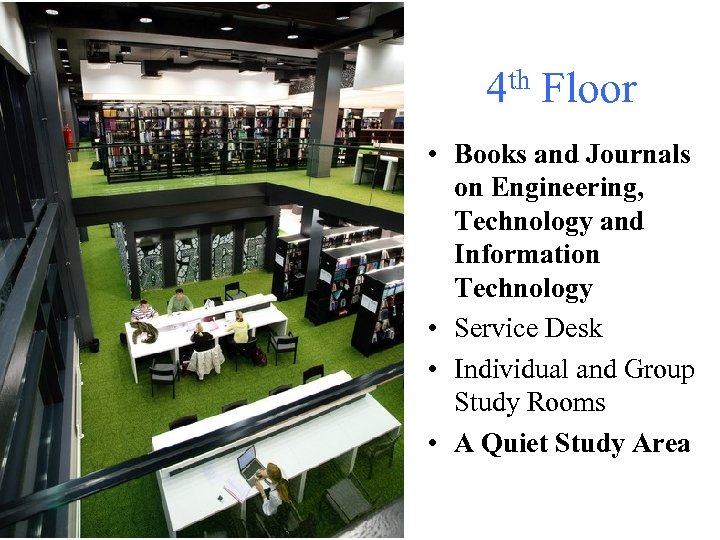
4 th Floor • Books and Journals on Engineering, Technology and Information Technology • Service Desk • Individual and Group Study Rooms • A Quiet Study Area
5 th Floor • Books and Journals on Humanities • Service Desk • Group Study Rooms • Newspapers • Map Collection
User registration • At the Information Desk • Library card / Estonian ID-card / Residence card • To obtain the library card you need: - fill out the registration form - photo 2 x 3 cm - 1, 30 € • Registration with Estonian ID-card or Residence card is free of charge.
Student Code – your unique student number For example: 1513001 KAYM Look it up in Studies Information System ÕIS. Log in with: • ID-card / Residence card • Username and password you get from IT Help. Desk, SOC-132
Borrowing • At any service desk • Self Check-out on 2 nd and 3 rd floor • Open stack – pick a book • Storage – fill out a call slip • Up to 25 items at a time!
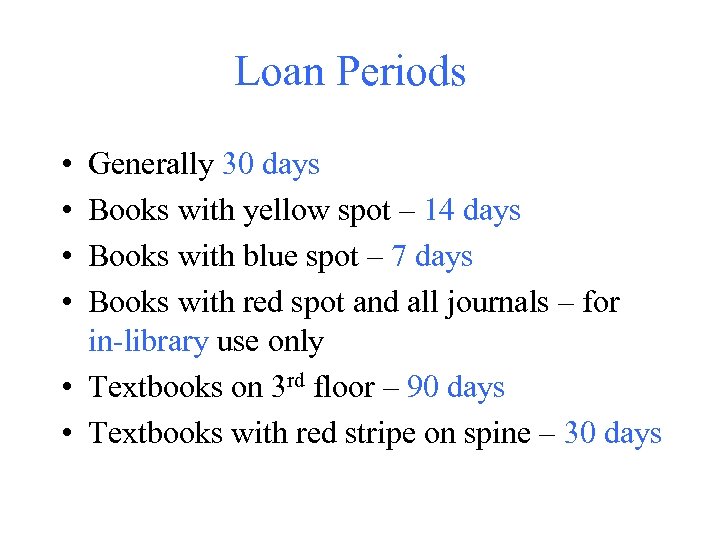
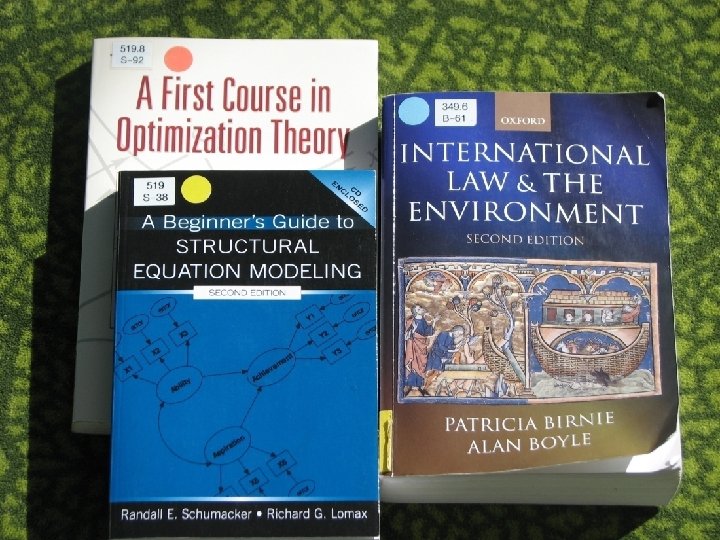
Loan Periods • • Generally 30 days Books with yellow spot – 14 days Books with blue spot – 7 days Books with red spot and all journals – for in-library use only • Textbooks on 3 rd floor – 90 days • Textbooks with red stripe on spine – 30 days
Renewals • • at library service desks by e-mail teenindus@lib. ttu. ee by phone 620 3555 yourself by using My ESTER
Reservations • at any service desk • up to 10 reservations at the same time • you will be noticed by phone or email • pick up from the service centre on 2 nd floor
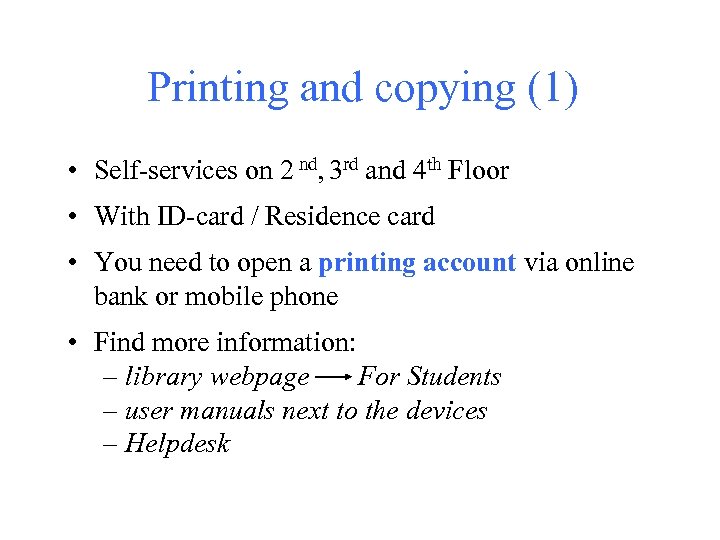
Printing and copying (1) • Self-services on 2 nd, 3 rd and 4 th Floor • With ID-card / Residence card • You need to open a printing account via online bank or mobile phone • Find more information: – library webpage For Students – user manuals next to the devices – Helpdesk
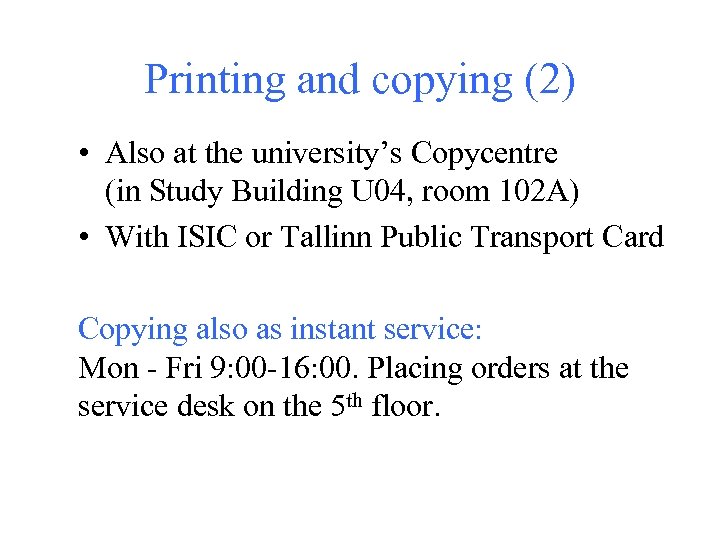
Printing and copying (2) • Also at the university’s Copycentre (in Study Building U 04, room 102 A) • With ISIC or Tallinn Public Transport Card Copying also as instant service: Mon - Fri 9: 00 -16: 00. Placing orders at the service desk on the 5 th floor.
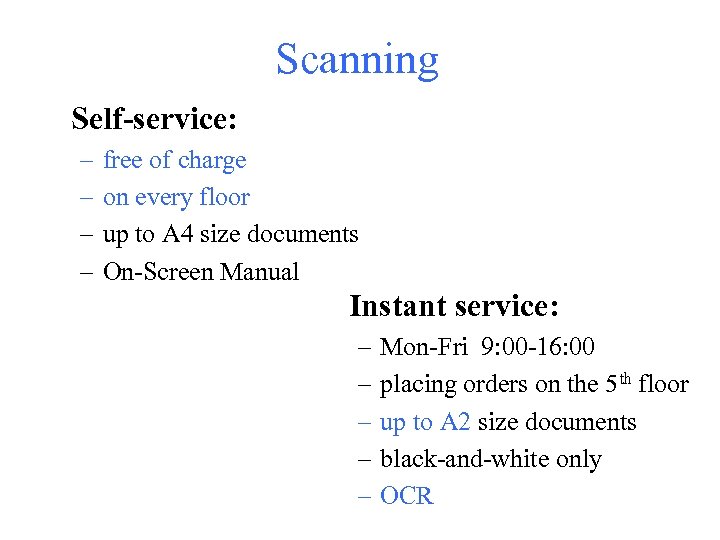
Scanning Self-service: – – free of charge on every floor up to A 4 size documents On-Screen Manual Instant service: – – – Mon-Fri 9: 00 -16: 00 placing orders on the 5 th floor up to A 2 size documents black-and-white only OCR
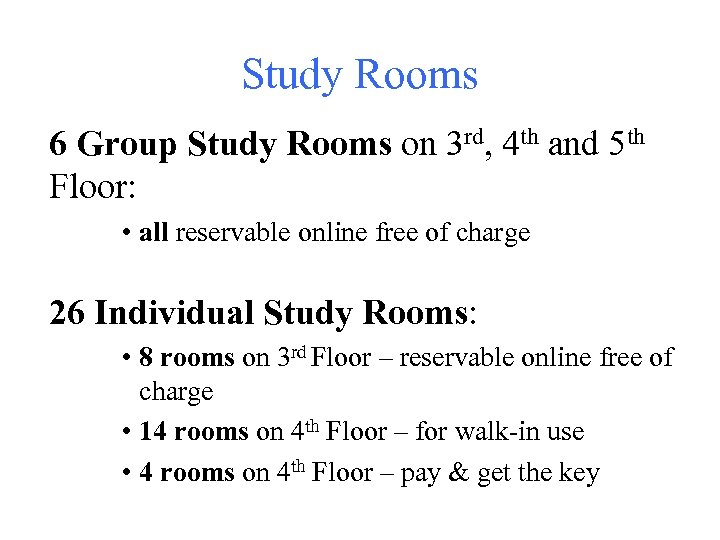
Study Rooms 6 Group Study Rooms on 3 rd, 4 th and 5 th Floor: • all reservable online free of charge 26 Individual Study Rooms: • 8 rooms on 3 rd Floor – reservable online free of charge • 14 rooms on 4 th Floor – for walk-in use • 4 rooms on 4 th Floor – pay & get the key
Computers Log in with: • Username and password you can find on the computer keyboard • ID-card / Residence card (PIN 1 is required) • Uni-ID
Uni-ID – your TUT username and password Get it in: • Studies Information System ÕIS • https: //pass. ttu. ee • IT Help. Desk, SOC-129, phone 620 3333, e-mail helpdesk@ttu. ee
Databases • • Campus-wide access Also by remote access at https: //toru. ttu. ee Log in with your Uni-ID Check the remote access manual on library’s webpage
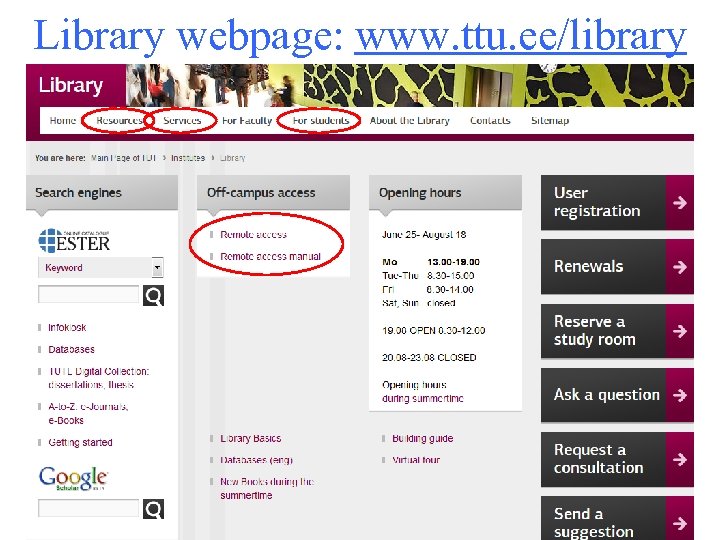
Library webpage: www. ttu. ee/library
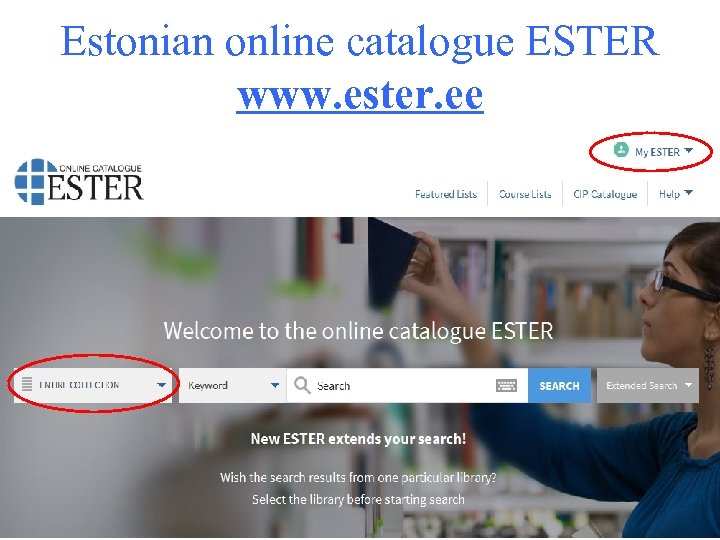
Estonian online catalogue ESTER www. ester. ee
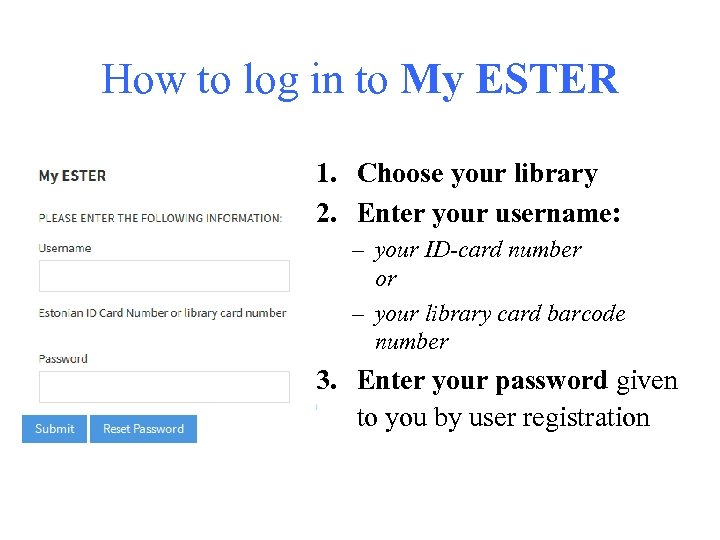
How to log in to My ESTER 1. Choose your library 2. Enter your username: – your ID-card number or – your library card barcode number 3. Enter your password given to you by user registration
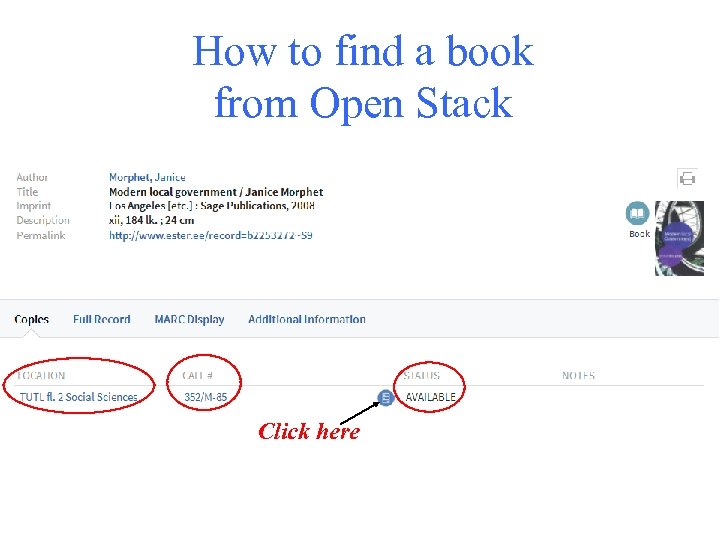
How to find a book from Open Stack Click here
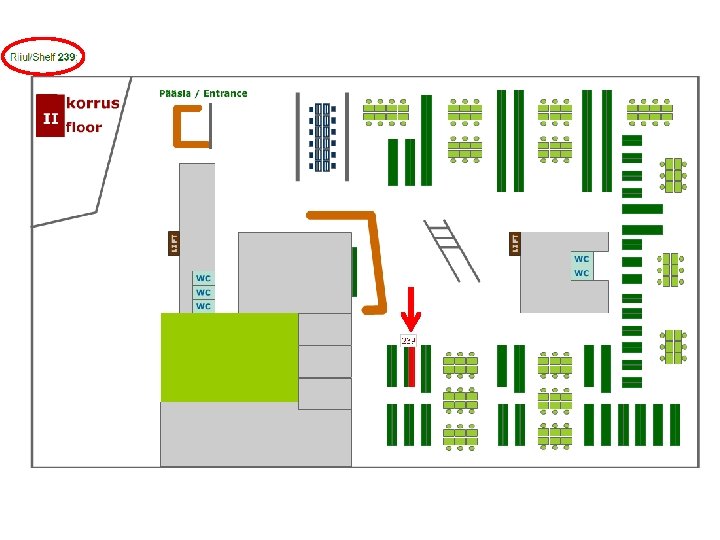
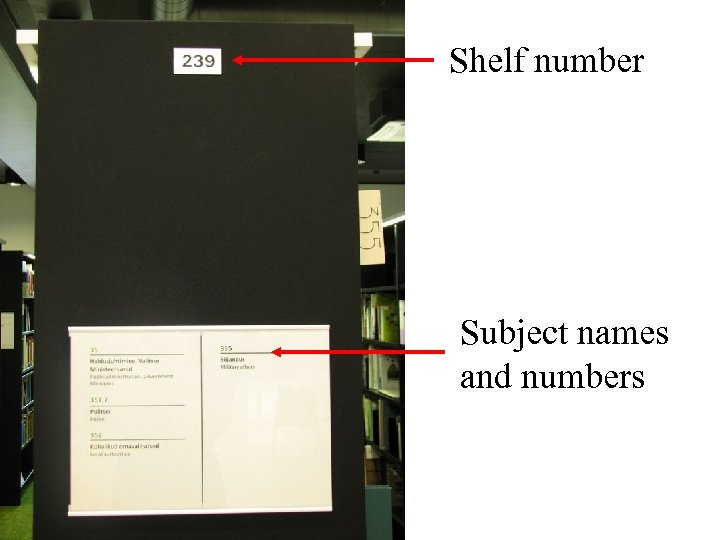
Shelf number Subject names and numbers
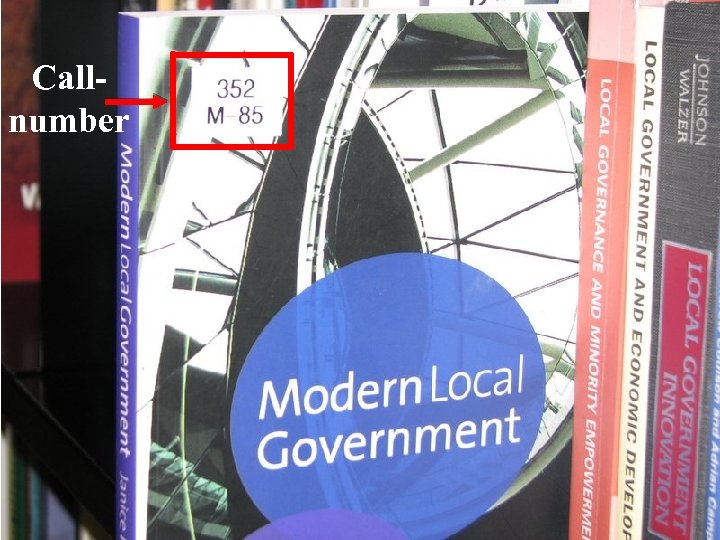
Callnumber

Library tours! 8. -11. September 14. -15. September at 14. 00.
See you in Library!
Скачать презентацию Tallinn University of Technology LIBRARY Overview of library
f852d95d9773e0c04c1070885fa04755.ppt