 Скачать презентацию Tallinn University of Technology LIBRARY Overview of library
f1f6b4c483686a4bb1050c99351f4839.ppt
- Количество слайдов: 31




Tallinn University of Technology LIBRARY Overview of library services Katri Mägi TTÜ Library Information Services Division TTÜ Orientation Days Jan, 26 th 2016
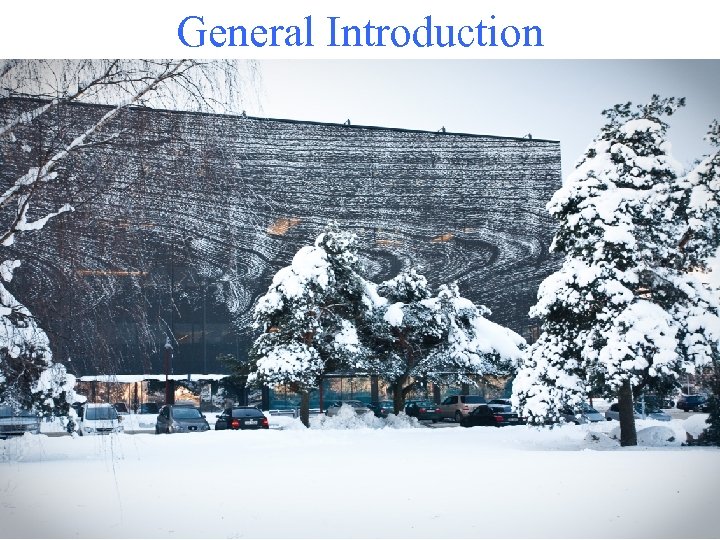
General Introduction
Opening hours Mo - Fri 8. 30– 20. 00 Sat 11. 00– 16. 00 Last Friday of a month is a “clean-up” day!
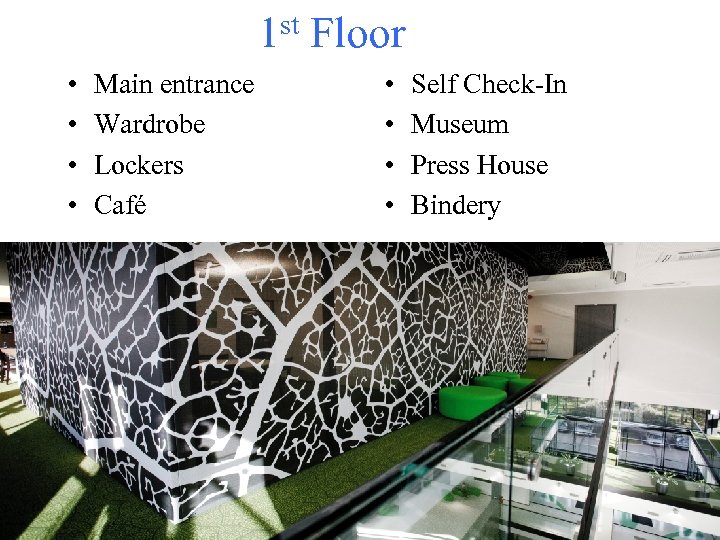
1 st Floor • • Main entrance Wardrobe Lockers Café • • Self Check-In Museum Press House Bindery
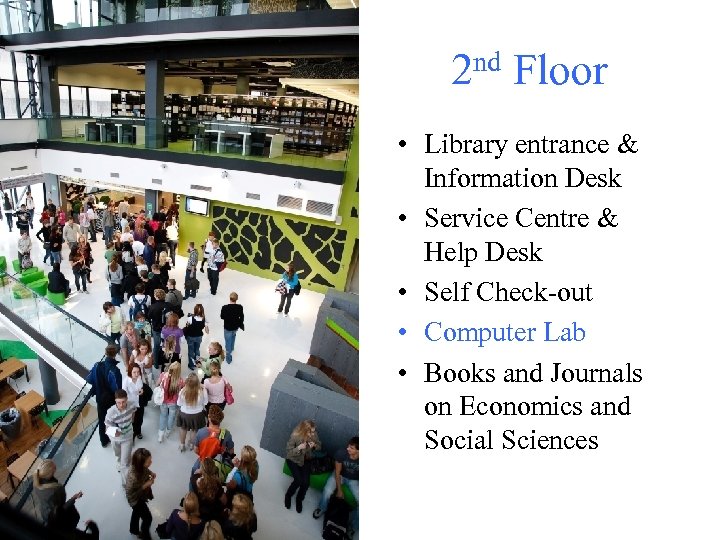
nd Floor 2 • Library entrance & Information Desk • Service Centre & Help Desk • Self Check-out • Computer Lab • Books and Journals on Economics and Social Sciences
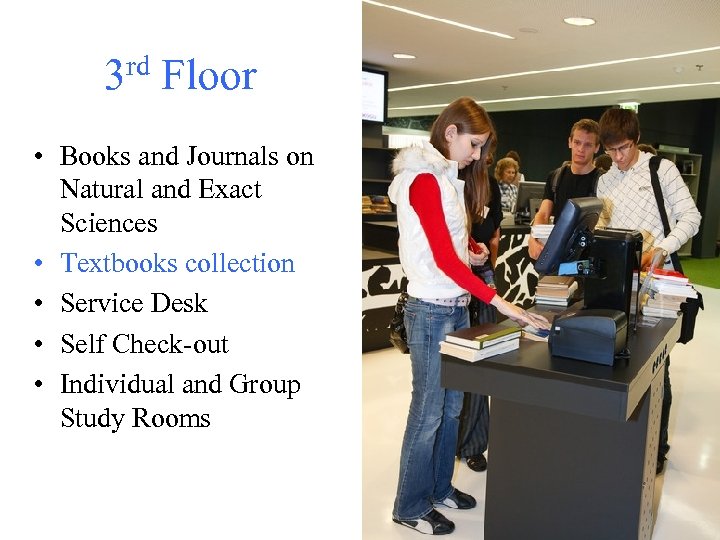
rd Floor 3 • Books and Journals on Natural and Exact Sciences • Textbooks collection • Service Desk • Self Check-out • Individual and Group Study Rooms
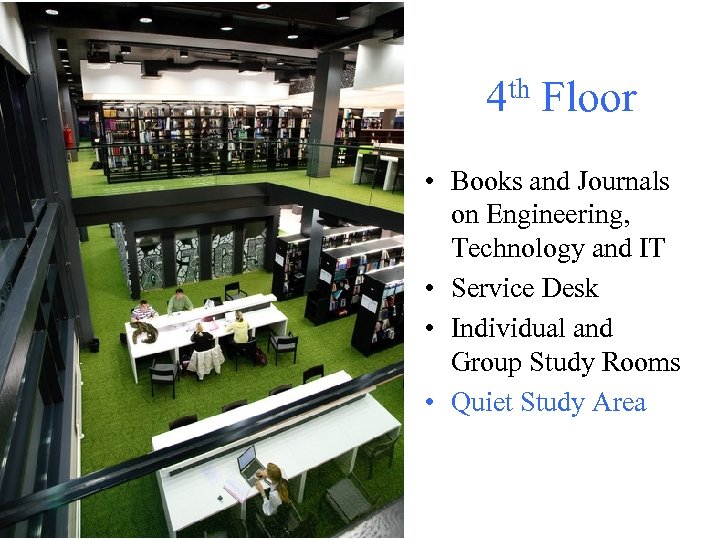
4 th Floor • Books and Journals on Engineering, Technology and IT • Service Desk • Individual and Group Study Rooms • Quiet Study Area
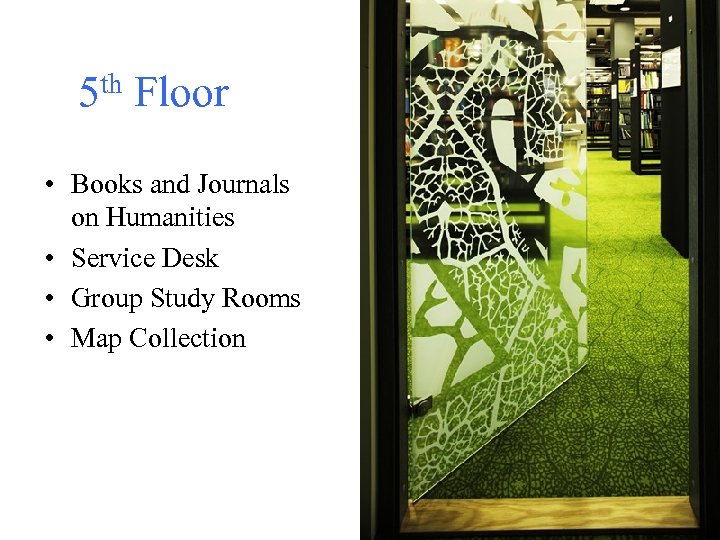
5 th Floor • Books and Journals on Humanities • Service Desk • Group Study Rooms • Map Collection
User registration • At the Information Desk • To obtain the library card you need to: - fill out the registration form - pay 2 € in cash • Registration with Estonian ID-card or Residence card is free of charge. NB! Know your Student Code
Borrowing • At any service desk • Self Check-out on 2 nd and 3 rd floor • Open stack – pick a book • Storage – fill out a call slip • Up to 25 items at a time!
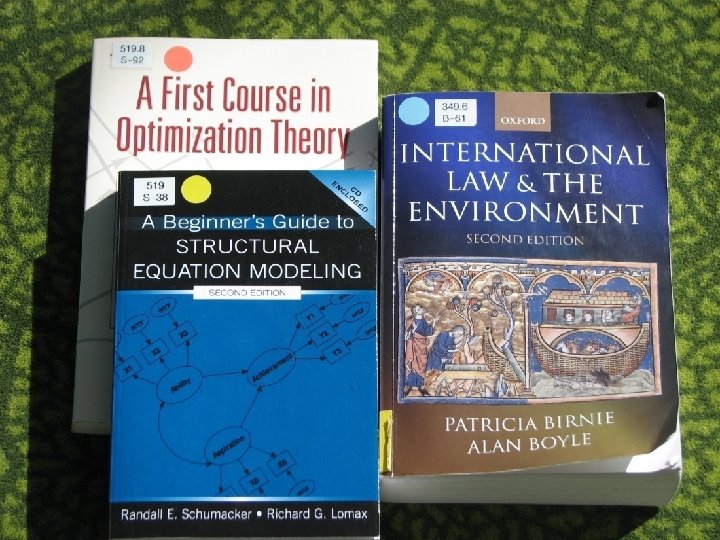
Loan Periods • • Generally 30 days Books with yellow spot – 14 days Books with blue spot – 7 days Books with red spot and all journals – for in-library use only • Textbooks on 3 rd floor – 90 days • Textbooks with red stripe on spine – 30 days
Renewals • • by yourself at service desks by e-mail teenindus@lib. ttu. ee by phone 620 3555
Reservations • • at service desks by e-mail teenindus@lib. ttu. ee by phone 620 3555 by filling a web form • up to 10 reservations at the same time • you will be noticed by email or phone • pick up from the service centre on 2 nd floor
Printing and copying (1) • Open your printing account at: http: //pilveprint. overall. ee/foreign-students You need: • Google or Facebook account for login • possibility to pay online with Pay. Pal or a credit card • Tallinn Public Transport Card to identify yourself at the printer
Printing and copying (2) • From any library computer • From your own laptop or smartphone • Print/copy machines are on 2 nd, 3 rd and 4 th Floor Also at the university’s Copycentre in Study Building U 04, room 102 A
Scanning Self-service: – free of charge – on every floor – up to A 4 size documents Instant service: – placing orders on the 5 th floor – up to A 2 size documents – black-and-white only – OCR
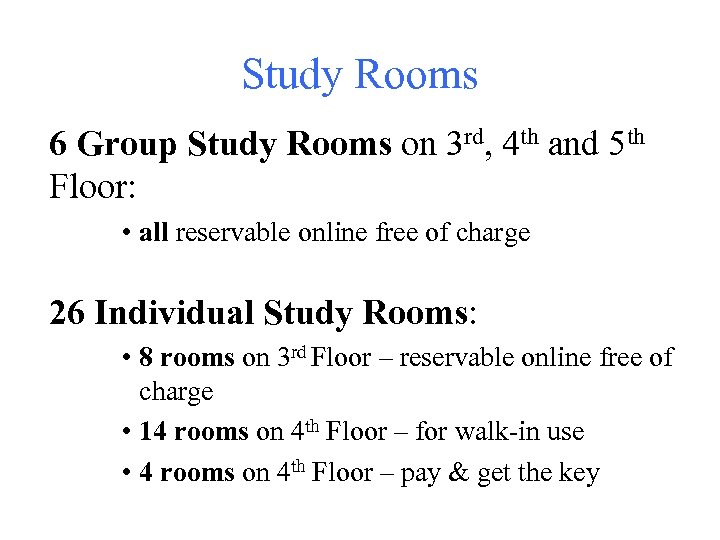
Study Rooms 6 Group Study Rooms on 3 rd, 4 th and 5 th Floor: • all reservable online free of charge 26 Individual Study Rooms: • 8 rooms on 3 rd Floor – reservable online free of charge • 14 rooms on 4 th Floor – for walk-in use • 4 rooms on 4 th Floor – pay & get the key
Computers Log in with: • password you can find on the computer keyboard • ID-card (PIN 1 is required) • Uni-ID
Uni-ID – your TTÜ username and password Get it in: • https: //pass. ttu. ee • IT Help. Desk, SOC-129, phone 620 3333, e-mail helpdesk@ttu. ee
Databases • • Campus-wide access Also by remote access at https: //toru. ttu. ee Log in with your Uni-ID Check the remote access manual on library’s webpage
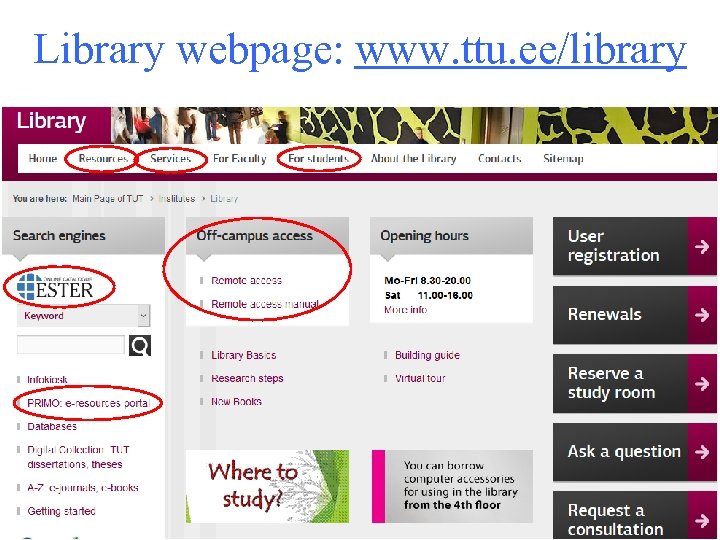
Library webpage: www. ttu. ee/library
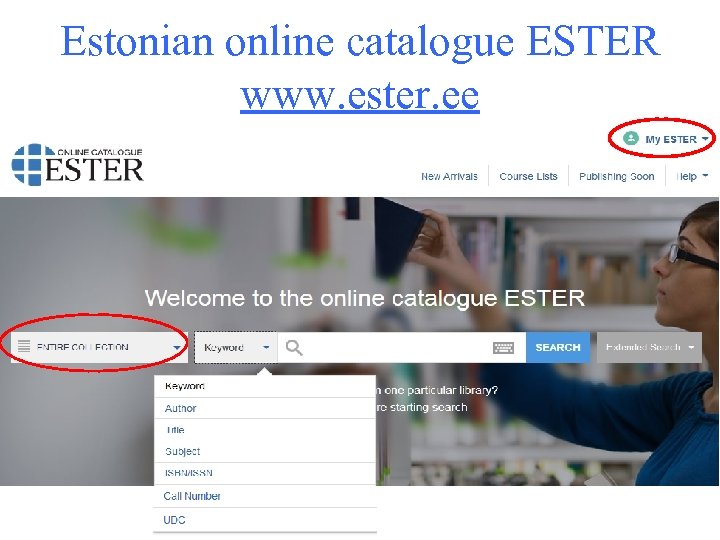
Estonian online catalogue ESTER www. ester. ee
My ESTER In My ESTER you can: • see your checkouts • renew their due dates • view your overdue fines • see your book reservations • etc.
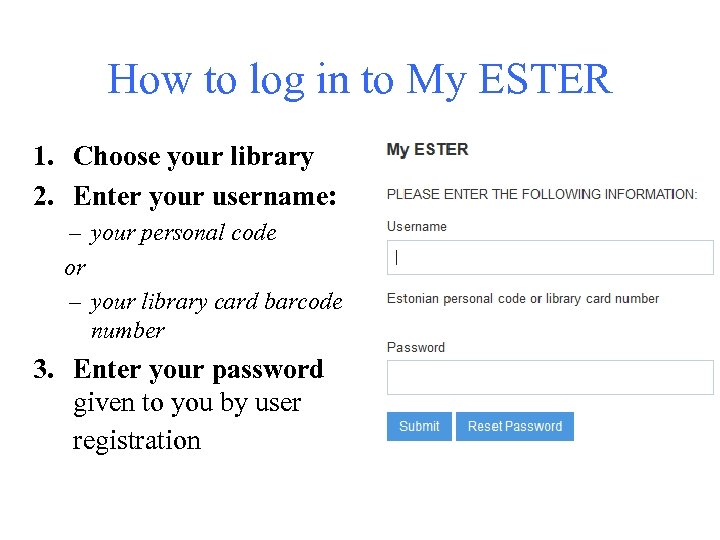
How to log in to My ESTER 1. Choose your library 2. Enter your username: – your personal code or – your library card barcode number 3. Enter your password given to you by user registration
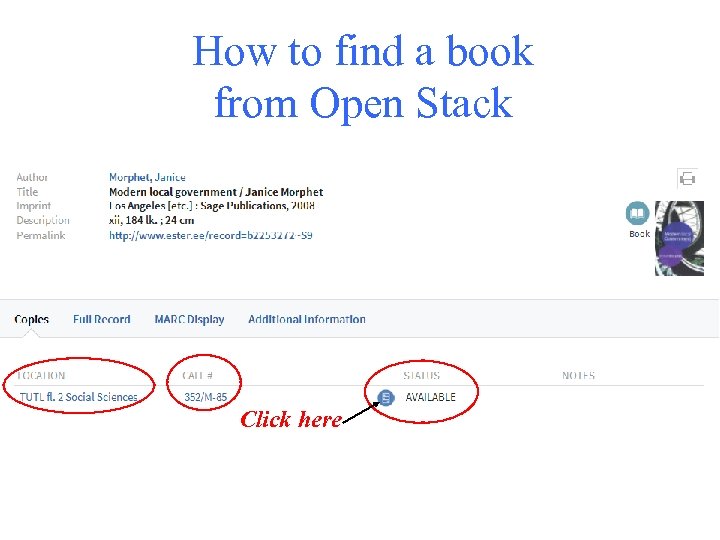
How to find a book from Open Stack Click here
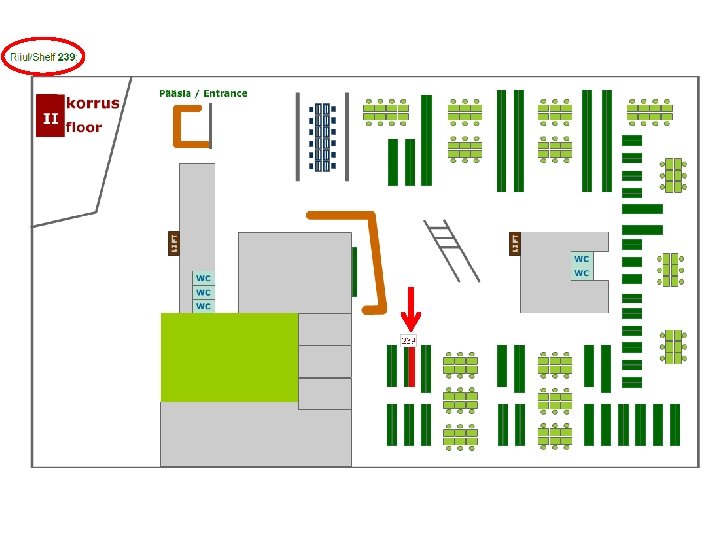
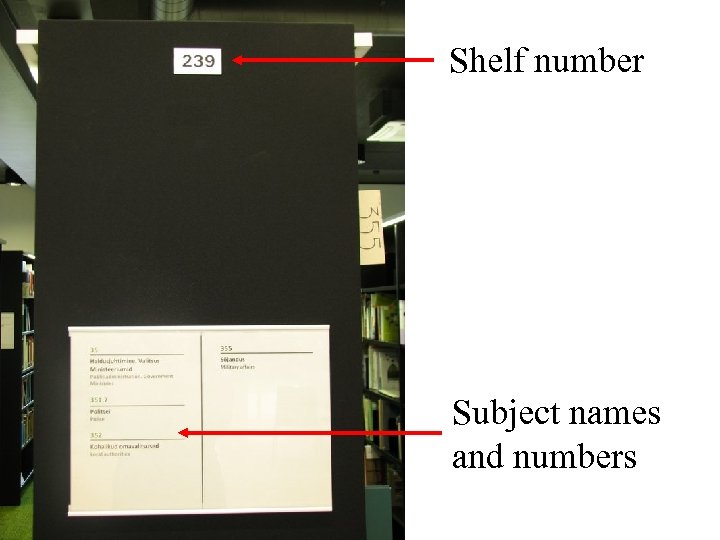
Shelf number Subject names and numbers
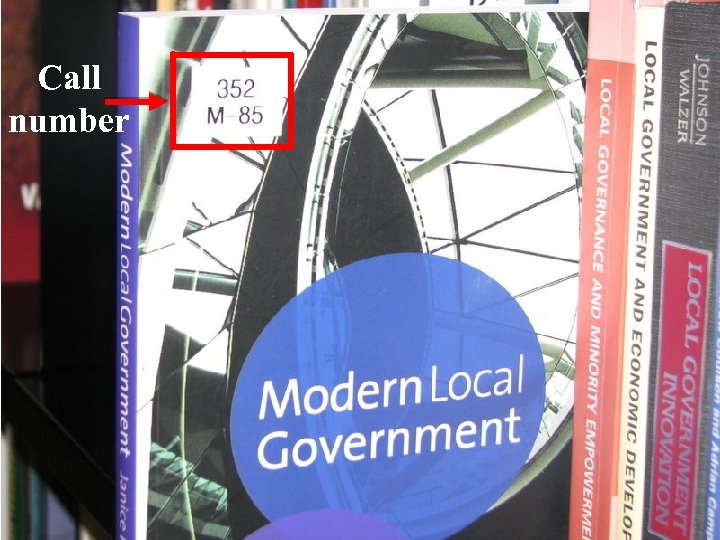
Call number
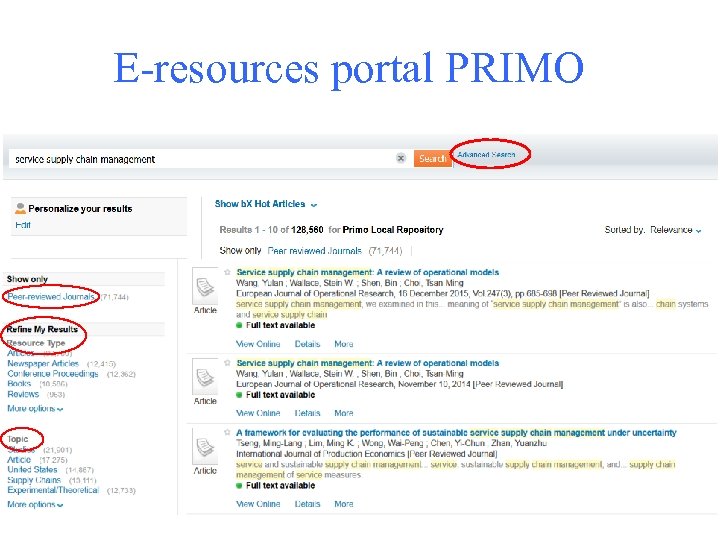
E-resources portal PRIMO
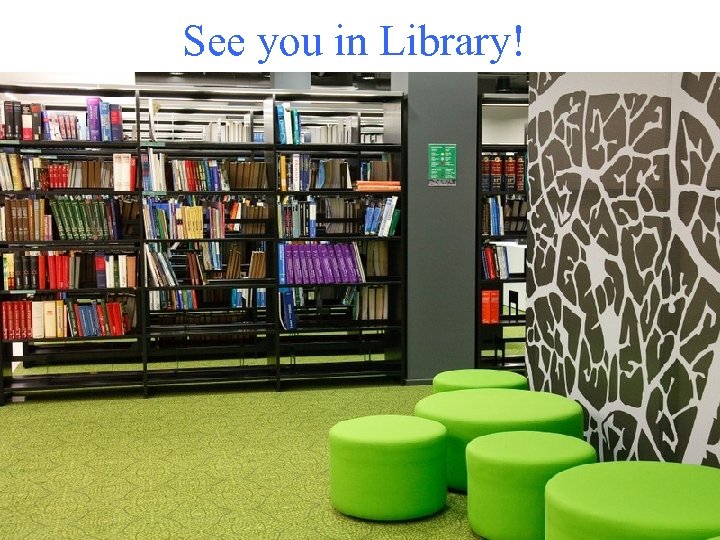
See you in Library!
Скачать презентацию Tallinn University of Technology LIBRARY Overview of library
f1f6b4c483686a4bb1050c99351f4839.ppt