


 Скачать презентацию Tai Rox Productivity Tools Demonstrations Don Thomson CEO
3c5a45925ec7b31b5cb578066b4e0d8e.ppt
- Количество слайдов: 27
 Tai. Rox Productivity Tools Demonstrations Don Thomson, CEO
 Areas of Focus • Lots of Companies • Lots of Transactions • Fast Tools for Large Databases – TPT: Finding the Right Data, Quickly
 Names of TPT Programs • Extended – Means the program “takes over” a Sage 300 UI • Complete, Delete, Update, Ship, Invoice – Means the program performs hundreds of operations • Other – Typically means improved inquiry and process management
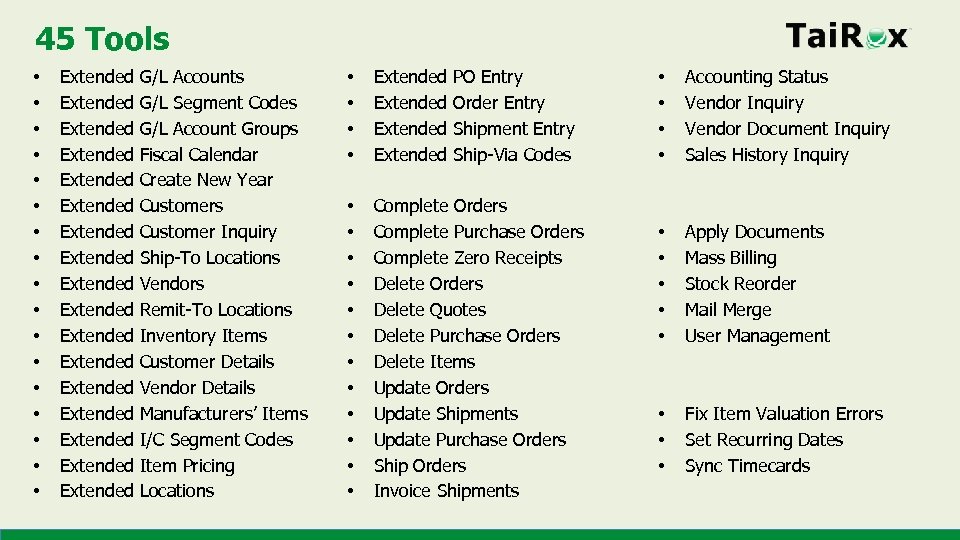 45 Tools • • • • • Extended Extended Extended Extended Extended G/L Accounts G/L Segment Codes G/L Account Groups Fiscal Calendar Create New Year Customers Customer Inquiry Ship-To Locations Vendors Remit-To Locations Inventory Items Customer Details Vendor Details Manufacturers’ Items I/C Segment Codes Item Pricing Locations • • Extended PO Entry Order Entry Shipment Entry Ship-Via Codes • • • Complete Orders Complete Purchase Orders Complete Zero Receipts Delete Orders Delete Quotes Delete Purchase Orders Delete Items Update Orders Update Shipments Update Purchase Orders Ship Orders Invoice Shipments • • Accounting Status Vendor Inquiry Vendor Document Inquiry Sales History Inquiry • • • Apply Documents Mass Billing Stock Reorder Mail Merge User Management • • • Fix Item Valuation Errors Set Recurring Dates Sync Timecards
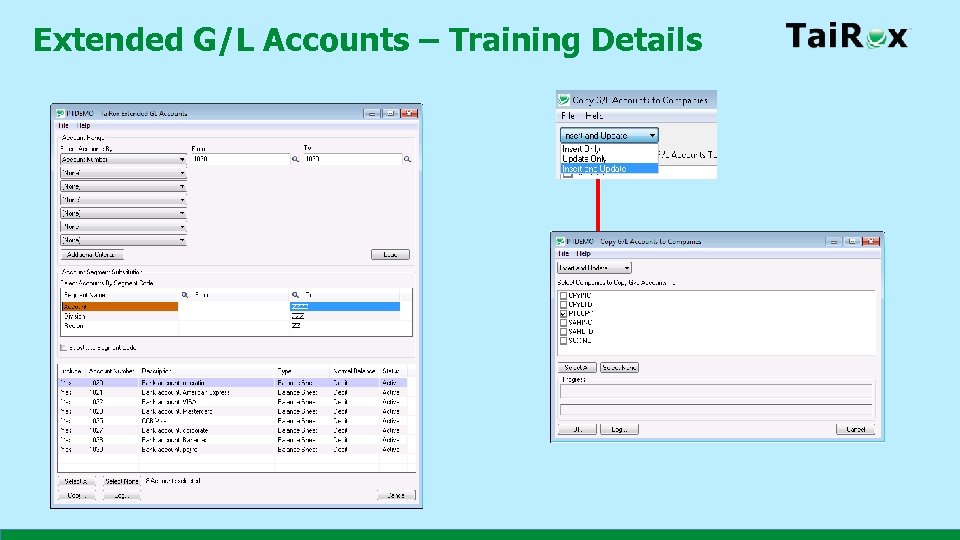 Extended G/L Accounts – Training Details
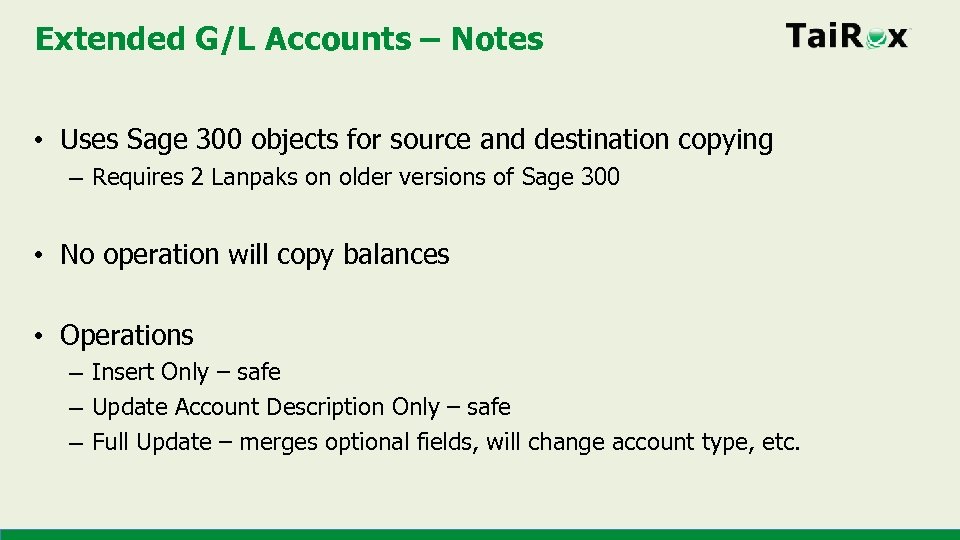 Extended G/L Accounts – Notes • Uses Sage 300 objects for source and destination copying – Requires 2 Lanpaks on older versions of Sage 300 • No operation will copy balances • Operations – Insert Only – safe – Update Account Description Only – safe – Full Update – merges optional fields, will change account type, etc.
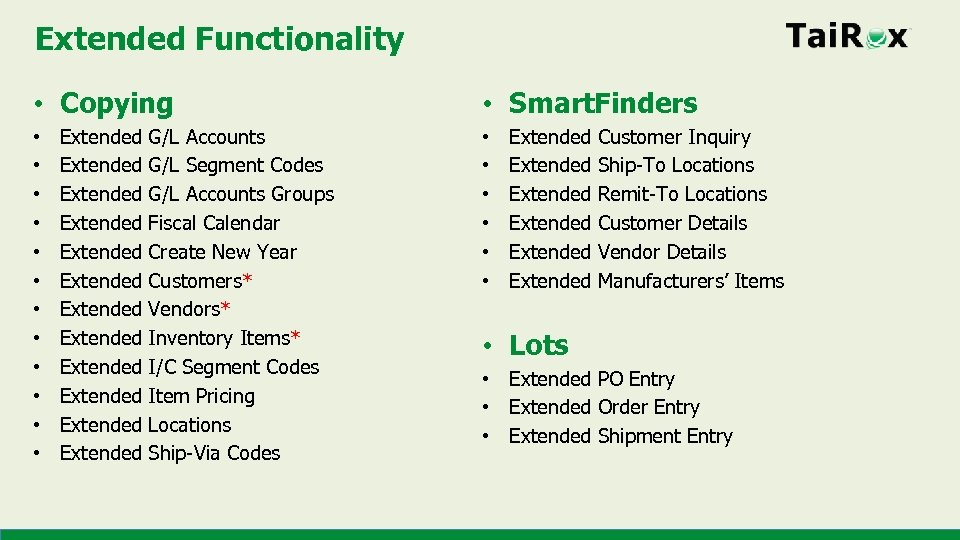 Extended Functionality • Copying • • • Extended Extended Extended G/L Accounts G/L Segment Codes G/L Accounts Groups Fiscal Calendar Create New Year Customers* Vendors* Inventory Items* I/C Segment Codes Item Pricing Locations Ship-Via Codes • Smart. Finders • • • Extended Extended Customer Inquiry Ship-To Locations Remit-To Locations Customer Details Vendor Details Manufacturers’ Items • Lots • Extended PO Entry • Extended Order Entry • Extended Shipment Entry
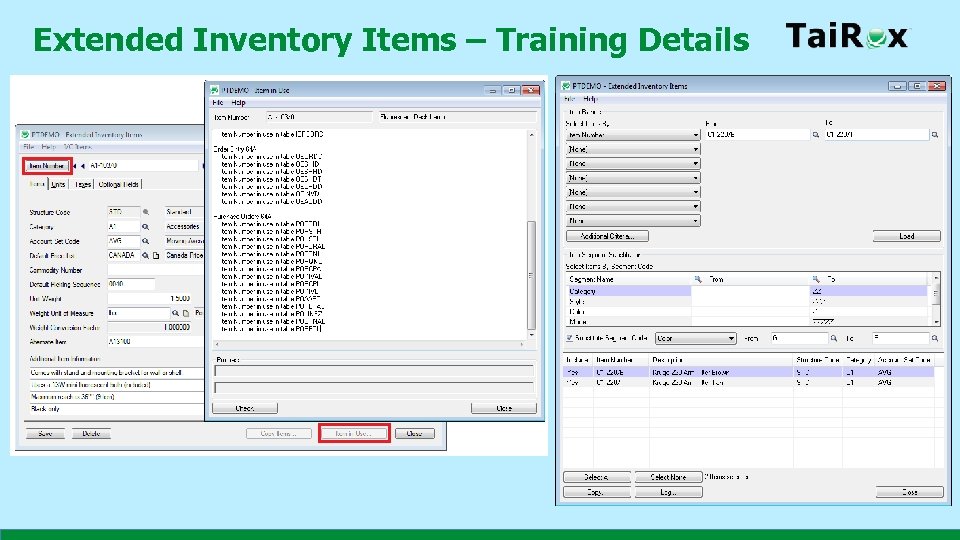 Extended Inventory Items – Training Details
 Extended Inventory Items – Notes • Sage 300 will delete an item referenced in old orders • Consider third party modules • Consider integration with external systems • Look at the Delete Items tool • Standard practice: merge to a generic unused item
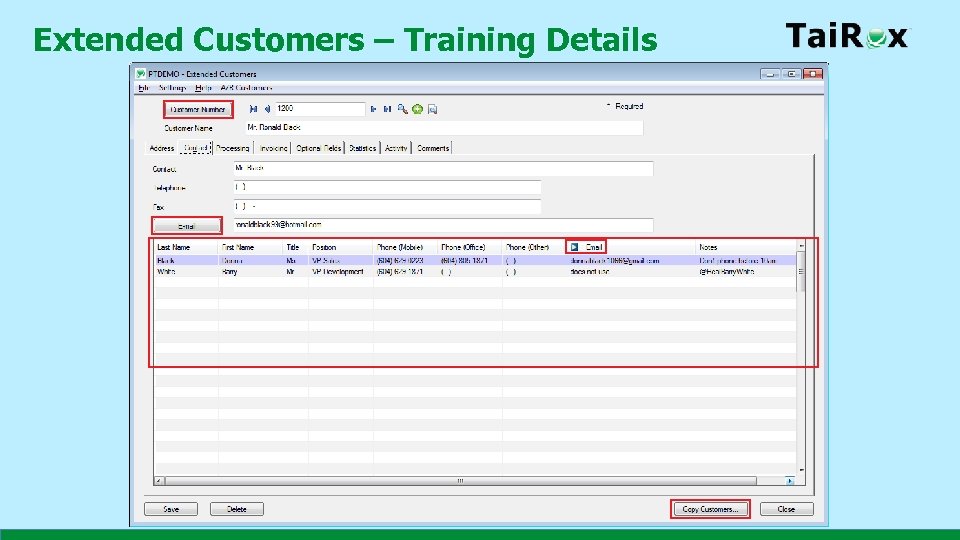 Extended Customers – Training Details
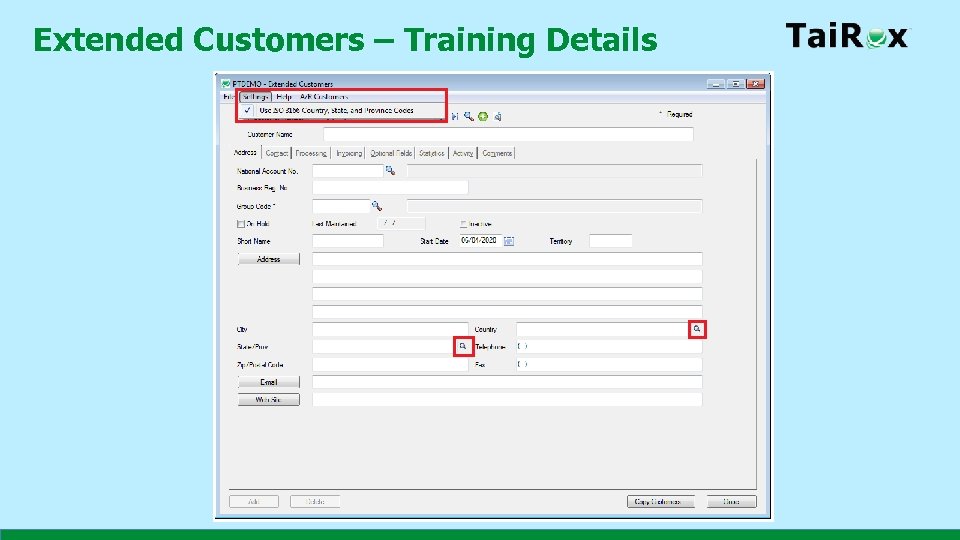 Extended Customers – Training Details
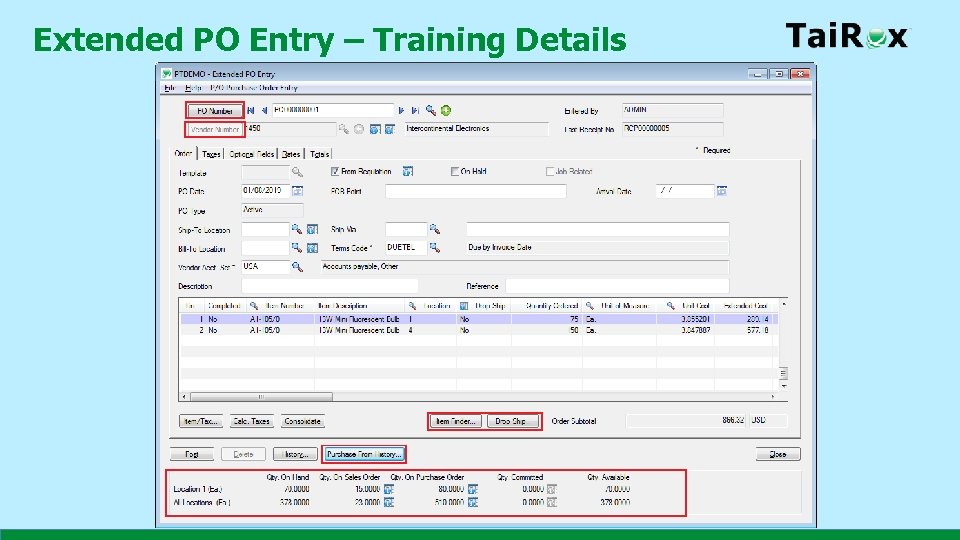 Extended PO Entry – Training Details
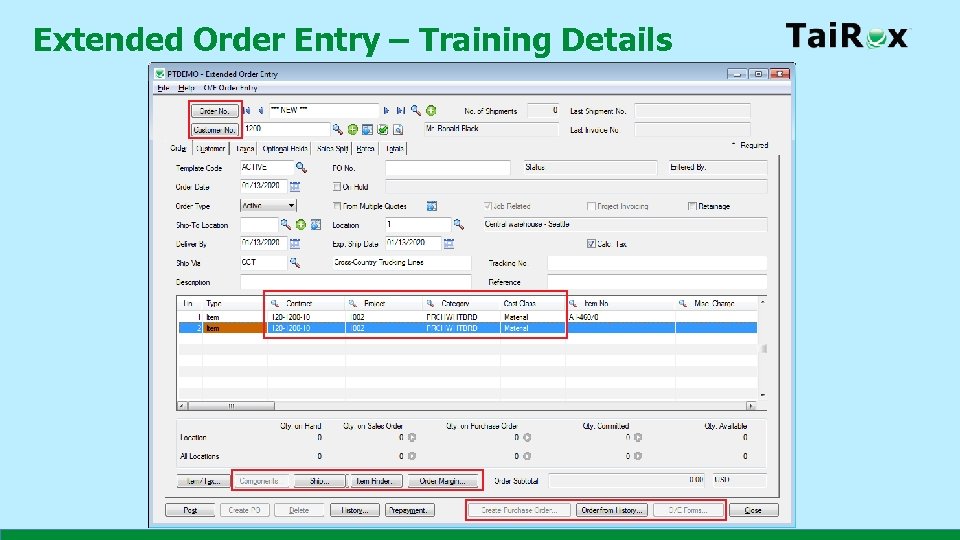 Extended Order Entry – Training Details
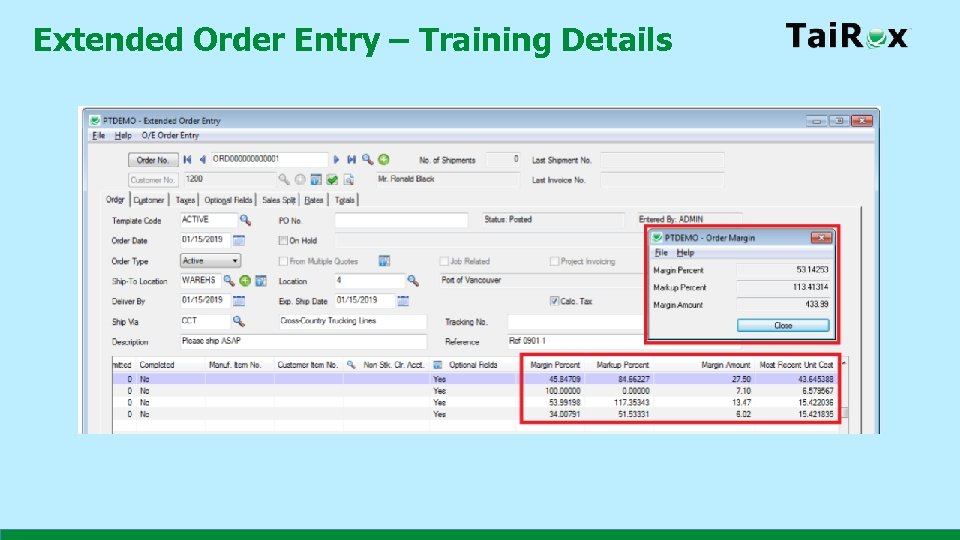 Extended Order Entry – Training Details
 Hundreds of Operations • Simple Clean-Up • • Complete Orders Complete Purchase Orders Complete Zero Receipts Delete Orders Delete Quotes Delete Purchase Orders Delete Items • The Reason to Buy • • • Update Orders Update Shipments Update Purchase Orders Ship Orders Invoice Shipments
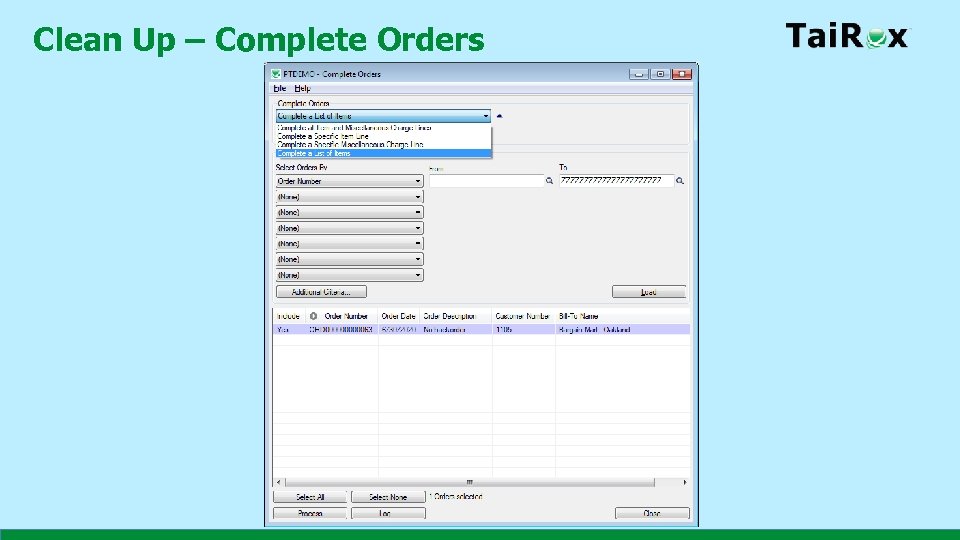 Clean Up – Complete Orders
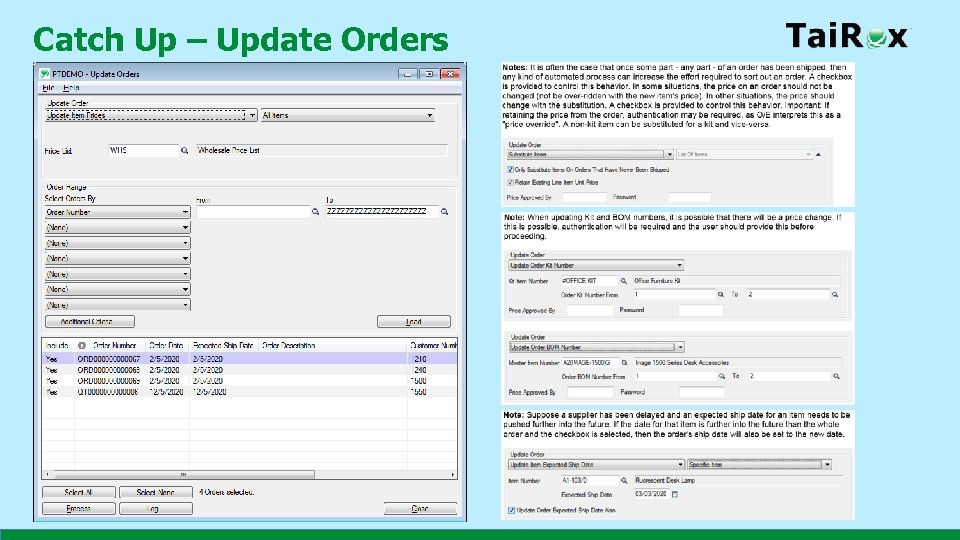 Catch Up – Update Orders
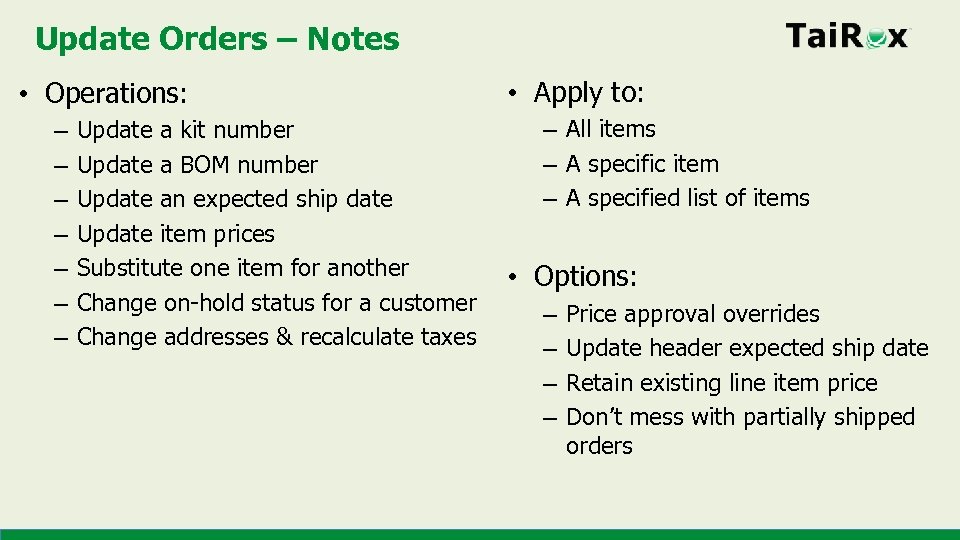 Update Orders – Notes • Operations: – – – – Update a kit number Update a BOM number Update an expected ship date Update item prices Substitute one item for another Change on-hold status for a customer Change addresses & recalculate taxes • Apply to: – All items – A specific item – A specified list of items • Options: – – Price approval overrides Update header expected ship date Retain existing line item price Don’t mess with partially shipped orders
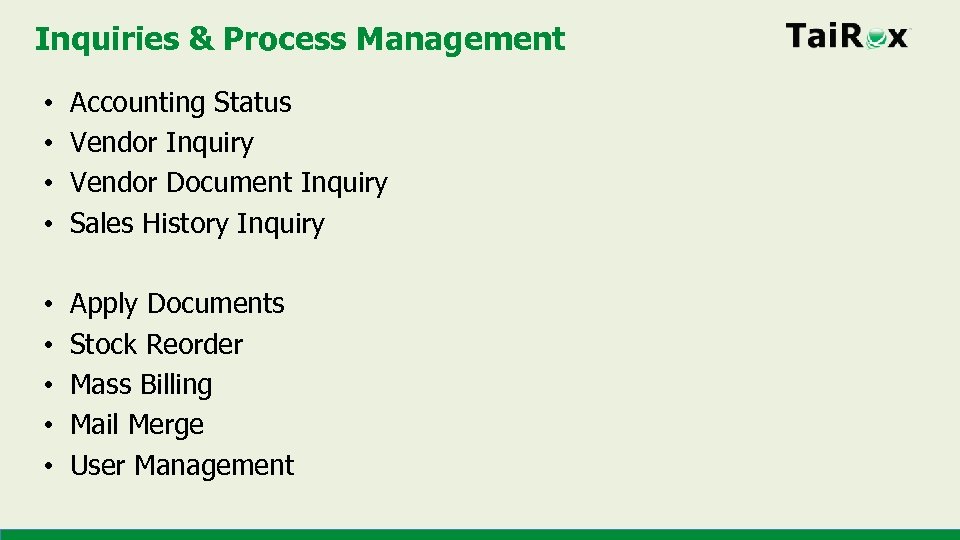 Inquiries & Process Management • • Accounting Status Vendor Inquiry Vendor Document Inquiry Sales History Inquiry • • • Apply Documents Stock Reorder Mass Billing Mail Merge User Management
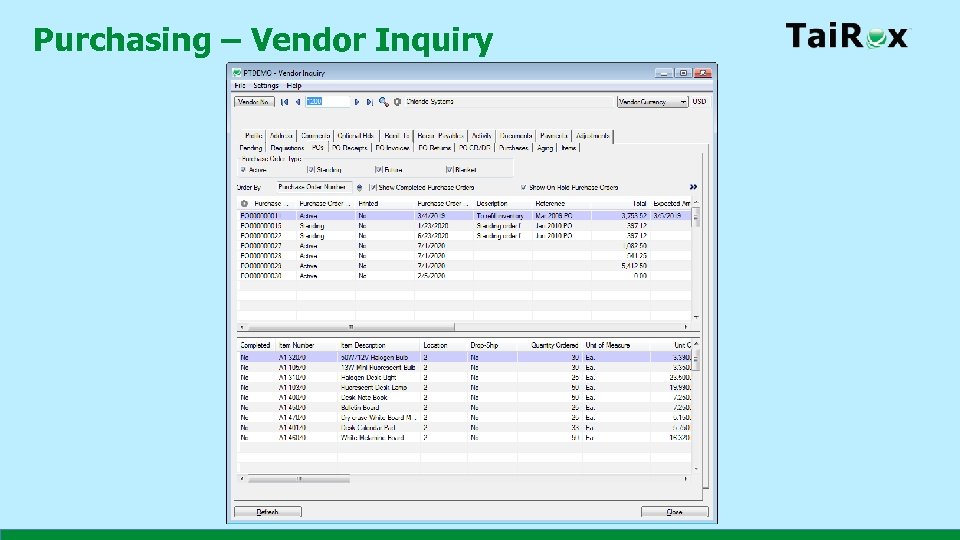 Purchasing – Vendor Inquiry
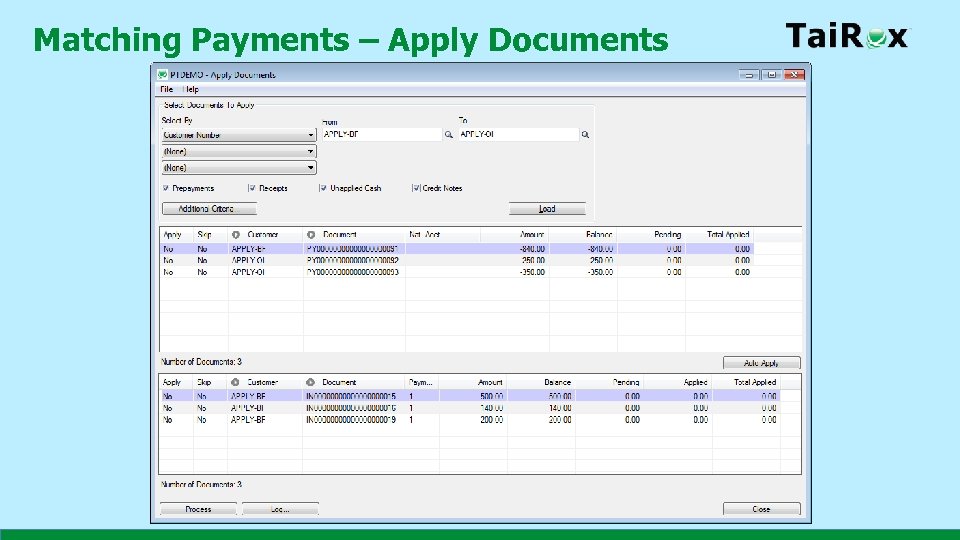 Matching Payments – Apply Documents
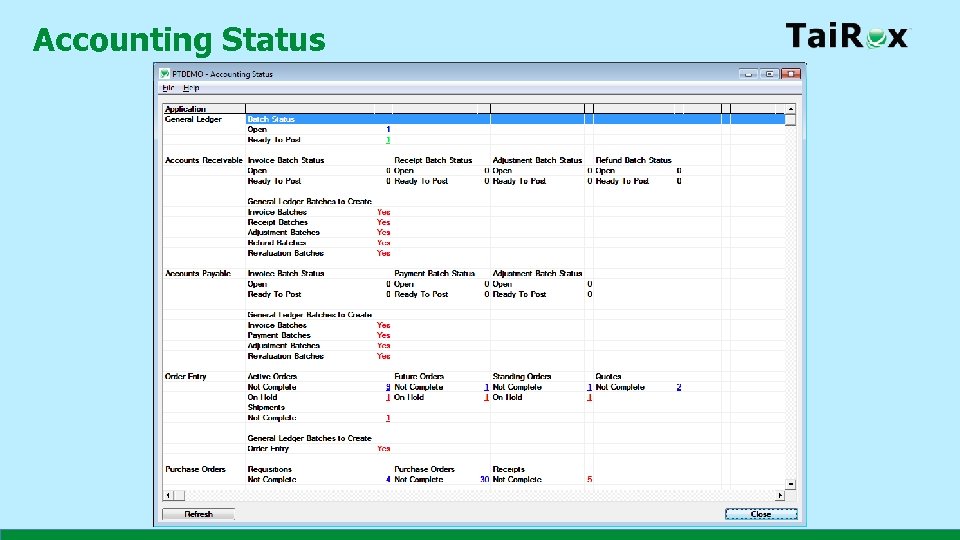 Accounting Status
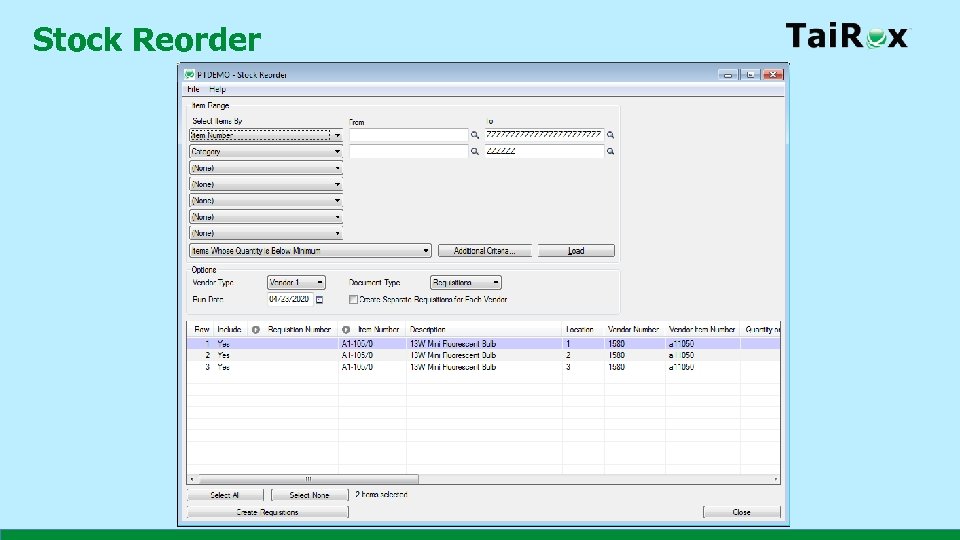 Stock Reorder
 Data Repair • Fix Item Valuation Errors • Set Recurring Dates • Sync Timecards
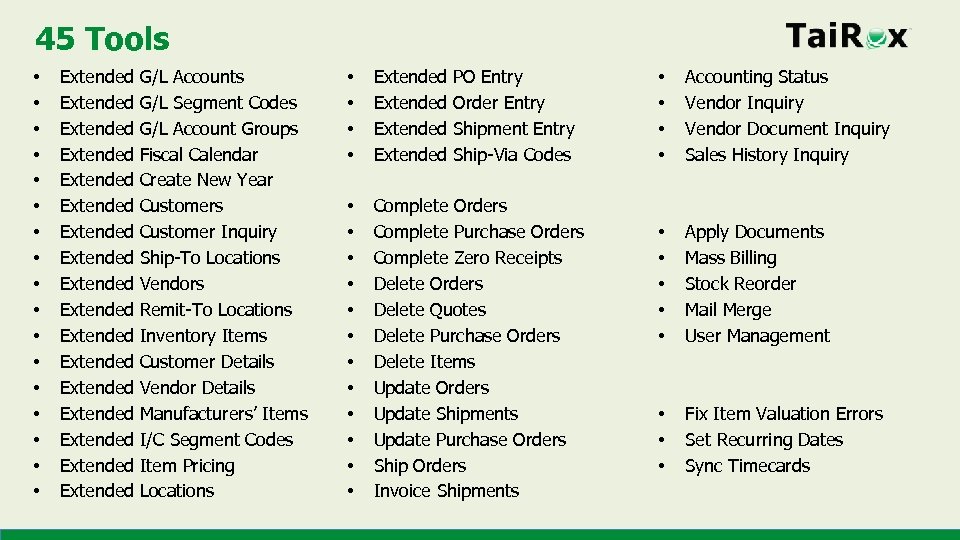 45 Tools • • • • • Extended Extended Extended Extended Extended G/L Accounts G/L Segment Codes G/L Account Groups Fiscal Calendar Create New Year Customers Customer Inquiry Ship-To Locations Vendors Remit-To Locations Inventory Items Customer Details Vendor Details Manufacturers’ Items I/C Segment Codes Item Pricing Locations • • Extended PO Entry Order Entry Shipment Entry Ship-Via Codes • • • Complete Orders Complete Purchase Orders Complete Zero Receipts Delete Orders Delete Quotes Delete Purchase Orders Delete Items Update Orders Update Shipments Update Purchase Orders Ship Orders Invoice Shipments • • Accounting Status Vendor Inquiry Vendor Document Inquiry Sales History Inquiry • • • Apply Documents Mass Billing Stock Reorder Mail Merge User Management • • • Fix Item Valuation Errors Set Recurring Dates Sync Timecards
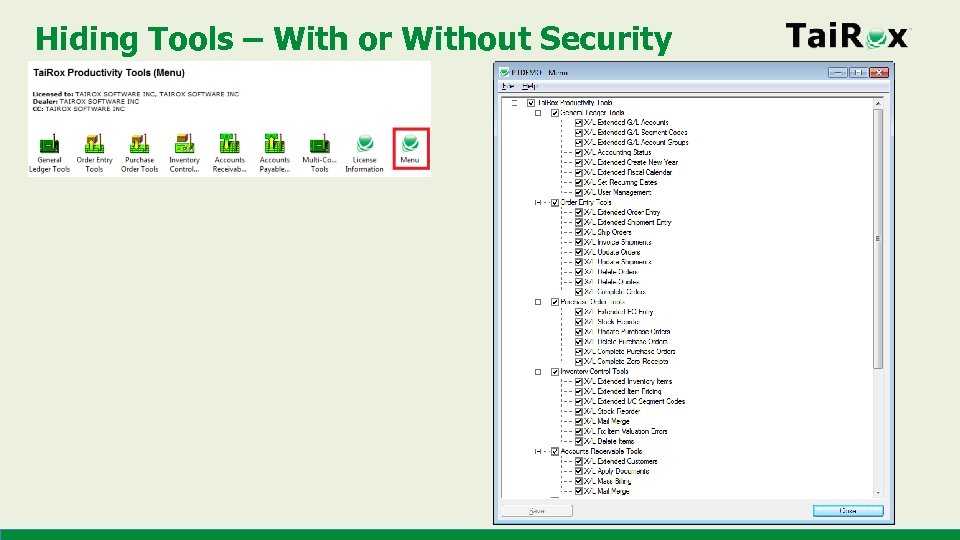 Hiding Tools – With or Without Security
 Questions ?