


 Скачать презентацию Systems V V Quality and Standards Dr
160b6c7f73752a4180e91c0e9d624e73.ppt
- Количество слайдов: 20
 Systems V & V, Quality and Standards Dr Sita Ramakrishnan School CSSE Monash University © S Ramakrishnan 1
 Automated GUI Testing References: E Dustin, J Rashka & D Mc. Diarmid (2002). Quality web systems: Performance, Security, and Usability, Addison-Wesley Publ. M Fewster & D Graham (1999). Software Test Automation: Effective use of test execution tools, Addison-Wesley Publ. D J Moseley & B A Posey (2002). Just enough software test automation, Prentice-Hall PTR. H Q Nguyen (2001). Testing applications on the web: Test planning for internet-based systems, Wiley Publ. K Li and M Wu (2004). Effective GUI Test Automation: Developing an Automated GUI Testing Tool, Wiley http: //www. wiley. com/Wiley. CDA/Wiley. Title/product. Cd-0782143512. html http: //media. wiley. com/product_data/excerpt/12/0782143512 -2. pdf © S Ramakrishnan 2
 Automated GUI Testing Resources: Mercury Interactive Testing Tools: Quality Center with Quick. Test Professional 8. 2, Test Director, Astra Load Test and the superset of Astra Load. Test, Load Runner. Installed with proper licenses from Mercury interactive for students’ use in the MUSE lab. Mercury Quick. Test Professional 8. 2 is available for a 15 day evaluation. Students may want to download and save in C: QTP 82 at home to try out for 15 days. Refer to URL for more details: Mercury Interactive http: //www. mercuryinteractive. com/products/product_index/ http: //www. mercury. com/us/products/quality-center/functional-testing/quicktest-professional/ http: //www. mercury. com/us/products/performance-center/loadrunner © S Ramakrishnan / 3
 (source: Source: http: //www. mercury. com/us/products/quality-center/testdirector/ © S Ramakrishnan 4
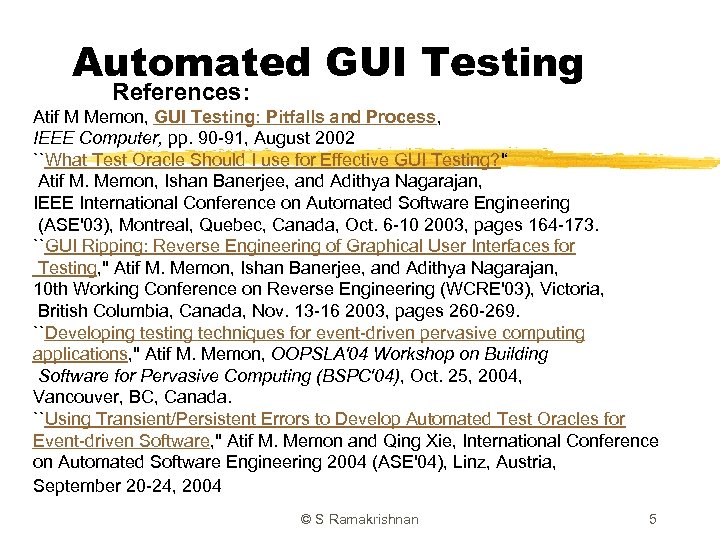 Automated GUI Testing References: Atif M Memon, GUI Testing: Pitfalls and Process, IEEE Computer, pp. 90 -91, August 2002 ``What Test Oracle Should I use for Effective GUI Testing? '‘ Atif M. Memon, Ishan Banerjee, and Adithya Nagarajan, IEEE International Conference on Automated Software Engineering (ASE'03), Montreal, Quebec, Canada, Oct. 6 -10 2003, pages 164 -173. ``GUI Ripping: Reverse Engineering of Graphical User Interfaces for Testing, '' Atif M. Memon, Ishan Banerjee, and Adithya Nagarajan, 10 th Working Conference on Reverse Engineering (WCRE'03), Victoria, British Columbia, Canada, Nov. 13 -16 2003, pages 260 -269. ``Developing testing techniques for event-driven pervasive computing applications, '' Atif M. Memon, OOPSLA'04 Workshop on Building Software for Pervasive Computing (BSPC'04), Oct. 25, 2004, Vancouver, BC, Canada. ``Using Transient/Persistent Errors to Develop Automated Test Oracles for Event-driven Software, '' Atif M. Memon and Qing Xie, International Conference on Automated Software Engineering 2004 (ASE'04), Linz, Austria, September 20 -24, 2004 © S Ramakrishnan 5
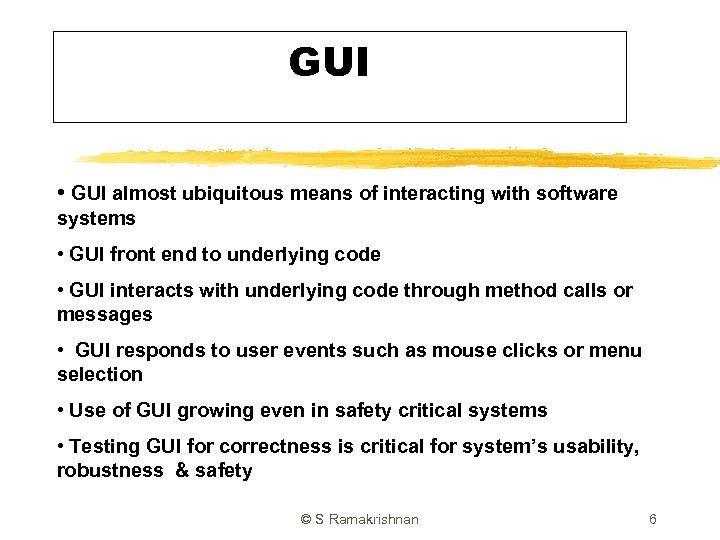 GUI • GUI almost ubiquitous means of interacting with software systems • GUI front end to underlying code • GUI interacts with underlying code through method calls or messages • GUI responds to user events such as mouse clicks or menu selection • Use of GUI growing even in safety critical systems • Testing GUI for correctness is critical for system’s usability, robustness & safety © S Ramakrishnan 6
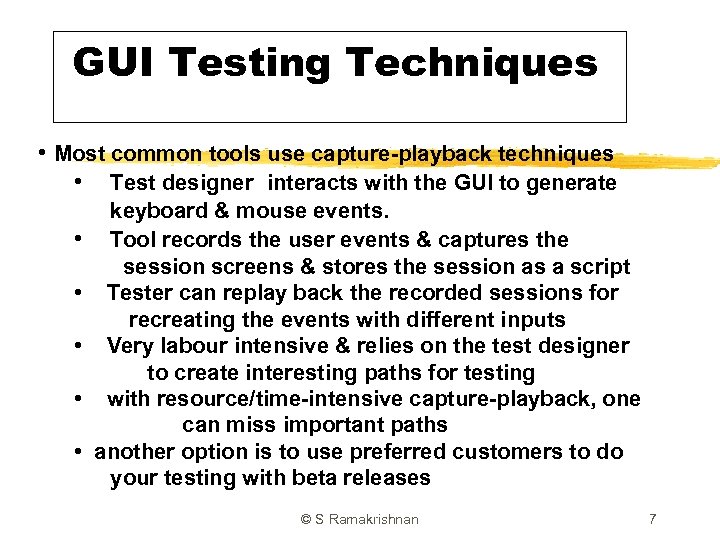 GUI Testing Techniques • Most common tools use capture-playback techniques • Test designer interacts with the GUI to generate • • • keyboard & mouse events. Tool records the user events & captures the session screens & stores the session as a script Tester can replay back the recorded sessions for recreating the events with different inputs Very labour intensive & relies on the test designer to create interesting paths for testing with resource/time-intensive capture-playback, one can miss important paths another option is to use preferred customers to do your testing with beta releases © S Ramakrishnan 7
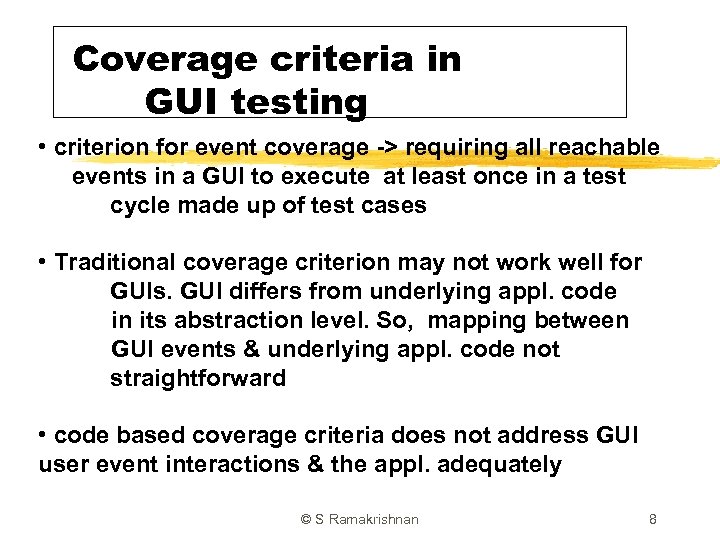 Coverage criteria in GUI testing • criterion for event coverage -> requiring all reachable events in a GUI to execute at least once in a test cycle made up of test cases • Traditional coverage criterion may not work well for GUIs. GUI differs from underlying appl. code in its abstraction level. So, mapping between GUI events & underlying appl. code not straightforward • code based coverage criteria does not address GUI user event interactions & the appl. adequately © S Ramakrishnan 8
 Coverage criteria in GUI testing • even an expert test designer may find it difficult to come up with all the possible test cases for specific part of a GUI • difficult to judge the fault-detection capacity of test cases to come up with effective test cases © S Ramakrishnan 9
 Test Oracles in GUI testing • In traditional testing, tester invokes the oracle after executing a test case and compares the actual result against oracle’s expected output. • But, in a GUI test case, oracle invocation is interleaved with test case execution because an incorrect GUI state can take the user to an unexpected screen; -> further test case execution is useless E. g. When a test case checks for a button press when the pressable button no longer exists. GUI test case should stop when the oracle detects an error. © S Ramakrishnan 10
 Test Oracles in GUI testing • If oracle does not verify the GUI after each execution step in a test case, difficult to pinpoint the actual cause of the error. The end result may look ok but the intermediate steps may be incorrect! • So, in a GUI test case execution, a tester gives the input one step at a time & compares the expected output from oracle with GUI’s actual output after each step. • This interleaving complicates GUI testing (See References listed earlier for more details) © S Ramakrishnan 11
 Regression Testing • changes in GUI layout make old test cases useless • And, expected outputs used by oracles also become useless • developers use rapid prototyping for GUIs. This requires efficient regression testing techniques to check software changes & reuse / adpat old test cases © S Ramakrishnan 12
 GUI Testing Method Goals • automated tasks to ease the test designer’s work • efficient test cycle – reduce the tedious / repetitive / resource intensive process • robust testing algorithms to detect each time the GUI enters a faulty / unexpected state, and report information required for debugging the GUI • portability in tools & techniques – so test cases, oracle results, error reports generated in one platform can be reused in another. Check Rational & Mercury tools © S Ramakrishnan 13
 GUI Testing Process • check what to test by defining a coverage criteria. E. g. executing user interface event to check if it behaves correctly • generate test case inputs from software specs & structure. In GUIs, these are mouse clicks, menu selection & object manipulations • generate expected outputs to compare against actual results. In GUIs, the expected output includes screen shots, window positions & titles. © S Ramakrishnan 14
 GUI Testing Process • execute test cases & verify the output. • ** Important to check if GUI has been adequately tested. Execute the test cases and analyse the software to check which parts were actually tested. This analysis involves checking GUI events & resulting GUI states. • fix any problems and do regression testing © S Ramakrishnan 15
 Mercury Interactive Testing Tools • Mercury Quick. Test Professional 8. 2 is an automated testing tool for building functional and regression test suites. • QTP 8. 2 can capture & play back user interactions automatically. • QTP uses the concept of keyword-driven testing to simplify test case creation & maintenance • with this approach, testers have access to underlying test & object properties, via an integrated scripting & debugger environment, which is synchronised with keyword view. © S Ramakrishnan 16
 QTP Testing process • Quick. Test Pro testing process consists of 6 phases: 1. recording session on your web site As you navigate through the site, QTP graphically records / displays each step you do in a collapsible icon-based test tree. Eg. of a step – entering data in a form or clicking a image 2. Enhancing your test by inserting checkpoints into your tests to allow you to search for a specific value of a page, object or text string © S Ramakrishnan 17
 QTP Testing process replacing fixed values with parameters to let you check how the site does the same operations with different sets of data adding logic or conditional statements to your tests to do more checking 3. Debugging your test 4. Running your tests on a new vers. of the site 5. Analyzing the test results 6. Reporting defects (can store the defects found in a repository (database) with the test management tool Test. Director) © S Ramakrishnan 18
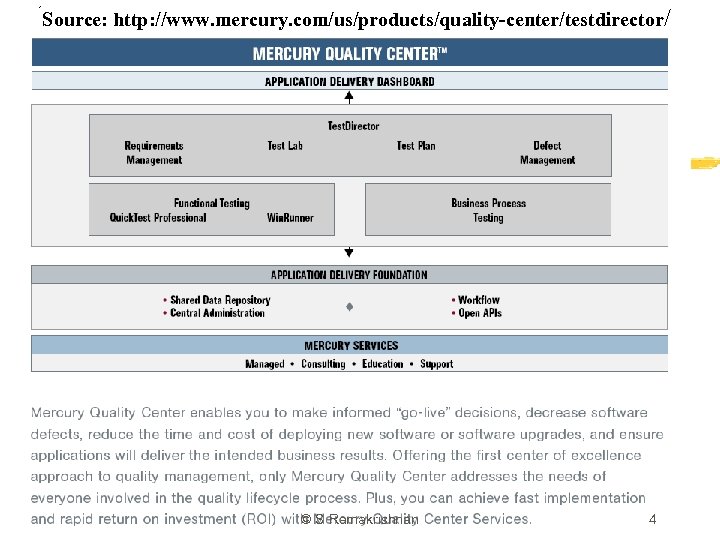
 Mercury Test. Director • Test Management tool – web based app & provides a repeatable process for requirements gathering, planning, scheduling tests, analyzing tests, managing defects & issues • Mercury Quality Center is designed to optimize and automate key quality activities, including requirements, test and defects management, functional testing, and business-process testing. © S Ramakrishnan 19
 Mercury Load. Runner • http: //www. mercury. com/au/products/performancecenter/loadrunner/ • Load. Runner emulates 100 s or 1000 s of concurrent users to stress test the appl. • Integrates fully with QTP and Mercury Quality management (formerly Test Director). © S Ramakrishnan 20